<!doctype html><html dir="ltr" lang="zh-CN"><head><meta charset="utf-8"><meta name="viewport" content="width=device-width,initial-scale=1"><title>无尘的部落格 — 坚持学习，深度思考，持续分享</title><meta name="description" content="坚持学习，深度思考，持续分享"><meta name="keywords" content="技术笔记，学习心得，阅读笔记"><meta name="robots" content="noodp"><link rel="canonical" href="https://blog.dalutou.com/"><link rel="stylesheet" href="/css/style.min.5ab57214079382733d24f7c92f045ff9.css"><link rel="stylesheet" href="/style.min.1c89dfb0ff7f084ed2f01efafcd537d5.css"><link rel="apple-touch-icon-precomposed" sizes="144x144" href="https://blog.dalutou.com/img/apple-touch-icon-144-precomposed.png"><link rel="shortcut icon" href="https://blog.dalutou.com/img/favicon.png"><link href="/fonts/Inter-Regular.woff2" rel="preload" type="font/woff2" as="font" crossorigin><link href="/fonts/Inter-Italic.woff2" rel="preload" type="font/woff2" as="font" crossorigin><link href="/fonts/Inter-Medium.woff2" rel="preload" type="font/woff2" as="font" crossorigin><link href="/fonts/Inter-MediumItalic.woff2" rel="preload" type="font/woff2" as="font" crossorigin><link href="/fonts/Inter-Bold.woff2" rel="preload" type="font/woff2" as="font" crossorigin><link href="/fonts/Inter-BoldItalic.woff2" rel="preload" type="font/woff2" as="font" crossorigin><meta name="twitter:card" content="summary"><meta name="twitter:title" content="无尘的部落格"><meta name="twitter:description" content="你好，很高兴你能找到这里 # 我是「无尘」，这是我的个人站点。
这里有我的学习笔记，也有生活随笔、所思所想等。如果想找我聊聊，欢迎来信。"><meta property="og:url" content="https://blog.dalutou.com/"><meta property="og:site_name" content="无尘的部落格"><meta property="og:title" content="无尘的部落格"><meta property="og:description" content="你好，很高兴你能找到这里 # 我是「无尘」，这是我的个人站点。
这里有我的学习笔记，也有生活随笔、所思所想等。如果想找我聊聊，欢迎来信。"><meta property="og:locale" content="zh_CN"><meta property="og:type" content="website"><link rel="alternate" type="application/rss+xml" href="/index.xml" title="无尘的部落格"></head><body><div class="container"><header class="header"><span class="header__inner"><a href="/" class="logo" style="text-decoration:none"><span class="logo__mark"><svg class="greater-icon" viewBox="0 0 44 44"><path fill="none" d="M15 8l14.729 14.382L15 35.367"/></svg>
</span><span class="logo__text">无尘的部落格</span>
<span class="logo__cursor"></span>
</a><span class="header__right"><nav class="menu"><ul class="menu__inner menu__inner--desktop"><li><a href="/archive/">归档</a></li><li><a href="/tags/">标签云</a></li><li><a href="/about/">关于</a></li><li><a href="https://weblog.dalutou.com/">English</a></li></ul><ul class="menu__inner menu__inner--mobile"><li><a href="/archive/">归档</a></li><li><a href="/tags/">标签云</a></li><li><a href="/about/">关于</a></li><li><a href="https://weblog.dalutou.com/">English</a></li></ul></nav><span class="menu-trigger"><svg viewBox="0 0 24 24"><path d="M0 0h24v24H0z" fill="none"/><path d="M3 18h18v-2H3v2zm0-5h18v-2H3v2zm0-7v2h18V6H3z"/></svg>
</span><span class="theme-toggle"><svg class="theme-toggler" width="24" height="24" viewBox="0 0 48 48" fill="none"><path d="M22 41c10.4934.0 19-8.5066 19-19C41 11.5066 32.4934 3 22 3 11.5066 3 3 11.5066 3 22s8.5066 19 19 19zM7 22C7 13.7157 13.7157 7 22 7V37C13.7157 37 7 30.2843 7 22z"/></svg></span></span></span></header><div class="content"><div class="posts"><article class="post on-list"><h1 class="post-title"><a href="https://blog.dalutou.com/posts/get-started-with-yubikey/">开始使用 YubiKey</a></h1><div class="post-meta"><time class="post-date">2024-06-04</time>
<span class="post-wordcount">/ 约 854 字</span>
<span class="post-read-time">/ 预计阅读 2 分钟</span>
<span class="post-tags"><a href="https://blog.dalutou.com/tags/yubikey/">#YubiKey</a>&nbsp;
<a href="https://blog.dalutou.com/tags/openpgp/">#OpenPGP</a>&nbsp;
<a href="https://blog.dalutou.com/tags/gpg/">#GPG</a>&nbsp;</span><figure class="post-cover"><img src="https://blog.dalutou.com/posts/get-started-with-yubikey/cover.webp" alt="开始使用 YubiKey"></figure><div class="post-content"><h2 id="购买安全密钥的原因">购买安全密钥的原因
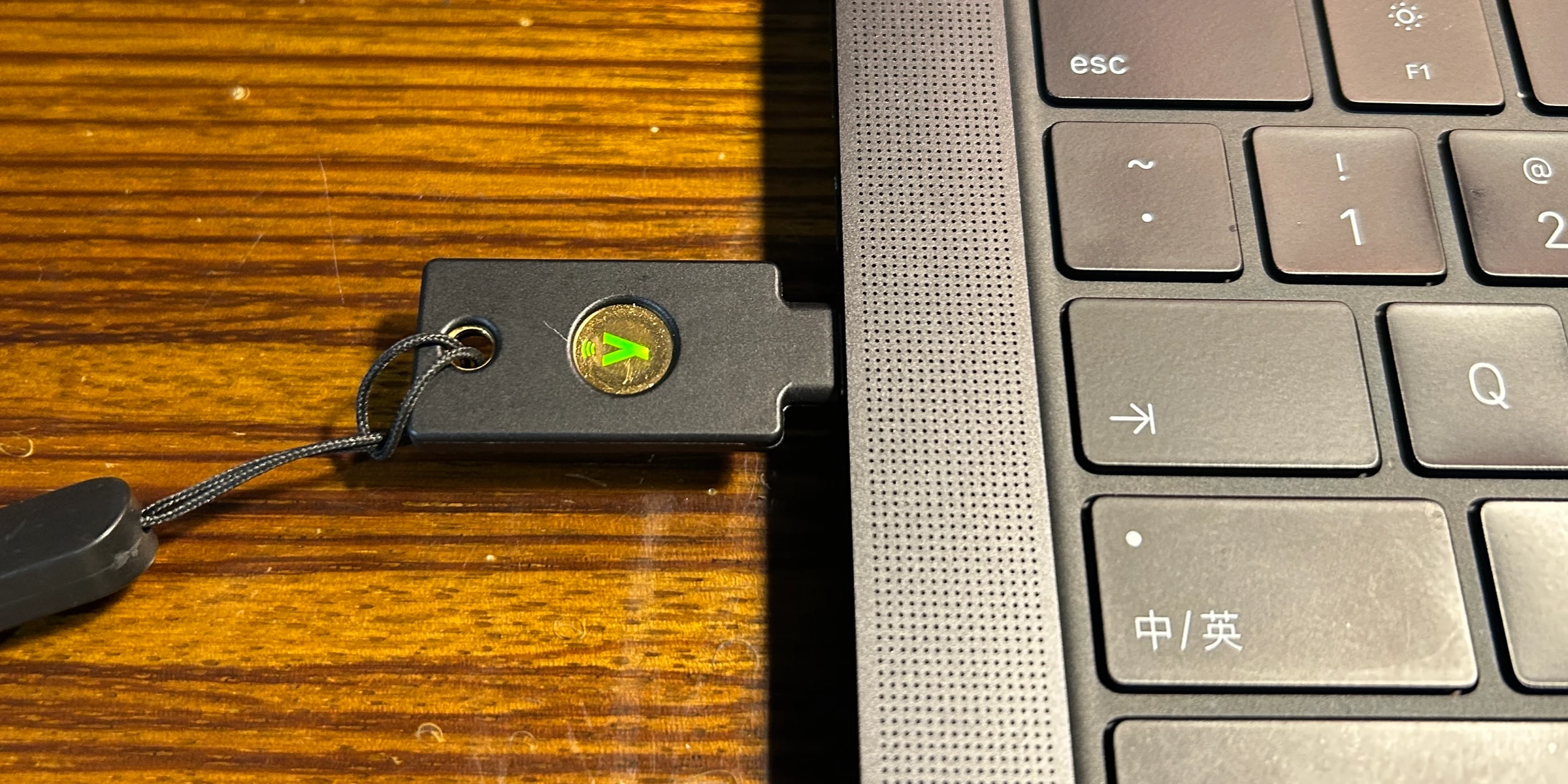
<a href="#%e8%b4%ad%e4%b9%b0%e5%ae%89%e5%85%a8%e5%af%86%e9%92%a5%e7%9a%84%e5%8e%9f%e5%9b%a0" class="h-anchor" aria-hidden="true">#</a></h2><p>为了方便登录，我习惯让浏览器记住常用账号密码，并为重要账号启用双因子验证（2FA），如短信验证码。但短信不稳定，可能需要等待 30 秒以上，因此硬件安全密钥更优。</p><p>我选择了 <strong>YubiKey 5C NFC</strong>，支持 USB-C 和 NFC，可在电脑、手机上使用。其实 <strong>Security Key NFC</strong> 也基本够用，只是缺少 OpenPGP 支持。</p></div><div><a class="read-more button" href="/posts/get-started-with-yubikey/">阅读更多 →</a></div></article><article class="post on-list"><h1 class="post-title"><a href="https://blog.dalutou.com/posts/how-to-enable-http-3-in-nginx/">怎么启用 Nginx 的 HTTP/3</a></h1><div class="post-meta"><time class="post-date">2024-05-26</time>
<span class="post-wordcount">/ 约 925 字</span>
<span class="post-read-time">/ 预计阅读 2 分钟</span>
<span class="post-tags"><a href="https://blog.dalutou.com/tags/nginx/">#nginx</a>&nbsp;
<a href="https://blog.dalutou.com/tags/quic/">#quic</a>&nbsp;
<a href="https://blog.dalutou.com/tags/http/3/">#http/3</a>&nbsp;</span><figure class="post-cover"><img src="https://blog.dalutou.com/posts/how-to-enable-http-3-in-nginx/cover.webp" alt="怎么启用 Nginx 的 HTTP/3"></figure><div class="post-content"><p>相比于 HTTP/2 及之前的 HTTP 版本，基于 QUIC (Quick UDP Internet Connections) 协议的 HTTP/3 实现了更低延迟、更好的网络适应性和增强的安全性。启用 Nginx 对 HTTP/3 的支持可以提升性能和用户体验，具体优点如下：</p><ol><li><strong>更低延迟</strong>：QUIC 的 0-RTT 和 1-RTT 握手机制减少了连接建立时间和重传时间，从而加快页面加载速度。</li><li><strong>多路复用</strong>：HTTP/3 允许单个连接上并发多个请求，通过 UDP 协议实现，相比 TCP 有更好的恢复能力和减少阻塞的效果。</li><li><strong>快速恢复</strong>：QUIC 使用定制的拥塞控制算法，能更快恢复丢包，提高传输效率。</li><li><strong>增强安全性</strong>：QUIC 作为应用层加密协议，提供端到端加密，保护数据安全。</li><li><strong>更好网络适应性</strong>：QUIC 支持在不中断会话的情况下更换IP地址或端口，优化了移动设备在网络切换时的表现。</li></ol><p>要启用 Nginx 的 QUIC 支持，需在编译时加入 OpenSSL 或 BoringSSL，并在配置文件中激活 QUIC。自行编译较为复杂，需要手动编写服务脚本且升级不便。相比之下，使用预编译版本更为便捷。要启用 Nginx 的 QUIC 支持，需在编译时集成 OpenSSL 或 BoringSSL。手动编译较为复杂，使用预编译版本则更加便捷。</p></div><div><a class="read-more button" href="/posts/how-to-enable-http-3-in-nginx/">阅读更多 →</a></div></article><article class="post on-list"><h1 class="post-title"><a href="https://blog.dalutou.com/posts/change-gpt-partition-type-code/">更改 GPT 分区的类型代码</a></h1><div class="post-meta"><time class="post-date">2024-04-14</time>
<span class="post-wordcount">/ 约 727 字</span>
<span class="post-read-time">/ 预计阅读 2 分钟</span>
<span class="post-tags"><a href="https://blog.dalutou.com/tags/gpt/">#GPT</a>&nbsp;
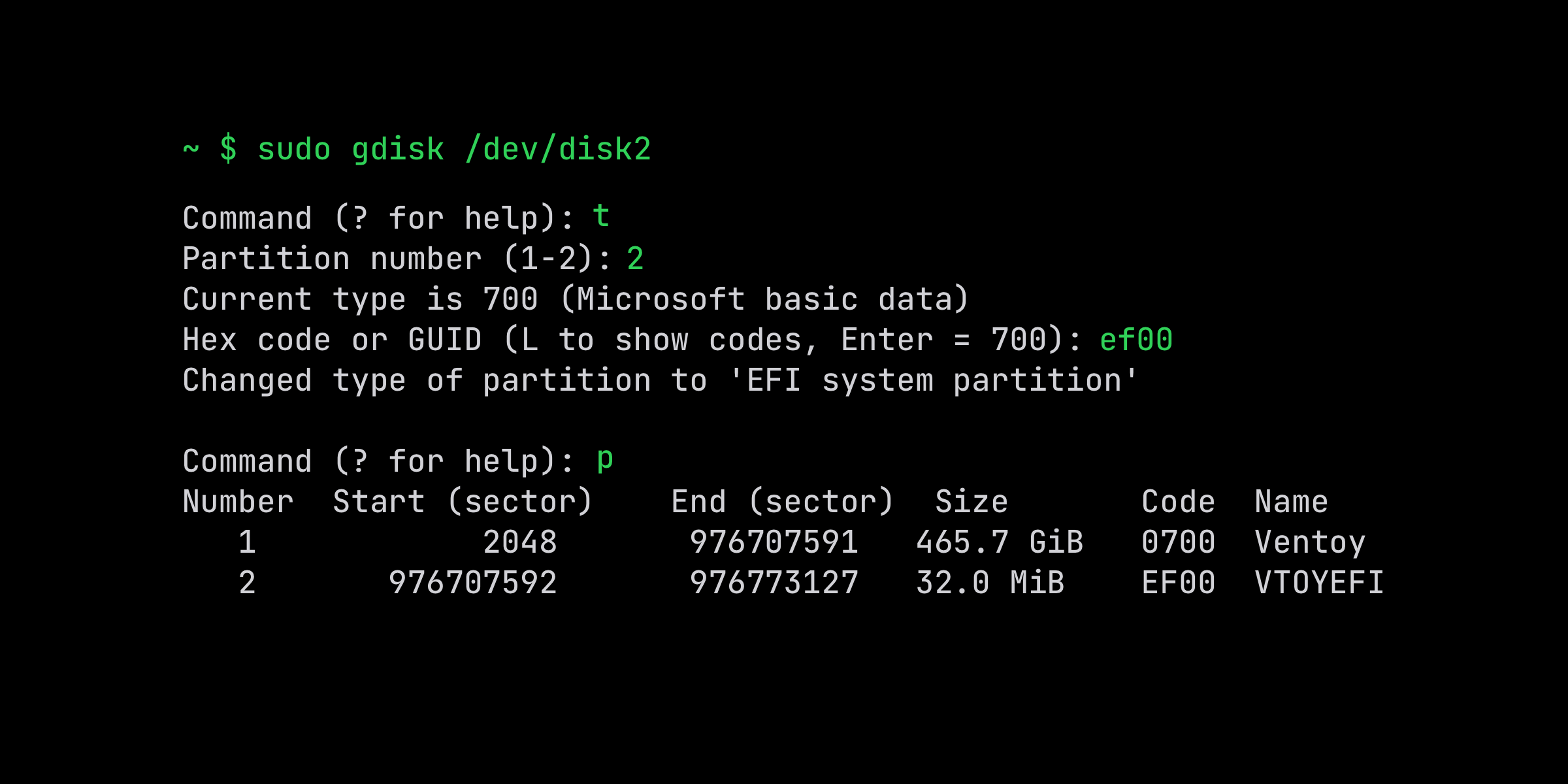
<a href="https://blog.dalutou.com/tags/disk/">#disk</a>&nbsp;</span><figure class="post-cover"><img src="https://blog.dalutou.com/posts/change-gpt-partition-type-code/cover.webp" alt="更改 GPT 分区的类型代码"></figure><div class="post-content"><p>为什么要更改硬盘分区的类型代码？事情的起因是这样的。</p><p><a href="https://www.ventoy.net/">Ventoy</a> 是一个制作可启动 U 盘的开源工具，但是有个问题，它创建的 EFI 分区，格式为 FAT16，<strong>分区类型代码</strong>却是<code>0700</code>（正确的应该是 <code>EF00</code>）。macOS 上因为会自动挂载该 EFI 分区， 如果同时插入两个 U 盘，则第二个会无法正确挂载。</p></div><div><a class="read-more button" href="/posts/change-gpt-partition-type-code/">阅读更多 →</a></div></article><article class="post on-list"><h1 class="post-title"><a href="https://blog.dalutou.com/posts/how-to-optimize-mtu-for-pppoe-connections/">怎么优化 PPPoE 的 MTU</a></h1><div class="post-meta"><time class="post-date">2024-03-12</time>
<span class="post-wordcount">/ 约 1226 字</span>
<span class="post-read-time">/ 预计阅读 3 分钟</span>
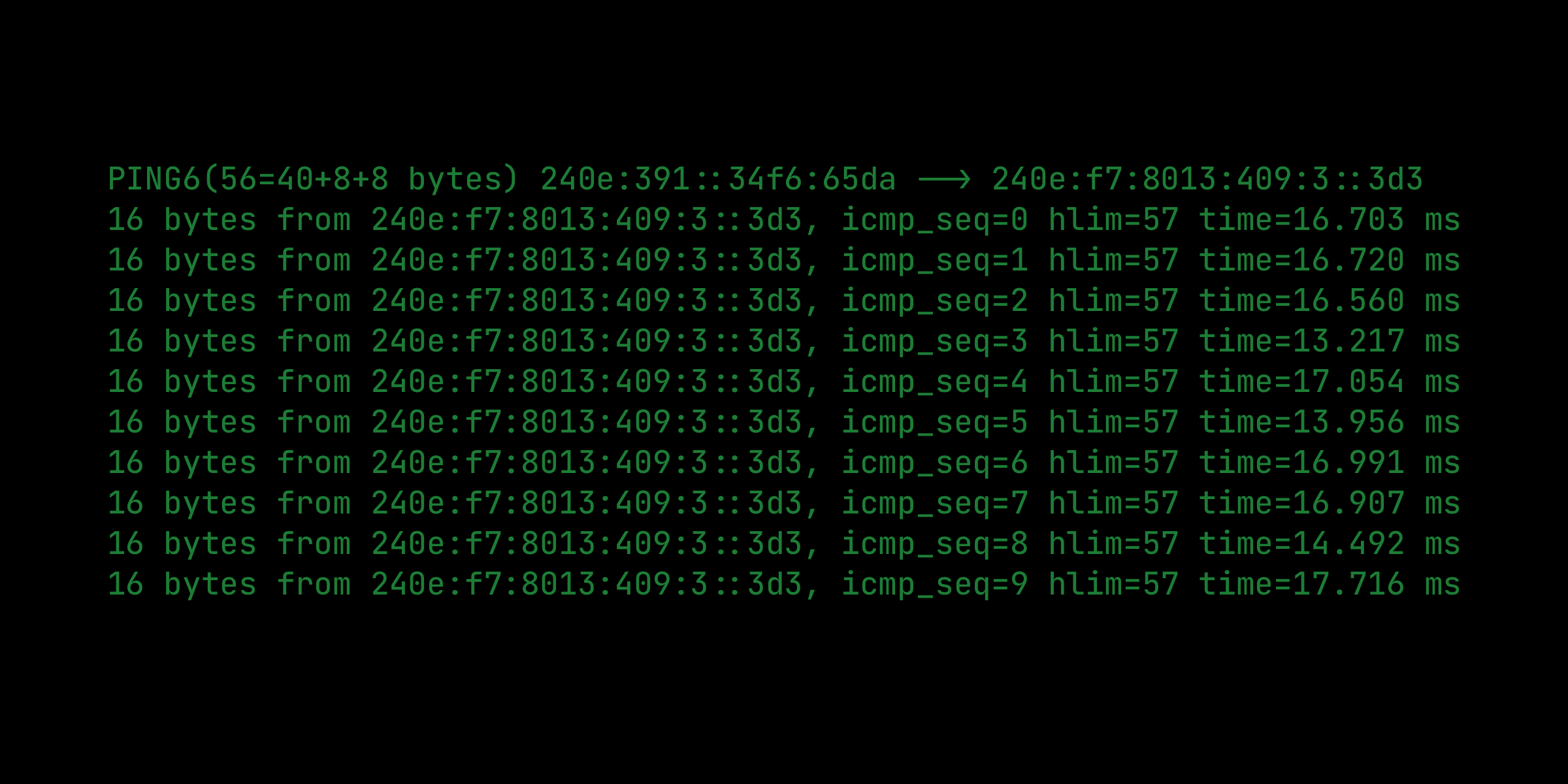
<span class="post-tags"><a href="https://blog.dalutou.com/tags/network/">#network</a>&nbsp;</span><figure class="post-cover"><img src="https://blog.dalutou.com/posts/how-to-optimize-mtu-for-pppoe-connections/cover.webp" alt="怎么优化 PPPoE 的 MTU"></figure><div class="post-content"><p>通过 PPPoE 方式拨号上网的用户(包括常见的光猫)，如果路由器的 MTU 设置不正确，可能会导致网速下降或者无法上网。</p><h2 id="关于-mtu">关于 MTU
<a href="#%e5%85%b3%e4%ba%8e-mtu" class="h-anchor" aria-hidden="true">#</a></h2><p>MTU(maximum transmission unit) 其实属于<strong>二层</strong>的一个概念，它的目的是限定「MAC 帧中数据部分（payload）」的大小。</p></div><div><a class="read-more button" href="/posts/how-to-optimize-mtu-for-pppoe-connections/">阅读更多 →</a></div></article><article class="post on-list"><h1 class="post-title"><a href="https://blog.dalutou.com/posts/issue-a-free-wildcard-ssl-certificate-with-acme-sh/">使用 acme.sh 签发免费的通配符 SSL 证书</a></h1><div class="post-meta"><time class="post-date">2024-02-10</time>
<span class="post-wordcount">/ 约 1403 字</span>
<span class="post-read-time">/ 预计阅读 3 分钟</span>
<span class="post-tags"><a href="https://blog.dalutou.com/tags/https/">#https</a>&nbsp;
<a href="https://blog.dalutou.com/tags/ssl/">#ssl</a>&nbsp;
<a href="https://blog.dalutou.com/tags/cronjob/">#cronjob</a>&nbsp;</span><figure class="post-cover"><img src="https://blog.dalutou.com/posts/issue-a-free-wildcard-ssl-certificate-with-acme-sh/cover.webp" alt="使用 acme.sh 签发免费的通配符 SSL 证书"></figure><div class="post-content"><p>网站启用 HTTPS 可以应对运营商的「HTTP 劫持」，避免被插入广告。大多数情况，使用免费的「SSL 证书」就足够了。</p><h2 id="推荐的-ca-及签发工具">推荐的 CA 及签发工具
<a href="#%e6%8e%a8%e8%8d%90%e7%9a%84-ca-%e5%8f%8a%e7%ad%be%e5%8f%91%e5%b7%a5%e5%85%b7" class="h-anchor" aria-hidden="true">#</a></h2><p><a href="https://zerossl.com/">ZeroSSL</a>、<a href="https://letsencrypt.org/">Let&rsquo;s Encrypt</a> 是两个常见的 CA（证书授权机构）。最大的特点是，提供免费的 SSL 证书，有效期为 90 天。有以下优点：</p></div><div><a class="read-more button" href="/posts/issue-a-free-wildcard-ssl-certificate-with-acme-sh/">阅读更多 →</a></div></article><div class="pagination"><div class="pagination__buttons"><span class="button next"><a href="/page/2/"><span class="button__text">较早的文章</span>
<span class="button__icon">→</span></a></span></div></div></div></div><footer class="footer"><div class="footer__inner"><a href="/" class="logo" style="text-decoration:none"><span class="logo__mark"><svg class="greater-icon" viewBox="0 0 44 44"><path fill="none" d="M15 8l14.729 14.382L15 35.367"/></svg>
</span><span class="logo__text">无尘的部落格</span>
<span class="logo__cursor"></span></a><div class="copyright"><span>©2024-2025 无尘</span>
<span>Powered by <a href="https://gohugo.io" target="_blank" rel="noopener">Hugo</a></span></div></div></footer><script type="text/javascript" src="/bundle.min.js"></script></div></body></html>