

@gkoberger · Joined Aug 2010 · 110 repos
Try this on a computer!
This site is way more interactive on a bigger screen… so check it out next time you're on your desktop!
Stuff I've Built
ReadMe
Where I've lived
Timeline
Pop culture
recommendations
@gkoberger
Spotify
ReadMe
Instagram
Github
Dribbble
Writing
FourSquare
WAPI
An ephemeral radio station about DX that I broadcasted live for 24 hours straight.
ReadMe BuildBuild makes it dead simple to create, deploy and share world-class APIs in minutes.
StacksortAn implementation of xkcd's StackSort from its 'Inefficient Sorting Algorithms' comic.
Startup NotesEvery year, I doodle notes from Y Combinator's Startup School conference!
Startup PlaybookI illustrated a guide to startups written by Sam Altman from Y Combinator
SlackmojiA Chrome extension that makes it easy to find and add emojis to Slack
Track TrumpBuilt the website for Track Trump, a project that tracks Trump's first 100 days
Phileas & Fogg
An experimental traveling startup project I founded and ran in Costa Rica back in 2014
API MixtapeAt ReadMe, we put on a 300-person day-long conference about building APIs
GreylockUA superhero-themed homepage for Greylock Partner's university recruiting program
GreylockU HackfestDesigned and built the website for Greylock's 24-hour hackathon, which goes from day to night
RateMyDocsA little tool that tells you how good your documentation is compared to everyone else
OliveI made the movie poster and website for Olive, the first full-length movie shot on a cell phone.
APIs & IPAsA monthly meetup where we have different people show off their APIs... and of course, there's beer!
Product Hunt Real or Fake
A game that proves no idea is crazy enough that someone in SF isn't legitimately working on it
Hulu With MeAn add-on that let you sync Hulu across multiple computers so you could watch together (unmaintained)
Startup Notes bookI published a physical book of startup advice from YC's Startup School, and donated all profits to Watsi
BugzillaJSA plugin for Bugzilla (think open-source JIRA) that adds a ton of usability improvements
r/sanfranciscoI founded and currently moderate r/sanfrancisco, the subreddit for San Francisco on Reddit
Produck HuntA Duck Hunt parody that uses your cell phone for shooting. First place in the Product Hunt hackathon!
RIT48Ian Mikutel and I ran RIT48 at our university, long before hackathons (or we) were cool
Here's some of the TV shows, movies, podcasts, books and other media that I love the most.
Lovesick
It's not easy pitching Lovesick (formerly called Scrotal Recall) to people: it's about a guy who gets an STD and has to tell everyone he's dated. But once you get past the premise, it's a great show. The story is told in intertwined flashbacks, with each episode centering on a different woman from his past. It's basically How I Met Your Mother, except told as a British dramedy instead of an American sitcom.
All I've Ever Wanted (Live from the Walt Disney Concert Hall) by Airborne Toxic Event
Airborne Toxic Event's live recording is my favorite album of all time. Mikel Jollett's voice and lyrics, sung over live orchestras and choirs, are emotional and beautiful.
Magic For Humans
Nothing about 'comedy magician' sounds fun, but Justin Willman does a great job at using magic and comedy to explore topics about human nature in a delightfully charming way.
Missing Richard Simmons
I grew up thinking Richard Simmons was a joke. MRS is a character study of a caring yet lonely B-lister, and captures the many sides of him in a way that oscillates between uplifting and heartbreaking.
Hamilton (Original Brodway Cast)
Hamilton is the most perfectly crafted pop culture I've ever experienced. The music is great, but the story is breathtaking. The character dynamics are flawless. The cast recording is about 3 hours, and unlike most musicals, every line from the play (with one exception) makes it into the recording. Don't listen to it out of order — it deserves a 3 hour listen from start to finish. So, next time you have a long drive ahead of you, throw on Hamilton and prepare to cry.
69 Love Songs by Magnetic Fields
You've probably heard the song Book of Love, although you're likely more familiar with the cover by Peter Gabriel. 69 Love Songs by The Magnetic Fields is the product of auteur Stephin Merrit, whose sullenly optimisic lyrics are the only common thread holding 69 songs in 69 different genres. His voice isn't great, and the music is weird … but overall, it's my favorite take on the complexity of love.
How to Win Friends and Influence People
The old-timey name gives off vibes of manipulation, but the book couldn't be further from that. It's the best business book, relationship book, self-help book and management book I've ever read. It's basically a long-winded way to say 'do unto others,' however it does a great job of explaining why. I reread it every few months.
Ask Culture vs Guess Culture
It's just a comment on an internet forum from 2007, however it changed the way I understand people. Basically, it divides everyone into two categories (askers and guessers), and delves into the dynamics between them. As a guesser, it made me understand askers and take on some of their qualities when necessary.
Scrubs
The time in my life that I discovered Scrubs (freshman in college) probably plays a part in my affinity for the show. It may feel like a normal sitcom, however it effortlessly imparts wisdom without feeling preachy. If you've never seen Scrubs, give it a chance: by the time you hit the fourth episode (My Old Lady), you'll get why it's one of the greatest shows of our time.
Last seen…
milkbean· San Francisco, US
- Joined March 11, 2009
- 5,409 checkins in 17 countries
- United States🇺🇸 Thailand🇹🇭 Peru🇵🇪 Viet Nam🇻🇳 Canada🇨🇦 Bolivia🇧🇴 Italy🇮🇹 Costa Rica🇨🇷 Cambodia🇰🇭 France🇫🇷 Switzerland🇨🇭 Mexico🇲🇽 Taiwan🇹🇼 China🇨🇳 Portugal🇵🇹 United Kingdom🇬🇧 Iceland🇮🇸

Okay okay, I know there's a lot on this site. However, this is my main passion! I'm the founder of ReadMe, a way to build interactive API documentation!
Check out ReadMeStuff I've Written
5 Years TimeJuly 1 2015
A blog post of how I went from idea to startup
Designing our interview processAug 24, 2016
Hiring is a broken system in the startup world.
Mozilla won the warMay 26, 2017
I worked for Mozilla for a few years, after seeing John Lily (CEO at the time) speak.
Planning Our First Tech ConferenceJune 30, 2017
A few months ago, we decided to host a conference about APIs
Challenge Coins and Company CreditJune 26, 2016
Startups are a team sport. Some people are recognized with salaries or equity, however much of the help we've gotten along the way has been less formal.
@gkoberger · 4,703 followers · 7,945 tweets
@gkoberger 10 March 2019
I've started turning programming puns into movie posters3,306
7,389
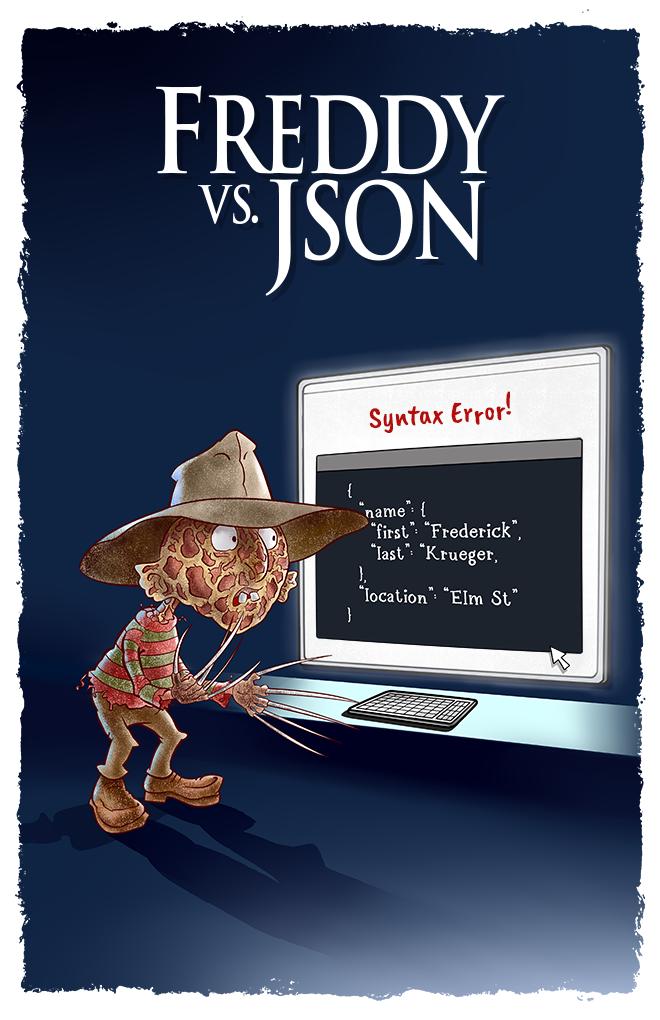
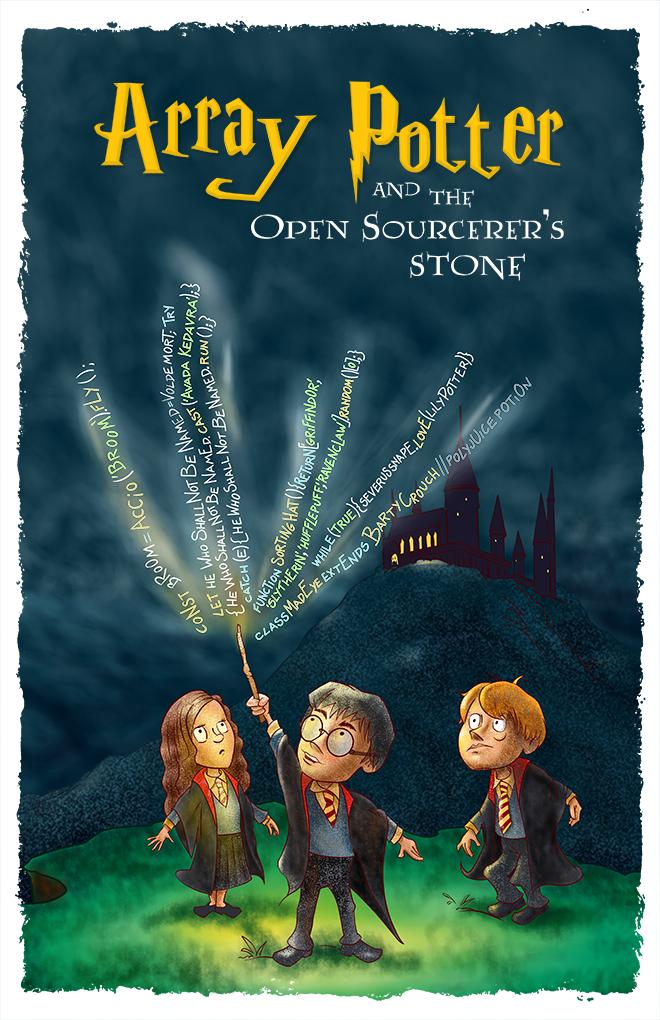
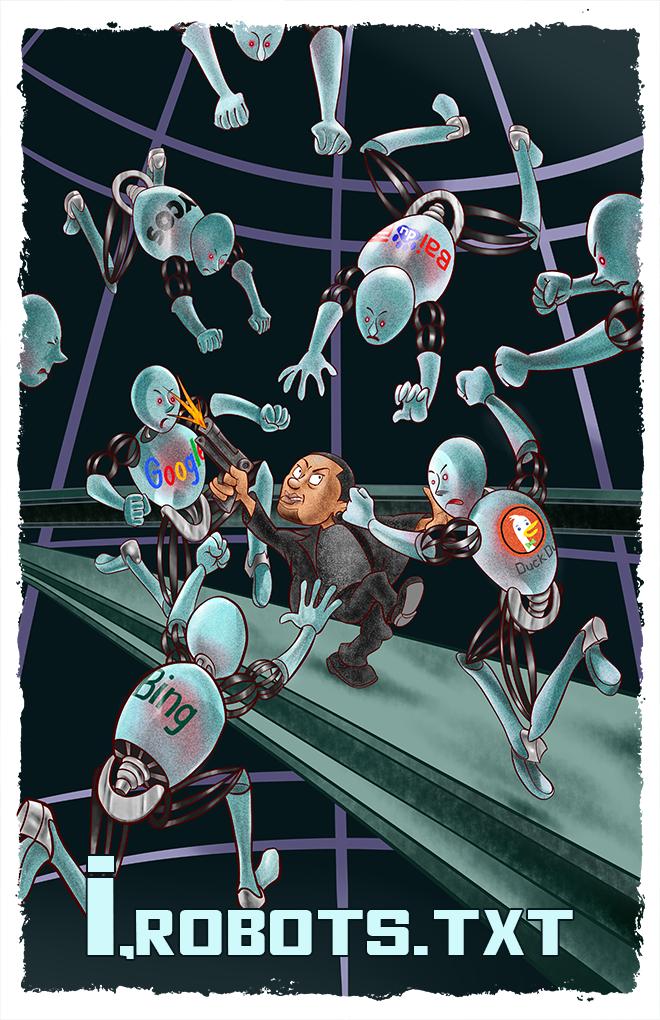
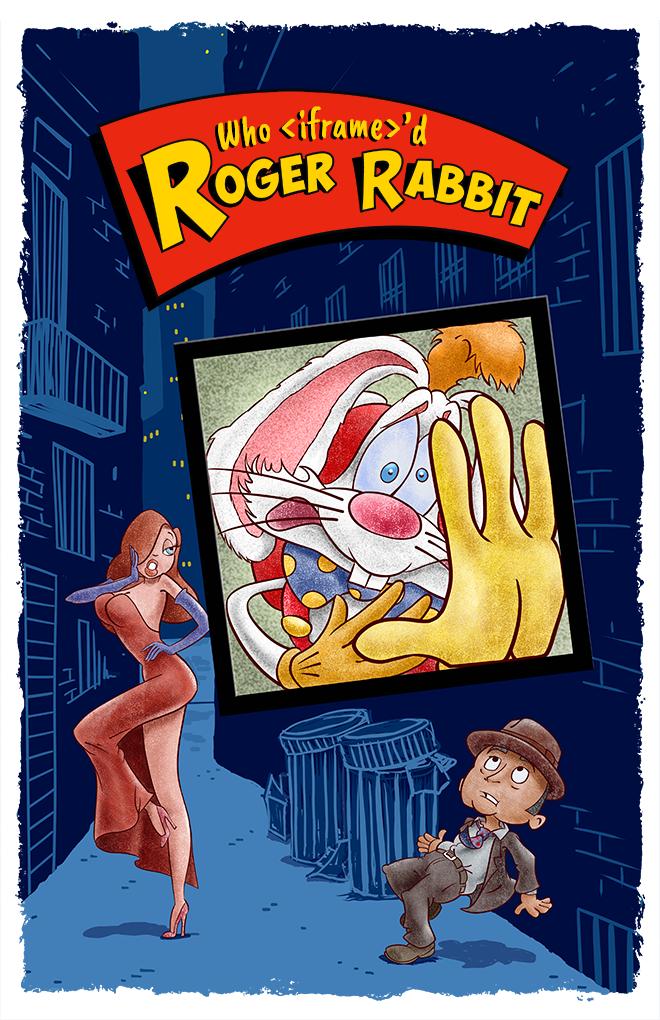
@gkoberger 16 Oct 2019
I wrote a song about the history of web dev, as I remember it!602
1421
🥁🥁🥁🥁
🎤 Microphone It's the end of web dev as we know it
🎶 And I feel fineeee

@gkoberger 1 March 2016
How to start an AI startup421
1219
1. Hire a bunch of minimum wage humans to pretend to be AI pretending to be human
2. Wait for AI to be invented
@gkoberger 2 May 2014
I really want a startup version of Kitchen Nightmares.191
198
"HASHING YOUR PASSWORDS WITH MD5? YOU'RE GOING TO KILL SOMEONE!"
*throws something*
@gkoberger 27 July 2012
I'm at a Microsoft conference, and the Microsoft speaker just used the phrase "Google it with Bing."353
53
@gkoberger 14 April 2015
Don't forget that @turbotax is the only reason you need @turbotax. http://techcrunch.com/turbotax-lobby1.2k
506
@gkoberger 15 March 2017
E-mail is just a todo list anyone can add tasks to.52
95
Like what you see?Follow @gkoberger on Twitter