Jekyll2024-03-15T11:41:10-04:00https://www.justinrummel.com/feed.xmlJustin Rummel . comFather, husband, Apple enthusiast. 🏊 🚴 🏃 with <a href="https://www.instagram.com/explore/tags/speedsherpanation/">#speedsherpanation</a>, <a href="https://www.instagram.com/explore/tags/fxckcancertriteam/">#fxckcancertriteam</a>, and <a href="https://www.instagram.com/explore/tags/bikelaw/">#bikelaw</a>Justin RummelToronto Triathlon Festival Olympic Race Report2023-07-23T17:00:00-04:002023-07-23T17:00:00-04:00https://www.justinrummel.com/toronto-triathlon-festival-olympic-2023-race-report
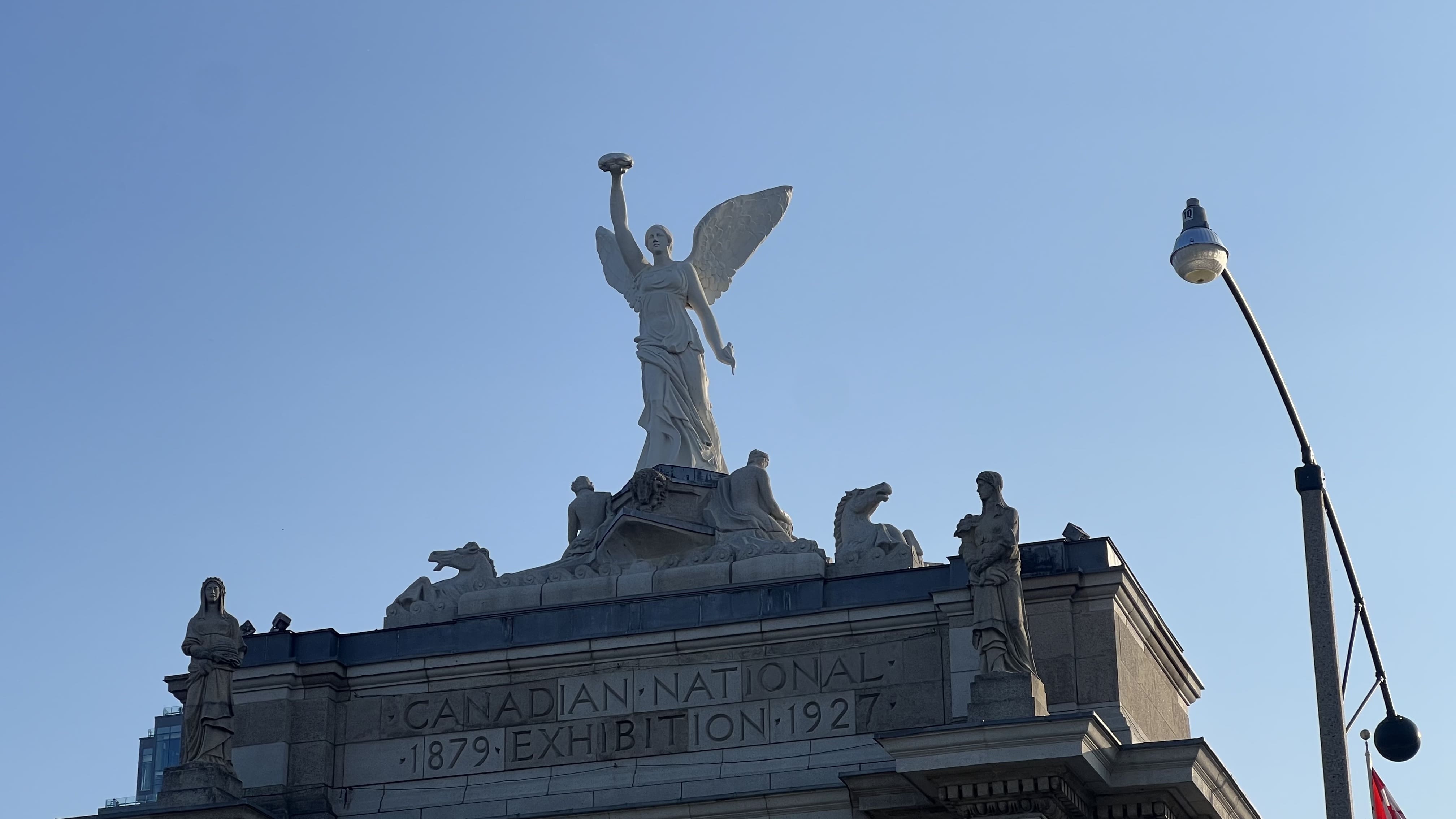
This is going to be a short and sweet race report judging Toronto Triathlon Festival (TTF) race course and as a destination race.
“You drove how far for an Olympic?”
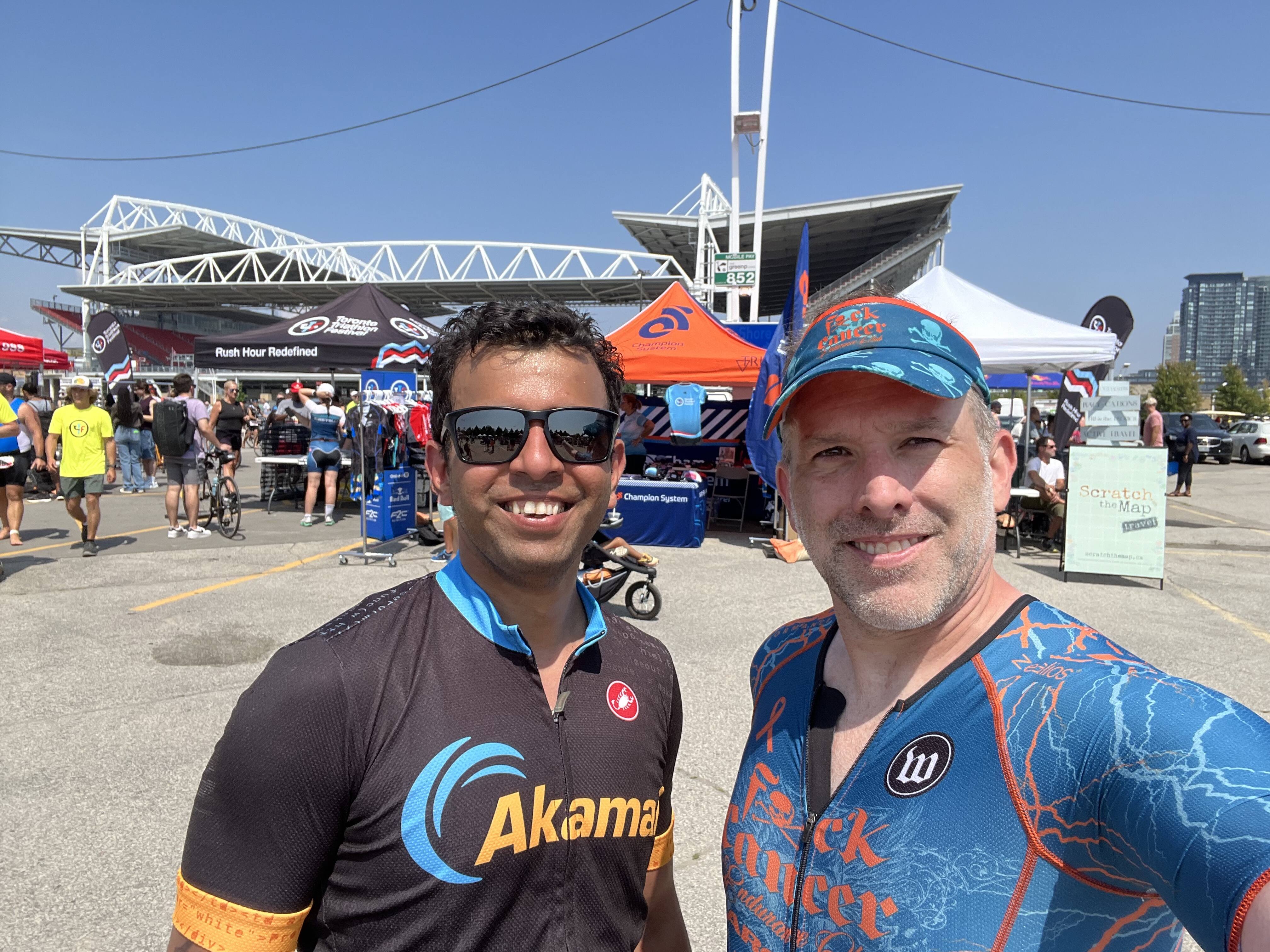
Around two years ago approaching the tail end of COVID, one of my co-workers confessed they were interested in doing a triathlon. I said “if you ever do one, I’ll be there.” Time to honor that promise. For me Toronto was around a 10-11hr drive from Virginia depending on traffic and crossing the boarder, so I took an extended weekend from work and drove up on Friday, Check-in / Practice Swim on Sat, race Sunday, drive back home on Monday. I rented an Airbnb of a tiny condo, but it was within walking distance of the race start/finish which was my biggest priority as I didn’t want to deal with trying to drive in downtown traffic with my truck.
Note, since I’m racing in Canada all measurements will be metric vs. imperial.
Race Breakdown
So yes, this is Toronto Canada for an Olympic distance race of 1500m swim, 40km bike, and 10km run. The beginning of this year my run was terrible as I was doing a terrible job of listening to my body and trying to do to much resulting in injury, recovery, running for two weeks, injury, then repeat several times. It wasn’t until about April that I could actually start running constantly without injury. My biggest concern was 100% the run.
Swim
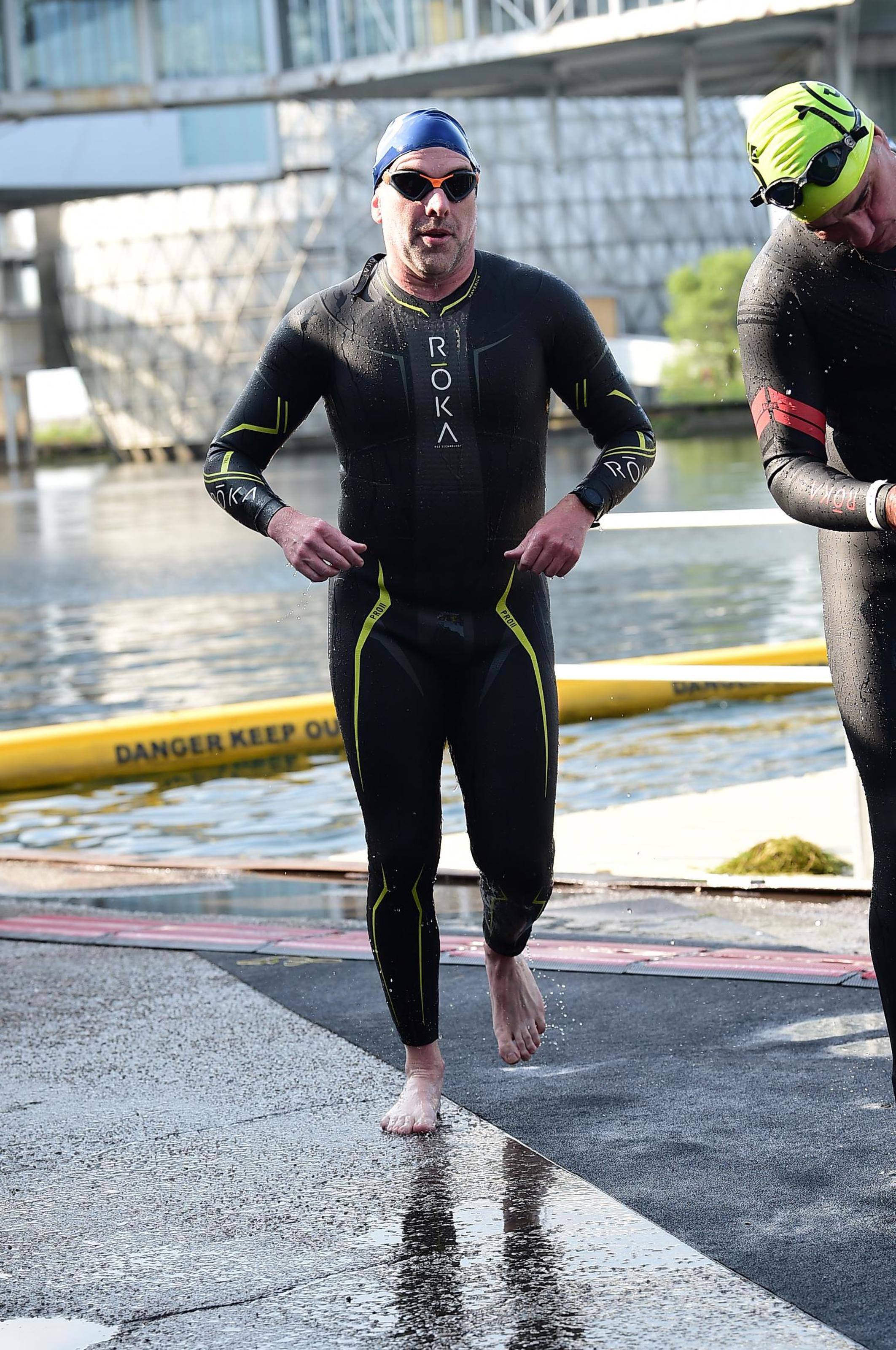
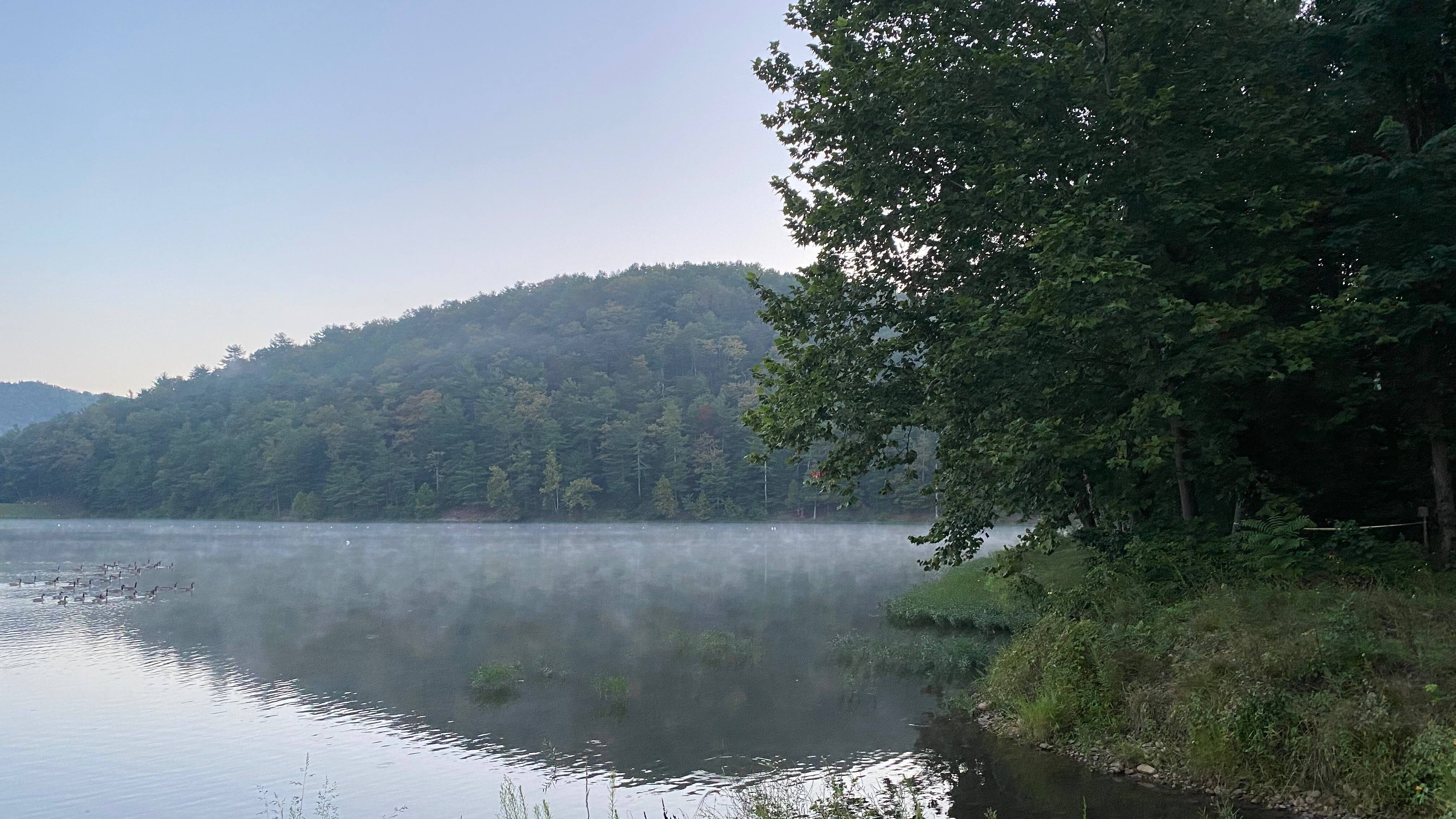
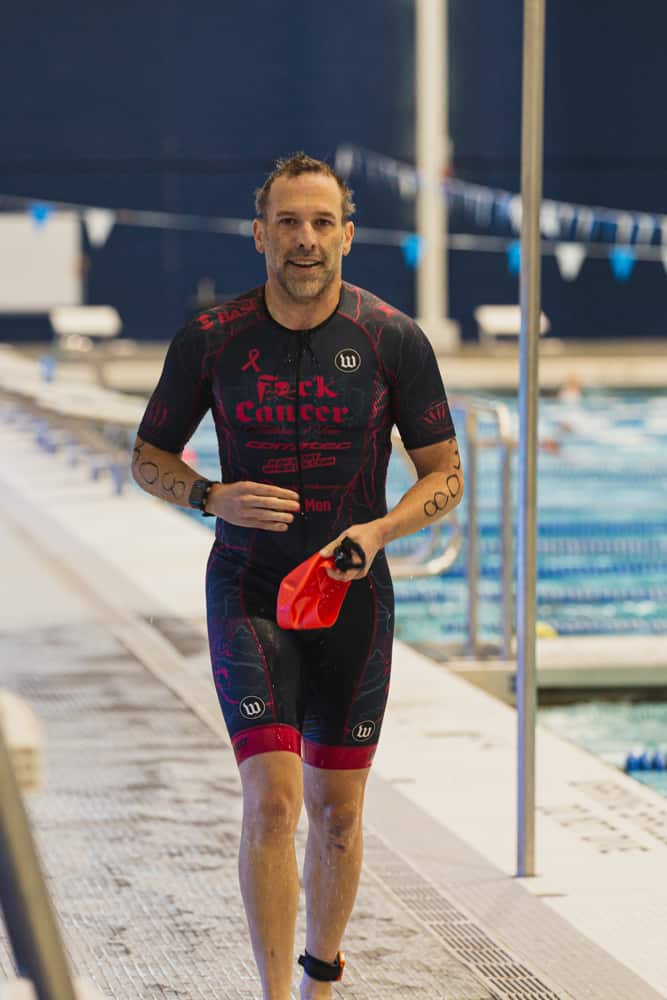
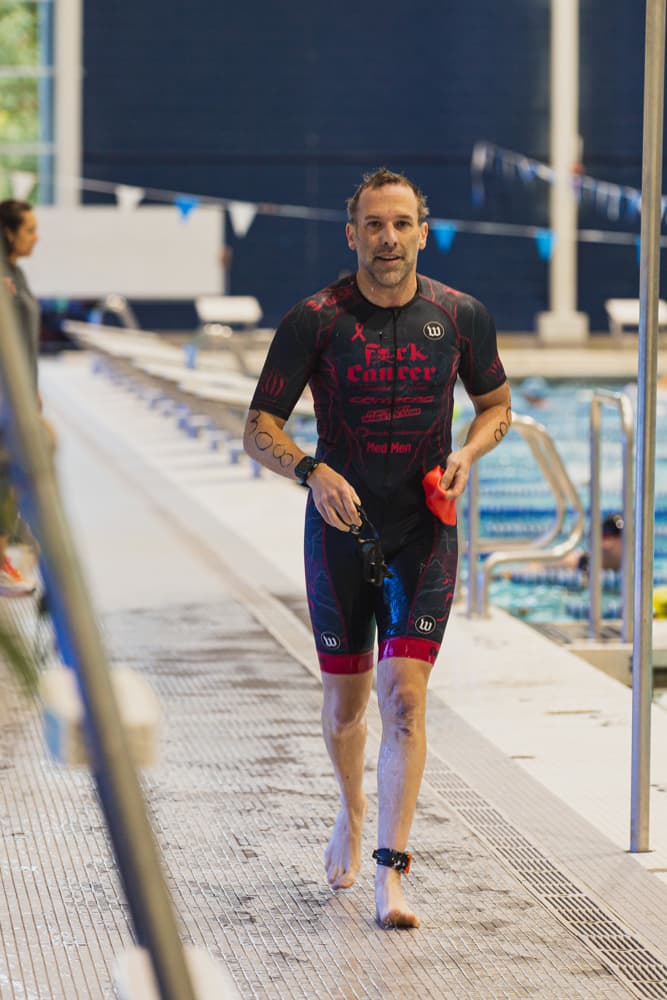
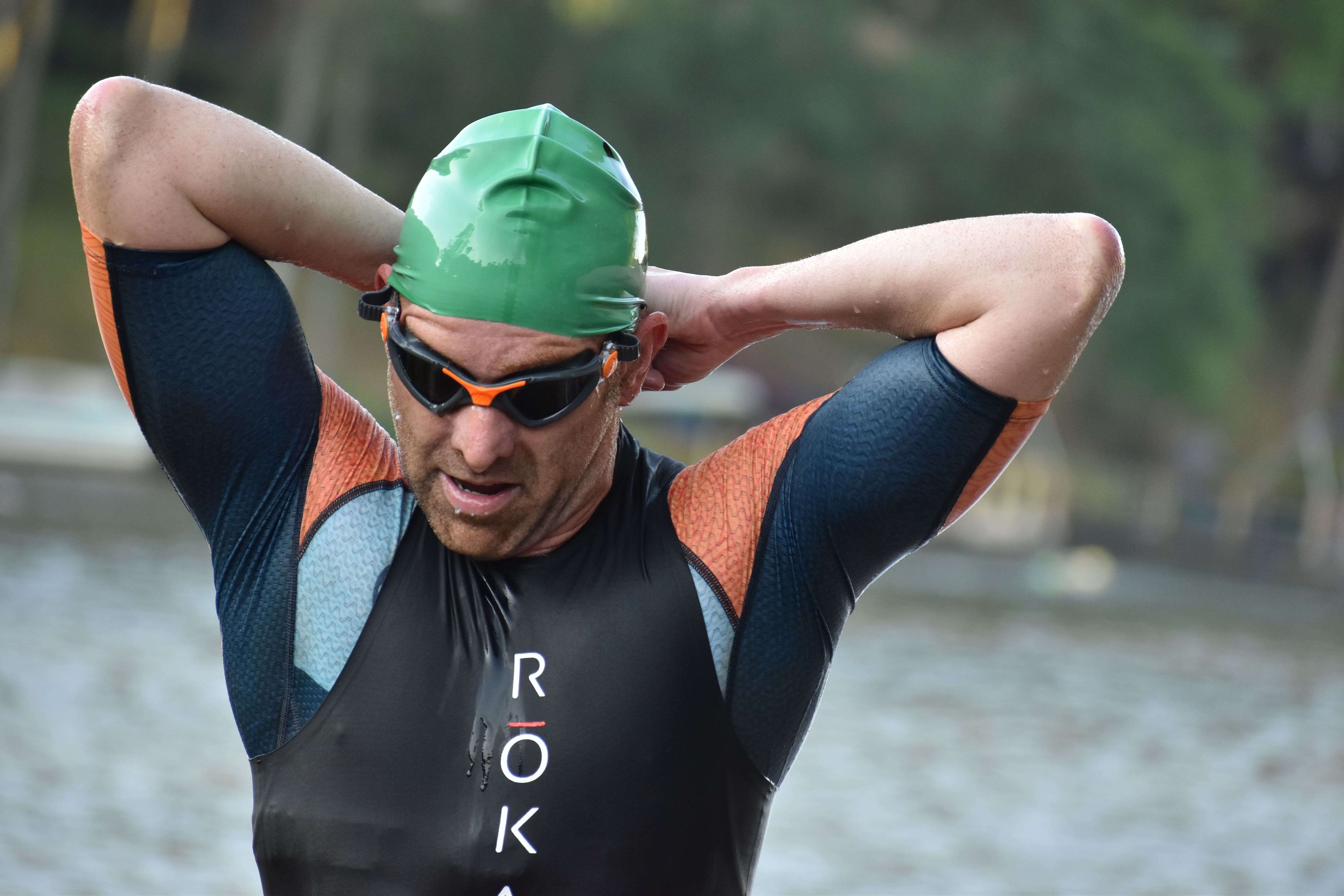
The swim was in a channel which protected us from the rough waters of Lake Ontario. The water temp was perfect, but more importantly wetsuit legal. The water was really nice, I could see anywhere 2-3 meters depending if the sun was able to shiny through. There was a lot of seaweed at the beginning so I occasionally had to claw my way through a patch or wait for a strand which was clinging to my face finally decide to wash away, but overall one of the best swims I had in a long time as I was calm, didn’t have to stop and hang on a kayak, and finished at my expected pace.
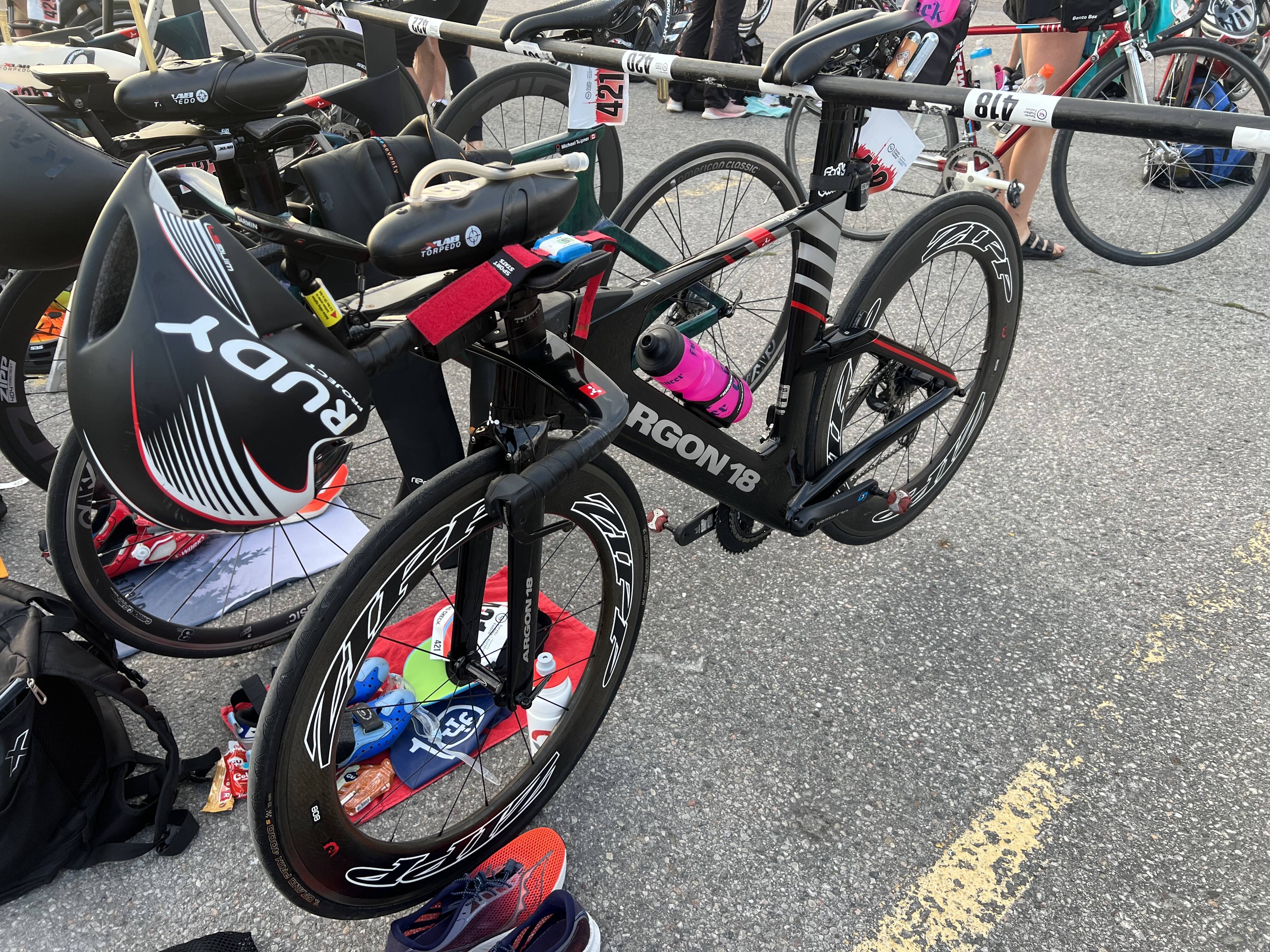
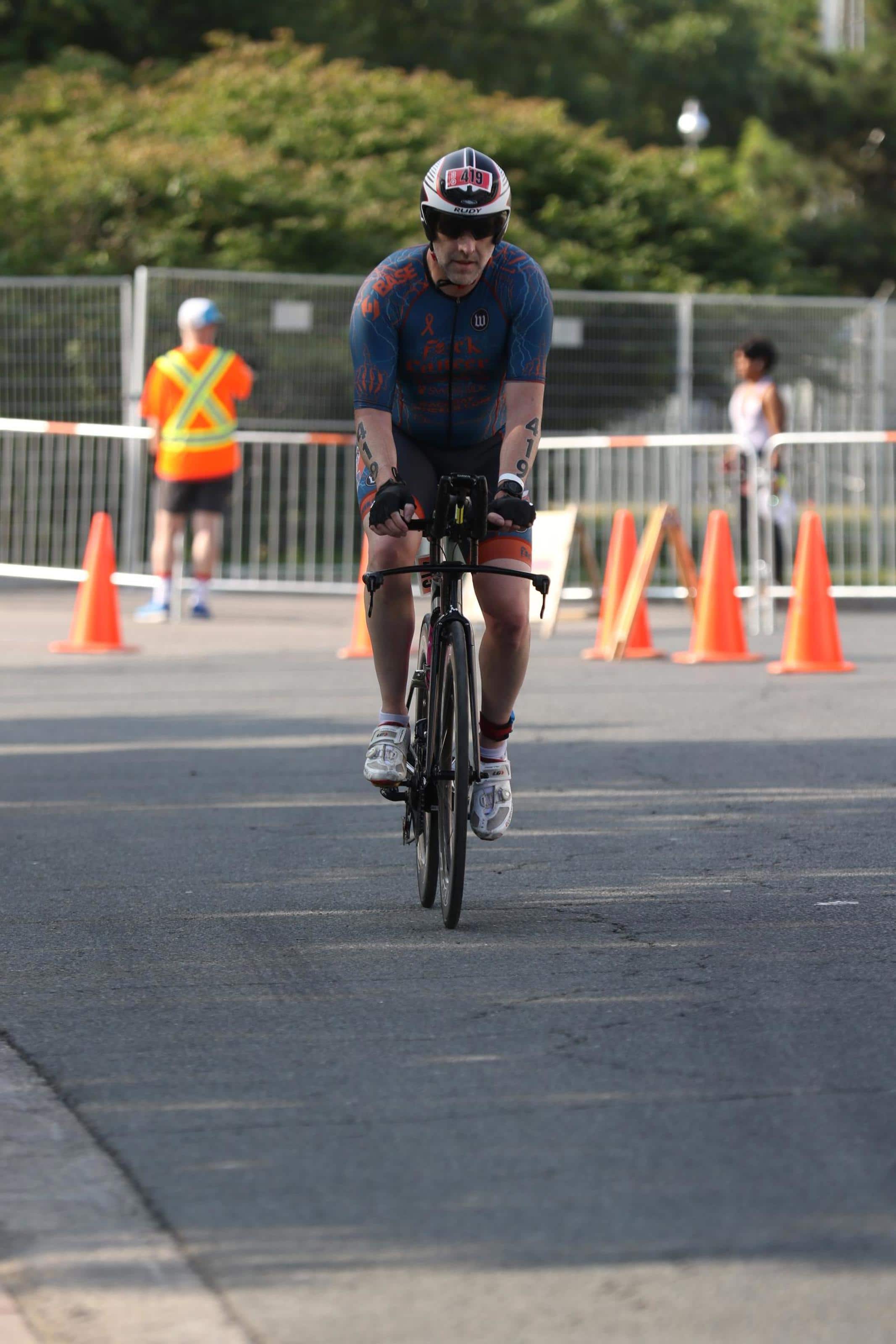
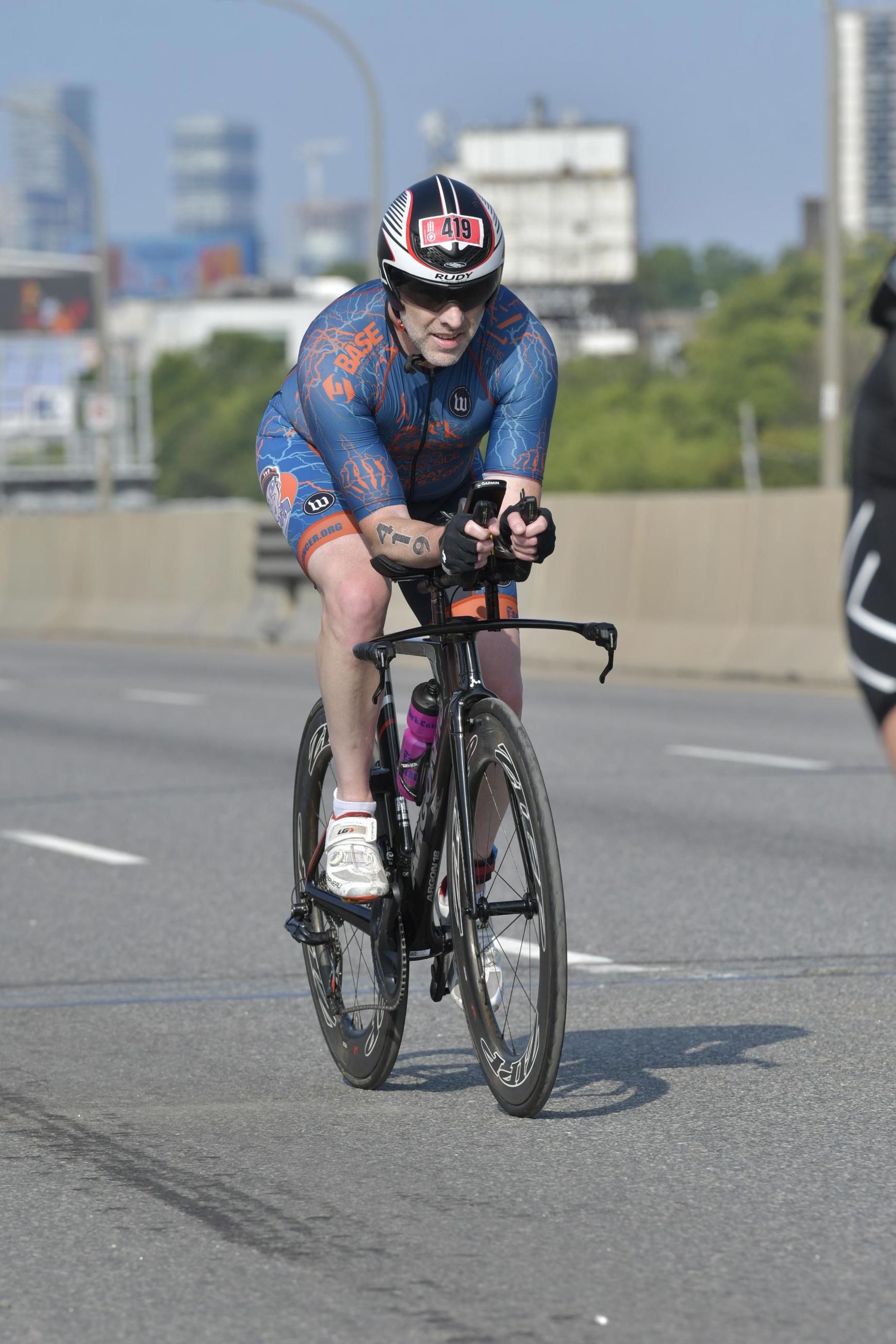
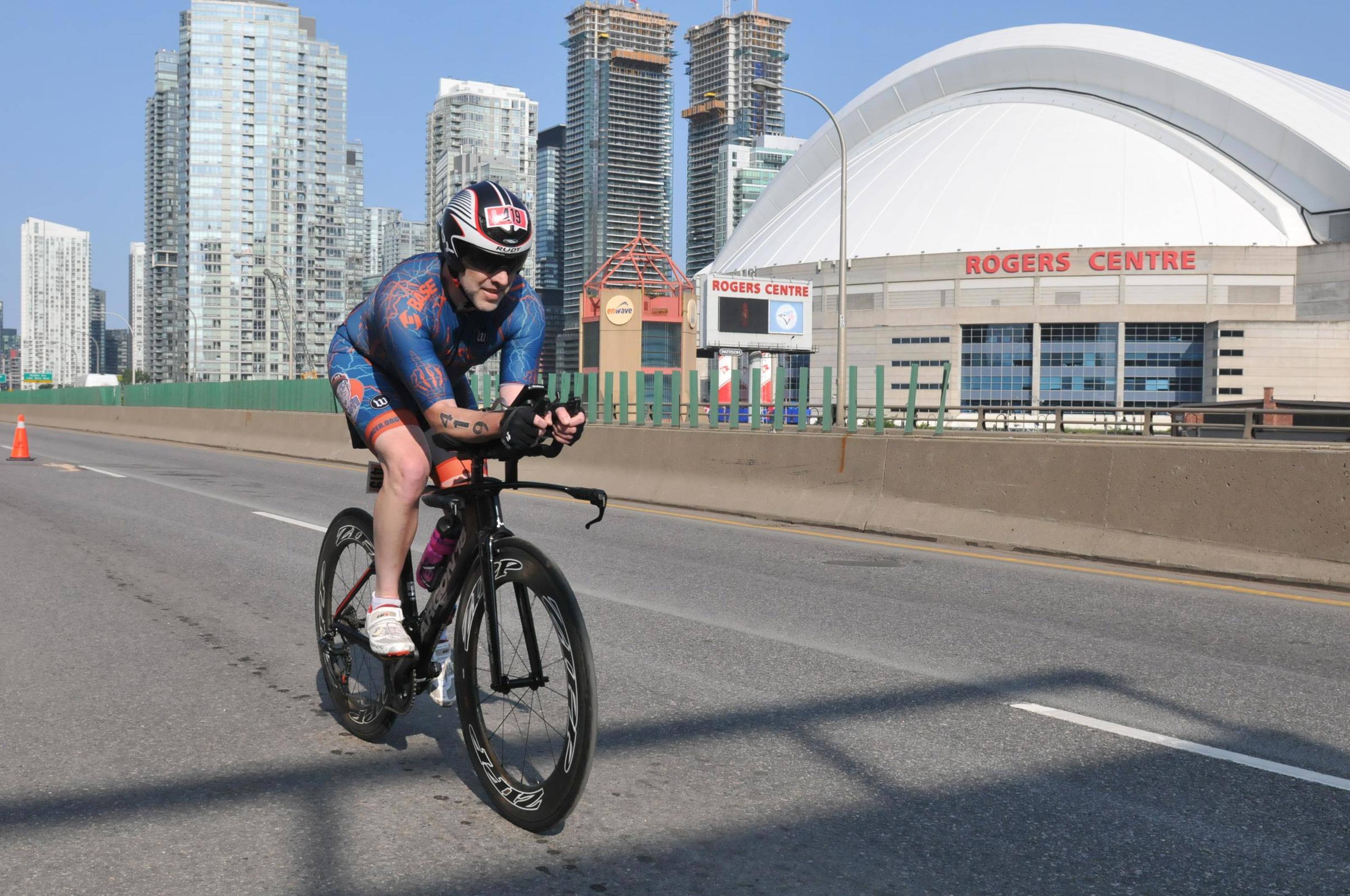
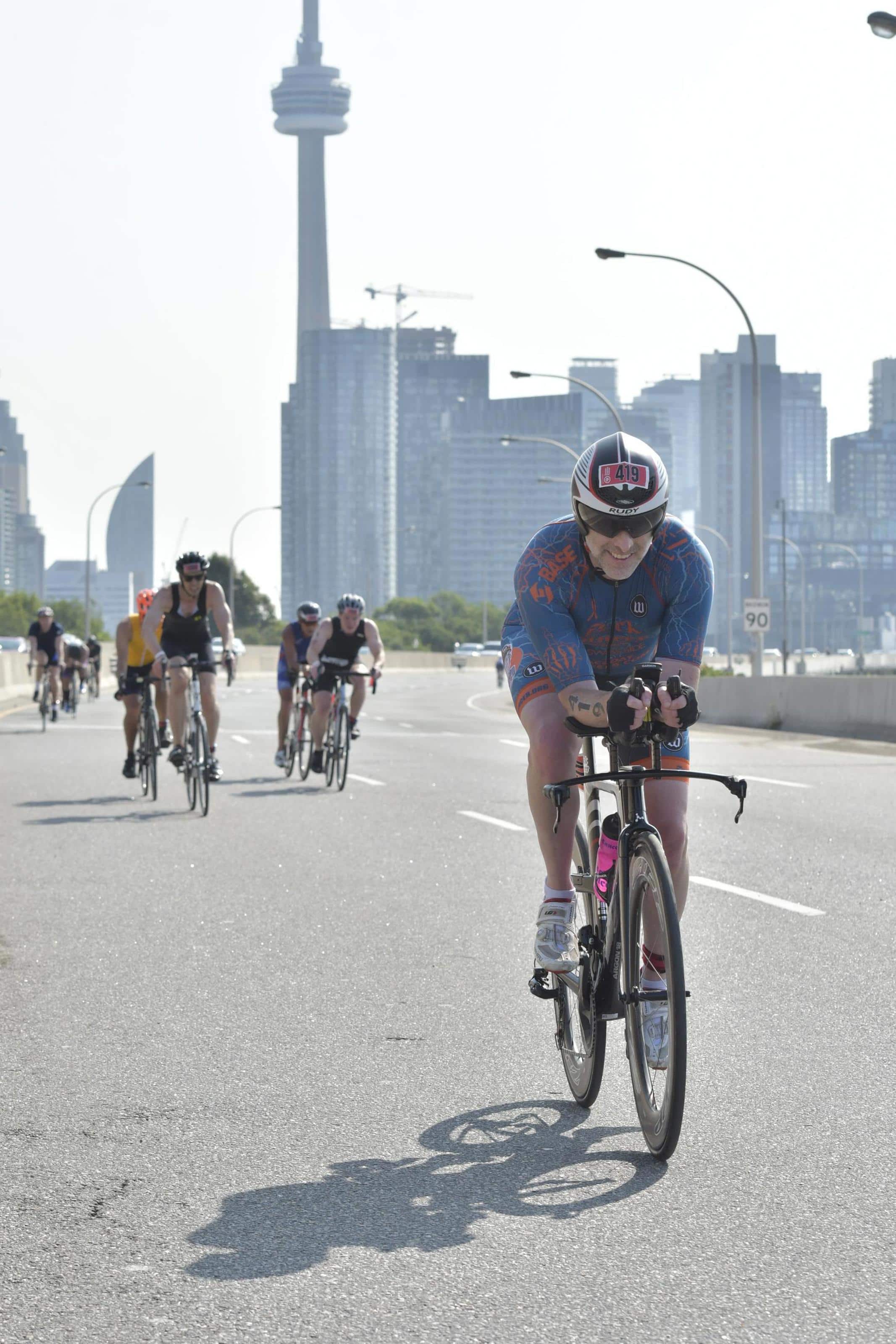
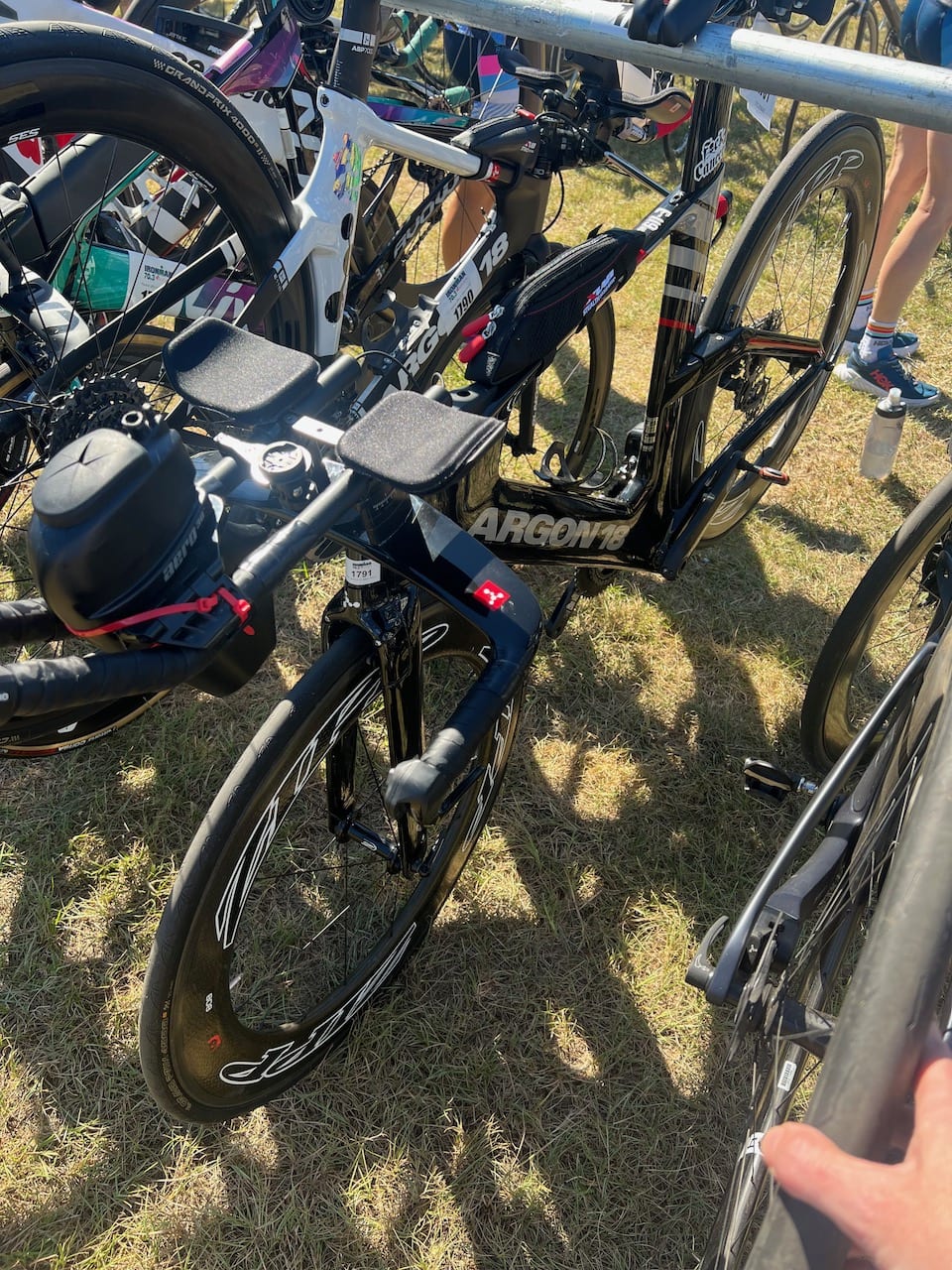
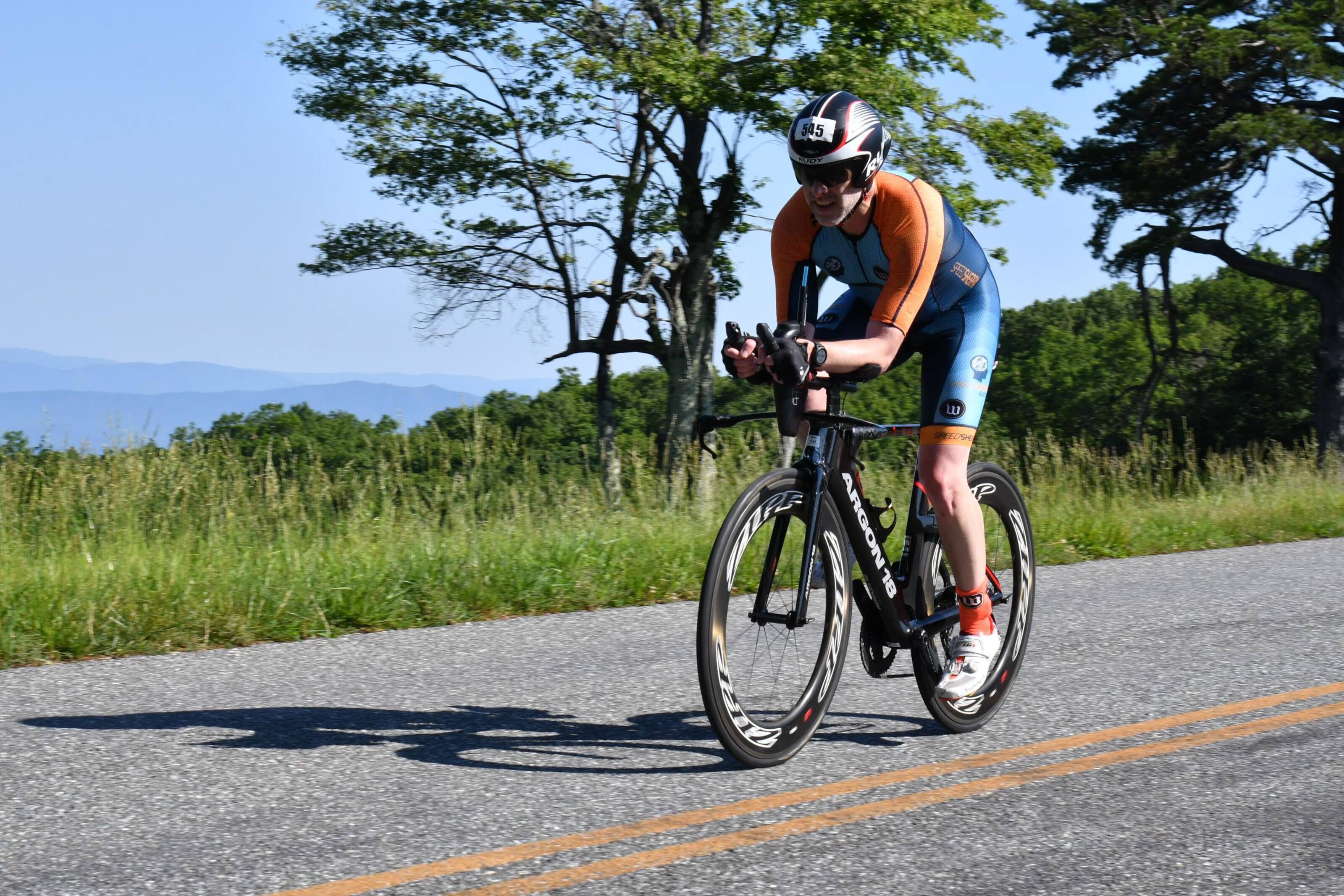
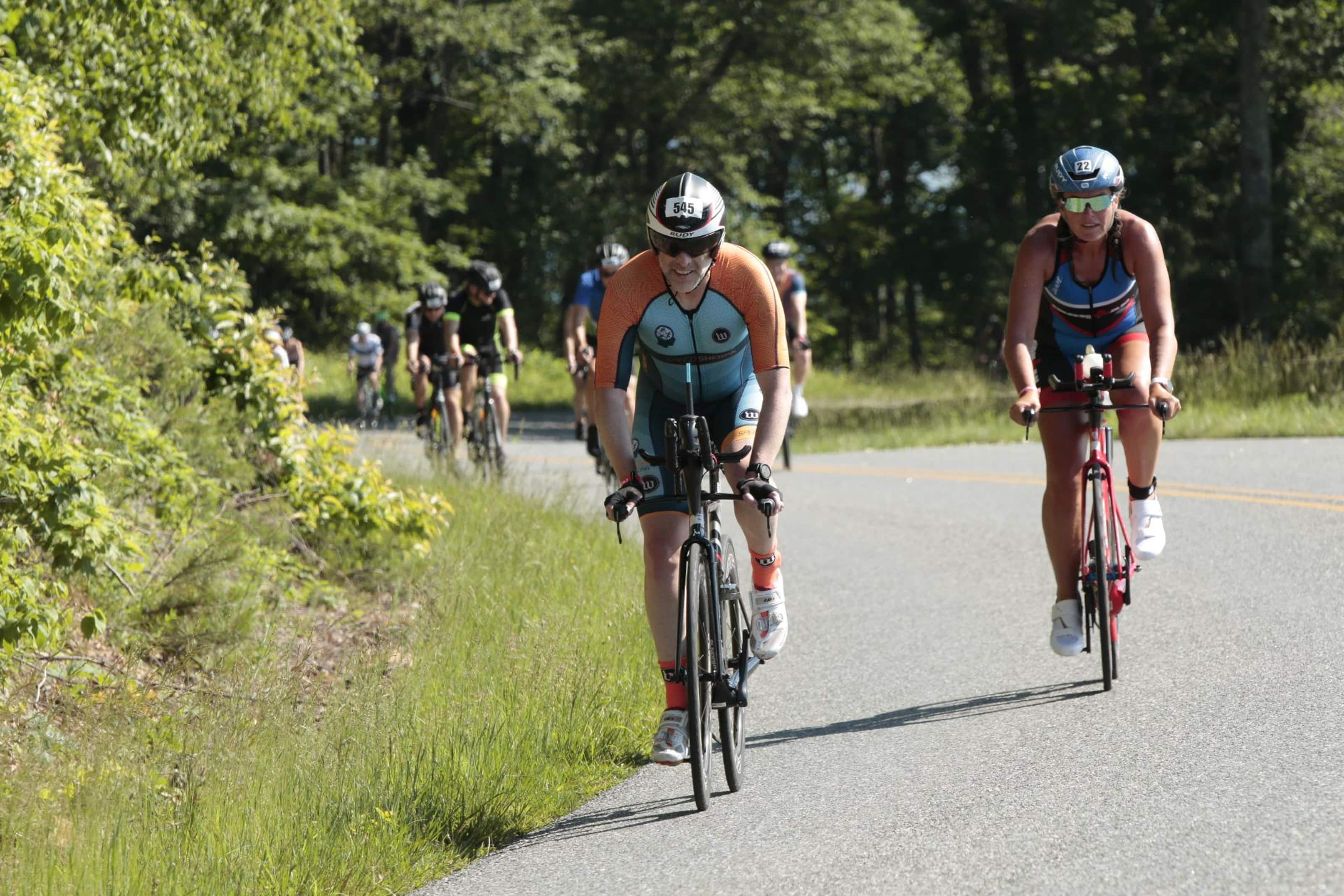
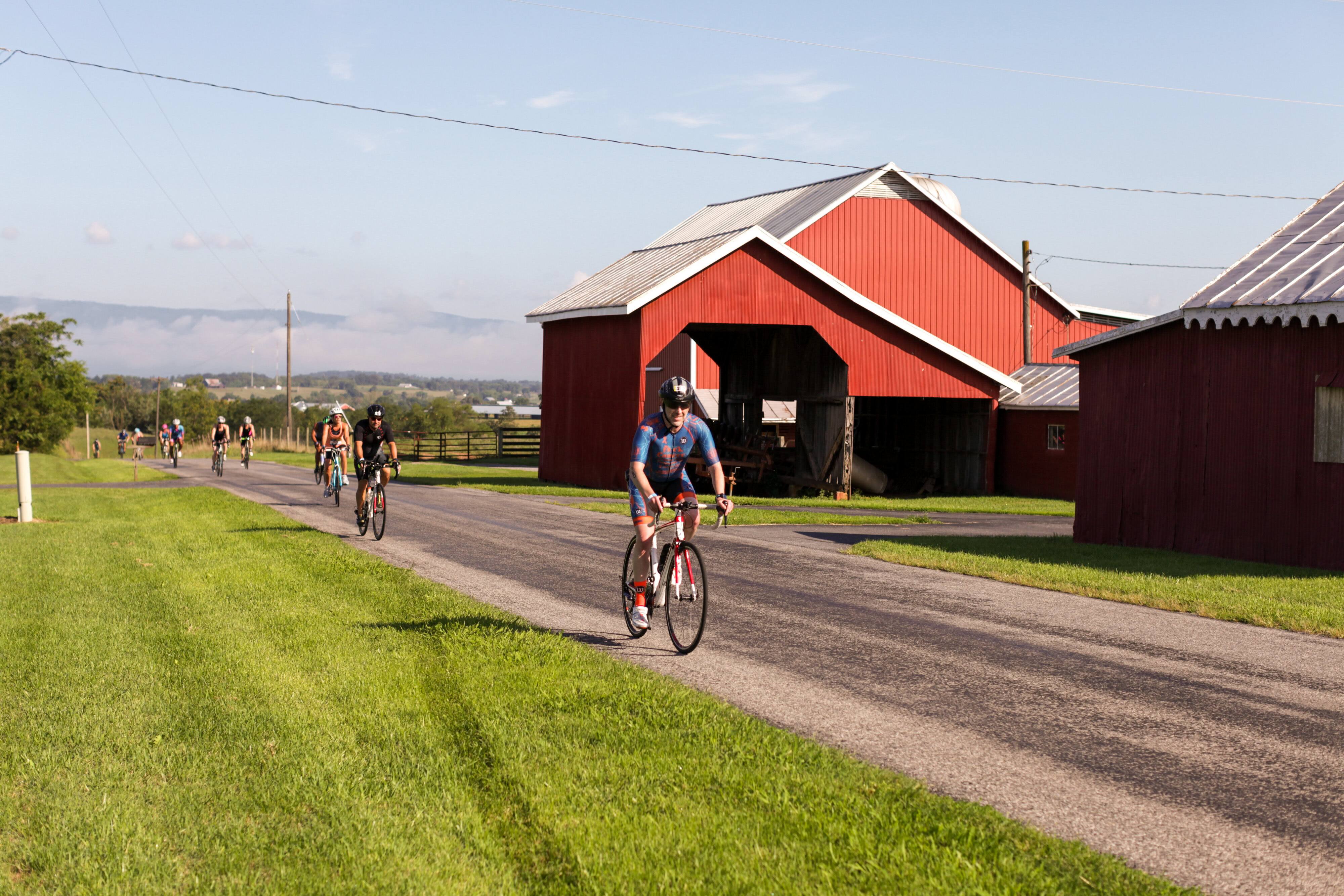
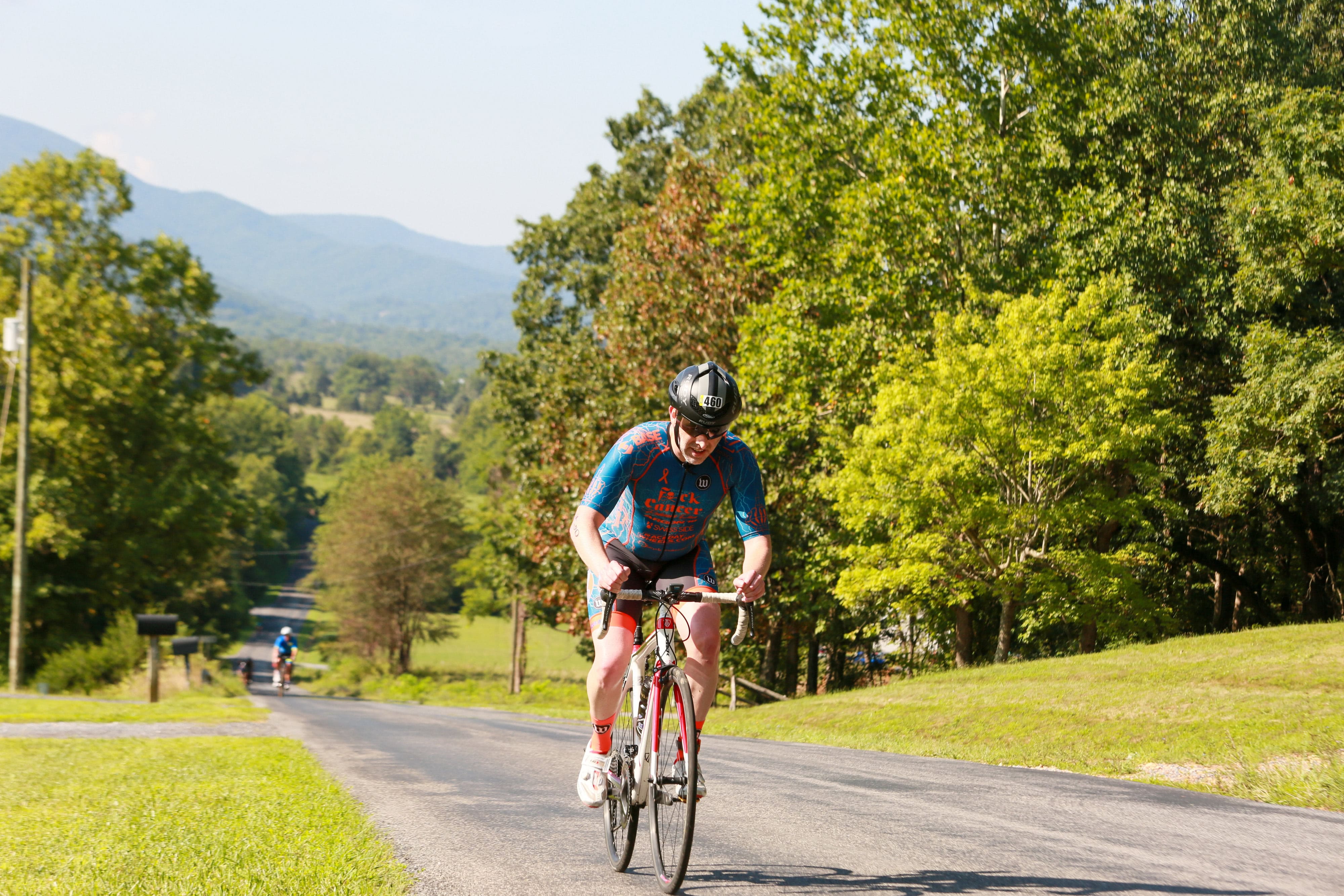
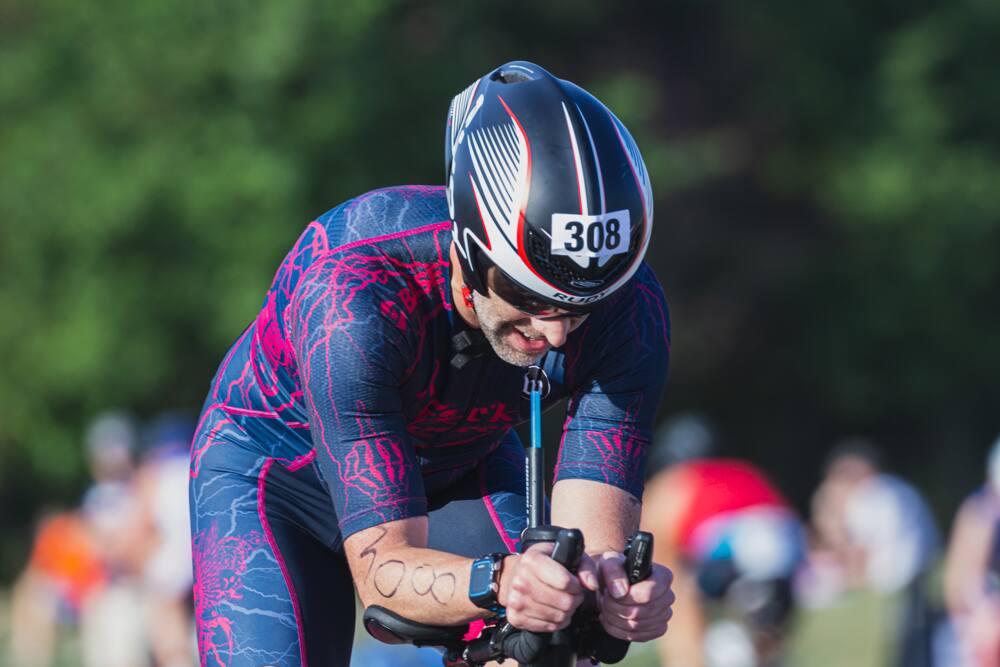
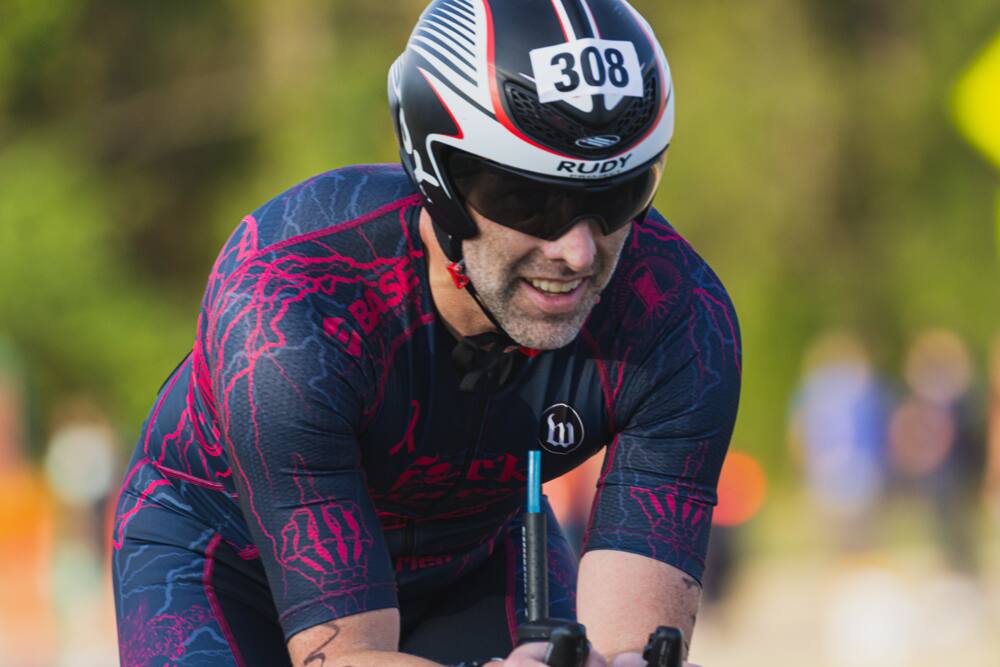
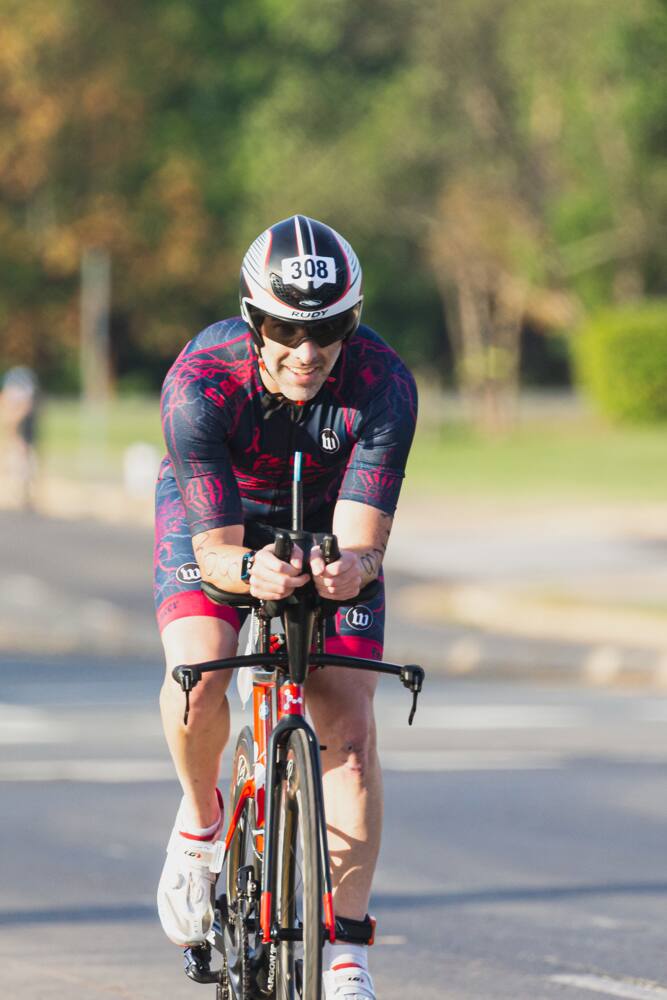
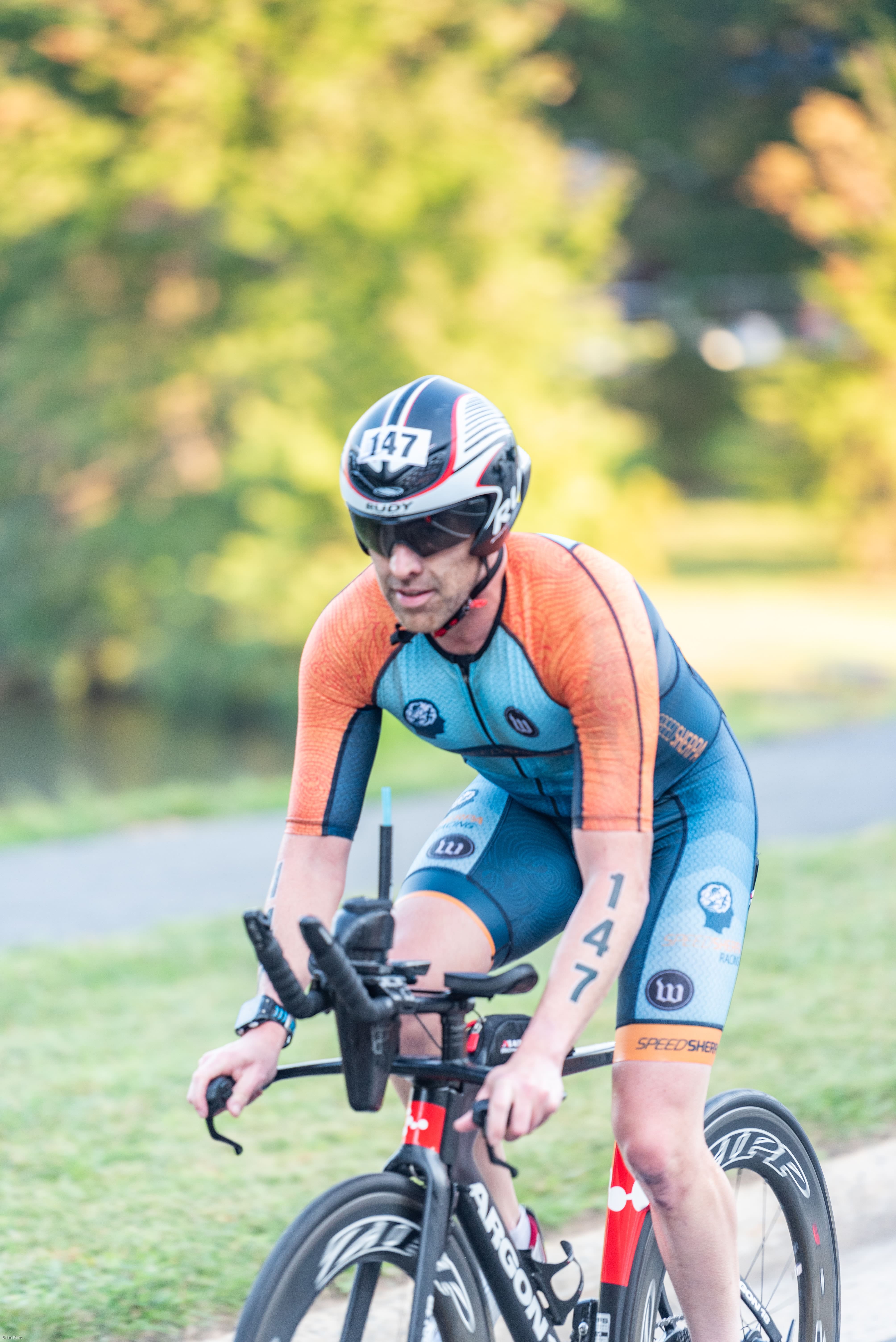
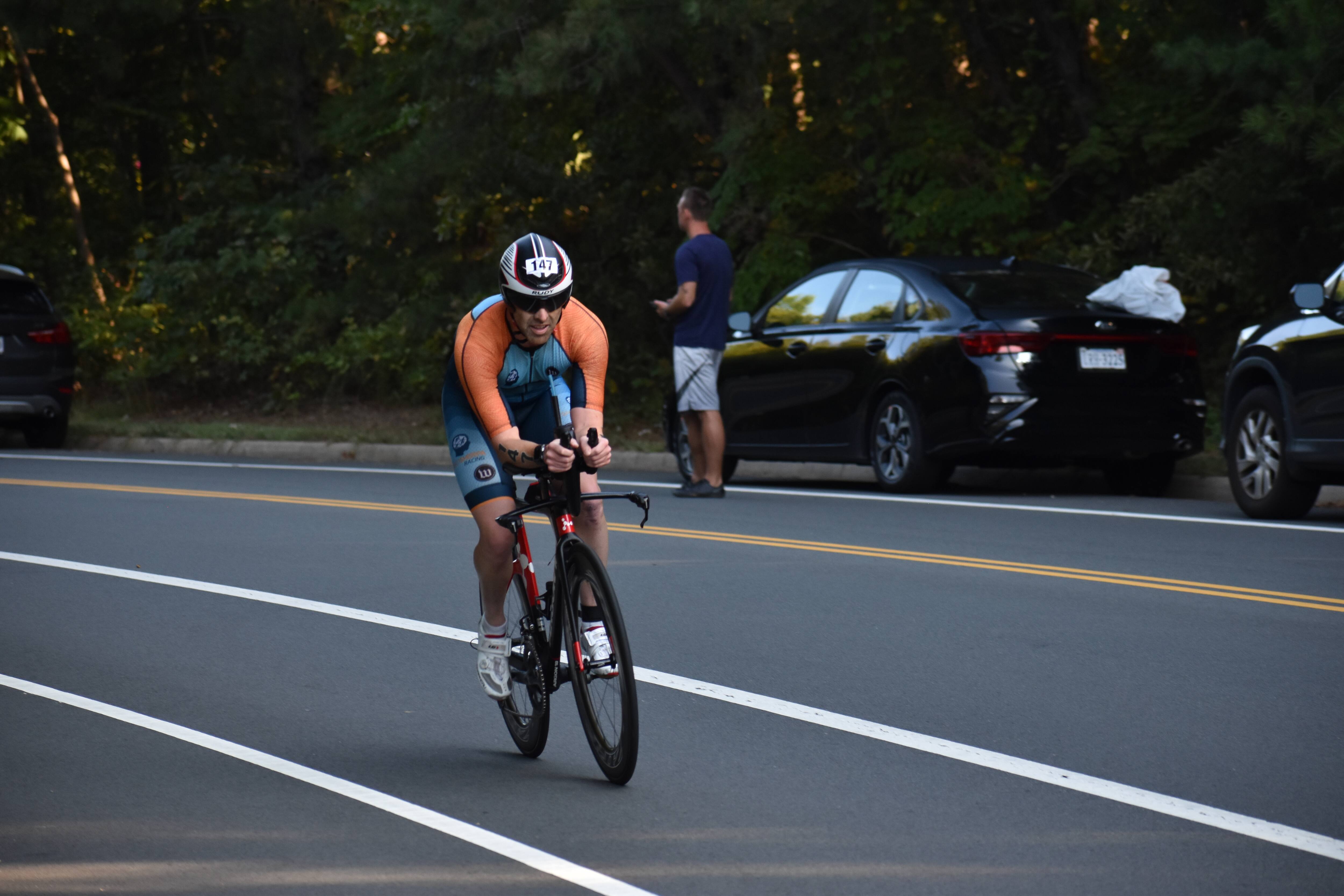
The bike was fast as they closed off Gardiner Expressway to have the entire highway to ourselves! Once exiting transition we made our way to the highway where it was an out and back route. The first half was mostly an incline, then had to turn around and then we could enjoy the ride back. To make the full 40km bike there was another turn around towards the end of the highway so we can then find the correct “off ramp” back to transition (unlike the course image on TTF’s website). I really enjoyed the bike as I pushed myself on the downhills.
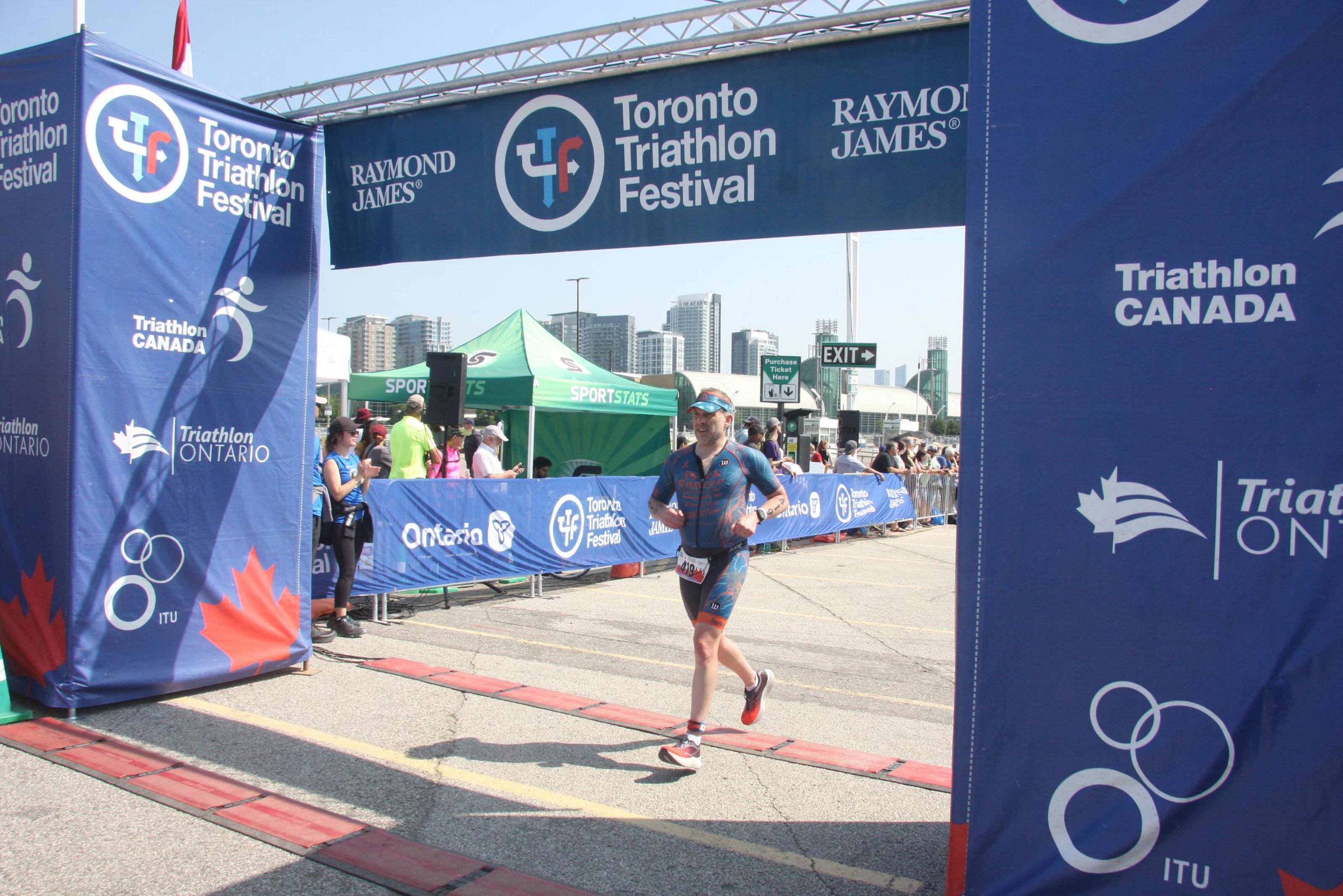
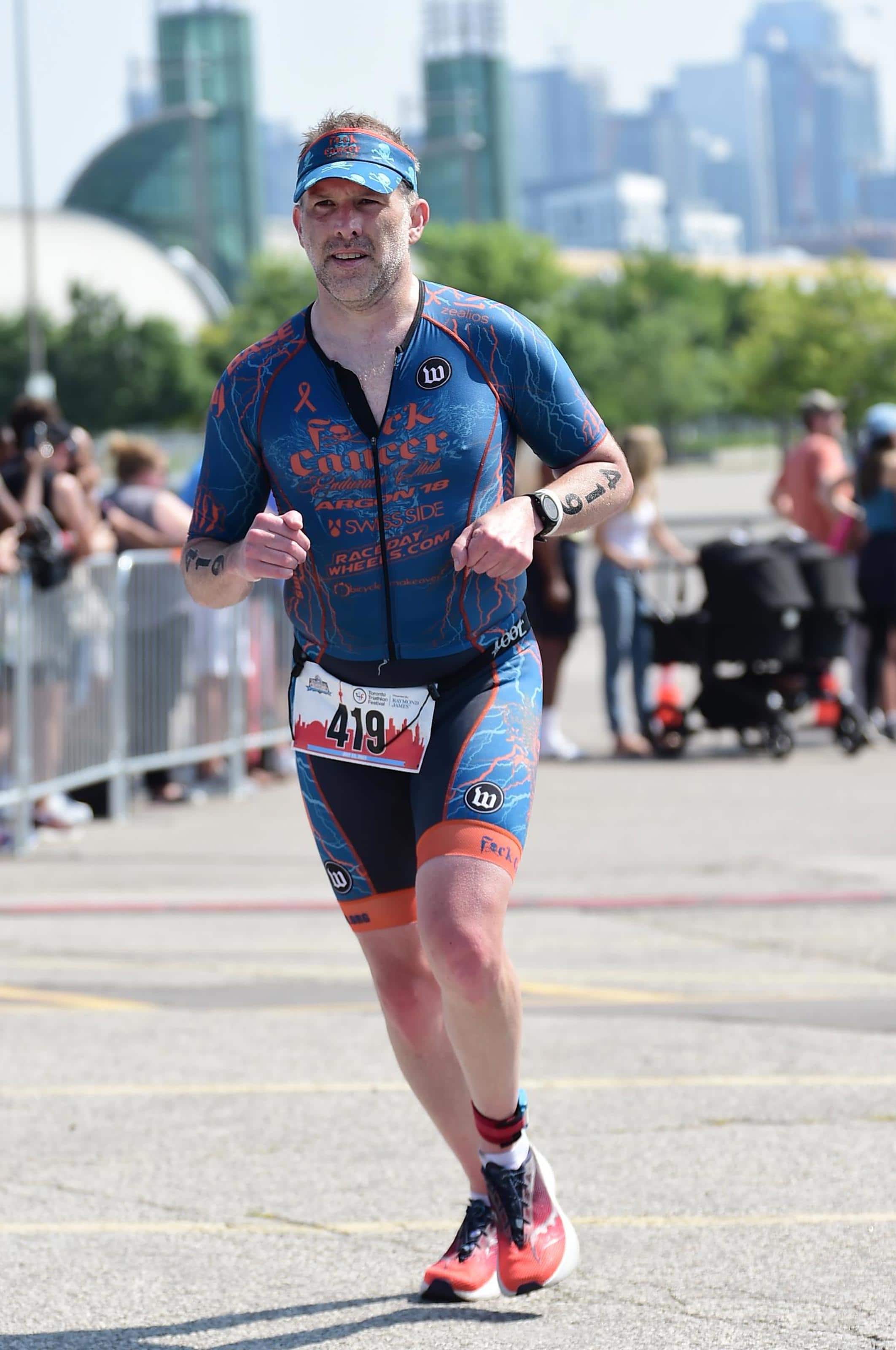
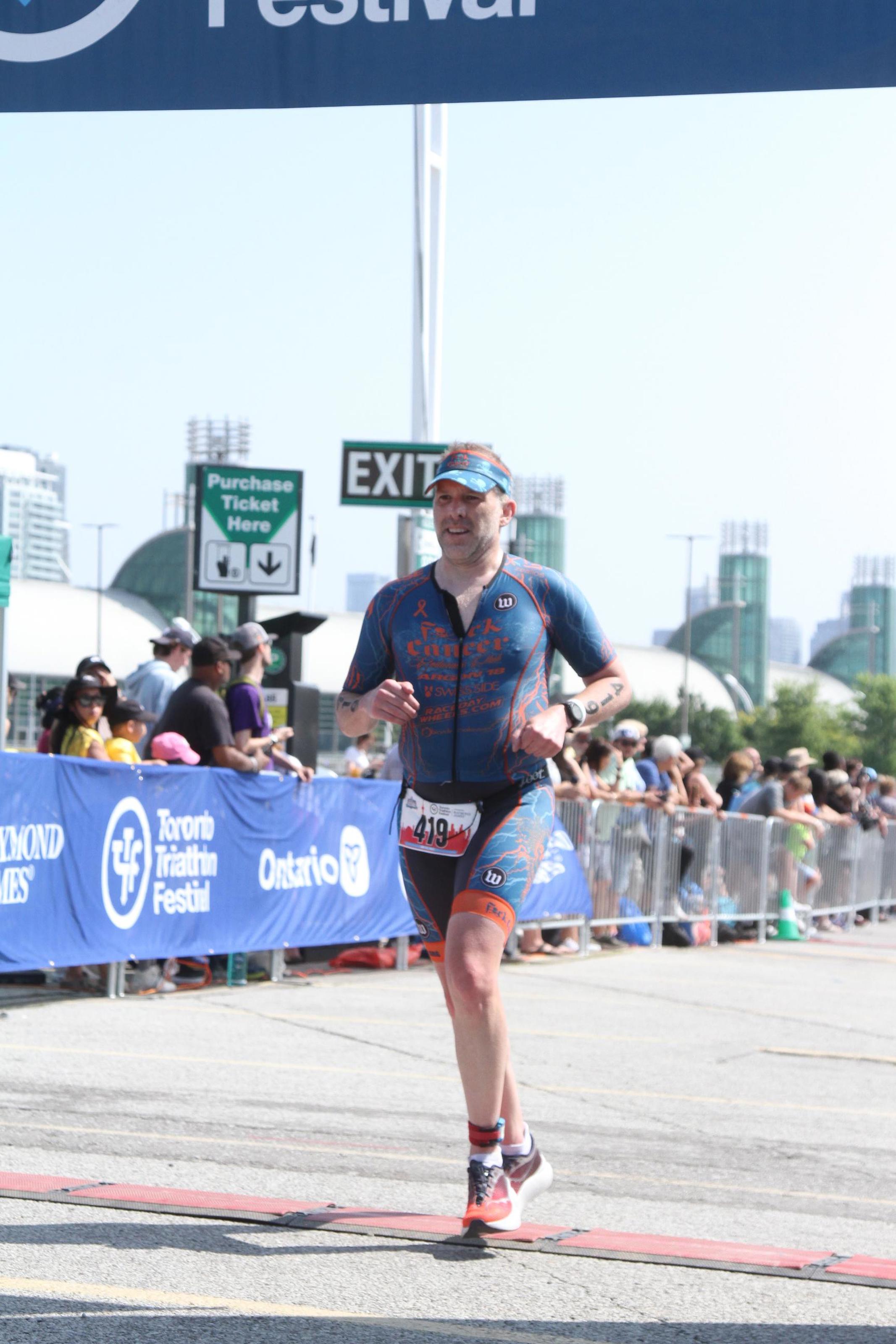
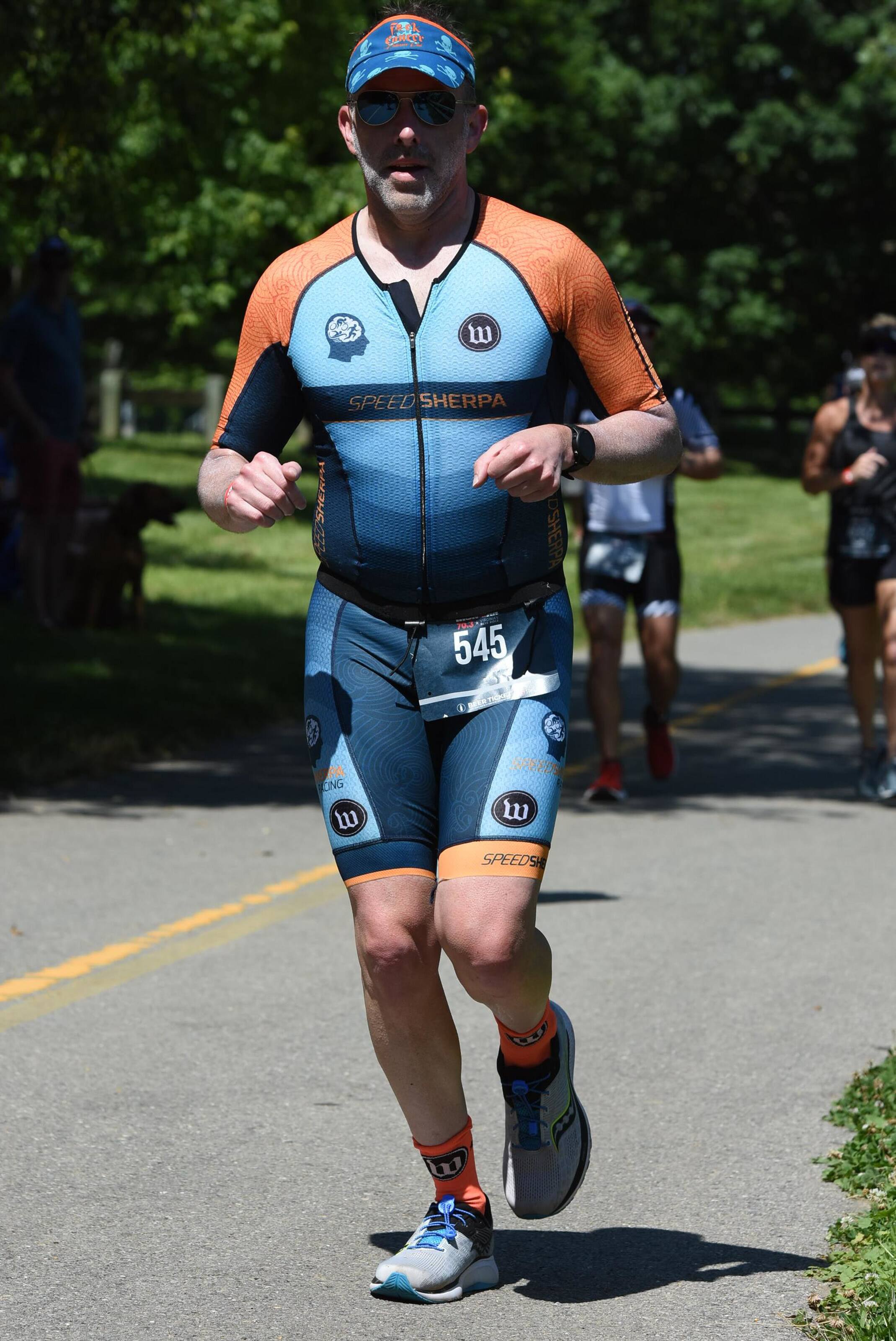
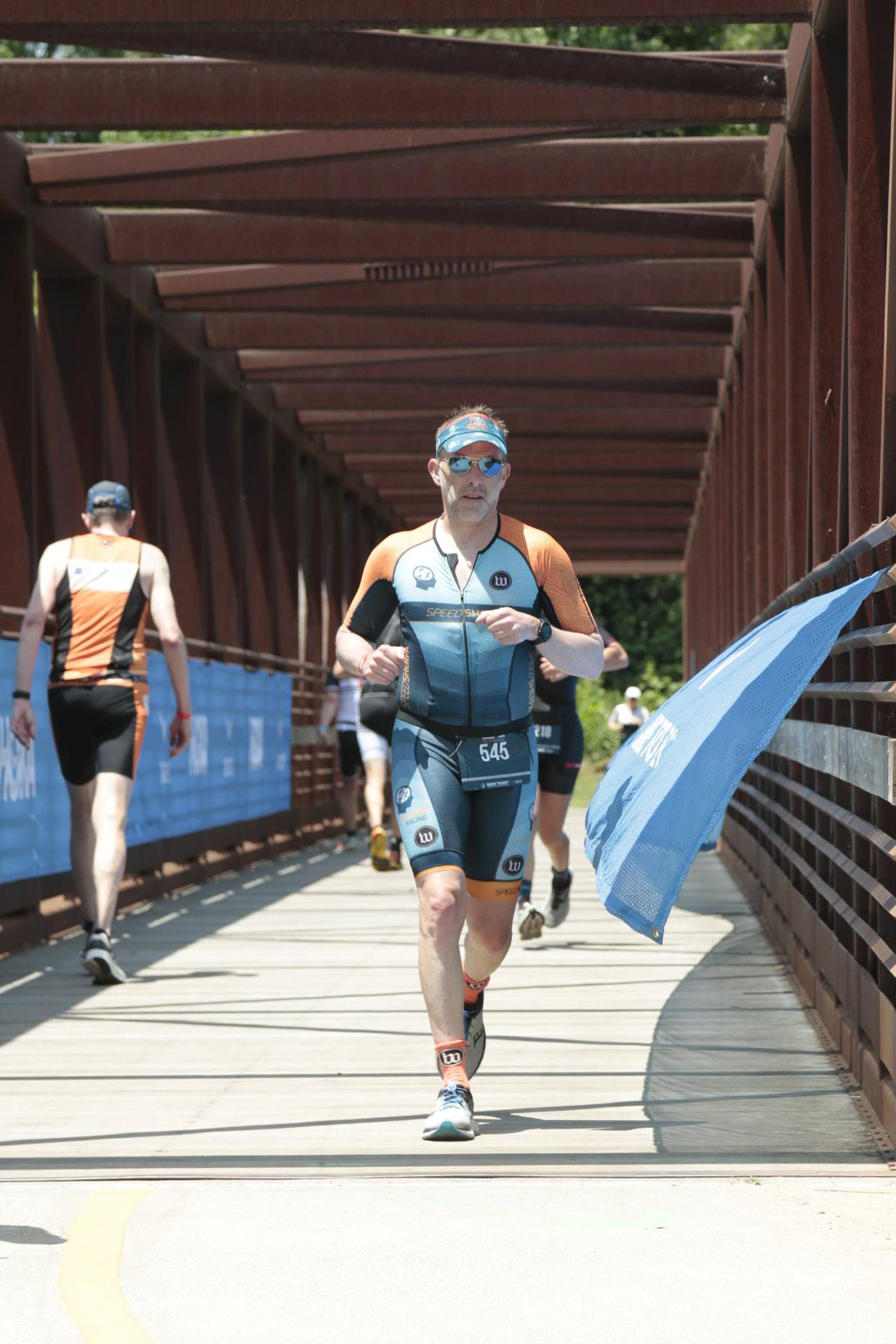
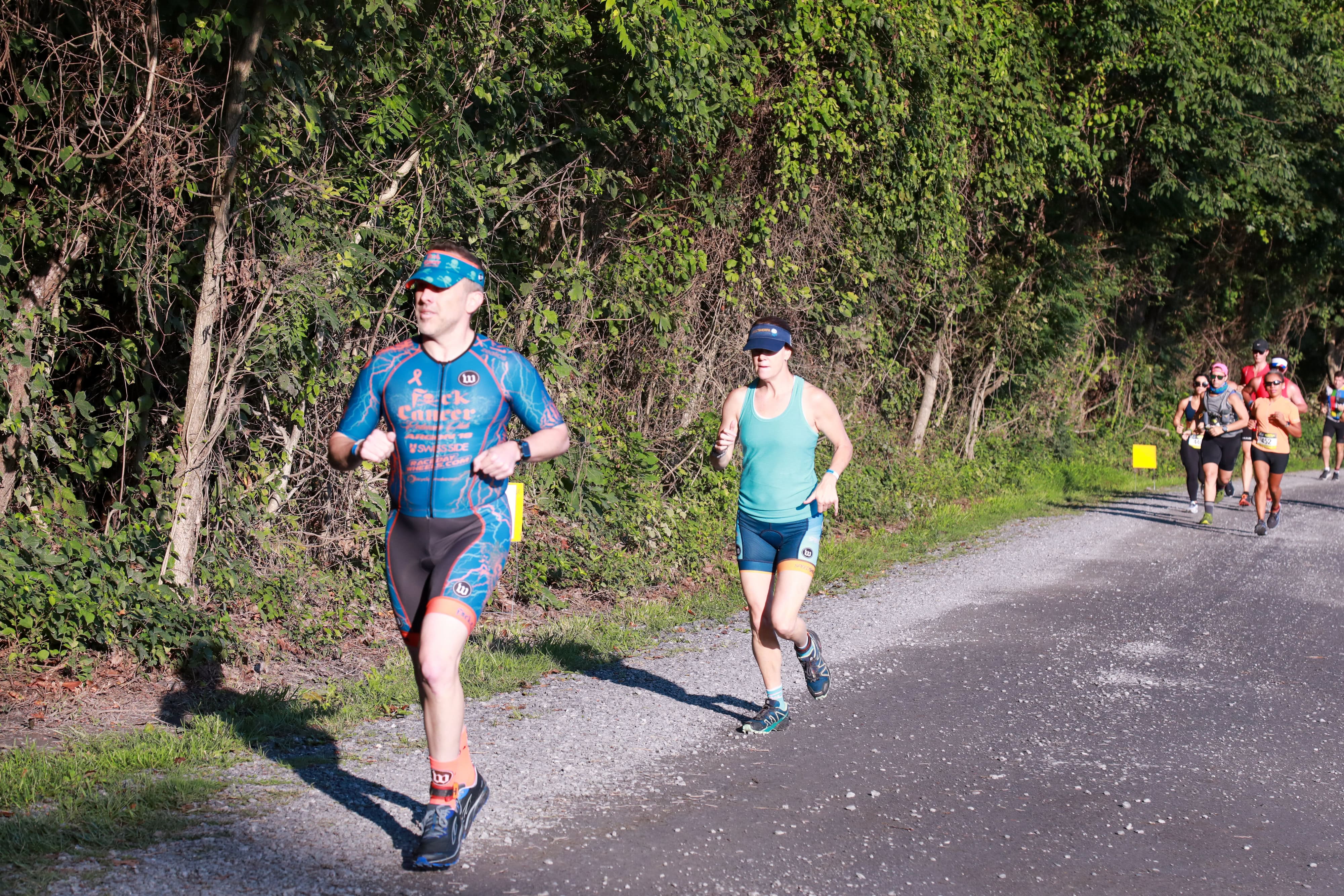
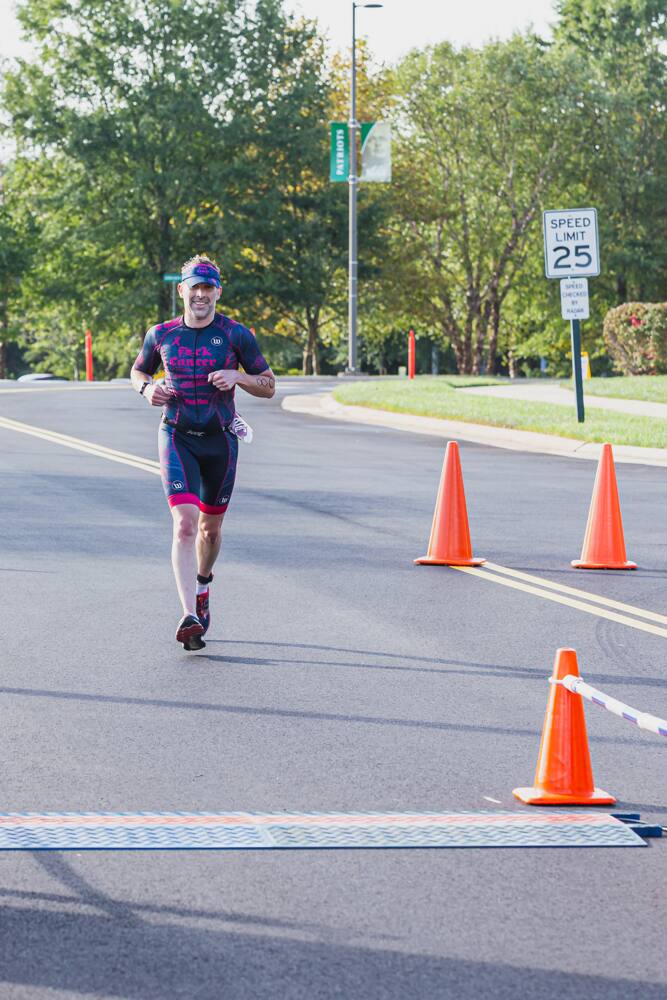
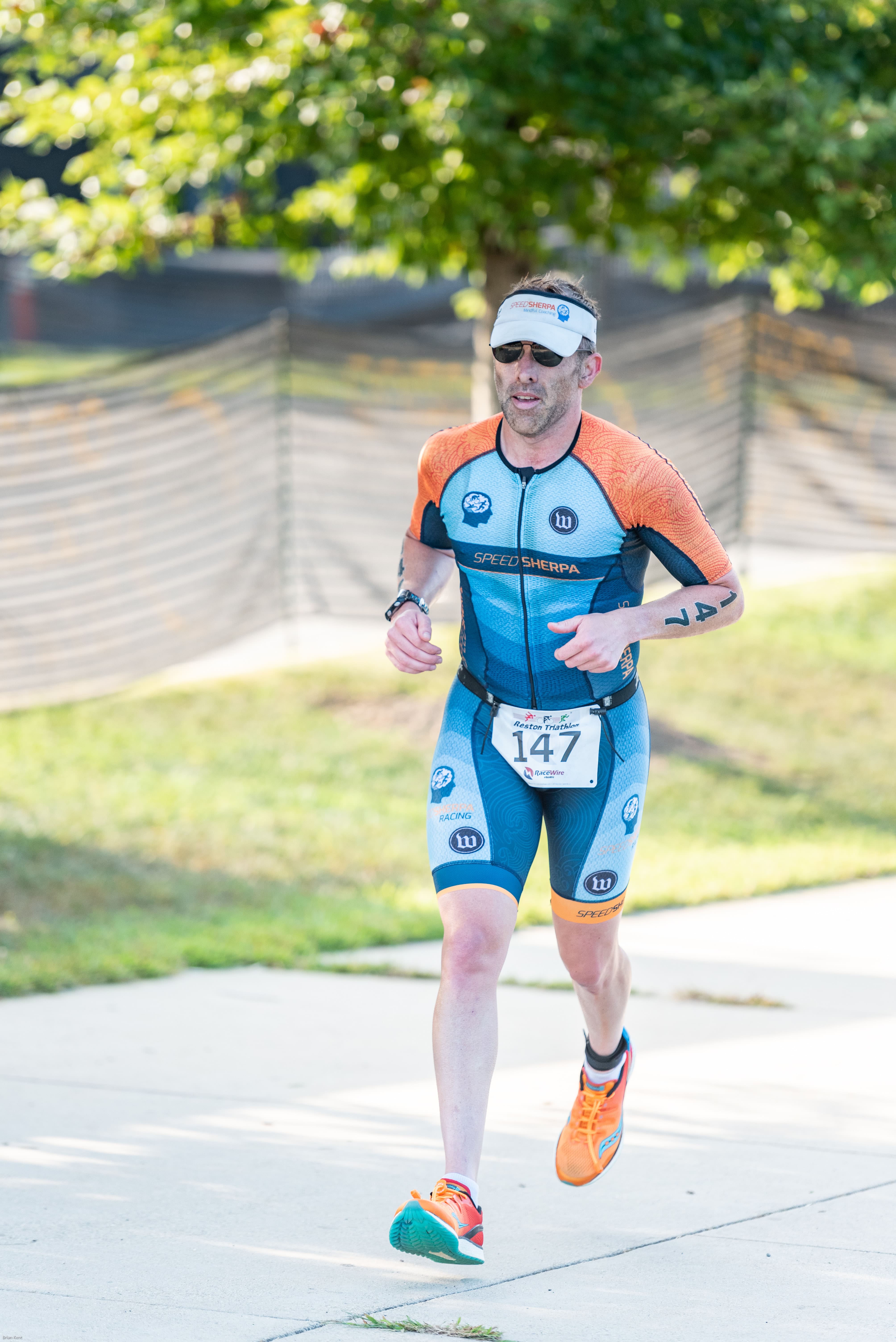
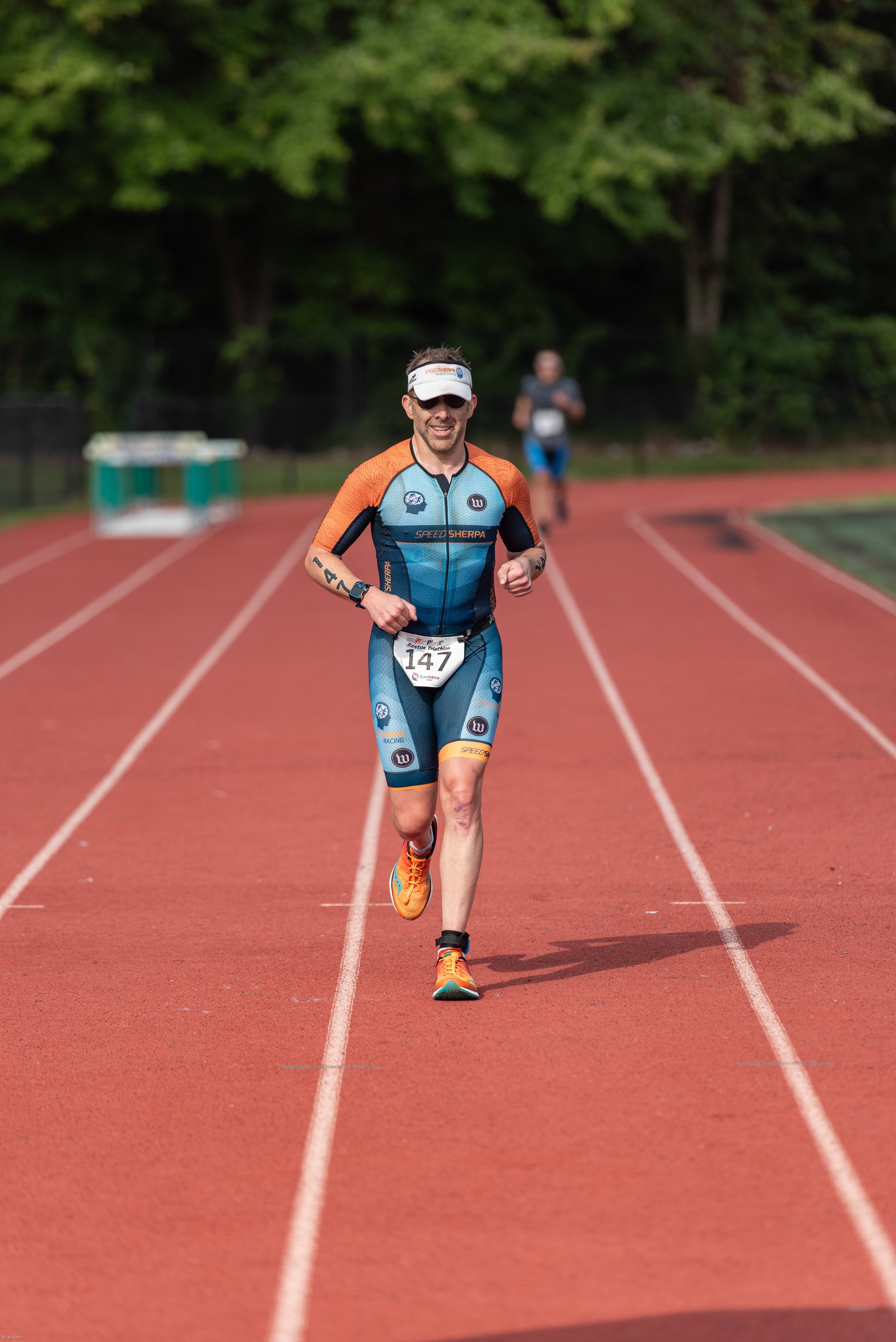
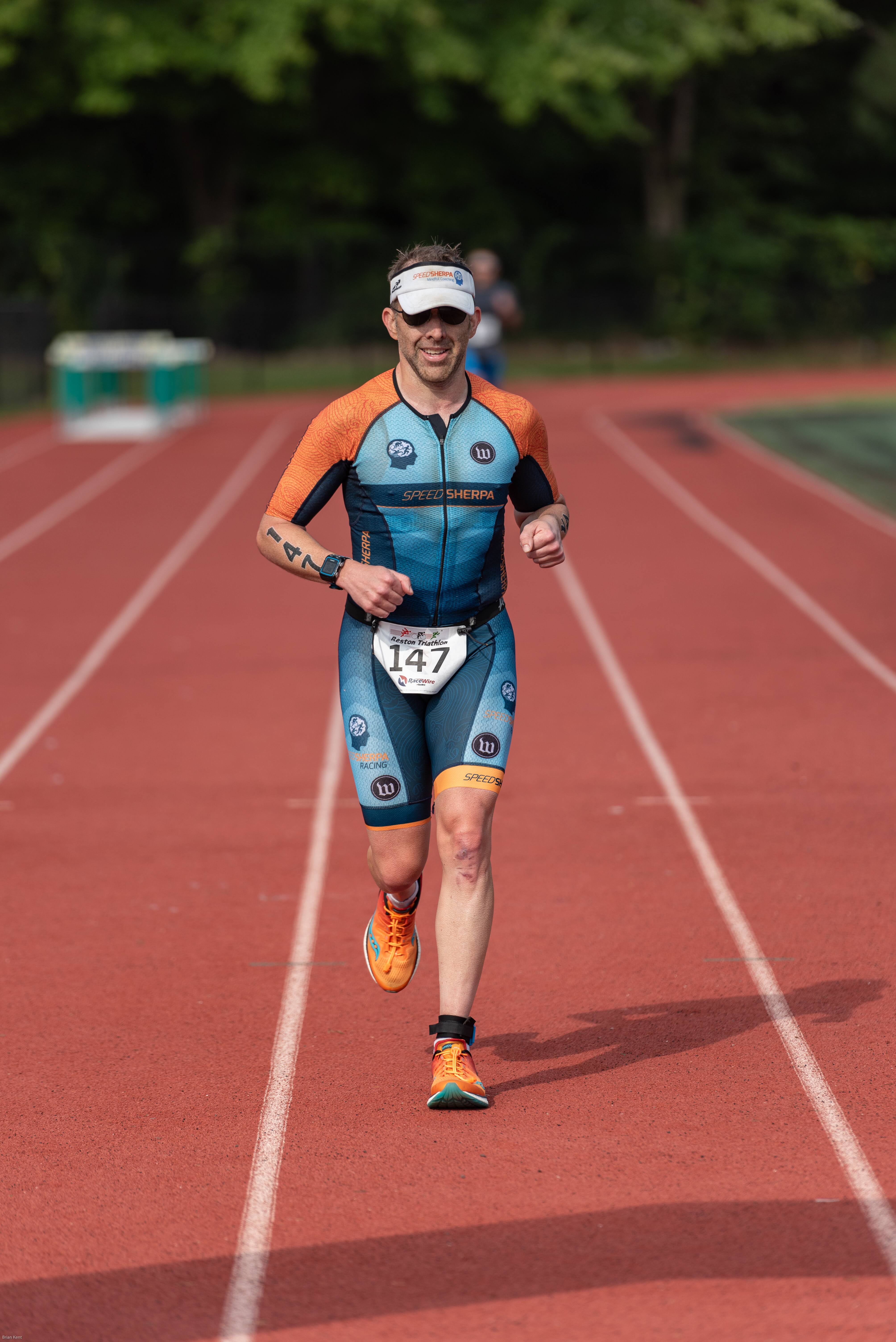
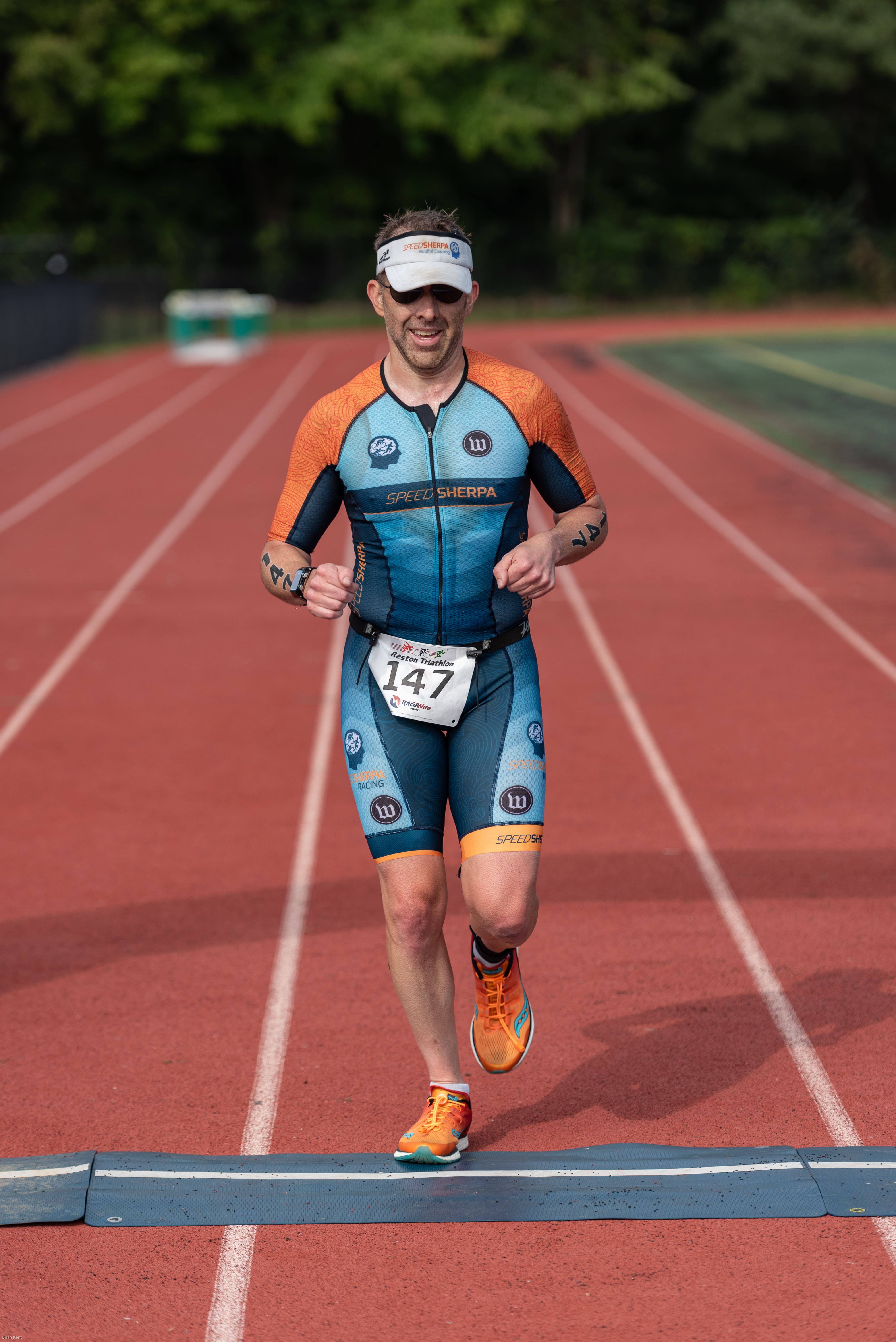
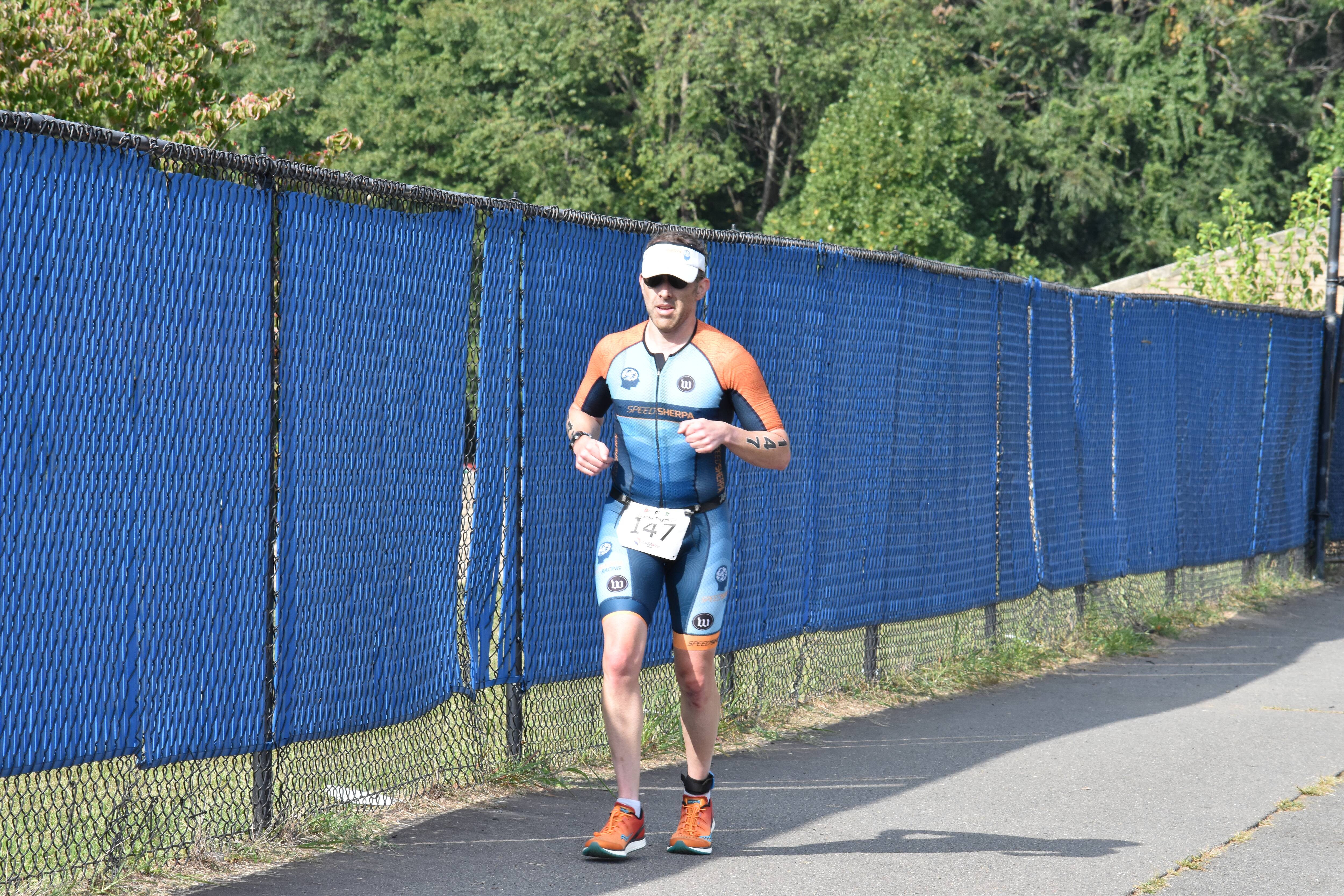
Transition was quick and off to the run, which I knew I was going to like. I’ve lost a lot of speed over the past years and really can’t run fast anymore. I had a goal for a specific pace and while I was close there were too many aid station walks and gastral discomfort. The route had us run over a bridge, travel through the Marilyn Bell Park and then back on Lake Shore Blvd taking an entire lane of traffic twice, then return back over the bridge to the finish line. There were plenty of spectators cheering for their families and friends.
This is a great first time race event as it was well planned and relatively easy course with a protected swim, the bike is on an Expressway that is well maintained, and the run is about 50% shade and has plenty of spots for people to cheer for you (especially on the back half of the route). If you are looking for a destination race to visit Toronto, even better. I’ll most likely not return as the drive was a little long when you think of the race total time is less than three hours.
I’m happiest about the bike as I did fairly well against other males in my age range (top 25%) and happy with the swim as I was only 90s way from the top 25%. My biggest downfall is the run as the top men could do the 10k run in 45m or less, I’m struggling to keep my run under 60m. Somehow I need to get faster on the run.
Race Results
Rankings
Overall: Placed 213th out of 757 (top third)
Gender: Placed 173rd out of 575 (top third)
Male 45-49: Placed 21st out of 48 (top half)
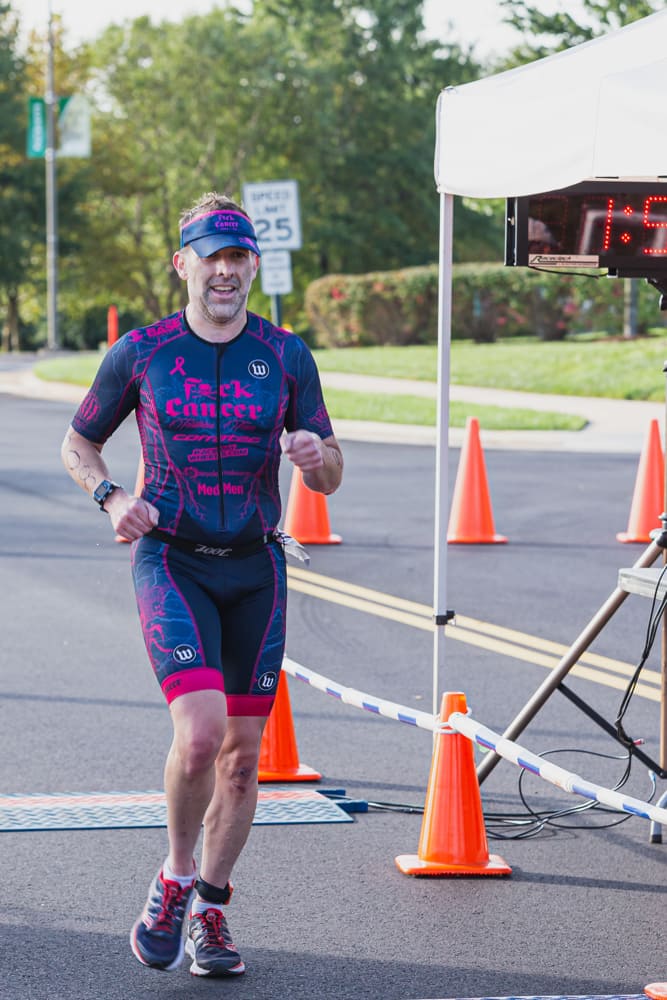
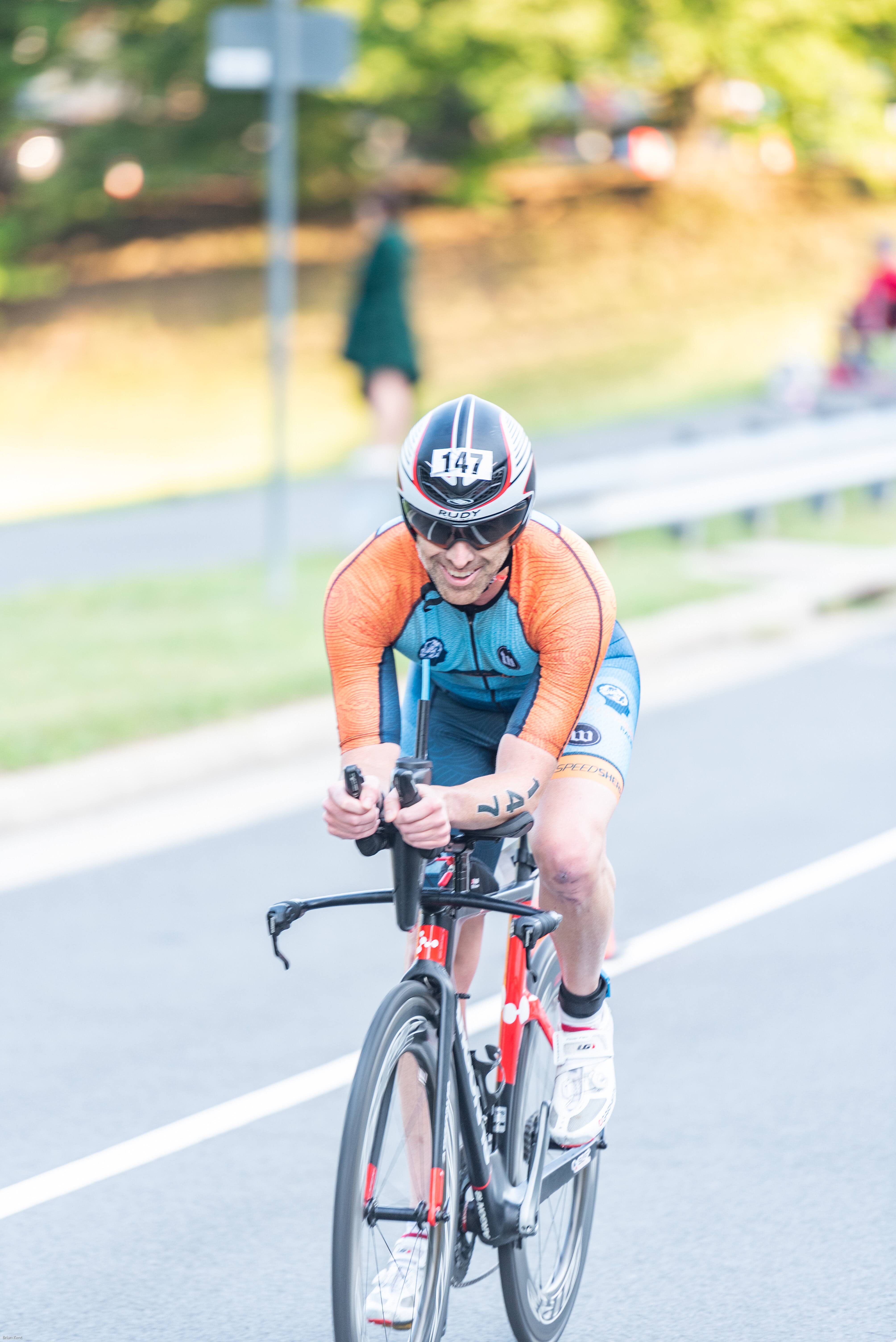
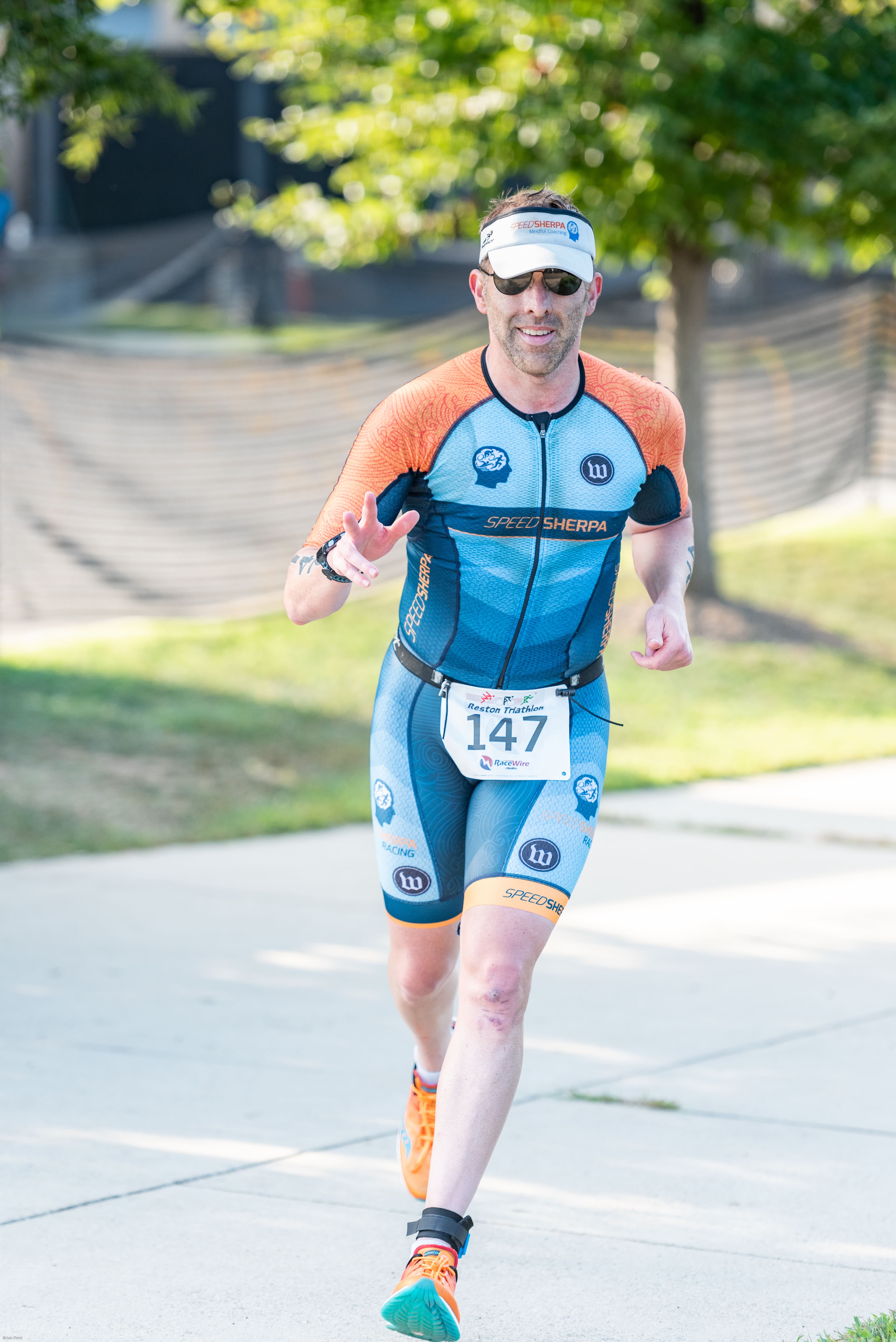
Race Photos
Splits
EVENT Sprint
1.5km swim
T1
40km Bike
T2
10km Run
Total
Goal Times
30:00
2:00
1:15:00
2:00
60:00
2:49:00
Actual Times
29:58
4:57
1:08:57
2:08
55:55
2:41:55
Footnotes
]]>Justin RummelIRONMAN 70.3: Augusta GA 2022 Race Report2022-09-29T14:16:11-04:002022-09-29T14:16:11-04:00https://www.justinrummel.com/ironman-70-3-augusta-ga-2022-race-reportAnother race, another Ironman 70.3 but this time in Augusta, GA! I really want to say that I was 100% prepared for this race and was confident that I gave my best possible effort… well home and work and other ideas and I was not consistent, I could not get myself to perform, took way too many rest weeks (yes… weeks) since Virginia Blue Ridge that it would be impossible to truly achieve my best. What I did is the best I could for that race day and had an amazing weekend with friends.
IM70.3 PRE-Race events
Friday
Friday started early at 8am driving to August, GA from northern Virginia with two long time race friends Lola and Merla. We made the trip in nine hours where we found our Airbnb and slept for the night. Not much happened on Friday other than driving and finding the house.
Saturday
Tried to get some sleep (didn’t happen because I’m spoiled with my bed vs. the toddler bed I had to endure… and trains… not sure if I’m a fan of trains anymore after this trip) then did some bike openers and headed to the athlete briefing. While listening to the Race director more friends (Liz and Melissa) arrived to the house and met us at the convention center. We completed the Athlete check-in, purchase a bunch of swag, then headed back to the house where we found our last house roommate Sara. Last thing to do was move our bikes into transition for the night, eat some dinner, and try to get sleep (which I didn’t because again… bed and trains).
Sunday Race Breakdown
Swim
Race day morning myself and the crew started walking down to transition so we could setup our gear and then headed towards the swim start which was a mile away. Transition closed at 6:30 am so we believe if we left the house at 5:30 we would have plenty of time. We should have planned about 15-30 minutes more because a poor transition setup will bite you when you are in the middle of the race (which it did). Once we arrive to the swim start we put on our wetsuit and then proceeded to get in line to begin the race. During the athlete briefing the race director stated to put yourself in your open water lake swim times as how much the river current would push you is unknown for the day, but clearly people just guessed and put themselves wherever the felt was correct. For future races I would say put yourself 5-10 minutes ahead of your normal Lake swim time depending if you are going for PR or Podium. We slowly walked to the floating doc where we finally jumped off to begin the race. I was dumb and forgot to start my watch so I can’t tell you if I was swimming strait but I know my swim time GREATLY appreciated the push of the current!
On a sad note, during the swim I was stopped by a boat. YES, a boat. This only happens if someone is in trouble and they are trying to get to that person ASAP. This was near the 1 mile mark (I think, again… don’t have watch data). Later towards the very end of the swim I was stopped again, but this time by the lifeguard who was caring the person down to the dock and it did not look good. I did find out later that athlete did not survive. I only state this to let people know what to expect when emergencies do happen during the swim. If you hear STOP while in the water, you need to stop and let the support people react quickly b/c someone’s life is in jeopardy and your PR is not worth them waiting.
No Data
Bike
After the swim I start my watch as I get to the wetsuit strippers and then arrive at transition where I go into the wrong lane… (see, should have arrived early in the morning to focus on transition). I put on my gear and jumped on the bike and started to ride. For this ride I wanted to increase the average watts by 10 compared to what I did at VA Blue Ridge. The bike route is a very nice and easy slow rolling hills. The few technical points of sharp left/right turns and fun declines made the ride very enjoyable. The strategy of keep your watts, no more… no less… works perfectly for this course. Sometimes the road was a little rough and the winds on the back half definitely pushed me past my breaking point which caused me to slow down at mile 30 and a little more at mile 40. But overall the ride was a great time.
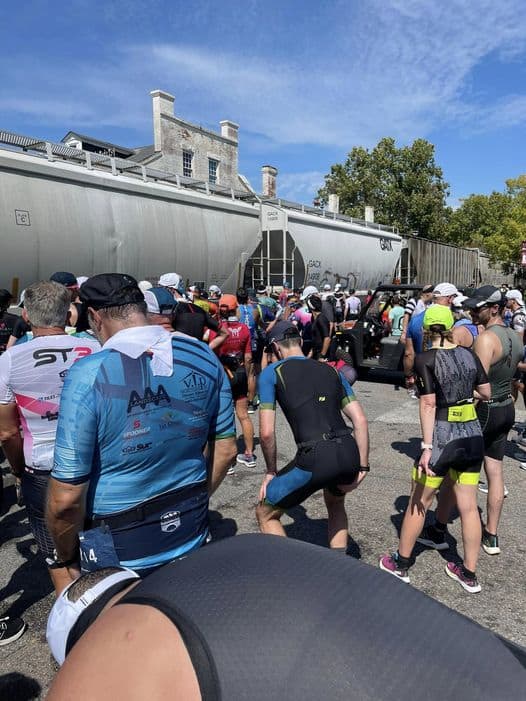
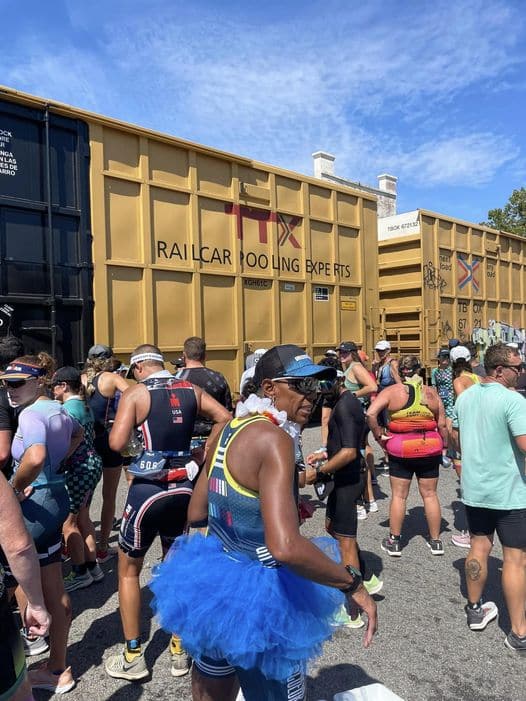
I cannot run in hot weather. It wasn’t humid at all, it was just the hot sun that just cooked me too quickly that I had to start walking at mile 2 from concerns of dehydration. One unique item that did happen at this race that has never happened before… I was stopped by a train during the run section. Yes… a train. When I (slowly) approached the train I found a tree that I could hide from the sun while I waited for the train to start moving. Fortunately for me I was only waiting for only two minutes where I jumped from a 12:12 pace that I had been doing for the past 20 minutes to a 9:40 pace which I held for the last 1.5 miles to the finish line.
The last 1.5 miles was rough. I wanted to take advantage of that two minute train break and finish strong so I tried to hold a good pace to the end. When we turned the last corner I felt my groove without being ridiculous in passing people. If you are not going for podium, then keep your distance from the other races so each can enjoy their finish line moment, get that race picture, and let them save the memories. Sprinting to the end is not necessary for the majority of us (well, at least for me and in my age group).
Post Race Thoughts
Was this my best race. Absolutely NOT! I could be petty and count a dozen things on why this was a terrible race for me in terms of overal time and perforance, but when thinking about the weekend all I can think about is the FUN! Being able to race with friends (the majority whom I haven’t seen in a long time), being able to have a good swim in terms of speed and not freaking out in the water, a wonderful time on the bike… and learning a thing or two for the run makes up for the poor race performance.
Race Results
Rankings
Overall: Placed 562nd out of 1878 (top 30%)
Gender: Placed 441st out of 1216 (top 36%)
Male 45-49: Placed 47th out of 149 (top 32%)
Among the Male 45-49 category of those 149 athletes:
Swim: Ranked 59th
Bike: Ranked 39th
Run: Ranked 63rd
Splits
IMAUG
1.2 Mile Swim
T1
56 Mile Bike
T2
13.1 Mile Run
Total
Goal Times
35:00
5:00
2:35:00
5:00
2:00:00
5:20:00
Actual Times
30:28
4:57
2:42:45
3:43
2:20:02
5:41:53
]]>Justin RummelIRONMAN 70.3: Virginia Blue Ridge 2022 Race Report2022-06-11T14:16:11-04:002022-06-11T14:16:11-04:00https://www.justinrummel.com/ironman-70-3-virginia-blue-ridge-2022-race-reportI’m happy to report I’ve done my first triathlon in almost three years, and I returned to the sport by completing the Ironman 70.3 Virginia Blue Ridge (VBR) race. I’ll be forthcoming, I was a little nervous at first with my terrible performance at Luray, but I felt that I learned where my weaknesses were from that event which allowed me to focus on…. which was pretty much everything.
IM70.3 PRE-Race events
Friday
I drove down to Roanoke, VA early Friday morning after having breakfast with Colleen and Gavin who just graduated from high school and was celebrating his 18th birthday. I arrived to the hotel shortly after noon where I quickly grabbed a bite to eat, headed over to the Athlete Village to check in, and then headed out to drive the bike route. I remember from Louisville it was important to drive the route so you can get a sense of the course and key milestones to take in before the race. More on the actually course details will be provided below in the bike race recap section.
Later that evening waited for more friends to arrive from the DC area so we could hang out and grab dinner.
Saturday
Saturday morning did about 25 minutes of bike openers around the area and then walked around the Athlete Village again as teammates were doing their check-ins. We also needed to complete our our bike drop off so they could be transported to Transition 1 for Sunday’s race. Colleen was also able to drive in around 5pm so we had an early dinner, then relaxed at the hotel waiting for Sunday morning.
Sunday Race Breakdown
Swim
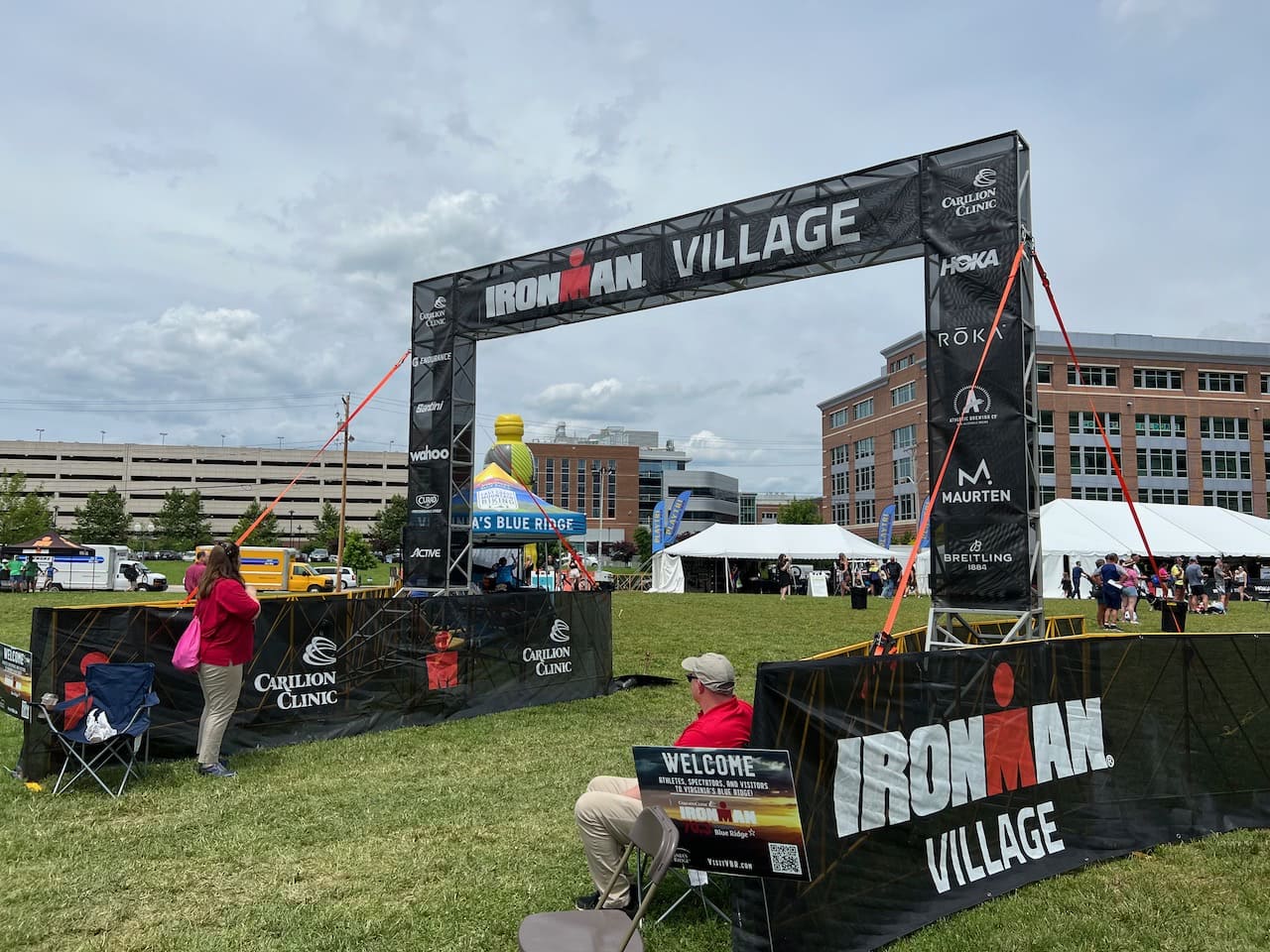
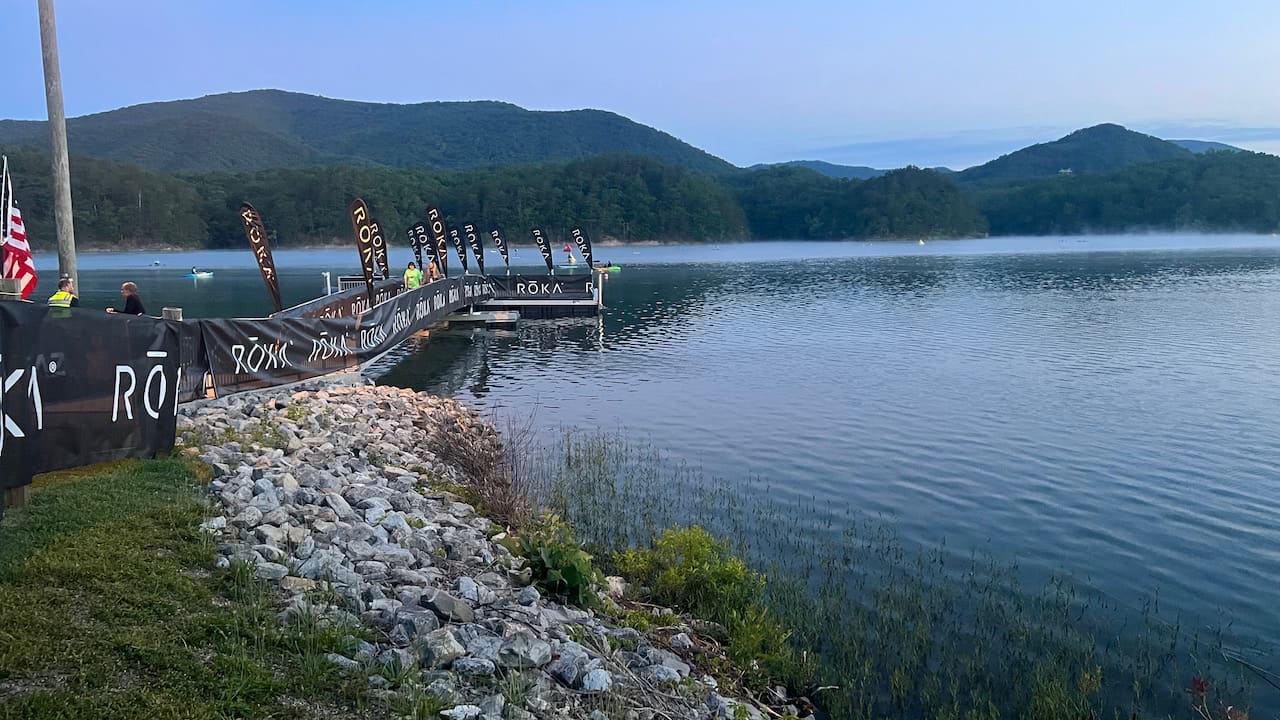
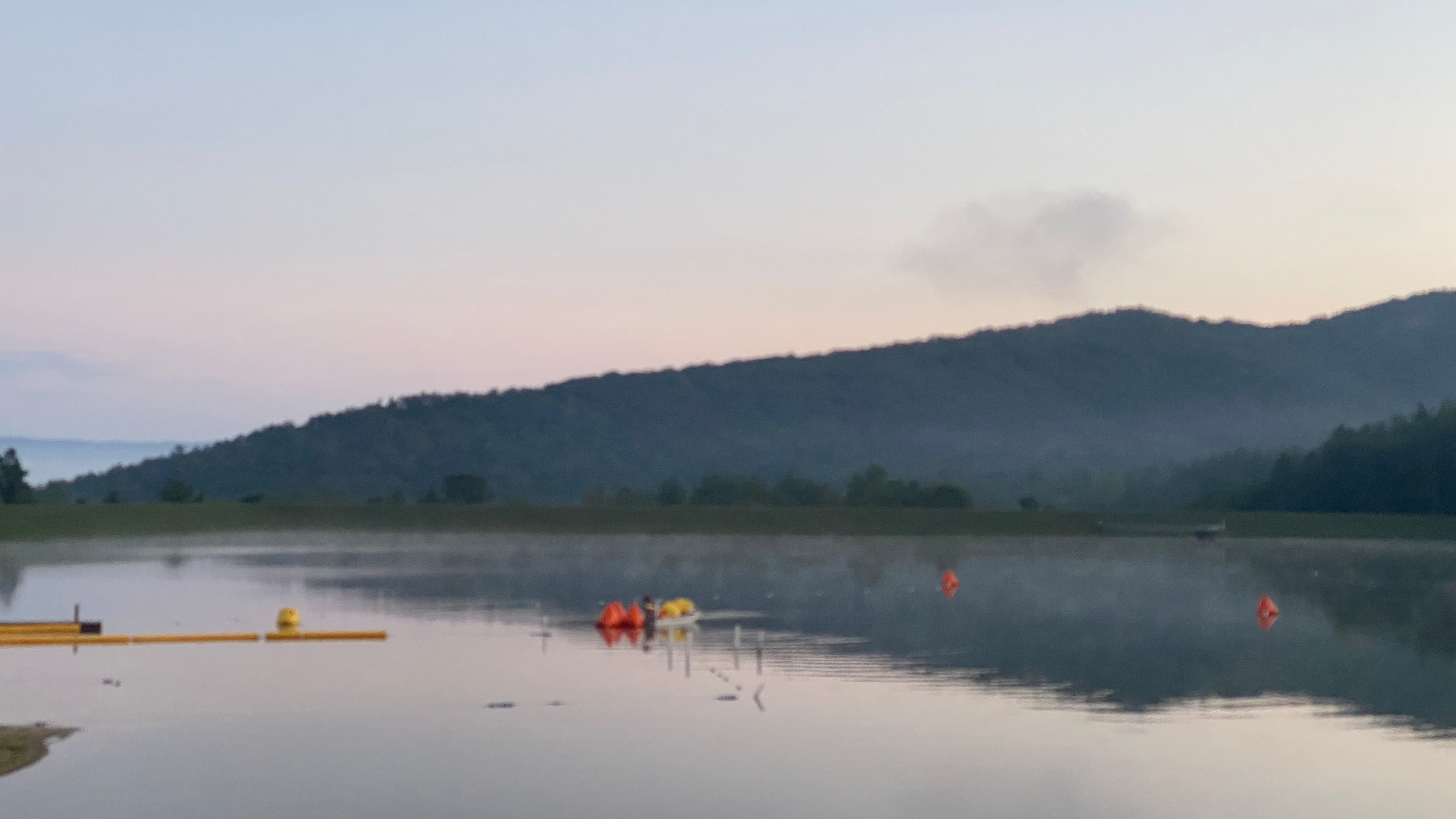
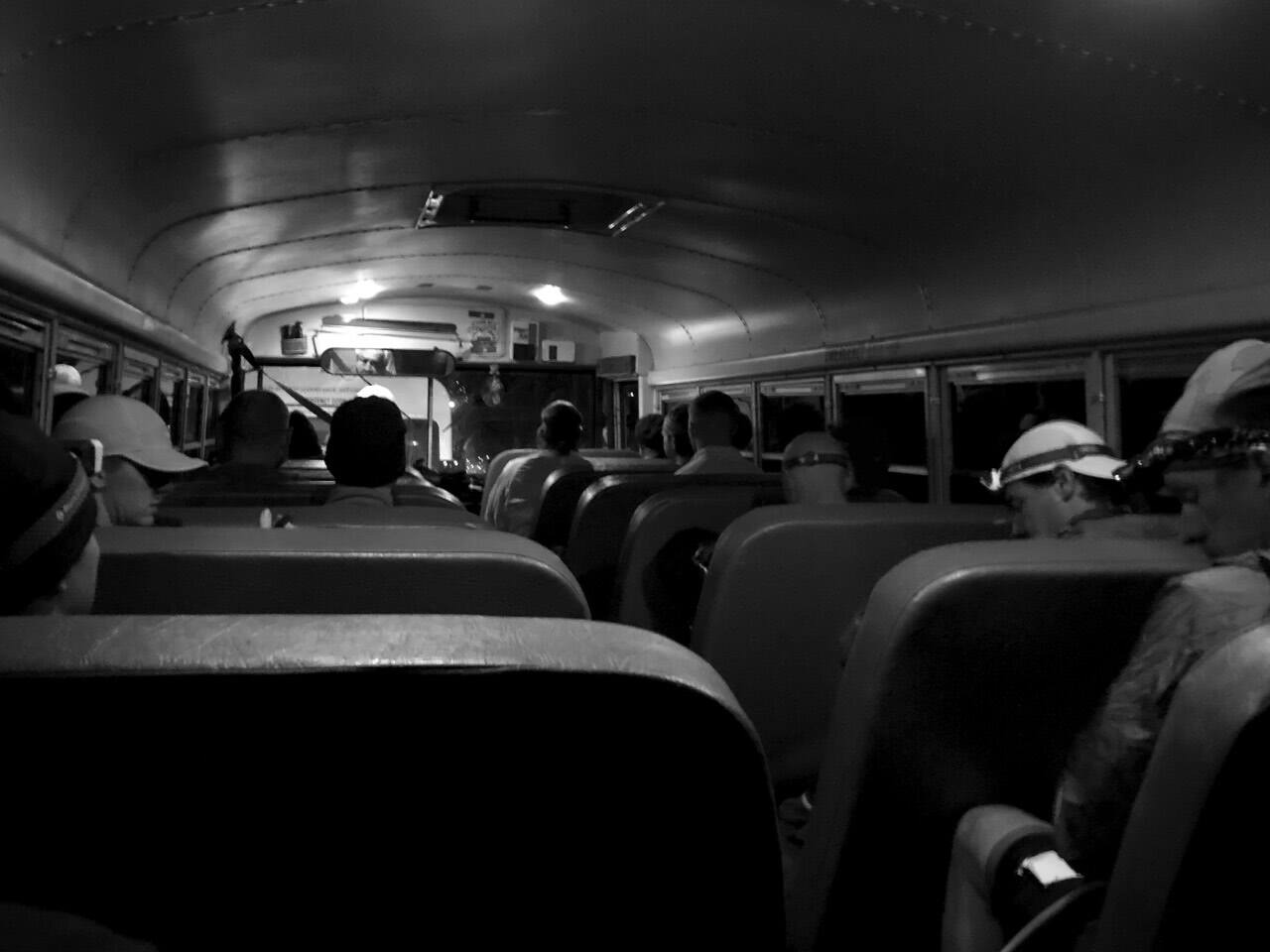
Race morning his hear! The day is started early at 3am so I can eat a large breakfast (coffee, 2x English muffins with peanut butter and honey) and get ready for the 4:30am bus drive to the swim start. The bus ride was long, and reminded me a lot of MMTR having a bunch of sleepy-eyed zombie people all being carried away for a long day’s events. We finally arrived at Carvins Cove Reservoir where we quickly learned the temperature was 76.1 degrees making the swim wetsuit legal. Swimming in the reservoir is something unique as normally only paddle boats are allowed to be in the water… no swimming. IRONMAN had to acquire a special use permit to use this as the starting point of the race.
Swimmers were divided into group based on their estimate on the total time they thought it would take to complete the full route. I assumed 2:00 per 100 yards which put me in the 40-44 minute range. Our group slowly made its way forward to the dock where three athletes would jump in at the same time at 5 second intervals. Once we got to our group the process of getting all the athletes into the water was quite efficient and effective.
One of the downsides of not being a venue for swimmers is that we couldn’t do a pre-race swim warmup. It is helpful to do this for long races to make sure your wetsuit is on correctly and the initial shock of jumping in the water doesn’t surprise you. Well, when I jumped in and started the water temperature was fine, but found the wetsuit constricting me a little which was making me uncomfortable and anxious. I passed the first Red turn buoy and needed to find a paddle boat to calm my nerves. I paused for a couple of seconds and tried to get myself collected and move forward, only to need to find another paddle boat in the next 100 yards to again get myself collected. This time I looked around and found the water to have calmed down which helped my nerves and was able to push off and actually swim. For the next mile I was face down, had good rhythm, decent stroke technique and feel like I did well. The turns will still a little choppy from people bouncing the heads up and down trying to sight, but I remained calm and kept moving forward.
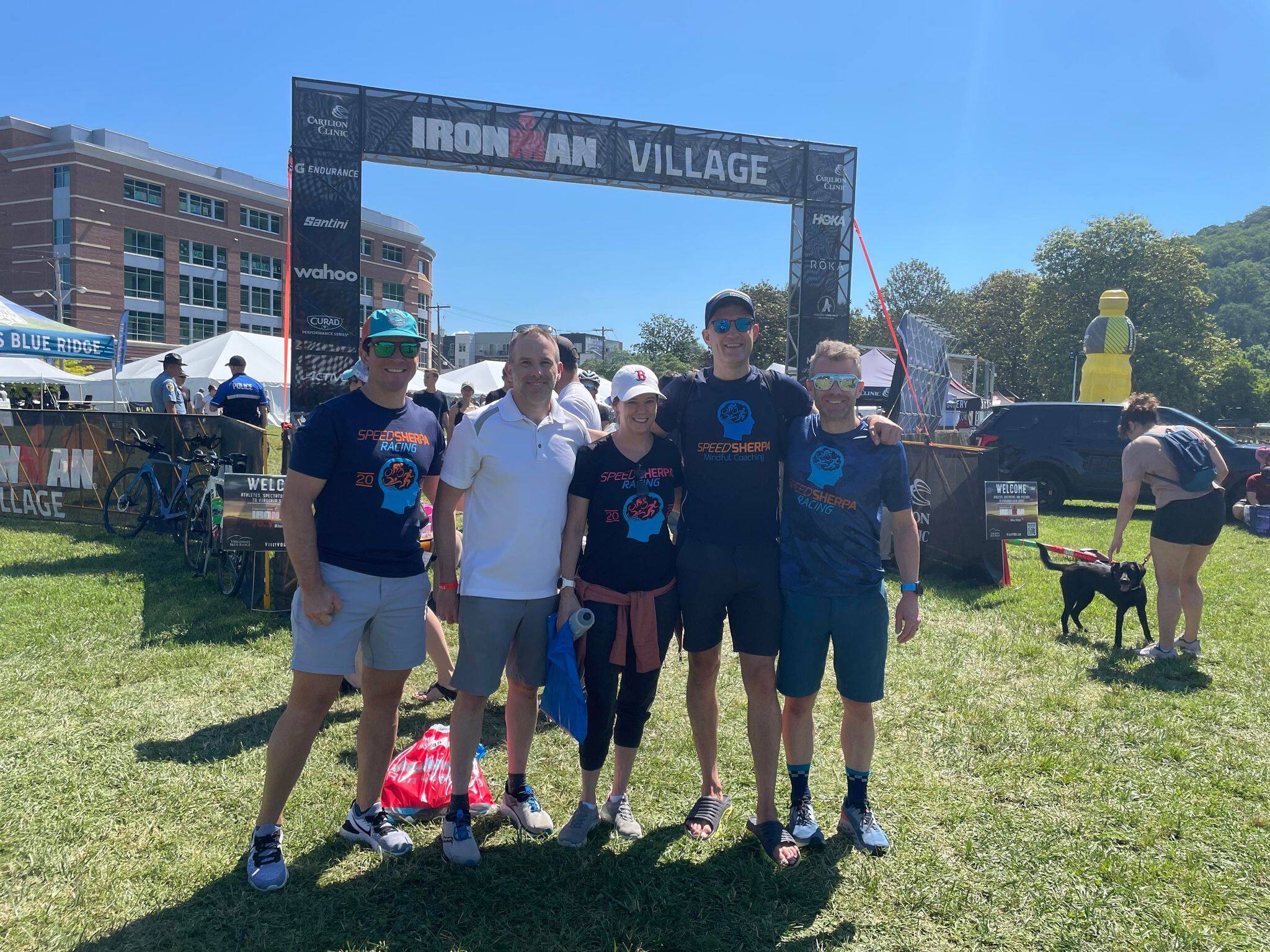
The bike route was the BIG reason I needed to prepare for this race and also the thing I was most looking forward to completing. VBR is the SECOND most hilly course of all North America’s IRONMAN 70.3 courses and is only short to Calgary by 80ft.1
EVENT
Elevation
IRONMAN 70.3 Calgary
4396 ft
IRONMAN 70.3 Virginia’s Blue Ridge
4316 ft
IRONMAN 70.3 Coeur d’Alene
3445 ft
IRONMAN 70.3 St. George (WORLD CHAMPIONSHIP Course)
3442 ft
IRONMAN 70.3 Mont-Tremblant
2953 ft
IRONMAN 70.3 Boulder
2059 ft
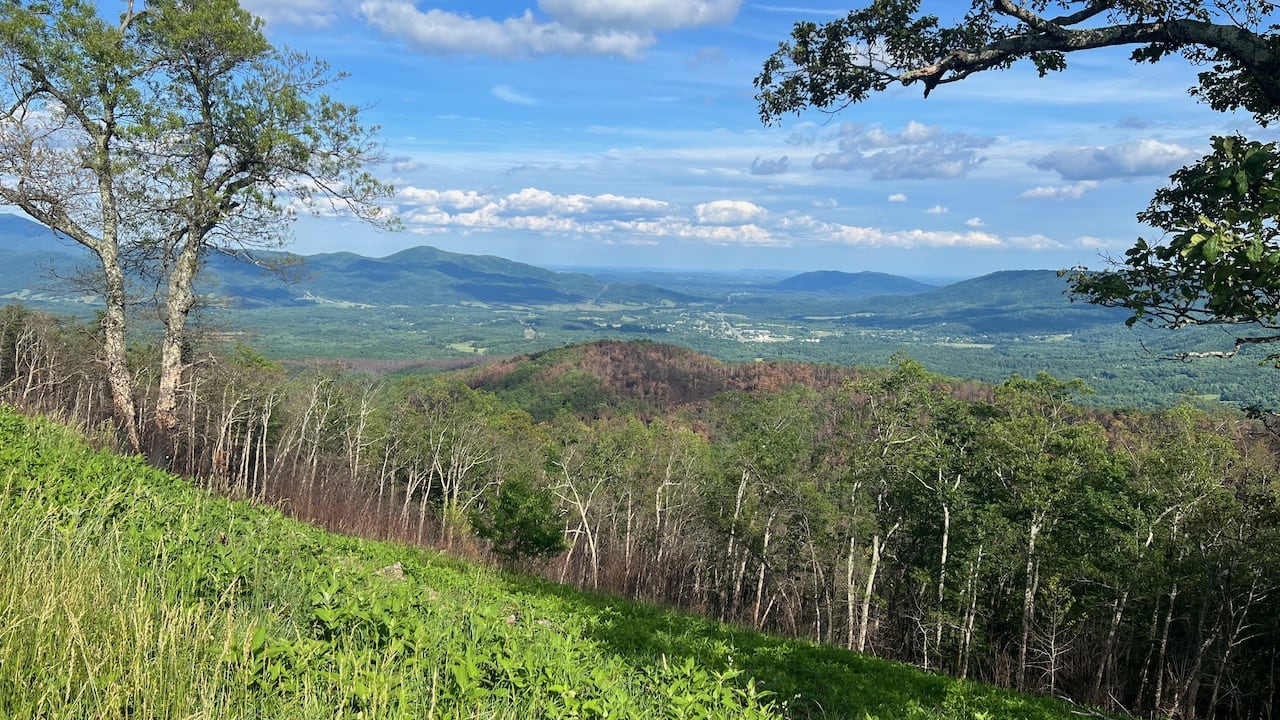
The other item that I was really looking forward to was riding on a closed course on the Blue Ridge Parkway. Leaving the reservoir we found ourselves on SR 11. The first 6 miles is a 1% incline so it looks like your are going up but it doesn’t really impact your ride. We then had a 14 mile mostly descending route with a few small hills in the middle to make things fun and entertaining. During the whole stretch of SR 11 I knew I had to be conservative because once I hit the mountains I couldn’t stop and rest.
We found our way to Buchanan, VA which is where we turned and started our climb. THIS is the challenge I was looking for and it did not disappoint. The first hill is a 4.7 mile hill where on average is a 6.5% incline, yet peaks around 10% grade a couple times during the switchback sections of the route. This section was brutal, as the higher we climbed the more I noticed riders needing to get off of their bike and start walking up the hills. I was thankful for deciding to get getting a new rear 11x32 cassette along with a compact crankset (34x50) to help me tackle the climb. The one nice thing about the climb is it is well shaded with the tree lines protecting you from the sun.
The fun part of climbing, is the descents! Strava has my peak at 47.7 mph as I was able to tuck myself low on the bike, but still had my hands on the outside (not in aero) lightly feathering the brakes at times to make sure I could pass people safely at such high speeds. I would have gone faster but I ran out of gears favoring the climbing assistance vs. the top speed.
Once we got back into town, it was fun riding along side of traffic speeding pass them on our late while they were slowly inching forward as police was giving use the right of way and we didn’t have to stop. The town roads were not as nice as the Blue Ridge Parkway with cracked pavement, pot holes, etc. But IRONMAN did a good job trying to mark those hazards in orange paint so riders could see and avoid.
Overall happy with my bike efforts as I completed the course MUCH faster than anticipated.
With such an excellent bike now behind me, I was off on the run feeling a little sore and a little tired. Unfortunately this is not a good sign when starting the run. I remember when racing Louisville I was running fast at the beginning and needed to tell myself to slow down after the first couple of miles, yet here I was slowly running and it was painful…. I was tired. The hills on the bike took a lot of my energy. I also did not do my nutrition very well on the bike as I planned on drinking three bottles (2x Scratch endurance and 1x water) of but I consumed almost four (course provided Gatorade at one of the aid stations). There was a LOT of liquid in my body which made me feel sluggish and tired. The route was nice with a 50/50 mix of shade and sun. Plenty of spectators cheering you forward, and the aid stations which were about 1 every mile were super helpful in getting water, Gatorade, and/or ice. I thought I could switch from a constant run to a “walk the aid stations” plan, but that only lasted until mile four or five. From that point on I had to walk to try and gain energy so I could start running again. Not until mile 11 could I return to a constant (slow) run and that was because I knew it was mostly a decline and also I could feel myself getting closer to the finish line.
The end is quite obvious for the athlete while running the course and is perfectly setup that the spectators are blind to see you coming around the corn from a footbridge, giving you momentum and a push to be strong at the end until you cross the finish line. The crowd was great and it was wonderful to cross the finish line once again completing a triathlon.
Finished the half, back into racing!
Post Race Thoughts
The big question is always “would you do this again”? YES! I’ll admit the bus ride is the worst part about the day as it took a VERY long time to navigate the back rounds to get to the reservoir that included us parking in a church for what felt like an hour. However, to IRONMAN’s credit they knew exactly how long it would take to get everyone at the start with plenty of time to prep and get ready for the swim. I didn’t feel rushed trying to get my gear ready and wetsuit one, nor did I feel like I was standing around forever. The bike was hard, but you knew that from the elevation advertisement so it is best to find some local outdoor routes that mimic 4k feet climbing. The run was harder than I thought it would be due to how tired my legs were from the climb (need more brick workouts) and running by the riverside created a lot of humidity. Weather wise we had a great day. If this race had some early VA heat rolling through my opinions of the run would have been much more unfavorable.
Race Results
Rankings
Overall: Placed 666th out of 1544
Gender: Placed 515th out of 1089
Male 45-49: Placed 64th out of 129
Among the Male 45-49 category there were 129 athletes.
Swim: Ranked 74th
Bike: Ranked 51st
Run: Ranked 80th
Splits
EVENT
1.2 Mile Swim
T1
56 Mile Bike
T2
13.1 Mile Run
Total
Goal Times
42:00
5:00
3:30:00
5:00
1:59:00
6:21:00
Actual Times
41:41
5:25
3:14:51
4:57
2:14:33
6:21:26
Footnotes
Only four other courses around the world have more elevation than VBR. There are two courses in the Africa region (Rwanda and South Africa races), and two in the Europe Region (Nice [FRA] and Marbella [Spain]). ↩
Can you believe your eyes?! Yes a Race Report! First one in almost two years, as the last time I wrote anything was in 2019 for the TIN 14.06 Sprint! I wish this race report was full of accolades and show how wonderful I did maintaining my health over such a long period of time, but my performance was the result of what my body can do at this time. 100%… I did the best that I could do on race day and it was terrible.
Life Background (where I fell apart)
February 2020 I was looking forward to a new race season, unsure of which I would participate in, but knew I needed to start working in pushing those WATTS on the bike. I was doing a on/off thresholds at FTP trainer session in the basement when my chain stuck to the rear hanger… which then PROPELLED ITSELF INTO MY CARBON FIBER FRAME. I can never ride my Tri bike outside again. NEVER! It is no longer safe with the carbon structure compromised… the day my baby died.
Then COVID.
Motivation was at an all time low as I couldn’t swim because the pools had closed, couldn’t race without having to buy a new bike, and started working on the basement to get it finished (since I was living there all the time for work). I was also having some health issues so I decided to get that taken care of at the begging of this year, which gave me more reason to not exercise. I restarted workouts around mid-to-late April with all endurance lost, all my strength lost, and gained about 20 lbs.
Race Breakdown
Now you know WHY I did so terrible, lets talk about the actual race. This is the first time I participated in an event at Luray, but I knew from other people that Luray’s route was hilly. This is a Duathlon which was setup for a 1.7 mi trail run, 41 km bike, then a 10 km run.
Run 1
The trail run was great! It started with a quick climb on rock gravel then around the lake and into the trails. The trails were very technical where you needed to stop and make sure you had correct foot placement or else suffer falling over or worse a sprain/broken ankle. Some of the tree roots were eroding away making it more difficult as you navigated the narrow single track. We ran around the entire lake, which finally reconnected with the triathletes at the swim exit. A fun 5-star, fast, and technical trail route that I finished somewhat quickly and is the only thing I did well that day.
Remember I no longer have a street safe triathlon bike (I still use it in the basement on the trainer for indoor workouts) so for the race I had to bring out my old road bike (Red Barron) which was recently upgraded from a 10-speed to an 11-speed with a large 32 tooth gear in the back for climbing. I thought my ideal race pace would be to hold 175 W throughout the bike course which would be 85% of my FTP. Unfortunately I have NOT done a single ride grater than one hour and I was about to complete a 40 km ride which I thought would take about 90 minutes.
My estimate was close, I was actually 180 W for the entire ride and it took me 1:34:31, yet I fell apart pushing that ride. Both legs began to cramp. My arch in my left foot cramped (no idea why) which required me to unclip and shake out. For the last climb I had to drop to that 32 tooth cassette but it was terrible as I was going so slow I thought I would tip over, but I couldn’t stand up and try to climb my way up the hill as my leg cramps wouldn’t allow the balance.
Happy to get off the bike, I started the run but again my legs were dead. I realized I wasn’t going to catch up to get third place… so I resorted to “Walk UP; Run DOWN” run plan. The hills were long and moral was low. I wasn’t going to give up as I’m only going 10km… but my body can’t keep up with what my mind thinks is possible. The rolling hills punished me, one after the other.
The race was not a friendly race for someone restarting their exercise routines. In my head I know what I am capable of and this is NOT representative of something to be proud of. But, it is the first race of 2021… no idea if there will be another this year… but I do enjoy the adventure so I look forward to the next event!
Race Results
Rankings
Overall: Placed 21st out of 31 (bottom third).
Gender: Placed 18th out of 23 (bottom fifth).
Male 45-49: Placed 4th out of 5
Race Photos
Splits
EVENT Sprint
1.7mi Run
T1
41km Bike
T2
10km Run
Total
Goal Times
15:00
1:15
1:30:00
1:15
55:00
2:42:30
Actual Times
13:51
1:03
1:35:02
1:03
1:13:36
3:04:32
Footnotes
]]>Justin RummelTri It Now: 14.06 Sprint 2019 Race Report2019-09-15T12:00:00-04:002019-09-15T12:00:00-04:00https://www.justinrummel.com/14-06-sprint-2019-race-reportThis race report will be quick, as it should for a Sprint Triathlon!
This is the second week of September, and this is the second and last race of the year. I had some big ideas with Racing Xterra and trying to do a local long-distance event, but things just didn’t work for 2019. So what better way to have fun than return to some of the beginning races and see how things have changed. Last week throwback race was Reston Olympic, and this week was it was Try It Now’s 14.06 (1/10th Ironman). I had done this race twice before back in 2013 and 2014, but that was before I started to do race reports.
Race Breakdown
Swim
Pool swim. Nothing exciting when describing a pool swim, other than one unique item about the 14.06 race is each pool lane is one way. In a couple of other races with a pool swim, there are simply not enough lanes to accommodate so many athletes going in one direction of a lane simply because the pool is not big enough. Fortunately, the Freedom Center as a LOT of lanes! This is important as the risk of accidentally hitting someone is reduced when everyone is going in the same direction. Perfect, for someone’s first triathlon.
Bike
Another great feature with TIN’s The 14.06 is the closed course bike route. Unfortunately, having a closed course also means there are u-turns as you can’t close down an entire area from cars. There five u-turns on the first loop, and then four u-turns for the second and third loop. On the bright side, any family or friends will be able to see you several times in very “quick” spurts making it slightly better from a spectator point of view.
The run is a flat route with a mix of sidewalk and a little bit of trail. The trail is not technically difficult at all, so fast runners should be able to fly through this section assuming you have not blown up your legs on the bike segment.
And there you go. No more race reports for 2019, but I am already looking forward to 2020 to do another throwback race, and then retrying my attempt at a long course event in October.
Race Results
Rankings
Overall: Placed 7th out of 101 (top 7%).
Gender: Placed 7th out of 50 (top 13%).
Male 40-44: Placed 1st out of 8 (excluding the one overall winer)
Among the Male 40-44 category there were eight athletes.
]]>Justin RummelReston Olympic 2019 Race Report2019-09-08T10:30:30-04:002019-09-08T10:30:30-04:00https://www.justinrummel.com/reston-olympic-2019-race-reportEvery race is unique to its own. I’m learning that more and more as I’ve now documented nearly 40 race reports, and this is the first time that I (successfully) completed the same race three times. This weekend I participated in the 36th annual Reston Triathlon. The first two times I did this race was back in 2014 (undocumented) and 2015. Fortunately, I did have enough information in the 2015 post to compare my new results, but the more I read the more I realized the day of the race makes a difference.
Example:
2014 the water was apparently above 78°, thus I couldn’t wear a wetsuit. That would have been detrimental in my performance five years ago.
My bike and run were nearly identical, leading me to believe my fitness was about the same.
This year has been mostly recovery workouts and long-distance training, not sprinting and high thresholds. The training is completely different.
I’m old(er). Let’s face it, I don’t run as fast anymore nor recover as well.
To compare myself to my previous achievements will take a turn someday soon, leaving me unable to obtain a course PR while racing an event. BUT THAT DAY IS NOT TODAY!
Race Breakdown
Reston Olympic Triathlon is an open water swim (OWS) in Lake Audubon in a “bent rectangle” pattern, followed by a “two and four-fifths” loop on the bike, and then an out and back for the run. There are two different transition locations; one when you exit the swim and the second one is 1.5 miles away at the school. To start the morning, everyone parks at the school and sets T2 with all your running gear, and then bike (with a headlamp and/or bike lights) to the swim start. When you finish the swim and in T1, you must also dump all your belonging into a white trash bag with your race number sticker on the outside. The organization will ensure your bag is then transferred to the school so you can pick it up at the end of the race. Lucky for me this is my third time, and I now find this setup better than a single all-in-one transition area as your all the racers equipment is not cluttered and on-top of each other.
Swim
After dumping my T2 equipment off at the school and biking to the swim start, I quickly heard the announcement that the water temperature was slightly above 78° and therefore the swim will NOT be wetsuit legal. I think for the first time in the past seven years of doing triathlons I was not in an anxiety panic. Over the summer I had been recovering from my dumb bike crash and planning on doing a long course race, with that training I have been ramping up on my swim sessions to usually 4k yards. I’m now pretty comfortable in just cruising long in a pool without breaks… I’m not fast… just cruise along.
I soon found Speed Sherpa teammate Caroline where we quickly chatted while picking up our timing chips. We soon departed as she was in wave one (super awesome rock-star wave) while I was in wave 6.
Not knowing wave 6 my swim buddies expertise in OWS without wetsuits, I stayed towards the back and slightly outside from a race strategic position to make sure I do not get in anyone’s way (and more importantly have my needed “elbow room” while I swim). The water was perfect! It was slightly above 78° which felt perfect. There was little to no wind so the water was calm. I did get pushed to the outside more than I like to admit, but when I realized I may be slightly off course I quickly corrected myself and pushed forward. Outside of my shoulders getting a little tired (I think related to my Wattie speedsuit) I think this was the best OWS I’ve ever had… EVER.
I exited the swim and jumped on the bike for what I hoped to be a bike PR. This was a personal challenge as for the past several months I’ve been working at sitting on the bike for long periods, but going at a conservative pace to ensure I could complete the distance challenges. I was now flipping everything upside-down and try to go at higher sustained levels for a (relatively) short time. From triathlete.com an Olympic should be around 85-95% of your FTP. For me, I wanted to get close to an average of 200W which is just above 90%. I knew the course well as I will often ride nearly this same route when arriving at my office early in the morning and do a bike workout.
The first loop was great! I was attacking and passing people at key downhill sections where others chose to coast. On the second loop, this strategy became a little more dangerous. The slower swimmers were now on the course and were caught off-guard that some of the faster swimmers and bikers were now lapping them. This made passing a little more challenging as the slower riders were utilizing the full protected bike path vs. sharing and staying to the right.
One item that I learned was on the third loop do not force down a giant bite of a Clif bar while racing. All the peanut butter and nuts became a giant dry mass which nearly killed me. I tried to swallow after chewing what felt like five minutes, but it was so dry that it just stayed in my throat preventing me from breathing. I had to calm myself, drink some water and cross my fingers that it would slowly wash away. I finally had some relief just before T2.
BTW; the best volunteer cheering individual must go to the woman that was by herself at the end of Lawyers, RD. She was so happy and encouraging with nobody else to keep her going. Thanks random woman.
This year’s run was an out and back course, which was different than what I had previously done in 2014 and 2015. What didn’t change was Reston’s relentless undulating hills that crush your legs. The hills in Reston are not big, but the incline/decline are very sharp. I have been feeling like my running fitness has declined the past year. I’ve been working so hard to have running endurance that my speed has suffered. I did not have any specific goals for the hills, but I knew that I didn’t want to push too hard going up and burn myself out, so I would need to pick up my cadence and shorten my stride. I also knew that I didn’t want to stop. I remember in 2015 at the very end of the run while climbing that last steep hill I had to walk up as I was tired and out of energy, and I did NOT want to repeat that experience.
The new route was great. The aid stations were perfectly timed and the volunteers were happy and helpful. The route was mostly under tree shade so if the sun was blasting overhead, you would not be hit with the heat.
I went into this race a little bummed. I had planned on a LONG course race but my body (and life) gave me signs to forget that idea. Then I received an email reminding me that the Reston Olympic was the following weekend… so I signed up! Despite Reston being a local race, it is VERY competitive with plenty of elite racers. First place was nearly under 2h! I also feel like the community is really behind the event as there were plenty of people through the neighborhoods on their lawn chairs, or on their patio decks watching and cheering racers on.
Race Results
Rankings
Overall: Placed 37th out of 264 (top 14%).
Gender: Placed 32nd out of 193 (top 16%).
Male 40-44: Placed 9th out of 29 (top third)
Among the Male 40-44 category there were 29 athletes.
]]>Justin RummelCMS: XTERRA Charlottesville 2019 Non-Race Report2019-05-18T16:00:00-04:002019-05-18T16:00:00-04:00https://www.justinrummel.com/xterra-charlottesville-2019-non-race-report2019 was already starting as a very odd year in terms of competing in races, but now things have gone completely upside down after I crashed on my mountain bike. To recap let me start from the beginning.
2019 Race schedule background
My original goal this year was to have fun in the dirt (mountain biking and trail running) while picking up new races that I have never competed before. I also wanted to be financially conservative so I set a limitation that all races should be drivable in the morning, meaning no hotel stays unlike last year with MMTR, Black Bear Double, USAT Nationals, Myrtle Beach, and what could have been IRONMAN 70.3 North Carolina. I narrowed down my goals to the following:
CMS XTERRA Charlottesville (fun because it is so hard)
Reston Sprint (I’ve done the OLY in the Fall, but never the Spring sprint)
EX2 XTERRA (drivable and in Maryland, plus I have never done this)
“Something LONG in the Fall” (trying to use up my IRONMAN voucher from North Carolina being canceled last year)
Training for the past 16 weeks, I felt ready for Charlottesville which was scheduled for May 12th with a relatively late morning start. On May 11th I decided to go out for a couple of “pickups” where I would bike somewhat hard for about 20 minutes, then jump off the bike and run for 10. This is a race strategy that almost every training plan includes 24 hours prior to a race. I jumped on my mountain bike from my house and took off for the easy trails around my neighborhood, somewhat excited as that night a rainstorm had thundered its way through our area leaving the trails nice and muddy. What better way to get my mind ready for XTERRA than a little mud fest!
Where things took a bad turn
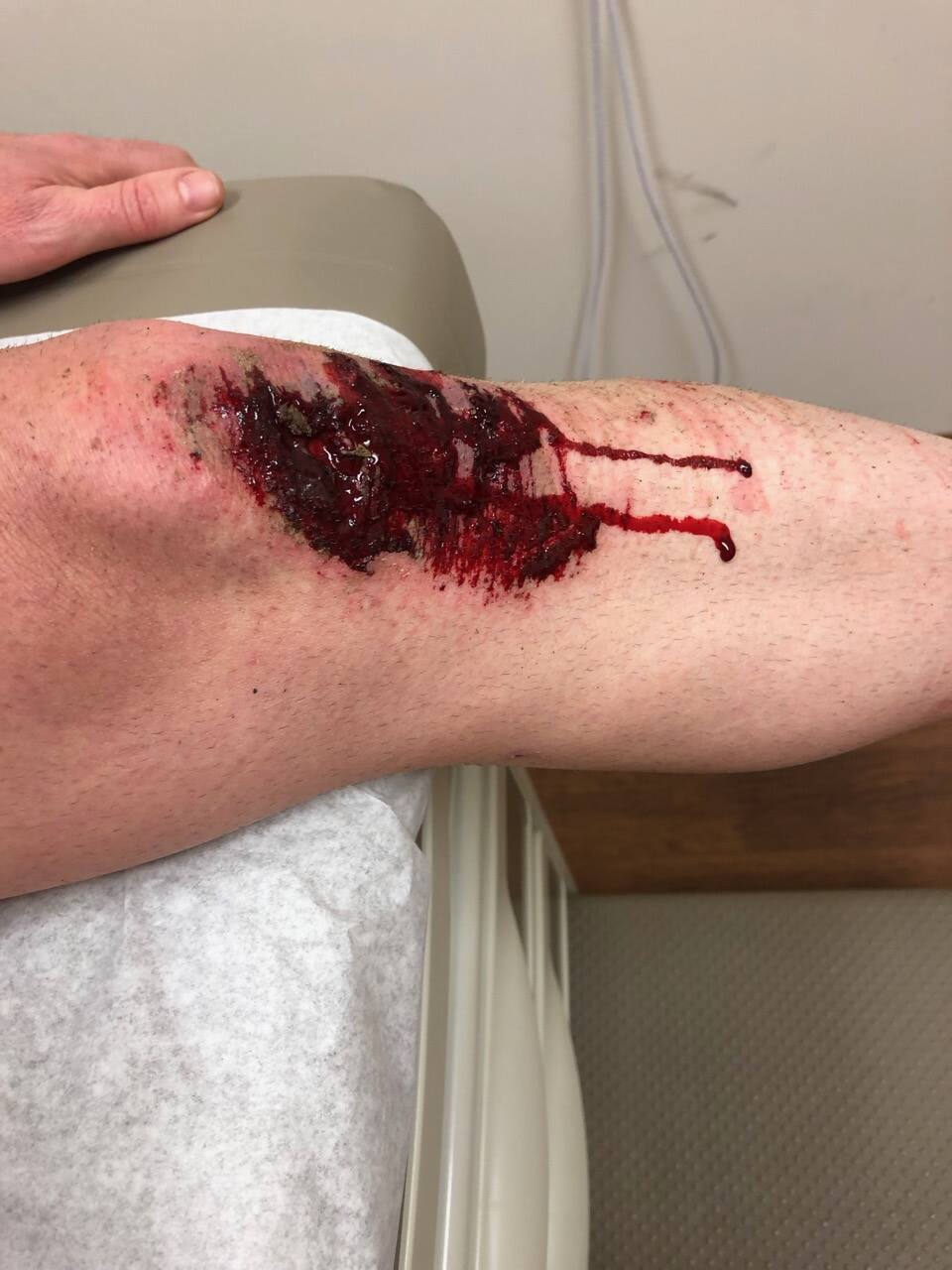
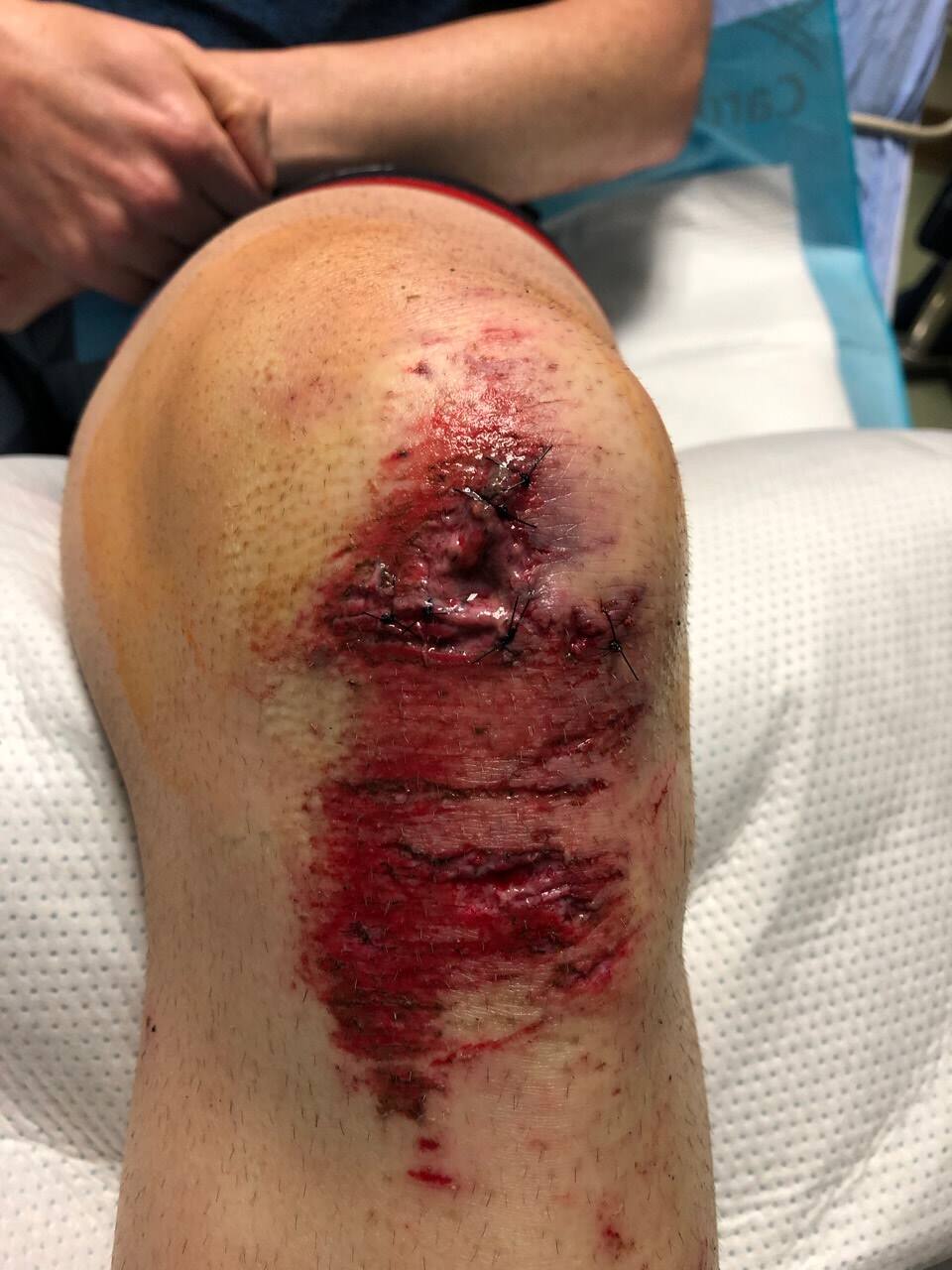
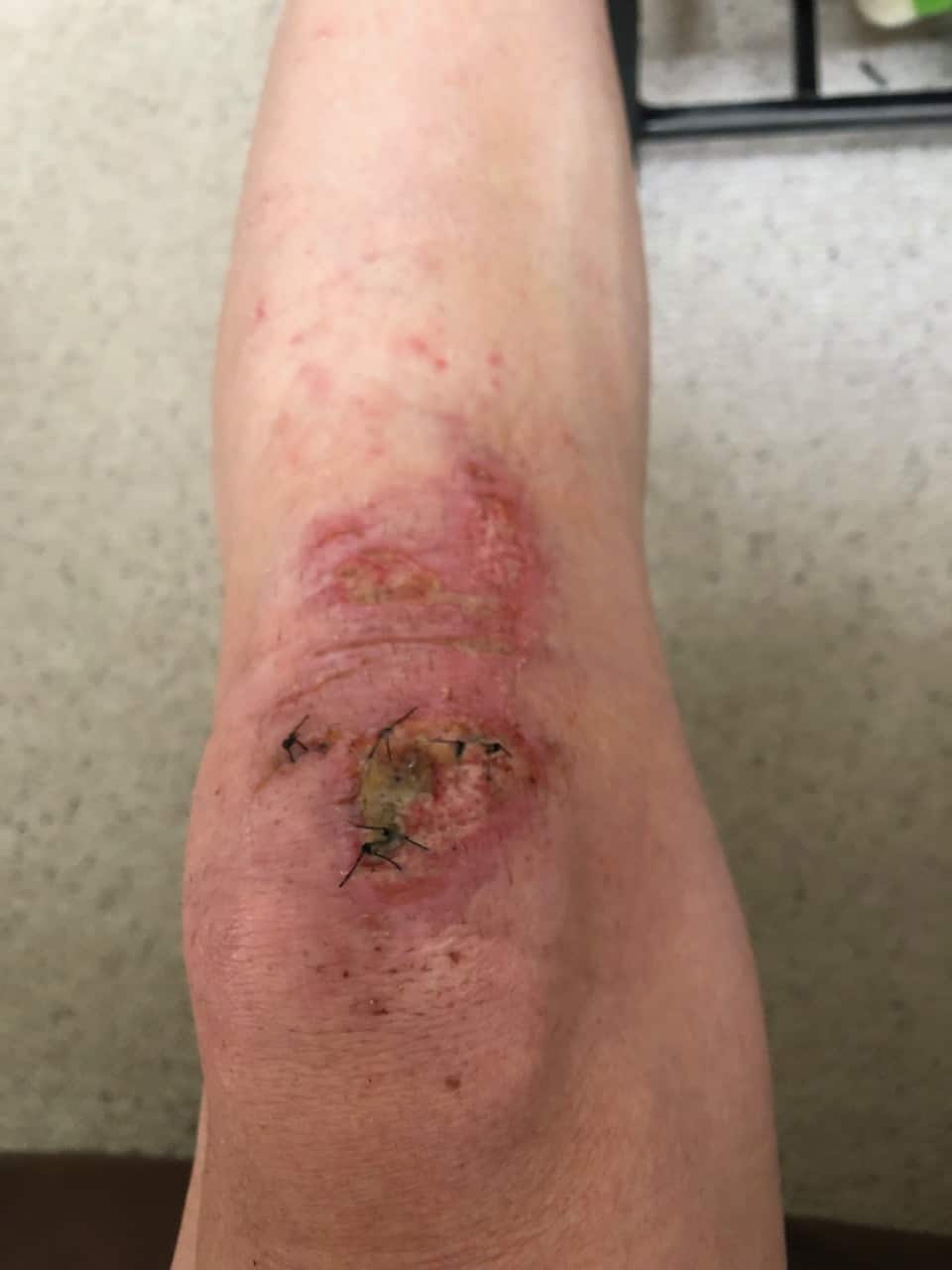
What I wasn’t thinking about is my local trails have lots of wooden bridges to make the trails walker friendly. I came barreling down the first bridge which immediately banks to the left for a couple of “S” turns. I stupidly decided to turn while on the bridge and my front tire slipped out from underneath me and I crashed to the ground. I crashed HARD. I ripped a solid 1.5” square off the top of my knee and my kneecap was fully exposed (at least I think it was… I saw white and that freaked me out). I was also immediately in pain. I couldn’t roll over or get up for what felt like an extremely long time, but finally managed to hop/walk my bike back to a nearby parking lot to call for help. Four hours later in an ER getting stitches, XRAYS, and shots… I was released.
I’m recovering quickly as I have already done a couple walk/jog sessions, but haven’t been able to get into the pool yet and cycling is difficult because the skin over my knee doesn’t have any elasticity so I cannot bend it correctly while peddling. I’m going to guess there will be little to zero updates on this site for 2019 as I know I won’t be able to do the Reston Sprint and most likely not EX2 XTERRA. My only hope for racing this year right now is rehab, and train for something in the fall.
Images
If by chance you want to see images while I was in the hospital (#1, #2, and #3) or a one week “progress” image, you can click on the thumbnails below. If you don’t like blood, don’t click.
Mountain Masochist Trail Run (MMTR) is a point-to-point 50 mile course of roads, jeep trails, and single track with perfectly timed aid stations to help support as you travel through George Washington National Forest, Pedlar Ranger District, as well as some Private Land. I decided to officially pick up this race just before racing Nationals, because I was feeling good and confident with my level of fitness. Plus, I knew the months ahead I was going to get ready for IRONMAN North Carolina thus endurance training was right around the corner. What I didn’t know was IRONMAN would be canceled because of Hurricane Florance, my job was going to become more stressful, and I would be plagued with injuries the last three weeks of October. I was not adequately prepared for MMTR.
With that said, I’m happy with my results. I FINISHED! Having run 26 miles over a year ago, and nothing more than 16 miles for 2018 (the point where I injured myself), I’m ecstatic that I didn’t get pulled off the course because I was going to slow. YES, MMTR can pull you out of the race for going too slow! Every aid station had a poster board clearly stating the cut-off time, where if you don’t cross before the announced time you get put on a bus. They do this for the volunteers, it’s not fair to make them wait too long if you are doing a scenic walk up the mountains.
I know this is a polite opener when people ask how did things go, and they don’t expect to hear “easy… piece of cake… you should try it tomorrow”. Yes it was hard. It was painful. I mean it… I was in pain from mile 12 (which was around 2.5 hours into the event) and it never got easier. I learned a lot doing this course, and the next time I do an ultra I’ll be better prepared, but for now a quick recap (to the best of my memory).
Mile 0
The morning didn’t start out very well as our bus drove the WRONG WAY from the campground to find the starting line, which added an extra hour of sitting in a bus of aggravated people. When we finally rolled up to the parking lot the Race Director jumped on and quickly announced “You have five minutes to sign-in and hand off your drop bag”. I only got to the drop bag and never found the check-in person. I wasn’t too worried as my goal was to finish, I wasn’t there for points where strict record keeping is crucial. The beginning was a little crazy with so many people starting in the darkness of early morning, and because of the 6:30am start time I had a nice headlamp that provided me enough lighting to see where I was going.
I was so mentally lost at the beginning from the horrible bus ride, I honestly cannot remember the first two miles. However, right around mile two is when we entered what I’m calling “the streams” area. These were not your tiny streams where you may be able to leap across, or find the perfect rock in hopes to not get you shoes wet. These streams were sometimes 20ft wide. These streams were sometimes knee deep of water. They were all ice cold and we had to travel across so many streams, with the biggest at (I think) right before mile 10 where we had to travel 100ft in a tunnel, with cars above zooming over our heads.
Mile 13
This was the beginning of me mentally breaking down. I was feeling tired from the long climb up, and the gravity of how painful this day may get was beginning to build in my head. The climb was scenically beautiful, and I was able to chat with a lovely racer all the way to the third aid station, but after that aid station it was a steep downhill and she took it like a pro and dropped me quickly. It makes sense psychologically and physically why I started to break down at this point, as the past month I haven’t run more that 16 miles (and it was usually 14 for the past couple of weeks either walking our jogging). I was still enjoying the views of the mountains with the fall colored trees, but the joy I get being in nature was being overpowered by how much I was hurting.
Mile 20
Round mile 20 was (apparently) the drop-bag location. I was low at this point, suffering from severe tunnel vision and when I think about it now I should have been treated like a toddler trying to cross the street to get to the aid station. I have no idea of there were cars coming or going. I only had a couple of Clif bars and socks in my drop-bag, so the fact I totally missed this actually worked in my favor, because I didn’t need them and just would have waisted time. Thinking about this now I’ll plan for future races that drop-bags should only assist for weather situations where you may need to add or remove articles of clothing, as weather may change from morning to afternoon.
Mile 33
The miles between 20 and 33 were really bad. I wanted to quit. I wanted to get cut off, I wouldn’t even argue. “PUT ME ON THAT BUS” was all that was going through my head and after a very long 4 miles at Mt. Pleasant I was done. My feet hurt, my calves were tight, my ass was pain from climbing, and my hips were now hurting from the jarring motion of trying to descend Mt. Pleasant. I have no idea what happened during aid station 33, but I became happy again. I noticed as I was running down the car path that I was actually gaining on a couple of people and soon passed them. It’s not that I like to see people suffer, it’s that if I’m doing better than others then I may not be as pathetic as I have been telling myself in my head.
Mile 42
This was a significant Aid station checkpoint, as it was the LAST AID STATION!!! This is it, the home stretch and I knew it was going to be long. What I didn’t expect was the hardest uphill climb was just about to start. We had to endure a 1.5 mile climb up a hill that is about a 10% grade incline. I had to constantly push my legs down and lean far forward to climb up that hill, and I did it in 23 minutes and passed a couple more people in the process. From that point forward I had done enough quick math to know I that I was going to finish before the 12 hour cut-off. I picked up my pace for a long 5 mile downhill trek back to the finish line in so much pain while also feeling strong and accomplished for what I was about to achieve.
Mile 48?
This was it! There is the finish line and I did it in 11:13:55!!! But wait… my watch says 48 miles??? Yup, Mountains will do that to you. I’m glad it was over, but I also really wish the watch was accurate so it would record the full 50 mile run. Afterwards I chatted with other people and at a wonderful roasted chicken, green beans, and past salad dinner… then applauded the accomplishments of my fellow runners.
Post Race Thoughts
The one thing that I haven’t emphasized is how beautiful the day was during MMTR. We could have not picked a better day as the fall foliage had just turned two days ago so the trees were magnificent. The weather air was chilly which is exactly what I like while running. I was able to layer up in the morning2 and only stripped off my hat towards midday to make sure I didn’t overheat. The only thing that I would comment regarding the weather is treat the low of the day as also the high of the day. While you are in the mountains, it gets cooler as you go higher in elevation, and sometimes you are running in the mountain’s shadow.
Things I did well
“Picking a line” — I’m not sure if trail runners don’t look for lines because several people around me choose the strangest routes while on some of the trails, especially at the beginning. I think I did well as I was able to pass a few because I picked the right line, something that I’ve been building the past couple of years from Mountain Bike riding. You need to pick the right line while on the MTB or else you are going to have a bad day.
Nutrition/Hydration — Once I passed the first two aid stations I had my plan solid. I knew depending on the distance of the next aid station and the elevation that would be traveled how much water or food to pick up. This is important because the more weight you care the harder it is on your body.
Power to Weight ratio — Once I hit that last aid station, I was able to plow up hill and a good pace and I believe that is due to cycling. Cycling is a great way to build up your upper legs for that continuous power. I love climbing up hills on the bike, and I think that carried me to the end.
Having fun — Actually, I’ll give myself a half point for this. I talked to plenty of people on the trail and said hi to all the awesome volunteers while smiling… till about mile 16. I wasn’t fun afterwards until I passed the last aid station.
Things I need to work on
Hills — 9k ft of elevation is NO JOKE. If you are thinking of doing this, find yourself a good hill of at least 5% grade that lasts over a mile. Do that hill every weekend 10 times in one day… you might be ready for MMTR.
Hills — Going down hills is just as hard going up.
Rocks — I hate rocks. My body is falling apart now between my ankles and hips from the jarring rocks with every step I took over the entire day. The worst section was the single track at Mt. Pleasant. I unfortunately walked the entire time because I was falling over myself while going up, and destroying my bones while trying to go down. That was a very long 4 miles.
Official Results
Updated 2018-11-06
I saved a copy of the official results and can now be downloaded here.
Footnotes
“Jane” picture provided by twilightsaga.wikia.com/wiki/Jane, and if you don’t find this image funny then pick up the Twilight book or go see the movie. ↩
FYI; Wattie Ink Tri shorts are PERFECT for trail running. Zero issues with my clothes irritating where I would get burns on myself vs. what happened during my weekend training sessions. So glad I picked these up with Speed Sherpa two years ago. ↩
]]>Justin RummelVacation Races: Great Smoky Mountains Black Bear Double 20182018-09-09T11:30:00-04:002018-09-09T11:30:00-04:00https://www.justinrummel.com/great-smoky-mountains-black-bear-double-2018
I signed up for the BBD as a training session for a long trail event in November (that I won’t get into right now) to see how I can push myself while running for long periods of time. In addition to the race events, I was also planning on hiking/exploring the Great Smoky Mountains which you can see on this separate post. Over two days I was able to accomplish:
10 mi mountain hike
3.1 mi race
13.1 mi run
5 mi mountain hike
Nice total of 31.2 miles over a 48 hour time window!
Race Breakdowns
5k
I did zero reconnaissance work for this race mostly because I didn’t think I would have much of a shot in terms of placing in my age group as I still don’t think of myself as a fast runner. I arrived at the race location about an hour early before the race to make sure I didn’t miss anything important. Since Vacation Races allowed the option to mail my bib and race shirts early, I was already checked in and ready to go. I didn’t really start talking to people until the race director announced that people should start lining up in their respective groups with the fast people first and slower people towards the back. I didn’t really understand where I should be sitting as the signs that were being held up were for the half marathon paces, so I just placed myself in group 2 right behind the fast group. When the race announcer stated we had 30 seconds before the main group was going to be released, I decided to walk a few steps forward and join the lead pack.
I was the LAST person to cross the starting line of the first pack, and instantly started to go fast. Way to fast! I actually completed the first mile in under 7 minutes, something that I knew I could not sustain for the next two miles. Shortly after finishing the first mile we turned left into a grass field which slowed a lot of people down. The ground was not packed or smooth, making your footing difficult and the grass brushing the top of your toes is extra resistance that your body must overcome. We escaped the field and returned to the sidewalk path, and headed strait back to the beginning for the last mile.
I’m glad I stepped up at the last minute, because I actually placed fifth overall in the “Master” (old guys over 40) section and gained not one but two medals on Friday.
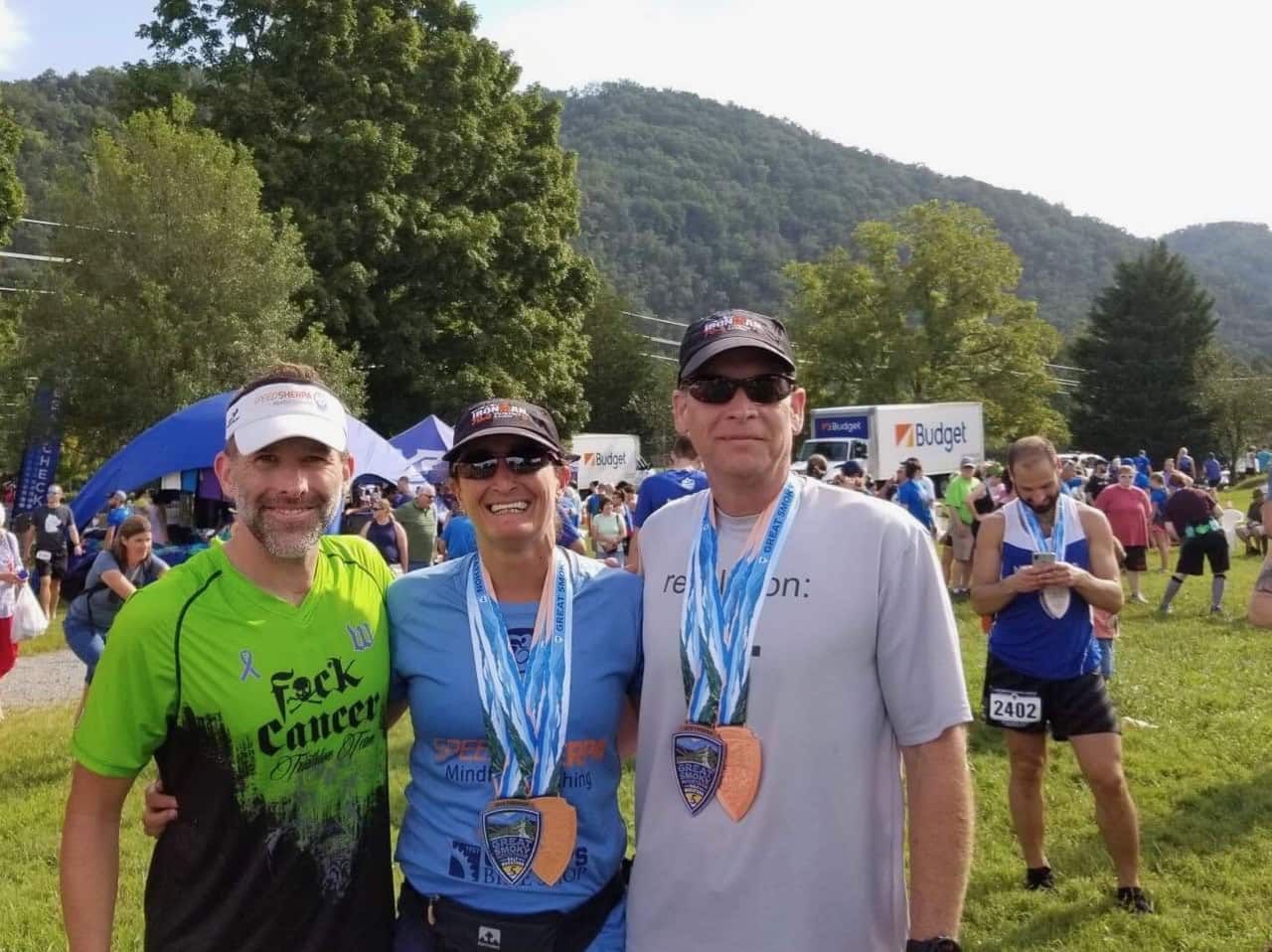
Saturday morning was just another early AM morning for me where I eat my “running” breakfast (English muffins with peanut/almond butter) and drove to the same starting location as the 5k. I was trying to find my Speed Sherpa teammates who were also running the half, but ended up finding fellow Fuck Cancer Triathlon Team members Roy and Audessa, who were based out of Maryland! It was great chatting with them which makes the pre-race nerves calm.
Once the race began my legs felt a little tight but strong, which was great considering Friday’s hike and 5k run. There were plenty of people that lined themselves up in an unrealistic pace group because I instantly started passing people after the first 500 yards. I had actually never just ran a half marathon. My long run training last year was for Louisville, and those were slow and methodical targeting for training. I actually wanted to “race” a half marathon while still at a slight disadvantage by having a hydration pack (again, this is a training session for November). I knew my target pace I wanted to achieve, and things were going very well for me hitting my goal.
The race course was great! We stayed on Old Walland Hwy, which essentially follow the “Little River”. The views were great as you could see the rocky stream off to your right and the rustic houses that have been converted to nice rental properties. The course was well supported with Aid stations placed every two miles where Honey Stinger, fruit, and speed fill water stations that were designed for Vacation Races “Cup Free Racing” racing policy to leave no trash behind.
Things were going well and at mile 9 I was content on hitting my goal, when I noticed the next target pace runner was just in front of me. I realized that not only could I hit my goal, but a stretch goal of being 10 minutes faster! It hurt, but I dug in to try to find the last bit of energy to increase my speed just a little so I can catch and pass the stretch goal pacer.
In the end I did beat my stretch goal! I was shortly followed by my Speed Sherpa team mates that I had been looking for and discovered both of them podium in their respective age groups! With Friday’s half completed, I gained two more medals; one in finishing the half and the second one stating I finished both the 5k and half marathon. It was a good weekend in collecting some hardware.
Vacation Races hosts a great event and with the bonus of targeting National Parks as their race locations makes these wonderful extended weekend events. If you get a chance to do one of these, make sure to do it right and spend some time in your National Parks.
]]>Justin RummelGreat Smoky Mountains2018-09-08T18:19:04-04:002018-09-08T18:19:04-04:00https://www.justinrummel.com/great-smoky-mountainsWow! It has been a long time since I’ve posted a photography article only! I didn’t do any image modifications (Curves, saturation, vignette, etc) to these pictures as I wanted to keep the beauty of the Great Smoky Mountains intact.
Why was I at GSM??? That is coming soon in another post.