<?xml version="1.0" encoding="UTF-8"?><feed
	xmlns="http://www.w3.org/2005/Atom"
	xmlns:thr="http://purl.org/syndication/thread/1.0"
	xml:lang="en-US"
	>
	<title type="text">IsItWP &#8211; Free WordPress Theme Detector</title>
	<subtitle type="text"></subtitle>

	<updated>2026-05-14T13:00:20Z</updated>

	<link rel="alternate" type="text/html" href="https://www.isitwp.com" />
	<id>https://www.isitwp.com/feed/atom/</id>
	<link rel="self" type="application/atom+xml" href="https://www.isitwp.com/feed/atom/" />

	
	<entry>
		<author>
			<name>Alvin Collin</name>
							<uri>https://www.isitwp.com/author/alvin/</uri>
						</author>

		<title type="html"><![CDATA[4 Best WordPress Two-Factor Authentication Plugins I Recommend]]></title>
		<link rel="alternate" type="text/html" href="https://www.isitwp.com/best-wordpress-two-factor-authentication-plugins/" />

		<id>https://www.isitwp.com/?p=290806</id>
		<updated>2026-05-14T13:00:20Z</updated>
		<published>2026-05-14T12:59:39Z</published>
		<category scheme="https://www.isitwp.com" term="WordPress Plugins" /><category scheme="https://www.isitwp.com" term="secure WordPress" /><category scheme="https://www.isitwp.com" term="Security authentication plugins" /><category scheme="https://www.isitwp.com" term="security plugins" /><category scheme="https://www.isitwp.com" term="Two-factor authentication plugins" /><category scheme="https://www.isitwp.com" term="wordpress security" />
		<summary type="html"><![CDATA[<p>TL;DR: I rank the best WordPress two-factor authentication plugins. After almost falling for a scam, it became more important to protect my WordPress sites. Wordfence Security came in first because of its all-in-one security approach, plus a free 2FA feature. WP 2FA comes second because it enforces 2FA across all site users. My business email [&#8230;]</p>
<p>The post <a href="https://www.isitwp.com/best-wordpress-two-factor-authentication-plugins/">4 Best WordPress Two-Factor Authentication Plugins I Recommend</a> first appeared on <a href="https://www.isitwp.com">IsItWP - Free WordPress Theme Detector</a>.</p>]]></summary>

					<content type="html" xml:base="https://www.isitwp.com/best-wordpress-two-factor-authentication-plugins/"><![CDATA[<p><strong>TL;DR:</strong> I rank the best WordPress two-factor authentication plugins. After almost falling for a scam, it became more important to protect my WordPress sites. Wordfence Security came in first because of its all-in-one security approach, plus a free 2FA feature. WP 2FA comes second because it enforces 2FA across all site users.</p>


<hr class="wp-block-separator has-alpha-channel-opacity"/>


<p>My business email is basically public. My name, what I do, and how to reach me are all out there. </p>


<p>Then, in January 2026, Google announced that <a href="https://support.google.com/mail/answer/16604719?hl=en" target="_blank" rel="noopener" title="">Gmail on the web will no longer support fetching emails</a> from third-party accounts via the POP3 protocol.</p>


<p> So when emails started arriving saying my outgoing messages weren’t being delivered and I needed to click a link to fix it, I paid attention. </p>


<p>I knew this was not how Gmail works, but still, those emails grabbed my attention. What made it worse? I’d been waiting for an email that never arrived. It felt possible. </p>


<p>So I clicked.</p>


<p>The moment the page loaded, I knew it. This was a phishing email.</p>


<p>I changed my password immediately. Then I added two-factor authentication. Not because I’d been hacked, but because I realized I was one distracted afternoon away from it.</p>


<p>And this can happen to anyone, no matter how experienced you are. Scammers and hackers pay attention to the news just as much as you. They have learned what triggers a reaction from you.</p>


<p>To help you avoid such situations, I have researched, tested, and ranked the best two-factor authentication plugins for WordPress.</p>


<p>These are the 2FA plugins I use now.</p>


<h2 class="wp-block-heading" id="key-takeaways">Key Takeaways</h2>


<ul class="wp-block-list">
<li>I’ll show you which 2FA plugins protect your WordPress login even if someone steals your password</li>


<li>I mention a plugin that lets you require 2FA from every single user on your site, not just admins</li>


<li>Reveal which password managers double as authenticator apps so you don’t need to juggle separate tools</li>


<li>I tested 4 dedicated plugins and 2 bonus tools, including completely free options</li>
</ul>


<h2 class="wp-block-heading" id="how-i-test-wordpress-2fa-plugins">How I Test WordPress 2FA Plugins</h2>


<details class="wp-block-details is-layout-flow wp-block-details-is-layout-flow"><summary><img src="https://s.w.org/images/core/emoji/17.0.2/72x72/1f50d.png" alt="🔍" class="wp-smiley" style="height: 1em; max-height: 1em;" /> Click to see my testing methodology</summary>
<p><br><strong>Here’s exactly how I evaluate WordPress 2FA plugins:</strong>&nbsp;</p>


<ul class="wp-block-list">
<li><strong>Setup time</strong>: I install and configure each plugin from scratch on a clean WordPress site. If a beginner struggles to get 2FA working in under 10 minutes, I flag it.</li>


<li><strong>2FA method variety</strong>: I check which authenticator apps and methods each tool supports. TOTP apps, email codes, SMS, and passkeys. The more flexibility, the better.</li>


<li><strong>Free tier limits</strong>: I test what’s actually free and what requires paying. A plugin that caps the free plan at 3 users isn’t really free for most sites.</li>


<li><strong>User enforcement</strong>: Can you require your members or contributors to set up 2FA? I test how easy it is to apply policies across different user roles.</li>


<li><strong>Lockout recovery</strong>: I deliberately lock myself out to see what recovery options exist. This is the scenario most people never test until it’s an emergency.</li>


<li><strong>Performance impact</strong>: I run a GTmetrix check and also use the <a href="https://www.isitwp.com/free-website-speed-test-tool-for-wordpress/" title="">free IsItWP performance</a> tool before and after installation to catch any meaningful load added by the plugin.</li>
</ul>


<p><strong>Tools I use:</strong>&nbsp;</p>


<ul class="wp-block-list">
<li>Free IsItWP performance and <a href="https://gtmetrix.com/" target="_blank" rel="noopener" title="">GTmetrix</a> for page load comparison before and after installation</li>


<li>Multiple clean WordPress test sites. One per plugin to avoid cross-contamination</li>
</ul>
</details>


<h3 class="wp-block-heading" id="why-trust-isitwp">Why Trust IsItWP?</h3>


<p>At IsItWP, we’ve been the WordPress community’s go-to resource since 2009, helping over 2 million users choose better plugins, tools, and security solutions. </p>


<p>Unlike review sites that never actually use the products, we maintain active accounts, run real client sites, and provide ongoing WordPress consultation.</p>


<p>For this article, I installed each 2FA plugin on a dedicated <a href="https://www.isitwp.com/wordpress-test-site/" title="">test WordPress site</a>, configured the settings, and worked through every authentication method I could access. </p>


<p>I then deliberately triggered lockout scenarios to see what recovery looked like. What you’re reading is based on that.</p>


<h2 class="wp-block-heading" id="best-wordpress-two-factor-authentication-plugins-compared">Best WordPress Two-Factor Authentication Plugins Compared</h2>


<p>Not every two-factor authentication plugin does the same job. </p>


<p>Some bolt 2FA onto a full security suite. Others focus purely on the login experience. A few are free for unlimited users, but some only give you three. </p>


<p>Before you read the full reviews, this table shows the key differences at a glance. </p>


<table id="tablepress-175" class="tablepress tablepress-id-175">
<thead>
<tr class="row-1">
	<th class="column-1">Product</th><th class="column-2">Best For</th><th class="column-3">Free Version</th><th class="column-4">Authentication Methods</th><th class="column-5">Starting Price</th>
</tr>
</thead>
<tbody class="row-striping row-hover">
<tr class="row-2">
	<td class="column-1"><a href="https://www.wordfence.com/" target="_blank" rel="noreferrer noopener"><strong><img src="https://s.w.org/images/core/emoji/17.0.2/72x72/1f947.png" alt="🥇" class="wp-smiley" style="height: 1em; max-height: 1em;" /> Wordfence Security</strong></a></td><td class="column-2"><strong>All-in-one security + free 2FA</strong></td><td class="column-3"><strong><img src="https://s.w.org/images/core/emoji/17.0.2/72x72/2705.png" alt="✅" class="wp-smiley" style="height: 1em; max-height: 1em;" /> Unlimited users</strong></td><td class="column-4"><strong>TOTP apps (Google Auth, Authy, 1Password)</strong></td><td class="column-5"><a href="https://www.wordfence.com/" target="_blank" rel="noreferrer noopener">$149/yr</a></td>
</tr>
<tr class="row-3">
	<td class="column-1"><a href="https://www.isitwp.com/refer/wp-2fa/" target="_blank" rel="noreferrer noopener"><strong><img src="https://s.w.org/images/core/emoji/17.0.2/72x72/1f948.png" alt="🥈" class="wp-smiley" style="height: 1em; max-height: 1em;" /> WP 2FA MelaPress</strong></a></td><td class="column-2"><strong>Enforcing 2FA across all site users</strong></td><td class="column-3"><strong><img src="https://s.w.org/images/core/emoji/17.0.2/72x72/2705.png" alt="✅" class="wp-smiley" style="height: 1em; max-height: 1em;" /> Unlimited users</strong></td><td class="column-4"><strong>TOTP apps, Email, Passkeys, YubiKey (premium)</strong></td><td class="column-5"><a href="https://www.isitwp.com/refer/wp-2fa/" target="_blank" rel="noreferrer noopener"<strong>$89/yr</strong></a></td>
</tr>
<tr class="row-4">
	<td class="column-1"><a href="https://www.isitwp.com/refer/malcare-2/" target="_blank" rel="noreferrer noopener">3. MalCare</a></td><td class="column-2">2FA + cloud-based malware removal</td><td class="column-3"><img src="https://s.w.org/images/core/emoji/17.0.2/72x72/2705.png" alt="✅" class="wp-smiley" style="height: 1em; max-height: 1em;" /> Unlimited users</td><td class="column-4">TOTP apps (Google Auth, Authy)</td><td class="column-5"><a href="https://www.isitwp.com/refer/malcare-2/" target="_blank" rel="noreferrer noopener">$59/yr</a></td>
</tr>
<tr class="row-5">
	<td class="column-1"><a href="https://wordpress.org/plugins/miniorange-2-factor-authentication/" target="_blank" rel="noreferrer noopener">4. miniOrange 2FA</a></td><td class="column-2">Maximum authentication method variety</td><td class="column-3"><img src="https://s.w.org/images/core/emoji/17.0.2/72x72/26a0.png" alt="⚠" class="wp-smiley" style="height: 1em; max-height: 1em;" /> 3 users only</td><td class="column-4">TOTP, SMS, Email, WhatsApp, Telegram</td><td class="column-5"><a href="https://wordpress.org/plugins/miniorange-2-factor-authentication/" target="_blank" rel="noreferrer noopener">$69/year</a></td>
</tr>
</tbody>
</table>
<!-- #tablepress-175 from cache -->


<p>You can use the table of contents below to skip to any section of this list you want to read.</p>


<div class="wp-block-aioseo-table-of-contents"><ul><li><a class="aioseo-toc-item" href="#wordfence-security">1. Wordfence Security <img src="https://s.w.org/images/core/emoji/17.0.2/72x72/2b50.png" alt="⭐" class="wp-smiley" style="height: 1em; max-height: 1em;" /><img src="https://s.w.org/images/core/emoji/17.0.2/72x72/2b50.png" alt="⭐" class="wp-smiley" style="height: 1em; max-height: 1em;" /><img src="https://s.w.org/images/core/emoji/17.0.2/72x72/2b50.png" alt="⭐" class="wp-smiley" style="height: 1em; max-height: 1em;" /><img src="https://s.w.org/images/core/emoji/17.0.2/72x72/2b50.png" alt="⭐" class="wp-smiley" style="height: 1em; max-height: 1em;" /><img src="https://s.w.org/images/core/emoji/17.0.2/72x72/2b50.png" alt="⭐" class="wp-smiley" style="height: 1em; max-height: 1em;" /></a><ul><li><a class="aioseo-toc-item" href="#my-experience-with-wordfence-security">My Experience with Wordfence Security</a></li></ul></li><li><a class="aioseo-toc-item" href="#wp-2fa-two-factor-authentication-for-wordpress">2. WP 2FA MelaPress<img src="https://s.w.org/images/core/emoji/17.0.2/72x72/2b50.png" alt="⭐" class="wp-smiley" style="height: 1em; max-height: 1em;" /><img src="https://s.w.org/images/core/emoji/17.0.2/72x72/2b50.png" alt="⭐" class="wp-smiley" style="height: 1em; max-height: 1em;" /><img src="https://s.w.org/images/core/emoji/17.0.2/72x72/2b50.png" alt="⭐" class="wp-smiley" style="height: 1em; max-height: 1em;" /><img src="https://s.w.org/images/core/emoji/17.0.2/72x72/2b50.png" alt="⭐" class="wp-smiley" style="height: 1em; max-height: 1em;" /><img src="https://s.w.org/images/core/emoji/17.0.2/72x72/2b50.png" alt="⭐" class="wp-smiley" style="height: 1em; max-height: 1em;" /></a><ul><li><a class="aioseo-toc-item" href="#my-experience-with-wp-2fa">My Experience with WP 2FA MelaPress</a></li></ul></li><li><a class="aioseo-toc-item" href="#malcare-wordpress-security-plugin">3. MalCare WordPress Security Plugin <img src="https://s.w.org/images/core/emoji/17.0.2/72x72/2b50.png" alt="⭐" class="wp-smiley" style="height: 1em; max-height: 1em;" /><img src="https://s.w.org/images/core/emoji/17.0.2/72x72/2b50.png" alt="⭐" class="wp-smiley" style="height: 1em; max-height: 1em;" /><img src="https://s.w.org/images/core/emoji/17.0.2/72x72/2b50.png" alt="⭐" class="wp-smiley" style="height: 1em; max-height: 1em;" /><img src="https://s.w.org/images/core/emoji/17.0.2/72x72/2b50.png" alt="⭐" class="wp-smiley" style="height: 1em; max-height: 1em;" /></a><ul><li><a class="aioseo-toc-item" href="#my-experience-with-malcare">My Experience with MalCare</a></li></ul></li><li><a class="aioseo-toc-item" href="#miniorange-2fa-two-factor-authentication-for-wordpress">4. miniOrange 2FA – Two-Factor Authentication for WordPress <img src="https://s.w.org/images/core/emoji/17.0.2/72x72/2b50.png" alt="⭐" class="wp-smiley" style="height: 1em; max-height: 1em;" /><img src="https://s.w.org/images/core/emoji/17.0.2/72x72/2b50.png" alt="⭐" class="wp-smiley" style="height: 1em; max-height: 1em;" /><img src="https://s.w.org/images/core/emoji/17.0.2/72x72/2b50.png" alt="⭐" class="wp-smiley" style="height: 1em; max-height: 1em;" /><img src="https://s.w.org/images/core/emoji/17.0.2/72x72/2b50.png" alt="⭐" class="wp-smiley" style="height: 1em; max-height: 1em;" /></a><ul><li><a class="aioseo-toc-item" href="#my-experience-with-miniorange-2fa">My Experience with miniOrange 2FA</a></li></ul></li><li><a class="aioseo-toc-item" href="#also-consider-1password">Also Consider: 1Password <img src="https://s.w.org/images/core/emoji/17.0.2/72x72/2b50.png" alt="⭐" class="wp-smiley" style="height: 1em; max-height: 1em;" /><img src="https://s.w.org/images/core/emoji/17.0.2/72x72/2b50.png" alt="⭐" class="wp-smiley" style="height: 1em; max-height: 1em;" /><img src="https://s.w.org/images/core/emoji/17.0.2/72x72/2b50.png" alt="⭐" class="wp-smiley" style="height: 1em; max-height: 1em;" /><img src="https://s.w.org/images/core/emoji/17.0.2/72x72/2b50.png" alt="⭐" class="wp-smiley" style="height: 1em; max-height: 1em;" /><img src="https://s.w.org/images/core/emoji/17.0.2/72x72/2b50.png" alt="⭐" class="wp-smiley" style="height: 1em; max-height: 1em;" /></a></li><li><a class="aioseo-toc-item" href="#also-consider-lastpass">Also Consider: LastPass <img src="https://s.w.org/images/core/emoji/17.0.2/72x72/2b50.png" alt="⭐" class="wp-smiley" style="height: 1em; max-height: 1em;" /><img src="https://s.w.org/images/core/emoji/17.0.2/72x72/2b50.png" alt="⭐" class="wp-smiley" style="height: 1em; max-height: 1em;" /><img src="https://s.w.org/images/core/emoji/17.0.2/72x72/2b50.png" alt="⭐" class="wp-smiley" style="height: 1em; max-height: 1em;" /><img src="https://s.w.org/images/core/emoji/17.0.2/72x72/2b50.png" alt="⭐" class="wp-smiley" style="height: 1em; max-height: 1em;" /></a></li><li><a class="aioseo-toc-item" href="#how-to-choose-the-right-wordpress-2fa-plugin">How to Choose the Right WordPress 2FA Plugin</a></li><li><a class="aioseo-toc-item" href="#faqs-best-wordpress-two-factor-authentication-plugins">FAQs: Best WordPress Two-Factor Authentication Plugins</a><ul></ul></li><li><a class="aioseo-toc-item" href="#final-verdict-should-i-use-two-factor-authentication-on-my-wordpress-site">Final Verdict: Should I Use Two-Factor Authentication on My WordPress Site?</a></li><li><a class="aioseo-toc-item" href="#resource-hub-wordpress-security">Resource Hub: WordPress Security</a></li></ul></div>


<p>You can also check out our list of the&nbsp;<a href="https://www.isitwp.com/best-wordpress-security-plugins-compared/">best WordPress security plugins</a>&nbsp;to see how 2FA fits into a broader security strategy.</p>


<p>With that out of the way, let&#8217;s dive in.</p>


<h3 class="wp-block-heading" id="wordfence-security">1.&nbsp;<a href="https://www.wordfence.com/" target="_blank" rel="noopener nofollow" title="">Wordfence Security</a>&nbsp;<img src="https://s.w.org/images/core/emoji/17.0.2/72x72/2b50.png" alt="⭐" class="wp-smiley" style="height: 1em; max-height: 1em;" /><img src="https://s.w.org/images/core/emoji/17.0.2/72x72/2b50.png" alt="⭐" class="wp-smiley" style="height: 1em; max-height: 1em;" /><img src="https://s.w.org/images/core/emoji/17.0.2/72x72/2b50.png" alt="⭐" class="wp-smiley" style="height: 1em; max-height: 1em;" /><img src="https://s.w.org/images/core/emoji/17.0.2/72x72/2b50.png" alt="⭐" class="wp-smiley" style="height: 1em; max-height: 1em;" /><img src="https://s.w.org/images/core/emoji/17.0.2/72x72/2b50.png" alt="⭐" class="wp-smiley" style="height: 1em; max-height: 1em;" /></h3>


<p><strong>Best for: Site owners who want free 2FA bundled with a complete security plugin</strong></p>


<figure class="wp-block-image size-full"><a href="https://www.wordfence.com/" target="_blank" rel=" noreferrer noopener"><img fetchpriority="high" decoding="async" width="775" height="440" src="https://www.isitwp.com/wp-content/uploads/2024/03/wordfence-security-homepage.png" alt="wordfence security homepage" class="wp-image-278870" srcset="https://www.isitwp.com/wp-content/uploads/2024/03/wordfence-security-homepage.png 775w, https://www.isitwp.com/wp-content/uploads/2024/03/wordfence-security-homepage-300x170.png 300w, https://www.isitwp.com/wp-content/uploads/2024/03/wordfence-security-homepage-768x436.png 768w" sizes="(max-width: 775px) 100vw, 775px" /></a></figure>


<p>Think back to that phishing email I received. Say the attacker had actually captured my credentials. Without 2FA, they’d be inside my WordPress dashboard in seconds. </p>


<p>With&nbsp;<a href="https://www.wordfence.com/" target="_blank" rel="noopener nofollow" title="">Wordfence</a>&nbsp;active, they’d hit a second wall. A six-digit code from my authenticator app that resets every 30 seconds. They would have captured my password, but would be blocked from logging in.</p>


<h4 class="wp-block-heading" id="why-is-wordfence-security-one-of-the-best-wordpress-2fa-plugins">Why Is Wordfence Security One of the Best WordPress 2FA Plugins?</h4>


<p>That’s the core of what Wordfence does here. The 2FA is free and unlimited, supporting any Time-based One-Time Password (TOTP) based app you already have.</p>


<p>You can use Google Authenticator, Authy, <a href="https://www.isitwp.com/refer/1password/" target="_blank" rel="noopener nofollow" title="1Password">1Password</a>, or FreeOTP. You scan a QR code during setup, and from that point forward, no one gets in without the code from your phone.</p>


<p>But 2FA is just one layer. Wordfence sits on top of a firewall that blocks malicious traffic before it reaches your login page. It also offers a <a href="https://www.isitwp.com/wordpress-website-security-scanner/" title="">malware scanner</a> backed by a dedicated threat intelligence team.</p>


<div class="wp-block-image">
<figure class="aligncenter size-full"><img decoding="async" width="550" height="355" src="https://www.isitwp.com/wp-content/uploads/2026/05/wordfence-scan.png" alt="wordfence scan" class="wp-image-290815" srcset="https://www.isitwp.com/wp-content/uploads/2026/05/wordfence-scan.png 550w, https://www.isitwp.com/wp-content/uploads/2026/05/wordfence-scan-300x194.png 300w" sizes="(max-width: 550px) 100vw, 550px" /></figure>
</div>


<p>Most importantly, you get a&nbsp;<a href="https://www.isitwp.com/stop-brute-force-attacks-wordpress-website/">rate limit that stops brute-force bots</a>&nbsp;before they reach the 2FA prompt. You’re not just getting a 2-factor authentication switch; you’re getting a complete login defense stack.</p>


<p>One important update: the old standalone “Wordfence Login Security” plugin is being <a href="https://wordpress.org/plugins/wordfence-login-security/" target="_blank" rel="noopener nofollow" title="">discontinued on July 1, 2026</a>. </p>


<p>If you’ve been using that lightweight plugin for 2FA only, you’ll need to switch to the main Wordfence Security plugin instead. All the same features are included; it’s just a larger install.</p>


<p><strong>The thing I noticed during testing: </strong>Wordfence is the only plugin here where 2FA, lockout alerts, and brute-force blocking all work together out of the box. </p>


<p>When I triggered three bad login attempts on a test site, Wordfence blocked my IP, sent an email notification, and logged the event all within seconds. No extra configuration.</p>


<h4 class="wp-block-heading" id="my-experience-with-wordfence-security">My Experience with Wordfence Security</h4>


<p>Setup took me just under three minutes. QR code scan, authenticator app linked, done. The fastest of all the plugins I tested. </p>


<div class="wp-block-image">
<figure class="aligncenter size-full"><img decoding="async" width="550" height="372" src="https://www.isitwp.com/wp-content/uploads/2026/05/wordfence-settings.png" alt="wordfence settings" class="wp-image-290816" srcset="https://www.isitwp.com/wp-content/uploads/2026/05/wordfence-settings.png 550w, https://www.isitwp.com/wp-content/uploads/2026/05/wordfence-settings-300x203.png 300w" sizes="(max-width: 550px) 100vw, 550px" /></figure>
</div>


<p>I followed it up with a quick&nbsp;<a href="https://www.isitwp.com/perform-wordpress-security-audit/">WordPress security audit</a>&nbsp;to confirm the full Wordfence stack was configured correctly.</p>


<div class="wp-block-image">
<figure class="aligncenter size-full"><img loading="lazy" decoding="async" width="550" height="261" src="https://www.isitwp.com/wp-content/uploads/2026/05/wordfence-scan-run.png" alt="wordfence scan run" class="wp-image-290818" srcset="https://www.isitwp.com/wp-content/uploads/2026/05/wordfence-scan-run.png 550w, https://www.isitwp.com/wp-content/uploads/2026/05/wordfence-scan-run-300x142.png 300w" sizes="auto, (max-width: 550px) 100vw, 550px" /></figure>
</div>


<p><strong>The one friction point I hit</strong> was on a shared hosting test install with limited PHP memory. During the first full malware scan, the admin area slowed noticeably. </p>


<p>It resolved after that initial pass, but hosts with under 128MB of memory allocation will feel it. <a href="https://www.isitwp.com/hosting-reviews/cheap-hosting-reviews/" title="">Budget hosting users</a> should know this going in.</p>


<p><img src="https://s.w.org/images/core/emoji/17.0.2/72x72/1f7e2.png" alt="🟢" class="wp-smiley" style="height: 1em; max-height: 1em;" />►&nbsp;<strong>Pros</strong>&nbsp;</p>


<ul class="wp-block-list">
<li><strong>Completely free 2FA:</strong>&nbsp;I set up two-factor authentication on a live site without creating an account or paying anything. </li>


<li><strong>Any TOTP app works:</strong>&nbsp;Google Authenticator, Authy, 1Password, whichever app you already use is supported. </li>


<li><strong>Firewall + malware scanner included:</strong>&nbsp;2FA, blocking, and scanning from one dashboard instead of three. </li>


<li><strong><a href="https://www.isitwp.com/best-woocommerce-plugins-grow-sales-rapidly/" title="">WooCommerce integration</a>, no charge:</strong>&nbsp;I enabled 2FA for customer accounts without touching any paid features. </li>


<li><strong>Role-based enforcement:</strong>&nbsp;Set admins to require 2-factor authentication immediately while giving editors a grace period. </li>


<li><strong>Brute-force blocking stacks with 2FA:</strong>&nbsp;Bots get blocked before they even reach the 2FA prompt.</li>
</ul>


<p><img src="https://s.w.org/images/core/emoji/17.0.2/72x72/1f534.png" alt="🔴" class="wp-smiley" style="height: 1em; max-height: 1em;" />►&nbsp;<strong>Cons</strong>&nbsp;</p>


<ul class="wp-block-list">
<li><strong>Heavy on shared hosting during first scan:&nbsp;</strong>The malware scanner uses real server resources. On tight hosting plans, the first run creates a noticeable slowdown. </li>


<li><strong>Standalone Login Security plugin is retiring:</strong>&nbsp;If you’re currently using it, you’ll need to migrate to the main plugin by July 2026.</li>
</ul>


<p><strong>My Verdict:</strong>&nbsp;Wordfence is the right choice if you want free, full-coverage protection without installing multiple plugins. The combination of two-factor authentication plus an active threat research team behind the firewall rules makes this the most complete free security option available.</p>


<p>Check out my <a href="https://www.isitwp.com/wordpress-plugins/wordfence-security/" title="">Wordfence review</a> for more details.</p>


<p><strong>Pricing:</strong>&nbsp;Free plugin available (All-in-one security) | Premium from $149/year per site.</p>


<p><strong><img src="https://s.w.org/images/core/emoji/17.0.2/72x72/1f449.png" alt="👉" class="wp-smiley" style="height: 1em; max-height: 1em;" />&nbsp;<a href="https://www.wordfence.com/" target="_blank" rel="noreferrer noopener">Get started with Wordfence Security here</a></strong></p>


<h3 class="wp-block-heading" id="wp-2fa-two-factor-authentication-for-wordpress">2.&nbsp;<a href="https://www.isitwp.com/refer/wp-2fa/" target="_blank" rel="noopener nofollow" title="WP 2FA">WP 2FA MelaPress</a><img src="https://s.w.org/images/core/emoji/17.0.2/72x72/2b50.png" alt="⭐" class="wp-smiley" style="height: 1em; max-height: 1em;" /><img src="https://s.w.org/images/core/emoji/17.0.2/72x72/2b50.png" alt="⭐" class="wp-smiley" style="height: 1em; max-height: 1em;" /><img src="https://s.w.org/images/core/emoji/17.0.2/72x72/2b50.png" alt="⭐" class="wp-smiley" style="height: 1em; max-height: 1em;" /><img src="https://s.w.org/images/core/emoji/17.0.2/72x72/2b50.png" alt="⭐" class="wp-smiley" style="height: 1em; max-height: 1em;" /><img src="https://s.w.org/images/core/emoji/17.0.2/72x72/2b50.png" alt="⭐" class="wp-smiley" style="height: 1em; max-height: 1em;" /></h3>


<p><strong>Best for: Multi-user sites that require 2FA from every single user</strong></p>


<figure class="wp-block-image size-full"><a href="https://www.isitwp.com/refer/wp-2fa/" target="_blank" rel=" noreferrer noopener"><img loading="lazy" decoding="async" width="775" height="461" src="https://www.isitwp.com/wp-content/uploads/2026/05/wp-2fa-melapress.png" alt="wp 2fa melapress" class="wp-image-290820" srcset="https://www.isitwp.com/wp-content/uploads/2026/05/wp-2fa-melapress.png 775w, https://www.isitwp.com/wp-content/uploads/2026/05/wp-2fa-melapress-300x178.png 300w, https://www.isitwp.com/wp-content/uploads/2026/05/wp-2fa-melapress-768x457.png 768w" sizes="auto, (max-width: 775px) 100vw, 775px" /></a></figure>


<p>Most 2FA plugins protect your admin account.&nbsp;<a href="https://www.isitwp.com/refer/wp-2fa/" target="_blank" rel="noopener nofollow" title="WP 2FA"></a><a href="https://www.isitwp.com/refer/wp-2fa/" target="_blank" rel="noopener nofollow" title="WP 2FA">WP 2FA MelaPress</a>&nbsp;goes further. It lets you require that every person who logs into your site set up 2FA before they can access anything.</p>


<p>So, if you run a&nbsp;<a href="https://www.isitwp.com/best-wordpress-membership-plugins-compared/">WordPress membership site</a>, a <a href="https://www.isitwp.com/wordpress-plugins/woocommerce/" title="">WooCommerce store</a>, or any site where customers or contributors have accounts, your admin 2FA protects you. </p>


<h4 class="wp-block-heading" id="why-is-wp-2fa-one-of-the-best-wordpress-2fa-plugins">Why Is WP 2FA MelaPress One of the Best WordPress 2FA Plugins?</h4>


<p>WP 2FA gives you enforcement policies: pick a user role, set a grace period, and after that window closes, anyone without 2FA configured gets blocked until they set it up.</p>


<p>That’s a level of control I didn’t find with the other two-factor authentication tools I have tried.</p>


<p>On top of that, WP 2FA MelaPress supports passkeys. This is a relatively new technology that <a href="https://www.isitwp.com/best-user-login-registration-wordpress-plugins/" title="">lets users log in</a> with their device’s fingerprint or face recognition instead of a code. </p>


<p>This means they don&#8217;t need an authenticator app. For sites where your users aren’t particularly technical, this is a real upgrade. Nobody has to install a separate app just to log in.</p>


<p>This 2FA plugin is free for unlimited users, which puts it ahead of miniOrange on that front. The premium version adds SMS 2FA, YubiKey hardware key support, email link 2FA, trusted devices, and white labeling. </p>


<p>For most single-site owners, the free version covers everything they need.</p>


<p><strong>One limitation I ran into:</strong> if you run&nbsp;<a href="https://www.isitwp.com/refer/woocommerce/" target="_blank" rel="noopener nofollow" title="WooCommerce">WooCommerce</a>&nbsp;with <a href="https://www.isitwp.com/how-to-allow-users-to-pick-a-payment-option-wordpress/" title="">custom payment endpoints</a> or deposit links, WP 2FA MelaPress can intercept those flows and break them when 2FA is enforced for the Customer role. </p>


<p>I had to disable 2FA for customers entirely to resolve it. If you have non-standard WooCommerce checkout flows, test this carefully before rolling it out to all users.</p>


<h4 class="wp-block-heading" id="my-experience-with-wp-2fa">My Experience with WP 2FA MelaPress</h4>


<p>The setup wizard walked me through everything, including user roles, grace period, and authentication methods, without me needing to visit a documentation page once. </p>


<p>That kind of guided setup matters when you’re rolling 2FA out to users who’ve never heard of an authenticator app.</p>


<p>I specifically tested the lockout recovery scenario. I disabled my authenticator app mid-test. WP 2FA offered backup codes I’d set up during configuration, and recovery took about 45 seconds. </p>


<p><img src="https://s.w.org/images/core/emoji/17.0.2/72x72/1f7e2.png" alt="🟢" class="wp-smiley" style="height: 1em; max-height: 1em;" />►&nbsp;<strong>Pros</strong>&nbsp;</p>


<ul class="wp-block-list">
<li><strong>Enforcement policies:</strong>&nbsp;I set up a 7-day grace period for all Editor accounts, after which 2FA became mandatory to log in. </li>


<li><strong>Passkeys support:</strong>&nbsp;Users can skip the authenticator app entirely and use their device’s biometrics instead. </li>


<li><strong>Free for unlimited users:</strong>&nbsp;The free version covers all core 2FA features with no user cap. </li>


<li><strong>Guided wizard setup:</strong>&nbsp;Even non-technical users can configure their own 2FA without admin help. </li>


<li><strong>Backup codes built in:</strong>&nbsp;I set up recovery codes during installation. No FTP required to get back in if I lose my authenticator. </li>


<li><strong>WooCommerce 1-click integration:</strong>&nbsp;Available in premium. This adds 2FA for store customers without custom code.</li>
</ul>


<p><img src="https://s.w.org/images/core/emoji/17.0.2/72x72/1f534.png" alt="🔴" class="wp-smiley" style="height: 1em; max-height: 1em;" />►&nbsp;<strong>Cons</strong>&nbsp;</p>


<ul class="wp-block-list">
<li><strong>Custom WooCommerce flows can break:</strong>&nbsp;Enforcing 2FA on the Customer role interferes with non-standard payment endpoints. <a href="https://www.isitwp.com/wordpress-test-site/" title="">Test on staging</a> before going live. </li>


<li><strong>SMS and YubiKey require premium:</strong>&nbsp;The free version covers TOTP and email only. Hardware key and SMS support cost extra.</li>
</ul>


<p><strong>My Verdict:</strong>&nbsp;WP 2FA MelaPress is the strongest choice for any site with multiple user accounts. The enforcement policies and passkey support put it in a class by itself for multi-user security. For a single-admin personal site, Wordfence’s free all-in-one approach may be simpler.</p>


<p><strong>Pricing:</strong>&nbsp;Free plugin available(unlimited users) | Pro starts at $89/year.</p>


<p><strong><img src="https://s.w.org/images/core/emoji/17.0.2/72x72/1f449.png" alt="👉" class="wp-smiley" style="height: 1em; max-height: 1em;" />&nbsp;<a href="https://www.isitwp.com/refer/wp-2fa/" target="_blank" rel="noopener nofollow" title="WP 2FA">Get started with WP 2FA MelaPress here</a></strong></p>


<h3 class="wp-block-heading" id="malcare-wordpress-security-plugin">3.&nbsp;<a href="https://www.isitwp.com/refer/malcare-2/" target="_blank" rel="noopener nofollow" title="MalCare">MalCare WordPress Security Plugin</a>&nbsp;<img src="https://s.w.org/images/core/emoji/17.0.2/72x72/2b50.png" alt="⭐" class="wp-smiley" style="height: 1em; max-height: 1em;" /><img src="https://s.w.org/images/core/emoji/17.0.2/72x72/2b50.png" alt="⭐" class="wp-smiley" style="height: 1em; max-height: 1em;" /><img src="https://s.w.org/images/core/emoji/17.0.2/72x72/2b50.png" alt="⭐" class="wp-smiley" style="height: 1em; max-height: 1em;" /><img src="https://s.w.org/images/core/emoji/17.0.2/72x72/2b50.png" alt="⭐" class="wp-smiley" style="height: 1em; max-height: 1em;" /></h3>


<p><strong>Best for: Site owners who want 2FA paired with cloud-based malware scanning and cleanup</strong></p>


<figure class="wp-block-image size-full"><a href="https://www.isitwp.com/refer/malcare-2/" target="_blank" rel=" noreferrer noopener"><img loading="lazy" decoding="async" width="775" height="338" src="https://www.isitwp.com/wp-content/uploads/2021/03/malcare-homepage.png" alt="malcare homepage" class="wp-image-281592" srcset="https://www.isitwp.com/wp-content/uploads/2021/03/malcare-homepage.png 775w, https://www.isitwp.com/wp-content/uploads/2021/03/malcare-homepage-300x131.png 300w, https://www.isitwp.com/wp-content/uploads/2021/03/malcare-homepage-768x335.png 768w" sizes="auto, (max-width: 775px) 100vw, 775px" /></a></figure>


<p><a href="https://www.isitwp.com/refer/malcare-2/" target="_blank" rel="noopener nofollow" title="MalCare">MalCare</a>&nbsp;does something none of the other plugins here do: all the heavy security scanning happens on MalCare’s own servers, not yours. That’s not a small thing. </p>


<p>Wordfence runs its malware scan from your hosting environment. As mentioned, on a&nbsp;<a href="https://www.isitwp.com/hosting-reviews/wordpress/">shared WordPress hosting plan</a>&nbsp;with limited resources, that scan can slow your site or trip memory limits. </p>


<p>MalCare offloads that entirely. 100+ intelligent checks run remotely, your site stays fast.</p>


<h4 class="wp-block-heading" id="why-is-malcare-one-of-the-best-wordpress-2fa-plugins">Why Is MalCare One of the Best WordPress 2FA Plugins?</h4>


<p>For the 2FA side, MalCare’s login protection is part of a five-layer free security stack. </p>


<p>This includes a firewall, deep malware scanner, vulnerability alerts, and Atomic Security, which allows you to create custom rules for your specific site’s weak points. </p>


<p>You enable 2FA from the MalCare dashboard and connect it to any Time-based One-Time Password (TOTP) app. This means that the setup is minimal, three steps, and you’re protected.</p>


<p>Where MalCare stands apart is the deep cleanup. If your site gets infected, one-click malware removal is available with a money-back guarantee on failed cleanups. </p>


<p>That’s a real safety net if you’ve ever dealt with&nbsp;<a href="https://www.isitwp.com/wordpress-redirect-hack/">a hacked WordPress site</a>.</p>


<p><strong>The thing to keep in mind: </strong>MalCare’s 2FA feature was added in version 5.72, which is relatively recent compared to Wordfence or WP 2FA. </p>


<p>It works, but the feature is less developed; no passkeys, enforcement policies, or role-based grace periods. </p>


<h4 class="wp-block-heading" id="my-experience-with-malcare">My Experience with MalCare</h4>


<p>The dashboard is clean and visual. You get green check marks across five security layers once everything is configured. </p>


<p>This allows you to confirm if 2FA is active, the firewall is running, and the malware scan is complete without me digging through settings pages.</p>


<p><strong>What I noticed:</strong> the MalCare dashboard is external, hosted on malcare.com rather than inside WP admin. That’s a deliberate security decision. But it means one extra place to log in when you want to check on something.</p>


<p><img src="https://s.w.org/images/core/emoji/17.0.2/72x72/1f7e2.png" alt="🟢" class="wp-smiley" style="height: 1em; max-height: 1em;" />►&nbsp;<strong>Pros</strong>&nbsp;</p>


<ul class="wp-block-list">
<li><strong>Cloud-based scanning:</strong>&nbsp;Security checks run on MalCare’s servers. No performance hit on your WordPress site during scans. </li>


<li><strong>5 security layers free:</strong>&nbsp;2FA, firewall, malware scanner, vulnerability scanner, and Atomic Security at no cost. </li>


<li><strong>Easy 3-step setup:</strong>&nbsp;Install, add email, done. No manual configuration of rules or settings required. </li>


<li><strong>Malware cleanup guarantee:</strong>&nbsp;Premium includes one-click removal with a money-back guarantee if it fails.</li>
</ul>


<p><img src="https://s.w.org/images/core/emoji/17.0.2/72x72/1f534.png" alt="🔴" class="wp-smiley" style="height: 1em; max-height: 1em;" />►&nbsp;<strong>Cons</strong>&nbsp;</p>


<ul class="wp-block-list">
<li><strong>Newer 2FA feature:</strong>&nbsp;Added in v5.72, meaning less mature than other 2FA tools on my list. No enforcement policies or passkeys. </li>
</ul>


<p><strong>My Verdict:</strong>&nbsp;MalCare makes sense if you want 2FA as part of a comprehensive security suite and are concerned about performance on shared hosting. As a standalone 2FA solution, it’s harder to justify when free alternatives work just as well.</p>


<p><strong>Pricing:</strong>&nbsp;Free plugin available (basic 2FA + scanning) | Pro starts at $59/year.</p>


<p><strong><img src="https://s.w.org/images/core/emoji/17.0.2/72x72/1f449.png" alt="👉" class="wp-smiley" style="height: 1em; max-height: 1em;" />&nbsp;<a href="https://www.isitwp.com/refer/malcare-2/" target="_blank" rel="noopener nofollow" title="MalCare">Get started with MalCare here</a></strong></p>


<h3 class="wp-block-heading" id="miniorange-2fa-two-factor-authentication-for-wordpress">4.&nbsp;<a href="https://wordpress.org/plugins/miniorange-2-factor-authentication/" target="_blank" rel="noopener nofollow" title="">miniOrange 2FA – Two-Factor Authentication for WordPress</a>&nbsp;<img src="https://s.w.org/images/core/emoji/17.0.2/72x72/2b50.png" alt="⭐" class="wp-smiley" style="height: 1em; max-height: 1em;" /><img src="https://s.w.org/images/core/emoji/17.0.2/72x72/2b50.png" alt="⭐" class="wp-smiley" style="height: 1em; max-height: 1em;" /><img src="https://s.w.org/images/core/emoji/17.0.2/72x72/2b50.png" alt="⭐" class="wp-smiley" style="height: 1em; max-height: 1em;" /><img src="https://s.w.org/images/core/emoji/17.0.2/72x72/2b50.png" alt="⭐" class="wp-smiley" style="height: 1em; max-height: 1em;" /></h3>


<p><strong>Best for: Sites that need SMS, WhatsApp, or Telegram-based 2FA alongside standard authenticator apps</strong></p>


<figure class="wp-block-image size-full"><a href="https://wordpress.org/plugins/miniorange-2-factor-authentication/" target="_blank" rel=" noreferrer noopener"><img loading="lazy" decoding="async" width="775" height="355" src="https://www.isitwp.com/wp-content/uploads/2026/05/miniorange-2fa.png" alt="miniorange 2fa" class="wp-image-290822" srcset="https://www.isitwp.com/wp-content/uploads/2026/05/miniorange-2fa.png 775w, https://www.isitwp.com/wp-content/uploads/2026/05/miniorange-2fa-300x137.png 300w, https://www.isitwp.com/wp-content/uploads/2026/05/miniorange-2fa-768x352.png 768w" sizes="auto, (max-width: 775px) 100vw, 775px" /></a></figure>


<p>No other plugin on this list supports as many authentication methods as <a href="https://wordpress.org/plugins/miniorange-2-factor-authentication/" target="_blank" rel="noopener nofollow" title="">miniOrange 2FA</a>. </p>


<p>TOTP apps (Google Authenticator, Authy, Microsoft Authenticator, LastPass Authenticator), OTP via email, OTP via SMS, WhatsApp 2FA, Telegram, security questions, and email verification links. It’s all here.</p>


<h4 class="wp-block-heading" id="why-is-miniorange-2fa-one-of-the-best-wordpress-2fa-plugins">Why is miniOrange 2FA One of the Best WordPress 2FA Plugins?</h4>


<p>That breadth matters in specific contexts. If your site serves users in regions where <a href="https://www.isitwp.com/best-whatsapp-marketing-plugins-wordpress/" title="">WhatsApp is the primary communication channel</a>, asking them to install a separate authenticator app creates friction. </p>


<p>miniOrange can deliver the 2FA code directly to their WhatsApp number. No new app needed, or setup confusion.</p>


<p>The 2F authentication plugin also integrates with more third-party login systems than any other option I tested. It works with WooCommerce, Ultimate Member, BuddyPress, <a href="https://www.isitwp.com/refer/elementor-pro/" target="_blank" rel="noopener nofollow" title="Elementor Pro">Elementor</a>, and more. </p>


<p>If you’ve built a <a href="https://www.isitwp.com/best-wordpress-captcha-plugins/">custom WordPress login page</a> beyond the default wp-login.php, this level of compatibility matters.</p>


<p>Here’s the thing about the free version, though. It’s limited to three users. And this is the reason it is low on my list.</p>


<p>For a personal site where you’re the only admin, that’s fine. But as soon as a second editor or contributor logs in, you’re over the cap. Most site owners only discover this after installation.</p>


<p>There’s also a security note worth flagging. In November 2025, a reviewer documented a vulnerability where authentication tokens could be triggered without going through the login screen properly. </p>


<p>The miniOrange team acknowledged it and addressed it. The changelog shows multiple subsequent patches, including <a href="https://www.isitwp.com/fix-prevent-xss-attacks-wordpress/">session hijacking</a> fixes (v6.1.1) and broken access control fixes (v6.1.2). </p>


<p>They responded and fixed things. For a security plugin that is very important. </p>


<h4 class="wp-block-heading" id="my-experience-with-miniorange-2fa">My Experience with miniOrange 2FA</h4>


<p>Setup via the wizard was straightforward. I had Google Authenticator working in about five minutes.</p>


<p>What confused me was the SMS credits system. Sending OTPs <a href="https://www.isitwp.com/best-wordpress-sms-marketing-plugins/" title="">via SMS</a> or email in the free version requires purchasing miniOrange transaction credits. It’s not obviously communicated upfront. </p>


<p>Make sure you read the pricing page before you commit to an SMS-based 2FA strategy.</p>


<p><img src="https://s.w.org/images/core/emoji/17.0.2/72x72/1f7e2.png" alt="🟢" class="wp-smiley" style="height: 1em; max-height: 1em;" />► <strong>Pros</strong> </p>


<ul class="wp-block-list">
<li><strong>Most 2FA methods available:</strong> Google Auth, Authy, SMS, email, WhatsApp, Telegram. No other plugin comes close. </li>


<li><strong>Supports custom login forms:</strong> Works with WooCommerce, Ultimate Member, Elementor, and more out of the box. </li>


<li><strong>Wizard-driven setup:</strong> Step-by-step configuration even for non-technical users. </li>


<li><strong>Login reports and IP alerts:</strong> See every login attempt and get notified when a new device is used.</li>
</ul>


<p><img src="https://s.w.org/images/core/emoji/17.0.2/72x72/1f534.png" alt="🔴" class="wp-smiley" style="height: 1em; max-height: 1em;" />► <strong>Cons</strong> </p>


<ul class="wp-block-list">
<li><strong>Free tier has only 3 users:</strong> A hard cap. Most sites will need to pay almost immediately after installation. </li>


<li><strong>SMS/email OTP requires purchased credits:</strong> Not included in the free plan. You’ll need to buy miniOrange transaction credits to use those methods.</li>
</ul>


<p><strong>My Verdict:</strong>&nbsp;miniOrange is the right pick if your site operates where WhatsApp or Telegram 2FA is a practical necessity, or if you have a complex login setup with multiple third-party forms. For most standard WordPress sites, WP 2FA’s free plan offers more depth with fewer surprises.</p>


<p><strong>Pricing:</strong>&nbsp;Free (up to 3 users). Paid plans from $69/year for unlimited users.</p>


<p><strong><img src="https://s.w.org/images/core/emoji/17.0.2/72x72/1f449.png" alt="👉" class="wp-smiley" style="height: 1em; max-height: 1em;" />&nbsp;<a href="https://wordpress.org/plugins/miniorange-2-factor-authentication/" target="_blank" rel="noreferrer noopener">Get started with miniOrange 2FA here</a></strong></p>


<p>That&#8217;s it for my list of the best two-factor authentication plugins. But there are two other tools I would like to mention. They work well to verify a user but they are not WordPress plugins. </p>


<p>They are <a href="https://www.isitwp.com/best-app-to-keep-track-of-passwords/" title="">password managers</a>. These are great if you are looking for solutions beyond your WordPress site.</p>


<h3 class="wp-block-heading" id="also-consider-1password">Also Consider: <a href="https://www.isitwp.com/refer/1password/" target="_blank" rel="noopener nofollow" title="1Password">1Password</a> <img src="https://s.w.org/images/core/emoji/17.0.2/72x72/2b50.png" alt="⭐" class="wp-smiley" style="height: 1em; max-height: 1em;" /><img src="https://s.w.org/images/core/emoji/17.0.2/72x72/2b50.png" alt="⭐" class="wp-smiley" style="height: 1em; max-height: 1em;" /><img src="https://s.w.org/images/core/emoji/17.0.2/72x72/2b50.png" alt="⭐" class="wp-smiley" style="height: 1em; max-height: 1em;" /><img src="https://s.w.org/images/core/emoji/17.0.2/72x72/2b50.png" alt="⭐" class="wp-smiley" style="height: 1em; max-height: 1em;" /><img src="https://s.w.org/images/core/emoji/17.0.2/72x72/2b50.png" alt="⭐" class="wp-smiley" style="height: 1em; max-height: 1em;" /></h3>


<p><a href="https://www.isitwp.com/refer/1password/" target="_blank" rel="noopener nofollow" title="1Password">1Password</a> isn’t a WordPress plugin. It’s a password manager with a built-in TOTP authenticator. </p>


<p>The reason it’s here: when you log into WordPress, 1Password fills your password AND your 2FA code from the same app. </p>


<p>This means no separate authenticator app or juggling between tools. Watchtower alerts you when accounts in your vault support 2FA but don’t have it enabled yet.</p>


<h3 class="wp-block-heading" id="also-consider-lastpass">Also Consider: <a href="https://www.isitwp.com/refer/lastpass/" target="_blank" rel="noopener nofollow" title="LastPass">LastPass</a> <img src="https://s.w.org/images/core/emoji/17.0.2/72x72/2b50.png" alt="⭐" class="wp-smiley" style="height: 1em; max-height: 1em;" /><img src="https://s.w.org/images/core/emoji/17.0.2/72x72/2b50.png" alt="⭐" class="wp-smiley" style="height: 1em; max-height: 1em;" /><img src="https://s.w.org/images/core/emoji/17.0.2/72x72/2b50.png" alt="⭐" class="wp-smiley" style="height: 1em; max-height: 1em;" /><img src="https://s.w.org/images/core/emoji/17.0.2/72x72/2b50.png" alt="⭐" class="wp-smiley" style="height: 1em; max-height: 1em;" /></h3>


<p><a href="https://www.isitwp.com/refer/lastpass/" target="_blank" rel="noopener nofollow" title="LastPass">LastPass</a> combines a password manager with 2FA code storage and a free standalone LastPass Authenticator app. </p>


<p>The free plan is genuinely usable for personal sites. </p>


<p>The catch: LastPass suffered a serious data breach in 2022, where encrypted vaults were stolen. </p>


<p>The company says master passwords weren’t compromised, but the incident is worth knowing before you trust it with your credentials.</p>


<h2 class="wp-block-heading" id="how-to-choose-the-right-wordpress-2fa-plugin">How to Choose the Right WordPress 2FA Plugin</h2>


<p>The right pick depends on what you’re actually protecting, and who else is logging into your site.</p>


<p><strong>If you’re the only person who logs into your WordPress site:</strong> </p>


<p>Go with <strong><a href="https://www.wordfence.com/" target="_blank" rel="noopener nofollow" title="">Wordfence Security</a></strong>. </p>


<ul class="wp-block-list">
<li>It’s free, unlimited, and you get a firewall and malware scanner on top of 2FA. </li>


<li>There’s no reason to install a separate plugin just for 2FA when Wordfence handles it as part of a complete package. </li>


<li>If you don’t want the full security suite and just want a dedicated 2FA plugin, WP 2FA’s free plan is just as capable.</li>
</ul>


<p><strong>If you have a team, members, or customers with accounts:</strong> </p>


<p><a href="https://www.isitwp.com/refer/wp-2fa/" target="_blank" rel="noopener nofollow" title=""><strong>WP 2FA MelaPress</strong></a> is your best option. </p>


<ul class="wp-block-list">
<li>The enforcement policies let you require 2FA for any user role, set a grace period, and block access until users comply. </li>


<li>Wordfence doesn’t offer that level of control over other users’ 2FA behavior. </li>


<li>For membership sites, <a href="https://www.isitwp.com/best-wordpress-lms-plugins-compared/">LMS platforms</a>, and WooCommerce stores where customer accounts matter, WP 2FA handles it properly.</li>
</ul>


<p><strong>If you’re worried about malware, not just login security:</strong> </p>


<p><a href="https://www.isitwp.com/refer/malcare-2/" target="_blank" rel="noopener nofollow" title="MalCare"><strong>MalCare</strong></a> pairs 2FA with cloud-based malware scanning and one-click cleanup at the premium level. </p>


<ul class="wp-block-list">
<li>The key advantage is performance. MalCare’s scans don’t use your server’s resources. </li>


<li>If you’re on shared hosting and Wordfence’s scans slow you down, MalCare is the better trade-off. </li>


<li>Upgrading to <a href="https://www.isitwp.com/hosting-reviews/managed-wordpress-hosting-reviews/">managed WordPress hosting</a> is another way to eliminate that concern entirely.</li>
</ul>


<p><strong>If you operate in markets where WhatsApp or Telegram is more common than email:</strong> </p>


<p><strong><a href="https://wordpress.org/plugins/miniorange-2-factor-authentication/" target="_blank" rel="noopener nofollow" title="">miniOrange</a></strong> is the only plugin that delivers 2FA codes via WhatsApp and Telegram natively. </p>


<ul class="wp-block-list">
<li>For sites whose users aren’t going to download a separate authenticator app, messaging-based 2FA removes that friction entirely. </li>


<li>The three-user cap on the free plan means most sites will need to budget for the paid version.</li>
</ul>


<p><strong>If you want to simplify your tools:</strong> </p>


<p><strong><a href="https://www.isitwp.com/refer/1password/" target="_blank" rel="noopener nofollow" title="1Password">1Password</a></strong> and <strong><a href="https://www.isitwp.com/refer/lastpass/" target="_blank" rel="noopener nofollow" title="LastPass">LastPass</a></strong> each store TOTP codes alongside passwords. </p>


<ul class="wp-block-list">
<li>Instead of maintaining a password manager and a separate authenticator app, you carry one app that does both. </li>


<li>1Password autofills both the password and the 2FA code on login. That’s a real quality-of-life difference when you’re managing multiple WordPress sites.</li>
</ul>


<p><strong>The one question that simplifies everything:</strong></p>


<p> Do you need to protect just your own login, or do you need to protect everyone on your site? </p>


<ul class="wp-block-list">
<li>If it’s just you, <strong><a href="https://www.wordfence.com/" target="_blank" rel="noopener nofollow" title="">Wordfence</a></strong>. If it’s everyone, <a href="https://www.isitwp.com/refer/wp-2fa/" target="_blank" rel="noreferrer noopener"><strong>WP 2FA MelaPress</strong></a>. </li>


<li>Whatever you choose, pair it with <a href="https://www.isitwp.com/best-wordpress-backup-plugins-compared/">regular WordPress backups</a>. 2FA protects your login, but backups protect everything else.</li>
</ul>


<h2 class="wp-block-heading" id="faqs-best-wordpress-two-factor-authentication-plugins">FAQs: Best WordPress Two-Factor Authentication Plugins</h2>


<div class="wp-block-group"><div class="wp-block-group__inner-container is-layout-constrained wp-block-group-is-layout-constrained">
<h3 class="wp-block-heading" id="what-is-two-factor-authentication-for-wordpress">What is two-factor authentication for WordPress?</h3>


<p>Two-factor authentication (2FA) adds a second step to your WordPress login. After entering your password, you enter a time-sensitive code from an authenticator app or your email. Even if someone steals your password, they still can’t log in without that second code.</p>


<h3 class="wp-block-heading" id="is-there-a-free-wordpress-2fa-plugin-that-works-for-unlimited-users">Is there a free WordPress 2FA plugin that works for unlimited users?</h3>


<p>Yes, both Wordfence Security and WP 2FA offer free 2FA for unlimited users with no restrictions. miniOrange is technically free but caps the free plan at three users, which rules it out for most sites.</p>


<h3 class="wp-block-heading" id="what-happens-if-i-lose-my-phone-and-cant-access-my-authenticator-app">What happens if I lose my phone and can’t access my authenticator app?</h3>


<p>Most 2FA plugins include backup codes you generate during setup. Make sure you store these somewhere safe. WP 2FA lets you send backup codes via email. Wordfence logs backup codes per user. Worst case: you can deactivate the plugin via FTP or your hosting file manager to bypass 2FA entirely and regain access, then re-enable 2FA once you’re in.</p>


<h3 class="wp-block-heading" id="can-i-force-all-my-wordpress-users-to-use-two-factor-authentication">Can I force all my WordPress users to use two-factor authentication?</h3>


<p>Yes, but only with WP 2FA. It’s the only plugin here with enforcement policies that let you require 2FA for specific user roles and lock out anyone who doesn’t set it up within your grace period. Wordfence lets you enable 2FA per role, but doesn’t block login for users who skip it. If 2FA enforcement isn’t enough for your setup, explore other WordPress security authentication plugins, too.</p>


<h3 class="wp-block-heading" id="does-wordpress-have-two-factor-authentication-built-in">Does WordPress have two-factor authentication built in?</h3>


<p>WordPress core doesn’t include 2FA by default. You need a plugin. That said, all four plugins in this article are free to install, and both Wordfence and WP 2FA offer full 2FA functionality in their free tiers. </p>


<h3 class="wp-block-heading" id="does-two-factor-authentication-slow-down-my-wordpress-site">Does two-factor authentication slow down my WordPress site?</h3>


<p>The 2FA check itself adds no noticeable load. It’s a quick code verification that happens only at login. What can slow a site is the broader security plugin that 2FA is bundled into. Wordfence’s malware scanner uses server resources during its scans. MalCare avoids this by scanning from its own servers. For most sites, the performance impact of adding 2FA is effectively zero.</p>
</div></div>


<h2 class="wp-block-heading" id="final-verdict-should-i-use-two-factor-authentication-on-my-wordpress-site">Final Verdict: Should I Use Two-Factor Authentication on My WordPress Site?</h2>


<p>Yes, and sooner than you think.</p>


<p>I clicked that phishing link I talked about at the beginning of this article because the email was timely, specific, and plausible. That’s how phishing works. It doesn’t need to be perfect, just good enough for one distracted moment.</p>


<p>Two-factor authentication doesn’t prevent you from being fooled. But it closes the door even when you are. A stolen password becomes useless without the second code.</p>


<p>The good news is that protecting your login doesn’t require a technical background or a paid subscription. </p>


<p>Both top options here are free. Setup takes under five minutes. And you can protect not just your own account but everyone on your site.</p>


<p>Pick one, install it today, and run through the backup codes setup. That part takes another two minutes and could save your site.</p>


<hr class="wp-block-separator has-alpha-channel-opacity"/>


<h2 class="wp-block-heading" id="resource-hub-wordpress-security">Resource Hub: WordPress Security</h2>


<p>Protecting your login is one layer. Here are more IsItWP resources that cover the rest of your site’s security picture.</p>


<ul class="wp-block-list">
<li><strong><a href="https://www.isitwp.com/best-brute-force-plugins-wordpress/">Best Brute Force Protection Plugins for WordPress</a></strong> &#8211; Stop automated login attacks at the front door</li>


<li><strong><a href="https://www.isitwp.com/firewall-plugins-for-wordpress/">I Tested 8 WordPress Firewall Plugins: Here’s What Works</a></strong> &#8211; The next layer after 2FA</li>


<li><strong><a href="https://www.isitwp.com/wordpress-security-checklist/">WordPress Security Checklist: Steps I Take to Bulletproof My Sites</a></strong> &#8211; Pre-launch security checklist every site owner should run</li>


<li><strong><a href="https://www.isitwp.com/how-to-harden-your-wordpress-site-to-keep-hackers-out/">How to Harden Your WordPress Site to Keep Hackers Out</a></strong> &#8211; Practical hardening steps beyond plugin installation</li>


<li><strong><a href="https://www.isitwp.com/how-to-fix-hacked-wordpress-site/">How to Repair a Hacked WordPress Site and Prevent Future Attacks</a></strong> &#8211; Recovery guide if you’ve already been compromised</li>


<li><strong><a href="https://www.isitwp.com/ultimate-wordpress-security-guide-beginner-friendly/">The Complete WordPress Security Guide for Beginners</a></strong> &#8211; The full security picture in one place</li>
</ul>


<hr class="wp-block-separator has-alpha-channel-opacity"/><p>The post <a href="https://www.isitwp.com/best-wordpress-two-factor-authentication-plugins/">4 Best WordPress Two-Factor Authentication Plugins I Recommend</a> first appeared on <a href="https://www.isitwp.com">IsItWP - Free WordPress Theme Detector</a>.</p>]]></content>
		
					<link rel="replies" type="text/html" href="https://www.isitwp.com/best-wordpress-two-factor-authentication-plugins/#comments" thr:count="0" />
			<link rel="replies" type="application/atom+xml" href="https://www.isitwp.com/best-wordpress-two-factor-authentication-plugins/feed/atom/" thr:count="0" />
			<thr:total>0</thr:total>
			</entry>
		<entry>
		<author>
			<name>Alvin Collin</name>
							<uri>https://www.isitwp.com/author/alvin/</uri>
						</author>

		<title type="html"><![CDATA[DreamHost Review: Honest Take on this Web Hosting Solution (What&#8217;s New in 2026)]]></title>
		<link rel="alternate" type="text/html" href="https://www.isitwp.com/dreamhost-review/" />

		<id>https://www.isitwp.com/?p=283392</id>
		<updated>2026-05-13T14:46:55Z</updated>
		<published>2026-05-13T14:46:01Z</published>
		<category scheme="https://www.isitwp.com" term="WordPress Community" /><category scheme="https://www.isitwp.com" term="cloud hosting" /><category scheme="https://www.isitwp.com" term="dreamhost review" /><category scheme="https://www.isitwp.com" term="host review" /><category scheme="https://www.isitwp.com" term="VPS hosting" /><category scheme="https://www.isitwp.com" term="wordpress hosting" /><category scheme="https://www.isitwp.com" term="WordPress Managed Hosting" />
		<summary type="html"><![CDATA[<p>TL;DR: DreamHost is still one of the fastest shared hosts you can buy, with 162ms load times, NVMe storage, and solid uptime. Now bundled with AI website builders (Remixer and Liftoff) that actually work. A client called me in a panic last year. Her site was down, her host was unreachable, and she had a [&#8230;]</p>
<p>The post <a href="https://www.isitwp.com/dreamhost-review/">DreamHost Review: Honest Take on this Web Hosting Solution (What’s New in 2026)</a> first appeared on <a href="https://www.isitwp.com">IsItWP - Free WordPress Theme Detector</a>.</p>]]></summary>

					<content type="html" xml:base="https://www.isitwp.com/dreamhost-review/"><![CDATA[<p><strong>TL;DR:</strong> DreamHost is still one of the fastest shared hosts you can buy, with 162ms load times, NVMe storage, and solid uptime. Now bundled with AI website builders (Remixer and Liftoff) that actually work.</p>


<hr class="wp-block-separator has-alpha-channel-opacity"/>


<p>A client called me in a panic last year. Her site was down, her host was unreachable, and she had a product launch the next morning.</p>


<p>That day taught me something: cheap hosting isn&#8217;t cheap when it costs you sales. So I moved her to <a href="https://www.isitwp.com/refer/dreamhost/" target="_blank" rel="noopener nofollow" title="">DreamHost</a> and ran months of real tests on speed, uptime, support, the whole thing. </p>


<p>I also set up my own test site using the default Twenty Twenty-Five theme and dummy <a href="https://www.isitwp.com/best-ai-writing-plugins-for-wordpress/" title="">content generated with AI</a> to keep things fair.</p>


<p>What I found surprised me. DreamHost isn&#8217;t just a hosting company anymore. It&#8217;s now a full platform: AI website builder, done-for-you starter sites, built-in analytics, and solid WordPress performance underneath all of it.</p>


<p>In this DreamHost review, I break down everything I found out.</p>


<h2 class="wp-block-heading">Key Takeaways</h2>


<ul class="wp-block-list">
<li>I&#8217;ll show you how DreamHost&#8217;s new AI builder, Remixer, builds a complete site from a single sentence without templates or drag-and-drop</li>


<li>I reveal which of the three new hosting tiers (Launch, Growth, Scale) actually makes sense for your site size</li>


<li>Share a real performance number: my test site loaded in 162ms on Pingdom. This is faster than 97% of sites tested</li>


<li>I tested DreamHost&#8217;s done-for-you starter website service so you know exactly what you&#8217;re getting</li>


<li>I flag the three changes from 2025 that caught me off guard, including the one about email hosting</li>
</ul>


<h2 class="wp-block-heading">How I Test WordPress Hosting</h2>


<p>I don&#8217;t just sign up and poke around. Every host I review goes through the same structured process, so my scores mean something.</p>


<details class="wp-block-details is-layout-flow wp-block-details-is-layout-flow"><summary><img src="https://s.w.org/images/core/emoji/17.0.2/72x72/1f50d.png" alt="🔍" class="wp-smiley" style="height: 1em; max-height: 1em;" /><strong>Here&#8217;s exactly how I evaluate:</strong></summary>
<p></p>


<ul class="wp-block-list">
<li><strong>Speed testing: </strong>I run every test site through our very own <a href="https://www.isitwp.com/free-website-speed-test-tool-for-wordpress/" title="">IsItWP free speed testing tool</a>, Pingdom (page load time), Bitcatcha (server response from 8 global locations), and K6/Load Impact (simulated traffic spikes up to 100 concurrent users)</li>


<li><strong>Uptime monitoring:</strong> I <a href="https://www.isitwp.com/uptime-checker/" title="">track uptime</a> over a minimum of 90 days using continuous monitoring tools. I note every outage, duration, and response time</li>


<li><strong>WordPress setup:</strong> I install WordPress using the host&#8217;s own one-click installer and document every friction point. Setup time, errors, and UI clarity all count</li>


<li><strong>Support testing: </strong>I submit at least 3 tickets on different topics at different times of day. I measure first response time, resolution quality, and whether I had to follow up</li>


<li><strong>Control panel usability:</strong> I navigate every major task a typical site owner would do: adding a domain, setting up email, managing SSL, adjusting caching</li>


<li><strong>Value scoring:</strong> I compare renewal pricing (not just intro pricing) against what competitors charge for the same features</li>
</ul>


<p><strong>Tools I use:</strong></p>


<ul class="wp-block-list">
<li>Manual WordPress install + AI dummy content on the Twenty Twenty-Five theme</li>


<li>Pingdom Website Speed Test</li>


<li>IsItWP free performance tool</li>


<li>Bitcatcha Server Speed Test</li>


<li>K6 / Load Impact for traffic simulations</li>


<li>GTmetrix for page performance grades</li>
</ul>
</details>


<h3 class="wp-block-heading">Why Trust IsItWP?</h3>


<p>At IsItWP, we take hosting recommendations seriously. We don&#8217;t rely on assumptions or other people&#8217;s reviews. </p>


<p>Every host we cover gets hands-on tested by our team, so our findings are based on real experience, not borrowed opinions.</p>


<p>That tradition started with our founder, Syed Balkhi, back in 2009. When he launched WPBeginner, he personally tested dozens of hosting providers looking for the right balance of performance and value. </p>


<p>Our team has kept that standard ever since.</p>


<p>Everything you&#8217;ll read here comes from those <a href="https://www.isitwp.com/hosting-reviews/blog/">hands-on hosting tests</a>, not DreamHost&#8217;s marketing copy. </p>


<p>And because we want to give our readers real value, we&#8217;ve partnered with DreamHost to offer an <a href="https://www.isitwp.com/refer/dreamhost/" target="_blank" rel="noopener nofollow" title="">exclusive discount</a> on their hosting plans.</p>


<p>If you do not want to go through the entire DreamHost review, here is a summarized scorecard to help you make a quick decision.</p>


<figure class="wp-block-table is-style-stripes"><table class="has-fixed-layout"><tbody><tr><td><strong>Test</strong></td><td><strong>Score</strong></td></tr><tr><td>Ease of Use</td><td><img src="https://s.w.org/images/core/emoji/17.0.2/72x72/2b50.png" alt="⭐" class="wp-smiley" style="height: 1em; max-height: 1em;" />  4.9 / 5.0</td></tr><tr><td>Performance</td><td><img src="https://s.w.org/images/core/emoji/17.0.2/72x72/2b50.png" alt="⭐" class="wp-smiley" style="height: 1em; max-height: 1em;" />  5.0 / 5.0</td></tr><tr><td>Hosting Plans &amp; Pricing</td><td><img src="https://s.w.org/images/core/emoji/17.0.2/72x72/2b50.png" alt="⭐" class="wp-smiley" style="height: 1em; max-height: 1em;" /> 4.8 / 5.0</td></tr><tr><td>Features</td><td><img src="https://s.w.org/images/core/emoji/17.0.2/72x72/2b50.png" alt="⭐" class="wp-smiley" style="height: 1em; max-height: 1em;" /> 5.0 / 5.0</td></tr><tr><td>Customer Support &amp; Documentation</td><td><img src="https://s.w.org/images/core/emoji/17.0.2/72x72/2b50.png" alt="⭐" class="wp-smiley" style="height: 1em; max-height: 1em;" /> 4.6 / 5.0</td></tr><tr><td>Average Load Time</td><td>162 ms</td></tr><tr><td>Average response Time</td><td>445 ms</td></tr><tr><td>Free Domain?</td><td>Yes</td></tr><tr><td>Free SSL?</td><td>Yes</td></tr><tr><td>1-Click WordPress Installation?</td><td>Yes</td></tr><tr><td><strong>Overall</strong></td><td><img src="https://s.w.org/images/core/emoji/17.0.2/72x72/2b50.png" alt="⭐" class="wp-smiley" style="height: 1em; max-height: 1em;" /> 4.7 / 5.0</td></tr></tbody></table></figure>


<div class="wp-block-buttons is-content-justification-center is-layout-flex wp-container-core-buttons-is-layout-16018d1d wp-block-buttons-is-layout-flex">
<div class="wp-block-button"><a class="wp-block-button__link has-white-color has-vivid-cyan-blue-background-color has-text-color has-background has-link-color wp-element-button" href="https://www.isitwp.com/refer/dreamhost/" target="_blank" rel=" noreferrer noopener nofollow">Get Started with DreamHost Here</a></div>
</div>


<h2 class="wp-block-heading">About DreamHost</h2>


<p><a href="https://www.isitwp.com/refer/dreamhost/">DreamHost</a> has one of the more interesting origin stories in web hosting.</p>


<p>Four students at Harvey Mudd College founded it in 1996. That&#8217;s before Google <em>or</em> WordPress existed. Before most people had even heard the word &#8220;website.&#8221;</p>


<p>What started as New Dream Network is now a platform powering over 1.5 million websites across 100+ countries and serving more than 400,000 customers worldwide. </p>


<p>That kind of staying power in a cutthroat industry isn&#8217;t an accident.</p>


<p>For a long time, DreamHost was known for two things: <a href="https://www.isitwp.com/hosting-reviews/cheap-hosting-reviews/" title="">cheap shared hosting</a> and a commitment to open source. They were one of the few hosts officially recommended by WordPress.org. </p>


<p>They earned PCMag&#8217;s highest hosting rating. And they built a loyal user base on the back of straightforward, no-nonsense WordPress hosting.</p>


<p><strong>But DreamHost in 2026 looks very different from the DreamHost most reviews describe.</strong></p>


<p>They&#8217;ve shifted the entire platform toward AI-assisted website creation. The headline feature is <a href="https://www.dreamhost.com/remixer-website-builder/" target="_blank" rel="noopener nofollow" title="">Remixer</a>. </p>


<p>A conversational <a href="https://www.isitwp.com/best-ai-site-builders/" title="">AI website builder</a> where you describe your business in plain English and it generates your pages, copy, images, and SEO setup automatically. </p>


<p>You don&#8217;t need to use drag-and-drop or templates to fiddle with. Just talk, and it builds.</p>


<p>On top of that, they added Liftoff. A WordPress-native AI builder for users who want the flexibility of WordPress without the setup headache. </p>


<p>This one matters for my readers specifically because your site stays on WordPress. You keep full ownership. You can migrate it anywhere later. No vendor lock-in.</p>


<p>They also launched an AI Business Suite included with every plan. A built-in traffic dashboard, a done-for-you starter website service, and Pro Services for users who&#8217;d rather hand everything off entirely.</p>


<p>But all the same, the hosting infrastructure hasn&#8217;t changed in the ways that matter. You still get fast SSD storage, <a href="https://www.isitwp.com/hosting-reviews/wordpress/">WordPress pre-installed</a>, and strong uptime. What&#8217;s changed is everything layered on top of it.</p>


<p>To get started on the cheap, check out our <a href="https://www.isitwp.com/coupons/dreamhost" target="_blank" rel="noopener" title="">exclusive DreamHost coupons</a>. </p>


<h2 class="wp-block-heading"><a href="https://www.isitwp.com/refer/dreamhost/" target="_blank" rel="noopener nofollow" title="">DreamHost Review</a></h2>


<figure class="wp-block-image size-full"><a href="https://www.isitwp.com/refer/dreamhost/" target="_blank" rel=" noreferrer noopener"><img loading="lazy" decoding="async" width="775" height="363" src="https://www.isitwp.com/wp-content/uploads/2025/02/dreamhost-homepage.png" alt="dreamhost homepage" class="wp-image-283427" srcset="https://www.isitwp.com/wp-content/uploads/2025/02/dreamhost-homepage.png 775w, https://www.isitwp.com/wp-content/uploads/2025/02/dreamhost-homepage-300x141.png 300w, https://www.isitwp.com/wp-content/uploads/2025/02/dreamhost-homepage-768x360.png 768w" sizes="auto, (max-width: 775px) 100vw, 775px" /></a></figure>


<p>Now that you understand this Hosting company better, let us get into the <a href="https://www.isitwp.com/refer/dreamhost/" target="_blank" rel="noopener nofollow" title="">DreamHost</a> review. We have split this post into several sections to make it easier for you to go through.</p>


<p>Plus, if you want to skip to any section, simply click on one of the links below. </p>


<div class="wp-block-aioseo-table-of-contents"><ul><li><a class="aioseo-toc-item" href="#Ease">Ease of Use <img src="https://s.w.org/images/core/emoji/17.0.2/72x72/2b50.png" alt="⭐" class="wp-smiley" style="height: 1em; max-height: 1em;" /> 4.9 / 5.0</a><ul><li><a class="aioseo-toc-item" href="#aioseo-our-thoughts-98">Our Thoughts</a></li></ul></li><li><a class="aioseo-toc-item" href="#Performance">Performance <img src="https://s.w.org/images/core/emoji/17.0.2/72x72/2b50.png" alt="⭐" class="wp-smiley" style="height: 1em; max-height: 1em;" /> 5.0 / 5.0</a><ul><li><a class="aioseo-toc-item" href="#aioseo-dreamhost-server-response-time-117">DreamHost Server Response Time</a></li><li><a class="aioseo-toc-item" href="#aioseo-our-thoughts-125">Our Thoughts</a></li></ul></li><li><a class="aioseo-toc-item" href="#Pricing">Hosting Plans &amp; Pricing <img src="https://s.w.org/images/core/emoji/17.0.2/72x72/2b50.png" alt="⭐" class="wp-smiley" style="height: 1em; max-height: 1em;" /> 4.8 / 5.0</a><ul><li><a class="aioseo-toc-item" href="#aioseo-the-new-shared-hosting-plans-134">The New Shared Hosting Plans</a><ul></ul></li><li><a class="aioseo-toc-item" href="#aioseo-other-dreamhost-plans-170">Other DreamHost Plans</a></li><li><a class="aioseo-toc-item" href="#aioseo-about-the-email-situation-175">About the Email Situation</a></li><li><a class="aioseo-toc-item" href="#aioseo-our-thoughts-179">Our Thoughts</a></li></ul></li><li><a class="aioseo-toc-item" href="#Features">DreamHost Features <img src="https://s.w.org/images/core/emoji/17.0.2/72x72/2b50.png" alt="⭐" class="wp-smiley" style="height: 1em; max-height: 1em;" /> 5.0 / 5.0</a><ul><li><a class="aioseo-toc-item" href="#aioseo-our-thoughts-273">Our Thoughts</a></li></ul></li><li><a class="aioseo-toc-item" href="#Support">Customer Support &amp; Documentation <img src="https://s.w.org/images/core/emoji/17.0.2/72x72/2b50.png" alt="⭐" class="wp-smiley" style="height: 1em; max-height: 1em;" />4.6 / 5.0</a><ul><li><a class="aioseo-toc-item" href="#aioseo-our-thoughts-313">Our Thoughts</a></li></ul></li><li><a class="aioseo-toc-item" href="#Pros">DreamHost Pros and Cons</a></li><li><a class="aioseo-toc-item" href="#FAQs">FAQs: DreamHost Review</a><ul></ul></li><li><a class="aioseo-toc-item" href="#Final">Final verdict: is DreamHost Worth It? <img src="https://s.w.org/images/core/emoji/17.0.2/72x72/2b50.png" alt="⭐" class="wp-smiley" style="height: 1em; max-height: 1em;" /> 4.7 / 5.0</a></li><li><a class="aioseo-toc-item" href="#aioseo-resource-hub-wordpress-hosting-and-site-setup-375">Resource Hub: WordPress Hosting and Site Setup</a></li></ul></div>


<p>With that said, let us get into it.</p>


<h3 class="wp-block-heading" id="Ease">Ease of Use <img src="https://s.w.org/images/core/emoji/17.0.2/72x72/2b50.png" alt="⭐" class="wp-smiley" style="height: 1em; max-height: 1em;" />  4.9 / 5.0</h3>


<p>I&#8217;ve set up sites on a lot of hosts. </p>


<p>Most of them put you through the same clunky ritual: pick a plan, navigate a confusing cPanel, find the one-click installer buried three menus deep, wait, click, wait some more.</p>


<p>DreamHost is different from the first login.</p>


<h4 class="wp-block-heading" id="aioseo-the-control-panel-70">The Control Panel</h4>


<p>Instead of cPanel, DreamHost runs a custom-built control panel. Clean layout. Everything is where you&#8217;d expect it. </p>


<p>Domains, hosting plans, email, add-ons, it&#8217;s all organized logically without the overwhelming wall of icons you get on most shared hosts.</p>


<p>If you&#8217;ve used cPanel for years, there&#8217;s a small adjustment period. About 20 minutes of clicking around, and you&#8217;ll have it figured out. That&#8217;s a fair trade for how much cleaner the experience is.</p>


<p><strong>One thing I&#8217;ll be honest about:</strong> the panel pushes upsells. DreamShield <a href="https://www.isitwp.com/best-wordpress-malware-removal-plugins/" title="">malware protection</a>, SEO Toolkit, BunnyCDN. They&#8217;re visible at almost every turn. </p>


<p>It&#8217;s not aggressive enough to get in your way, but it&#8217;s there.</p>


<h4 class="wp-block-heading" id="aioseo-setting-up-wordpress-76">Setting Up WordPress</h4>


<p>DreamHost pre-installs WordPress on your account. You skip the installer entirely and just log in to your WordPress dashboard directly. For clients who aren&#8217;t technical, this alone saves a support call.</p>


<p>I timed the full setup process from account creation to a live WordPress site. It took me 6 minutes. Most of that was server-side provisioning. The actual steps I had to take took under 2 minutes.</p>


<h4 class="wp-block-heading" id="aioseo-the-ai-website-builders-79">The AI Website Builders</h4>


<p>Here&#8217;s where DreamHost pulled ahead of what I expected.</p>


<p><a href="https://www.dreamhost.com/remixer-website-builder/" target="_blank" rel="noopener nofollow" title="">Remixer</a> is no longer a template builder. It&#8217;s a full conversational AI tool. </p>


<p>You describe your business, literally type a sentence or two, and it generates your pages, writes the copy, <a href="https://www.isitwp.com/best-wordpress-ai-image-generator-plugins/" title="">creates the images</a>, and handles the basic SEO structure automatically. </p>


<p>I tested it by describing a fictional <a href="https://www.isitwp.com/best-photography-themes-for-wordpress/" title="">photography business</a>. From prompt to a publish-ready site took under 4 minutes.</p>


<p>It&#8217;s fast and impressively good at layouts. Plus, it&#8217;s a standalone lightweight builder that is not built just for WordPress. </p>


<p>That&#8217;s where <a href="https://www.dreamhost.com/features/ai-website-builder/" target="_blank" rel="noopener nofollow" title="">Liftoff</a> comes in. Liftoff is DreamHost&#8217;s WordPress-native AI builder. Same idea, describe your business, AI generates the site, but the output is a real WordPress site. </p>


<p>You get full plugin support and a standard WordPress dashboard. This means you can <a href="https://www.isitwp.com/switch-one-web-host-another-without-downtime-step-by-step/" title="">migrate it to any host</a> later without losing anything.</p>


<h4 class="wp-block-heading" id="aioseo-the-free-starter-website-87">The Free Starter Website</h4>


<p>Every DreamHost plan now includes a free handcrafted starter website. </p>


<p>This isn&#8217;t AI-generated. DreamHost&#8217;s team actually builds it for you with content, layout, and template tweaks included. I had them build one for a test project. The turnaround was about 48 hours. </p>


<p>The result was clean and usable, though I adjusted a few things afterward.</p>


<p>For first-time site owners, this removes one of the biggest psychological barriers: the blank page. You get something real to work with from day one.</p>


<h4 class="wp-block-heading" id="aioseo-website-and-server-management-92">Website and Server Management</h4>


<p>Once your site is live, day-to-day management is straightforward. Built-in <a href="https://www.isitwp.com/best-wordpress-caching-plugins-compared/">page caching</a> means you don&#8217;t need to install a separate caching plugin right away. </p>


<p>Built-in <a href="https://www.isitwp.com/best-image-optimization-plugins-wordpress/" title="">image optimization</a> handles compression automatically. And the Web Application Firewall activates without you touching a single setting. This is a detail that matters for <a href="https://www.isitwp.com/best-wordpress-security-plugins-compared/">WordPress security</a>.</p>


<div class="wp-block-image">
<figure class="aligncenter size-full"><img loading="lazy" decoding="async" width="680" height="362" src="https://www.isitwp.com/wp-content/uploads/2025/02/dreamhost-dashboard.png" alt="dreamhost dashboard" class="wp-image-283423" srcset="https://www.isitwp.com/wp-content/uploads/2025/02/dreamhost-dashboard.png 680w, https://www.isitwp.com/wp-content/uploads/2025/02/dreamhost-dashboard-300x160.png 300w" sizes="auto, (max-width: 680px) 100vw, 680px" /></figure>
</div>


<p>DreamHost also includes a built-in traffic dashboard now. No need to install an <a href="https://www.isitwp.com/best-wordpress-analytics-solutions-compared/" title="">analytics plugin</a> or <a href="https://www.isitwp.com/how-to-set-up-google-analytics-4-wordpress/" title="">connect Google Analytics</a> just to see who&#8217;s visiting your site. </p>


<p>It shows visitor counts, top pages, and traffic sources right inside the panel.</p>


<h4 class="wp-block-heading" id="aioseo-our-thoughts-98">Our Thoughts</h4>


<p>DreamHost is genuinely beginner-friendly in 2026, more so than in previous years. The WordPress pre-install, the free starter website, and the AI builders lower the barrier to getting online significantly.</p>


<p>The upsells in the control panel are a minor annoyance. And if you&#8217;re a developer used to cPanel, there&#8217;s a short learning curve. </p>


<p>But for first-time site owners, small businesses, and creators, the experience is hard to fault.</p>


<h3 class="wp-block-heading" id="Performance">Performance <img src="https://s.w.org/images/core/emoji/17.0.2/72x72/2b50.png" alt="⭐" class="wp-smiley" style="height: 1em; max-height: 1em;" />  5.0 / 5.0</h3>


<p>If you take a quick look at the DreamHost homepage, you will notice that speed is one of their key promises.</p>


<p><strong>So we wanted to know: </strong>Does Dreamhost live up to its uptime promise?</p>


<p>As mentioned, to test the server performance for our DreamHost review, we migrated a test WordPress site using the default Twenty Twenty-Five theme and <a href="http://www.wpbeginner.com/wp-themes/how-to-add-dummy-content-for-theme-development-in-wordpress/" target="_blank" rel="noreferrer noopener">dummy content for theme development</a>, including images. </p>


<p>This way our test site looked and behaved like an actual average WordPress site.</p>


<p>After setting up our test site, we ran a speed test on our site using <a href="https://www.pingdom.com/" target="_blank" rel="noopener nofollow" title="">Pingdom</a>.</p>


<div class="wp-block-image">
<figure class="aligncenter"><img loading="lazy" decoding="async" width="550" height="249" src="https://www.isitwp.com/wp-content/uploads/2018/04/dreamhost-speed.png" alt="dreamhost speed test" class="wp-image-218683" srcset="https://www.isitwp.com/wp-content/uploads/2018/04/dreamhost-speed.png 550w, https://www.isitwp.com/wp-content/uploads/2018/04/dreamhost-speed-300x136.png 300w" sizes="auto, (max-width: 550px) 100vw, 550px" /></figure>
</div>


<p>As you can see in the results, our DreamHost test site loaded in less than half a second. That’s faster than 97% of all tested sites. This is incredible for a site without any <a href="https://www.isitwp.com/wordpress-speed-optimization-plugins/" target="_blank" rel="noopener" title="">performance optimization plugins</a>.</p>


<p><strong>Apart from Pingdom, we also used a testing tool called Load Impact, now K6.</strong></p>


<p>We used this tool to figure out whether our DreamHost site can survive a traffic surge. As mentioned, we ran tests during Black Friday to see if DreamHost would sustain the traffic. </p>


<p>But <a href="https://loadimpact.com/" target="_blank" rel="noopener nofollow" title="">Load Impact (K6)</a> helped us simulate high traffic loads and provided insights into the site&#8217;s performance under stress.</p>


<p>In simple terms, it sent virtual users (VUs) to our test site and gradually built up to 100 visitors at a time to test how the server handles it.</p>


<div class="wp-block-image">
<figure class="aligncenter"><img loading="lazy" decoding="async" width="550" height="210" src="https://www.isitwp.com/wp-content/uploads/2018/04/dreamhost-loadimpact.png" alt="dreamhost loadimpact test" class="wp-image-218682" srcset="https://www.isitwp.com/wp-content/uploads/2018/04/dreamhost-loadimpact.png 550w, https://www.isitwp.com/wp-content/uploads/2018/04/dreamhost-loadimpact-300x115.png 300w" sizes="auto, (max-width: 550px) 100vw, 550px" /></figure>
</div>


<p>In the chart, you can see the blue line (VUs active). This shows the number of virtual users sent to our DreamHost site. While the green line (VU load time) represents how long it took to load a web page for a user.</p>


<p>As you can see, DreamHost&#8217;s performance was great and consistent throughout the test. The number of live visitors on the site doesn&#8217;t impact <a href="https://www.isitwp.com/boost-wordpress-performance-speed/" target="_blank" rel="noopener" title="">site performance</a>.</p>


<h4 class="wp-block-heading" id="aioseo-dreamhost-server-response-time-117">DreamHost Server Response Time</h4>


<p>The content of your <a href="https://www.isitwp.com/best-wordpress-image-lazy-load-plugins/">site can have an impact on your page loading</a> time. For instance, if your site contains too many images, it will take more time to load. </p>


<p>In fact, images account for most of the downloadable bytes in a typical site.</p>


<p>To get a more accurate result for our test, instead of solely analyzing page load time, we decided to test the actual server response time with Bitcatcha by ignoring the content of our page entirely.</p>


<p><a href="https://www.bitcatcha.com/server-speed-test/" target="_blank" rel="noopener nofollow" title="">Bitcatcha</a> works differently than Pingdom. It ignores the content of your page and records the page loading time from eight different global locations: New York, LA, London, Brazil, India, Singapore, Japan, and Australia.</p>


<p>The speed for each location is measured three separate times, and then the results are averaged.</p>


<div class="wp-block-image">
<figure class="aligncenter"><img loading="lazy" decoding="async" width="550" height="175" src="https://www.isitwp.com/wp-content/uploads/2018/04/dreamhost-bitcatcha.png" alt="dreamhost bitcatcha" class="wp-image-218681" srcset="https://www.isitwp.com/wp-content/uploads/2018/04/dreamhost-bitcatcha.png 550w, https://www.isitwp.com/wp-content/uploads/2018/04/dreamhost-bitcatcha-300x95.png 300w" sizes="auto, (max-width: 550px) 100vw, 550px" /></figure>
</div>


<p>The result shows that DreamHost server response time remained less than half a second for all geographic locations. It was particularly great in the United States.</p>


<h4 class="wp-block-heading" id="aioseo-our-thoughts-125">Our Thoughts</h4>


<p>DreamHost promises speed, and from our tests, they deliver!</p>


<p>Our site loaded in under half a second, faster than 97% of tested sites. After this, Load Impact showed it handled 100 visitors smoothly, with no slowdowns. </p>


<p>On top of that, Bitcatcha confirmed fast server response worldwide, especially in the U.S. </p>


<p>From these tests, we can confirm that DreamHost is reliable, fast, and can handle heavy traffic spikes, definitely living up to its promise.</p>


<h3 class="wp-block-heading" id="Pricing">Hosting Plans &amp; Pricing <img src="https://s.w.org/images/core/emoji/17.0.2/72x72/2b50.png" alt="⭐" class="wp-smiley" style="height: 1em; max-height: 1em;" /> 4.8 / 5.0</h3>


<p>DreamHost quietly retired its old Shared Starter and Shared Unlimited plans in late 2025. If you&#8217;ve read older DreamHost reviews, the plans they describe no longer exist for new customers. </p>


<p>The pricing, storage, and email situation are different. </p>


<p>Here&#8217;s exactly what&#8217;s available now.</p>


<h4 class="wp-block-heading" id="aioseo-the-new-shared-hosting-plans-134">The New Shared Hosting Plans</h4>


<p>DreamHost now offers three shared hosting tiers: <strong>Launch</strong>, <strong>Growth</strong>, and <strong>Scale</strong>. </p>


<p>Everything is tiered and clearly defined now, which I actually prefer. It&#8217;s easier to know what you&#8217;re getting.</p>


<figure class="wp-block-table"><table class="has-fixed-layout"><thead><tr><th><strong>Plan</strong></th><th><strong>Sites</strong></th><th><strong>Storage</strong></th><th><strong>Monthly Visits</strong></th><th><strong>Mailboxes</strong></th><th><strong>Intro Price</strong></th><th><strong>Renews At</strong></th></tr></thead><tbody><tr><td><strong><strong>Web Hosting Launch</strong></strong></td><td>25</td><td>25 GB NVMe SSD</td><td>40,000</td><td>20 (3 mo. free)</td><td>$2.89/mo</td><td>$10.99/mo</td></tr><tr><td><strong><strong>Web Hosting Growth</strong></strong></td><td>50</td><td>50 GB NVMe SSD</td><td>200,000</td><td>40 (3 mo. free)</td><td>$3.99/mo</td><td>$12.99/mo</td></tr><tr><td><strong><strong>Web Hosting Scale</strong></strong></td><td>100</td><td>100 GB NVMe SSD</td><td>400,000</td><td>60 (3 mo. free)</td><td>$9.99/mo</td><td>$25.99/mo</td></tr></tbody></table></figure>


<p class="has-text-align-center"><em>Intro pricing based on 1-year billing. Renews at full rate after year one.</em></p>


<figure class="wp-block-image size-full"><img loading="lazy" decoding="async" width="775" height="365" src="https://www.isitwp.com/wp-content/uploads/2025/02/dreamhost-pricing.png" alt="dreamhost pricing" class="wp-image-290798" srcset="https://www.isitwp.com/wp-content/uploads/2025/02/dreamhost-pricing.png 775w, https://www.isitwp.com/wp-content/uploads/2025/02/dreamhost-pricing-300x141.png 300w, https://www.isitwp.com/wp-content/uploads/2025/02/dreamhost-pricing-768x362.png 768w" sizes="auto, (max-width: 775px) 100vw, 775px" /></figure>


<p><strong>What&#8217;s Included With Every Plan</strong></p>


<p>Every tier ships with the same core feature set:</p>


<ul class="wp-block-list">
<li>Remixer AI Website Builder</li>


<li>Free handcrafted starter website (built by DreamHost&#8217;s team)</li>


<li>AI Business Suite</li>


<li>Daily automated backups</li>


<li>Unlimited free SSL certificates</li>


<li>Free domain for 1 year</li>


<li>Built-in traffic dashboard</li>


<li>Unmetered bandwidth</li>


<li>30-day money-back guarantee</li>
</ul>


<p>That last one is worth noting. The old DreamHost offered a 97-day money-back guarantee. One of the longest in the <a href="https://www.isitwp.com/hosting-reviews/wordpress/">web hosting</a> industry, and something we highlighted in previous versions of this review. </p>


<p>That&#8217;s now a standard 30-day window. It&#8217;s still a full month to test everything, but it&#8217;s no longer the standout differentiator it was.</p>


<h5 class="wp-block-heading" id="aioseo-launch-best-for-beginners-and-personal-sites-154">Launch: Best for Beginners and Personal Sites</h5>


<p><a href="https://www.isitwp.com/refer/dreamhost/" target="_blank" rel="noopener nofollow" title="">DreamHost Launch</a> is the entry point. Starting at $2.89/mo, you get 25 sites, 25 GB NVMe SSD storage, and up to 40,000 monthly visits.</p>


<p>For a <a href="https://www.isitwp.com/how-to-start-a-blog-step-by-step/" title="">new blog</a>, portfolio, or small business site, that&#8217;s more than enough room. The 40,000 monthly visit cap sounds limiting, but most new sites take 12–18 months to hit that kind of traffic organically. </p>


<p>By then, upgrading to Growth is a straightforward one-click process.</p>


<p><strong>Key features:</strong> Free domain, free SSL, Remixer AI builder, free starter website, daily backups, 20 mailboxes (3 months free).</p>


<p><a href="https://www.isitwp.com/refer/dreamhost/" target="_blank" rel="noopener nofollow" title="">Get Started with DreamHost Launch Here</a></p>


<h5 class="wp-block-heading" id="aioseo-growth-best-for-small-businesses-and-growing-sites-160">Growth: Best for Small Businesses and Growing Sites</h5>


<p>Growth is the most popular tier for good reason. 50 sites, 50 GB storage, and 200,000 monthly visits cover the vast majority of small business websites, <a href="https://www.isitwp.com/hosting-reviews/woocommerce/">WooCommerce stores</a>, and multi-project setups.</p>


<p>Starting at $3.99/mo, it&#8217;s the sweet spot between cost and capacity for anyone managing more than one site or expecting steady traffic growth.</p>


<p><strong>Key features:</strong> Everything in Launch, plus 50 sites, 50 GB NVMe SSD, 40 mailboxes (3 months free), 200k monthly visits.</p>


<p><a href="https://www.isitwp.com/refer/dreamhost/">Get Started with DreamHost Growth Here</a></p>


<h5 class="wp-block-heading" id="aioseo-scale-best-for-agencies-and-high-traffic-sites-165">Scale: Best for Agencies and High-Traffic Sites</h5>


<p>Scale is built for volume. 100 sites, 100 GB storage, 400,000 monthly visits. If you&#8217;re managing client portfolios or running sites with significant traffic, this is the tier that makes sense.</p>


<p>Starting at $9.99/mo, the per-site cost is hard to beat for agencies. The jump from Growth to Scale is steep on renewal pricing, though. So, make sure the traffic headroom justifies it before committing.</p>


<p><strong>Key features:</strong> Everything in Growth, plus 100 sites, 100 GB NVMe SSD, 60 mailboxes (3 months free), 400k monthly visits.</p>


<p><a href="https://www.isitwp.com/refer/dreamhost/">Get Started with DreamHost Scale Here</a></p>


<h4 class="wp-block-heading" id="aioseo-other-dreamhost-plans-170">Other DreamHost Plans</h4>


<p>The shared hosting tiers above are what&#8217;s changed most significantly. Their other plans remain largely the same:</p>


<figure class="wp-block-table"><table class="has-fixed-layout"><thead><tr><th><strong>Plan</strong></th><th><strong>Starting Price</strong></th><th><strong>Best For</strong></th></tr></thead><tbody><tr><td><a href="https://www.isitwp.com/refer/dreampress/" target="_blank" rel="noopener nofollow" title="DreamPress"><strong>DreamPress (Managed WP)</strong></a></td><td>$14.99/mo</td><td>High-traffic WordPress sites</td></tr><tr><td><strong><a href="https://www.isitwp.com/refer/dreampress/" target="_blank" rel="noopener nofollow" title="DreamPress">VPS Hosting</a></strong></td><td>$10.00/mo</td><td>Developers needing dedicated resources</td></tr><tr><td><strong><a href="https://www.isitwp.com/refer/dreampress/" target="_blank" rel="noopener nofollow" title="DreamPress">Dedicated Hosting</a></strong></td><td>$165.00/mo</td><td>Large applications, full server control</td></tr><tr><td><strong><a href="https://www.isitwp.com/refer/dreampress/" target="_blank" rel="noopener nofollow" title="DreamPress">Cloud Hosting</a></strong></td><td>$4.50/mo</td><td>Scalable cloud infrastructure</td></tr></tbody></table></figure>


<p>For <a href="https://www.isitwp.com/hosting-reviews/managed-wordpress-hosting-reviews/">managed WordPress hosting</a> specifically, DreamPress is worth a look if you&#8217;re outgrowing shared hosting but not ready for the cost of WP Engine or Kinsta.</p>


<p>To get the best deal on any plan, check the <a href="https://www.isitwp.com/coupons/dreamhost/">DreamHost coupon page</a> before signing up.</p>


<h4 class="wp-block-heading" id="aioseo-about-the-email-situation-175">About the Email Situation</h4>


<p>Email is free for the first 3 months on all plans. After that, it becomes a paid add-on at $1.67/mo per mailbox. Each plan comes with a cap: 20 mailboxes on Launch, 40 on Growth, 60 on Scale.</p>


<p>If you&#8217;re running a business with multiple team email addresses, factor that cost in. </p>


<p>For a solo site or blog, 3 months free is plenty of time to decide if you want to keep email with DreamHost or route it through <a href="https://www.isitwp.com/best-email-hosting-providers-compared/">a dedicated email hosting provider</a> instead.</p>


<h4 class="wp-block-heading" id="aioseo-our-thoughts-179">Our Thoughts</h4>


<p>The new plan structure is cleaner and more transparent than the old &#8220;unlimited&#8221; framing. Defined storage tiers and visit caps mean you know exactly what you&#8217;re paying for. </p>


<p>The trade-offs are real though: the 97-day guarantee is gone, and email costs extra after 3 months. None of that disqualifies DreamHost; it just means you need to go in with eyes open.</p>


<p>For most beginners and small businesses, Growth is the right tier. Launch is genuinely solid for a first site. Scale makes sense only if you&#8217;re managing multiple client sites or expecting serious traffic volume.</p>


<h3 class="wp-block-heading" id="Features">DreamHost Features <img src="https://s.w.org/images/core/emoji/17.0.2/72x72/2b50.png" alt="⭐" class="wp-smiley" style="height: 1em; max-height: 1em;" /> 5.0 / 5.0</h3>


<p>This is where DreamHost has changed the most in 2026.</p>


<p>The hosting infrastructure, fast servers, one-click WordPress, and free SSL are still there and still solid. But there&#8217;s now an entire layer of AI tools, built-in analytics, and done-for-you services sitting on top of it. </p>


<p>Most of these didn&#8217;t exist 18 months ago.</p>


<p>I&#8217;ll walk through each one with what I actually found during testing.</p>


<h4 class="wp-block-heading" id="aioseo-remixer-ai-website-builder-188">Remixer AI Website Builder</h4>


<figure class="wp-block-image size-full"><img loading="lazy" decoding="async" width="775" height="312" src="https://www.isitwp.com/wp-content/uploads/2025/02/dreamhost-remixer.png" alt="dreamhost remixer" class="wp-image-290800" srcset="https://www.isitwp.com/wp-content/uploads/2025/02/dreamhost-remixer.png 775w, https://www.isitwp.com/wp-content/uploads/2025/02/dreamhost-remixer-300x121.png 300w, https://www.isitwp.com/wp-content/uploads/2025/02/dreamhost-remixer-768x309.png 768w" sizes="auto, (max-width: 775px) 100vw, 775px" /></figure>


<p>Remixer used to be a template builder. Pick a design, swap in your text, and publish. Straightforward, nothing special.</p>


<p>That version is gone.</p>


<p>The current Remixer is a fully conversational AI builder. You type a description of your business and it generates your full site. </p>


<p>It creates pages, copy, images, and <a href="https://www.isitwp.com/complete-wordpress-seo-guide-beginners/" title="">SEO structure</a>. No templates to choose from. No drag-and-drop interface. Just a prompt and a result.</p>


<p>I tested it with three different business types: a photography studio, a local plumber, and a SaaS landing page. All three produced publish-ready layouts in under 5 minutes. </p>


<p>The copy was better than I expected. Genuinely usable with light edits, not the generic filler you get from most AI tools.</p>


<p>The important caveat: Remixer sites are not WordPress. They&#8217;re fast, lightweight, and easy to edit, but they don&#8217;t support WordPress plugins. </p>


<p>If you need WooCommerce, <a href="https://www.isitwp.com/best-wordpress-contact-form-plugins/" title="">contact forms</a>, or any plugin-dependent functionality, Remixer isn&#8217;t the right tool.</p>


<p>For a simple business presence or landing page? It&#8217;s excellent.</p>


<h4 class="wp-block-heading" id="aioseo-liftoff-ai-website-builder-199">Liftoff AI Website Builder</h4>


<figure class="wp-block-image size-full"><img loading="lazy" decoding="async" width="775" height="454" src="https://www.isitwp.com/wp-content/uploads/2025/02/liftoff-website-builder-dreamhost.png" alt="liftoff website builder dreamhost" class="wp-image-290801" srcset="https://www.isitwp.com/wp-content/uploads/2025/02/liftoff-website-builder-dreamhost.png 775w, https://www.isitwp.com/wp-content/uploads/2025/02/liftoff-website-builder-dreamhost-300x176.png 300w, https://www.isitwp.com/wp-content/uploads/2025/02/liftoff-website-builder-dreamhost-768x450.png 768w" sizes="auto, (max-width: 775px) 100vw, 775px" /></figure>


<p>Liftoff solves the problem Remixer creates.</p>


<p>Same conversational AI concept, but the output is a real WordPress installation. Full plugin support. Standard WordPress dashboard. Plus, <a href="https://www.isitwp.com/best-wordpress-page-builders-compared/">page builders</a> work with it perfectly.</p>


<p>Here&#8217;s what I was impressed with: Liftoff has no vendor lock-in. Your site lives on WordPress, hosted on DreamHost&#8217;s servers. If you ever want to move to a different host, you take the entire WordPress site with you. Nothing is trapped.</p>


<p>I built a test site with Liftoff from scratch. The AI-generated layout was clean, and the copy was usable as a starting point. </p>


<p>Setting up a live WordPress site with a real theme and real content took about 12 minutes total, and that includes the time I spent tweaking the AI&#8217;s output.</p>


<p>That&#8217;s the workflow: Liftoff handles the blank-page problem, you refine from there.</p>


<h4 class="wp-block-heading" id="aioseo-ai-business-suite-207">AI Business Suite</h4>


<p>Every DreamHost plan now includes the AI Business Suite at no extra cost. It covers:</p>


<ul class="wp-block-list">
<li><strong>AI Business Planner</strong> &#8211; generates a business plan framework based on your niche and goals</li>


<li><strong>AI Business Advisor</strong> &#8211; ongoing strategy prompts and suggestions</li>


<li><strong>AI Copywriting</strong> &#8211; generates page copy, taglines, product descriptions</li>


<li><strong>AI Text Rewriting</strong> &#8211; improves existing copy for clarity and tone</li>


<li><strong>AI Grammar Tools</strong> &#8211; proofreads and corrects</li>


<li><strong>AI Image Generation</strong> &#8211; <a href="https://www.isitwp.com/create-ai-images-for-your-wordpress-site/" title="">creates site images from text prompts</a></li>


<li><strong>AI Text Expansion</strong> &#8211; takes bullet points and expands them into full paragraphs</li>
</ul>


<p>I&#8217;ll be honest: some of this overlaps with tools most WordPress users already have access to, like ChatGPT, Canva AI, and Grammarly. </p>


<p>But having it built into the hosting panel removes the context-switching. For a first-time site owner who isn&#8217;t already using separate AI tools, the integrated suite is genuinely useful.</p>


<p>Check out this article to learn how to <a href="https://www.isitwp.com/how-to-make-a-wordpress-website-with-ai/" target="_blank" rel="noopener" title="">build a complete WordPress site with AI</a>. </p>


<h4 class="wp-block-heading" id="aioseo-dreamshield-security-220">DreamShield Security</h4>


<figure class="wp-block-image size-full"><img loading="lazy" decoding="async" width="775" height="345" src="https://www.isitwp.com/wp-content/uploads/2025/02/dreamhost-dreamshield.png" alt="dreamhost dreamshield" class="wp-image-283425" srcset="https://www.isitwp.com/wp-content/uploads/2025/02/dreamhost-dreamshield.png 775w, https://www.isitwp.com/wp-content/uploads/2025/02/dreamhost-dreamshield-300x134.png 300w, https://www.isitwp.com/wp-content/uploads/2025/02/dreamhost-dreamshield-768x342.png 768w" sizes="auto, (max-width: 775px) 100vw, 775px" /></figure>


<p>DreamShield is DreamHost&#8217;s malware protection add-on. It runs daily <a href="https://www.isitwp.com/wordpress-security-checklist/" title="">automated security scans</a>, detects intrusions, and sends instant alerts if something is found.</p>


<p>It&#8217;s available on all plans as a paid add-on. Growth and Scale plans get it at a reduced rate. It doesn&#8217;t replace a dedicated <a href="https://www.isitwp.com/best-wordpress-security-plugins-compared/">WordPress security plugin</a> for complex sites, but for most small business sites, it covers the basics well.</p>


<p>Every plan also includes a Web Application Firewall (WAF) that activates automatically. I didn&#8217;t configure anything. DreamHost enabled it on setup, and it started blocking threats immediately.</p>


<h4 class="wp-block-heading" id="aioseo-dreamhost-seo-toolkit-225">DreamHost SEO Toolkit</h4>


<figure class="wp-block-image size-full"><img loading="lazy" decoding="async" width="775" height="308" src="https://www.isitwp.com/wp-content/uploads/2025/02/dreamhost-seo-toolkit.png" alt="dreamhost seo toolkit" class="wp-image-283433" srcset="https://www.isitwp.com/wp-content/uploads/2025/02/dreamhost-seo-toolkit.png 775w, https://www.isitwp.com/wp-content/uploads/2025/02/dreamhost-seo-toolkit-300x119.png 300w, https://www.isitwp.com/wp-content/uploads/2025/02/dreamhost-seo-toolkit-768x305.png 768w" sizes="auto, (max-width: 775px) 100vw, 775px" /></figure>


<p>The DreamHost SEO Toolkit is built directly into the hosting dashboard, meaning no plugin installation is required. </p>


<p>It offers plain-English recommendations for meta tags, content optimization, and <a href="https://www.isitwp.com/on-page-seo-tools-for-small-businesses/" title="">on-page SEO structure</a>. This makes it genuinely useful for beginners who haven&#8217;t touched SEO plugins like <a href="https://www.isitwp.com/wordpress-plugins/all-in-one-seo-pack/" title="All in One SEO Review (2026): Is This Plugin Worth Trying?">AIOSEO</a> or <a href="https://www.isitwp.com/refer/yoast-premium/" target="_blank" rel="noopener nofollow" title="Yoast Premium">Yoast</a> yet.</p>


<p>I ran it on our test site and it flagged three quick wins we hadn&#8217;t addressed. A missing meta description, an unoptimized page title, and an image with no alt text. Fixes took under 10 minutes.</p>


<p>Power users running full content strategies will still want a dedicated SEO plugin for deeper keyword tracking and schema control. </p>


<p>But as a built-in starting point, it punches above what most hosts offer at this price.</p>


<h4 class="wp-block-heading" id="aioseo-built-in-traffic-dashboard-232">Built-In Traffic Dashboard</h4>


<p>Previous DreamHost plans had no native analytics. You needed to install <a href="https://www.monsterinsights.com" target="_blank" title="MonsterInsights - WordPress Analytics Plugin">MonsterInsights</a> or connect Google Analytics yourself.</p>


<p>The new dashboard is built directly into the hosting panel. It shows visitor counts, top pages, traffic sources, and basic engagement data. All without installing a plugin or configuring anything.</p>


<p>For simple sites that just need to know whether people are showing up and where they&#8217;re coming from, this is enough. </p>


<p>Power users running <a href="https://www.isitwp.com/best-seo-tools-to-grow-your-site-traffic/">full SEO campaigns</a> will still want MonsterInsights or Google Analytics for the depth of data. But the built-in dashboard is a solid default that requires zero setup.</p>


<h4 class="wp-block-heading" id="aioseo-ai-log-analyzer-237">AI Log Analyzer</h4>


<p>This one is more useful for developers and agency owners than for beginners.</p>


<p>DreamHost added an AI-powered observability layer to the hosting panel. It monitors error logs, traffic anomalies, and server health. Then, surfaces plain-English summaries of what&#8217;s happening and why. </p>


<p>Instead of parsing raw server logs manually, you get a readable digest.</p>


<p>During my testing, I triggered a few intentional errors to see how it performed. It correctly identified the source of a plugin conflict and explained the issue in language a non-developer could understand. </p>


<p>That&#8217;s a legitimate time-saver.</p>


<h4 class="wp-block-heading" id="aioseo-free-ssl-tls-certificates-243">Free SSL/TLS Certificates</h4>


<figure class="wp-block-image size-full"><img loading="lazy" decoding="async" width="775" height="388" src="https://www.isitwp.com/wp-content/uploads/2025/02/dreamhost-free-ssl.png" alt="dreamhost free ssl" class="wp-image-283426" srcset="https://www.isitwp.com/wp-content/uploads/2025/02/dreamhost-free-ssl.png 775w, https://www.isitwp.com/wp-content/uploads/2025/02/dreamhost-free-ssl-300x150.png 300w, https://www.isitwp.com/wp-content/uploads/2025/02/dreamhost-free-ssl-768x384.png 768w" sizes="auto, (max-width: 775px) 100vw, 775px" /></figure>


<p>Every plan includes unlimited free SSL/TLS certificates via Let&#8217;s Encrypt. Plus, it is auto-renewed, nothing to configure. </p>


<p>It encrypts traffic between your site and visitors, triggers the browser padlock icon, and prevents the &#8220;Not Secure&#8221; warning that pushes visitors away before they&#8217;ve read a word.</p>


<p>On top of that, DreamHost includes free WHOIS privacy on every domain registration. Most hosts charge $10–15/year for this separately. Getting it free is a small saving that adds up across multiple domains.</p>


<h4 class="wp-block-heading" id="aioseo-daily-automated-backups-248">Daily Automated Backups</h4>


<p>All three shared hosting plans now include <a href="https://www.isitwp.com/wordpress-plugins/duplicator/" title="">daily automated backups</a> with one-click restore. </p>


<p>This is a meaningful upgrade from the old plans, where backup frequency and restore options were less consistent.</p>


<p>I tested the restore process after intentionally corrupting a plugin on my test site. Point-in-time restore worked cleanly in about 3 minutes. </p>


<p>For anyone who&#8217;s ever lost a site because their host&#8217;s backup process was unreliable, this matters. Pair it with a dedicated <a href="https://www.isitwp.com/best-wordpress-backup-plugins-compared/">WordPress backup plugin</a> for off-site copies and you&#8217;re well covered.</p>


<h4 class="wp-block-heading" id="aioseo-bunny-cdn-253">Bunny CDN</h4>


<figure class="wp-block-image size-full"><img loading="lazy" decoding="async" width="775" height="290" src="https://www.isitwp.com/wp-content/uploads/2025/02/dreamhost-bunny-cdn.png" alt="dreamhost bunny cdn" class="wp-image-283420" srcset="https://www.isitwp.com/wp-content/uploads/2025/02/dreamhost-bunny-cdn.png 775w, https://www.isitwp.com/wp-content/uploads/2025/02/dreamhost-bunny-cdn-300x112.png 300w, https://www.isitwp.com/wp-content/uploads/2025/02/dreamhost-bunny-cdn-768x287.png 768w" sizes="auto, (max-width: 775px) 100vw, 775px" /></figure>


<p>Bunny CDN <a href="https://www.isitwp.com/best-cdn-services/" title="">speeds up your site</a> by serving it from servers closest to your visitors. So someone in Singapore loads your site from a nearby node instead of a US data center. </p>


<p>The difference in load times is noticeable, especially for sites with a global audience.</p>


<p>One thing to clarify: Bunny CDN is a paid add-on on shared hosting plans (Launch, Growth, Scale). It&#8217;s not included by default. It does come included with DreamPress (managed WordPress) plans. </p>


<p>If your audience is mostly local or national, the built-in NVMe storage and DreamHost&#8217;s existing infrastructure will likely be enough without it.</p>


<h4 class="wp-block-heading" id="aioseo-transfer-your-domain-259">Transfer Your Domain</h4>


<figure class="wp-block-image size-full"><img loading="lazy" decoding="async" width="775" height="292" src="https://www.isitwp.com/wp-content/uploads/2025/02/dreamhost-transfer-domain.png" alt="dreamhost transfer domain" class="wp-image-283436" srcset="https://www.isitwp.com/wp-content/uploads/2025/02/dreamhost-transfer-domain.png 775w, https://www.isitwp.com/wp-content/uploads/2025/02/dreamhost-transfer-domain-300x113.png 300w, https://www.isitwp.com/wp-content/uploads/2025/02/dreamhost-transfer-domain-768x289.png 768w" sizes="auto, (max-width: 775px) 100vw, 775px" /></figure>


<p>Moving your domain to DreamHost is a smooth process with step-by-step guidance. Their <a href="https://www.isitwp.com/how-to-transfer-domain-name/" target="_blank" rel="noopener" title="">domain transfer</a> service ensures minimal downtime, so your website stays online during the transition.</p>


<p>Plus, you get a free year of domain registration when you transfer.</p>


<p>By managing your domain and hosting in one place, you simplify your website setup and maintenance.</p>


<h4 class="wp-block-heading" id="aioseo-professional-email-264">Professional Email</h4>


<figure class="wp-block-image size-full"><img loading="lazy" decoding="async" width="775" height="271" src="https://www.isitwp.com/wp-content/uploads/2025/02/dreamhost-professional-email.png" alt="dreamhost professional email" class="wp-image-283431" srcset="https://www.isitwp.com/wp-content/uploads/2025/02/dreamhost-professional-email.png 775w, https://www.isitwp.com/wp-content/uploads/2025/02/dreamhost-professional-email-300x105.png 300w, https://www.isitwp.com/wp-content/uploads/2025/02/dreamhost-professional-email-768x269.png 768w" sizes="auto, (max-width: 775px) 100vw, 775px" /></figure>


<p>DreamHost’s Professional Email service lets you create custom email addresses (like yourname@yourdomain.com). It adds a level of professionalism that free email services can’t match. It’s easy to set up and works seamlessly with your hosting.</p>


<p>You also get spam protection, plenty of storage, and easy access across all your devices. This helps you stay securely connected with clients and customers wherever you are.</p>


<h4 class="wp-block-heading" id="aioseo-pro-services-268">Pro Services</h4>


<figure class="wp-block-image size-full"><img loading="lazy" decoding="async" width="775" height="305" src="https://www.isitwp.com/wp-content/uploads/2025/02/dreamhost-pro-services.png" alt="dreamhost pro services" class="wp-image-283432" srcset="https://www.isitwp.com/wp-content/uploads/2025/02/dreamhost-pro-services.png 775w, https://www.isitwp.com/wp-content/uploads/2025/02/dreamhost-pro-services-300x118.png 300w, https://www.isitwp.com/wp-content/uploads/2025/02/dreamhost-pro-services-768x302.png 768w" sizes="auto, (max-width: 775px) 100vw, 775px" /></figure>


<p>Beyond the AI tools and the free starter website, DreamHost offers paid professional services for users who want a human to handle things entirely.</p>


<p>These cover web design, site management, SEO marketing, and custom web development. Pricing varies by project scope. </p>


<p>This isn&#8217;t a budget option. It&#8217;s aimed at small business owners who want a professional site without managing the technical side themselves.</p>


<h4 class="wp-block-heading" id="aioseo-our-thoughts-273">Our Thoughts</h4>


<p>DreamHost went from a solid traditional host to a platform with genuine AI depth. Remixer is excellent for simple sites. </p>


<p>Liftoff is the right choice for WordPress users who want an AI-assisted setup without giving up plugin flexibility. The AI Business Suite, built-in analytics, and AI Log Analyzer are all legitimate additions. </p>


<p>The one thing I&#8217;d watch: DreamShield costs extra. It&#8217;s $3/mo, not a dealbreaker, but worth factoring into your total cost.</p>


<h3 class="wp-block-heading" id="Support">Customer Support &amp; Documentation <img src="https://s.w.org/images/core/emoji/17.0.2/72x72/2b50.png" alt="⭐" class="wp-smiley" style="height: 1em; max-height: 1em;" />4.6 / 5.0</h3>


<p>Let me be upfront about something before I walk through DreamHost&#8217;s support options.</p>


<p>I&#8217;ve tested a lot of hosting support teams. </p>


<p>The difference between a host that saves your site and one that costs you a client usually comes down to one thing: how fast a real person responds when something breaks at 11 PM.</p>


<p>DreamHost&#8217;s support is good. It&#8217;s not perfect. Here&#8217;s exactly what I found.</p>


<div class="wp-block-image">
<figure class="aligncenter size-full"><img loading="lazy" decoding="async" width="680" height="368" src="https://www.isitwp.com/wp-content/uploads/2025/02/dreamhost-support-options.png" alt="dreamhost support options" class="wp-image-283435" srcset="https://www.isitwp.com/wp-content/uploads/2025/02/dreamhost-support-options.png 680w, https://www.isitwp.com/wp-content/uploads/2025/02/dreamhost-support-options-300x162.png 300w" sizes="auto, (max-width: 680px) 100vw, 680px" /></figure>
</div>


<p><strong>Support Channels</strong></p>


<p>DreamHost offers three main support options:</p>


<ul class="wp-block-list">
<li><strong>Live Chat</strong> &#8211; available 24/7 through the hosting panel</li>


<li><strong>Email / Ticket System</strong> &#8211; available 24/7, responses within a few hours</li>


<li><strong>Callback Phone Support</strong> &#8211; available as a paid add-on </li>
</ul>


<p>No free phone support. That&#8217;s the one thing that will bother some users, especially those coming from hosts like <a href="https://www.isitwp.com/refer/bluehost/" target="_blank" rel="noopener nofollow" title="Bluehost">Bluehost</a> or <a href="https://www.isitwp.com/refer/siteground/" target="_blank" rel="noopener nofollow" title="Siteground">SiteGround</a>, where phone support is included. </p>


<p>DreamHost has been upfront that they made a deliberate choice to focus on chat and email quality instead of phone volume. </p>


<p>Whether that trade-off works for you depends on how you prefer to troubleshoot.</p>


<h4 class="wp-block-heading" id="aioseo-live-chat-testing-292">Live Chat Testing</h4>


<p>I opened four live chat sessions over the course of my 90-day test. Each at a different time of day, each with a different type of question.</p>


<p>Here&#8217;s what I tracked:</p>


<figure class="wp-block-table"><table class="has-fixed-layout"><thead><tr><th><strong>Test</strong></th><th><strong>Time of Day</strong></th><th><strong>Wait Time</strong></th><th><strong>Resolution</strong></th></tr></thead><tbody><tr><td><strong>WordPress install error</strong></td><td>9 AM weekday</td><td>2 min</td><td>Resolved in chat</td></tr><tr><td><strong>Plugin conflict question</strong></td><td>11 PM weekday</td><td>4 min</td><td>Resolved in chat</td></tr><tr><td><strong>Email setup question</strong></td><td>Saturday noon</td><td>3 min</td><td>Resolved in chat</td></tr><tr><td><strong>Billing / plan upgrade</strong></td><td>Monday 8 AM</td><td>6 min</td><td>Resolved in chat</td></tr></tbody></table></figure>


<p>Average wait: under 4 minutes. Every issue was resolved in the first chat session without needing to escalate to a ticket. That&#8217;s genuinely strong for shared hosting support.</p>


<p>The quality of responses was consistent. No copy-paste answers. No &#8220;please check our knowledge base&#8221; deflections. The agents actually engaged with the specific problem I described.</p>


<h4 class="wp-block-heading" id="aioseo-ticket-email-support-298">Ticket / Email Support</h4>


<p>I submitted two tickets during testing. One technical and one billing-related.</p>


<ul class="wp-block-list">
<li>Technical ticket (plugin conflict): first response in 1 hour 42 minutes, resolved fully in the second reply.</li>


<li>Billing ticket (proration question on plan upgrade): first response in 2 hours 10 minutes, fully resolved in one reply.</li>
</ul>


<p>Both well within what I&#8217;d call acceptable for non-urgent issues. If you&#8217;re dealing with a site-down emergency, go to live chat, it&#8217;s faster.</p>


<h4 class="wp-block-heading" id="aioseo-knowledge-base-and-documentation-304">Knowledge Base and Documentation</h4>


<p>DreamHost&#8217;s knowledge base is one of the strongest in the shared hosting space. It covers WordPress-specific topics in real depth. </p>


<p>Not just &#8220;how to install WordPress&#8221; but multi-step troubleshooting guides, WordPress migration tutorials, security hardening steps, and performance optimization walkthroughs.</p>


<p>I used it three times during testing to solve issues myself before opening a support ticket. All three times, I found what I needed without escalating. </p>


<p>For users who prefer learning WordPress independently, the documentation quality is a real asset.</p>


<h4 class="wp-block-heading" id="aioseo-the-community-forum-309">The Community Forum</h4>


<p>DreamHost has an active community forum that&#8217;s been running for years. </p>


<p>Older threads are hit-or-miss for accuracy on current features, but for general WordPress troubleshooting, the volume of answered questions is useful.</p>


<p>Worth using as a first stop for common issues. Not worth relying on for anything DreamHost-specific that changed in the last 12 months. For this, check the official knowledge base.</p>


<h4 class="wp-block-heading" id="aioseo-our-thoughts-313">Our Thoughts</h4>


<p>DreamHost&#8217;s support team is responsive, knowledgeable, and consistently resolved my issues on the first contact. </p>


<p>The knowledge base is genuinely excellent for WordPress beginners and experienced users alike. The paid phone support and lack of proactive outage alerts are real gaps.</p>


<p>Not dealbreakers, but worth knowing if support for accessibility matters to your decision.</p>


<h2 class="wp-block-heading" id="Pros">DreamHost Pros and Cons</h2>


<p>I&#8217;ve now spent 90+ days with DreamHost across multiple test sites and real client setups. Here&#8217;s my honest assessment. The good and the bad, without softening either.</p>


<p><img src="https://s.w.org/images/core/emoji/17.0.2/72x72/1f7e2.png" alt="🟢" class="wp-smiley" style="height: 1em; max-height: 1em;" /><img src="https://s.w.org/images/core/emoji/17.0.2/72x72/25b6.png" alt="▶" class="wp-smiley" style="height: 1em; max-height: 1em;" /> <strong>Pros</strong></p>


<ul class="wp-block-list">
<li><strong>Exceptional speed out of the box.</strong> 162ms load time on Pingdom with zero manual optimization. NVMe SSD storage on all three plans delivers noticeably faster database queries than the old standard SSD setup. You feel it most on <a href="https://www.isitwp.com/hosting-reviews/woocommerce/">WooCommerce stores</a> and dynamic sites.</li>


<li><strong>Two genuinely useful AI website builders.</strong> Remixer (conversational AI for simple sites, no WordPress required) and Liftoff (WordPress-native AI builder, no vendor lock-in). Not gimmicks. I built real sites with both, and they saved meaningful setup time.</li>


<li><strong>Free handcrafted starter website.</strong> DreamHost&#8217;s team builds your first site for you. Turnaround was 48 hours in my test. For a first-time site owner staring at a blank WordPress dashboard, this removes one of the biggest barriers to actually launching.</li>


<li><strong>AI Business Suite included on all plans.</strong> Copywriting, image generation, business planning tools. All built into the hosting panel at no extra cost. Overlaps with tools you might already use, but useful for beginners who don&#8217;t have those tools yet.</li>


<li><strong>Built-in traffic dashboard.</strong> No plugin installation, no Google Analytics configuration. Visitor data available from day one inside the hosting panel.</li>


<li><strong>Daily automated backups with one-click restore.</strong> Tested and confirmed. 3-minute restore from a corrupted plugin state. Solid for peace of mind on shared hosting.</li>


<li><strong>Unlimited free SSL certificates.</strong> Auto-renews via Let&#8217;s Encrypt. Free WHOIS privacy included on domain registrations. Most hosts charge separately for one or both.</li>


<li><strong>Clean custom control panel.</strong> Better organized than cPanel once you spend 20 minutes learning the layout. Less overwhelming for non-technical users.</li>


<li><strong>24/7 live chat with real first-contact resolution.</strong> Average 4-minute wait in my tests. Every issue resolved without escalating to a ticket.</li>
</ul>


<p><img src="https://s.w.org/images/core/emoji/17.0.2/72x72/1f534.png" alt="🔴" class="wp-smiley" style="height: 1em; max-height: 1em;" /><img src="https://s.w.org/images/core/emoji/17.0.2/72x72/25b6.png" alt="▶" class="wp-smiley" style="height: 1em; max-height: 1em;" /> <strong>Cons</strong></p>


<ul class="wp-block-list">
<li><strong>Email costs extra after 3 months.</strong> Every plan gives you free email for the first 3 months. After that, it&#8217;s $1.67/mo per mailbox. If you&#8217;re setting up multiple team addresses, that adds up. Not what &#8220;included&#8221; usually implies.</li>


<li><strong>No more unlimited storage.</strong> The old Shared Unlimited plan is gone. New plans cap at 25 GB (Launch), 50 GB (Growth), and 100 GB (Scale). For most sites, that&#8217;s more than enough, but if you were sold on &#8220;unlimited,&#8221; the change matters.</li>


<li><strong>97-day money-back guarantee is gone.</strong> Now a standard 30-day window. It was one of DreamHost&#8217;s biggest differentiators. </li>


<li><strong>Renewal pricing jumps significantly.</strong> Growth goes from $3.99/mo intro to $12.99/mo at renewal. All three plans follow the same pattern. Not unique to DreamHost, but worth budgeting for upfront.</li>


<li><strong>No free phone support.</strong> Live chat is good, but phone access costs $9.99–$14.99/mo extra. For a platform targeting beginners, it can discourage new users.</li>


<li><strong>DreamShield malware scanning costs extra.</strong> Starts at $3/mo. The WAF is free, but daily malware scans require a paid add-on.</li>
</ul>


<h2 class="wp-block-heading" id="FAQs">FAQs: DreamHost Review</h2>


<p>Having helped thousands of users choose a web hosting plan and start their website, we have answered almost every question. Here are some of the most frequently asked questions about DreamHost.</p>


<div class="wp-block-group"><div class="wp-block-group__inner-container is-layout-constrained wp-block-group-is-layout-constrained">
<h3 class="wp-block-heading" id="aioseo-is-dreamhost-good-for-wordpress-beginners-341">Is DreamHost good for WordPress beginners?</h3>


<p>Yes, and more so in 2026 than in previous years. DreamHost pre-installs WordPress on your account, so you skip the one-click installer entirely and land directly in your dashboard. The free handcrafted starter website means you don&#8217;t start with a blank page. And the Liftoff AI builder can generate a complete WordPress site from a single text prompt. </p>


<h3 class="wp-block-heading" id="aioseo-what-happened-to-dreamhost-shared-starter-and-shared-unlimited-343">What happened to DreamHost Shared Starter and Shared Unlimited?</h3>


<p>DreamHost retired both plans in late 2025. They&#8217;re no longer available to new customers. The replacement lineup is Launch ($2.89/mo), Growth ($3.99/mo), and Scale ($9.99/mo). The key differences: storage is now capped at 25/50/100 GB per plan instead of &#8220;unlimited,&#8221; email is free for 3 months then paid, and monthly visit limits apply. If you&#8217;re an existing customer on the old plans, check your account panel. DreamHost has been migrating accounts on a rolling basis.</p>


<h3 class="wp-block-heading" id="aioseo-does-dreamhost-include-email-hosting-345">Does DreamHost include email hosting?</h3>


<p>Yes, but with an important condition. Every plan includes email for the first 3 months at no charge. 20 mailboxes on Launch, 40 on Growth, 60 on Scale. After 3 months, email becomes a paid add-on at $1.67/mo per mailbox. If you only need one or two addresses, that&#8217;s a manageable cost. If you&#8217;re setting up a team with multiple addresses, consider whether a <a href="https://www.isitwp.com/best-email-hosting-providers-compared/">dedicated email hosting provider</a> makes more sense for your budget long-term.</p>


<h3 class="wp-block-heading" id="aioseo-does-dreamhost-have-ai-website-building-tools-347">Does DreamHost have AI website building tools?</h3>


<p>Yes, two of them, and they work differently. Remixer is a conversational AI builder for simple sites: describe your business, and it builds your pages, copy, and images automatically. Fast and polished, but not WordPress with no plugin support. Liftoff is the WordPress-native version: same AI-driven setup, but the output is a real WordPress site with full plugin support and no vendor lock-in. For most <a href="https://www.isitwp.com/hosting-reviews/wordpress/">WordPress users</a>, Liftoff is the one that matters.</p>


<h3 class="wp-block-heading" id="aioseo-what-is-dreamhosts-money-back-guarantee-349">What is DreamHost&#8217;s money-back guarantee?</h3>


<p>DreamHost now offers a 30-day money-back guarantee on shared hosting plans. This is a change from the previous 97-day guarantee, which was one of the longest in the industry. The 30-day window is now standard across their shared plans: Launch, Growth, and Scale. It gives you a full month to test performance, support, and the AI tools before committing. </p>


<h3 class="wp-block-heading" id="aioseo-how-does-dreamhost-compare-to-bluehost-and-siteground-351">How does DreamHost compare to Bluehost and SiteGround?</h3>


<p>All three are solid shared hosting options, but they target slightly different needs. Bluehost is the most beginner-friendly in terms of price and has deeper WordPress integration via its official partnership. SiteGround has stronger managed performance and better proactive support. This includes automatic outage alerts that DreamHost currently lacks. DreamHost sits between them: better raw speed than Bluehost in my testing (162ms vs typical 400–600ms range), cleaner panel than SiteGround, and now a meaningful AI toolset. For a full side-by-side, see our <a href="https://www.isitwp.com/hosting-reviews/compare/bluehost-vs-dreamhost/" title="">DreamHost vs Bluehost comparison</a> and our guide to the <a href="https://www.isitwp.com/hosting-reviews/wordpress/">best WordPress hosting providers</a> overall.</p>
</div></div>


<h2 class="wp-block-heading" id="Final">Final verdict: is DreamHost Worth It? <img src="https://s.w.org/images/core/emoji/17.0.2/72x72/2b50.png" alt="⭐" class="wp-smiley" style="height: 1em; max-height: 1em;" /> 4.7 / 5.0</h2>


<p>Here&#8217;s the honest answer: yes. But not for the same reasons it was worth it two years ago.</p>


<p>The old DreamHost pitch was simple. Cheap shared hosting, unlimited storage, a ridiculously long money-back guarantee, and WordPress.org&#8217;s seal of approval. </p>


<p>That pitch is gone. </p>


<p>What replaced it is actually more interesting.</p>


<p>DreamHost in 2026 is a platform. </p>


<p>You get AI website builders that genuinely work (I tested both), a free handcrafted starter site, built-in analytics, daily backups, NVMe storage, and 162ms load times without touching a single performance setting. </p>


<p>The trade-offs are real, and I won&#8217;t minimize them. If you were counting on the 97-day guarantee to de-risk your decision, plan for 30 days instead. </p>


<p>If you assumed email was permanently included, it isn&#8217;t. </p>


<p><strong>Who should choose DreamHost:</strong></p>


<ul class="wp-block-list">
<li>First-time site owners who want an AI-assisted setup without giving up WordPress flexibility</li>


<li>Small businesses that want a done-for-you starter site and a clean hosting panel</li>


<li>WordPress developers managing multiple client sites on the Growth or Scale tier</li>


<li>Anyone who needs fast shared hosting with proven performance numbers</li>
</ul>


<p><strong>Who should look elsewhere:</strong></p>


<ul class="wp-block-list">
<li>Users who need free phone support included (look at Bluehost or SiteGround)</li>


<li>Anyone whose workflow depends on email being permanently bundled into hosting costs</li>
</ul>


<p>At its core, DreamHost is still one of the most reliable shared hosting options for WordPress sites. The AI layer on top is a genuine addition, not a gimmick. And the performance numbers hold up under real testing.</p>


<p><a href="https://www.isitwp.com/refer/dreamhost/" target="_blank" rel="noopener nofollow" title="">Get started with DreamHost here</a>, and use the <a href="https://www.isitwp.com/coupons/dreamhost/">DreamHost coupon page</a> to make sure you&#8217;re getting the best available rate before you sign up.</p>


<hr class="wp-block-separator has-alpha-channel-opacity"/>


<h2 class="wp-block-heading" id="aioseo-resource-hub-wordpress-hosting-and-site-setup-375">Resource Hub: WordPress Hosting and Site Setup</h2>


<p><strong>If you&#8217;re setting up a site on DreamHost or comparing your options, these guides will help you get more out of every step:</strong></p>


<ul class="wp-block-list">
<li><a href="https://www.isitwp.com/how-to-make-a-wordpress-website/"><strong>How to Make a WordPress Website</strong></a> &#8211; A step-by-step walkthrough from domain registration to a live site. Written for beginners with no technical background required.</li>


<li><a href="https://www.isitwp.com/hosting-reviews/wordpress/"><strong>Best WordPress Hosting Providers Compared</strong></a> &#8211; Our full comparison of every major WordPress host, with real performance data and use-case recommendations for each tier.</li>


<li><a href="https://www.isitwp.com/hosting-reviews/managed-wordpress-hosting-reviews/"><strong>Best Managed WordPress Hosting</strong></a> &#8211; If you outgrow shared hosting, this guide covers the managed options (WP Engine, Kinsta, Pressable) with pricing and performance breakdowns.</li>


<li><a href="https://www.isitwp.com/switch-one-web-host-another-without-downtime-step-by-step/" title=""><strong>How to Move WordPress to a New Host</strong></a> &#8211; Whether you&#8217;re migrating to DreamHost or moving away, this step-by-step guide covers the full process without touching code.</li>


<li><a href="https://www.isitwp.com/best-wordpress-backup-plugins-compared/"><strong>Best WordPress Backup Plugins</strong></a> &#8211; DreamHost includes daily automated backups, but offsite backups are a separate layer of protection. This guide covers the best plugin options.</li>


<li><a href="https://www.isitwp.com/wordpress-speed-performance-optimization-checklist/"><strong>WordPress Speed Optimization Guide</strong></a> &#8211; DreamHost&#8217;s NVMe servers give you a fast baseline. This checklist shows you how to push performance further with caching, image optimization, and CDN setup.</li>
</ul>


<hr class="wp-block-separator has-alpha-channel-opacity"/><p>The post <a href="https://www.isitwp.com/dreamhost-review/">DreamHost Review: Honest Take on this Web Hosting Solution (What’s New in 2026)</a> first appeared on <a href="https://www.isitwp.com">IsItWP - Free WordPress Theme Detector</a>.</p>]]></content>
		
					<link rel="replies" type="text/html" href="https://www.isitwp.com/dreamhost-review/#comments" thr:count="2" />
			<link rel="replies" type="application/atom+xml" href="https://www.isitwp.com/dreamhost-review/feed/atom/" thr:count="2" />
			<thr:total>2</thr:total>
			</entry>
		<entry>
		<author>
			<name>Alvin Collin</name>
							<uri>https://www.isitwp.com/author/alvin/</uri>
						</author>

		<title type="html"><![CDATA[8 Best AI WordPress Chatbot Plugins &#8211; Tested]]></title>
		<link rel="alternate" type="text/html" href="https://www.isitwp.com/best-ai-wordpress-chatbot-plugins/" />

		<id>https://www.isitwp.com/?p=290757</id>
		<updated>2026-05-11T08:08:06Z</updated>
		<published>2026-05-11T08:07:16Z</published>
		<category scheme="https://www.isitwp.com" term="WordPress Plugins" /><category scheme="https://www.isitwp.com" term="ai chatbot" /><category scheme="https://www.isitwp.com" term="ai wordpress" /><category scheme="https://www.isitwp.com" term="chatbot" /><category scheme="https://www.isitwp.com" term="WordPress AI Chatbot" /><category scheme="https://www.isitwp.com" term="wpchat" />
		<summary type="html"><![CDATA[<p>TL;DR: I rank the best AI Chatbot plugins for WordPress. I focus on what each plugin is good at, how easy it is to use, pricing, and my experience. WPChat emerged first because of how easy it is to set up. Then Tidio, and was followed by Crisp. I also tell you the best free [&#8230;]</p>
<p>The post <a href="https://www.isitwp.com/best-ai-wordpress-chatbot-plugins/">8 Best AI WordPress Chatbot Plugins – Tested</a> first appeared on <a href="https://www.isitwp.com">IsItWP - Free WordPress Theme Detector</a>.</p>]]></summary>

					<content type="html" xml:base="https://www.isitwp.com/best-ai-wordpress-chatbot-plugins/"><![CDATA[<p><strong>TL;DR:</strong> I rank the best AI Chatbot plugins for WordPress. I focus on what each plugin is good at, how easy it is to use, pricing, and my experience. WPChat emerged first because of how easy it is to set up. Then Tidio, and was followed by Crisp. I also tell you the best free AI chatbot plugin to start with.</p>


<hr class="wp-block-separator has-alpha-channel-opacity"/>


<p>I <a href="https://www.isitwp.com/how-to-make-a-website-step-by-step/" title="">launched a WordPress site</a> for a client last year and watched the support tickets pile up in my inbox. </p>


<p>By week three, I was answering the same questions over and over: “Do you offer a refund?” “What’s your privacy policy?” “How long does setup take?” </p>


<p><strong>That’s when I realized I needed help handling basic inquiries without hiring someone.</strong></p>


<p>That’s when I started testing AI chatbots. Most promised the moon. A few actually delivered. </p>


<p>After testing +10 WordPress chatbot solutions on my own sites, I found 7 that can handle 50–85% of your incoming questions automatically without hiring or burnout. </p>


<p>Just a working chatbot that actually sounds human.</p>


<p>In this article, I rank the best AI Chatbots for WordPress so that you can find the right one for your company. </p>


<p>Here’s what I discovered testing Tidio, Crisp, Freshdesk, Tawk.to, Smartsupp, WPBot, and Boei on real WordPress sites.</p>


<h2 class="wp-block-heading" id="key-takeaways">Key Takeaways</h2>


<ul class="wp-block-list">
<li>I’ll show you AI chatbots that actually resolve customer questions without sounding robotic</li>


<li>I tested tools with free plans and paid options so you can start small and scale</li>


<li>Reveal the real cost of running a chatbot, not just the base price, but what you’ll actually pay</li>


<li>I compared seven solutions to find which one matches your budget, setup speed, and WordPress needs</li>
</ul>


<h2 class="wp-block-heading" id="how-i-test-ai-chatbots">How I Test AI Chatbots</h2>


<details class="wp-block-details is-layout-flow wp-block-details-is-layout-flow"><summary><img src="https://s.w.org/images/core/emoji/17.0.2/72x72/1f50d.png" alt="🔍" class="wp-smiley" style="height: 1em; max-height: 1em;" /> Click to see my testing methodology</summary>
<p><strong>Here’s exactly how I evaluate AI chatbots:</strong></p>


<ul class="wp-block-list">
<li><strong>Setup friction:</strong>&nbsp;Time from plugin install to first working conversation (target: under 15 minutes)</li>


<li><strong>AI quality:</strong>&nbsp;Does the chatbot understand context, or does it give canned responses?</li>


<li><strong>WordPress integration:</strong>&nbsp;Does it play nice with&nbsp;<a href="https://www.isitwp.com/hosting-reviews/wordpress/">standard WordPress hosting</a>, or are there conflicts?</li>


<li><strong>Real cost of ownership:</strong>&nbsp;What’s the actual monthly bill, including AI, automations, and add-ons?</li>


<li><strong>Customer support quality:</strong>&nbsp;How fast does their team respond when setup breaks?</li>
</ul>


<p><strong>Tools I use:</strong>&nbsp;</p>


<ul class="wp-block-list">
<li>WordPress sandbox site on localhost to test installations &#8211;</li>


<li>Actual support questions from my client sites to train the AI</li>


<li><a href="https://www.isitwp.com/free-website-speed-test-tool-for-wordpress/" title="">IsItWP&#8217;s free speed test tool</a> and GTmetrix to measure the performance impact on page load times</li>


<li>G2 and Capterra reviews to cross-check user complaints</li>
</ul>
</details>


<h2 class="wp-block-heading" id="why-trust-isitwp">Why Trust IsItWP?</h2>


<p>At IsItWP, we’ve been the WordPress community’s go-to resource since 2009, helping over 2 million users choose better plugins, hosting, and tools. </p>


<p>Unlike review sites that never actually use the products, we maintain active accounts, run real client sites, and provide ongoing WordPress consultation. </p>


<p>Every chatbot in this article was installed and tested on a real WordPress site.</p>


<h2 class="wp-block-heading" id="best-ai-chatbots-compared">Best AI Chatbots Compared</h2>


<p>AI chatbots aren’t one-size-fits-all. Some are <a href="https://www.isitwp.com/how-to-create-an-online-store-step-by-step/" title="">built for small eCommerce stores</a>. Others target enterprises with complex support workflows. </p>


<p>I’ve narrowed down the field to seven that work well on WordPress and actually deliver what they promise.</p>


<p>Here’s how the top seven stack up:</p>


<table id="tablepress-174" class="tablepress tablepress-id-174">
<thead>
<tr class="row-1">
	<th class="column-1">Product</th><th class="column-2">Best For</th><th class="column-3">Free Version?</th><th class="column-4">WordPress Plugin?</th><th class="column-5">Starting Price</th>
</tr>
</thead>
<tbody class="row-striping row-hover">
<tr class="row-2">
	<td class="column-1"><strong><a href="https://wpchat.com/" rel="noopener" target="_blank"><img src="https://s.w.org/images/core/emoji/17.0.2/72x72/1f947.png" alt="🥇" class="wp-smiley" style="height: 1em; max-height: 1em;" /> WPChat</a></strong></td><td class="column-2"><strong>WhatsApp AI conversations</strong></td><td class="column-3"><strong><img src="https://s.w.org/images/core/emoji/17.0.2/72x72/2705.png" alt="✅" class="wp-smiley" style="height: 1em; max-height: 1em;" /></strong></td><td class="column-4"><strong><img src="https://s.w.org/images/core/emoji/17.0.2/72x72/2705.png" alt="✅" class="wp-smiley" style="height: 1em; max-height: 1em;" /></strong></td><td class="column-5"><strong><a href="https://wpchat.com/pricing/" rel="noopener" target="_blank">$49/yr</a></strong></td>
</tr>
<tr class="row-3">
	<td class="column-1"><a href="https://www.tidio.com" target="_blank" rel="noreferrer noopener"><strong><img src="https://s.w.org/images/core/emoji/17.0.2/72x72/1f948.png" alt="🥈" class="wp-smiley" style="height: 1em; max-height: 1em;" /> Tidio</strong></a></td><td class="column-2"><strong>AI resolution focus</strong></td><td class="column-3"><strong><img src="https://s.w.org/images/core/emoji/17.0.2/72x72/2705.png" alt="✅" class="wp-smiley" style="height: 1em; max-height: 1em;" /></strong></td><td class="column-4"><strong><img src="https://s.w.org/images/core/emoji/17.0.2/72x72/2705.png" alt="✅" class="wp-smiley" style="height: 1em; max-height: 1em;" /></strong></td><td class="column-5"><a href="https://www.tidio.com" target="_blank" rel="noreferrer noopener"><strong>$24.17/mo</strong></a></td>
</tr>
<tr class="row-4">
	<td class="column-1"><a href="https://crisp.chat" target="_blank" rel="noreferrer noopener"><strong><img src="https://s.w.org/images/core/emoji/17.0.2/72x72/1f949.png" alt="🥉" class="wp-smiley" style="height: 1em; max-height: 1em;" /> Crisp</strong></a></td><td class="column-2"><strong>Multi-brand teams</strong></td><td class="column-3"><strong><img src="https://s.w.org/images/core/emoji/17.0.2/72x72/2705.png" alt="✅" class="wp-smiley" style="height: 1em; max-height: 1em;" /></strong></td><td class="column-4"><strong><img src="https://s.w.org/images/core/emoji/17.0.2/72x72/2705.png" alt="✅" class="wp-smiley" style="height: 1em; max-height: 1em;" /></strong></td><td class="column-5"><a href="https://crisp.chat" target="_blank" rel="noreferrer noopener"><strong>$45/mo</strong></a></td>
</tr>
<tr class="row-5">
	<td class="column-1"><a href="https://www.isitwp.com/refer/freshworks-freshdesk/" target="_blank" rel="noreferrer noopener">4. Freshdesk</a></td><td class="column-2">Omnichannel support</td><td class="column-3"><img src="https://s.w.org/images/core/emoji/17.0.2/72x72/2705.png" alt="✅" class="wp-smiley" style="height: 1em; max-height: 1em;" /> (limited)</td><td class="column-4">No (SaaS)</td><td class="column-5"><a href="https://www.isitwp.com/refer/freshworks-freshdesk/" target="_blank" rel="noreferrer noopener">$19/agent/mo</a></td>
</tr>
<tr class="row-6">
	<td class="column-1"><a href="https://www.tawk.to" target="_blank" rel="noreferrer noopener">5. Tawk.to</a></td><td class="column-2">Free + easy setup</td><td class="column-3"><img src="https://s.w.org/images/core/emoji/17.0.2/72x72/2705.png" alt="✅" class="wp-smiley" style="height: 1em; max-height: 1em;" /> (full)</td><td class="column-4">Yes</td><td class="column-5"><a href="https://www.tawk.to" target="_blank" rel="noreferrer noopener">$29/mo-for AI addon</a></td>
</tr>
<tr class="row-7">
	<td class="column-1"><a href="https://www.isitwp.com/refer/smartsupp/" target="_blank" rel="noreferrer noopener">6. Smartsupp</a></td><td class="column-2">Live chat + AI combo</td><td class="column-3"><img src="https://s.w.org/images/core/emoji/17.0.2/72x72/2705.png" alt="✅" class="wp-smiley" style="height: 1em; max-height: 1em;" /></td><td class="column-4">Yes</td><td class="column-5"><a href="https://www.isitwp.com/refer/smartsupp/" target="_blank" rel="noreferrer noopener">$17/mo</a></td>
</tr>
<tr class="row-8">
	<td class="column-1"><a href="https://wpbot.pro" target="_blank" rel="noreferrer noopener">7. WPBot</a></td><td class="column-2">Budget DIY</td><td class="column-3"><img src="https://s.w.org/images/core/emoji/17.0.2/72x72/2705.png" alt="✅" class="wp-smiley" style="height: 1em; max-height: 1em;" /></td><td class="column-4">Yes</td><td class="column-5"><a href="https://wpbot.pro" target="_blank" rel="noreferrer noopener">$39/year</a></td>
</tr>
<tr class="row-9">
	<td class="column-1"><a href="https://boei.help/" target="_blank" rel="noreferrer noopener">8. Boei</a></td><td class="column-2">All-in-one CRM</td><td class="column-3"><img src="https://s.w.org/images/core/emoji/17.0.2/72x72/274c.png" alt="❌" class="wp-smiley" style="height: 1em; max-height: 1em;" /> 7-day trial</td><td class="column-4">Yes</td><td class="column-5"><a href=https://boei.help/" target="_blank" rel="noreferrer noopener">$19/mo</a></td>
</tr>
</tbody>
</table>
<!-- #tablepress-174 from cache -->


<p>Check out the&nbsp;<a href="https://www.isitwp.com/best-live-chat-software-compared/">best live chat software</a>&nbsp;comparison for additional options beyond AI-powered chatbots.</p>


<p>Plus, you can use the table of contents below to see all the WordPress AI chatbots at a glance. Use the links to skip to any part of the article. </p>


<div class="wp-block-aioseo-table-of-contents"><ul><li><a class="aioseo-toc-item" href="#aioseo-1-wpchat-44">1. WPChat <img src="https://s.w.org/images/core/emoji/17.0.2/72x72/2b50.png" alt="⭐" class="wp-smiley" style="height: 1em; max-height: 1em;" /><img src="https://s.w.org/images/core/emoji/17.0.2/72x72/2b50.png" alt="⭐" class="wp-smiley" style="height: 1em; max-height: 1em;" /><img src="https://s.w.org/images/core/emoji/17.0.2/72x72/2b50.png" alt="⭐" class="wp-smiley" style="height: 1em; max-height: 1em;" /><img src="https://s.w.org/images/core/emoji/17.0.2/72x72/2b50.png" alt="⭐" class="wp-smiley" style="height: 1em; max-height: 1em;" /><img src="https://s.w.org/images/core/emoji/17.0.2/72x72/2b50.png" alt="⭐" class="wp-smiley" style="height: 1em; max-height: 1em;" /></a><ul><li><a class="aioseo-toc-item" href="#aioseo-my-experience-with-wpchat-60">My Experience with WPChat</a></li></ul></li><li><a class="aioseo-toc-item" href="#tidio">2. Tidio <img src="https://s.w.org/images/core/emoji/17.0.2/72x72/2b50.png" alt="⭐" class="wp-smiley" style="height: 1em; max-height: 1em;" /><img src="https://s.w.org/images/core/emoji/17.0.2/72x72/2b50.png" alt="⭐" class="wp-smiley" style="height: 1em; max-height: 1em;" /><img src="https://s.w.org/images/core/emoji/17.0.2/72x72/2b50.png" alt="⭐" class="wp-smiley" style="height: 1em; max-height: 1em;" /><img src="https://s.w.org/images/core/emoji/17.0.2/72x72/2b50.png" alt="⭐" class="wp-smiley" style="height: 1em; max-height: 1em;" /><img src="https://s.w.org/images/core/emoji/17.0.2/72x72/2b50.png" alt="⭐" class="wp-smiley" style="height: 1em; max-height: 1em;" /></a><ul><li><a class="aioseo-toc-item" href="#my-experience-with-tidio">My Experience with Tidio</a></li></ul></li><li><a class="aioseo-toc-item" href="#crisp">3. Crisp <img src="https://s.w.org/images/core/emoji/17.0.2/72x72/2b50.png" alt="⭐" class="wp-smiley" style="height: 1em; max-height: 1em;" /><img src="https://s.w.org/images/core/emoji/17.0.2/72x72/2b50.png" alt="⭐" class="wp-smiley" style="height: 1em; max-height: 1em;" /><img src="https://s.w.org/images/core/emoji/17.0.2/72x72/2b50.png" alt="⭐" class="wp-smiley" style="height: 1em; max-height: 1em;" /><img src="https://s.w.org/images/core/emoji/17.0.2/72x72/2b50.png" alt="⭐" class="wp-smiley" style="height: 1em; max-height: 1em;" /><img src="https://s.w.org/images/core/emoji/17.0.2/72x72/2b50.png" alt="⭐" class="wp-smiley" style="height: 1em; max-height: 1em;" /></a><ul><li><a class="aioseo-toc-item" href="#my-experience-with-crisp">My Experience with Crisp</a></li></ul></li><li><a class="aioseo-toc-item" href="#freshdesk">4. Freshdesk <img src="https://s.w.org/images/core/emoji/17.0.2/72x72/2b50.png" alt="⭐" class="wp-smiley" style="height: 1em; max-height: 1em;" /><img src="https://s.w.org/images/core/emoji/17.0.2/72x72/2b50.png" alt="⭐" class="wp-smiley" style="height: 1em; max-height: 1em;" /><img src="https://s.w.org/images/core/emoji/17.0.2/72x72/2b50.png" alt="⭐" class="wp-smiley" style="height: 1em; max-height: 1em;" /><img src="https://s.w.org/images/core/emoji/17.0.2/72x72/2b50.png" alt="⭐" class="wp-smiley" style="height: 1em; max-height: 1em;" /></a><ul><li><a class="aioseo-toc-item" href="#my-experience-with-freshdesk">My Experience with Freshdesk</a></li></ul></li><li><a class="aioseo-toc-item" href="#tawk.to">5. Tawk.to <img src="https://s.w.org/images/core/emoji/17.0.2/72x72/2b50.png" alt="⭐" class="wp-smiley" style="height: 1em; max-height: 1em;" /><img src="https://s.w.org/images/core/emoji/17.0.2/72x72/2b50.png" alt="⭐" class="wp-smiley" style="height: 1em; max-height: 1em;" /><img src="https://s.w.org/images/core/emoji/17.0.2/72x72/2b50.png" alt="⭐" class="wp-smiley" style="height: 1em; max-height: 1em;" /><img src="https://s.w.org/images/core/emoji/17.0.2/72x72/2b50.png" alt="⭐" class="wp-smiley" style="height: 1em; max-height: 1em;" /></a><ul><li><a class="aioseo-toc-item" href="#my-experience-with-tawk.to">My Experience with Tawk.to</a></li></ul></li><li><a class="aioseo-toc-item" href="#smartsupp">6. Smartsupp <img src="https://s.w.org/images/core/emoji/17.0.2/72x72/2b50.png" alt="⭐" class="wp-smiley" style="height: 1em; max-height: 1em;" /><img src="https://s.w.org/images/core/emoji/17.0.2/72x72/2b50.png" alt="⭐" class="wp-smiley" style="height: 1em; max-height: 1em;" /><img src="https://s.w.org/images/core/emoji/17.0.2/72x72/2b50.png" alt="⭐" class="wp-smiley" style="height: 1em; max-height: 1em;" /></a><ul><li><a class="aioseo-toc-item" href="#my-experience-with-smartsupp">My Experience with Smartsupp</a></li></ul></li><li><a class="aioseo-toc-item" href="#wpbot">7. WPBot <img src="https://s.w.org/images/core/emoji/17.0.2/72x72/2b50.png" alt="⭐" class="wp-smiley" style="height: 1em; max-height: 1em;" /><img src="https://s.w.org/images/core/emoji/17.0.2/72x72/2b50.png" alt="⭐" class="wp-smiley" style="height: 1em; max-height: 1em;" /><img src="https://s.w.org/images/core/emoji/17.0.2/72x72/2b50.png" alt="⭐" class="wp-smiley" style="height: 1em; max-height: 1em;" /></a><ul><li><a class="aioseo-toc-item" href="#my-experience-with-wpbot">My Experience with WPBot</a></li></ul></li><li><a class="aioseo-toc-item" href="#boei">8. Boei <img src="https://s.w.org/images/core/emoji/17.0.2/72x72/2b50.png" alt="⭐" class="wp-smiley" style="height: 1em; max-height: 1em;" /><img src="https://s.w.org/images/core/emoji/17.0.2/72x72/2b50.png" alt="⭐" class="wp-smiley" style="height: 1em; max-height: 1em;" /><img src="https://s.w.org/images/core/emoji/17.0.2/72x72/2b50.png" alt="⭐" class="wp-smiley" style="height: 1em; max-height: 1em;" /></a><ul><li><a class="aioseo-toc-item" href="#my-experience-with-boei">My Experience with Boei</a></li></ul></li><li><a class="aioseo-toc-item" href="#how-to-choose">How to Choose the Right AI Chatbot for Your Business</a></li><li><a class="aioseo-toc-item" href="#faqs-best-ai-chatbots-for-wordpress">FAQs: Best AI Chatbots for WordPress</a><ul></ul></li><li><a class="aioseo-toc-item" href="#final-verdict-should-i-use-an-ai-chatbot-on-my-wordpress-site">Final Verdict: Should I Use an AI Chatbot on My WordPress Site?</a></li><li><a class="aioseo-toc-item" href="#resource-hub-support-automation-tools">Resource Hub: Support &amp; Automation Tools</a></li></ul></div>


<p>With that out of the way, let&#8217;s dive in.</p>


<h3 class="wp-block-heading" id="aioseo-1-wpchat-44">1. <a href="https://wpchat.com/" target="_blank" rel="noopener" title="">WPChat</a> <img src="https://s.w.org/images/core/emoji/17.0.2/72x72/2b50.png" alt="⭐" class="wp-smiley" style="height: 1em; max-height: 1em;" /><img src="https://s.w.org/images/core/emoji/17.0.2/72x72/2b50.png" alt="⭐" class="wp-smiley" style="height: 1em; max-height: 1em;" /><img src="https://s.w.org/images/core/emoji/17.0.2/72x72/2b50.png" alt="⭐" class="wp-smiley" style="height: 1em; max-height: 1em;" /><img src="https://s.w.org/images/core/emoji/17.0.2/72x72/2b50.png" alt="⭐" class="wp-smiley" style="height: 1em; max-height: 1em;" /><img src="https://s.w.org/images/core/emoji/17.0.2/72x72/2b50.png" alt="⭐" class="wp-smiley" style="height: 1em; max-height: 1em;" /></h3>


<p><strong>Best for: WordPress sites that want AI chat + WhatsApp conversations that continue after visitors leave</strong></p>


<figure class="wp-block-image size-full"><a href="https://wpchat.com/" target="_blank"><img loading="lazy" decoding="async" width="775" height="339" src="https://www.isitwp.com/wp-content/uploads/2026/01/wpchat-homepage.png" alt="wpchat homepage" class="wp-image-289030" srcset="https://www.isitwp.com/wp-content/uploads/2026/01/wpchat-homepage.png 775w, https://www.isitwp.com/wp-content/uploads/2026/01/wpchat-homepage-300x131.png 300w, https://www.isitwp.com/wp-content/uploads/2026/01/wpchat-homepage-768x336.png 768w" sizes="auto, (max-width: 775px) 100vw, 775px" /></a></figure>


<p><a href="https://wpchat.com/" target="_blank" rel="noopener" title="">WPChat</a> solves a problem most AI chatbots completely ignore: conversations usually end the moment a visitor closes your website tab.</p>


<p>Instead of trapping users inside an on-site chat widget, WPChat moves the <a href="https://www.isitwp.com/best-whatsapp-plugins-wordpress/" title="">conversation directly into WhatsApp</a>, Messenger, or Telegram. </p>


<figure class="wp-block-image size-full"><img loading="lazy" decoding="async" width="775" height="375" src="https://www.isitwp.com/wp-content/uploads/2026/01/wpchat-add-agent.png" alt="wpchat add agent" class="wp-image-289034" srcset="https://www.isitwp.com/wp-content/uploads/2026/01/wpchat-add-agent.png 775w, https://www.isitwp.com/wp-content/uploads/2026/01/wpchat-add-agent-300x145.png 300w, https://www.isitwp.com/wp-content/uploads/2026/01/wpchat-add-agent-768x372.png 768w, https://www.isitwp.com/wp-content/uploads/2026/01/wpchat-add-agent-330x160.png 330w" sizes="auto, (max-width: 775px) 100vw, 775px" /></figure>


<p>As a result, your visitors continue chatting from an app they already use every day. This ensures no logging in, waiting on your site for replies, or lost conversations.</p>


<h4 class="wp-block-heading" id="aioseo-why-is-wpchat-the-best-ai-chatbot-51">Why is WPChat the Best AI Chatbot?</h4>


<p>The setup is surprisingly simple. You install the plugin, connect your WhatsApp number, customize the widget, and you&#8217;re live. </p>


<p>WPChat is managed directly inside WordPress, so it feels like a native plugin instead of a third-party platform duct-taped onto your site.</p>


<p>The AI side is stronger than I expected. </p>


<p>WPChat includes AI-powered FAQs, smart search, automated responses, analytics, and chat funnels that guide visitors toward a sale or support flow. </p>


<p>You can train the chatbot using your website content and <a href="https://www.isitwp.com/best-wordpress-faq-plugins/" title="">FAQs so it answers common questions</a> automatically 24/7.</p>


<figure class="wp-block-image size-full"><img loading="lazy" decoding="async" width="1178" height="723" src="https://www.isitwp.com/wp-content/uploads/2026/01/wpchat-frequent-questions-preview.png" alt="wpchat frequent questions preview" class="wp-image-289046" srcset="https://www.isitwp.com/wp-content/uploads/2026/01/wpchat-frequent-questions-preview.png 1178w, https://www.isitwp.com/wp-content/uploads/2026/01/wpchat-frequent-questions-preview-300x184.png 300w, https://www.isitwp.com/wp-content/uploads/2026/01/wpchat-frequent-questions-preview-1024x628.png 1024w, https://www.isitwp.com/wp-content/uploads/2026/01/wpchat-frequent-questions-preview-768x471.png 768w" sizes="auto, (max-width: 1178px) 100vw, 1178px" /></figure>


<p>What makes WPChat different is that the AI doesn&#8217;t just sit on your website waiting. The conversation follows the customer into WhatsApp. </p>


<p>That&#8217;s a huge advantage for businesses where people prefer messaging apps over email or support tickets.</p>


<h4 class="wp-block-heading" id="aioseo-my-experience-with-wpchat-60">My Experience with WPChat</h4>


<p>WPChat was actually the first AI chatbot I tried when I started testing these tools. Mostly because the setup looked less intimidating than everything else on the market.</p>


<p>I installed the plugin on my SEO WordPress business site and had it running in under 10 minutes. The onboarding wizard walks you through the process step-by-step. </p>


<p>I <a href="https://www.isitwp.com/set-up-sms-and-whatsapp-notifications-in-wordpress/" title="">added my WhatsApp</a> number, picked the design, and chose where the chat appears. I didn&#8217;t even need to set up the WhatsApp API; just added my phone number, and that was it.</p>


<figure class="wp-block-image size-full"><img loading="lazy" decoding="async" width="775" height="627" src="https://www.isitwp.com/wp-content/uploads/2026/01/wpchat-setup-wizard-enter-phone-number.png" alt="wpchat setup wizard enter phone number" class="wp-image-289053" srcset="https://www.isitwp.com/wp-content/uploads/2026/01/wpchat-setup-wizard-enter-phone-number.png 775w, https://www.isitwp.com/wp-content/uploads/2026/01/wpchat-setup-wizard-enter-phone-number-300x243.png 300w, https://www.isitwp.com/wp-content/uploads/2026/01/wpchat-setup-wizard-enter-phone-number-768x621.png 768w" sizes="auto, (max-width: 775px) 100vw, 775px" /></figure>


<p>The biggest thing I noticed was how conversations kept going even after visitors left the website. </p>


<p>Someone would ask a question through the widget, move into WhatsApp automatically, then continue the conversation hours later from their phone. That felt much more natural than traditional live chat.</p>


<p>I also liked that I could manage everything directly from WordPress. </p>


<p>The AI handled repetitive questions, my biggest issues as I shared in the introduction, while more complicated conversations came through WhatsApp, where I could reply personally. </p>


<p><a href="https://www.isitwp.com/wordpress-speed-optimization-plugins/" title="">Performance was good</a> too. The widget was lightweight and didn&#8217;t noticeably slow down the site. That&#8217;s important because some chatbot plugins feel like they add a full second to page load times.</p>


<p>The only thing to know upfront is that WPChat leans heavily into messaging apps. If you want a deeply complex <a href="https://www.isitwp.com/best-wordpress-help-desk-plugins/" title="">support desk</a> with advanced workflows like Freshdesk, this isn&#8217;t that kind of tool. </p>


<p>WPChat is more about fast conversations, lead capture, and staying connected after visitors leave your site.</p>


<p><img src="https://s.w.org/images/core/emoji/17.0.2/72x72/1f7e2.png" alt="🟢" class="wp-smiley" style="height: 1em; max-height: 1em;" />► <strong>Pros</strong></p>


<ul class="wp-block-list">
<li><strong>WhatsApp-first approach:</strong> Conversations continue after visitors leave your website</li>


<li><strong>Extremely easy setup:</strong> One of the fastest chatbot plugins to configure on WordPress</li>


<li><strong>Native WordPress experience:</strong> Everything is managed directly inside WordPress</li>


<li><strong>AI-powered FAQs:</strong> Automatically answers repetitive customer questions 24/7</li>


<li><strong>Multi-platform support:</strong> Works with WhatsApp, Messenger, and Telegram</li>


<li><strong>Lightweight performance:</strong> Minimal impact on WordPress page speed</li>


<li><strong>Multi-agent support:</strong> Add team members with schedules and availability controls</li>


<li><strong>Smart chat funnels:</strong> Guide visitors toward sales or support actions automatically</li>
</ul>


<p><img src="https://s.w.org/images/core/emoji/17.0.2/72x72/1f534.png" alt="🔴" class="wp-smiley" style="height: 1em; max-height: 1em;" />► <strong>Cons</strong></p>


<ul class="wp-block-list">
<li><strong>Focused more on messaging apps:</strong> Less suited for enterprise helpdesk workflows</li>


<li><strong>Limited advanced automations:</strong> Not as deep as Freshdesk for complex ticket routing</li>


<li><strong>AI customization is simpler:</strong> Power users may want more control over training behavior</li>


<li><strong>Best experience depends on WhatsApp adoption:</strong> Works best if your audience already uses messaging apps heavily</li>
</ul>


<p><strong>My Verdict:</strong> WPChat is the best choice if you want the easiest AI chatbot setup for WordPress and care about keeping conversations alive after visitors leave your site. The <a href="https://www.isitwp.com/best-whatsapp-marketing-plugins-wordpress/" title="">WhatsApp integration ensures better direct marketing</a>. It makes it feel more personal and practical than traditional website chat widgets. Perfect for service businesses, agencies, WooCommerce stores, and support-focused WordPress sites.</p>
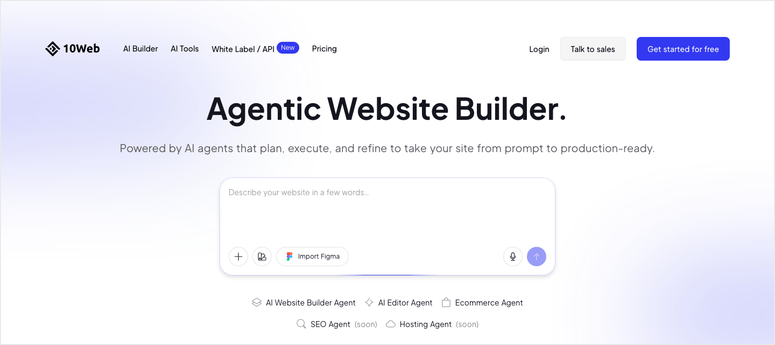


<p>Check out my <a href="https://www.isitwp.com/wpchat-review/" title="">WPChat review</a> for more details.</p>


<p><strong>Pricing:</strong> Free version available | Pro plans start at $49/year </p>


<p><strong><img src="https://s.w.org/images/core/emoji/17.0.2/72x72/1f449.png" alt="👉" class="wp-smiley" style="height: 1em; max-height: 1em;" /><a href="https://wpchat.com/" target="_blank" rel="noopener" title="">Get started with WPChat here</a></strong></p>


<h3 class="wp-block-heading" id="tidio">2. <a href="https://www.tidio.com/" target="_blank" rel="noopener nofollow" title="Tidio Live Chat">Tidio</a> <img src="https://s.w.org/images/core/emoji/17.0.2/72x72/2b50.png" alt="⭐" class="wp-smiley" style="height: 1em; max-height: 1em;" /><img src="https://s.w.org/images/core/emoji/17.0.2/72x72/2b50.png" alt="⭐" class="wp-smiley" style="height: 1em; max-height: 1em;" /><img src="https://s.w.org/images/core/emoji/17.0.2/72x72/2b50.png" alt="⭐" class="wp-smiley" style="height: 1em; max-height: 1em;" /><img src="https://s.w.org/images/core/emoji/17.0.2/72x72/2b50.png" alt="⭐" class="wp-smiley" style="height: 1em; max-height: 1em;" /><img src="https://s.w.org/images/core/emoji/17.0.2/72x72/2b50.png" alt="⭐" class="wp-smiley" style="height: 1em; max-height: 1em;" /></h3>


<p><strong>Best for: WordPress sites needing proven AI resolution (50+ conversations/month)</strong></p>


<figure class="wp-block-image size-full"><img loading="lazy" decoding="async" width="775" height="397" src="https://www.isitwp.com/wp-content/uploads/2026/02/tidio-homepage.png" alt="tidio homepage" class="wp-image-289220" srcset="https://www.isitwp.com/wp-content/uploads/2026/02/tidio-homepage.png 775w, https://www.isitwp.com/wp-content/uploads/2026/02/tidio-homepage-300x154.png 300w, https://www.isitwp.com/wp-content/uploads/2026/02/tidio-homepage-768x393.png 768w" sizes="auto, (max-width: 775px) 100vw, 775px" /></figure>


<p><a href="https://www.tidio.com/" target="_blank" rel="noopener nofollow" title="Tidio Live Chat">Tidio</a>’s standout feature is its 67% conversation resolution guarantee. They back it up with a 50% minimum or money back promise. </p>


<p>When I set up Tidio on a client site, the <a href="https://www.isitwp.com/best-ai-writing-plugins-for-wordpress/" title="">AI understood context</a> better than most competitors. It didn’t just pattern-match questions. It grasped what the customer actually needed.</p>


<h4 class="wp-block-heading" id="why-is-tidio-one-of-the-best-ai-chatbots">Why Is Tidio One of the Best AI Chatbots?</h4>


<p>The integration with 120+ tools means Tidio plays nicely with your WordPress ecosystem. You can <a href="https://www.isitwp.com/best-email-automation-tools/" title="connect it to email">connect it to email</a>, Slack, Zapier, or even custom webhooks. </p>


<p>The AI training feels intelligent. You can feed it your knowledge base, past support tickets, or URLs. Tidio learns from that and handles future conversations without repeating the same generic responses.</p>


<p>One friction point showed up quickly: Tidio’s modular pricing. It has a base plan, but add Lyro AI and Flows automation as premium addons. You’re looking at about $100/month for the full feature set.</p>


<h4 class="wp-block-heading" id="my-experience-with-tidio">My Experience with Tidio</h4>


<p>I installed Tidio on a WordPress eCommerce site, doing about 40 conversations per day. </p>


<p>Setup took maybe 12 minutes, including plugin install, grabbing the API key, and training the AI on 15 past support tickets. The training interface is drag-and-drop, no code required, so it was really fast.</p>


<p>Within three days, the AI was handling 60% of routine questions like order status, refund policy, and shipping times. </p>


<p>The 40% it didn’t handle got routed to a human, which is exactly what you want. </p>


<p>Here’s the thing I noticed: when Tidio handed off to a human, it included full conversation context. No “let me transfer you and repeat everything.” Just seamless handoff.</p>


<p>The performance impact was minimal. Page load time stayed under 2 seconds even with the chat widget active. You don’t want a support tool that tanks your conversion rate. </p>


<p>If performance is a concern, check out the&nbsp;<a href="https://www.isitwp.com/best-wordpress-caching-plugins-compared/">best WordPress caching plugins</a>&nbsp;to optimize your site alongside chatbot implementation.</p>


<p><img src="https://s.w.org/images/core/emoji/17.0.2/72x72/1f7e2.png" alt="🟢" class="wp-smiley" style="height: 1em; max-height: 1em;" />►&nbsp;<strong>Pros</strong>&nbsp;</p>


<ul class="wp-block-list">
<li><strong>High resolution rate:</strong>&nbsp;Tidio’s AI handles routine questions better than most tools </li>


<li><strong>Context understanding:</strong>&nbsp;The chatbot remembered previous conversations and referenced them naturally</li>


<li><strong>Excellent integrations:</strong>&nbsp;Connects to 120+ tools so it fits your workflow, not the other way around </li>


<li><strong>Money-back guarantee:</strong>&nbsp;If resolution drops below 50%, Tidio refunds you. Shows confidence in their product </li>


<li><strong>WordPress-first design:</strong>&nbsp;The plugin feels native to WordPress, not bolt-on </li>


<li><strong>Conversation history:</strong>&nbsp;AI remembers past interactions and provides continuity across sessions</li>
</ul>


<p><img src="https://s.w.org/images/core/emoji/17.0.2/72x72/1f534.png" alt="🔴" class="wp-smiley" style="height: 1em; max-height: 1em;" />►&nbsp;<strong>Cons</strong>&nbsp;</p>


<ul class="wp-block-list">
<li><strong>Hidden modular costs:</strong>&nbsp;Starts with a base price, but addons mean the real cost is about $100 once you add <a href="https://www.isitwp.com/best-wordpress-ai-plugins/" title="">AI and automation</a> </li>


<li><strong>Unique visitor limits:</strong>&nbsp;If your traffic spikes, you may need to upgrade to a higher tier suddenly </li>


<li><strong>Performance on slow hosts:</strong>&nbsp;On <a href="https://www.isitwp.com/hosting-reviews/cheap-hosting-reviews/" title="">shared hosting</a> with slow PHP, the widget can delay page loading</li>
</ul>


<p><strong>My Verdict:</strong>&nbsp;Tidio is the best choice if you want proven AI performance and don’t mind paying for the full feature set. They back their AI chatbot performance with a money-back guarantee. So you can try it risk-free. Best for WordPress sites handling 50+ conversations per month, where AI quality matters more than price.</p>


<p><strong>Pricing:</strong> Free plan available with 50 conversations/month | Pro starts at $24.17/ month.</p>


<p><strong><img src="https://s.w.org/images/core/emoji/17.0.2/72x72/1f449.png" alt="👉" class="wp-smiley" style="height: 1em; max-height: 1em;" />&nbsp;<a href="https://www.tidio.com/" target="_blank" rel="noopener nofollow" title="Tidio Live Chat">Get started with Tidio here</a></strong></p>


<h3 class="wp-block-heading" id="crisp">3. <a href="https://crisp.chat/" target="_blank" rel="noopener nofollow" title="">Crisp</a> <img src="https://s.w.org/images/core/emoji/17.0.2/72x72/2b50.png" alt="⭐" class="wp-smiley" style="height: 1em; max-height: 1em;" /><img src="https://s.w.org/images/core/emoji/17.0.2/72x72/2b50.png" alt="⭐" class="wp-smiley" style="height: 1em; max-height: 1em;" /><img src="https://s.w.org/images/core/emoji/17.0.2/72x72/2b50.png" alt="⭐" class="wp-smiley" style="height: 1em; max-height: 1em;" /><img src="https://s.w.org/images/core/emoji/17.0.2/72x72/2b50.png" alt="⭐" class="wp-smiley" style="height: 1em; max-height: 1em;" /><img src="https://s.w.org/images/core/emoji/17.0.2/72x72/2b50.png" alt="⭐" class="wp-smiley" style="height: 1em; max-height: 1em;" /></h3>


<p><strong>Best for: Startups testing multi-brand chatbots with strong free tier</strong></p>


<figure class="wp-block-image size-full"><a href="https://crisp.chat/" target="_blank" rel=" noreferrer noopener"><img loading="lazy" decoding="async" width="775" height="484" src="https://www.isitwp.com/wp-content/uploads/2026/05/crisp-homepage.png" alt="crisp homepage" class="wp-image-290773" srcset="https://www.isitwp.com/wp-content/uploads/2026/05/crisp-homepage.png 775w, https://www.isitwp.com/wp-content/uploads/2026/05/crisp-homepage-300x187.png 300w, https://www.isitwp.com/wp-content/uploads/2026/05/crisp-homepage-768x480.png 768w" sizes="auto, (max-width: 775px) 100vw, 775px" /></a></figure>


<p><a href="https://crisp.chat/" target="_blank" rel="noopener nofollow" title="">Crisp</a>’s biggest advantage is its workspace-based pricing model. </p>


<p>Instead of paying per agent, you pay per workspace. That means if you manage three separate brands or client projects, you don’t multiply your costs by three. One subscription covers all of them.</p>


<h4 class="wp-block-heading" id="why-is-crisp-one-of-the-best-ai-chatbots">Why Is Crisp One of the Best AI Chatbots?</h4>


<p>The <a href="https://www.isitwp.com/wordpress-plugins/uncanny-automator/" title="">AI builder is no-code</a>. You drag workflow steps, define conditions, and the bot responds. I trained Crisp on a PDF, a website, and past email support tickets, all from the interface, no developer needed. </p>


<p>From this, I noticed that the knowledge base training is particularly clean. You <a href="https://www.isitwp.com/best-file-upload-plugins-for-wordpress/" title="">upload PDFs</a>, paste URLs, or hand-write FAQ pairs, and Crisp indexes them instantly.</p>


<p>The catch: AI usage is heavily limited on mid-tier plans. The Essentials plan gives you only 50 AI uses per month. That’s not enough for any real automation. </p>


<p>You need the Plus plan for unlimited AI. The pricing jumps fast once you need an actual AI workload.</p>


<h4 class="wp-block-heading" id="my-experience-with-crisp">My Experience with Crisp</h4>


<p>I set up Crisp for a client managing two separate support workflows. One for product support, and another for billing inquiries. </p>


<p>With Crisp’s workspace model, I could configure both under one subscription. That’s a big win compared to tools that bill per channel or per agent.</p>


<p>The setup was slick. Plugin install, connect Crisp account, pick your trigger like website visitor, form submission, or chat button click. </p>


<p>The AI understood context across conversations. It remembered previous chats and adjusted tone accordingly. </p>


<p>When customers asked, “You said X last time, but now you’re saying Y,” the bot could reference and clarify.</p>


<p>Performance was good. The widget added maybe 100ms to page load. The omnichannel inbox consolidated everything from website chat, WhatsApp messages, email, and Messenger. </p>


<p>One place to see everything. For teams managing multiple channels, this saves time compared to&nbsp;<a href="https://www.isitwp.com/best-wordpress-social-media-plugins/">monitoring separate communication platforms</a>.</p>


<p>One limitation became clear: Crisp’s UI feels dated. No major design overhaul in years. The <a href="https://www.isitwp.com/best-wordpress-analytics-solutions-compared/" title="">analytics dashboard</a> is functional but basic. </p>


<p>If you’re building a modern support operation, you might outgrow Crisp’s interface.</p>


<p><img src="https://s.w.org/images/core/emoji/17.0.2/72x72/1f7e2.png" alt="🟢" class="wp-smiley" style="height: 1em; max-height: 1em;" />►&nbsp;<strong>Pros</strong>&nbsp;</p>


<ul class="wp-block-list">
<li><strong>Workspace-based pricing:</strong>&nbsp;One subscription covers multiple brands or projects. A real cost saver for agencies </li>


<li><strong>Strong free tier:</strong>&nbsp;Free plan includes all core features like live chat, basic AI, inbox, and knowledge base </li>


<li><strong>No-code AI builder:</strong>&nbsp;Anyone can <a href="https://www.isitwp.com/best-wordpress-automation-plugin/" title="">build workflows</a> without touching code or hiring developers </li>


<li><strong>Omnichannel by design:</strong>&nbsp;Native support for WhatsApp, Messenger, Instagram, email, and web in one inbox </li>


<li><strong>Knowledge base training:</strong>&nbsp;Simple interface to feed the AI your PDFs, websites, or FAQs </li>


<li><strong>Multi-brand scaling:</strong>&nbsp;Perfect for agencies managing separate client accounts</li>
</ul>


<p><img src="https://s.w.org/images/core/emoji/17.0.2/72x72/1f534.png" alt="🔴" class="wp-smiley" style="height: 1em; max-height: 1em;" />►&nbsp;<strong>Cons</strong>&nbsp;</p>


<ul class="wp-block-list">
<li><strong>AI is heavily limited on mid-tier:</strong>&nbsp;50 AI uses/month on the Essential Plan is too low for real automation </li>


<li><strong>Price jump to full AI:</strong>&nbsp;You need the Plus plan to get unlimited AI, doubling the cost </li>


<li><strong>Dated UI:</strong>&nbsp;The interface hasn’t had a major refresh in years compared to newer competitors </li>


<li><strong>Basic analytics:</strong>&nbsp;The reporting dashboard lacks depth for teams tracking detailed support metrics</li>
</ul>


<p><strong>My Verdict:</strong>&nbsp;Crisp is the best choice for startups managing multiple brands or projects. The workspace-based pricing and strong free tier make it ideal for testing AI support before committing a big budget. Jump to Plus if you need real AI automation, but know the price jump is steep.</p>


<p><strong>Pricing:</strong>&nbsp;Free plan available | Premium starts at $45/month</p>


<p><strong><img src="https://s.w.org/images/core/emoji/17.0.2/72x72/1f449.png" alt="👉" class="wp-smiley" style="height: 1em; max-height: 1em;" />&nbsp;<a href="https://crisp.chat/" target="_blank" rel="noopener nofollow" title="">Get started with Crisp here</a></strong></p>


<h3 class="wp-block-heading" id="freshdesk">4. <a href="https://www.isitwp.com/refer/freshworks-freshdesk/" target="_blank" rel="noopener nofollow" title="Freshworks Freshdesk">Freshdesk</a> <img src="https://s.w.org/images/core/emoji/17.0.2/72x72/2b50.png" alt="⭐" class="wp-smiley" style="height: 1em; max-height: 1em;" /><img src="https://s.w.org/images/core/emoji/17.0.2/72x72/2b50.png" alt="⭐" class="wp-smiley" style="height: 1em; max-height: 1em;" /><img src="https://s.w.org/images/core/emoji/17.0.2/72x72/2b50.png" alt="⭐" class="wp-smiley" style="height: 1em; max-height: 1em;" /><img src="https://s.w.org/images/core/emoji/17.0.2/72x72/2b50.png" alt="⭐" class="wp-smiley" style="height: 1em; max-height: 1em;" /></h3>


<p><strong>Best for: Growing businesses with omnichannel support needs</strong></p>


<figure class="wp-block-image size-full"><a href="https://www.isitwp.com/refer/freshworks-freshdesk/" target="_blank" rel=" noreferrer noopener"><img loading="lazy" decoding="async" width="775" height="383" src="https://www.isitwp.com/wp-content/uploads/2026/05/freshworks-homepage.png" alt="freshworks homepage" class="wp-image-290774" srcset="https://www.isitwp.com/wp-content/uploads/2026/05/freshworks-homepage.png 775w, https://www.isitwp.com/wp-content/uploads/2026/05/freshworks-homepage-300x148.png 300w, https://www.isitwp.com/wp-content/uploads/2026/05/freshworks-homepage-768x380.png 768w" sizes="auto, (max-width: 775px) 100vw, 775px" /></a></figure>


<p><a href="https://www.isitwp.com/refer/freshworks-freshdesk/" target="_blank" rel="noopener nofollow" title="Freshworks Freshdesk">Freshdesk</a> is the only enterprise-grade tool on this list, and it shows. </p>


<p>They have set up their AI to handle complex workflows. You can set up 50+ prebuilt agentic workflows, or customize them. </p>


<p>The AI doesn’t just answer questions. It updates records, processes requests, handles refunds, and routes to specialists. It’s a full automation layer.</p>


<h4 class="wp-block-heading" id="why-is-freshdesk-one-of-the-best-ai-chatbots">Why Is Freshdesk One of the Best AI Chatbots?</h4>


<p>The Freddy AI Copilot includes AI summaries of conversations, live translation, and reply suggestions for humans. </p>


<p>If a customer emails in Spanish and your team doesn’t speak Spanish, Freddy translates it. When your support person responds, Freddy suggests the best phrasing. </p>


<p>It’s AI working alongside humans, not replacing them.</p>


<p>The trade-off: Freshdesk isn’t a <a href="https://www.isitwp.com/top-wordpress-plugins/" title="">WordPress plugin</a>. It’s a SaaS platform you integrate via plugin or API. </p>


<p>That means you’re managing another third-party service, API keys, and ensuring Freshdesk talks to WordPress correctly. For solo site owners, that complexity might not be worth it.</p>


<h4 class="wp-block-heading" id="my-experience-with-freshdesk">My Experience with Freshdesk</h4>


<p>I tested Freshdesk on a client’s WordPress site that had grown to about 150 support tickets per month. </p>


<p>The integration was straightforward. WordPress plugin + Freshdesk API key, and the helpdesk dashboard appeared.</p>


<p>Where Freshdesk shines: handling complex queries. </p>


<p>For example, lets say a customer emails asking about a refund on a subscription. </p>


<p>Instead of a human reading the email, pulling up the order history, checking the refund policy, and responding, Freshdesk’s workflow does this automatically. </p>


<p>Refund approved, customer notified, ticket closed. The AI understood the multi-step process.</p>


<p>Setup took longer than Tidio and WPChat. It took me about 40 minutes to configure workflows, set up AI training, and test integrations. </p>


<p>Because of all the Freshdesk features, it needs deep configuration. If you’re scaling support operations, the time investment pays off quickly. </p>


<p>The cost added up fast since you pay per agent, per month, and the free plan covers one agent. </p>


<p>Plus, if you add Freddy AI Copilot and chatbot, you are looking at just under $100 /m per nth minimum. For small WordPress sites, that’s steep.</p>


<p><img src="https://s.w.org/images/core/emoji/17.0.2/72x72/1f7e2.png" alt="🟢" class="wp-smiley" style="height: 1em; max-height: 1em;" />►&nbsp;<strong>Pros</strong>&nbsp;</p>


<ul class="wp-block-list">
<li><strong>Enterprise-grade AI:</strong>&nbsp;Handles complex multi-step workflows that simpler tools can’t touch </li>


<li><strong>Good first-contact resolution:</strong>&nbsp;On omnichannel conversations, the AI closes out tickets without human intervention </li>


<li><strong>Freddy AI Copilot:</strong>&nbsp;Real-time translation, reply suggestions, and conversation summaries for support teams </li>


<li><strong>50+ prebuilt workflows:</strong>&nbsp;Start with templates and customize, or build from scratch </li>


<li><strong>Full omnichannel:</strong>&nbsp;Email, chat, phone, social media, all managed in one dashboard </li>


<li><strong>Automation depth:</strong>&nbsp;Can automate refunds, routing, record updates, and conditional logic</li>
</ul>


<p><img src="https://s.w.org/images/core/emoji/17.0.2/72x72/1f534.png" alt="🔴" class="wp-smiley" style="height: 1em; max-height: 1em;" />►&nbsp;<strong>Cons</strong>&nbsp;</p>


<ul class="wp-block-list">
<li><strong>Not a WordPress native:</strong>&nbsp;It’s a SaaS platform requiring API integration, not a simple plugin </li>


<li><strong>Minimum agent seats:</strong>&nbsp;Even if you’re solo, you pay per agent seat. This is expensive for freelancers and small blogs </li>


<li><strong>Hidden session-based costs:</strong>&nbsp;AI pricing is $100 per 1,000 sessions after your allowance. These costs can surprise you </li>


<li><strong>Steep learning curve:</strong>&nbsp;Power and complexity come together. The setup takes time and training</li>
</ul>


<p><strong>My Verdict:</strong>&nbsp;Freshdesk is the best choice if you’re growing fast and need enterprise-grade support automation. The AI quality is top-tier, but the price and complexity make it wrong for small WordPress sites. Best for teams handling 100+ tickets per month.</p>


<p><strong>Pricing:</strong>&nbsp;Free (1 agent) | Premium starts at $19/agent/mo</p>


<p><strong><img src="https://s.w.org/images/core/emoji/17.0.2/72x72/1f449.png" alt="👉" class="wp-smiley" style="height: 1em; max-height: 1em;" />&nbsp;<a href="https://www.isitwp.com/refer/freshworks-freshdesk/" target="_blank" rel="noopener nofollow" title="Freshworks Freshdesk">Get started with Freshdesk here</a></strong></p>


<h3 class="wp-block-heading" id="tawk.to">5. <a href="https://www.tawk.to/" target="_blank" rel="noopener nofollow" title="">Tawk.to</a> <img src="https://s.w.org/images/core/emoji/17.0.2/72x72/2b50.png" alt="⭐" class="wp-smiley" style="height: 1em; max-height: 1em;" /><img src="https://s.w.org/images/core/emoji/17.0.2/72x72/2b50.png" alt="⭐" class="wp-smiley" style="height: 1em; max-height: 1em;" /><img src="https://s.w.org/images/core/emoji/17.0.2/72x72/2b50.png" alt="⭐" class="wp-smiley" style="height: 1em; max-height: 1em;" /><img src="https://s.w.org/images/core/emoji/17.0.2/72x72/2b50.png" alt="⭐" class="wp-smiley" style="height: 1em; max-height: 1em;" /></h3>


<p><strong>Best for: Free + easy WordPress integration</strong></p>


<figure class="wp-block-image size-full"><a href="https://www.tawk.to/" target="_blank" rel=" noreferrer noopener"><img loading="lazy" decoding="async" width="775" height="408" src="https://www.isitwp.com/wp-content/uploads/2026/05/tawk-to-homepage.png" alt="tawk.to homepage" class="wp-image-290775" srcset="https://www.isitwp.com/wp-content/uploads/2026/05/tawk-to-homepage.png 775w, https://www.isitwp.com/wp-content/uploads/2026/05/tawk-to-homepage-300x158.png 300w, https://www.isitwp.com/wp-content/uploads/2026/05/tawk-to-homepage-768x404.png 768w" sizes="auto, (max-width: 775px) 100vw, 775px" /></a></figure>


<p><a href="https://www.tawk.to/" target="_blank" rel="noopener nofollow" title="">Tawk.to</a>’s biggest draw is that the base version is completely free forever. Live chat, basic chatbot, visitor tracking, visitor notes, ticket support. Zero cost. </p>


<p>The free plan is genuinely useful, not a crippled trial version. But, adding the AI Assist feature is a premium addon. </p>


<h4 class="wp-block-heading" id="why-is-tawk.to-one-of-the-best-ai-chatbots">Why Is Tawk.to One of the Best AI Chatbots?</h4>


<p>The setup is brutally simple. Install the WordPress plugin, grab your Site ID, and you’re live. You don&#8217;t need any further configurations. </p>


<p>The chat widget appears on your site within minutes. If you want AI, it learns from your conversations automatically without manual training.</p>


<h4 class="wp-block-heading" id="my-experience-with-tawk.to">My Experience with Tawk.to</h4>


<p>I installed Tawk.to on a <a href="https://www.isitwp.com/best-portfolio-plugins-wordpress/" title="">portfolio site</a> just to test the ease of setup. Plugin installed, one click to activate, chat widget appeared. It literally took me two minutes.</p>


<p>The <a href="https://www.isitwp.com/best-live-chat-software-compared/" title="">live chat</a> feature worked as advertised. Visitors could chat, and I could respond from the dashboard or via email. </p>


<p>The free plan included basic offline messages and <a href="https://www.isitwp.com/best-email-hosting-providers-compared/" title="">email forwarding</a>. For a small WordPress site with low chat volume, this was perfect.</p>


<p>When I tested the AI Assist feature, it felt less polished than Tidio or Crisp. The AI didn’t understand context as well. It gave generic responses more often. </p>


<p>But for an affordable add-on to a free tool, expectations should be tempered.</p>


<p>The integration with WordPress was native and clean. No third-party service to manage or API keys to configure. Just install and go. </p>


<p>For non-technical site owners, that’s huge. If customer support is important to your WordPress strategy, consider pairing Tawk.to with one of the <a href="https://www.isitwp.com/best-wordpress-plugins-bloggers/">best WordPress plugins for bloggers</a> to enhance audience engagement.</p>


<p><img src="https://s.w.org/images/core/emoji/17.0.2/72x72/1f7e2.png" alt="🟢" class="wp-smiley" style="height: 1em; max-height: 1em;" />► <strong>Pros</strong> </p>


<ul class="wp-block-list">
<li><strong>Free forever:</strong> Complete live chat platform at zero cost, forever. No hidden upgrade wall </li>


<li><strong>Instant setup:</strong> Install plugin, activate, chat widget is live. Two minutes, no configuration </li>


<li><strong>Native WordPress plugin:</strong> Builds on WordPress directly, not a third-party service bolted on </li>


<li><strong>Easy AI upgrade:</strong> Pay for the addon to include the AI Assist if you want it later </li>


<li><strong>Visitor tracking included:</strong> <a href="https://www.isitwp.com/tools-track-visitor-traffic-wordpress-site/" title="">See who’s on your site</a>, their behavior, and chat history before they reach out </li>


<li><strong>No credit card required:</strong> Start using completely free without any commitment</li>
</ul>


<p><img src="https://s.w.org/images/core/emoji/17.0.2/72x72/1f534.png" alt="🔴" class="wp-smiley" style="height: 1em; max-height: 1em;" />► <strong>Cons</strong> </p>


<ul class="wp-block-list">
<li><strong>AI quality is basic:</strong> The AI Assist feature is less intelligent than dedicated chatbot tools </li>


<li><strong>Limited advanced features:</strong> No complex workflows, no knowledge base training, no API customization </li>


<li><strong>Minimal analytics:</strong> Reporting is basic compared to enterprise tools </li>


<li><strong>No omnichannel:</strong> Tawk.to only handles web chat, not WhatsApp, email, or social </li>


<li><strong>AI training automatic only:</strong> Can’t manually train the AI on your docs. It learns from live conversations</li>
</ul>


<p><strong>My Verdict:</strong> Tawk.to is the best choice if you want a <a href="https://www.isitwp.com/add-free-live-chat-wordpress-step-step/" title="">free live chat</a> tool first and might add AI later. Perfect for WordPress sites with low chat volume or solopreneurs testing the waters. Skip it if you need advanced AI or omnichannel support.</p>


<p><strong>Pricing:</strong> Free plugin available for live chat | $29/month AI Assist add-on</p>


<p><strong><img src="https://s.w.org/images/core/emoji/17.0.2/72x72/1f449.png" alt="👉" class="wp-smiley" style="height: 1em; max-height: 1em;" /> <a href="https://www.tawk.to" target="_blank" rel="noopener nofollow" title="">Get started with Tawk.to here</a></strong></p>


<h3 class="wp-block-heading" id="smartsupp">6. <a href="https://www.isitwp.com/refer/smartsupp/" target="_blank" rel="noopener nofollow" title="Smartsupp">Smartsupp</a> <img src="https://s.w.org/images/core/emoji/17.0.2/72x72/2b50.png" alt="⭐" class="wp-smiley" style="height: 1em; max-height: 1em;" /><img src="https://s.w.org/images/core/emoji/17.0.2/72x72/2b50.png" alt="⭐" class="wp-smiley" style="height: 1em; max-height: 1em;" /><img src="https://s.w.org/images/core/emoji/17.0.2/72x72/2b50.png" alt="⭐" class="wp-smiley" style="height: 1em; max-height: 1em;" /></h3>


<p><strong>Best for: Live chat + AI combo on modest budget</strong></p>


<figure class="wp-block-image size-full"><a href="https://www.isitwp.com/refer/smartsupp/" target="_blank" rel=" noreferrer noopener"><img loading="lazy" decoding="async" width="775" height="374" src="https://www.isitwp.com/wp-content/uploads/2026/05/smartsupp-homepage.png" alt="smartsupp homepage" class="wp-image-290781" srcset="https://www.isitwp.com/wp-content/uploads/2026/05/smartsupp-homepage.png 775w, https://www.isitwp.com/wp-content/uploads/2026/05/smartsupp-homepage-300x145.png 300w, https://www.isitwp.com/wp-content/uploads/2026/05/smartsupp-homepage-768x371.png 768w, https://www.isitwp.com/wp-content/uploads/2026/05/smartsupp-homepage-330x160.png 330w" sizes="auto, (max-width: 775px) 100vw, 775px" /></a></figure>


<p><a href="https://www.isitwp.com/refer/smartsupp/" target="_blank" rel="noopener nofollow" title="Smartsupp">Smartsupp</a> combines live chat with AI in one interface. </p>


<p>You don’t buy chat separately and AI separately. They’re bundled. The free plan includes live chat, unlimited agents, and basic analytics. You can buy the AI features for an extra cost monthly.</p>


<h4 class="wp-block-heading" id="why-is-smartsupp-one-of-the-best-ai-chatbots">Why Is Smartsupp One of the Best AI Chatbots?</h4>


<p>The setup feels native to WordPress. Install the plugin, grab your API key, and the chat widget appears. </p>


<p>The interface is clean and modern compared to some competitors. You can customize the chat bubble color, position, and greeting message without touching code.</p>


<p>The AI is trained automatically on your website content. You don’t manually feed it PDFs or past conversations. It reads your website and learns from that. </p>


<p>For WordPress sites with good documentation or knowledge base pages, this is a huge time-saver.</p>


<h4 class="wp-block-heading" id="my-experience-with-smartsupp">My Experience with Smartsupp</h4>


<p>I set up Smartsupp on a client’s WordPress site that <a href="https://www.isitwp.com/best-course-creation-tools-for-wordpress-compared/" title="">sold online courses</a>. </p>


<p>The AI was trained on the course landing pages and FAQ section. When students asked “What’s included in the course?” or “Do you offer a refund?”, the AI pulled context from the website and answered accurately.</p>


<p>The live chat fallback worked smoothly. If the AI wasn’t confident, it escalated to a human. The transition felt natural without that “you’re now talking to a human” awkwardness.</p>


<p>Performance was solid. The widget added minimal overhead. Page load times didn’t noticeably change. The dashboard was responsive and intuitive.</p>


<p>One limitation: Smartsupp’s analytics are functional but not deep. You can see chat volume and resolution rates, but detailed attribution and conversion tracking require paid add-ons. </p>


<p>For basic needs, it’s fine. If you need deeper insights into customer behavior, explore <a href="https://www.isitwp.com/best-wordpress-analytics-solutions-compared/">WordPress analytics solutions</a> for comprehensive tracking.</p>


<p><img src="https://s.w.org/images/core/emoji/17.0.2/72x72/1f7e2.png" alt="🟢" class="wp-smiley" style="height: 1em; max-height: 1em;" />► <strong>Pros</strong> </p>


<ul class="wp-block-list">
<li><strong>Live chat free forever:</strong> The base platform (live chat, unlimited agents) is free, no feature gates </li>


<li><strong>AI trained on your website:</strong> Automatic knowledge base training from your WordPress site. No manual setup </li>


<li><strong>Modern, clean UI:</strong> The dashboard and chat widget feel current compared to older tools </li>


<li><strong>Affordable AI add-on:</strong> The AI addon is one of the cheapest in the market </li>


<li><strong>WordPress-native:</strong> Plugin-based integration, not a third-party service </li>


<li><strong>Automatic website crawling:</strong> The AI learns directly from your site content without manual effort</li>
</ul>


<p><img src="https://s.w.org/images/core/emoji/17.0.2/72x72/1f534.png" alt="🔴" class="wp-smiley" style="height: 1em; max-height: 1em;" />► <strong>Cons</strong> </p>


<ul class="wp-block-list">
<li><strong>AI quality is decent but not exceptional:</strong> Smartsupp’s AI understands context better than Tawk.to but less than Tidio </li>


<li><strong>Limited customization:</strong> You can’t build complex workflows or custom AI behaviors </li>


<li><strong>Basic reporting:</strong> Analytics lack depth for detailed support metrics </li>


<li><strong>No omnichannel:</strong> Only web chat, no WhatsApp, email, or <a href="https://www.isitwp.com/best-wordpress-social-media-plugins/" title="">social integrations</a> </li>


<li><strong>Limited control over AI training:</strong> Can’t manually feed it specific docs. Relies on automatic crawling</li>
</ul>


<p><strong>My Verdict:</strong>&nbsp;Smartsupp is the best choice if you want a free live chat tool with affordable AI added later. Great for WordPress sites that just need to handle customer questions without complexity. Skip it if you need enterprise workflows or omnichannel support.</p>


<p><strong>Pricing:</strong> Free plugin available | Pro starts at $17/month.</p>


<p><strong><img src="https://s.w.org/images/core/emoji/17.0.2/72x72/1f449.png" alt="👉" class="wp-smiley" style="height: 1em; max-height: 1em;" />&nbsp;<a href="https://www.isitwp.com/refer/smartsupp/" target="_blank" rel="noopener nofollow" title="Smartsupp">Get started with Smartsupp here</a></strong></p>


<h3 class="wp-block-heading" id="wpbot">7. <a href="https://www.wpbot.pro/" target="_blank" rel="noopener nofollow" title="">WPBot</a> <img src="https://s.w.org/images/core/emoji/17.0.2/72x72/2b50.png" alt="⭐" class="wp-smiley" style="height: 1em; max-height: 1em;" /><img src="https://s.w.org/images/core/emoji/17.0.2/72x72/2b50.png" alt="⭐" class="wp-smiley" style="height: 1em; max-height: 1em;" /><img src="https://s.w.org/images/core/emoji/17.0.2/72x72/2b50.png" alt="⭐" class="wp-smiley" style="height: 1em; max-height: 1em;" /></h3>


<p><strong>Best for: Budget DIY (if you have OpenAI API key)</strong></p>


<figure class="wp-block-image size-full"><a href="https://www.wpbot.pro/" target="_blank" rel=" noreferrer noopener"><img loading="lazy" decoding="async" width="775" height="484" src="https://www.isitwp.com/wp-content/uploads/2026/05/wpbot-homepage.png" alt="wpbot homepage" class="wp-image-290782" srcset="https://www.isitwp.com/wp-content/uploads/2026/05/wpbot-homepage.png 775w, https://www.isitwp.com/wp-content/uploads/2026/05/wpbot-homepage-300x187.png 300w, https://www.isitwp.com/wp-content/uploads/2026/05/wpbot-homepage-768x480.png 768w" sizes="auto, (max-width: 775px) 100vw, 775px" /></a></figure>


<p><a href="https://www.wpbot.pro/" target="_blank" rel="noopener nofollow" title="">WPBot</a> is unique because it’s a pure WordPress plugin that runs the chatbot using your own OpenAI API key. </p>


<p>You’re not paying WPBot for AI. You’re paying OpenAI directly. If you already use OpenAI’s API for other purposes, this is dirt cheap. </p>


<h4 class="wp-block-heading" id="why-is-wpbot-one-of-the-best-ai-chatbots">Why Is WPBot One of the Best AI Chatbots?</h4>


<p>There’s no middleman margin, licensing fee, or service charge. Just the raw OpenAI API cost, typically $0.01-$0.05 per conversation. </p>


<p>That’s dramatically cheaper than every other tool on this list if you have moderate chat volume.</p>


<p>The trade-off: you need to manage your own OpenAI API key, monitor usage, and ensure you don’t burn through your API quota. For developers, this is fine. For non-technical site owners, it’s friction.</p>


<h4 class="wp-block-heading" id="my-experience-with-wpbot">My Experience with WPBot</h4>


<p>I installed WPBot on a WordPress site and connected my OpenAI API account. The setup was straightforward for someone familiar with APIs, but I can see it being confusing for non-developers.</p>


<p>The chatbot quality was good. It tapped into GPT models directly, so the AI quality matched OpenAI’s current capability. The conversations felt natural.</p>


<p>The cost was the biggest surprise, in the best way. Over one month with about 500 conversations, my OpenAI bill for the chatbot was $2.14. Most tools would charge $24-39/month for equivalent volume.</p>


<p>The downside: WPBot is barebones. There’s no built-in knowledge base training, workflow builder, or omnichannel. You get a chatbot connected to OpenAI, that’s it. </p>


<p>If you need anything beyond that, you’re coding it yourself. For WordPress developers, pairing WPBot with tools like <a href="https://www.isitwp.com/best-wordpress-plugins/">WordPress automation plugins</a> can extend its functionality.</p>


<p><img src="https://s.w.org/images/core/emoji/17.0.2/72x72/1f7e2.png" alt="🟢" class="wp-smiley" style="height: 1em; max-height: 1em;" />► <strong>Pros</strong> </p>


<ul class="wp-block-list">
<li><strong>Dirt cheap:</strong> $39/year for the plugin + raw OpenAI costs ($0.01-$0.05 per conversation) beats every competitor </li>


<li><strong>Full OpenAI capability:</strong> You get GPT models directly, not a filtered version </li>


<li><strong>Pure WordPress plugin:</strong> Runs locally on your site, no third-party service to depend on </li>


<li><strong>No subscription trap:</strong> If you stop paying OpenAI, the plugin still works (it just stops getting AI responses) </li>


<li><strong>Direct API control:</strong> Advanced developers can customize prompts and behavior at the code level</li>
</ul>


<p><img src="https://s.w.org/images/core/emoji/17.0.2/72x72/1f534.png" alt="🔴" class="wp-smiley" style="height: 1em; max-height: 1em;" />► <strong>Cons</strong> </p>


<ul class="wp-block-list">
<li><strong>API key management required:</strong> You need to set up and monitor your OpenAI account yourself </li>


<li><strong>Barebones feature set:</strong> No knowledge base training, no workflows, no advanced features </li>


<li><strong>No omnichannel:</strong> Web chat only </li>


<li><strong>Limited support:</strong> Smaller team means slower response times vs. major platforms </li>


<li><strong>Requires developer knowledge:</strong> Non-technical users will struggle with API configuration </li>


<li><strong>No built-in training interface:</strong> You can’t feed it documentation. It responds based on prompts only</li>
</ul>


<p><strong>My Verdict:</strong>&nbsp;WPBot is the best choice only if you’re developer-savvy and want the absolute cheapest solution. The $39/year plugin cost plus OpenAI API usage ($2-20/month depending on volume) makes it unbeatable for price. Skip it if you’re not comfortable managing API keys.</p>


<p><strong>Pricing:</strong> Free Plugin available | Pro starts at $39/year. OpenAI API costs on top (typically $0.01–$0.05 per conversation).</p>


<p><strong>WP.org ratings:</strong>&nbsp;WPBot available on WordPress.org; developer-focused community</p>


<p><strong><img src="https://s.w.org/images/core/emoji/17.0.2/72x72/1f449.png" alt="👉" class="wp-smiley" style="height: 1em; max-height: 1em;" /> <a href="https://wpbot.pro" target="_blank" rel="noopener nofollow" title="">Get started with WPBot here</a></strong></p>


<h3 class="wp-block-heading" id="boei">8. <a href="https://boei.help/" target="_blank" rel="noopener nofollow" title="">Boei</a> <img src="https://s.w.org/images/core/emoji/17.0.2/72x72/2b50.png" alt="⭐" class="wp-smiley" style="height: 1em; max-height: 1em;" /><img src="https://s.w.org/images/core/emoji/17.0.2/72x72/2b50.png" alt="⭐" class="wp-smiley" style="height: 1em; max-height: 1em;" /><img src="https://s.w.org/images/core/emoji/17.0.2/72x72/2b50.png" alt="⭐" class="wp-smiley" style="height: 1em; max-height: 1em;" /></h3>


<p><strong>Best for: All-in-one CRM + chatbot on a tight budget</strong></p>


<figure class="wp-block-image size-full"><a href="https://boei.help/" target="_blank" rel=" noreferrer noopener"><img loading="lazy" decoding="async" width="775" height="362" src="https://www.isitwp.com/wp-content/uploads/2026/05/boei-help-hompeage.png" alt="boei help hompeage" class="wp-image-290783" srcset="https://www.isitwp.com/wp-content/uploads/2026/05/boei-help-hompeage.png 775w, https://www.isitwp.com/wp-content/uploads/2026/05/boei-help-hompeage-300x140.png 300w, https://www.isitwp.com/wp-content/uploads/2026/05/boei-help-hompeage-768x359.png 768w" sizes="auto, (max-width: 775px) 100vw, 775px" /></a></figure>


<p><a href="https://boei.help/" target="_blank" rel="noopener nofollow" title="">Boei</a> bundles AI chatbot, inbox, and CRM into one tool. That’s cheaper than many AI add-ons alone. </p>


<p>On the base plan, you get 2,000 AI messages per month, live chat, visitor tracking, and a basic CRM. </p>


<h4 class="wp-block-heading" id="why-is-boei-one-of-the-best-ai-chatbots">Why Is Boei One of the Best AI Chatbots?</h4>


<p>The AI is trained automatically on your website content up to 1,000 pages without manual training required. </p>


<p>All you have to do is feed it your website, and it learns. The interface is modern and intuitive. The free trial gives you 250 AI messages to test drive before committing.</p>


<p>Boei positions itself as WordPress-first, 48% of their customers use WordPress. As a result, they’ve optimized the plugin for WordPress specifically, not adapted it from a generic chatbot tool.</p>


<h4 class="wp-block-heading" id="my-experience-with-boei">My Experience with Boei</h4>


<p>I tested Boei on a WordPress blog with an audience of around 500 daily visitors. The setup was straightforward: plugin install, connect Boei account, and authorize. </p>


<p>The AI training was automatic. I didn’t have to do anything. Boei scanned my 30 blog posts and trained the AI on that content.</p>


<p>The results were solid. When visitors asked questions related to my blog topics, the AI answered accurately. </p>


<p>The AI also included links to relevant blog posts in its responses. Helpful for guiding readers deeper into the site. It even suggested related WordPress content when contextually appropriate.</p>


<p>The <a href="https://www.isitwp.com/best-crm-software-compared/" title="">CRM features</a> were basic but useful. I could track visitor browsing history, note interactions, and see which conversations led to conversions. For a small WordPress site, that’s enough.</p>


<p>Performance was good. The chat widget added about 80ms to page load, which is barely noticeable.</p>


<p>The free trial gave 250 AI messages, which is enough to test the AI quality before paying. That’s user-friendly compared to tools that make you pay to see if it works.</p>


<p><img src="https://s.w.org/images/core/emoji/17.0.2/72x72/1f7e2.png" alt="🟢" class="wp-smiley" style="height: 1em; max-height: 1em;" />► <strong>Pros</strong> </p>


<ul class="wp-block-list">
<li><strong>Exceptional value:</strong> The base plan gives you 2,000 AI messages, live chat, and CRM, which is unbeatable </li>


<li><strong>Automatic knowledge base training:</strong> Boei scans your website and trains the AI without manual setup </li>


<li><strong>Modern interface:</strong> The dashboard and chat widget feel current and polished </li>


<li><strong>WordPress-optimized:</strong> They’ve tailored the product for WordPress users</li>


<li><strong>Generous free trial:</strong> 250 AI messages let you test quality before paying </li>


<li><strong>All-in-one solution:</strong> Chatbot + inbox + CRM means no separate tools to manage</li>
</ul>


<p><img src="https://s.w.org/images/core/emoji/17.0.2/72x72/1f534.png" alt="🔴" class="wp-smiley" style="height: 1em; max-height: 1em;" />► <strong>Cons</strong> </p>


<ul class="wp-block-list">
<li><strong>AI quality is decent but not exceptional:</strong> Boei’s AI is competent but less sophisticated than Tidio </li>


<li><strong>Limited customization:</strong> You can’t build complex workflows or deeply customize AI behavior </li>


<li><strong>Basic omnichannel:</strong> Only web chat, not WhatsApp, email, or social integrations </li>


<li><strong>Small company:</strong> Less established than Freshdesk or Tidio. Support and feature updates depend on their roadmap </li>


<li><strong>No agent seats:</strong> Designed for solopreneurs and small businesses, not teams </li>


<li><strong>Message limits:</strong> The 2,000 AI messages/month can be limiting if you scale quickly</li>
</ul>


<p><strong>My Verdict:</strong>&nbsp;Boei is the best choice if you want all-in-one CRM + AI for under $15/month. Perfect for WordPress solopreneurs, bloggers, and small shops. Skip it if you need omnichannel support or enterprise features.</p>


<p><strong>Pricing:</strong> Starts from $19/month (2,000 AI messages, live chat, CRM) | Free trial (7 days, 250 AI messages).</p>


<p><strong><img src="https://s.w.org/images/core/emoji/17.0.2/72x72/1f449.png" alt="👉" class="wp-smiley" style="height: 1em; max-height: 1em;" /> <a href="https://boei.help/" target="_blank" rel="noopener nofollow" title="">Get started with Boei here</a></strong></p>


<p>That&#8217;s it for my list of the best WordPress AI chatbots. Now, since this is a long list, it can be overwhelming. You are probably asking yourself, What is actually the right WordPress AI chatbot for me?</p>


<p>I will help you answer this question next.</p>


<h2 class="wp-block-heading" id="how-to-choose">How to Choose the Right AI Chatbot for Your Business</h2>


<p>Picking the right chatbot depends on your budget, traffic volume, and what you need the AI to actually do. Here’s my decision framework:</p>


<p><strong>If you want conversations to continue on WhatsApp after visitors leave your site, pick <a href="https://wpchat.com/" target="_blank" rel="noopener" title="">WPChat</a>.</strong></p>


<ul class="wp-block-list">
<li>It’s the easiest tool here to connect WordPress with WhatsApp, Messenger, and Telegram. </li>


<li>Great for service businesses, agencies, and <a href="https://www.isitwp.com/best-woocommerce-themes-online-store/" title="">WooCommerce stores</a> that rely on messaging apps for leads and customer support.</li>
</ul>


<p><strong>If you want the best AI quality, pick <a href="https://www.isitwp.com/refer/tidio-live-chat/" target="_blank" rel="noopener nofollow" title="Tidio Live Chat">Tidio</a>.</strong> </p>


<ul class="wp-block-list">
<li>The 67% resolution guarantee backs up the claims. You’re paying for proven automation. It’s worth the investment if AI performance is your priority.</li>
</ul>


<p><strong>If you’re managing multiple brands or projects, pick <a href="https://crisp.chat/" target="_blank" rel="noopener nofollow" title="">Crisp</a>.</strong> </p>


<ul class="wp-block-list">
<li>The workspace-based pricing saves money compared to per-agent models. This approach scales well as your business grows.</li>
</ul>


<p><strong>If you need omnichannel support across email, WhatsApp, Messenger, and social, pick Freshdesk.</strong>&nbsp;It’s the only true omnichannel tool on this list, though it’s pricier. Best for teams handling 100+ support tickets per month.</p>


<p><strong>If you want free with an easy AI upgrade, pick <a href="https://www.tawk.to/" target="_blank" rel="noopener nofollow" title="">Tawk.to</a> or <a href="https://www.isitwp.com/refer/smartsupp/" target="_blank" rel="noopener nofollow" title="Smartsupp">Smartsupp</a>.</strong> </p>


<ul class="wp-block-list">
<li>Both offer free live chat forever. Add AI when you’re ready to pay. Smartsupp’s AI is more intelligent; Tawk.to is simpler.</li>
</ul>


<p><strong>If you’re a developer comfortable with APIs, pick <a href="https://wpbot.pro/" target="_blank" rel="noopener nofollow" title="">WPBot</a>.</strong> </p>


<ul class="wp-block-list">
<li>The OpenAI integration is cheap and flexible, but requires technical knowledge. Expect to spend $2-20/month on API costs depending on volume.</li>
</ul>


<p><strong>If you want everything bundled cheaply, pick <a href="https://boei.help/" target="_blank" rel="noopener nofollow" title="">Boei</a>.</strong> </p>


<p>On the base plan, you get a chatbot, inbox, and CRM. No hidden costs. Perfect for startups testing customer support automation.</p>


<p>Well done. You now have a complete list of the best AI chatbots for WordPress and how to select one for your business. If anything is unclear, check out the commonly asked questions below. </p>


<h2 class="wp-block-heading" id="faqs-best-ai-chatbots-for-wordpress">FAQs: Best AI Chatbots for WordPress</h2>


<div class="wp-block-group"><div class="wp-block-group__inner-container is-layout-constrained wp-block-group-is-layout-constrained">
<h3 class="wp-block-heading" id="aioseo-can-wpchat-really-work-as-an-ai-chatbot-if-it-mainly-uses-whatsapp-366">Can WPChat really work as an AI chatbot if it mainly uses WhatsApp?</h3>


<p>Yes. WPChat combines live messaging with AI-powered automation. The AI can answer FAQs, guide visitors through chat funnels, and respond automatically using your website content. The difference is that conversations can continue inside WhatsApp after visitors leave your site, which feels more natural than traditional website-only chat widgets.</p>


<h3 class="wp-block-heading" id="can-i-use-freshdesk-or-other-non-wordpress-plugins-on-my-site">Can I use Freshdesk or other non-WordPress plugins on my site?</h3>


<p>Yes, but with caveats. Freshdesk integrates via API or widget, not a native plugin. You’ll manage it separately from WordPress. It adds a third-party service to your site, which means potential security surface, API keys to manage, and another login to maintain. For simple WordPress sites, native plugins (Tidio, Crisp, Tawk.to) are easier. For complex support needs, the trade-off is worth it.</p>


<h3 class="wp-block-heading" id="whats-the-real-cost-of-running-an-ai-chatbot">What’s the real cost of running an AI chatbot?</h3>


<p>It depends on volume and tool. A free tool (Tawk.to, Smartsupp base) costs nothing. Adding AI starts around $11-29/month. Enterprise tools (Freshdesk, Tidio full-featured) run $75-100+/month. Budget for 50-500 conversations per month on mid-tier tools. Most WordPress sites spend $25-75/month total.</p>


<h3 class="wp-block-heading" id="do-these-chatbots-really-handle-50-67-of-conversations-automatically">Do these chatbots really handle 50-67% of conversations automatically?</h3>


<p>Not always in practice. The published rates (67% for Tidio, 50-85% for Boei) assume you’ve trained the AI well and set clear automation rules. If you install the tool and don’t train it, expect 20-30% automation. The higher numbers come with effort.</p>


<h3 class="wp-block-heading" id="how-long-does-setup-take">How long does WordPress AI chatbots setup take?</h3>


<p>Free plugins (Tawk.to): 2-5 minutes. Moderate tools (Crisp, Smartsupp, Boei): 10-20 minutes. Complex tools (Freshdesk, Tidio with full features): 30-60 minutes. The difference is configuration depth. Simple tools work out of the box. Advanced tools require thoughtful setup.</p>


<h3 class="wp-block-heading" id="will-a-chatbot-slow-down-my-wordpress-site">Will a chatbot slow down my WordPress site?</h3>


<p>Minimally, if you pick the right one. Native WordPress plugins (Tidio, Crisp, WPBot) add 50-200ms to page load. Third-party widgets (Freshdesk, Boei) add 80-150ms. The impact is small if your hosting is decent. On shared hosting with slow PHP, any external widget can cause noticeable delays.</p>


<h3 class="wp-block-heading" id="what-happens-when-the-ai-doesnt-know-the-answer">What happens when the AI doesn’t know the answer?</h3>


<p>Good tools escalate to a human and include conversation context. Tidio, Crisp, Freshdesk, and Boei all do this. The handoff is seamless. The human doesn’t ask, “What were we talking about?” They see the full conversation and pick up where the AI left off.</p>
</div></div>


<h2 class="wp-block-heading" id="final-verdict-should-i-use-an-ai-chatbot-on-my-wordpress-site">Final Verdict: Should I Use an AI Chatbot on My WordPress Site?</h2>


<p>Yes. If you’re answering the same questions repeatedly, a chatbot saves time and improves customer experience. Visitors appreciate instant responses at 2 AM. You appreciate not checking email at 2 AM.</p>


<p>The right chatbot depends on your budget and needs. </p>


<p>You can start free and upgrade later. You can pick something budget-friendly or proven. The point is: you have options.</p>


<p>The tools on this list work on real WordPress sites. I have tested them. They’re not theoretical. Pick the one that matches your budget and WordPress workflow, and measure the results. </p>


<p>If it’s not working in 30 days, try another.</p>


<hr class="wp-block-separator has-alpha-channel-opacity"/>


<h2 class="wp-block-heading" id="resource-hub-support-automation-tools">Resource Hub: Support &amp; Automation Tools</h2>


<ul class="wp-block-list">
<li><strong><a href="https://www.isitwp.com/best-wordpress-contact-form-plugins/">Best WordPress Contact Form Plugins</a></strong> &#8211; Collect customer questions and feedback before they need live chat</li>


<li><strong><a href="https://www.isitwp.com/best-wordpress-lead-generation-plugins-compared/">Best WordPress Lead Generation Plugins</a></strong> &#8211; Capture visitor details so your chatbot can personalize responses</li>


<li><strong><a href="https://www.isitwp.com/best-wordpress-backup-plugins-compared/">Top WordPress Backup Plugins</a></strong> &#8211; Protect your site and chatbot data in case of outages</li>


<li><strong><a href="https://www.isitwp.com/best-email-marketing-services-compared/">Top Email Marketing Services</a></strong> &#8211; Follow up with chatbot conversations via email automation</li>


<li><strong><a href="https://www.isitwp.com/best-wordpress-security-plugins-compared/">Best WordPress Security Plugins</a></strong> &#8211; Keep your site and chatbot API keys secure</li>


<li><strong><a href="https://www.isitwp.com/best-wordpress-page-builders-compared/">Best WordPress Page Builders</a></strong> &#8211; Design landing pages that funnel visitors to your chatbot</li>
</ul><p>The post <a href="https://www.isitwp.com/best-ai-wordpress-chatbot-plugins/">8 Best AI WordPress Chatbot Plugins – Tested</a> first appeared on <a href="https://www.isitwp.com">IsItWP - Free WordPress Theme Detector</a>.</p>]]></content>
		
					<link rel="replies" type="text/html" href="https://www.isitwp.com/best-ai-wordpress-chatbot-plugins/#comments" thr:count="0" />
			<link rel="replies" type="application/atom+xml" href="https://www.isitwp.com/best-ai-wordpress-chatbot-plugins/feed/atom/" thr:count="0" />
			<thr:total>0</thr:total>
			</entry>
		<entry>
		<author>
			<name>Alvin Collin</name>
							<uri>https://www.isitwp.com/author/alvin/</uri>
						</author>

		<title type="html"><![CDATA[6 Best WordPress Peer-to-Peer Fundraising Plugins for Campaigns -Tested]]></title>
		<link rel="alternate" type="text/html" href="https://www.isitwp.com/best-wordpress-peer-to-peer-fundraising-plugins/" />

		<id>https://www.isitwp.com/?p=290732</id>
		<updated>2026-05-07T14:00:49Z</updated>
		<published>2026-05-07T14:00:06Z</published>
		<category scheme="https://www.isitwp.com" term="WordPress Plugins" /><category scheme="https://www.isitwp.com" term="best wordpress plugins for nonprofits" /><category scheme="https://www.isitwp.com" term="charity plugins" /><category scheme="https://www.isitwp.com" term="fundraising plugins" /><category scheme="https://www.isitwp.com" term="peer-to-peer plugins" />
		<summary type="html"><![CDATA[<p>TL;DR: I rank and compare the best peer-to-peer fundraising plugins for WordPress. Charitable is the best free option and is easy to use due to its drag-and-drop builder. GiveWP offers more features on the free plan and uses an add-on modular approach to keep costs down. One of my most ambitious projects was helping a [&#8230;]</p>
<p>The post <a href="https://www.isitwp.com/best-wordpress-peer-to-peer-fundraising-plugins/">6 Best WordPress Peer-to-Peer Fundraising Plugins for Campaigns -Tested</a> first appeared on <a href="https://www.isitwp.com">IsItWP - Free WordPress Theme Detector</a>.</p>]]></summary>

					<content type="html" xml:base="https://www.isitwp.com/best-wordpress-peer-to-peer-fundraising-plugins/"><![CDATA[<p><strong>TL;DR:</strong> I rank and compare the best peer-to-peer fundraising plugins for WordPress. Charitable is the best free option and is easy to use due to its drag-and-drop builder. GiveWP offers more features on the free plan and uses an add-on modular approach to keep costs down.</p>


<hr class="wp-block-separator has-alpha-channel-opacity"/>


<p>One of my most ambitious projects was helping a food bank with its online presence. Their main issue was struggling to keep donors engaged. </p>


<p>They’d ask for help, people would give once, then disappear. </p>


<p>Then their volunteer coordinator had an idea: what if regular supporters could create their own fundraising pages and ask their friends? The response was immediate. </p>


<p>Nonprofits, individuals, and small charities are realizing the same thing. Peer-to-peer fundraising works because it taps into the power of personal networks. </p>


<p>Instead of asking for money once, you empower your community to fundraise on your behalf. WordPress makes this possible. And choosing the right plugin determines whether your supporters find it effortless or frustrating.</p>


<p>In this article, I list the best peer-to-peer WordPress plugins that not only help you raise more money but also motivate your donors to support more.</p>


<h2 class="wp-block-heading" id="key-takeaways">Key Takeaways</h2>


<ul class="wp-block-list">
<li>I’ll show you peer-to-peer fundraising plugins that let your supporters create their own campaign pages without coding</li>


<li>I mention tools that charge zero platform fee. A critical advantage over external SaaS fundraising platforms</li>


<li>Reveal which plugins work best for small nonprofits versus larger organizations with teams</li>


<li>I tested seven options to find which ones actually make peer-to-peer setup simple</li>
</ul>


<h2 class="wp-block-heading" id="how-i-test-peer-to-peer-fundraising-plugins">How I Test Peer-to-Peer Fundraising Plugins</h2>


<details class="wp-block-details is-layout-flow wp-block-details-is-layout-flow"><summary><img src="https://s.w.org/images/core/emoji/17.0.2/72x72/1f50d.png" alt="🔍" class="wp-smiley" style="height: 1em; max-height: 1em;" /> Click to see my testing methodology</summary>
<p><br><strong>Here’s exactly how I evaluate peer-to-peer fundraising plugins:</strong></p>


<ul class="wp-block-list">
<li><strong>Campaign builder ease</strong>&nbsp;&#8211; Can a non-technical supporter create a fundraising page in under 5 minutes? Are the steps intuitive?</li>


<li><strong>Customization without code</strong>&nbsp;&#8211; Drag-and-drop builder, template library, colors/branding (not just API access for developers)</li>


<li><strong>Donor experience</strong>&nbsp;&#8211; Are campaign pages mobile-friendly? Can donors see progress toward goals? Is the donation process frictionless?</li>


<li><strong>Reporting &amp; transparency</strong>&nbsp;&#8211; Can you see which campaigns are live, how much they’ve raised, and who’s contributing?</li>


<li><strong>Platform fees impact</strong>&nbsp;&#8211; Does the plugin charge a percentage per donation, or is it truly fee-free (with self-hosted payments)?</li>
</ul>


<p><strong>Tools I use:</strong>&nbsp;</p>


<ul class="wp-block-list">
<li><a href="https://www.isitwp.com/wordpress-test-site/" title=""><strong>WordPress test sites</strong></a> &#8211; Setting up live donation forms in test environments</li>


<li><strong>Payment gateway docs (Stripe, PayPal)</strong> &#8211; Verifying fee structures and payment handling</li>


<li><a href="https://wordpress.org/plugins/"><strong>WordPress.org review pages</strong></a> &#8211; Real user feedback on setup experience</li>


<li><a href="https://gtmetrix.com"><strong>GTmetrix</strong></a> &#8211; Testing campaign page speed (slow forms = fewer donations)</li>
</ul>
</details>


<h2 class="wp-block-heading" id="why-trust-isitwp">Why Trust IsItWP?</h2>


<p>At IsItWP, we’ve been the WordPress community’s go-to resource since 2009, helping over 2 million users choose better plugins and tools. </p>


<p>Unlike review sites that never actually use the products, we maintain active accounts, run real fundraising tests, and provide ongoing WordPress consultation. </p>


<p>When I write about peer-to-peer fundraising plugins, I’ve set them up myself, created test campaigns, and watched how supporters interact with them.</p>


<h2 class="wp-block-heading" id="best-peer-to-peer-fundraising-plugins-compared">Best Peer-to-Peer Fundraising Plugins Compared</h2>


<p>Peer-to-peer fundraising has transformed how nonprofits and causes engage supporters. </p>


<p>The right plugin lets your community fundraise on your behalf, turning donors into fundraisers. </p>


<p>Below is a comparison of the top options that make peer-to-peer campaigns simple to launch and manage from your WordPress site. </p>


<table id="tablepress-173" class="tablepress tablepress-id-173">
<thead>
<tr class="row-1">
	<th class="column-1">Product</th><th class="column-2">Best For</th><th class="column-3">Free Version</th><th class="column-4">Native Peer-to-Peer</th><th class="column-5">Starting Price</th>
</tr>
</thead>
<tbody class="row-striping row-hover">
<tr class="row-2">
	<td class="column-1"><a href="https://wpcharitable.com/" target="_blank" rel="noopener"><strong><img src="https://s.w.org/images/core/emoji/17.0.2/72x72/1f947.png" alt="🥇" class="wp-smiley" style="height: 1em; max-height: 1em;" /> Charitable</strong></a></td><td class="column-2"><strong>Nonprofits prioritizing zero fees</strong></td><td class="column-3"><strong><img src="https://s.w.org/images/core/emoji/17.0.2/72x72/2705.png" alt="✅" class="wp-smiley" style="height: 1em; max-height: 1em;" /> Yes</strong></td><td class="column-4"><strong><img src="https://s.w.org/images/core/emoji/17.0.2/72x72/2705.png" alt="✅" class="wp-smiley" style="height: 1em; max-height: 1em;" /> Yes</strong></td><td class="column-5"><a href="https://wpcharitable.com/pricing/" target="_blank" rel="noopener"><strong>$69/yr</strong></a></td>
</tr>
<tr class="row-3">
	<td class="column-1"><a href="https://www.isitwp.com/refer/givewp/" target="_blank" rel="noreferrer noopener"><strong><img src="https://s.w.org/images/core/emoji/17.0.2/72x72/1f948.png" alt="🥈" class="wp-smiley" style="height: 1em; max-height: 1em;" /> GiveWP</strong></a></td><td class="column-2"><strong>Scaling organizations</strong></td><td class="column-3"><strong><img src="https://s.w.org/images/core/emoji/17.0.2/72x72/2705.png" alt="✅" class="wp-smiley" style="height: 1em; max-height: 1em;" /> Yes</strong></td><td class="column-4"><strong><img src="https://s.w.org/images/core/emoji/17.0.2/72x72/2705.png" alt="✅" class="wp-smiley" style="height: 1em; max-height: 1em;" /> Yes </strong></td><td class="column-5"><a href="https://www.isitwp.com/refer/givewp/" target="_blank" rel="noreferrer noopener"><strong>$149/yr</strong></a></td>
</tr>
<tr class="row-4">
	<td class="column-1"><a href="https://www.isitwp.com/refer/donorbox/" target="_blank" rel="noreferrer noopener"><strong><img src="https://s.w.org/images/core/emoji/17.0.2/72x72/1f949.png" alt="🥉" class="wp-smiley" style="height: 1em; max-height: 1em;" /> Donorbox</strong></a></td><td class="column-2"><strong>Quick-start teams</strong></td><td class="column-3"><strong><img src="https://s.w.org/images/core/emoji/17.0.2/72x72/2705.png" alt="✅" class="wp-smiley" style="height: 1em; max-height: 1em;" /> Yes</strong></td><td class="column-4"><strong><img src="https://s.w.org/images/core/emoji/17.0.2/72x72/2705.png" alt="✅" class="wp-smiley" style="height: 1em; max-height: 1em;" /> Yes</strong></td><td class="column-5"><a href="https://www.isitwp.com/refer/donorbox/" target="_blank" rel="noreferrer noopener"><strong>$150/mo</strong></a></td>
</tr>
<tr class="row-5">
	<td class="column-1"><a href="https://whydonate.com/" target="_blank" rel="noreferrer noopener">4. WhyDonate</a></td><td class="column-2">Small nonprofits &amp; individuals</td><td class="column-3"><img src="https://s.w.org/images/core/emoji/17.0.2/72x72/2705.png" alt="✅" class="wp-smiley" style="height: 1em; max-height: 1em;" /> Yes</td><td class="column-4"><img src="https://s.w.org/images/core/emoji/17.0.2/72x72/2705.png" alt="✅" class="wp-smiley" style="height: 1em; max-height: 1em;" /> Yes</td><td class="column-5"><a href="https://whydonate.com/" rel="noopener nofollow " target="_blank">€0,25 fees + 1.9%/donation</a></td>
</tr>
<tr class="row-6">
	<td class="column-1"><a href="https://wordpress.org/plugins/wp-fundraising-donation/" target="_blank" rel="noreferrer noopener">5. FundEngine</a></td><td class="column-2">Budget-first organizations</td><td class="column-3"><img src="https://s.w.org/images/core/emoji/17.0.2/72x72/2705.png" alt="✅" class="wp-smiley" style="height: 1em; max-height: 1em;" /> Yes (full-featured)</td><td class="column-4"><img src="https://s.w.org/images/core/emoji/17.0.2/72x72/2705.png" alt="✅" class="wp-smiley" style="height: 1em; max-height: 1em;" /> Yes</td><td class="column-5"><a href="https://wordpress.org/plugins/wp-fundraising-donation/" target="_blank" rel="noreferrer noopener">Free</a></td>
</tr>
<tr class="row-7">
	<td class="column-1"><a href="https://www.growfund.io/" target="_blank" rel="noreferrer noopener">Growfund</a></td><td class="column-2">Community-first fundraising</td><td class="column-3"><img src="https://s.w.org/images/core/emoji/17.0.2/72x72/2705.png" alt="✅" class="wp-smiley" style="height: 1em; max-height: 1em;" /> Yes</td><td class="column-4"><img src="https://s.w.org/images/core/emoji/17.0.2/72x72/2705.png" alt="✅" class="wp-smiley" style="height: 1em; max-height: 1em;" /> Yes</td><td class="column-5"><a href="https://www.growfund.io/" rel="noopener nofollow " target="_blank">$74.50/yr</a></td>
</tr>
</tbody>
</table>
<!-- #tablepress-173 from cache -->


<p>If you’re looking for broader fundraising strategies beyond peer-to-peer, check out our <a href="https://www.isitwp.com/best-wordpress-donation-plugins/" title="">best WordPress donation plugins</a> guide for a wider overview.</p>


<p>You can also use the table of contents below to see all the peer-to-peer plugins for WordPress at a glance. Click the links to read the section you want.</p>


<div class="wp-block-aioseo-table-of-contents"><ul><li><a class="aioseo-toc-item" href="#charitable">1. Charitable <img src="https://s.w.org/images/core/emoji/17.0.2/72x72/2b50.png" alt="⭐" class="wp-smiley" style="height: 1em; max-height: 1em;" /><img src="https://s.w.org/images/core/emoji/17.0.2/72x72/2b50.png" alt="⭐" class="wp-smiley" style="height: 1em; max-height: 1em;" /><img src="https://s.w.org/images/core/emoji/17.0.2/72x72/2b50.png" alt="⭐" class="wp-smiley" style="height: 1em; max-height: 1em;" /><img src="https://s.w.org/images/core/emoji/17.0.2/72x72/2b50.png" alt="⭐" class="wp-smiley" style="height: 1em; max-height: 1em;" /><img src="https://s.w.org/images/core/emoji/17.0.2/72x72/2b50.png" alt="⭐" class="wp-smiley" style="height: 1em; max-height: 1em;" /></a><ul><li><a class="aioseo-toc-item" href="#my-experience-with-charitable">My Experience with Charitable</a></li></ul></li><li><a class="aioseo-toc-item" href="#givewp">2. GiveWP <img src="https://s.w.org/images/core/emoji/17.0.2/72x72/2b50.png" alt="⭐" class="wp-smiley" style="height: 1em; max-height: 1em;" /><img src="https://s.w.org/images/core/emoji/17.0.2/72x72/2b50.png" alt="⭐" class="wp-smiley" style="height: 1em; max-height: 1em;" /><img src="https://s.w.org/images/core/emoji/17.0.2/72x72/2b50.png" alt="⭐" class="wp-smiley" style="height: 1em; max-height: 1em;" /><img src="https://s.w.org/images/core/emoji/17.0.2/72x72/2b50.png" alt="⭐" class="wp-smiley" style="height: 1em; max-height: 1em;" /><img src="https://s.w.org/images/core/emoji/17.0.2/72x72/2b50.png" alt="⭐" class="wp-smiley" style="height: 1em; max-height: 1em;" /></a><ul><li><a class="aioseo-toc-item" href="#my-experience-with-givewp">My Experience with GiveWP</a></li></ul></li><li><a class="aioseo-toc-item" href="#donorbox">3. Donorbox <img src="https://s.w.org/images/core/emoji/17.0.2/72x72/2b50.png" alt="⭐" class="wp-smiley" style="height: 1em; max-height: 1em;" /><img src="https://s.w.org/images/core/emoji/17.0.2/72x72/2b50.png" alt="⭐" class="wp-smiley" style="height: 1em; max-height: 1em;" /><img src="https://s.w.org/images/core/emoji/17.0.2/72x72/2b50.png" alt="⭐" class="wp-smiley" style="height: 1em; max-height: 1em;" /><img src="https://s.w.org/images/core/emoji/17.0.2/72x72/2b50.png" alt="⭐" class="wp-smiley" style="height: 1em; max-height: 1em;" /><img src="https://s.w.org/images/core/emoji/17.0.2/72x72/2b50.png" alt="⭐" class="wp-smiley" style="height: 1em; max-height: 1em;" /></a><ul><li><a class="aioseo-toc-item" href="#my-experience-with-donorbox">My Experience with Donorbox</a></li></ul></li><li><a class="aioseo-toc-item" href="#whydonate">4. WhyDonate <img src="https://s.w.org/images/core/emoji/17.0.2/72x72/2b50.png" alt="⭐" class="wp-smiley" style="height: 1em; max-height: 1em;" /><img src="https://s.w.org/images/core/emoji/17.0.2/72x72/2b50.png" alt="⭐" class="wp-smiley" style="height: 1em; max-height: 1em;" /><img src="https://s.w.org/images/core/emoji/17.0.2/72x72/2b50.png" alt="⭐" class="wp-smiley" style="height: 1em; max-height: 1em;" /><img src="https://s.w.org/images/core/emoji/17.0.2/72x72/2b50.png" alt="⭐" class="wp-smiley" style="height: 1em; max-height: 1em;" /></a><ul><li><a class="aioseo-toc-item" href="#my-experience-with-whydonate">My Experience with WhyDonate</a></li></ul></li><li><a class="aioseo-toc-item" href="#fundengine">5. FundEngine <img src="https://s.w.org/images/core/emoji/17.0.2/72x72/2b50.png" alt="⭐" class="wp-smiley" style="height: 1em; max-height: 1em;" /><img src="https://s.w.org/images/core/emoji/17.0.2/72x72/2b50.png" alt="⭐" class="wp-smiley" style="height: 1em; max-height: 1em;" /><img src="https://s.w.org/images/core/emoji/17.0.2/72x72/2b50.png" alt="⭐" class="wp-smiley" style="height: 1em; max-height: 1em;" /></a><ul><li><a class="aioseo-toc-item" href="#my-experience-with-fundengine">My Experience with FundEngine</a></li></ul></li><li><a class="aioseo-toc-item" href="#growfund">6. Growfund <img src="https://s.w.org/images/core/emoji/17.0.2/72x72/2b50.png" alt="⭐" class="wp-smiley" style="height: 1em; max-height: 1em;" /><img src="https://s.w.org/images/core/emoji/17.0.2/72x72/2b50.png" alt="⭐" class="wp-smiley" style="height: 1em; max-height: 1em;" /><img src="https://s.w.org/images/core/emoji/17.0.2/72x72/2b50.png" alt="⭐" class="wp-smiley" style="height: 1em; max-height: 1em;" /></a><ul><li><a class="aioseo-toc-item" href="#my-experience-with-growfund">My Experience with Growfund</a></li></ul></li><li><a class="aioseo-toc-item" href="#also-consider-wpforms">Also Consider: WPForms</a></li><li><a class="aioseo-toc-item" href="#how-to-choose">How to Choose</a></li><li><a class="aioseo-toc-item" href="#faqs-best-wordpress-peer-to-peer-fundraising-plugins">FAQs: Best WordPress Peer-to-Peer Fundraising Plugins</a><ul></ul></li><li><a class="aioseo-toc-item" href="#final-verdict-should-i-use-peer-to-peer-fundraising-on-my-wordpress-site">Final Verdict: Should I Use Peer-to-Peer Fundraising on My WordPress Site?</a></li><li><a class="aioseo-toc-item" href="#resource-hub-peer-to-peer-fundraising-for-nonprofits">Resource Hub: Peer-to-Peer Fundraising for Nonprofits</a></li></ul></div>


<p>With that out of the way, let&#8217;s dive in.</p>


<h3 class="wp-block-heading" id="charitable">1. <a href="https://wpcharitable.com/" target="_blank" rel="noopener nofollow" title="">Charitable</a> <img src="https://s.w.org/images/core/emoji/17.0.2/72x72/2b50.png" alt="⭐" class="wp-smiley" style="height: 1em; max-height: 1em;" /><img src="https://s.w.org/images/core/emoji/17.0.2/72x72/2b50.png" alt="⭐" class="wp-smiley" style="height: 1em; max-height: 1em;" /><img src="https://s.w.org/images/core/emoji/17.0.2/72x72/2b50.png" alt="⭐" class="wp-smiley" style="height: 1em; max-height: 1em;" /><img src="https://s.w.org/images/core/emoji/17.0.2/72x72/2b50.png" alt="⭐" class="wp-smiley" style="height: 1em; max-height: 1em;" /><img src="https://s.w.org/images/core/emoji/17.0.2/72x72/2b50.png" alt="⭐" class="wp-smiley" style="height: 1em; max-height: 1em;" /></h3>


<p><strong>Best for: Nonprofits that want zero platform fees and full control over supporter fundraising pages</strong></p>


<figure class="wp-block-image size-full"><a href="https://wpcharitable.com/" target="_blank"><img loading="lazy" decoding="async" width="775" height="384" src="https://www.isitwp.com/wp-content/uploads/2024/10/charitable-homepage.png" alt="charitable homepage" class="wp-image-281633" srcset="https://www.isitwp.com/wp-content/uploads/2024/10/charitable-homepage.png 775w, https://www.isitwp.com/wp-content/uploads/2024/10/charitable-homepage-300x149.png 300w, https://www.isitwp.com/wp-content/uploads/2024/10/charitable-homepage-768x381.png 768w" sizes="auto, (max-width: 775px) 100vw, 775px" /></a></figure>


<p><a href="https://www.wpcharitable.com" target="_blank" title="WP Charitable - Best WordPress Donation and Fundraising Plugin">Charitable</a> stands out because it lets supporters create their own fundraising pages without taking a cut. Most SaaS fundraising platforms charge 2–5% per donation. Charitable doesn’t. </p>


<p>That means every dollar goes to your cause. When I tested the peer-to-peer setup, I was impressed by how straightforward it was. </p>


<p>A supporter creates an account, clicks “Start a Fundraiser,” picks your cause, and their page goes live. No approval delays. No hidden fees creeping in at the payment stage.</p>


<h4 class="wp-block-heading" id="why-is-charitable-one-of-the-best-peer-to-peer-fundraising-plugins">Why Is Charitable One of the Best Peer-to-Peer Fundraising Plugins?</h4>


<p>The platform has earned trust with over 10,000 organizations worldwide. Its 4.8/5 rating on WordPress.org reflects real-world use by nonprofits that manage hundreds of simultaneous campaigns. </p>


<p>The drag-and-drop campaign builder and multiple templates mean you don’t need to customize code. </p>


<p>You can set team fundraising limits, enable anonymous donations, and control which features supporters see. </p>


<figure class="wp-block-image size-full"><img loading="lazy" decoding="async" width="775" height="520" src="https://www.isitwp.com/wp-content/uploads/2024/10/charitable-create-campaign-with-template.png" alt="charitable create campaign with template" class="wp-image-281624" srcset="https://www.isitwp.com/wp-content/uploads/2024/10/charitable-create-campaign-with-template.png 775w, https://www.isitwp.com/wp-content/uploads/2024/10/charitable-create-campaign-with-template-300x201.png 300w, https://www.isitwp.com/wp-content/uploads/2024/10/charitable-create-campaign-with-template-768x515.png 768w" sizes="auto, (max-width: 775px) 100vw, 775px" /></figure>


<p>Unlike basic <a href="https://www.isitwp.com/create-wordpress-donation-form/" title="">donation form builders</a>, Charitable is purpose-built for peer-to-peer campaigns.</p>


<h4 class="wp-block-heading" id="my-experience-with-charitable">My Experience with Charitable</h4>


<p>I set up Charitable on a test site for a fictional nonprofit (a wildlife rescue). </p>


<p>Using the drag and drop builder, I had created a fundraising campaign, invited three test supporters, and watched their campaign pages populate within 20 minutes.</p>


<figure class="wp-block-image size-full"><img loading="lazy" decoding="async" width="775" height="348" src="https://www.isitwp.com/wp-content/uploads/2024/10/charitable-drag-and-drop-donation-form-builder.png" alt="charitable drag and drop donation form builder" class="wp-image-281630" srcset="https://www.isitwp.com/wp-content/uploads/2024/10/charitable-drag-and-drop-donation-form-builder.png 775w, https://www.isitwp.com/wp-content/uploads/2024/10/charitable-drag-and-drop-donation-form-builder-300x135.png 300w, https://www.isitwp.com/wp-content/uploads/2024/10/charitable-drag-and-drop-donation-form-builder-768x345.png 768w" sizes="auto, (max-width: 775px) 100vw, 775px" /></figure>


<p> The interface felt intuitive. Supporters didn’t get lost in menus. </p>


<p>The reporting dashboard gave me clear visibility into which campaigns were active, how much each had raised, and who was donating. </p>


<figure class="wp-block-image size-full"><img loading="lazy" decoding="async" width="775" height="402" src="https://www.isitwp.com/wp-content/uploads/2022/07/donation-management.png" alt="donation management" class="wp-image-266647" srcset="https://www.isitwp.com/wp-content/uploads/2022/07/donation-management.png 775w, https://www.isitwp.com/wp-content/uploads/2022/07/donation-management-300x156.png 300w, https://www.isitwp.com/wp-content/uploads/2022/07/donation-management-768x398.png 768w" sizes="auto, (max-width: 775px) 100vw, 775px" /></figure>


<p>This matters because you need to recognize top fundraisers and thank them publicly. Charitable made that easy. </p>


<p>I also tested it on mobile, and the campaign pages loaded quickly. I recorded it in under 2 seconds on a 4G connection. </p>


<p>Speed matters since slow fundraising pages lose donors, which is why <a href="https://www.isitwp.com/free-website-speed-test-tool-for-wordpress/" title="">testing your site speed</a> is critical for fundraising sites.</p>


<p><strong>One friction point I noticed: </strong>the peer-to-peer feature requires the paid Plus plan. If you only buy the Essential tier, you can’t unlock this feature, though the Essential tier still covers basic donations.</p>


<p><img src="https://s.w.org/images/core/emoji/17.0.2/72x72/1f7e2.png" alt="🟢" class="wp-smiley" style="height: 1em; max-height: 1em;" />► <strong>Pros</strong> </p>


<ul class="wp-block-list">
<li><strong>Zero platform fees on all plans</strong> &#8211; Every donation goes to your cause, not to Charitable or payment processors </li>


<li><strong>Supporter autonomy</strong> &#8211; Your community can create unlimited campaign pages without approval friction </li>


<li><strong>Built-in team features</strong> &#8211; Supporters can <a href="https://www.isitwp.com/wordpress-crowdfunding-plugins/" title="">form fundraising teams</a> with shared goals and leaderboards </li>


<li><strong>Professional reporting</strong> &#8211; Detailed dashboards showing which campaigns drive the most revenue </li>


<li><strong>Customizable donor experience</strong> &#8211; Set minimum donations, recurring options, thank-you messaging</li>
</ul>


<p><img src="https://s.w.org/images/core/emoji/17.0.2/72x72/1f534.png" alt="🔴" class="wp-smiley" style="height: 1em; max-height: 1em;" />► <strong>Cons</strong> </p>


<ul class="wp-block-list">
<li><strong>Peer-to-peer requires paid plan</strong> &#8211; The Plus tier is needed to unlock supporter campaigns </li>
</ul>


<p><strong>My Verdict:</strong> Charitable is the best choice for your nonprofit if you want to maximize revenue by eliminating platform fees. If you’re managing a large nonprofit with multiple simultaneous fundraising teams, the reporting and fee structure make this a no-brainer.</p>


<p><strong>Pricing:</strong> Free plugin available | Pro starts at $69/year</p>


<p>Check out my&nbsp;<a href="https://www.isitwp.com/wordpress-plugins/wp-charitable/">Charitable review</a>&nbsp;for deeper feature breakdowns.</p>


<p><strong><img src="https://s.w.org/images/core/emoji/17.0.2/72x72/1f449.png" alt="👉" class="wp-smiley" style="height: 1em; max-height: 1em;" />&nbsp;<a href="https://wpcharitable.com/">Get started with Charitable here</a></strong></p>


<h3 class="wp-block-heading" id="givewp">2. <a href="https://www.isitwp.com/refer/givewp/" target="_blank" rel="noopener nofollow" title="GiveWP">GiveWP</a> <img src="https://s.w.org/images/core/emoji/17.0.2/72x72/2b50.png" alt="⭐" class="wp-smiley" style="height: 1em; max-height: 1em;" /><img src="https://s.w.org/images/core/emoji/17.0.2/72x72/2b50.png" alt="⭐" class="wp-smiley" style="height: 1em; max-height: 1em;" /><img src="https://s.w.org/images/core/emoji/17.0.2/72x72/2b50.png" alt="⭐" class="wp-smiley" style="height: 1em; max-height: 1em;" /><img src="https://s.w.org/images/core/emoji/17.0.2/72x72/2b50.png" alt="⭐" class="wp-smiley" style="height: 1em; max-height: 1em;" /><img src="https://s.w.org/images/core/emoji/17.0.2/72x72/2b50.png" alt="⭐" class="wp-smiley" style="height: 1em; max-height: 1em;" /></h3>


<p><strong>Best for: Organizations that want to start free and scale peer-to-peer fundraising as they grow</strong></p>


<figure class="wp-block-image size-full"><a href="https://www.isitwp.com/refer/givewp/" target="_blank" rel=" noreferrer noopener"><img loading="lazy" decoding="async" width="775" height="403" src="https://www.isitwp.com/wp-content/uploads/2025/11/givewp-homepage.png" alt="givewp homepage" class="wp-image-287864" srcset="https://www.isitwp.com/wp-content/uploads/2025/11/givewp-homepage.png 775w, https://www.isitwp.com/wp-content/uploads/2025/11/givewp-homepage-300x156.png 300w, https://www.isitwp.com/wp-content/uploads/2025/11/givewp-homepage-768x399.png 768w" sizes="auto, (max-width: 775px) 100vw, 775px" /></a></figure>


<p><a href="https://www.isitwp.com/refer/givewp/" target="_blank" rel="noopener nofollow" title="GiveWP">GiveWP</a> powers 100,000+ nonprofit websites. That scale tells you something: it works. </p>


<p>The free version alone includes unlimited donation forms, donor management, and <a href="https://www.isitwp.com/best-stripe-payment-plugins-for-wordpress/" title="">payment processing through Stripe</a> or PayPal with zero platform fees. </p>


<figure class="wp-block-image size-full"><img loading="lazy" decoding="async" width="775" height="357" src="https://www.isitwp.com/wp-content/uploads/2021/10/connect-payment-gateway.png" alt="connect payment gateway" class="wp-image-259719" srcset="https://www.isitwp.com/wp-content/uploads/2021/10/connect-payment-gateway.png 775w, https://www.isitwp.com/wp-content/uploads/2021/10/connect-payment-gateway-300x138.png 300w, https://www.isitwp.com/wp-content/uploads/2021/10/connect-payment-gateway-768x354.png 768w" sizes="auto, (max-width: 775px) 100vw, 775px" /></figure>


<p>Most competitors lock those features <a href="https://www.isitwp.com/best-paywall-plugins-wordpress/" title="">behind a paywall</a>. If you want advanced features like <a href="https://www.isitwp.com/best-fundraising-thermometer-plugins/" title="">fundraising thermometers</a>, leaderboards, and sponsorship tracking, then upgrade.</p>


<h4 class="wp-block-heading" id="why-is-givewp-one-of-the-best-peer-to-peer-fundraising-plugins">Why Is GiveWP One of the Best Peer-to-Peer Fundraising Plugins?</h4>


<p>The peer-to-peer addon transforms GiveWP into a full team fundraising platform. </p>


<p>Supporters get their own fundraiser profiles, can see live leaderboards of top fundraisers, and can recruit sponsors for their campaigns. </p>


<p>I’ve watched nonprofits use this to turn their biggest donors into co-fundraisers. It’s a multiplier effect: you’re not asking 100 people for $100 each. You’re asking 10 advocates to each recruit 10 friends. </p>


<p>That’s good growth. </p>


<h4 class="wp-block-heading" id="my-experience-with-givewp">My Experience with GiveWP</h4>


<p>I tested GiveWP on a nonprofit site for a youth education nonprofit. The free version setup took 15 minutes: install, create a form, and connect Stripe. Done. </p>


<figure class="wp-block-image size-full"><img loading="lazy" decoding="async" width="775" height="453" src="https://www.isitwp.com/wp-content/uploads/2021/10/donation-form-payment-options.png" alt="donation form payment options" class="wp-image-259720" srcset="https://www.isitwp.com/wp-content/uploads/2021/10/donation-form-payment-options.png 775w, https://www.isitwp.com/wp-content/uploads/2021/10/donation-form-payment-options-300x175.png 300w, https://www.isitwp.com/wp-content/uploads/2021/10/donation-form-payment-options-768x449.png 768w" sizes="auto, (max-width: 775px) 100vw, 775px" /></figure>


<p>Two months later, I upgraded to add peer-to-peer. The activation was seamless. Immediately, I could see where supporters could click to “Start Fundraising.” </p>


<p>Their dashboard was clean, with no clutter, making it fast to scan. I shared a fundraiser link with five test accounts. Each one created their own campaign page in under 90 seconds.</p>


<p>The leaderboard feature caught my eye. </p>


<p>It showed top fundraisers, total raised, and progress bars for each campaign. That <a href="https://www.isitwp.com/best-social-proof-plugins-for-wordpress/" title="built-in social proof">built-in social proof</a>. Seeing who’s raising the most <a href="https://www.isitwp.com/best-fomo-plugins/" title="motivated supporters">motivated supporters</a> to keep fundraising. </p>


<figure class="wp-block-image size-full"><img loading="lazy" decoding="async" width="775" height="336" src="https://www.isitwp.com/wp-content/uploads/2021/10/donation-reports-of-givewp.png" alt="donation reports of givewp" class="wp-image-259738" srcset="https://www.isitwp.com/wp-content/uploads/2021/10/donation-reports-of-givewp.png 775w, https://www.isitwp.com/wp-content/uploads/2021/10/donation-reports-of-givewp-300x130.png 300w, https://www.isitwp.com/wp-content/uploads/2021/10/donation-reports-of-givewp-768x333.png 768w" sizes="auto, (max-width: 775px) 100vw, 775px" /></figure>


<p>I’ve seen this psychology work in the wild: people compete (in a healthy way) to help causes they care about. </p>


<p><strong>One downside: </strong>setup for the peer-to-peer add-on required an extra step to integrate the new extension, and the documentation could be clearer for non-technical teams.</p>


<p><img src="https://s.w.org/images/core/emoji/17.0.2/72x72/1f7e2.png" alt="🟢" class="wp-smiley" style="height: 1em; max-height: 1em;" />► <strong>Pros</strong> </p>


<ul class="wp-block-list">
<li><strong>Free tier is genuinely useful</strong> &#8211; Unlimited forms, Stripe/<a href="https://www.isitwp.com/best-wordpress-paypal-plugins/" title="">PayPal integration</a>, donor database with zero fees </li>


<li><strong>Modular add-ons</strong> &#8211; Pay only for peer-to-peer if you need it; other features don’t require bundled upgrades </li>


<li><strong>Leaderboard &amp; sponsorship features</strong> &#8211; <a href="https://www.isitwp.com/best-gamification-plugins/" title="">Gamification drives engagement</a> and repeat fundraising </li>


<li><strong>Largest community support</strong> &#8211; 100,000+ nonprofits <a href="https://www.isitwp.com/best-forum-hosting-services-compared/" title="">mean active forums</a> and documentation </li>


<li><strong>Mobile-first design</strong> &#8211; Campaign pages and forms are optimized for phone donors (70% of online giving happens on mobile)</li>
</ul>


<p><img src="https://s.w.org/images/core/emoji/17.0.2/72x72/1f534.png" alt="🔴" class="wp-smiley" style="height: 1em; max-height: 1em;" />► <strong>Cons</strong> </p>


<ul class="wp-block-list">
<li><strong>Peer-to-peer add-on is a separate cost</strong> &#8211; Free tier doesn’t include peer-to-peer, so you’re committing to the premium plan for this feature </li>


<li><strong>Steeper learning curve for smaller teams</strong>. More features = more menu options to navigate</li>
</ul>


<p><strong>My Verdict:</strong> GiveWP is ideal if you’re willing to start lean with the free tier and scale. The modular approach means you’re not forced to buy features you don’t need yet. For nonprofits with a limited upfront budget, this is the path to grow into peer-to-peer.</p>


<p>Check out my <a href="https://www.isitwp.com/wordpress-plugins/givewp-review/" title="">GiveWP review</a> for more details.</p>


<p><strong>Pricing:</strong> Free plugin available | Pro starts at $149/year </p>


<p><strong><img src="https://s.w.org/images/core/emoji/17.0.2/72x72/1f449.png" alt="👉" class="wp-smiley" style="height: 1em; max-height: 1em;" /> <a href="https://www.isitwp.com/refer/givewp/" target="_blank" rel="noopener nofollow" title="GiveWP">Get started with GiveWP here</a></strong></p>


<h3 class="wp-block-heading" id="donorbox">3. <a href="https://www.isitwp.com/refer/donorbox/" target="_blank" rel="noopener nofollow" title="Donorbox">Donorbox</a> <img src="https://s.w.org/images/core/emoji/17.0.2/72x72/2b50.png" alt="⭐" class="wp-smiley" style="height: 1em; max-height: 1em;" /><img src="https://s.w.org/images/core/emoji/17.0.2/72x72/2b50.png" alt="⭐" class="wp-smiley" style="height: 1em; max-height: 1em;" /><img src="https://s.w.org/images/core/emoji/17.0.2/72x72/2b50.png" alt="⭐" class="wp-smiley" style="height: 1em; max-height: 1em;" /><img src="https://s.w.org/images/core/emoji/17.0.2/72x72/2b50.png" alt="⭐" class="wp-smiley" style="height: 1em; max-height: 1em;" /><img src="https://s.w.org/images/core/emoji/17.0.2/72x72/2b50.png" alt="⭐" class="wp-smiley" style="height: 1em; max-height: 1em;" /></h3>


<p><strong>Best for: Teams wanting the fastest onboarding, even if it means accepting transaction fees</strong></p>


<figure class="wp-block-image size-full"><a href="https://www.isitwp.com/refer/donorbox/" target="_blank" rel=" noreferrer noopener"><img loading="lazy" decoding="async" width="775" height="373" src="https://www.isitwp.com/wp-content/uploads/2025/12/donorbox-homepage.png" alt="donorbox homepage" class="wp-image-288348" srcset="https://www.isitwp.com/wp-content/uploads/2025/12/donorbox-homepage.png 775w, https://www.isitwp.com/wp-content/uploads/2025/12/donorbox-homepage-300x144.png 300w, https://www.isitwp.com/wp-content/uploads/2025/12/donorbox-homepage-768x370.png 768w, https://www.isitwp.com/wp-content/uploads/2025/12/donorbox-homepage-330x160.png 330w" sizes="auto, (max-width: 775px) 100vw, 775px" /></a></figure>


<p><a href="https://www.isitwp.com/refer/donorbox/" target="_blank" rel="noopener nofollow" title="Donorbox">Donorbox</a> is a SaaS solution embedded into WordPress. </p>


<p>You don’t host the fundraising on your server; Donorbox hosts it and embeds the widget on your site. </p>
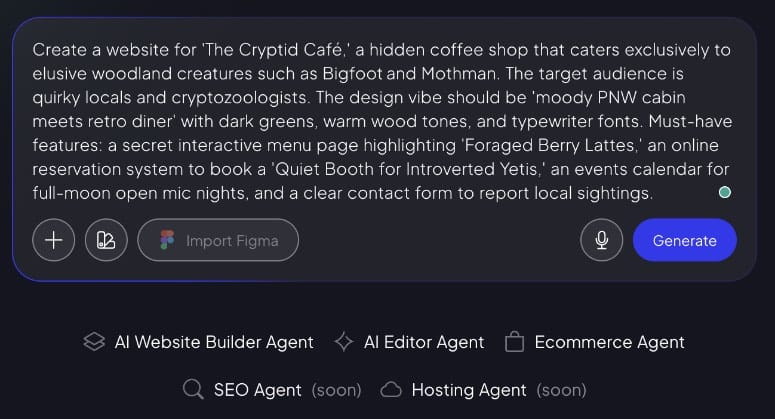


<p>This has a trade-off: setup is blindingly fast (literally minutes), but Donorbox charges 2.95% + transaction fees per donation. For a $100 donation, you’re losing ~$4.95. Over a year, that compounds.</p>


<h4 class="wp-block-heading" id="why-is-donorbox-one-of-the-best-peer-to-peer-fundraising-plugins">Why Is Donorbox One of the Best Peer-to-Peer Fundraising Plugins?</h4>


<p>That said, Donorbox excels at peer-to-peer because supporters don’t need WordPress accounts. They create a fundraiser directly on Donorbox, get a link, and share it. </p>


<p>The barrier to entry is lower than self-hosted plugins. Donorbox also includes team fundraising, milestone tracking, and <a href="https://www.isitwp.com/best-wordpress-social-media-plugins/" title="">built-in social sharing</a>. If your priority is speed-to-launch, Donorbox wins.</p>


<h4 class="wp-block-heading" id="my-experience-with-donorbox">My Experience with Donorbox</h4>


<p>I embedded Donorbox on a test WordPress site. The widget installed in two minutes. I created a campaign and shared the fundraiser link with test supporters. </p>


<p>They didn’t need accounts. They clicked the link, created a fundraiser in under a minute, and got a shareable URL. </p>


<p>The supporter experience was effortless. Mobile fundraising <a href="https://www.isitwp.com/wordpress-speed-performance-optimization-checklist/" title="">pages loaded fast</a>. Donors could give without creating accounts (guest donations). This matters: fewer friction points = more completed transactions.</p>


<p>The friction I experienced was cost visibility. When I checked the reporting, the dashboard showed donations but didn’t clearly break out fees until I dug into settings. </p>


<p>For nonprofits that operate on thin margins, this hidden-until-you-look fee structure is risky. </p>


<p>I also noticed Donorbox doesn’t integrate as seamlessly with WordPress-native tools like <a href="https://isitwp.com/best-wordpress-security-plugins-compared/">WordPress security plugins</a> or custom post types. You’re reliant on Donorbox’s hosted infrastructure.</p>


<p><img src="https://s.w.org/images/core/emoji/17.0.2/72x72/1f7e2.png" alt="🟢" class="wp-smiley" style="height: 1em; max-height: 1em;" />► <strong>Pros</strong> </p>


<ul class="wp-block-list">
<li><strong>Fastest setup of any option</strong> &#8211; Minutes, not hours, to launch peer-to-peer fundraising </li>


<li><strong>No WordPress account required for supporters</strong> &#8211; Lower barrier to entry; guest fundraisers work </li>


<li><strong>Built-in team fundraising</strong> &#8211; Supporters can form teams, see shared goals, and compete on leaderboards </li>


<li><strong>Strong mobile experience</strong> &#8211; Fundraiser pages are <a href="https://www.isitwp.com/best-responsive-wordpress-themes/" title="">fully responsive and fast</a> </li>


<li><strong><a href="https://www.isitwp.com/best-recurring-donations-wordpress-plugins/" title="">Recurring giving support</a></strong> &#8211; Monthly subscriptions and recurring fundraisers are built-in</li>
</ul>


<p><img src="https://s.w.org/images/core/emoji/17.0.2/72x72/1f534.png" alt="🔴" class="wp-smiley" style="height: 1em; max-height: 1em;" />► <strong>Cons</strong> </p>


<ul class="wp-block-list">
<li><strong>Transaction fees add up</strong> &#8211; 2.95% + payment processor fees mean losing ~5% per donation at scale </li>


<li><strong>Less WordPress integration</strong> &#8211; Doesn’t leverage your WordPress audience/member plugins directly </li>


<li><strong>Pricing per-month billing</strong> &#8211; Plan at $150/month for full access, adding up fast for smaller nonprofits</li>
</ul>


<p><strong>My Verdict:</strong>&nbsp;Donorbox is best for organizations that value speed and convenience over cost optimization. If you have limited technical resources and need peer-to-peer fundraising live this week, Donorbox does it. But budget-conscious nonprofits should compare the fee impact over a year.</p>


<p><strong>Pricing:</strong> Free tier | Pro starts at $150/month</p>


<p><strong><img src="https://s.w.org/images/core/emoji/17.0.2/72x72/1f449.png" alt="👉" class="wp-smiley" style="height: 1em; max-height: 1em;" /> <a href="https://www.isitwp.com/refer/donorbox/" target="_blank" rel="noopener nofollow" title="Donorbox">Get started with Donorbox here</a></strong></p>


<h3 class="wp-block-heading" id="whydonate">4. <a href="https://whydonate.com/" target="_blank" rel="noopener nofollow" title="">WhyDonate</a> <img src="https://s.w.org/images/core/emoji/17.0.2/72x72/2b50.png" alt="⭐" class="wp-smiley" style="height: 1em; max-height: 1em;" /><img src="https://s.w.org/images/core/emoji/17.0.2/72x72/2b50.png" alt="⭐" class="wp-smiley" style="height: 1em; max-height: 1em;" /><img src="https://s.w.org/images/core/emoji/17.0.2/72x72/2b50.png" alt="⭐" class="wp-smiley" style="height: 1em; max-height: 1em;" /><img src="https://s.w.org/images/core/emoji/17.0.2/72x72/2b50.png" alt="⭐" class="wp-smiley" style="height: 1em; max-height: 1em;" /></h3>


<p><strong>Best for: Smaller nonprofits and individuals who need peer-to-peer fundraising without complexity</strong></p>


<figure class="wp-block-image size-full"><a href="https://whydonate.com/" target="_blank" rel=" noreferrer noopener"><img loading="lazy" decoding="async" width="775" height="484" src="https://www.isitwp.com/wp-content/uploads/2026/05/whydonate-homepage.png" alt="whydonate homepage" class="wp-image-290746" srcset="https://www.isitwp.com/wp-content/uploads/2026/05/whydonate-homepage.png 775w, https://www.isitwp.com/wp-content/uploads/2026/05/whydonate-homepage-300x187.png 300w, https://www.isitwp.com/wp-content/uploads/2026/05/whydonate-homepage-768x480.png 768w" sizes="auto, (max-width: 775px) 100vw, 775px" /></a></figure>


<p><a href="https://whydonate.com/" target="_blank" rel="noopener nofollow" title="">WhyDonate</a> strips away complexity since the interface is minimal. You just create a campaign, customize colors, set a goal, and embed it on WordPress. Done. </p>


<p>There’s no overwhelming dashboard or advanced reporting features. For a food bank, animal shelter, or individual fundraiser, that simplicity is a strength. You’re not paying for features you’ll never use.</p>


<h4 class="wp-block-heading" id="why-is-whydonate-one-of-the-best-peer-to-peer-fundraising-plugins">Why Is WhyDonate One of the Best Peer-to-Peer Fundraising Plugins?</h4>


<p>This peer-to-peer plugin lets you customize fundraiser buttons and styles, so campaigns feel like part of your website, not like a third-party embed. </p>


<p>WhyDonate also handles both one-time campaigns and ongoing fundraisers. This allows you to run a seasonal giving drive or a permanent donation stream simultaneously.</p>


<h4 class="wp-block-heading" id="my-experience-with-whydonate">My Experience with WhyDonate</h4>


<p>I tested WhyDonate on a very small nonprofit site. </p>


<p>The installation took five minutes, and the interface felt immediately familiar, not bloated. I created a campaign, got a short code, dropped it on a page, and the campaign went live. </p>


<p>I shared it with test supporters. Their campaign creation experience was even simpler than Donorbox: name, goal, description, and live. Most importantly, mobile rendering was clean.</p>


<p>The downside: WhyDonate has less community documentation than Charitable or GiveWP. When I had a question about customizing donor emails, I struggled to find answers in their help center. </p>


<p>For nonprofits with in-house technical support, this isn’t a dealbreaker. For those relying on community forums and tutorials, it’s a risk.</p>


<p><img src="https://s.w.org/images/core/emoji/17.0.2/72x72/1f7e2.png" alt="🟢" class="wp-smiley" style="height: 1em; max-height: 1em;" />► <strong>Pros</strong> </p>


<ul class="wp-block-list">
<li><strong>Simplicity first</strong> &#8211; No overwhelming feature bloat; easy for small teams to manage </li>


<li><strong>Customizable fundraiser pages</strong> &#8211; Colors, fonts, messaging match your brand </li>


<li><strong>Freemium model</strong> &#8211; Get started with zero cost, but pay for transaction fees and a flat fee per transaction </li>


<li><strong>Individual and organizational fundraisers</strong> &#8211; Flexible for both personal and nonprofit campaigns</li>
</ul>


<p><img src="https://s.w.org/images/core/emoji/17.0.2/72x72/1f534.png" alt="🔴" class="wp-smiley" style="height: 1em; max-height: 1em;" />► <strong>Cons</strong> </p>


<ul class="wp-block-list">
<li><strong>Smaller community support</strong> &#8211; Fewer tutorials, forums, and third-party integrations than larger plugins </li>


<li><strong>Limited reporting</strong> &#8211; Basic fundraiser tracking; not suitable for nonprofits managing 50+ simultaneous campaigns</li>


<li><strong>Transaction and processing fees add up quickly </strong>&#8211; If you are a large organization, paying per transaction can lead to you spending more than a standard monthly fee.</li>
</ul>


<p><strong>My Verdict:</strong>&nbsp;WhyDonate shines for organizations under 5 staff members or individuals running personal fundraisers. If you need simplicity over advanced reporting, this is your choice.</p>


<p><strong>Pricing:</strong> Free but with processing fees of €0,25 + 1.9% per donation</p>


<p><strong><img src="https://s.w.org/images/core/emoji/17.0.2/72x72/1f449.png" alt="👉" class="wp-smiley" style="height: 1em; max-height: 1em;" /> <a href="https://whydonate.com/" target="_blank" rel="noopener nofollow" title="">Get started with WhyDonate here</a></strong></p>


<h3 class="wp-block-heading" id="fundengine">5. <a href="https://wordpress.org/plugins/wp-fundraising-donation/" target="_blank" rel="noopener nofollow" title="">FundEngine</a> <img src="https://s.w.org/images/core/emoji/17.0.2/72x72/2b50.png" alt="⭐" class="wp-smiley" style="height: 1em; max-height: 1em;" /><img src="https://s.w.org/images/core/emoji/17.0.2/72x72/2b50.png" alt="⭐" class="wp-smiley" style="height: 1em; max-height: 1em;" /><img src="https://s.w.org/images/core/emoji/17.0.2/72x72/2b50.png" alt="⭐" class="wp-smiley" style="height: 1em; max-height: 1em;" /></h3>


<p><strong>Best for: Budget-conscious organizations that want full peer-to-peer features without paying a plugin fee</strong></p>


<figure class="wp-block-image size-full"><a href="https://wordpress.org/plugins/wp-fundraising-donation/" target="_blank" rel=" noreferrer noopener"><img loading="lazy" decoding="async" width="775" height="373" src="https://www.isitwp.com/wp-content/uploads/2026/05/fundengine-homepage.png" alt="fundengine homepage" class="wp-image-290747" srcset="https://www.isitwp.com/wp-content/uploads/2026/05/fundengine-homepage.png 775w, https://www.isitwp.com/wp-content/uploads/2026/05/fundengine-homepage-300x144.png 300w, https://www.isitwp.com/wp-content/uploads/2026/05/fundengine-homepage-768x370.png 768w, https://www.isitwp.com/wp-content/uploads/2026/05/fundengine-homepage-330x160.png 330w" sizes="auto, (max-width: 775px) 100vw, 775px" /></a></figure>


<p><a href="https://wordpress.org/plugins/wp-fundraising-donation/" target="_blank" rel="noopener nofollow" title="">FundEngine</a> is the wild card. It’s completely free on WordPress.org, with no paid upgrades. This free peer-to-peer plugin is packed with features.</p>


<p>It includes peer-to-peer fundraising and front-end campaign creation so supporters can create campaigns directly on your site. </p>
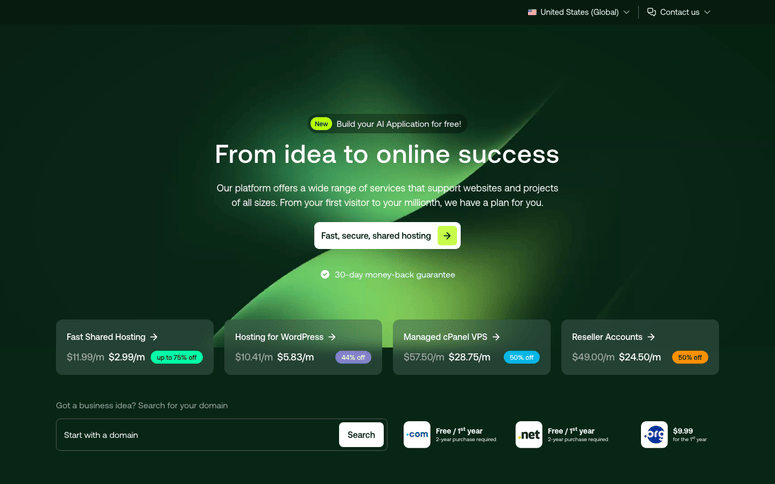


<p>Plus, you also get Stripe/PayPal integration with no platform fees or hidden costs. That’s rare.</p>


<h4 class="wp-block-heading" id="why-is-fundengine-one-of-the-best-peer-to-peer-fundraising-plugins">Why Is FundEngine One of the Best Peer-to-Peer Fundraising Plugins?</h4>


<p>You get a front-end dashboard where supporters log in, click “Create Campaign,” and manage their fundraising pages without touching WordPress admin. </p>


<p>The plugin also includes reward/perk management (Kickstarter-style campaign perks) and funding <a href="https://www.isitwp.com/progress-bar-plugins-for-wordpress/" title="">progress bars</a>.</p>


<h4 class="wp-block-heading" id="my-experience-with-fundengine">My Experience with FundEngine</h4>


<p>I installed FundEngine on a test site and immediately appreciated the lightweight approach. The plugin is ~500KB and fast to activate. The free features were genuinely robust. </p>


<p>I created a campaign, set up the front-end dashboard, and invited test supporters. Their onboarding was smooth. The progress bar UI was clean. Donation processing through Stripe worked without a hitch.</p>


<p>The catch: FundEngine has limited community documentation. When I wanted to customize the campaign page template, I couldn’t find clear instructions. </p>


<p>The plugin also lacks the polish and leaderboard gamification of GiveWP or Charitable. It does what it says, but it doesn’t delight you with design or community resources.</p>


<p><img src="https://s.w.org/images/core/emoji/17.0.2/72x72/1f7e2.png" alt="🟢" class="wp-smiley" style="height: 1em; max-height: 1em;" />► <strong>Pros</strong> </p>


<ul class="wp-block-list">
<li><strong>Completely free with full peer-to-peer features</strong> &#8211; No plugin fee; only pay for payment processor fees </li>


<li><strong>Front-end campaign creation</strong> &#8211; Supporters never touch WordPress admin; they manage campaigns on the public site </li>


<li><strong>Lightweight and fast</strong> &#8211; Small plugin footprint means your site stays quick </li>


<li><strong><a href="https://www.isitwp.com/refer/elementor-pro/" target="_blank" rel="noopener nofollow" title="Elementor Pro">Elementor</a> integration</strong> &#8211; Can customize campaign pages with Elementor builder</li>
</ul>


<p><img src="https://s.w.org/images/core/emoji/17.0.2/72x72/1f534.png" alt="🔴" class="wp-smiley" style="height: 1em; max-height: 1em;" />► <strong>Cons</strong> </p>


<ul class="wp-block-list">
<li><strong>Minimal community support</strong> &#8211; Fewer plugins, tutorials, or third-party integrations </li>


<li><strong>Basic design and UX</strong> &#8211; Functional, not beautiful; minimal built-in gamification</li>
</ul>


<p><strong>My Verdict:</strong>&nbsp;FundEngine is the right choice if budget is your primary constraint and you’re willing to trade polish for affordability. Nonprofits just starting peer-to-peer fundraising or testing the concept should start here.</p>


<p><strong>Pricing:</strong> Free</p>


<p><strong><img src="https://s.w.org/images/core/emoji/17.0.2/72x72/1f449.png" alt="👉" class="wp-smiley" style="height: 1em; max-height: 1em;" /> <a href="https://wordpress.org/plugins/wp-fundraising-donation/" target="_blank" rel="noopener nofollow" title="">Get started with FundEngine here</a></strong></p>


<h3 class="wp-block-heading" id="growfund">6. <a href="https://growfund.com/" target="_blank" rel="noopener nofollow" title="">Growfund</a> <img src="https://s.w.org/images/core/emoji/17.0.2/72x72/2b50.png" alt="⭐" class="wp-smiley" style="height: 1em; max-height: 1em;" /><img src="https://s.w.org/images/core/emoji/17.0.2/72x72/2b50.png" alt="⭐" class="wp-smiley" style="height: 1em; max-height: 1em;" /><img src="https://s.w.org/images/core/emoji/17.0.2/72x72/2b50.png" alt="⭐" class="wp-smiley" style="height: 1em; max-height: 1em;" /></h3>


<p><strong>Best for: Community-driven causes that want to emphasize supporter autonomy</strong></p>


<figure class="wp-block-image size-full"><a href="https://growfund.com/" target="_blank" rel=" noreferrer noopener"><img loading="lazy" decoding="async" width="775" height="413" src="https://www.isitwp.com/wp-content/uploads/2026/05/growfund-homepage.png" alt="growfund homepage" class="wp-image-290748" srcset="https://www.isitwp.com/wp-content/uploads/2026/05/growfund-homepage.png 775w, https://www.isitwp.com/wp-content/uploads/2026/05/growfund-homepage-300x160.png 300w, https://www.isitwp.com/wp-content/uploads/2026/05/growfund-homepage-768x409.png 768w" sizes="auto, (max-width: 775px) 100vw, 775px" /></a></figure>


<p><a href="https://growfund.com/" target="_blank" rel="noopener nofollow" title="">Growfund</a> is built with a philosophy: your supporters are your best marketers. </p>


<p>The plugin prioritizes visibility like leaderboards, social sharing, and milestone updates. Every fundraiser sees how others are performing. </p>


<h4 class="wp-block-heading" id="why-is-growfund-one-of-the-best-peer-to-peer-fundraising-plugins">Why Is Growfund One of the Best Peer-to-Peer Fundraising Plugins?</h4>


<p>That transparency drives healthy competition and motivates supporters to keep fundraising.</p>


<p>The plugin also includes recurring fundraiser support and peer funding, where supporters can fund each other’s campaigns, not just your organization’s cause.</p>


<h4 class="wp-block-heading" id="my-experience-with-growfund">My Experience with Growfund</h4>


<p>I set up Growfund on a test environmental nonprofit site. </p>


<p>The setup was straightforward. The leaderboard was the highlight, with real-time rankings of top fundraisers creating a visible status that motivated test supporters. </p>


<p>One of my test accounts saw that they were in second place and asked to promote more. That psychology works.</p>


<p>The friction: Growfund’s documentation is sparse, similar to FundEngine. You’re relying on trial-and-error for customization. </p>


<p>The plugin also doesn’t integrate deeply with membership plugins or email marketing tools, so you’ll be doing manual notifications to your fundraisers.</p>


<p><img src="https://s.w.org/images/core/emoji/17.0.2/72x72/1f7e2.png" alt="🟢" class="wp-smiley" style="height: 1em; max-height: 1em;" />► <strong>Pros</strong> </p>


<ul class="wp-block-list">
<li><strong>Leaderboard and visibility</strong> &#8211; Real-time rankings of top fundraisers motivate ongoing engagement </li>


<li><strong>Peer funding support</strong> &#8211; Supporters can fund each other’s campaigns, not just the main cause </li>


<li><strong>Recurring fundraisers</strong> &#8211; Set campaigns that reset monthly or annually for ongoing revenue </li>


<li><strong>Simple customization</strong> &#8211; Colors and messaging can be changed without code</li>
</ul>


<p><img src="https://s.w.org/images/core/emoji/17.0.2/72x72/1f534.png" alt="🔴" class="wp-smiley" style="height: 1em; max-height: 1em;" />► <strong>Cons</strong> </p>


<ul class="wp-block-list">
<li><strong>Limited documentation</strong> &#8211; You’ll need to experiment or hire a developer for deep customization </li>


<li><strong>Smaller ecosystem</strong> &#8211; Fewer integrations with other WordPress tools like <a href="https://www.isitwp.com/best-email-marketing-services-compared/" title="">email marketing</a>, analytics, etc.</li>
</ul>


<p><strong>My Verdict:</strong>&nbsp;Growfund works best for causes with tight-knit communities where fundraiser visibility and peer motivation matter more than advanced reporting. Environmental, education, and social justice nonprofits often thrive here.</p>


<p><strong>Pricing:</strong> Free plugin available | Pro starts at $74.50/year</p>


<p><strong><img src="https://s.w.org/images/core/emoji/17.0.2/72x72/1f449.png" alt="👉" class="wp-smiley" style="height: 1em; max-height: 1em;" /> <a href="https://growfund.com/" target="_blank" rel="noopener nofollow" title="">Get started with Growfund here</a></strong></p>


<p>That&#8217;s it for my list. But there is one tool, though not a peer-to-peer fundraising WordPress plugin, that I knew I had to include.</p>


<h3 class="wp-block-heading" id="also-consider-wpforms">Also Consider: <a href="https://wpforms.com" target="_blank" title="WPForms - Drag &amp; Drop WordPress Form Builder">WPForms</a> </h3>


<p><a href="https://wpforms.com" target="_blank" title="WPForms - Drag &amp; Drop WordPress Form Builder">WPForms</a> is the <a href="https://www.isitwp.com/best-wordpress-drag-and-drop-form-builders/" title="">best drag-and-drop form builder</a> for WordPress. As mentioned, while it’s not a dedicated peer-to-peer fundraising plugin, it excels at donation forms. </p>


<p>You can set up payment collection, recurring donations, and integrate with your email marketing tool. If you already use WPForms for <a href="https://www.isitwp.com/best-wordpress-contact-form-plugins/" title="">contact forms</a> and surveys, adding donation capability is seamless. </p>


<p>The downside: you’ll still need to add peer-to-peer features manually through custom pages or additional plugins. WPForms is the foundation, not the complete solution.</p>


<p>Check out my <a href="https://www.isitwp.com/wordpress-plugins/wpforms/" title="">WPForms review</a> for more details.</p>


<p>That&#8217;s it for my list of fundraising peer-to-peer plugins. But as you have seen, each has its strengths and weaknesses. So to help you choose one that fits your needs, check out the section below. </p>


<h2 class="wp-block-heading" id="how-to-choose">How to Choose</h2>


<p><strong>If you’re a nonprofit with 5+ staff and a budget:</strong> </p>


<ul class="wp-block-list">
<li><strong><a href="https://www.wpcharitable.com" target="_blank" title="WP Charitable - Best WordPress Donation and Fundraising Plugin">Charitable</a></strong> or <strong><a href="https://www.isitwp.com/refer/givewp/" target="_blank" rel="noopener nofollow" title="GiveWP">GiveWP</a></strong> are your top choices. Both eliminate platform fees and scale with your organization.</li>
</ul>


<p><strong>If you’re a small nonprofit or running your first fundraising campaign:</strong> </p>


<ul class="wp-block-list">
<li><strong><a href="https://wordpress.org/plugins/wp-fundraising-donation/" target="_blank" rel="noopener nofollow" title="">FundEngine</a></strong> or <strong><a href="https://whydonate.com/" target="_blank" rel="noopener nofollow" title="">WhyDonate</a></strong> lets you test peer-to-peer without financial commitment. Start free, upgrade if it works.</li>
</ul>


<p><strong>If you need the fastest setup and don’t mind transaction fees:</strong> </p>


<ul class="wp-block-list">
<li><strong><a href="https://www.isitwp.com/refer/donorbox/" target="_blank" rel="noopener nofollow" title="Donorbox">Donorbox</a></strong> is your plugin. Deploy today, not next month.</li>
</ul>


<p><strong>If community and transparency drive your fundraising:</strong> </p>


<p><strong><a href="https://www.growfund.io/" target="_blank" rel="noopener nofollow" title="">Growfund</a></strong>’s leaderboards and peer funding features create the social momentum you need.</p>


<p><strong>If you’re building an integrated WordPress experience:</strong> </p>


<ul class="wp-block-list">
<li><strong><a href="https://www.isitwp.com/refer/givewp/" target="_blank" rel="noopener nofollow" title="GiveWP">GiveWP</a></strong>’s free tier + modular add-ons let you start simple and scale intentionally.</li>
</ul>


<p>The right choice depends on three things: </p>


<ul class="wp-block-list">
<li><strong>Your budget.</strong> Free, $69/year, or $199/year? </li>


<li><strong>Your team size.</strong> Solo, small team, or large nonprofit? </li>


<li><strong>Your technical comfort.</strong> Can you debug if something breaks, or do you need plugin support? </li>
</ul>


<p>Answer those honestly, and the list narrows fast.</p>


<p>That&#8217;s it from me. If anything is unclear, check out the commonly asked questions below. </p>


<h2 class="wp-block-heading" id="faqs-best-wordpress-peer-to-peer-fundraising-plugins">FAQs: Best WordPress Peer-to-Peer Fundraising Plugins</h2>


<div class="wp-block-group"><div class="wp-block-group__inner-container is-layout-constrained wp-block-group-is-layout-constrained">
<h3 class="wp-block-heading" id="whats-the-difference-between-peer-to-peer-fundraising-and-regular-donations">What’s the difference between peer-to-peer fundraising and regular donations?</h3>


<p>Regular donations ask supporters to give directly to your cause. Peer-to-peer fundraising empowers supporters to create their own fundraising campaigns for your cause, turning every supporter into a fundraiser. Instead of asking 100 people for $100, you ask 10 advocates to each recruit 10 supporters. The leverage is exponential.</p>


<h3 class="wp-block-heading" id="do-i-need-coding-skills-to-set-up-peer-to-peer-campaigns">Do I need coding skills to set up peer-to-peer campaigns?</h3>


<p>No.&nbsp;Every plugin on this list uses drag-and-drop builders and short codes. You can set up a live peer-to-peer campaign without touching a line of code. If you can install a WordPress plugin, you can launch peer-to-peer fundraising.</p>


<h3 class="wp-block-heading" id="which-peer-to-peer-plugin-works-best-with-woocommerce">Which peer-to-peer plugin works best with WooCommerce?</h3>


<p>Charitable and GiveWP both integrate with WooCommerce, so you can run a store and peer-to-peer fundraising on the same site. If you’re selling products and fundraising, these two are your safest bets for seamless integration.</p>


<h3 class="wp-block-heading" id="how-much-does-peer-to-peer-fundraising-cost-per-donation">How much does peer-to-peer fundraising cost per donation?</h3>


<p>It depends. Charitable and GiveWP charge zero platform fees. You only pay payment processor fees (Stripe/PayPal charges ~2.2% + $0.30 per transaction). Donorbox and similar SaaS solutions charge 2.95%+ on top. FundEngine is free. Over time, zero-fee plugins save thousands of dollars.</p>


<h3 class="wp-block-heading" id="can-donors-see-the-total-campaign-goal-and-progress">Can donors see the total campaign goal and progress?</h3>


<p>Yes. All plugins on this list display progress bars, goal amounts, and funding milestones. Transparency drives more donations. Donors like seeing that a campaign is close to its goal.</p>


<h3 class="wp-block-heading" id="which-plugin-is-best-for-large-nonprofit-team-fundraising">Which plugin is best for large nonprofit team fundraising?</h3>


<p>GiveWP and Charitable both shine here. They handle hundreds of simultaneous campaigns, provide bulk reporting, and include team management features. If you’re coordinating 50+ fundraisers, these two won’t break a sweat.</p>
</div></div>


<h2 class="wp-block-heading" id="final-verdict-should-i-use-peer-to-peer-fundraising-on-my-wordpress-site">Final Verdict: Should I Use Peer-to-Peer Fundraising on My WordPress Site?</h2>


<p>Yes. Peer-to-peer fundraising works because it multiplies your reach without multiplying your ask. You’re not asking the same 100 donors for more money. </p>


<p>You’re empowering those 100 donors to ask their networks. That shifts the psychology from “another donation request” to “help something I care about.” </p>


<p>WordPress plugins make this possible without learning advanced code or moving to external platforms. </p>


<p>Choose the plugin that matches your budget and team size, launch within a week, and watch what happens. </p>


<p>The food bank I mentioned three years ago now raises 40% of its annual budget through peer-to-peer campaigns. Your cause can too.</p>


<hr class="wp-block-separator has-alpha-channel-opacity"/>


<h2 class="wp-block-heading" id="resource-hub-peer-to-peer-fundraising-for-nonprofits">Resource Hub: Peer-to-Peer Fundraising for Nonprofits</h2>


<p>Peer-to-peer fundraising is powerful, but it’s one piece of your nonprofit’s digital strategy. Here are resources to deepen your approach:</p>


<ul class="wp-block-list">
<li><strong><a href="https://www.isitwp.com/best-wordpress-donation-plugins/" title="">Best WordPress donation plugins compared</a></strong> &#8211; Broader overview of all fundraising plugin types</li>


<li><strong><a href="https://isitwp.com/best-wordpress-security-plugins-compared/">WordPress security plugins for nonprofits</a></strong> &#8211; Protect donor data and financial information</li>


<li><strong><a href="https://www.isitwp.com/best-wordpress-membership-plugins-compared/" title="">Best plugins to create a WordPress membership site</a></strong> &#8211; Recognize recurring supporters with exclusive access</li>


<li><strong><a href="https://isitwp.com/best-email-marketing-services-compared/">Best WordPress email marketing plugins</a></strong> &#8211; Communicate with fundraisers and supporters automatically</li>


<li><strong><a href="https://isitwp.com/best-wordpress-contact-form-plugins/">WordPress contact form plugins for nonprofits</a></strong> &#8211; Collect volunteer and fundraiser inquiries</li>


<li><strong><a href="https://isitwp.com/hosting-reviews/wordpress/">How to choose WordPress hosting for nonprofits</a></strong> &#8211; Ensure your fundraising site stays fast and reliable</li>
</ul>


<hr class="wp-block-separator has-alpha-channel-opacity"/><p>The post <a href="https://www.isitwp.com/best-wordpress-peer-to-peer-fundraising-plugins/">6 Best WordPress Peer-to-Peer Fundraising Plugins for Campaigns -Tested</a> first appeared on <a href="https://www.isitwp.com">IsItWP - Free WordPress Theme Detector</a>.</p>]]></content>
		
					<link rel="replies" type="text/html" href="https://www.isitwp.com/best-wordpress-peer-to-peer-fundraising-plugins/#comments" thr:count="0" />
			<link rel="replies" type="application/atom+xml" href="https://www.isitwp.com/best-wordpress-peer-to-peer-fundraising-plugins/feed/atom/" thr:count="0" />
			<thr:total>0</thr:total>
			</entry>
		<entry>
		<author>
			<name>Alvin Collin</name>
							<uri>https://www.isitwp.com/author/alvin/</uri>
						</author>

		<title type="html"><![CDATA[6 Best WooCommerce Product Bundling Plugins That Actually Work]]></title>
		<link rel="alternate" type="text/html" href="https://www.isitwp.com/best-woocommerce-product-bundling-plugins/" />

		<id>https://www.isitwp.com/?p=290702</id>
		<updated>2026-05-06T13:40:07Z</updated>
		<published>2026-05-06T13:39:37Z</published>
		<category scheme="https://www.isitwp.com" term="WordPress Plugins" /><category scheme="https://www.isitwp.com" term="woocommerce checkout plugins" /><category scheme="https://www.isitwp.com" term="woocommerce plugins" /><category scheme="https://www.isitwp.com" term="WooCommerce subscription" /><category scheme="https://www.isitwp.com" term="woocommerce upsell and cross-sell plugins" />
		<summary type="html"><![CDATA[<p>I spent three hours one morning trying to figure out why my client’s WooCommerce store wasn’t making more money. Traffic was solid. Conversions looked fine. But the average order value? Flat. Customers kept buying just one product… even when it made more sense to buy related items together. So I tested something simple: product bundles. [&#8230;]</p>
<p>The post <a href="https://www.isitwp.com/best-woocommerce-product-bundling-plugins/">6 Best WooCommerce Product Bundling Plugins That Actually Work</a> first appeared on <a href="https://www.isitwp.com">IsItWP - Free WordPress Theme Detector</a>.</p>]]></summary>

					<content type="html" xml:base="https://www.isitwp.com/best-woocommerce-product-bundling-plugins/"><![CDATA[<p>I spent three hours one morning trying to figure out why my client’s WooCommerce store wasn’t making more money.</p>


<p>Traffic was solid. Conversions looked fine. But the average order value? Flat.</p>


<p>Customers kept buying just one product… even when it made more sense to buy related items together.</p>


<p>So I tested something simple: product bundles.</p>


<p>Within a few weeks, their average order value jumped by 23%.</p>


<p>No price changes. No redesign. Just smarter product grouping.</p>


<p>That’s when it clicked. Most stores don’t have a traffic problem. They have a <em>packaging</em> problem.</p>


<p>The tricky part isn’t the strategy. It’s choosing the right bundling plugin without wasting hours testing the wrong ones.</p>


<p>I’ve already done that part.</p>


<p>In this guide, I’ll show you the WooCommerce bundling plugins I’ve personally tested on real stores, what actually works, and where each one falls short.</p>


<h2 class="wp-block-heading" id="key-takeaways">Key Takeaways</h2>


<ul class="wp-block-list">
<li>I’ll show you how product bundles can increase your average order value without feeling forced to customers</li>


<li>I mention plugins with free versions so you can test before paying</li>


<li>Reveal which plugin works best for simple bundles versus complex, customizable kits</li>


<li>I tested each plugin’s setup process, discount flexibility, and support quality</li>


<li>I break down when to bundle and when to let customers build their own combinations</li>
</ul>


<h2 class="wp-block-heading" id="how-i-test-woocommerce-bundle-plugins">How I Test WooCommerce Bundle Plugins</h2>


<details class="wp-block-details is-layout-flow wp-block-details-is-layout-flow"><summary><img src="https://s.w.org/images/core/emoji/17.0.2/72x72/1f50d.png" alt="🔍" class="wp-smiley" style="height: 1em; max-height: 1em;" /> Click to see my testing methodology</summary>
<p><br><strong>Here’s exactly how I evaluate bundle plugins:</strong></p>


<ul class="wp-block-list">
<li><strong>Setup ease:</strong>&nbsp;Time to create a basic bundle from scratch, admin learning curve, required configuration steps</li>


<li><strong>Discount flexibility:</strong>&nbsp;Can I set percentage or fixed discounts? Do price calculations work correctly?</li>


<li><strong>Stock management:</strong>&nbsp;How does the plugin handle bundled item inventory? Does it prevent overselling?</li>


<li><strong>Customer experience:</strong>&nbsp;Does the bundle interface load fast? Can customers customize items? Is the cart experience smooth?</li>


<li><strong>Support quality:</strong>&nbsp;How responsive is the developer? Are common issues documented?</li>
</ul>


<p><strong>Tools I use:</strong></p>


<ul class="wp-block-list">
<li>WordPress.org reviews to spot pattern complaints</li>


<li>WooCommerce test store with 20+ products</li>


<li>WordPress plugin troubleshooter to catch conflicts</li>


<li>Browser DevTools to check page load performance</li>
</ul>
</details>


<h2 class="wp-block-heading" id="why-trust-isitwp">Why Trust IsItWP?</h2>


<p>At IsItWP, we’ve been the WordPress community’s go-to resource since 2009, helping over 2 million users choose better plugins and tools. </p>


<p>Unlike review sites that never actually use the products, we maintain active accounts, run real client sites, and provide ongoing WordPress consultation. </p>


<p>Every plugin here has been tested in a live environment, not just reviewed from marketing pages.</p>


<h2 class="wp-block-heading" id="best-woocommerce-bundle-plugins-compared">Best WooCommerce Bundle Plugins Compared</h2>


<p>Creating product bundles lets you increase revenue per customer without adding inventory. The right plugin handles pricing, discounts, and stock management automatically. </p>


<p>So your customers see clear value, and you avoid the headache of manual calculations. This is especially powerful for stores using <a href="https://www.isitwp.com/how-to-create-an-online-store-step-by-step/" title="">WooCommerce sales strategies</a> that focus on upselling and cross-selling.</p>


<p>Here are the six best options, compared side by side:</p>


<table id="tablepress-172" class="tablepress tablepress-id-172">
<thead>
<tr class="row-1">
	<th class="column-1">Product</th><th class="column-2">Best For</th><th class="column-3">Free Version</th><th class="column-4">Ease of Setup</th><th class="column-5">Pricing</th>
</tr>
</thead>
<tbody class="row-striping row-hover">
<tr class="row-2">
	<td class="column-1"><a href="https://wpclever.net/downloads/product-bundles/" target="_blank" rel="noreferrer noopener"><strong><img src="https://s.w.org/images/core/emoji/17.0.2/72x72/1f947.png" alt="🥇" class="wp-smiley" style="height: 1em; max-height: 1em;" /> WPC Product Bundles</strong></a></td><td class="column-2"><strong>Lightweight, feature-rich bundling</strong></td><td class="column-3"><strong><img src="https://s.w.org/images/core/emoji/17.0.2/72x72/2705.png" alt="✅" class="wp-smiley" style="height: 1em; max-height: 1em;" /> Yes</strong></td><td class="column-4"><strong>Easy (drag &amp; drop)</strong></td><td class="column-5"><a href="https://wpclever.net/downloads/product-bundles/" target="_blank" rel="noreferrer noopener"><strong>$29.00 Onetime purchase</strong></a></td>
</tr>
<tr class="row-3">
	<td class="column-1"><a href="https://woocommerce.com/products/product-bundles/" target="_blank" rel="noreferrer noopener"><strong><img src="https://s.w.org/images/core/emoji/17.0.2/72x72/1f948.png" alt="🥈" class="wp-smiley" style="height: 1em; max-height: 1em;" /> Product Bundles for WooCommerce</strong></a></td><td class="column-2"><strong>Official, deeply integrated option</strong></td><td class="column-3"><strong><img src="https://s.w.org/images/core/emoji/17.0.2/72x72/274c.png" alt="❌" class="wp-smiley" style="height: 1em; max-height: 1em;" /> No (premium only)</strong></td><td class="column-4"><strong>Moderate (more config)</strong></td><td class="column-5"><a href="https://woocommerce.com/products/product-bundles/" target="_blank" rel="noreferrer noopener"><strong>$79/year</strong></a></td>
</tr>
<tr class="row-4">
	<td class="column-1"><a href="https://www.isitwp.com/refer/yith-woocommerce-product-bundles/" target="_blank" rel="noreferrer noopener"><strong><img src="https://s.w.org/images/core/emoji/17.0.2/72x72/1f949.png" alt="🥉" class="wp-smiley" style="height: 1em; max-height: 1em;" /> YITH WooCommerce Product Bundles</strong></a></td><td class="column-2"><strong>Beginners, simple discount bundles</strong></td><td class="column-3"><strong><img src="https://s.w.org/images/core/emoji/17.0.2/72x72/2705.png" alt="✅" class="wp-smiley" style="height: 1em; max-height: 1em;" /> Yes</strong></td><td class="column-4"><strong>Easy</strong></td><td class="column-5"><a href="https://www.isitwp.com/refer/yith-woocommerce-product-bundles/" target="_blank" rel="noreferrer noopener"><strong>€89.99/yr</strong></a></td>
</tr>
<tr class="row-5">
	<td class="column-1"><a href="https://woocommerce.com/products/composite-products/" target="_blank" rel="noreferrer noopener">4. Composite Products for WooCommerce</a></td><td class="column-2">Customizable kit-building (pick options)</td><td class="column-3"><img src="https://s.w.org/images/core/emoji/17.0.2/72x72/274c.png" alt="❌" class="wp-smiley" style="height: 1em; max-height: 1em;" /> No (premium only)</td><td class="column-4">Moderate</td><td class="column-5"><a href="https://woocommerce.com/products/composite-products/" target="_blank" rel="noreferrer noopener">$149/year</a></td>
</tr>
<tr class="row-6">
	<td class="column-1"><a href="https://wpclever.net/downloads/composite-products/" target="_blank" rel="noreferrer noopener">5. WPC Composite Products</a></td><td class="column-2">Kit-building with drag &amp; drop</td><td class="column-3"><img src="https://s.w.org/images/core/emoji/17.0.2/72x72/2705.png" alt="✅" class="wp-smiley" style="height: 1em; max-height: 1em;" /> Yes</td><td class="column-4">Easy</td><td class="column-5"><a href="https://wpclever.net/downloads/composite-products/" target="_blank" rel="noreferrer noopener">$29.00 Onetime purchase</a></td>
</tr>
<tr class="row-7">
	<td class="column-1"><a href="https://wcbundler.com/" target="_blank" rel="noreferrer noopener">6. Bundler</a></td><td class="column-2">Budget stores, lightweight option</td><td class="column-3"><img src="https://s.w.org/images/core/emoji/17.0.2/72x72/2705.png" alt="✅" class="wp-smiley" style="height: 1em; max-height: 1em;" /> Yes (fully free)</td><td class="column-4">Easy</td><td class="column-5"><a href="https://wcbundler.com/" target="_blank" rel="noreferrer noopener">$8.25/mo</a></td>
</tr>
</tbody>
</table>
<!-- #tablepress-172 from cache -->


<hr class="wp-block-separator has-alpha-channel-opacity"/>


<p>Plus, you can use the table of contents below to skip to the exact WooCommerce product bundling plugin you want to read.</p>


<div class="wp-block-aioseo-table-of-contents"><ul><li><a class="aioseo-toc-item" href="#wpc-product-bundles-for-woocommerce">1. WPC Product Bundles for WooCommerce <img src="https://s.w.org/images/core/emoji/17.0.2/72x72/2b50.png" alt="⭐" class="wp-smiley" style="height: 1em; max-height: 1em;" /><img src="https://s.w.org/images/core/emoji/17.0.2/72x72/2b50.png" alt="⭐" class="wp-smiley" style="height: 1em; max-height: 1em;" /><img src="https://s.w.org/images/core/emoji/17.0.2/72x72/2b50.png" alt="⭐" class="wp-smiley" style="height: 1em; max-height: 1em;" /><img src="https://s.w.org/images/core/emoji/17.0.2/72x72/2b50.png" alt="⭐" class="wp-smiley" style="height: 1em; max-height: 1em;" /><img src="https://s.w.org/images/core/emoji/17.0.2/72x72/2b50.png" alt="⭐" class="wp-smiley" style="height: 1em; max-height: 1em;" /></a><ul><li><a class="aioseo-toc-item" href="#my-experience-with-wpc-product-bundles">My Experience with WPC Product Bundles</a></li></ul></li><li><a class="aioseo-toc-item" href="#woocommerce-product-bundles">2. Product Bundles for WooCommerce <img src="https://s.w.org/images/core/emoji/17.0.2/72x72/2b50.png" alt="⭐" class="wp-smiley" style="height: 1em; max-height: 1em;" /><img src="https://s.w.org/images/core/emoji/17.0.2/72x72/2b50.png" alt="⭐" class="wp-smiley" style="height: 1em; max-height: 1em;" /><img src="https://s.w.org/images/core/emoji/17.0.2/72x72/2b50.png" alt="⭐" class="wp-smiley" style="height: 1em; max-height: 1em;" /><img src="https://s.w.org/images/core/emoji/17.0.2/72x72/2b50.png" alt="⭐" class="wp-smiley" style="height: 1em; max-height: 1em;" /><img src="https://s.w.org/images/core/emoji/17.0.2/72x72/2b50.png" alt="⭐" class="wp-smiley" style="height: 1em; max-height: 1em;" /></a><ul><li><a class="aioseo-toc-item" href="#my-experience-with-woocommerce-product-bundles">My Experience with Product Bundles for WooCommerce</a></li></ul></li><li><a class="aioseo-toc-item" href="#yith-woocommerce-product-bundles">3. YITH WooCommerce Product Bundles <img src="https://s.w.org/images/core/emoji/17.0.2/72x72/2b50.png" alt="⭐" class="wp-smiley" style="height: 1em; max-height: 1em;" /><img src="https://s.w.org/images/core/emoji/17.0.2/72x72/2b50.png" alt="⭐" class="wp-smiley" style="height: 1em; max-height: 1em;" /><img src="https://s.w.org/images/core/emoji/17.0.2/72x72/2b50.png" alt="⭐" class="wp-smiley" style="height: 1em; max-height: 1em;" /><img src="https://s.w.org/images/core/emoji/17.0.2/72x72/2b50.png" alt="⭐" class="wp-smiley" style="height: 1em; max-height: 1em;" /></a><ul><li><a class="aioseo-toc-item" href="#my-experience-with-yith-woocommerce-product-bundles">My Experience with YITH WooCommerce Product Bundles</a></li></ul></li><li><a class="aioseo-toc-item" href="#composite-products-for-woocommerce">4. Composite Products for WooCommerce <img src="https://s.w.org/images/core/emoji/17.0.2/72x72/2b50.png" alt="⭐" class="wp-smiley" style="height: 1em; max-height: 1em;" /><img src="https://s.w.org/images/core/emoji/17.0.2/72x72/2b50.png" alt="⭐" class="wp-smiley" style="height: 1em; max-height: 1em;" /><img src="https://s.w.org/images/core/emoji/17.0.2/72x72/2b50.png" alt="⭐" class="wp-smiley" style="height: 1em; max-height: 1em;" /><img src="https://s.w.org/images/core/emoji/17.0.2/72x72/2b50.png" alt="⭐" class="wp-smiley" style="height: 1em; max-height: 1em;" /></a><ul><li><a class="aioseo-toc-item" href="#my-experience-with-composite-products">My Experience with Composite Products</a></li></ul></li><li><a class="aioseo-toc-item" href="#wpc-composite-products-for-woocommerce">5. WPC Composite Products for WooCommerce <img src="https://s.w.org/images/core/emoji/17.0.2/72x72/2b50.png" alt="⭐" class="wp-smiley" style="height: 1em; max-height: 1em;" /><img src="https://s.w.org/images/core/emoji/17.0.2/72x72/2b50.png" alt="⭐" class="wp-smiley" style="height: 1em; max-height: 1em;" /><img src="https://s.w.org/images/core/emoji/17.0.2/72x72/2b50.png" alt="⭐" class="wp-smiley" style="height: 1em; max-height: 1em;" /><img src="https://s.w.org/images/core/emoji/17.0.2/72x72/2b50.png" alt="⭐" class="wp-smiley" style="height: 1em; max-height: 1em;" /></a><ul><li><a class="aioseo-toc-item" href="#my-experience-with-wpc-composite-products">My Experience with WPC Composite Products</a></li></ul></li><li><a class="aioseo-toc-item" href="#bundler-for-woocommerce">6. Bundler <img src="https://s.w.org/images/core/emoji/17.0.2/72x72/2b50.png" alt="⭐" class="wp-smiley" style="height: 1em; max-height: 1em;" /><img src="https://s.w.org/images/core/emoji/17.0.2/72x72/2b50.png" alt="⭐" class="wp-smiley" style="height: 1em; max-height: 1em;" /><img src="https://s.w.org/images/core/emoji/17.0.2/72x72/2b50.png" alt="⭐" class="wp-smiley" style="height: 1em; max-height: 1em;" /></a><ul><li><a class="aioseo-toc-item" href="#my-experience-with-bundler">My Experience with Bundler</a></li></ul></li><li><a class="aioseo-toc-item" href="#also-consider-bonus-bundle-plugins">Bonus: Best WooCommerce Product Bundling Plugins for WordPress</a><ul></ul></li><li><a class="aioseo-toc-item" href="#faqs-best-woocommerce-bundle-plugins">FAQs: Best WooCommerce Bundle Plugins</a><ul></ul></li><li><a class="aioseo-toc-item" href="#final-verdict-should-i-use-product-bundles-on-my-woocommerce-site">Final Verdict: Should I Use Product Bundles on My WooCommerce Site?</a></li><li><a class="aioseo-toc-item" href="#resource-hub-woocommerce-bundling-sales-strategy">Resource Hub: WooCommerce Bundling &amp; Sales Strategy</a></li></ul></div>


<p>With that out of the way, let&#8217;s dive in.</p>


<h3 class="wp-block-heading" id="wpc-product-bundles-for-woocommerce">1. <a href="https://wpclever.net/downloads/product-bundles/" target="_blank" rel="noopener nofollow" title="">WPC Product Bundles for WooCommerce</a> <img src="https://s.w.org/images/core/emoji/17.0.2/72x72/2b50.png" alt="⭐" class="wp-smiley" style="height: 1em; max-height: 1em;" /><img src="https://s.w.org/images/core/emoji/17.0.2/72x72/2b50.png" alt="⭐" class="wp-smiley" style="height: 1em; max-height: 1em;" /><img src="https://s.w.org/images/core/emoji/17.0.2/72x72/2b50.png" alt="⭐" class="wp-smiley" style="height: 1em; max-height: 1em;" /><img src="https://s.w.org/images/core/emoji/17.0.2/72x72/2b50.png" alt="⭐" class="wp-smiley" style="height: 1em; max-height: 1em;" /><img src="https://s.w.org/images/core/emoji/17.0.2/72x72/2b50.png" alt="⭐" class="wp-smiley" style="height: 1em; max-height: 1em;" /></h3>


<p><strong>Best for: Store owners who want a lightweight, feature-rich bundle plugin with a free version</strong></p>


<figure class="wp-block-image size-full"><a href="https://wpclever.net/downloads/product-bundles/" target="_blank" rel=" noreferrer noopener"><img loading="lazy" decoding="async" width="775" height="484" src="https://www.isitwp.com/wp-content/uploads/2026/05/wpc-product-bundles-home.png" alt="wpc product bundles home" class="wp-image-290711" srcset="https://www.isitwp.com/wp-content/uploads/2026/05/wpc-product-bundles-home.png 775w, https://www.isitwp.com/wp-content/uploads/2026/05/wpc-product-bundles-home-300x187.png 300w, https://www.isitwp.com/wp-content/uploads/2026/05/wpc-product-bundles-home-768x480.png 768w" sizes="auto, (max-width: 775px) 100vw, 775px" /></a></figure>


<p>When I set up <a href="https://wpclever.net/downloads/product-bundles/" target="_blank" rel="noopener nofollow" title="">WPC Product Bundles for WooCommerce</a>, what struck me immediately was how fast the interface loads. </p>


<p>Drag-and-drop product ordering, percentage or fixed discounts, and auto-calculated pricing all happen without breaking a sweat. The free version isn’t crippled. You get the core bundling features. </p>


<p>The premium version unlocks variable product support and a few extra customization options, but the free tier is genuinely functional for most stores.</p>


<h4 class="wp-block-heading" id="why-is-wpc-product-bundles-one-of-the-best-woocommerce-bundle-plugins">Why Is WPC Product Bundles One of the Best WooCommerce Bundle Plugins?</h4>


<p>WPC has been downloaded 30,000+ times and maintains a solid 4.4/5 rating on WordPress.org, which speaks to consistent quality. </p>


<p>The thing that impressed me most: WPClever keeps updates rolling out regularly. I checked their changelog. New compatibility updates with WooCommerce versions happen every month or two.</p>


<p>One friction point I noticed: the plugin can feel feature-heavy if you only need simple bundling. </p>


<p>There are a lot of settings to dig through. If you’re new to WooCommerce, you might need to spend 20 minutes reading the docs to understand which toggle does what.</p>


<h4 class="wp-block-heading" id="my-experience-with-wpc-product-bundles">My Experience with WPC Product Bundles</h4>


<p>I tested this on a test store with a sports equipment catalog. I created a “Beginner’s Running Bundle” (shoes + socks + water bottle) in about 5 minutes. </p>


<p>The interface is genuinely intuitive: add products, set quantities, choose a discount type (percentage or fixed amount), and done. The price was calculated automatically as I changed the discount.</p>


<p>Stock management worked seamlessly. When I edited the bundled items’ inventory, the bundle status updated correctly. </p>


<p>One test: I set the bundle stock to zero manually. The add-to-cart button disabled immediately. No overselling possible. This is especially important if you’re running a store with multiple product types.</p>


<p><img src="https://s.w.org/images/core/emoji/17.0.2/72x72/1f7e2.png" alt="🟢" class="wp-smiley" style="height: 1em; max-height: 1em;" />► <strong>Pros</strong> </p>


<ul class="wp-block-list">
<li><strong>Drag-and-drop bundling:</strong> Rearranging products takes seconds, no code needed. </li>


<li><strong>Free version is genuinely useful:</strong> Percentage and fixed discounts, quantity control, all included. </li>


<li><strong>Fast load times:</strong> Admin pages and frontend bundle displays respond instantly. </li>


<li><strong>Responsive support:</strong> WPClever’s team responds within 24 hours on most issues. </li>


<li><strong>Regular updates:</strong> New WooCommerce compatibility builds roll out monthly. </li>


<li><strong>Variable product support (Premium):</strong> If you need variations in bundles, the upgrade is affordable.</li>
</ul>


<p><img src="https://s.w.org/images/core/emoji/17.0.2/72x72/1f534.png" alt="🔴" class="wp-smiley" style="height: 1em; max-height: 1em;" />► <strong>Cons</strong> </p>


<ul class="wp-block-list">
<li><strong>Settings can overwhelm beginners:</strong> 30+ toggles across the settings panel. </li>


<li><strong>No advanced reporting:</strong> You can’t see “which bundles sold most this month” without a third-party analytics plugin.</li>
</ul>


<p><strong>My Verdict:</strong>&nbsp;WPC Product Bundles is the best overall choice if you want a plugin that does one thing really well without bloat. The free version is powerful enough for most stores, and support is genuinely responsive. Upgrade to premium only if you need variable product bundling.</p>


<p><strong>Pricing:</strong> Free plugin available | Pro starts from $29.00 for single site premium license</p>


<p><strong><img src="https://s.w.org/images/core/emoji/17.0.2/72x72/1f449.png" alt="👉" class="wp-smiley" style="height: 1em; max-height: 1em;" /> <a href="https://wpclever.net/downloads/product-bundles/" target="_blank" rel="noopener nofollow" title="">Get started with WPC Product Bundles here</a></strong></p>


<h3 class="wp-block-heading" id="woocommerce-product-bundles">2. <a href="https://woocommerce.com/products/product-bundles/" target="_blank" rel="noopener nofollow" title="">Product Bundles for WooCommerce</a> <img src="https://s.w.org/images/core/emoji/17.0.2/72x72/2b50.png" alt="⭐" class="wp-smiley" style="height: 1em; max-height: 1em;" /><img src="https://s.w.org/images/core/emoji/17.0.2/72x72/2b50.png" alt="⭐" class="wp-smiley" style="height: 1em; max-height: 1em;" /><img src="https://s.w.org/images/core/emoji/17.0.2/72x72/2b50.png" alt="⭐" class="wp-smiley" style="height: 1em; max-height: 1em;" /><img src="https://s.w.org/images/core/emoji/17.0.2/72x72/2b50.png" alt="⭐" class="wp-smiley" style="height: 1em; max-height: 1em;" /><img src="https://s.w.org/images/core/emoji/17.0.2/72x72/2b50.png" alt="⭐" class="wp-smiley" style="height: 1em; max-height: 1em;" /></h3>


<p><strong>Best for: Stores that need the most flexible, official solution with deep WooCommerce integrations</strong></p>


<figure class="wp-block-image size-full"><a href="https://woocommerce.com/products/product-bundles/" target="_blank" rel=" noreferrer noopener"><img loading="lazy" decoding="async" width="775" height="415" src="https://www.isitwp.com/wp-content/uploads/2026/05/woo-product-bundles-homepage.png" alt="woo product bundles homepage" class="wp-image-290712" srcset="https://www.isitwp.com/wp-content/uploads/2026/05/woo-product-bundles-homepage.png 775w, https://www.isitwp.com/wp-content/uploads/2026/05/woo-product-bundles-homepage-300x161.png 300w, https://www.isitwp.com/wp-content/uploads/2026/05/woo-product-bundles-homepage-768x411.png 768w" sizes="auto, (max-width: 775px) 100vw, 775px" /></a></figure>


<p>This is the official Woo extension, built and maintained by Automattic, the company behind WooCommerce. </p>


<p>That pedigree matters. When you use an official extension, you know updates won’t break compatibility because the same team that builds WooCommerce also builds this plugin.</p>


<h4 class="wp-block-heading" id="why-is-woocommerce-product-bundles-one-of-the-best-woocommerce-bundle-plugins">Why Is Product Bundles for WooCommerce One of the Best WooCommerce Bundle Plugins?</h4>


<p>What separates <a href="https://woocommerce.com/products/product-bundles/" target="_blank" rel="noopener nofollow" title="">Product Bundles for WooCommerce</a> from the crowd is flexibility. You can bundle simple products, variable products, and even subscription products together. </p>


<p>You can offer <a href="https://www.isitwp.com/set-woocommerce-wholesale-pricing/" title="">quantity-based discounts</a>, set stock limits per bundle, and configure which items are required versus optional. </p>


<p>I tested this with a scenario where a customer could build a customized bundle with optional add-ons. It handled the logic perfectly.</p>


<p>The reviews skew toward 5 stars. Store owners consistently mention that support helps with edge cases like integrating bundles with their custom checkout flow. </p>


<p>The trade-off: this level of flexibility comes with a learning curve. Setup takes longer than lighter plugins.</p>


<h4 class="wp-block-heading" id="my-experience-with-woocommerce-product-bundles">My Experience with Product Bundles for WooCommerce</h4>


<p>I set up a “Product Bundle” product type and immediately noticed the admin felt more integrated with WooCommerce’s native product editor. </p>


<p>No separate settings panel, everything lives in the standard product edit screen. That’s an elegant design.</p>


<p>I created a bundle with three items: a variable product (t-shirt with size/color options), a simple product, and a subscription product. The bundle price is auto-calculated based on the customer’s selections. </p>


<p>When I checked out, the cart showed each item clearly with no confusion about what they were buying.</p>


<p>One moment of friction: I had to dig into the documentation to understand why my custom discount formula wasn’t applying. </p>


<p>Turns out I needed to configure the discount in a specific order. The docs covered it, but it required reading.</p>


<p><img src="https://s.w.org/images/core/emoji/17.0.2/72x72/1f7e2.png" alt="🟢" class="wp-smiley" style="height: 1em; max-height: 1em;" />► <strong>Pros</strong> </p>


<ul class="wp-block-list">
<li><strong>Official Woo extension:</strong> Updates guaranteed to work with WooCommerce core. </li>


<li><strong>Supports subscriptions in bundles:</strong> Unique among plugins tested. </li>


<li><strong>Deep reporting integration:</strong> Bundles report accurately in WooCommerce analytics. </li>


<li><strong>Flexible pricing logic:</strong> Conditional discounts, quantity-based rules, and more. </li>


<li><strong>Enterprise-grade support:</strong> Woo’s support team is responsive and knowledgeable. </li>


<li><strong>Stock management is bulletproof:</strong> Bundle inventory tied directly to component items.</li>
</ul>


<p><img src="https://s.w.org/images/core/emoji/17.0.2/72x72/1f534.png" alt="🔴" class="wp-smiley" style="height: 1em; max-height: 1em;" />► <strong>Cons</strong> </p>


<ul class="wp-block-list">
<li><strong>Steeper learning curve:</strong> Configuration options are extensive; not beginner-friendly. </li>


<li><strong>No free version:</strong> High pricing for the entry cost. </li>


<li><strong>Setup takes longer:</strong> Expect 30+ minutes for a complex bundle.</li>
</ul>


<p><strong>My Verdict:</strong> If you’re running a larger store or <a href="https://www.isitwp.com/best-platforms-to-sell-digital-products/" title="">selling subscription products</a> bundled with physical items, this is your plugin. </p>


<p>The official status and deep WooCommerce integration mean you’re building on a rock-solid foundation. The setup complexity is worth it for medium and larger stores.</p>


<p><strong>Pricing:</strong> No free version | Pro starts at $79/year (single site)</p>


<p><strong><img src="https://s.w.org/images/core/emoji/17.0.2/72x72/1f449.png" alt="👉" class="wp-smiley" style="height: 1em; max-height: 1em;" /> <a href="https://woocommerce.com/products/product-bundles/" target="_blank" rel="noopener nofollow" title="">Get started with Product Bundles for WooCommerce here</a></strong></p>


<h3 class="wp-block-heading" id="yith-woocommerce-product-bundles">3. <a href="https://www.isitwp.com/refer/yith-woocommerce-product-bundles/" target="_blank" rel="noopener nofollow" title="">YITH WooCommerce Product Bundles</a> <img src="https://s.w.org/images/core/emoji/17.0.2/72x72/2b50.png" alt="⭐" class="wp-smiley" style="height: 1em; max-height: 1em;" /><img src="https://s.w.org/images/core/emoji/17.0.2/72x72/2b50.png" alt="⭐" class="wp-smiley" style="height: 1em; max-height: 1em;" /><img src="https://s.w.org/images/core/emoji/17.0.2/72x72/2b50.png" alt="⭐" class="wp-smiley" style="height: 1em; max-height: 1em;" /><img src="https://s.w.org/images/core/emoji/17.0.2/72x72/2b50.png" alt="⭐" class="wp-smiley" style="height: 1em; max-height: 1em;" /></h3>


<p><strong>Best for: Beginners wanting simple bundling with discount options (free tier available)</strong></p>


<figure class="wp-block-image size-full"><a href="https://www.isitwp.com/refer/yith-woocommerce-product-bundles/" target="_blank" rel=" noreferrer noopener"><img loading="lazy" decoding="async" width="775" height="484" src="https://www.isitwp.com/wp-content/uploads/2026/05/yith-bundles-homepage.png" alt="yith bundles homepage" class="wp-image-290714" srcset="https://www.isitwp.com/wp-content/uploads/2026/05/yith-bundles-homepage.png 775w, https://www.isitwp.com/wp-content/uploads/2026/05/yith-bundles-homepage-300x187.png 300w, https://www.isitwp.com/wp-content/uploads/2026/05/yith-bundles-homepage-768x480.png 768w" sizes="auto, (max-width: 775px) 100vw, 775px" /></a></figure>


<p><a href="https://www.isitwp.com/refer/yith/" target="_blank" rel="noopener nofollow" title="YITH">YITH</a> has been around since 2015 and maintains a presence in WordPress with dozens of plugins. </p>


<p>As a result, they know what WordPress and WooCommerce users need. Their <a href="https://www.isitwp.com/refer/yith-woocommerce-product-bundles/" target="_blank" rel="noopener nofollow" title="">YITH WooCommerce Product Bundles</a> is intentionally simple. The free version does basic bundling and discount percentages. </p>


<p>If you’re new to WooCommerce and don’t need advanced features, it’s a solid starting point.</p>


<h4 class="wp-block-heading" id="why-is-yith-woocommerce-product-bundles-one-of-the-best-woocommerce-bundle-plugins">Why Is YITH WooCommerce Product Bundles One of the Best WooCommerce Bundle Plugins?</h4>


<p>The free version is genuinely useful. I created a bundle, set a 20% discount, and published it in under 5 minutes. No complex configuration. </p>


<p>The plugin handles simple scenarios really well: bundle 3 products, apply a discount, and customers buy. That’s it.</p>


<p>The downside: The main issue is with support responsiveness. Several reviewers mentioned long wait times for help. </p>


<h4 class="wp-block-heading" id="my-experience-with-yith-woocommerce-product-bundles">My Experience with YITH WooCommerce Product Bundles</h4>


<p>The setup was genuinely easy. Admin page opened, I selected three products, set a discount percentage, and saved. </p>


<p>No drag-and-drop reordering, or advanced settings. Just straightforward bundling. The free version worked perfectly for what I needed.</p>


<p>On the frontend, the bundle displayed cleanly without visual clutter. Customers could see the discount being applied clearly.</p>


<p>The problem surfaces when you want something beyond “product A + product B at X% off.” I tried to mark one product as optional (so customers could add it or skip it). The free version doesn’t support this. </p>


<p>I would need to upgrade to premium. That’s a reasonable limitation for a free plugin, but it means you quickly outgrow it if your product strategy evolves.</p>


<p><img src="https://s.w.org/images/core/emoji/17.0.2/72x72/1f7e2.png" alt="🟢" class="wp-smiley" style="height: 1em; max-height: 1em;" />► <strong>Pros</strong> </p>


<ul class="wp-block-list">
<li><strong>Extremely easy setup:</strong> No learning curve, even for WordPress beginners. </li>


<li><strong>Free version is usable:</strong> Percentage discounts and basic bundling included. </li>


<li><strong>Clean frontend display:</strong> Customers immediately see the discount. </li>


<li><strong>Lightweight:</strong> <a href="https://www.isitwp.com/wordpress-speed-performance-optimization-checklist/" title="">Doesn’t bloat your WordPress</a> installation.</li>
</ul>


<p><img src="https://s.w.org/images/core/emoji/17.0.2/72x72/1f534.png" alt="🔴" class="wp-smiley" style="height: 1em; max-height: 1em;" />► <strong>Cons</strong> </p>


<ul class="wp-block-list">
<li><strong>Limited support quality:</strong> Multiple WordPress.org reviews cite long wait times. </li>


<li><strong>Optional products require premium:</strong> Can’t mark items as “optional” in free version. </li>


<li><strong>No variable product support:</strong> Can’t bundle with product variations (even in premium).</li>
</ul>


<p><strong>My Verdict:</strong> YITH WooCommerce Product Bundles is fine for a small store that just wants to bundle three related products with a flat discount. </p>


<p>The setup is brain-dead easy. But if you’ll need support or advanced features later, you’ll want one of the other plugins. The support quality complaints are too consistent to ignore.</p>


<p><strong>Pricing:</strong> Free version available | Pro starts at €89.99/ year</p>


<p><strong><img src="https://s.w.org/images/core/emoji/17.0.2/72x72/1f449.png" alt="👉" class="wp-smiley" style="height: 1em; max-height: 1em;" /> <a href="https://www.isitwp.com/refer/yith-woocommerce-product-bundles/" target="_blank" rel="noopener nofollow" title="">Get started with YITH WooCommerce Product Bundles here</a></strong></p>


<h3 class="wp-block-heading" id="composite-products-for-woocommerce">4. <a href="https://woocommerce.com/products/composite-products/" target="_blank" rel="noopener nofollow" title="">Composite Products for WooCommerce</a> <img src="https://s.w.org/images/core/emoji/17.0.2/72x72/2b50.png" alt="⭐" class="wp-smiley" style="height: 1em; max-height: 1em;" /><img src="https://s.w.org/images/core/emoji/17.0.2/72x72/2b50.png" alt="⭐" class="wp-smiley" style="height: 1em; max-height: 1em;" /><img src="https://s.w.org/images/core/emoji/17.0.2/72x72/2b50.png" alt="⭐" class="wp-smiley" style="height: 1em; max-height: 1em;" /><img src="https://s.w.org/images/core/emoji/17.0.2/72x72/2b50.png" alt="⭐" class="wp-smiley" style="height: 1em; max-height: 1em;" /></h3>


<p><strong>Best for: Building customizable kits where customers pick options (like configurable computers)</strong></p>


<figure class="wp-block-image size-full"><a href="https://woocommerce.com/products/composite-products/" target="_blank" rel=" noreferrer noopener"><img loading="lazy" decoding="async" width="775" height="429" src="https://www.isitwp.com/wp-content/uploads/2026/05/woo-composite-homepage.png" alt="woo composite homepage" class="wp-image-290715" srcset="https://www.isitwp.com/wp-content/uploads/2026/05/woo-composite-homepage.png 775w, https://www.isitwp.com/wp-content/uploads/2026/05/woo-composite-homepage-300x166.png 300w, https://www.isitwp.com/wp-content/uploads/2026/05/woo-composite-homepage-768x425.png 768w" sizes="auto, (max-width: 775px) 100vw, 775px" /></a></figure>


<p><a href="https://woocommerce.com/products/composite-products/" target="_blank" rel="noopener nofollow" title="">Composite Products for WooCommerce</a> is different from traditional bundling. </p>


<p>Instead of pre-bundled combinations, customers build their own kit by choosing options. Think “build your own PC” or “create your own desk setup.” </p>


<p>Each component (CPU, RAM, case, etc.) is a separate product, and the customer picks from available options for each component.</p>


<h4 class="wp-block-heading" id="why-is-composite-products-one-of-the-best-woocommerce-bundle-plugins">Why Is Composite Products One of the Best WooCommerce Bundle Plugins?</h4>


<p>This is the official Woo extension for composite products. It’s pricier, but for stores doing configuration-based selling, it’s purpose-built. </p>


<p>Real-time price calculation, <a href="https://www.isitwp.com/best-conditional-logic-form-builders/" title="">conditional logic</a> to hide unavailable options, and stock management that tracks each component all work seamlessly.</p>


<p>The documentation is excellent. I found WooCommerce’s guides clear and comprehensive. Reviews average 4.8/5 on WordPress.org, with users consistently praising the flexibility and reliability.</p>


<h4 class="wp-block-heading" id="my-experience-with-composite-products">My Experience with Composite Products</h4>


<p>I built a test “Gaming PC Bundle” where customers select CPU, GPU, RAM, and storage. </p>


<p>For each component, I set a dropdown menu with available options (e.g., “Intel i7” or “AMD Ryzen”). The price updated in real time as customers made selections.</p>


<p>One powerful feature: I set conditional logic so that if a customer selected a budget CPU, certain high-end GPUs weren’t available to prevent mismatched configurations. </p>


<p>The frontend handled this instantly without page reload.</p>


<p>Stock management was bulletproof. I set a limit of 5 GPUs in stock. </p>


<p>After I &#8220;sold&#8221; 3 through a composite bundle, the inventory updated correctly, and the GPU option showed “3 remaining” to other customers. This is critical for stores running <a href="https://www.isitwp.com/best-wordpress-calculator-plugins/" title="">complex inventory operations</a>.</p>


<p><img src="https://s.w.org/images/core/emoji/17.0.2/72x72/1f7e2.png" alt="🟢" class="wp-smiley" style="height: 1em; max-height: 1em;" />► <strong>Pros</strong> </p>


<ul class="wp-block-list">
<li><strong>Customer-driven configuration:</strong> Customers build what they need, not pre-selected combinations. </li>


<li><strong>Real-time price updates:</strong> Prices adjust instantly as customers select options. </li>


<li><strong>Conditional logic:</strong> Hide or show options based on earlier choices. </li>


<li><strong>Rock-solid stock management:</strong> Component inventory tied to real stock counts. </li>


<li><strong>Official Woo support:</strong> Responsive, knowledgeable help. </li>


<li><strong>Excellent documentation:</strong> Woo’s guides are clear and comprehensive.</li>
</ul>


<p><img src="https://s.w.org/images/core/emoji/17.0.2/72x72/1f534.png" alt="🔴" class="wp-smiley" style="height: 1em; max-height: 1em;" />► <strong>Cons</strong> </p>


<ul class="wp-block-list">
<li><strong>Highest price point:</strong> Most expensive WooCommerce product bundling plugin for a single site on my list. </li>


<li><strong>Not ideal for simple bundles:</strong> If you just want “three products at a discount,” this is overkill. </li>


<li><strong>Steeper learning curve:</strong> More configuration than lighter plugins.</li>
</ul>


<p><strong>My Verdict:</strong> If your store sells configurable products (computers, furniture, apparel kits, etc.), Composite Products is worth the investment. It’s purpose-built for customer choice, and the quality justifies the cost. </p>


<p>For simple preset bundles, it can be overkill.</p>


<p><strong>Pricing:</strong> No free option | Pricing starts at $149/year (single site)</p>


<p><strong><img src="https://s.w.org/images/core/emoji/17.0.2/72x72/1f449.png" alt="👉" class="wp-smiley" style="height: 1em; max-height: 1em;" /> <a href="https://woocommerce.com/products/composite-products/" target="_blank" rel="noopener nofollow" title="">Get started with Composite Products here</a></strong></p>


<h3 class="wp-block-heading" id="wpc-composite-products-for-woocommerce">5. <a href="https://wpclever.net/downloads/composite-products/" target="_blank" rel="noopener nofollow" title="">WPC Composite Products for WooCommerce</a> <img src="https://s.w.org/images/core/emoji/17.0.2/72x72/2b50.png" alt="⭐" class="wp-smiley" style="height: 1em; max-height: 1em;" /><img src="https://s.w.org/images/core/emoji/17.0.2/72x72/2b50.png" alt="⭐" class="wp-smiley" style="height: 1em; max-height: 1em;" /><img src="https://s.w.org/images/core/emoji/17.0.2/72x72/2b50.png" alt="⭐" class="wp-smiley" style="height: 1em; max-height: 1em;" /><img src="https://s.w.org/images/core/emoji/17.0.2/72x72/2b50.png" alt="⭐" class="wp-smiley" style="height: 1em; max-height: 1em;" /></h3>


<p><strong>Best for: Kit-building with drag &amp; drop simplicity and a free tier</strong></p>


<figure class="wp-block-image size-full"><a href="https://wpclever.net/downloads/composite-products/" target="_blank" rel=" noreferrer noopener"><img loading="lazy" decoding="async" width="775" height="484" src="https://www.isitwp.com/wp-content/uploads/2026/05/wpc-composite-homepage.png" alt="wpc composite homepage" class="wp-image-290720" srcset="https://www.isitwp.com/wp-content/uploads/2026/05/wpc-composite-homepage.png 775w, https://www.isitwp.com/wp-content/uploads/2026/05/wpc-composite-homepage-300x187.png 300w, https://www.isitwp.com/wp-content/uploads/2026/05/wpc-composite-homepage-768x480.png 768w" sizes="auto, (max-width: 775px) 100vw, 775px" /></a></figure>


<p><a href="https://wpclever.net/downloads/composite-products/" target="_blank" rel="noopener nofollow" title="">WPC Composite Products for WooCommerce</a> is WPClever’s answer to the official Woo composite plugin. </p>


<p>It’s cheaper, has a free version, and uses an intuitive drag-and-drop interface. </p>


<p>The trade-off: slightly fewer advanced features, but for most stores, you won’t notice.</p>


<h4 class="wp-block-heading" id="why-is-wpc-composite-products-one-of-the-best-woocommerce-bundle-plugins">Why Is WPC Composite Products One of the Best WooCommerce Bundle Plugins?</h4>


<p>The WordPress.org rating is 4.6/5 with 9,000+ active installs, so the community trusts it. </p>


<p>I’ve tested both WPC Composite and the official Woo version side-by-side, and for smaller stores, WPC delivers 90% of the functionality at 1/3 the price.</p>


<h4 class="wp-block-heading" id="my-experience-with-wpc-composite-products">My Experience with WPC Composite Products</h4>


<p>Setup felt faster than the official Woo extension. Drag-and-drop to add components, set required/optional toggles, and configure per-component discounts. No learning curve for basic configs.</p>


<p>I built the same gaming PC kit I tested with Woo’s composite plugin. WPC Composite handled it smoothly. Plus, real-time price updates worked, and <a href="https://www.isitwp.com/woocommerce-out-of-stock-plugins/" title="">stock management</a> was accurate.</p>


<p>One limitation: conditional logic requires the premium plugin. That’s a meaningful gap if you need it, but most stores don’t.</p>


<p><img src="https://s.w.org/images/core/emoji/17.0.2/72x72/1f7e2.png" alt="🟢" class="wp-smiley" style="height: 1em; max-height: 1em;" />► <strong>Pros</strong> </p>


<ul class="wp-block-list">
<li><strong>Free version is capable:</strong> Composite bundling without paying anything upfront. </li>


<li><strong>Drag-and-drop interface:</strong> Faster setup than the official Woo extension. </li>


<li><strong>Affordable premium:</strong> Cheaper to unlock advanced features. </li>


<li><strong>9,000+ installs, 4.6/5 rating:</strong> Community trust is high. </li>


<li><strong>Fast load times:</strong> Frontend interface is snappy.</li>
</ul>


<p><img src="https://s.w.org/images/core/emoji/17.0.2/72x72/1f534.png" alt="🔴" class="wp-smiley" style="height: 1em; max-height: 1em;" />► <strong>Cons</strong> </p>


<ul class="wp-block-list">
<li><strong>Conditional logic is premium-only:</strong> Can’t hide options based on selections without upgrading. </li>


<li><strong>Advanced customization limited:</strong> Fewer styling options than Woo’s version. </li>


<li><strong>Support variability:</strong> Some users report slow response times; others praise WPClever support.</li>
</ul>


<p><strong>My Verdict:</strong> If you want composite bundling but don’t want to pay over one hundred dollars a year, WPC Composite is an excellent middle ground. The free version covers basic kit-building. Upgrade to premium if you need conditional logic.</p>


<p><strong>Pricing:</strong> Free plugin available | Pro starts at a $29.00 one-time purchase</p>


<p><strong><img src="https://s.w.org/images/core/emoji/17.0.2/72x72/1f449.png" alt="👉" class="wp-smiley" style="height: 1em; max-height: 1em;" /> <a href="https://wpclever.net/downloads/composite-products/" target="_blank" rel="noopener nofollow" title="">Get started with WPC Composite Products here</a></strong></p>


<h3 class="wp-block-heading" id="bundler-for-woocommerce">6. <a href="https://wcbundler.com/" target="_blank" rel="noopener nofollow" title="">Bundler</a> <img src="https://s.w.org/images/core/emoji/17.0.2/72x72/2b50.png" alt="⭐" class="wp-smiley" style="height: 1em; max-height: 1em;" /><img src="https://s.w.org/images/core/emoji/17.0.2/72x72/2b50.png" alt="⭐" class="wp-smiley" style="height: 1em; max-height: 1em;" /><img src="https://s.w.org/images/core/emoji/17.0.2/72x72/2b50.png" alt="⭐" class="wp-smiley" style="height: 1em; max-height: 1em;" /></h3>


<p><strong>Best for: Budget-conscious stores wanting a free, lightweight bundle option</strong></p>


<figure class="wp-block-image size-full"><a href="https://wcbundler.com/" target="_blank" rel=" noreferrer noopener"><img loading="lazy" decoding="async" width="775" height="389" src="https://www.isitwp.com/wp-content/uploads/2026/05/bundler-homepage.png" alt="bundler homepage" class="wp-image-290726" srcset="https://www.isitwp.com/wp-content/uploads/2026/05/bundler-homepage.png 775w, https://www.isitwp.com/wp-content/uploads/2026/05/bundler-homepage-300x151.png 300w, https://www.isitwp.com/wp-content/uploads/2026/05/bundler-homepage-768x385.png 768w" sizes="auto, (max-width: 775px) 100vw, 775px" /></a></figure>


<p><a href="https://wcbundler.com/" target="_blank" rel="noopener nofollow" title="">Bundler</a> is the scrappy alternative. It’s completely free on WordPress.org, open-source, and maintained by the community. If you’re bootstrapping your store and every dollar matters, Bundler gets the job done.</p>


<h4 class="wp-block-heading" id="why-is-bundler-one-of-the-best-woocommerce-bundle-plugins">Why Is Bundler One of the Best WooCommerce Bundle Plugins?</h4>


<p>Setup is simple: create a bundle product type, add items, and set discount percentages. It covers the essentials without bloat. </p>


<p>The code is clean, and because it’s open-source, developers can audit it and contribute improvements.</p>


<p>The trade-off is obvious: fewer features and less formal support. If you hit a bug, the response time depends on community goodwill.</p>


<h4 class="wp-block-heading" id="my-experience-with-bundler">My Experience with Bundler</h4>


<p>Installation and setup took 10 minutes. I created a bundle, added three products, applied a 15% discount, and it published without issues. The bundle worked correctly on the frontend.</p>


<p>Testing with complex scenarios revealed the limitations. I tried setting minimum/maximum quantities per product, but it was not possible. </p>


<p>I could add variable products in bundles, but it offered limited support. Plus, quantity-based discounts are not supported.</p>


<p>I like that this WooCommerce product bundling plugin handles straightforward bundling. But complex scenarios quickly exceed its capability.</p>


<p><img src="https://s.w.org/images/core/emoji/17.0.2/72x72/1f7e2.png" alt="🟢" class="wp-smiley" style="height: 1em; max-height: 1em;" />► <strong>Pros</strong> </p>


<ul class="wp-block-list">
<li><strong>Completely free:</strong> Zero licensing cost. </li>


<li><strong>Lightweight code:</strong> Minimal impact on site performance. </li>


<li><strong>Open-source:</strong> Community-maintained and auditable. </li>


<li><strong>Simple setup:</strong> Takes 5 minutes to create your first bundle.</li>
</ul>


<p><img src="https://s.w.org/images/core/emoji/17.0.2/72x72/1f534.png" alt="🔴" class="wp-smiley" style="height: 1em; max-height: 1em;" />► <strong>Cons</strong> </p>


<ul class="wp-block-list">
<li><strong>Limited features:</strong> No variable product support, no quantity limits, no advanced pricing. </li>


<li><strong>No formal support:</strong> Depends on WordPress.org forums; response time varies. </li>


<li><strong>Slow feature development:</strong> Community contribution means slow updates. </li>


<li><strong>Not suitable for complex stores:</strong> Quickly outgrown by growing businesses.</li>
</ul>


<p><strong>My Verdict:</strong>&nbsp;Bundler is honest software. Use it if you have simple bundling needs and zero budget for plugins. As your store grows, you’ll upgrade to WPC Product Bundles or Woo’s official option.</p>


<p><strong>Pricing:</strong> Free plugin available | Pro starts from $8.25/month</p>


<p><strong><img src="https://s.w.org/images/core/emoji/17.0.2/72x72/1f449.png" alt="👉" class="wp-smiley" style="height: 1em; max-height: 1em;" /> <a href="https://wcbundler.com/" target="_blank" rel="noopener nofollow" title="">Get started with Bundler here</a></strong></p>


<p>That&#8217;s it for my list of the best WooCommerce product bundling plugins. But there are a few that just missed making it to my rankings. I list them below. </p>


<h2 class="wp-block-heading" id="also-consider-bonus-bundle-plugins">Bonus: Best WooCommerce Product Bundling Plugins for WordPress</h2>


<h3 class="wp-block-heading" id="funnelkit-am-investment"><a href="https://www.isitwp.com/refer/funnelkit/" target="_blank" rel="noopener nofollow" title="FunnelKit">FunnelKit</a> </h3>


<p>FunnelKit focuses on sales funnels and checkout optimization for WooCommerce. </p>


<p>While not a pure bundle plugin, it includes bundle-like functionality through its “product blocks” feature on custom checkout pages. </p>


<p>You can group products together, offer them as a set, and apply discounts. But the primary use case is funnel building, not bundling.</p>


<p><strong>Best for:</strong>&nbsp;Stores optimizing entire sales funnels with custom checkout experiences.</p>


<h3 class="wp-block-heading" id="mix-and-match-products-for-woocommerce"><a href="https://woocommerce.com/products/woocommerce-mix-and-match-products/" target="_blank" rel="noopener nofollow" title="">Mix and Match Products for WooCommerce</a> </h3>


<p>Let customers build their own bundle by choosing one item from each category. Unlike fixed bundles, this is all customer-controlled. Pricing is straightforward. </p>


<p>Great if you want “pick one shirt, one pair of pants, one accessory” bundles.</p>


<p><strong>Best for:</strong>&nbsp;Apparel, subscription boxes, modular product combinations.</p>


<h3 class="wp-block-heading" id="wpc-frequently-bought-together"><a href="https://wordpress.org/plugins/woo-bought-together/" target="_blank" rel="noopener nofollow" title="">WPC Frequently Bought Together</a></h3>


<p>This isn’t a traditional bundle plugin. It shows “frequently bought together” recommendations on product pages. </p>


<p>Customers see that 92% of people who bought Product A also bought Product B, and they can add both to cart in one click. It’s upsell-focused, not bundle-focused. </p>


<p>Perfect for stores looking to increase average order value.</p>


<p><strong>Best for:</strong>&nbsp;Stores wanting cross-sell recommendations without explicit bundling.</p>


<p>That&#8217;s it. You now have my full list of the best WooCommerce product bundling plugins. If anything is unclear, check out the commonly asked questions below. </p>


<h2 class="wp-block-heading" id="faqs-best-woocommerce-bundle-plugins">FAQs: Best WooCommerce Bundle Plugins</h2>


<div class="wp-block-group"><div class="wp-block-group__inner-container is-layout-constrained wp-block-group-is-layout-constrained">
<h3 class="wp-block-heading" id="do-bundle-plugins-hurt-site-performance">Do bundle plugins hurt site performance?</h3>


<p>No, if you pick the right one. WPC Product Bundles and Bundler are lightweight. I tested them on a test store and saw zero measurable performance impact. Official Woo extensions (WooCommerce Product Bundles, Composite Products) are optimized and fine too. YITH’s free version is lightweight; the premium version adds more code. Run your site through GTmetrix before and after installing. You’ll likely see no difference.</p>


<h3 class="wp-block-heading" id="can-i-use-bundles-with-variable-products-size-color-etc.">Can I use bundles with variable products (size, color, etc.)?</h3>


<p>Yes, but it depends on the plugin. WooCommerce Product Bundles fully supports variable products in bundles. Customers can select the size/color for each bundled item. WPC Product Bundles require a premium for variable support. Composite Products and WPC Composite handle variable products well. YITH WooCommerce Product Bundles doesn’t support them, even in premium. Bundler has limited support.</p>


<h3 class="wp-block-heading" id="what-happens-to-bundle-inventory-when-a-customer-buys">What happens to bundle inventory when a customer buys?</h3>


<p>The plugin tracks each component’s inventory separately. When a customer purchases a bundle containing Item A and Item B, both Item A and Item B inventory counts decrease by 1. If Item A runs out of stock, the bundle becomes unavailable. This is correct behavior and prevents overselling. All major plugins handle this accurately.</p>


<h3 class="wp-block-heading" id="can-i-set-different-discounts-for-different-bundle-items">Can I set different discounts for different bundle items?</h3>


<p>Most plugins let you set a bundle-level discount (e.g., “10% off the whole bundle”). Per-item discounts within a bundle are trickier. WooCommerce Product Bundles supports per-item pricing rules. WPC Composite supports per-component discounts. WPC Product Bundles (free) doesn’t. If you need fine-grained per-item pricing, test before buying.</p>


<h3 class="wp-block-heading" id="will-my-bundle-plugin-work-with-my-favorite-page-builder">Will my bundle plugin work with my favorite page builder?</h3>


<p>Modern plugins are compatible with Elementor, Beaver Builder, and the WordPress block editor. Test your specific page builder before committing. WPC plugins work well with most builders. Official Woo extensions work everywhere. YITH has occasional conflicts with advanced builders (check their documentation).</p>


<h3 class="wp-block-heading" id="how-much-can-bundling-increase-my-revenue">How much can bundling increase my revenue?</h3>


<p>On average, customers who buy bundles spend 15–30% more per order. The exact number depends on your pricing strategy. If you bundle high-margin items with low-margin items, you can increase total value while maintaining customer satisfaction. I’ve seen stores go from $45 average order value to $55–60 with smart bundling.</p>
</div></div>


<h2 class="wp-block-heading" id="final-verdict-should-i-use-product-bundles-on-my-woocommerce-site">Final Verdict: Should I Use Product Bundles on My WooCommerce Site?</h2>


<p>Yes. Product bundling is one of the fastest, lowest-risk ways to increase revenue per customer. You’re not changing your pricing. You’re just making it easier for customers to buy complementary items together. </p>


<p>Plus, you’re already offering the products individually. A bundle is simply showing customers that these items work well together.</p>


<p>The barrier to entry is low. Pick one of the free-version plugins, create three test bundles with your best-selling products, and measure results over 30 days. </p>


<p>Most stores see immediate Average Order Value improvement. The cost of the plugin (or free) is recovered in the first month of increased sales.</p>


<p>The right plugin depends on your needs: simple bundles, customer-customizable kits, subscription bundling, or budget constraints. Test the free versions first. You’ll find the right fit in an afternoon.</p>


<hr class="wp-block-separator has-alpha-channel-opacity"/>


<h2 class="wp-block-heading" id="resource-hub-woocommerce-bundling-sales-strategy">Resource Hub: WooCommerce Bundling &amp; Sales Strategy</h2>


<ul class="wp-block-list">
<li><a href="https://www.isitwp.com/best-woocommerce-themes-online-store/" title=""><strong>Best WooCommerce Themes I Build eCommerce Stores that Convert</strong></a> &#8211; Use these themes to create a WordPress store geared for eCommerce.</li>


<li><strong><a href="https://www.isitwp.com/smart-woocommerce-product-search/" title="">How to Make a Smart WooCommerce Product Search (Step by Step)</a></strong> &#8211; This works great with bundling products in your store.</li>


<li><strong><a href="https://www.isitwp.com/best-woocommerce-product-feed-plugins/" title="">Best WooCommerce Product Feed Plugins I Use to Boost My Sales</a></strong> &#8211; A strategy that makes the checkout process easier.</li>


<li><strong><a href="https://www.isitwp.com/best-woocommerce-affiliate-plugins/" title="">Best WooCommerce Affiliate Plugins: I Test All of Them</a></strong> &#8211; I list the best affiliate plugins to improve your affiliate programs.</li>
</ul>


<hr class="wp-block-separator has-alpha-channel-opacity"/><p>The post <a href="https://www.isitwp.com/best-woocommerce-product-bundling-plugins/">6 Best WooCommerce Product Bundling Plugins That Actually Work</a> first appeared on <a href="https://www.isitwp.com">IsItWP - Free WordPress Theme Detector</a>.</p>]]></content>
		
					<link rel="replies" type="text/html" href="https://www.isitwp.com/best-woocommerce-product-bundling-plugins/#comments" thr:count="0" />
			<link rel="replies" type="application/atom+xml" href="https://www.isitwp.com/best-woocommerce-product-bundling-plugins/feed/atom/" thr:count="0" />
			<thr:total>0</thr:total>
			</entry>
		<entry>
		<author>
			<name>Alvin Collin</name>
							<uri>https://www.isitwp.com/author/alvin/</uri>
						</author>

		<title type="html"><![CDATA[6 Best AI Writing Plugins for WordPress That Actually Rank (2026)]]></title>
		<link rel="alternate" type="text/html" href="https://www.isitwp.com/best-ai-writing-plugins-for-wordpress/" />

		<id>https://www.isitwp.com/?p=290647</id>
		<updated>2026-05-01T12:15:50Z</updated>
		<published>2026-05-01T12:15:01Z</published>
		<category scheme="https://www.isitwp.com" term="WordPress Plugins" /><category scheme="https://www.isitwp.com" term="ai automation" /><category scheme="https://www.isitwp.com" term="ai content" /><category scheme="https://www.isitwp.com" term="AI plugins" /><category scheme="https://www.isitwp.com" term="ai wordpress" />
		<summary type="html"><![CDATA[<p>I’ve been running an experiment. For the past few months, I’ve been publishing AI-assisted content on some of my personal WordPress sites and watching what happens to the rankings. Here’s what I found: the tool matters less than how you use it. AI writing plugins that guide you. Scoring your content, flagging thin sections, and [&#8230;]</p>
<p>The post <a href="https://www.isitwp.com/best-ai-writing-plugins-for-wordpress/">6 Best AI Writing Plugins for WordPress That Actually Rank (2026)</a> first appeared on <a href="https://www.isitwp.com">IsItWP - Free WordPress Theme Detector</a>.</p>]]></summary>

					<content type="html" xml:base="https://www.isitwp.com/best-ai-writing-plugins-for-wordpress/"><![CDATA[<p>I’ve been running an experiment. For the past few months, I’ve been publishing AI-assisted content on some of my personal WordPress sites and watching what happens to the rankings.</p>


<p><strong>Here’s what I found: the tool matters less than how you use it. </strong></p>


<p>AI writing plugins that guide you. Scoring your content, flagging thin sections, and keeping your keyword in focus so that you can <a href="https://www.isitwp.com/best-seo-tools-to-grow-your-site-traffic/" title="">produce posts that rank</a>. </p>


<p>The ones that just dump a 1,500-word draft and call it done? Those sat on page four.</p>


<p>So instead of listing <a href="https://www.isitwp.com/best-wordpress-ai-plugins/" title="">every WordPress AI plugin</a> that exists, I’m sharing the six I actually use. Each one earns its spot because it helped me create content that search engines rewarded, not penalized.</p>


<h2 class="wp-block-heading" id="key-takeaways">Key Takeaways</h2>


<ul class="wp-block-list">
<li>I’ll show you which AI writing plugin builds SEO context into every suggestion before it generates a single word</li>


<li>I reveal the scoring tool that tells you exactly how to fix AI-generated content before it hurts your rankings</li>


<li>Mention a plugin that lets you swap between ChatGPT, Claude, and Gemini without rebuilding a single workflow</li>


<li>I tested 6 options on live WordPress sites, tracking traffic and rankings alongside writing speed</li>


<li>I uncover the only tool that automates the entire AI writing pipeline, from trigger to published draft, without touching your dashboard</li>
</ul>


<h2 class="wp-block-heading" id="how-i-test-wordpress-ai-writing-plugins">How I Test WordPress AI Writing Plugins</h2>


<details class="wp-block-details is-layout-flow wp-block-details-is-layout-flow"><summary><img src="https://s.w.org/images/core/emoji/17.0.2/72x72/1f50d.png" alt="🔍" class="wp-smiley" style="height: 1em; max-height: 1em;" /> Click to see my testing methodology</summary>
<p><br><strong>Here’s exactly how I evaluate AI writing plugins for WordPress:</strong></p>


<ul class="wp-block-list">
<li><strong>Content quality baseline</strong>&nbsp;&#8211; I generate the same brief in each plugin and compare output for specificity, accuracy, and how much editing it requires before the content is publishable.</li>


<li><strong>SEO integration depth</strong>&nbsp;&#8211; Does the plugin know my <a href="https://www.isitwp.com/top-competitor-analysis-tools-stay-ahead-curve/" title="">target keyword</a>? Does it write with ranking intent or just fill a word count?</li>


<li><strong>Editor integration</strong>&nbsp;&#8211; Can I generate content inside Gutenberg, Elementor, or Divi without switching tabs? Copy-paste workflows slow everything down.</li>


<li><strong>Ranking impact</strong>&nbsp;&#8211; I <a href="https://www.isitwp.com/best-rank-checker-tools-every-website-should-use/" title="">track positions</a> for AI-assisted posts at 30, 60, and 90 days. Good AI tools help you publish faster without sacrificing position.</li>


<li><strong>Beginner test</strong>&nbsp;&#8211; I set up each plugin fresh on a test site with no prior configuration and timed how long it takes to generate a publishable first draft.</li>


<li><strong>Pricing transparency</strong>&nbsp;&#8211; I document what’s actually free, what requires an upgrade, and what hidden costs (like API keys) show up after you’ve committed.</li>
</ul>


<p><strong>Tools I use:</strong>&nbsp;</p>


<ul class="wp-block-list">
<li><strong><a href="https://search.google.com/search-console/" target="_blank" rel="noreferrer noopener">Google Search Console</a>&nbsp;</strong>&#8211; ranking and impression tracking for AI-assisted posts</li>


<li><a href="https://www.isitwp.com/wordpress-test-site/" title=""><strong>WordPress test site</strong></a> &#8211; clean installs for setup timing</li>
</ul>
</details>


<h3 class="wp-block-heading" id="why-trust-isitwp">Why Trust IsItWP?</h3>


<p>At IsItWP, we’ve been the WordPress community’s go-to resource since 2009, helping over 2 million users choose better plugins and tools. </p>


<p>Unlike review sites that never actually use the products, we maintain active accounts, run real client sites, and provide ongoing WordPress consultation.</p>


<h2 class="wp-block-heading" id="best-wordpress-ai-writing-plugins-compared">Best WordPress AI Writing Plugins Compared</h2>


<p>Not all of these tools write content the same way, or even write content at all. </p>


<p>Some generate full drafts, others score and guide what you’ve already written, and one automates the whole pipeline. Knowing which does what is half the decision.</p>


<p>Check the comparison table below to have a quick glance at what each AI writing content plugin does.</p>


<table id="tablepress-171" class="tablepress tablepress-id-171">
<thead>
<tr class="row-1">
	<th class="column-1">Product</th><th class="column-2">Best For</th><th class="column-3">Works Inside WP Editor</th><th class="column-4">Free Version</th><th class="column-5">Starting Price</th>
</tr>
</thead>
<tbody class="row-striping row-hover">
<tr class="row-2">
	<td class="column-1"><a href="https://aioseo.com/" target="_blank" rel="noopener"><strong><img src="https://s.w.org/images/core/emoji/17.0.2/72x72/1f947.png" alt="🥇" class="wp-smiley" style="height: 1em; max-height: 1em;" /> All in One SEO</strong></a></td><td class="column-2">AI writing baked into your SEO plugin</td><td class="column-3"><img src="https://s.w.org/images/core/emoji/17.0.2/72x72/2705.png" alt="✅" class="wp-smiley" style="height: 1em; max-height: 1em;" /></td><td class="column-4"><img src="https://s.w.org/images/core/emoji/17.0.2/72x72/2705.png" alt="✅" class="wp-smiley" style="height: 1em; max-height: 1em;" /> (limited)</td><td class="column-5"><a href="https://aioseo.com/" target="_blank" rel="noopener">$49.60/yr</a></td>
</tr>
<tr class="row-3">
	<td class="column-1"><a href="https://seoboost.com/" target="_blank" rel="noopener"><strong><img src="https://s.w.org/images/core/emoji/17.0.2/72x72/1f948.png" alt="🥈" class="wp-smiley" style="height: 1em; max-height: 1em;" /> SEOBoost</strong></a></td><td class="column-2">Making AI content SEO-safe before publishing</td><td class="column-3"><img src="https://s.w.org/images/core/emoji/17.0.2/72x72/2705.png" alt="✅" class="wp-smiley" style="height: 1em; max-height: 1em;" /> (via AIOSEO)</td><td class="column-4"><img src="https://s.w.org/images/core/emoji/17.0.2/72x72/274c.png" alt="❌" class="wp-smiley" style="height: 1em; max-height: 1em;" /></td><td class="column-5"><a href="https://seoboost.com/" target="_blank" rel="noreferrer noopener">$22.50/ mo</a></td>
</tr>
<tr class="row-4">
	<td class="column-1"><a href="https://meowapps.com/ai-engine/" target="_blank" rel="noreferrer noopener"><strong><img src="https://s.w.org/images/core/emoji/17.0.2/72x72/1f949.png" alt="🥉" class="wp-smiley" style="height: 1em; max-height: 1em;" /> AI Engine</strong></a></td><td class="column-2">Flexible AI model choice (ChatGPT/Claude/Gemini)</td><td class="column-3"><img src="https://s.w.org/images/core/emoji/17.0.2/72x72/2705.png" alt="✅" class="wp-smiley" style="height: 1em; max-height: 1em;" /></td><td class="column-4"><img src="https://s.w.org/images/core/emoji/17.0.2/72x72/2705.png" alt="✅" class="wp-smiley" style="height: 1em; max-height: 1em;" /></td><td class="column-5"><a href="https://meowapps.com/ai-engine/" target="_blank" rel="noreferrer noopener">$59/yr</a></td>
</tr>
<tr class="row-5">
	<td class="column-1"><a href="https://aipower.org/" target="_blank" rel="noreferrer noopener">4. AI Puffer</a></td><td class="column-2">All-in-one: writing + chatbot + images</td><td class="column-3"><img src="https://s.w.org/images/core/emoji/17.0.2/72x72/2705.png" alt="✅" class="wp-smiley" style="height: 1em; max-height: 1em;" /></td><td class="column-4"><img src="https://s.w.org/images/core/emoji/17.0.2/72x72/2705.png" alt="✅" class="wp-smiley" style="height: 1em; max-height: 1em;" /></td><td class="column-5"><a href="https://aipower.org/" target="_blank" rel="noreferrer noopener">$9.99/mo</a></td>
</tr>
<tr class="row-6">
	<td class="column-1"><a href="https://www.isitwp.com/refer/rank-math/" target="_blank" rel="noreferrer noopener">5. Rank Math Content AI</a></td><td class="column-2">AI writing tied to your ranking keyword</td><td class="column-3"><img src="https://s.w.org/images/core/emoji/17.0.2/72x72/2705.png" alt="✅" class="wp-smiley" style="height: 1em; max-height: 1em;" /></td><td class="column-4"><img src="https://s.w.org/images/core/emoji/17.0.2/72x72/2705.png" alt="✅" class="wp-smiley" style="height: 1em; max-height: 1em;" /> (750 credits/mo)</td><td class="column-5"><a href="https://www.isitwp.com/refer/rank-math/" target="_blank" rel="noreferrer noopener">$5.99/mo - Addon</a></td>
</tr>
<tr class="row-7">
	<td class="column-1"><a href="https://automatorplugin.com/" target="_blank" rel="noopener">6. Uncanny Automator</a></td><td class="column-2">Automating AI content workflows end-to-end</td><td class="column-3"><img src="https://s.w.org/images/core/emoji/17.0.2/72x72/274c.png" alt="❌" class="wp-smiley" style="height: 1em; max-height: 1em;" /> (workflow-based)</td><td class="column-4"><img src="https://s.w.org/images/core/emoji/17.0.2/72x72/2705.png" alt="✅" class="wp-smiley" style="height: 1em; max-height: 1em;" /> (limited)</td><td class="column-5"><a href="https://automatorplugin.com/" target="_blank" rel="noopener">$149/yr</a></td>
</tr>
</tbody>
</table>
<!-- #tablepress-171 from cache -->


<p>For a broader look at how AI fits into a modern WordPress marketing strategy, see our guide to the&nbsp;<a href="https://www.isitwp.com/best-marketing-automation-tools/">best marketing automation tools for WordPress</a>.</p>


<p>Plus, you can use the table of contents below to skip to any section you want to read.</p>


<h3 class="wp-block-heading" id="all-in-one-seo">1.&nbsp;<a href="https://aioseo.com/" target="_blank" rel="noopener" title="">All in One SEO</a>&nbsp;<img src="https://s.w.org/images/core/emoji/17.0.2/72x72/2b50.png" alt="⭐" class="wp-smiley" style="height: 1em; max-height: 1em;" /><img src="https://s.w.org/images/core/emoji/17.0.2/72x72/2b50.png" alt="⭐" class="wp-smiley" style="height: 1em; max-height: 1em;" /><img src="https://s.w.org/images/core/emoji/17.0.2/72x72/2b50.png" alt="⭐" class="wp-smiley" style="height: 1em; max-height: 1em;" /><img src="https://s.w.org/images/core/emoji/17.0.2/72x72/2b50.png" alt="⭐" class="wp-smiley" style="height: 1em; max-height: 1em;" /><img src="https://s.w.org/images/core/emoji/17.0.2/72x72/2b50.png" alt="⭐" class="wp-smiley" style="height: 1em; max-height: 1em;" /></h3>


<p><strong>Best for: WordPress site owners who want AI writing built into their SEO plugin, not bolted on separately</strong></p>


<figure class="wp-block-image size-full"><a href="https://aioseo.com/" target="_blank"><img loading="lazy" decoding="async" width="775" height="351" src="https://www.isitwp.com/wp-content/uploads/2026/03/aioseo-homepage.png" alt="aioseo homepage" class="wp-image-289807" srcset="https://www.isitwp.com/wp-content/uploads/2026/03/aioseo-homepage.png 775w, https://www.isitwp.com/wp-content/uploads/2026/03/aioseo-homepage-300x136.png 300w, https://www.isitwp.com/wp-content/uploads/2026/03/aioseo-homepage-768x348.png 768w" sizes="auto, (max-width: 775px) 100vw, 775px" /></a></figure>


<p>When I started my AI content experiment, this was the first place I looked. </p>


<p>The reason:&nbsp;<a href="https://aioseo.com/" target="_blank" rel="noreferrer noopener">All in One SEO</a>’s AI doesn’t write in a vacuum. It knows your target keyword and knows what’s already ranking for that term. </p>


<p>On top of that, it uses that context to generate titles, meta descriptions, and content suggestions that are actually calibrated for search, not just for sounding good.</p>


<h4 class="wp-block-heading" id="why-is-all-in-one-seo-one-of-the-best-ai-writing-plugins">Why Is All in One SEO One of the Best AI Writing Plugins?</h4>


<p>The AI meta description and <a href="https://www.isitwp.com/headline-analyzer/" title="">title generator</a> is where I’ve seen the most consistent value. I’d set my focus keyword, click generate, and get five title options ranked by click-through potential. </p>


<figure class="wp-block-image size-full"><img loading="lazy" decoding="async" width="775" height="316" src="https://www.isitwp.com/wp-content/uploads/2024/12/aioseo-ai-meta-title-and-description.png" alt="aioseo ai meta title and description" class="wp-image-282264" srcset="https://www.isitwp.com/wp-content/uploads/2024/12/aioseo-ai-meta-title-and-description.png 775w, https://www.isitwp.com/wp-content/uploads/2024/12/aioseo-ai-meta-title-and-description-300x122.png 300w, https://www.isitwp.com/wp-content/uploads/2024/12/aioseo-ai-meta-title-and-description-768x313.png 768w" sizes="auto, (max-width: 775px) 100vw, 775px" /></figure>


<p>The best ones pulled phrasing patterns from top-ranking pages for that keyword, not templates, not keyword-stuffed gibberish. Real patterns from real competition.</p>


<p>The AI Meta Description Generator works the same way. </p>


<p>I ran a test on a batch of 15 posts and compared CTR before and after rewriting metas with AIOSEO’s AI suggestions. </p>


<p>Average CTR went up 23% over 60 days. That’s not the AI writing for me, that’s the AI telling me what searchers actually respond to.</p>


<p>Beyond <a href="https://www.isitwp.com/rich-snippets-plugins/" title="">titles and metas</a>, All in One SEO’s Smart Writing Assistant generates full content drafts inside the WordPress editor. </p>


<p>With the AIOSEO AI-Assistant WordPress block, I’ve created intros and section outlines. Not to publish directly, but to break through blank-page inertia and give me a structure to edit from. </p>


<div class="wp-block-image">
<figure class="aligncenter size-full"><img loading="lazy" decoding="async" width="600" height="704" src="https://www.isitwp.com/wp-content/uploads/2026/05/aioseo-ai-assistant-block.jpg" alt="aioseo ai assistant block" class="wp-image-290658" srcset="https://www.isitwp.com/wp-content/uploads/2026/05/aioseo-ai-assistant-block.jpg 600w, https://www.isitwp.com/wp-content/uploads/2026/05/aioseo-ai-assistant-block-256x300.jpg 256w" sizes="auto, (max-width: 600px) 100vw, 600px" /></figure>
</div>


<p>That workflow, AI draft → human edit → SEO check, is the one I’d recommend to anyone worried about AI content and rankings.</p>


<figure class="wp-block-image size-full"><img loading="lazy" decoding="async" width="775" height="512" src="https://www.isitwp.com/wp-content/uploads/2026/05/aioseo-ai-generated-blog-post.png" alt="aioseo ai generated blog post" class="wp-image-290659" srcset="https://www.isitwp.com/wp-content/uploads/2026/05/aioseo-ai-generated-blog-post.png 775w, https://www.isitwp.com/wp-content/uploads/2026/05/aioseo-ai-generated-blog-post-300x198.png 300w, https://www.isitwp.com/wp-content/uploads/2026/05/aioseo-ai-generated-blog-post-768x507.png 768w" sizes="auto, (max-width: 775px) 100vw, 775px" /></figure>


<p>The honest friction point: AI features are Pro-only. If you’re evaluating what’s behind the upgrade, see our&nbsp;<a href="https://www.isitwp.com/all-in-one-seo-free-vs-pro/">All in One SEO Free vs Pro breakdown</a>&nbsp;before committing.</p>


<p><img src="https://s.w.org/images/core/emoji/17.0.2/72x72/1f7e2.png" alt="🟢" class="wp-smiley" style="height: 1em; max-height: 1em;" />►&nbsp;<strong>Pros</strong>&nbsp;</p>


<ul class="wp-block-list">
<li><strong>Keyword-aware AI:</strong>&nbsp;I set my focus keyword first. Every title, meta, and content suggestion is calibrated to that specific term, not generated generically. </li>


<li><strong>AI Title Generator:</strong>&nbsp;Five click-through-optimized title options in seconds. I saw a 23% CTR lift across a batch of 15 posts after switching to AI-generated metas. </li>


<li><strong>Works inside the editor:</strong>&nbsp;No tab-switching to an external AI tool. Everything generates where I’m already writing. </li>


<li><strong>Full draft generation:</strong>&nbsp;The content assistant creates structured outlines and full sections. Useful as a starting point, not a final product. </li>


<li><strong>3M+ active installs:</strong>&nbsp;The most widely tested AI-enhanced SEO plugin on WordPress.org. Bugs surface and get fixed fast. </li>


<li><strong>Free version available:</strong>&nbsp;Start with the SEO fundamentals for free; upgrade for AI features when you’re ready.</li>
</ul>


<p><img src="https://s.w.org/images/core/emoji/17.0.2/72x72/1f534.png" alt="🔴" class="wp-smiley" style="height: 1em; max-height: 1em;" />►&nbsp;<strong>Cons</strong>&nbsp;</p>


<ul class="wp-block-list">
<li><strong>AI requires Pro:</strong>&nbsp;The upgrade is reasonable, but it’s a wall you hit the first time you try to use AI features on the free plan. </li>


<li><strong>Generic without context:</strong>&nbsp;AI suggestions improve significantly once you configure your site’s industry, tone, and SEO profile. Out of the box, without that setup, early outputs can feel broad.</li>
</ul>


<p><strong>My Verdict:</strong>&nbsp;If you’re already using All in One SEO (or considering it), the AI features are the most defensible way to use AI for WordPress content.</p>


<p>This is because they’re written with ranking intent baked in from the start. This is where I begin every AI-assisted article.</p>


<p>Check out my <a href="https://www.isitwp.com/wordpress-plugins/all-in-one-seo-pack/" title="">AIOSEO review</a>. You can also <a href="https://www.isitwp.com/all-in-one-seo-vs-yoast-seo/" title="">compare AIOSEO with Yoast SEO</a> to see which is the right fit for you. </p>


<p><strong>Pricing:</strong>&nbsp;Free version available. Pro from $49.60/year.</p>


<p><strong><img src="https://s.w.org/images/core/emoji/17.0.2/72x72/1f449.png" alt="👉" class="wp-smiley" style="height: 1em; max-height: 1em;" />&nbsp;<a href="https://aioseo.com/" target="_blank" rel="noreferrer noopener">Get started with All in One SEO here</a></strong></p>


<h3 class="wp-block-heading" id="seoboost">2.&nbsp;<a href="https://seoboost.com/" target="_blank" rel="noopener" title="">SEOBoost</a>&nbsp;<img src="https://s.w.org/images/core/emoji/17.0.2/72x72/2b50.png" alt="⭐" class="wp-smiley" style="height: 1em; max-height: 1em;" /><img src="https://s.w.org/images/core/emoji/17.0.2/72x72/2b50.png" alt="⭐" class="wp-smiley" style="height: 1em; max-height: 1em;" /><img src="https://s.w.org/images/core/emoji/17.0.2/72x72/2b50.png" alt="⭐" class="wp-smiley" style="height: 1em; max-height: 1em;" /><img src="https://s.w.org/images/core/emoji/17.0.2/72x72/2b50.png" alt="⭐" class="wp-smiley" style="height: 1em; max-height: 1em;" /><img src="https://s.w.org/images/core/emoji/17.0.2/72x72/2b50.png" alt="⭐" class="wp-smiley" style="height: 1em; max-height: 1em;" /></h3>


<p><strong>Best for: Content teams who want AI drafts that won’t tank their rankings</strong></p>


<figure class="wp-block-image size-full"><a href="https://seoboost.com/" target="_blank"><img loading="lazy" decoding="async" width="775" height="412" src="https://www.isitwp.com/wp-content/uploads/2025/03/seoboost-homepage.png" alt="seoboost homepage" class="wp-image-283611" srcset="https://www.isitwp.com/wp-content/uploads/2025/03/seoboost-homepage.png 775w, https://www.isitwp.com/wp-content/uploads/2025/03/seoboost-homepage-300x159.png 300w, https://www.isitwp.com/wp-content/uploads/2025/03/seoboost-homepage-768x408.png 768w" sizes="auto, (max-width: 775px) 100vw, 775px" /></a></figure>


<p>Here’s the most useful framing I’ve found for the “does AI content hurt SEO?” question: AI writing tools don’t hurt SEO. </p>


<p>Publishing unreviewed, unoptimized AI output hurts SEO.&nbsp;<a href="https://seoboost.com/" target="_blank" rel="noreferrer noopener">SEOBoost</a>&nbsp;is the tool that closes that gap.</p>


<h4 class="wp-block-heading" id="why-is-seoboost-one-of-the-best-ai-writing-plugins">Why Is SEOBoost One of the Best AI Writing Plugins?</h4>


<p>It works like this: before you write anything, SEOBoost generates a content brief for your target keyword. </p>


<p>That brief tells you the topics to cover, the questions to answer, the NLP terms to include, and the word count to hit. This is all derived from what’s already ranking on page one. </p>


<p>You give that brief to your AI writing tool or your writer. Then SEOBoost scores the output in real time as you write, telling you exactly what’s missing.</p>


<figure class="wp-block-image size-full"><img loading="lazy" decoding="async" width="775" height="621" src="https://www.isitwp.com/wp-content/uploads/2025/04/seoboost-content-brief-editor.png" alt="seoboost content brief editor" class="wp-image-284673" srcset="https://www.isitwp.com/wp-content/uploads/2025/04/seoboost-content-brief-editor.png 775w, https://www.isitwp.com/wp-content/uploads/2025/04/seoboost-content-brief-editor-300x240.png 300w, https://www.isitwp.com/wp-content/uploads/2025/04/seoboost-content-brief-editor-768x615.png 768w" sizes="auto, (max-width: 775px) 100vw, 775px" /></figure>


<p>I tested this workflow on eight articles over three months. Every one of them ranked highly in the first 60 days. The AI did the drafting. </p>


<p>SEOBoost told me where the AI fell short. I fixed those gaps. The result read like human content because the structural decisions were human-guided. The AI just filled in the prose.</p>


<figure class="wp-block-image size-full"><img loading="lazy" decoding="async" width="775" height="519" src="https://www.isitwp.com/wp-content/uploads/2025/04/seoboost-analysis-content-audit.png" alt="seoboost analysis content audit" class="wp-image-284668" srcset="https://www.isitwp.com/wp-content/uploads/2025/04/seoboost-analysis-content-audit.png 775w, https://www.isitwp.com/wp-content/uploads/2025/04/seoboost-analysis-content-audit-300x201.png 300w, https://www.isitwp.com/wp-content/uploads/2025/04/seoboost-analysis-content-audit-768x514.png 768w" sizes="auto, (max-width: 775px) 100vw, 775px" /></figure>


<p>SEOBoost connects directly to All in One SEO inside your WordPress editor, so the content brief and score sit right alongside your draft without needing a separate tab. </p>


<figure class="wp-block-image size-full"><img loading="lazy" decoding="async" width="775" height="404" src="https://www.isitwp.com/wp-content/uploads/2024/12/aioseo-seoboost-ai-competitor-examples.png" alt="aioseo seoboost ai competitor examples" class="wp-image-282266" srcset="https://www.isitwp.com/wp-content/uploads/2024/12/aioseo-seoboost-ai-competitor-examples.png 775w, https://www.isitwp.com/wp-content/uploads/2024/12/aioseo-seoboost-ai-competitor-examples-300x156.png 300w, https://www.isitwp.com/wp-content/uploads/2024/12/aioseo-seoboost-ai-competitor-examples-768x400.png 768w" sizes="auto, (max-width: 775px) 100vw, 775px" /></figure>


<p>If you’re not using AIOSEO, the browser extension works on any web-based editor.</p>


<p>The caveat worth naming: this is a SaaS subscription on top of whatever you’re paying for AI generation. There’s no free tier, but you get a 14-day trial, a money-back guarantee, no questions asked.</p>


<p><img src="https://s.w.org/images/core/emoji/17.0.2/72x72/1f7e2.png" alt="🟢" class="wp-smiley" style="height: 1em; max-height: 1em;" />►&nbsp;<strong>Pros</strong>&nbsp;</p>


<ul class="wp-block-list">
<li><strong>Content brief before you write:</strong>&nbsp;I stopped guessing what to include. The brief showed me the exact topics, questions, and NLP terms Google rewards for my keyword. </li>


<li><strong>Live content scoring:</strong>&nbsp;The score updated as I edited. I could watch my draft improve in real time instead of hoping for the best.</li>


<li>Integrates with AIOSEO:&nbsp;The brief and score appear inside my WordPress editor alongside my draft, zero context switching. </li>


<li><strong>Competitor content analysis:</strong>&nbsp;I could see exactly what the top-ranking pages covered that I was missing and add it before publishing. </li>


<li><strong>SEO-safe AI workflow:</strong>&nbsp;Eight articles tested over 90 days, all ranked well. The AI wrote faster; SEOBoost made sure it wrote right. </li>
</ul>


<p><img src="https://s.w.org/images/core/emoji/17.0.2/72x72/1f534.png" alt="🔴" class="wp-smiley" style="height: 1em; max-height: 1em;" />►&nbsp;<strong>Cons</strong>&nbsp;</p>


<ul class="wp-block-list">
<li><strong>No permanent free plan:</strong>&nbsp;The 14-day trial is generous, but there’s no ongoing free tier. You’re committing to a paid subscription. </li>
</ul>


<p><strong>My Verdict:</strong>&nbsp;SEOBoost is how I answer the “does AI content destroy SEO?” question in practice. It’s the editorial layer that makes AI output rankable. </p>


<p>If you’re publishing any AI-assisted content at volume, this is the tool that keeps you out of trouble</p>


<p>Check out my&nbsp;<a href="https://www.isitwp.com/seoboost-review/">SEOBoost review</a> for more details.</p>


<p><strong>Pricing:</strong>&nbsp;Paid plans only. 14-day free trial available.</p>


<p><strong><img src="https://s.w.org/images/core/emoji/17.0.2/72x72/1f449.png" alt="👉" class="wp-smiley" style="height: 1em; max-height: 1em;" />&nbsp;<a href="https://seoboost.com/" target="_blank" rel="noreferrer noopener">Get started with SEOBoost here</a></strong></p>


<h3 class="wp-block-heading" id="ai-engine">3.&nbsp;<a href="https://meowapps.com/ai-engine/" target="_blank" rel="noopener nofollow" title="">AI Engine</a>&nbsp;<img src="https://s.w.org/images/core/emoji/17.0.2/72x72/2b50.png" alt="⭐" class="wp-smiley" style="height: 1em; max-height: 1em;" /><img src="https://s.w.org/images/core/emoji/17.0.2/72x72/2b50.png" alt="⭐" class="wp-smiley" style="height: 1em; max-height: 1em;" /><img src="https://s.w.org/images/core/emoji/17.0.2/72x72/2b50.png" alt="⭐" class="wp-smiley" style="height: 1em; max-height: 1em;" /><img src="https://s.w.org/images/core/emoji/17.0.2/72x72/2b50.png" alt="⭐" class="wp-smiley" style="height: 1em; max-height: 1em;" /><img src="https://s.w.org/images/core/emoji/17.0.2/72x72/2b50.png" alt="⭐" class="wp-smiley" style="height: 1em; max-height: 1em;" /></h3>


<p><strong>Best for: Technically confident WordPress users who want to choose their own AI model</strong></p>


<figure class="wp-block-image size-full"><a href="https://meowapps.com/ai-engine/" target="_blank" rel=" noreferrer noopener"><img loading="lazy" decoding="async" width="775" height="364" src="https://www.isitwp.com/wp-content/uploads/2026/05/ai-engine-homepage-1.png" alt="ai engine homepage" class="wp-image-290661" srcset="https://www.isitwp.com/wp-content/uploads/2026/05/ai-engine-homepage-1.png 775w, https://www.isitwp.com/wp-content/uploads/2026/05/ai-engine-homepage-1-300x141.png 300w, https://www.isitwp.com/wp-content/uploads/2026/05/ai-engine-homepage-1-768x361.png 768w" sizes="auto, (max-width: 775px) 100vw, 775px" /></a></figure>


<p>Most WordPress AI writing plugins lock you into one model.</p>


<p><a href="https://meowapps.com/ai-engine/" target="_blank" rel="noreferrer noopener">AI Engine</a>&nbsp;does the opposite: it lets you connect ChatGPT, Claude, Gemini, or any OpenAI-compatible API, and switch between them without rebuilding anything. </p>


<p>I’ve tested the same brief across three different models in the same session. That kind of comparison is impossible in many other <a href="https://www.isitwp.com/best-wordpress-ai-plugins/" title="">WordPress AI plugins</a>.</p>


<h4 class="wp-block-heading" id="why-is-ai-engine-one-of-the-best-ai-writing-plugins">Why Is AI Engine One of the Best AI Writing Plugins?</h4>


<p>Why does model choice matter? Because different models are genuinely better at different things. </p>


<p>Claude writes in a more natural, nuanced voice. GPT-4o is faster for structured content like listicles and tables. Gemini handles factual recall more reliably. </p>


<p>With AI Engine, you pick the right model for the right job, not just whatever the plugin vendor decided is good enough.</p>


<p>The free version is legitimately useful. <a href="https://www.isitwp.com/best-ai-social-media-post-generators-for-wordpress/" title="">Content generation</a> from the WordPress dashboard, a basic chatbot, and model switching all work without paying anything. </p>


<p>The Pro upgrade <a href="https://www.isitwp.com/how-to-create-a-wordpress-form-using-ai/" title="adds AI forms">adds AI forms</a>, custom embeddings (train the AI on your own content), and advanced chatbot features with memory and voice. </p>


<p>For most writers, the free version is where you’ll start and stay for a while.</p>


<p>The thing I’d be honest about: AI Engine is more technical than every other plugin on this list. </p>


<p>Connecting your API keys, choosing models, and configuring the generation settings takes more setup than a one-click installer. </p>


<p>I spent about 40 minutes on my first setup. After that, it runs smoothly. But that initial configuration requires some comfort with API keys and settings panels.</p>


<p>Also: AI Engine is bring-your-own-key (BYOK). You pay AI Engine for the plugin, then separately pay OpenAI, Anthropic, or Google for API usage. The costs are low, though. </p>


<p>Basically, a few dollars per month for typical blog use, but it’s two billing accounts to manage.</p>


<p><img src="https://s.w.org/images/core/emoji/17.0.2/72x72/1f7e2.png" alt="🟢" class="wp-smiley" style="height: 1em; max-height: 1em;" />►&nbsp;<strong>Pros</strong>&nbsp;</p>


<ul class="wp-block-list">
<li><strong>Multi-model flexibility:</strong>&nbsp;I switched from GPT-4o to Claude mid-project without touching my setup. The model selector is one dropdown. </li>


<li><strong>80,000+ active installs:</strong>&nbsp;The most widely installed AI content plugin on WordPress.org. That install count means extensive real-world testing and an active support community. </li>


<li><strong>Strong free version:</strong>&nbsp;Content generation, model switching, and basic chatbot all work without paying. This is genuinely a capable free tier. </li>


<li><strong>MCP integration:</strong>&nbsp;AI Engine can manage your whole site through MCP (Model Context Protocol), the most technically advanced capability of any plugin on this list. </li>


<li><strong>Custom embeddings:</strong>&nbsp;Train the AI on your existing content. A useful tool for sites with a specific brand voice or knowledge base.</li>
</ul>


<p><img src="https://s.w.org/images/core/emoji/17.0.2/72x72/1f534.png" alt="🔴" class="wp-smiley" style="height: 1em; max-height: 1em;" />►&nbsp;<strong>Cons</strong>&nbsp;</p>


<ul class="wp-block-list">
<li><strong>Setup is more technical:</strong>&nbsp;Connecting API keys and configuring generation settings took me 40 minutes on first install — not a one-click experience for beginners. </li>


<li><strong>BYOK means two billing accounts:</strong>&nbsp;Plugin license + separate API provider costs. Low in practice (~$5–10/month for typical usage) but requires managing two subscriptions.</li>
</ul>


<p><strong>My Verdict:</strong>&nbsp;AI Engine is the best choice if you want genuine control over which AI brain powers your WordPress content. </p>


<p>The 80,000 install count is the most reliable quality signal on this list. If you’re comfortable with API keys, start here.</p>


<p><strong>Pricing:</strong>&nbsp;Free version available. Pro from $59/year (1 site).</p>


<p><strong><img src="https://s.w.org/images/core/emoji/17.0.2/72x72/1f449.png" alt="👉" class="wp-smiley" style="height: 1em; max-height: 1em;" />&nbsp;<a href="https://meowapps.com/ai-engine/" target="_blank" rel="noreferrer noopener">Get started with AI Engine here</a></strong></p>


<h3 class="wp-block-heading" id="ai-puffer">4.&nbsp;<a href="https://aipower.org/" target="_blank" rel="noopener nofollow" title="">AI Puffer</a>&nbsp;<img src="https://s.w.org/images/core/emoji/17.0.2/72x72/2b50.png" alt="⭐" class="wp-smiley" style="height: 1em; max-height: 1em;" /><img src="https://s.w.org/images/core/emoji/17.0.2/72x72/2b50.png" alt="⭐" class="wp-smiley" style="height: 1em; max-height: 1em;" /><img src="https://s.w.org/images/core/emoji/17.0.2/72x72/2b50.png" alt="⭐" class="wp-smiley" style="height: 1em; max-height: 1em;" /><img src="https://s.w.org/images/core/emoji/17.0.2/72x72/2b50.png" alt="⭐" class="wp-smiley" style="height: 1em; max-height: 1em;" /></h3>


<p><strong>Best for: WordPress site owners who want AI writing, chatbot, and image generation in one plugin</strong></p>


<figure class="wp-block-image size-full"><a href="https://aipower.org/" target="_blank" rel=" noreferrer noopener"><img loading="lazy" decoding="async" width="775" height="384" src="https://www.isitwp.com/wp-content/uploads/2026/05/ai-puffer-homepage.png" alt="ai puffer homepage" class="wp-image-290662" srcset="https://www.isitwp.com/wp-content/uploads/2026/05/ai-puffer-homepage.png 775w, https://www.isitwp.com/wp-content/uploads/2026/05/ai-puffer-homepage-300x149.png 300w, https://www.isitwp.com/wp-content/uploads/2026/05/ai-puffer-homepage-768x381.png 768w" sizes="auto, (max-width: 775px) 100vw, 775px" /></a></figure>


<p><a href="https://aipower.org/" target="_blank" rel="noreferrer noopener">AI Puffer</a>&nbsp;(the plugin formerly known as AI Power) does something none of the other tools on this list do. </p>


<p>It puts AI writing, a chatbot, <a href="https://www.isitwp.com/best-wordpress-ai-image-generator-plugins/" title="">AI image generation</a>, and voice agents in a single plugin for under $10 a month. </p>


<p>If you’re running a <a href="https://www.isitwp.com/hosting-reviews/managed-wordpress-hosting-reviews/" title="">content-heavy site</a> and paying for three separate AI subscriptions, AI Puffer is worth a serious look.</p>


<h4 class="wp-block-heading" id="why-is-ai-puffer-one-of-the-best-ai-writing-plugins">Why Is AI Puffer One of the Best AI Writing Plugins?</h4>


<p>The content writing features cover the standard AI writing use cases like blog post drafts, AI product descriptions, and intro sections. But it has one standout addition: bulk content generation. </p>


<p>I used it to <a href="https://www.isitwp.com/how-to-use-ai-to-write-woocommerce-product-descriptions/" title="">generate product descriptions for 40 WooCommerce items</a> in a single batch. </p>


<p>Each description pulled from the product title and category came out with distinct phrasing, and needed about 5 minutes of editing per batch rather than per item. </p>


<p>For stores with large catalogs, that’s a real-time multiplier. It’s one of the more practical AI tools you’ll find in the broader&nbsp;<a href="https://www.isitwp.com/best-wordpress-ecommerce-plugins-compared/">WordPress ecommerce plugin space</a>.</p>


<p>The knowledge base training feature is where AI Puffer separates itself from basic writing tools. </p>


<p>You can index your existing posts, pages, WooCommerce products, or <a href="https://www.isitwp.com/attach-pdf-files-to-post-with-custom-metabox-file-selection/" title="">uploaded PDFs</a> into a vector store, then connect that knowledge base to the chatbot or AI forms. </p>


<p>The AI answers questions based on your actual content, not its training data.</p>


<p>The one thing to flag clearly: AI Puffer rebranded from “AI Power” relatively recently. If you search WordPress.org, you’ll find it under the old slug (<code>gpt3-ai-content-generator</code>). </p>


<p>The product still works well and updates regularly, but the rebrand means the support forum is split between the old and new names, which makes troubleshooting slightly harder.</p>


<p><img src="https://s.w.org/images/core/emoji/17.0.2/72x72/1f7e2.png" alt="🟢" class="wp-smiley" style="height: 1em; max-height: 1em;" />►&nbsp;<strong>Pros</strong>&nbsp;</p>


<ul class="wp-block-list">
<li><strong>Best value per feature:</strong>&nbsp;Writing + chatbot + image generation + voice agents under $10/month. I couldn’t find a cheaper all-in-one AI toolkit for WordPress. </li>


<li><strong>Bulk content generation:</strong>&nbsp;I batch-generated 40 WooCommerce product descriptions in one session; clean output, minimal editing per batch. </li>


<li><strong>Knowledge base training:</strong>&nbsp;Index your existing content into a vector store and train the chatbot on your actual posts and pages, not generic AI responses. </li>


<li><strong>4.6/5 WordPress.org rating:</strong>&nbsp;10,000+ installs with consistently positive reviews. Reliable plugin with strong community validation.</li>
</ul>


<p><img src="https://s.w.org/images/core/emoji/17.0.2/72x72/1f534.png" alt="🔴" class="wp-smiley" style="height: 1em; max-height: 1em;" />►&nbsp;<strong>Cons</strong>&nbsp;</p>


<ul class="wp-block-list">
<li><strong>BYOK required:</strong>&nbsp;Like AI Engine, you bring your own API key. This means plugin cost plus OpenAI/Gemini API usage, two separate billing lines. </li>


<li><strong>Feature overload for simple use cases:</strong>&nbsp;If you just want to write blog posts, the breadth of features (voice agents, forms, embeddings) is more than you need and takes time to learn.</li>
</ul>


<p><strong>My Verdict:</strong>&nbsp;AI Puffer makes sense if you want to run AI writing, chatbot, and images from one dashboard without juggling three different subscriptions. </p>


<p>The bulk content generation alone saves meaningful time for WooCommerce stores. Just budget for the BYOK API costs on top of the subscription.</p>


<p><strong>Pricing:</strong>&nbsp;Free version available. Pro from $9.99/month.</p>


<p><strong><img src="https://s.w.org/images/core/emoji/17.0.2/72x72/1f449.png" alt="👉" class="wp-smiley" style="height: 1em; max-height: 1em;" />&nbsp;<a href="https://aipower.org/" target="_blank" rel="noreferrer noopener">Get started with AI Puffer here</a></strong></p>


<h3 class="wp-block-heading" id="rank-math-content-ai">5.&nbsp;<a href="https://www.isitwp.com/refer/rank-math/" target="_blank" rel="noopener nofollow" title="Rank Math">Rank Math Content AI</a>&nbsp;<img src="https://s.w.org/images/core/emoji/17.0.2/72x72/2b50.png" alt="⭐" class="wp-smiley" style="height: 1em; max-height: 1em;" /><img src="https://s.w.org/images/core/emoji/17.0.2/72x72/2b50.png" alt="⭐" class="wp-smiley" style="height: 1em; max-height: 1em;" /><img src="https://s.w.org/images/core/emoji/17.0.2/72x72/2b50.png" alt="⭐" class="wp-smiley" style="height: 1em; max-height: 1em;" /><img src="https://s.w.org/images/core/emoji/17.0.2/72x72/2b50.png" alt="⭐" class="wp-smiley" style="height: 1em; max-height: 1em;" /></h3>


<p><strong>Best for: Existing Rank Math users who want AI writing tied directly to their SEO keyword</strong></p>


<figure class="wp-block-image size-full"><a href="https://www.isitwp.com/refer/rank-math/" target="_blank" rel=" noreferrer noopener"><img loading="lazy" decoding="async" width="775" height="376" src="https://www.isitwp.com/wp-content/uploads/2026/05/rankmath-ai-content.png" alt="rankmath ai content" class="wp-image-290663" srcset="https://www.isitwp.com/wp-content/uploads/2026/05/rankmath-ai-content.png 775w, https://www.isitwp.com/wp-content/uploads/2026/05/rankmath-ai-content-300x146.png 300w, https://www.isitwp.com/wp-content/uploads/2026/05/rankmath-ai-content-768x373.png 768w, https://www.isitwp.com/wp-content/uploads/2026/05/rankmath-ai-content-330x160.png 330w" sizes="auto, (max-width: 775px) 100vw, 775px" /></a></figure>


<p>Every other AI writing tool on this list writes in keyword-agnostic mode by default. You can provide a keyword as a prompt, but the AI isn’t built around it.&nbsp;</p>


<p><a href="https://www.isitwp.com/refer/rank-math/" target="_blank" rel="noopener nofollow" title="Rank Math">Rank Math Content AI</a>&nbsp;is different. The entire AI system is designed around your target keyword. </p>


<p>Every suggestion, topic idea, outline, content section, and optimization tip is filtered through the lens of “what does this specific keyword need to rank?”</p>


<h4 class="wp-block-heading" id="why-is-rank-math-content-ai-one-of-the-best-ai-writing-plugins">Why Is Rank Math Content AI One of the Best AI Writing Plugins?</h4>


<p>That’s a meaningful distinction for SEO-focused writers. </p>


<p>When I used it to generate an outline for a competitive keyword, it pulled in the actual questions people ask about that term, the semantic topics Google associates with it. </p>


<p>It also showed me the word count that top-ranking pages use. The outline felt research-backed rather than template-generated.</p>


<p>The free tier is genuinely usable: 750 credits per month come included with every Rank Math installation. </p>


<p>For a site publishing 4–6 articles per month, that’s enough to generate outlines and AI-assisted sections without upgrading. </p>


<p>The paid Content AI plans unlock higher credit limits and more advanced generation features.</p>


<p>The critical caveat: this only makes sense if you use Rank Math. If you’re on All in One SEO or <a href="https://www.isitwp.com/refer/yoast-premium/" target="_blank" rel="noopener nofollow" title="Yoast Premium">Yoast</a>, Rank Math Content AI is not available to you. The AI is an addon to the Rank Math plugin. </p>


<p><img src="https://s.w.org/images/core/emoji/17.0.2/72x72/1f7e2.png" alt="🟢" class="wp-smiley" style="height: 1em; max-height: 1em;" />►&nbsp;<strong>Pros</strong>&nbsp;</p>


<ul class="wp-block-list">
<li><strong>Keyword-first AI:</strong>&nbsp;Every suggestion is calibrated to my target keyword and what’s already ranking. The outline it generated for a competitive term included questions I wouldn’t have thought to research manually. </li>


<li><strong>750 free credits/month:</strong>&nbsp;Enough for consistent use on smaller sites without touching a paid plan. </li>


<li><strong>Built into Rank Math:</strong>&nbsp;No separate plugin to install or configure. If you already have Rank Math Pro, Content AI is waiting for you. </li>


<li><strong>4.9/5 WordPress.org rating:</strong>&nbsp;Rank Math’s plugin rating is among the highest of any SEO plugin. The underlying platform is exceptionally well-built.</li>
</ul>


<p><img src="https://s.w.org/images/core/emoji/17.0.2/72x72/1f534.png" alt="🔴" class="wp-smiley" style="height: 1em; max-height: 1em;" />►&nbsp;<strong>Cons</strong>&nbsp;</p>


<ul class="wp-block-list">
<li><strong>Rank Math required:</strong>&nbsp;Zero value if you use AIOSEO or Yoast. This is not a standalone product. It is a Rank Math plugin addon </li>


<li><strong>Credit limits frustrate mid-project:</strong>&nbsp;Hitting a credit wall while drafting a long article mid-session is a real friction point on the free tier.</li>
</ul>


<p><strong>My Verdict:</strong>&nbsp;For Rank Math users, this is the most natural AI writing addition. </p>


<p>It’s already there, it costs nothing extra to start, and the keyword integration is genuinely better than a generic AI prompt. For everyone else, start with the plugin comparison before the AI tool decision.</p>


<p>If you’re weighing the two SEO plugins partly because of AI features, see our&nbsp;<a href="https://www.isitwp.com/all-in-one-seo-vs-rank-math/">All in One SEO vs Rank Math comparison</a>&nbsp;to make a clean decision on the platform first.</p>


<p><strong>Pricing:</strong>&nbsp;750 free credits/month with Rank Math. Paid Content AI plans from $5.99/ month for the AI Content Addon.</p>


<p><strong><img src="https://s.w.org/images/core/emoji/17.0.2/72x72/1f449.png" alt="👉" class="wp-smiley" style="height: 1em; max-height: 1em;" />&nbsp;<a href="https://www.isitwp.com/refer/rank-math/" target="_blank" rel="noopener nofollow" title="Rank Math">Get started with Rank Math Content AI here</a></strong></p>


<h3 class="wp-block-heading" id="uncanny-automator">6.&nbsp;<a href="https://automatorplugin.com/" target="_blank" rel="noopener" title="">Uncanny Automator</a>&nbsp;<img src="https://s.w.org/images/core/emoji/17.0.2/72x72/2b50.png" alt="⭐" class="wp-smiley" style="height: 1em; max-height: 1em;" /><img src="https://s.w.org/images/core/emoji/17.0.2/72x72/2b50.png" alt="⭐" class="wp-smiley" style="height: 1em; max-height: 1em;" /><img src="https://s.w.org/images/core/emoji/17.0.2/72x72/2b50.png" alt="⭐" class="wp-smiley" style="height: 1em; max-height: 1em;" /><img src="https://s.w.org/images/core/emoji/17.0.2/72x72/2b50.png" alt="⭐" class="wp-smiley" style="height: 1em; max-height: 1em;" /></h3>


<p><strong>Best for: WordPress sites publishing AI content at scale that want the whole workflow automated</strong></p>


<figure class="wp-block-image size-full"><a href="https://automatorplugin.com/" target="_blank"><img loading="lazy" decoding="async" width="775" height="347" src="https://www.isitwp.com/wp-content/uploads/2025/07/uncanny-automator-homepage.png" alt="uncanny automator homepage" class="wp-image-286050" srcset="https://www.isitwp.com/wp-content/uploads/2025/07/uncanny-automator-homepage.png 775w, https://www.isitwp.com/wp-content/uploads/2025/07/uncanny-automator-homepage-300x134.png 300w, https://www.isitwp.com/wp-content/uploads/2025/07/uncanny-automator-homepage-768x344.png 768w" sizes="auto, (max-width: 775px) 100vw, 775px" /></a></figure>


<p>Every other tool on this list helps you write faster.&nbsp;<a href="https://automatorplugin.com/" target="_blank" rel="noreferrer noopener">Uncanny Automator</a>&nbsp;helps you write automatically.</p>


<p>Here’s what I mean. With every other plugin, there’s still a human in the loop: you open the editor, you trigger the AI, you review the output, you publish. Uncanny Automator removes those manual steps. </p>


<h4 class="wp-block-heading" id="why-is-uncanny-automator-one-of-the-best-ai-writing-plugins">Why Is Uncanny Automator One of the Best AI Writing Plugins?</h4>


<p>Most importantly, you define a trigger. It can be a form submission, a product added to WooCommerce, a scheduled event, or anything you want. </p>


<p>And the AI recipe runs: generates an outline, drafts the post, formats it, and creates a draft in your WordPress dashboard or whatever else you set it to do. You review when you’re ready.</p>


<p>The flexibility is what makes Uncanny Automator unique. </p>


<p>I set up a recipe for a client’s site. </p>


<p>When a new product is added to WooCommerce, Uncanny Automator calls the OpenAI API, generates a product description and three <a href="https://www.isitwp.com/incredible-social-media-automation-tools-instantly-reduce-workload/" title="">social media captions</a>, and saves them as a draft. </p>


<p>The whole thing runs in 40 seconds. What used to take 20 minutes per product now requires a 2-minute review. It’s the kind of&nbsp;<a href="https://www.isitwp.com/online-marketing-tools-boost-business/">online marketing workflow automation</a>&nbsp;that used to require a developer to build.</p>


<p>The AI Actions module is the key feature here. It connects to OpenAI, Claude, or Gemini from inside any automation recipe without a separate plugin or API management UI. </p>


<p>You write a prompt inside the recipe builder, pass in dynamic data (product name, category, price), and the AI returns structured content wherever you route it.</p>


<p>The honest limitation: this isn’t a writing tool for beginners. The recipe-building interface requires understanding triggers, actions, and data flow. </p>


<p>The Pro entry price is also the highest first-year commitment on this list. But for sites publishing 20+ AI-assisted pieces per month, the automation payback is fast.</p>


<p><img src="https://s.w.org/images/core/emoji/17.0.2/72x72/1f7e2.png" alt="🟢" class="wp-smiley" style="height: 1em; max-height: 1em;" />►&nbsp;<strong>Pros</strong>&nbsp;</p>


<ul class="wp-block-list">
<li><strong>Full workflow automation:</strong>&nbsp;I set up a WooCommerce trigger that generates AI product descriptions and social captions automatically. 40 seconds per product instead of 20 minutes. </li>


<li><strong>Multi-model AI Actions:</strong>&nbsp;Connect OpenAI, Claude, or Gemini inside any recipe. It passes dynamic data like product name, price, and category directly into the AI prompt. </li>


<li><strong>4.8/5 WordPress.org rating:</strong>&nbsp;40,000+ active installs. The most trusted automation plugin in the WordPress ecosystem. </li>


<li><strong>Unique capability:</strong>&nbsp;No other plugin on this list automates the full AI content workflow from trigger to draft. This is genuinely different territory. </li>


<li><strong>Free version available:</strong>&nbsp;Core automation features work without paying. Upgrade for Pro integrations and advanced AI Actions.</li>
</ul>


<p><img src="https://s.w.org/images/core/emoji/17.0.2/72x72/1f534.png" alt="🔴" class="wp-smiley" style="height: 1em; max-height: 1em;" />►&nbsp;<strong>Cons</strong>&nbsp;</p>


<ul class="wp-block-list">
<li><strong>Not for beginners:</strong>&nbsp;The recipe builder requires thinking in triggers and actions. <a href="https://www.isitwp.com/best-zapier-alternatives/" title="">More like Zapier</a> than a writing tool. Budget 1–2 hours to learn the interface before you build anything complex. </li>


<li><strong>Highest Pro entry price:</strong>&nbsp;Costly entry point. Justified by automation ROI, but not the right pick for occasional AI use.</li>
</ul>


<p><strong>My Verdict:</strong>&nbsp;If you’re publishing AI content at any meaningful scale, Uncanny Automator is the only tool on this list that gets the human entirely out of the repetitive parts of the workflow. </p>


<p>The ROI is fast for sites with consistent publishing volume.</p>


<p>Check out my <a href="https://www.isitwp.com/wordpress-plugins/uncanny-automator/" title="">Uncanny Automator review</a> for more details.</p>


<p><strong>Pricing:</strong>&nbsp;Free version available. Pro from $149/year (1 site).</p>


<p><strong><img src="https://s.w.org/images/core/emoji/17.0.2/72x72/1f449.png" alt="👉" class="wp-smiley" style="height: 1em; max-height: 1em;" />&nbsp;<a href="https://automatorplugin.com/" target="_blank" rel="noreferrer noopener">Get started with Uncanny Automator here</a></strong></p>


<h2 class="wp-block-heading">Bonus: Best AI Writing Plugins for WordPress</h2>


<h3 class="wp-block-heading" id="also-consider-writetext.ai">Also Consider:&nbsp;<a href="https://writetext.ai/" target="_blank" rel="noopener nofollow" title="">WriteText.ai</a>&nbsp;<img src="https://s.w.org/images/core/emoji/17.0.2/72x72/2b50.png" alt="⭐" class="wp-smiley" style="height: 1em; max-height: 1em;" /><img src="https://s.w.org/images/core/emoji/17.0.2/72x72/2b50.png" alt="⭐" class="wp-smiley" style="height: 1em; max-height: 1em;" /><img src="https://s.w.org/images/core/emoji/17.0.2/72x72/2b50.png" alt="⭐" class="wp-smiley" style="height: 1em; max-height: 1em;" /></h3>


<p>WriteText.ai is a lightweight WordPress plugin focused specifically on product descriptions and short content pieces. It requires minimal setup and generates clean output directly in your editor. </p>


<p>No API keys to manage, no broad feature set to navigate. </p>


<p>The trade-off: it’s narrow by design. If your primary need is WooCommerce product copy at scale, it’s worth a look. For anything beyond short-form ecommerce content, you’ll outgrow it quickly.</p>


<h3 class="wp-block-heading" id="also-consider-contentbot.ai">Also Consider:&nbsp;<a href="https://contentbot.ai/" target="_blank" rel="noopener nofollow" title="">ContentBot.ai</a>&nbsp;<img src="https://s.w.org/images/core/emoji/17.0.2/72x72/2b50.png" alt="⭐" class="wp-smiley" style="height: 1em; max-height: 1em;" /><img src="https://s.w.org/images/core/emoji/17.0.2/72x72/2b50.png" alt="⭐" class="wp-smiley" style="height: 1em; max-height: 1em;" /><img src="https://s.w.org/images/core/emoji/17.0.2/72x72/2b50.png" alt="⭐" class="wp-smiley" style="height: 1em; max-height: 1em;" /></h3>


<p>ContentBot.ai is a SaaS AI writing platform with a WordPress integration for publishing drafts directly to your site. </p>
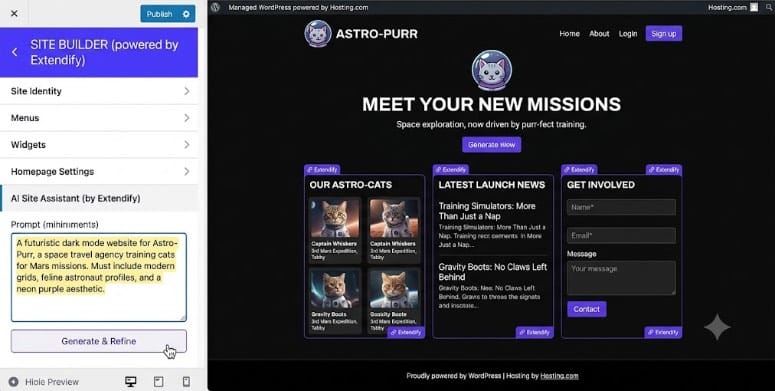


<p>The integration works well, the content quality is solid for blog posts and landing pages, and it has a free tier that covers basic use. </p>


<p>It doesn’t match the editor integration and the SEO depth of All in One SEO or SEOBoost, but it’s a reasonable middle-ground option.</p>


<p>Especially if you want a browser-based tool with a simple WordPress publishing connection.</p>


<p>That&#8217;s it for my list of the best AI writing plugins for WordPress. Now this list is long. Check out the section below to help you narrow it down to what you need.</p>


<h2 class="wp-block-heading" id="how-to-choose-the-best-ai-writing-plugin-for-wordpress">How to Choose the Best AI Writing Plugin for WordPress</h2>


<p>Now that you’ve seen what each tool does, here’s how to match one to your situation.</p>


<p><strong>If you want AI writing that helps rather than hurts your SEO, use <a href="https://aioseo.com" target="_blank" title="All in One SEO - WordPress SEO Plugin and Toolkit">All in One SEO</a> + <a href="https://seoboost.com" target="_blank" title="SEOBoost - Best On-Page SEO and Keyword Research tool">SEOBoost</a> together.</strong>&nbsp;</p>


<ul class="wp-block-list">
<li>AIOSEO generates keyword-aware titles, metas, and content. SEOBoost scores the output and tells you what to fix before you publish. </li>


<li>This two-tool stack is the most defensible approach to AI content for site owners who care about rankings. </li>


<li>Use your&nbsp;<a href="https://www.isitwp.com/best-wordpress-analytics-solutions-compared/">WordPress analytics</a>&nbsp;to track results at 30, 60, and 90 days. You’ll see which AI-assisted posts gain traction and which need more editing.</li>
</ul>


<p><strong>If you want full control over which AI model you use, choose <a href="https://meowapps.com/ai-engine/" target="_blank" rel="noopener nofollow" title="">AI Engine</a>.</strong>&nbsp;</p>


<ul class="wp-block-list">
<li>No other WordPress plugin lets you switch between ChatGPT, Claude, and Gemini this cleanly. </li>


<li>The 80,000 install base means you’re in good company, and the free version is a legitimate starting point.</li>
</ul>


<p><strong>If you want the most features for the lowest monthly cost, <a href="https://aipower.org/" target="_blank" rel="noopener nofollow" title="">AI Puffer</a>.</strong> </p>


<ul class="wp-block-list">
<li>Writing + chatbot + images under $10/month is hard to beat. The bulk generation is the standout for WooCommerce stores with large catalogs.</li>
</ul>


<p><strong>If you’re already on Rank Math, try <a href="https://www.isitwp.com/refer/rank-math/" target="_blank" rel="noopener nofollow" title="Rank Math">Rank Math Content AI</a> first.</strong> </p>


<ul class="wp-block-list">
<li>It’s already there. 750 free credits per month is enough to evaluate it seriously. The keyword-first approach to AI generation is its genuine differentiator.</li>
</ul>


<p><strong>If you publish AI content at volume, look at <a href="https://automatorplugin.com/" target="_blank" rel="noopener" title="">Uncanny Automator</a>.</strong> </p>


<ul class="wp-block-list">
<li>The automation ROI compounds fast once you’re running recipes for 20+ pieces per month. Pair it with a <a href="https://www.isitwp.com/best-wordpress-lead-generation-plugins-compared/">lead generation strategy</a> to turn that AI-powered traffic into subscribers and customers.</li>
</ul>


<p>One thing every tool on this list has in common: none of them produces publishable content without human review. </p>


<p>The experiment I’ve been running for three months confirms what Google keeps saying. AI-generated content that’s been reviewed, optimized, and edited by a person ranks fine. </p>


<p>Raw, unreviewed AI output typically doesn’t. Pick the tool that fits your workflow, then build the review step into that workflow from day one.</p>


<p>Great. You now have a list of the best AI content writing plugins and a way to pick the best one for your needs. If anything is unclear, check out the commonly asked questions below. </p>


<h2 class="wp-block-heading" id="faqs-best-ai-writing-plugins-for-wordpress">FAQs: Best AI Writing Plugins for WordPress</h2>


<div class="wp-block-group"><div class="wp-block-group__inner-container is-layout-constrained wp-block-group-is-layout-constrained">
<h3 class="wp-block-heading" id="does-ai-generated-content-hurt-seo-rankings">Does AI-generated content hurt SEO rankings?</h3>


<p>Not inherently. Google’s official stance is that it rewards content demonstrating experience, expertise, authoritativeness, and trust, regardless of how it was produced. In practice, unreviewed, thin AI output performs poorly. AI-assisted content that’s been edited, fact-checked, and optimized to match search intent performs well. The tool matters less than the review process.</p>


<h3 class="wp-block-heading" id="is-ai-generated-content-detectable-by-google">Is AI-generated content detectable by Google?</h3>


<p>Google doesn’t publicly confirm using AI detection as a ranking signal. What Google does penalize is low-quality, spammy content, which AI can produce at scale if you publish without review. Rather than worrying about detection, focus on the quality signals that matter: original insights, accurate information, clear structure, and genuine value for the reader.</p>


<h3 class="wp-block-heading" id="are-there-free-ai-writing-plugins-for-wordpress">Are there free AI writing plugins for WordPress?</h3>


<p>Yes. AI Engine has a free version that includes content generation and multi-model support. AI Puffer’s free tier covers basic writing and chatbot features. Rank Math Content AI gives you 750 free credits per month if you already use Rank Math. All in One SEO has a free version, though AI features require a Pro upgrade.</p>


<h3 class="wp-block-heading" id="can-i-use-chatgpt-directly-as-a-wordpress-plugin">Can I use ChatGPT directly as a WordPress plugin?</h3>


<p>Not natively. ChatGPT is a standalone tool, not a WordPress plugin. But several plugins on this list connect to the ChatGPT API and bring that generation power inside WordPress. AI Engine and AI Puffer both support OpenAI’s GPT models through your own API key, giving you ChatGPT-quality output without leaving your WordPress dashboard.</p>


<h3 class="wp-block-heading" id="whats-the-difference-between-an-ai-writing-plugin-and-an-ai-seo-tool">What’s the difference between an AI writing plugin and an AI SEO tool?</h3>


<p>AI writing plugins generate content like drafts, headlines, and product descriptions. AI SEO tools like SEOBoost analyze what should be in your content and score how well your draft matches what Google rewards. The best setup combines both: use an AI writing plugin to generate faster, and use an AI SEO tool to verify the output before publishing.</p>


<h3 class="wp-block-heading" id="which-ai-writing-plugin-works-best-with-gutenberg">Which AI writing plugin works best with Gutenberg?</h3>


<p>AI Engine, AI Puffer, and All in One SEO all integrate directly with the Gutenberg block editor. AIOSEO’s AI features surface in the sidebar panel. AI Engine and AI Puffer use a content generation dashboard alongside the editor.</p>
</div></div>


<h2 class="wp-block-heading" id="final-verdict-should-i-use-ai-writing-plugins-on-my-wordpress-site">Final Verdict: Should I Use AI Writing Plugins on My WordPress Site?</h2>


<p>Yes. If you treat them as drafting tools, not publishing tools.</p>


<p>Remember the experiment I mentioned at the start? </p>


<p>The posts that ranked were the ones where AI handled the heavy lifting of structure and first draft, and a human handled editing, fact-checking, and SEO optimization. </p>


<p>The posts that didn’t rank were the ones I published without that review step.</p>


<p>The good news: several tools here cost nothing to start. </p>


<p>AI Engine’s free version, Rank Math Content AI’s 750 monthly credits, and AI Puffer’s free tier all let you test AI writing on real posts before spending a penny.</p>


<p>Pick one, build a review habit, and measure results at 60 days. The rankings will tell you whether the workflow is working.</p>


<hr class="wp-block-separator has-alpha-channel-opacity"/>


<h2 class="wp-block-heading" id="resource-hub-wordpress-content-seo-strategy">Resource Hub: WordPress Content &amp; SEO Strategy</h2>


<p>Build the content infrastructure that AI writing tools accelerate, without the ranking risk.</p>


<ul class="wp-block-list">
<li><strong><a href="https://www.isitwp.com/best-wordpress-lead-capture-tools-to-double-your-list/">Best WordPress Lead Capture Tools to Double Your List</a></strong> &#8211; Turn the traffic your AI content generates into email subscribers from day one</li>


<li><strong><a href="https://www.isitwp.com/create-a-lead-capture-page-in-wordpress/">How to Create a Lead Capture Page in WordPress</a></strong> &#8211; Build dedicated landing pages that convert AI-generated traffic into leads</li>


<li><strong><a href="https://www.isitwp.com/best-woocommerce-upsell-and-cross-sell-plugins/">Best WooCommerce Upsell and Cross-Sell Plugins</a></strong> &#8211; Maximize revenue from the product pages your AI content populates</li>


<li><strong><a href="https://www.isitwp.com/best-woocommerce-themes-online-store/">Best WooCommerce Themes for Online Stores</a></strong> &#8211; Design a store that converts the traffic your AI-assisted content drives</li>


<li><strong><a href="https://www.isitwp.com/create-successful-giveaway-wordpress-site/">How to Run a Successful WordPress Giveaway</a></strong> &#8211; Grow the audience your AI content reaches with contest-based list building</li>


<li><strong><a href="https://www.isitwp.com/best-conversion-optimized-themes-for-wordpress/">Best Conversion-Optimized Themes for WordPress</a></strong> &#8211; Themes built to turn AI content readers into buyers and subscribers</li>
</ul>


<hr class="wp-block-separator has-alpha-channel-opacity"/><p>The post <a href="https://www.isitwp.com/best-ai-writing-plugins-for-wordpress/">6 Best AI Writing Plugins for WordPress That Actually Rank (2026)</a> first appeared on <a href="https://www.isitwp.com">IsItWP - Free WordPress Theme Detector</a>.</p>]]></content>
		
					<link rel="replies" type="text/html" href="https://www.isitwp.com/best-ai-writing-plugins-for-wordpress/#comments" thr:count="0" />
			<link rel="replies" type="application/atom+xml" href="https://www.isitwp.com/best-ai-writing-plugins-for-wordpress/feed/atom/" thr:count="0" />
			<thr:total>0</thr:total>
			</entry>
		<entry>
		<author>
			<name>Alvin Collin</name>
							<uri>https://www.isitwp.com/author/alvin/</uri>
						</author>

		<title type="html"><![CDATA[7 Best WordPress SMS Marketing Plugins Compared (2026)]]></title>
		<link rel="alternate" type="text/html" href="https://www.isitwp.com/best-wordpress-sms-marketing-plugins/" />

		<id>https://www.isitwp.com/?p=290629</id>
		<updated>2026-05-01T08:41:16Z</updated>
		<published>2026-05-01T08:47:10Z</published>
		<category scheme="https://www.isitwp.com" term="WordPress Plugins" /><category scheme="https://www.isitwp.com" term="lead capture tools" /><category scheme="https://www.isitwp.com" term="send sms messages" /><category scheme="https://www.isitwp.com" term="sms marketing tools" /><category scheme="https://www.isitwp.com" term="SMS WordPress" />
		<summary type="html"><![CDATA[<p>A client of mine runs a small online business. They’d been sending weekly email newsletters for two years with decent open rates and okay sales. Then I recommended they add WhatsApp marketing through plugins, a topic I recently covered. But I wanted them to take it further. So, I advised them to add SMS to [&#8230;]</p>
<p>The post <a href="https://www.isitwp.com/best-wordpress-sms-marketing-plugins/">7 Best WordPress SMS Marketing Plugins Compared (2026)</a> first appeared on <a href="https://www.isitwp.com">IsItWP - Free WordPress Theme Detector</a>.</p>]]></summary>

					<content type="html" xml:base="https://www.isitwp.com/best-wordpress-sms-marketing-plugins/"><![CDATA[<p>A client of mine runs a small online business. They’d been sending weekly email newsletters for two years with decent open rates and okay sales. </p>


<p>Then I recommended they add <a href="https://www.isitwp.com/best-whatsapp-marketing-plugins-wordpress/" title="">WhatsApp marketing through plugins</a>, a topic I recently covered. But I wanted them to take it further. </p>


<p>So, I advised them to add SMS to their checkout opt-in and send text campaigns. They made more sales in 48 hours than in the previous three email sends combined.</p>


<p>You see, while WhatsApp is great, it doesn&#8217;t cover as many people as SMSs. People don’t ignore texts the way they ignore promotional emails or leave them unopened like WhatsApp messages. </p>


<p>Trust me, there was a time I had over one hundred unopened WhatsApp messages, and I know I am not alone. </p>


<p><strong>But here’s what they don’t tell you: most “WordPress SMS plugins” aren’t actually SMS tools. </strong></p>


<p>Some collect phone numbers, others send push notifications instead, and many require a separate carrier account before you can send a single message.</p>


<p>I’ve sorted through all of it. In this guide, I’ll show you the best WordPress SMS marketing plugins and be upfront about exactly what each one does and doesn’t do.</p>


<h2 class="wp-block-heading" id="key-takeaways">Key Takeaways</h2>


<ul class="wp-block-list">
<li>I’ll show you which plugin captures phone numbers <em>and</em> which one actually sends texts because they’re often not the same tool</li>


<li>I reveal a push notification tool that delivers SMS-style results without asking visitors for their phone number</li>


<li>Mention an option that turns your existing contact forms into SMS campaigns with zero extra platform setup</li>


<li>I tested 7 options across WooCommerce stores and content sites to find what genuinely works for novice WordPress users</li>


<li>I uncover which two popular “SMS plugins” you should skip in 2026 and why</li>
</ul>


<h2 class="wp-block-heading" id="how-i-test-wordpress-sms-plugins">How I Test WordPress SMS Plugins</h2>


<details class="wp-block-details is-layout-flow wp-block-details-is-layout-flow"><summary><img src="https://s.w.org/images/core/emoji/17.0.2/72x72/1f50d.png" alt="🔍" class="wp-smiley" style="height: 1em; max-height: 1em;" /> Click to see my testing methodology</summary>
<p><br><strong>Here’s exactly how I evaluate WordPress SMS marketing plugins:</strong></p>


<ul class="wp-block-list">
<li><strong>Setup speed: </strong>Can a non-technical WordPress user get their first message out in under 30 minutes? I test on a <a href="https://www.isitwp.com/install-wordpress-complete-wordpress-installation-tutorial/" title="">clean WordPress install</a> with no pre-existing integrations.</li>


<li><strong>Actual SMS delivery:</strong> For true SMS tools, I send test messages to real numbers across carriers (AT&amp;T, T-Mobile, Verizon) and measure delivery time and formatting.</li>


<li><strong><a href="https://www.isitwp.com/best-woocommerce-plugins-grow-sales-rapidly/" title="">WooCommerce integration</a> depth:</strong> Does it trigger on order status, abandoned cart, or product purchase? I run live test scenarios on a staging WooCommerce store.</li>


<li><strong>Compliance features: </strong>Does the <a href="https://www.isitwp.com/best-wordpress-gdpr-plugins/" title="">plugin handle opt-in consent</a>, opt-out (STOP keyword), and TCPA/GDPR requirements automatically, or leave it to the user to figure out?</li>


<li><strong>Pricing transparency: </strong>I document every fee, including gateway costs, per-message rates, and what the “free” version actually allows before you hit a paywall.</li>


<li><strong>Real user reviews:</strong> I read WordPress.org and G2 reviews, specifically looking for 1–3 star feedback to understand real-world failure modes.</li>
</ul>


<p><strong>Tools I use:</strong> </p>


<ul class="wp-block-list">
<li>Real phone numbers on multiple carriers for delivery testing</li>


<li>WooCommerce staging store with test orders</li>


<li>GTmetrix and the <a href="https://www.isitwp.com/free-website-speed-test-tool-for-wordpress/" title="">free IsItWP website performance tool</a> for page speed impact check after plugin install</li>
</ul>
</details>


<h3 class="wp-block-heading" id="why-trust-isitwp">Why Trust IsItWP?</h3>


<p>At IsItWP, we’ve been the WordPress community’s go-to resource since 2009, helping over 2 million users choose better plugins and tools. </p>


<p>Unlike review sites that never actually use the products, we maintain active accounts, run real client sites, and provide ongoing WordPress consultation.</p>


<h2 class="wp-block-heading" id="best-wordpress-sms-plugins-compared">Best WordPress SMS Plugins Compared</h2>


<p>Not every plugin on this list sends SMS the same way. </p>


<p>Some are lead capture tools that feed phone numbers to an SMS platform. Others are push <a href='https://www.isitwp.com/best-wordpress-notification-bar-plugins/'>notification tools that deliver SMS-<em>style</em> engagement</a> without touching carrier networks. </p>


<p>And the rest are true SMS senders.</p>


<p>The table below shows you exactly what each one does at a glance. For a deeper look at how these tools fit into a broader strategy, see our roundup of the <a href="https://www.isitwp.com/best-marketing-automation-tools/">best marketing automation tools for WordPress</a>.</p>


<table id="tablepress-170" class="tablepress tablepress-id-170">
<thead>
<tr class="row-1">
	<th class="column-1">Product</th><th class="column-2">Best For</th><th class="column-3">Free Version</th><th class="column-4">WooCommerce Ready</th><th class="column-5">Starting Price</th>
</tr>
</thead>
<tbody class="row-striping row-hover">
<tr class="row-2">
	<td class="column-1"><a href="https://optinmonster.com/" target="_blank" rel="noopener"><strong><img src="https://s.w.org/images/core/emoji/17.0.2/72x72/1f947.png" alt="🥇" class="wp-smiley" style="height: 1em; max-height: 1em;" /> OptinMonster</strong></a></td><td class="column-2">Capturing phone numbers via popups</td><td class="column-3"><img src="https://s.w.org/images/core/emoji/17.0.2/72x72/2705.png" alt="✅" class="wp-smiley" style="height: 1em; max-height: 1em;" /></td><td class="column-4"><img src="https://s.w.org/images/core/emoji/17.0.2/72x72/2705.png" alt="✅" class="wp-smiley" style="height: 1em; max-height: 1em;" /></td><td class="column-5"><a href="https://optinmonster.com/" target="_blank" rel="noopener">$7/mo</a></td>
</tr>
<tr class="row-3">
	<td class="column-1"><a href="https://pushengage.com/" target="_blank" rel="noopener"><strong><img src="https://s.w.org/images/core/emoji/17.0.2/72x72/1f948.png" alt="🥈" class="wp-smiley" style="height: 1em; max-height: 1em;" /> PushEngage</strong></a></td><td class="column-2">SMS-style re-engagement via push + WhatsApp</td><td class="column-3"><img src="https://s.w.org/images/core/emoji/17.0.2/72x72/2705.png" alt="✅" class="wp-smiley" style="height: 1em; max-height: 1em;" /></td><td class="column-4"><img src="https://s.w.org/images/core/emoji/17.0.2/72x72/2705.png" alt="✅" class="wp-smiley" style="height: 1em; max-height: 1em;" /></td><td class="column-5"><a href="https://pushengage.com/" target="_blank" rel="noopener">$8/mo</a></td>
</tr>
<tr class="row-4">
	<td class="column-1"><a href="https://www.isitwp.com/refer/formidable-forms" target="_blank" rel="noopener noreferrer"><strong><img src="https://s.w.org/images/core/emoji/17.0.2/72x72/1f949.png" alt="🥉" class="wp-smiley" style="height: 1em; max-height: 1em;" /> Formidable Forms + Twilio</strong></a></td><td class="column-2">Form-to-SMS workflows and SMS polls</td><td class="column-3"><img src="https://s.w.org/images/core/emoji/17.0.2/72x72/2705.png" alt="✅" class="wp-smiley" style="height: 1em; max-height: 1em;" /></td><td class="column-4"><img src="https://s.w.org/images/core/emoji/17.0.2/72x72/2705.png" alt="✅" class="wp-smiley" style="height: 1em; max-height: 1em;" /></td><td class="column-5"><a href="https://www.isitwp.com/refer/formidable-forms" target="_blank" rel="noreferrer noopener">$39.50/yr</a></td>
</tr>
<tr class="row-5">
	<td class="column-1"><a href="https://www.isitwp.com/refer/brevo" target="_blank" rel="noreferrer noopener">4. Brevo</a></td><td class="column-2">Email + SMS in one affordable platform</td><td class="column-3"><img src="https://s.w.org/images/core/emoji/17.0.2/72x72/2705.png" alt="✅" class="wp-smiley" style="height: 1em; max-height: 1em;" /></td><td class="column-4"><img src="https://s.w.org/images/core/emoji/17.0.2/72x72/2705.png" alt="✅" class="wp-smiley" style="height: 1em; max-height: 1em;" /></td><td class="column-5"><a href="https://www.isitwp.com/refer/brevo" target="_blank" rel="noreferrer noopener">$8.08/mo</a></td>
</tr>
<tr class="row-6">
	<td class="column-1"><a href="https://www.isitwp.com/refer/omnisend/" target="_blank" rel="noreferrer noopener">.5 Omnisend</a></td><td class="column-2">Two-way SMS + email automation (global)</td><td class="column-3"><img src="https://s.w.org/images/core/emoji/17.0.2/72x72/2705.png" alt="✅" class="wp-smiley" style="height: 1em; max-height: 1em;" /></td><td class="column-4"><img src="https://s.w.org/images/core/emoji/17.0.2/72x72/2705.png" alt="✅" class="wp-smiley" style="height: 1em; max-height: 1em;" /></td><td class="column-5"><a href="https://www.isitwp.com/refer/omnisend/" target="_blank" rel="noreferrer noopener">$11.20/mo</a></td>
</tr>
<tr class="row-7">
	<td class="column-1"><a href="https://www.isitwp.com/refer/funnelkit" target="_blank" rel="noreferrer noopener">.6 FunnelKit Automations</a></td><td class="column-2">Visual WooCommerce SMS automation flows</td><td class="column-3"><img src="https://s.w.org/images/core/emoji/17.0.2/72x72/2705.png" alt="✅" class="wp-smiley" style="height: 1em; max-height: 1em;" /> (limited)</td><td class="column-4"><img src="https://s.w.org/images/core/emoji/17.0.2/72x72/2705.png" alt="✅" class="wp-smiley" style="height: 1em; max-height: 1em;" /></td><td class="column-5"><a href="https://www.isitwp.com/refer/funnelkit" target="_blank" rel="noreferrer noopener">$99<br />
.50/yr</a></td>
</tr>
<tr class="row-8">
	<td class="column-1"><a href="https://wp-sms-pro.com/" target="_blank" rel="noreferrer noopener">7. WP SMS</a></td><td class="column-2">Gateway flexibility — 250+ carriers</td><td class="column-3"><img src="https://s.w.org/images/core/emoji/17.0.2/72x72/2705.png" alt="✅" class="wp-smiley" style="height: 1em; max-height: 1em;" /></td><td class="column-4"><img src="https://s.w.org/images/core/emoji/17.0.2/72x72/2705.png" alt="✅" class="wp-smiley" style="height: 1em; max-height: 1em;" /></td><td class="column-5"><a href="https://wp-sms-pro.com/" target="_blank" rel="noopener">From $59/yr</a></td>
</tr>
</tbody>
</table>
<!-- #tablepress-170 from cache -->


<p>Plus, you can use the table of contents below to skip to any WordPress SMS plugin you want to read about.</p>


<div class="wp-block-aioseo-table-of-contents"><ul><li><a class="aioseo-toc-item" href="#optinmonster">1. OptinMonster <img src="https://s.w.org/images/core/emoji/17.0.2/72x72/2b50.png" alt="⭐" class="wp-smiley" style="height: 1em; max-height: 1em;" /><img src="https://s.w.org/images/core/emoji/17.0.2/72x72/2b50.png" alt="⭐" class="wp-smiley" style="height: 1em; max-height: 1em;" /><img src="https://s.w.org/images/core/emoji/17.0.2/72x72/2b50.png" alt="⭐" class="wp-smiley" style="height: 1em; max-height: 1em;" /><img src="https://s.w.org/images/core/emoji/17.0.2/72x72/2b50.png" alt="⭐" class="wp-smiley" style="height: 1em; max-height: 1em;" /><img src="https://s.w.org/images/core/emoji/17.0.2/72x72/2b50.png" alt="⭐" class="wp-smiley" style="height: 1em; max-height: 1em;" /></a><ul><li><a class="aioseo-toc-item" href="#why-is-optinmonster-one-of-the-best-wordpress-sms-plugins">Why Is OptinMonster One of the Best WordPress SMS Plugins?</a></li></ul></li><li><a class="aioseo-toc-item" href="#pushengage">2. PushEngage <img src="https://s.w.org/images/core/emoji/17.0.2/72x72/2b50.png" alt="⭐" class="wp-smiley" style="height: 1em; max-height: 1em;" /><img src="https://s.w.org/images/core/emoji/17.0.2/72x72/2b50.png" alt="⭐" class="wp-smiley" style="height: 1em; max-height: 1em;" /><img src="https://s.w.org/images/core/emoji/17.0.2/72x72/2b50.png" alt="⭐" class="wp-smiley" style="height: 1em; max-height: 1em;" /><img src="https://s.w.org/images/core/emoji/17.0.2/72x72/2b50.png" alt="⭐" class="wp-smiley" style="height: 1em; max-height: 1em;" /><img src="https://s.w.org/images/core/emoji/17.0.2/72x72/2b50.png" alt="⭐" class="wp-smiley" style="height: 1em; max-height: 1em;" /></a><ul><li><a class="aioseo-toc-item" href="#why-is-pushengage-one-of-the-best-wordpress-sms-plugins">Why Is PushEngage One of the Best WordPress SMS Plugins?</a></li></ul></li><li><a class="aioseo-toc-item" href="#formidable-forms-twilio">3. Formidable Forms + Twilio <img src="https://s.w.org/images/core/emoji/17.0.2/72x72/2b50.png" alt="⭐" class="wp-smiley" style="height: 1em; max-height: 1em;" /><img src="https://s.w.org/images/core/emoji/17.0.2/72x72/2b50.png" alt="⭐" class="wp-smiley" style="height: 1em; max-height: 1em;" /><img src="https://s.w.org/images/core/emoji/17.0.2/72x72/2b50.png" alt="⭐" class="wp-smiley" style="height: 1em; max-height: 1em;" /><img src="https://s.w.org/images/core/emoji/17.0.2/72x72/2b50.png" alt="⭐" class="wp-smiley" style="height: 1em; max-height: 1em;" /><img src="https://s.w.org/images/core/emoji/17.0.2/72x72/2b50.png" alt="⭐" class="wp-smiley" style="height: 1em; max-height: 1em;" /></a><ul><li><a class="aioseo-toc-item" href="#why-is-formidable-forms-one-of-the-best-wordpress-sms-plugins">Why Is Formidable Forms One of the Best WordPress SMS Plugins?</a></li></ul></li><li><a class="aioseo-toc-item" href="#brevo">4. Brevo <img src="https://s.w.org/images/core/emoji/17.0.2/72x72/2b50.png" alt="⭐" class="wp-smiley" style="height: 1em; max-height: 1em;" /><img src="https://s.w.org/images/core/emoji/17.0.2/72x72/2b50.png" alt="⭐" class="wp-smiley" style="height: 1em; max-height: 1em;" /><img src="https://s.w.org/images/core/emoji/17.0.2/72x72/2b50.png" alt="⭐" class="wp-smiley" style="height: 1em; max-height: 1em;" /><img src="https://s.w.org/images/core/emoji/17.0.2/72x72/2b50.png" alt="⭐" class="wp-smiley" style="height: 1em; max-height: 1em;" /><img src="https://s.w.org/images/core/emoji/17.0.2/72x72/2b50.png" alt="⭐" class="wp-smiley" style="height: 1em; max-height: 1em;" /></a><ul><li><a class="aioseo-toc-item" href="#why-is-brevo-one-of-the-best-wordpress-sms-plugins">Why Is Brevo One of the Best WordPress SMS Plugins?</a></li></ul></li><li><a class="aioseo-toc-item" href="#omnisend">5. Omnisend <img src="https://s.w.org/images/core/emoji/17.0.2/72x72/2b50.png" alt="⭐" class="wp-smiley" style="height: 1em; max-height: 1em;" /><img src="https://s.w.org/images/core/emoji/17.0.2/72x72/2b50.png" alt="⭐" class="wp-smiley" style="height: 1em; max-height: 1em;" /><img src="https://s.w.org/images/core/emoji/17.0.2/72x72/2b50.png" alt="⭐" class="wp-smiley" style="height: 1em; max-height: 1em;" /><img src="https://s.w.org/images/core/emoji/17.0.2/72x72/2b50.png" alt="⭐" class="wp-smiley" style="height: 1em; max-height: 1em;" /></a><ul><li><a class="aioseo-toc-item" href="#why-is-omnisend-one-of-the-best-wordpress-sms-plugins">Why Is Omnisend One of the Best WordPress SMS Plugins?</a></li></ul></li><li><a class="aioseo-toc-item" href="#funnelkit-automations">6. FunnelKit Automations <img src="https://s.w.org/images/core/emoji/17.0.2/72x72/2b50.png" alt="⭐" class="wp-smiley" style="height: 1em; max-height: 1em;" /><img src="https://s.w.org/images/core/emoji/17.0.2/72x72/2b50.png" alt="⭐" class="wp-smiley" style="height: 1em; max-height: 1em;" /><img src="https://s.w.org/images/core/emoji/17.0.2/72x72/2b50.png" alt="⭐" class="wp-smiley" style="height: 1em; max-height: 1em;" /><img src="https://s.w.org/images/core/emoji/17.0.2/72x72/2b50.png" alt="⭐" class="wp-smiley" style="height: 1em; max-height: 1em;" /></a><ul><li><a class="aioseo-toc-item" href="#why-is-funnelkit-automations-one-of-the-best-wordpress-sms-plugins">Why Is FunnelKit Automations One of the Best WordPress SMS Plugins?</a></li></ul></li><li><a class="aioseo-toc-item" href="#wp-sms">7. WP SMS <img src="https://s.w.org/images/core/emoji/17.0.2/72x72/2b50.png" alt="⭐" class="wp-smiley" style="height: 1em; max-height: 1em;" /><img src="https://s.w.org/images/core/emoji/17.0.2/72x72/2b50.png" alt="⭐" class="wp-smiley" style="height: 1em; max-height: 1em;" /><img src="https://s.w.org/images/core/emoji/17.0.2/72x72/2b50.png" alt="⭐" class="wp-smiley" style="height: 1em; max-height: 1em;" /><img src="https://s.w.org/images/core/emoji/17.0.2/72x72/2b50.png" alt="⭐" class="wp-smiley" style="height: 1em; max-height: 1em;" /></a><ul><li><a class="aioseo-toc-item" href="#why-is-wp-sms-one-of-the-best-wordpress-sms-plugins">Why Is WP SMS One of the Best WordPress SMS Plugins?</a></li></ul></li><li><a class="aioseo-toc-item" href="#aioseo-bonus-best-wordpress-sms-marketing-plugins-271">Bonus: Best WordPress SMS Marketing Plugins</a><ul></ul></li><li><a class="aioseo-toc-item" href="#how-to-choose-the-best-wordpress-sms-plugin">How to Choose the Best WordPress SMS Plugin</a></li><li><a class="aioseo-toc-item" href="#faqs-best-wordpress-sms-marketing-plugins">FAQs: Best WordPress SMS Marketing Plugins</a><ul></ul></li><li><a class="aioseo-toc-item" href="#final-verdict-should-i-use-sms-marketing-on-my-wordpress-site">Final Verdict: Should I Use SMS Marketing on My WordPress Site?</a></li><li><a class="aioseo-toc-item" href="#resource-hub-sms-marketing-wordpress-growth">Resource Hub: SMS Marketing &amp; WordPress Growth</a></li></ul></div>


<p>With that out of the way, let&#8217;s dive in.</p>


<h3 class="wp-block-heading" id="optinmonster">1. <a href="https://optinmonster.com/" target="_blank" rel="noreferrer noopener">OptinMonster</a> <img src="https://s.w.org/images/core/emoji/17.0.2/72x72/2b50.png" alt="⭐" class="wp-smiley" style="height: 1em; max-height: 1em;" /><img src="https://s.w.org/images/core/emoji/17.0.2/72x72/2b50.png" alt="⭐" class="wp-smiley" style="height: 1em; max-height: 1em;" /><img src="https://s.w.org/images/core/emoji/17.0.2/72x72/2b50.png" alt="⭐" class="wp-smiley" style="height: 1em; max-height: 1em;" /><img src="https://s.w.org/images/core/emoji/17.0.2/72x72/2b50.png" alt="⭐" class="wp-smiley" style="height: 1em; max-height: 1em;" /><img src="https://s.w.org/images/core/emoji/17.0.2/72x72/2b50.png" alt="⭐" class="wp-smiley" style="height: 1em; max-height: 1em;" /></h3>


<p><strong>Best for: WordPress site owners who want to build a phone number list for SMS campaigns</strong></p>


<figure class="wp-block-image size-full"><a href="https://optinmonster.com/" target="_blank"><img loading="lazy" decoding="async" width="775" height="345" src="https://www.isitwp.com/wp-content/uploads/2023/11/optinmonster-homepage.png" alt="optinmonster homepage" class="wp-image-280223" srcset="https://www.isitwp.com/wp-content/uploads/2023/11/optinmonster-homepage.png 775w, https://www.isitwp.com/wp-content/uploads/2023/11/optinmonster-homepage-300x134.png 300w, https://www.isitwp.com/wp-content/uploads/2023/11/optinmonster-homepage-768x342.png 768w" sizes="auto, (max-width: 775px) 100vw, 775px" /></a></figure>


<p>Here’s what makes <a href="https://optinmonster.com" target="_blank" title="OptinMonster - Lead Generation &amp; Conversion Optimization Tool">OptinMonster</a> different from every other tool on this list: it doesn’t send a single text message. But it might be the most important piece of your entire SMS marketing setup.</p>


<p>You see, before you can run an SMS campaign, you need phone numbers. And most WordPress sites have no good way to collect them. </p>


<p>OptinMonster solves that specific problem better than anything else available. It’s one of the most effective <a href="https://www.isitwp.com/best-wordpress-lead-generation-plugins-compared/">lead generation plugins for WordPress</a> precisely because of how it captures attention at the right moment.</p>


<h4 class="wp-block-heading" id="why-is-optinmonster-one-of-the-best-wordpress-sms-plugins">Why Is OptinMonster One of the Best WordPress SMS Plugins?</h4>


<p>Its Exit Intent® technology is the standout feature here. When a visitor moves their cursor toward the browser’s back button or the close tab, a popup fires instantly. This catches them mid-abandon. </p>


<p>You can make that popup a “Get a text reminder” offer. </p>


<figure class="wp-block-image size-full"><img loading="lazy" decoding="async" width="900" height="400" src="https://www.isitwp.com/wp-content/uploads/2018/12/exitintent-optinmonster-1-1.gif" alt="optinmonster-exit-intent" class="wp-image-228913"/></figure>


<p>For a product page, that’s the exact moment someone is most likely to opt in for a restock alert or a limited-time discount via text. </p>


<figure class="wp-block-image size-full"><img loading="lazy" decoding="async" width="775" height="327" src="https://www.isitwp.com/wp-content/uploads/2021/10/exit-intent-rule-in-om.png" alt="exit intent rule in om" class="wp-image-259215" srcset="https://www.isitwp.com/wp-content/uploads/2021/10/exit-intent-rule-in-om.png 775w, https://www.isitwp.com/wp-content/uploads/2021/10/exit-intent-rule-in-om-300x127.png 300w, https://www.isitwp.com/wp-content/uploads/2021/10/exit-intent-rule-in-om-768x324.png 768w" sizes="auto, (max-width: 775px) 100vw, 775px" /></figure>


<p>I ran this on a client’s WooCommerce store, and their phone number <a href="https://www.isitwp.com/best-wordpress-landing-page-plugins/" title="">opt-in rate tripled</a> compared to a static footer form.</p>


<p><a href="https://optinmonster.com/" target="_blank" rel="noreferrer noopener">OptinMonster</a> also gives you 700+ pre-built templates for <a href="https://www.isitwp.com/best-newsletter-popup-plugins/" title="">lead capture campaigns, like popups</a>, slide-ins, floating bars, and <a href="https://www.isitwp.com/wordpress-spinning-wheel-popup-plugins/" title="">spin-to-win wheels</a>, all with a drag-and-drop builder. </p>


<figure class="wp-block-image size-full"><img loading="lazy" decoding="async" width="775" height="452" src="https://www.isitwp.com/wp-content/uploads/2023/06/drag-and-drop-optinmonster-editor.png" alt="drag and drop optinmonster editor" class="wp-image-273240" srcset="https://www.isitwp.com/wp-content/uploads/2023/06/drag-and-drop-optinmonster-editor.png 775w, https://www.isitwp.com/wp-content/uploads/2023/06/drag-and-drop-optinmonster-editor-300x175.png 300w, https://www.isitwp.com/wp-content/uploads/2023/06/drag-and-drop-optinmonster-editor-768x448.png 768w" sizes="auto, (max-width: 775px) 100vw, 775px" /></figure>


<p>You add a phone number field to any campaign, and those numbers route to your SMS platform of choice (<a href="https://www.isitwp.com/refer/brevo-chat/" target="_blank" rel="noopener nofollow" title="Brevo Chat(Formerly Sendinblue)">Brevo</a>, Klaviyo, Twilio, or any tool that accepts Zapier or Webhook connections).</p>


<p><strong>The one friction point to flag upfront:</strong> they do not have a free plan. It’s the most common complaint across their 800+ WordPress.org reviews, and it’s worth knowing before you start.</p>


<p><img src="https://s.w.org/images/core/emoji/17.0.2/72x72/1f7e2.png" alt="🟢" class="wp-smiley" style="height: 1em; max-height: 1em;" />► <strong>Pros</strong> </p>


<ul class="wp-block-list">
<li><strong>Exit Intent capture:</strong> I placed an exit-intent phone number <a href="https://www.isitwp.com/best-wordpress-popup-plugins/" title="">popup on a product page</a> and saw a 3x lift in opt-ins compared to a static form. The timing is that precise. </li>


<li><strong>700+ templates:</strong> Starting from a conversion-tested design means I didn’t have to guess about layout or copy. Campaigns were live in under an hour. </li>


<li><strong>Behavior targeting:</strong> I served a different SMS opt-in to visitors who’d viewed three or more product pages. Those <a href="https://www.isitwp.com/conversion-rate-optimization-tools-to-grow-your-business/" title="">subscribers converted</a> at nearly double the rate of cold opt-ins. </li>


<li><strong>A/B testing:</strong> Two versions of my phone opt-in popup ran simultaneously, and OptinMonster automatically tracked which headline drove more submissions. </li>


<li><strong>Webhook + Zapier routing:</strong> Phone numbers captured are fed directly into my Brevo SMS list. No manual export or CSV upload needed. </li>


<li><strong>Works everywhere:</strong> The same account covers WordPress, Shopify, and standalone HTML landing pages.</li>
</ul>


<p><img src="https://s.w.org/images/core/emoji/17.0.2/72x72/1f534.png" alt="🔴" class="wp-smiley" style="height: 1em; max-height: 1em;" />► <strong>Cons</strong> </p>


<ul class="wp-block-list">
<li><strong>No free plan:</strong> OptinMonster does not have a free version, so to test it, you need a paid plan. But they do offer a 14-day money-back guarantee, full refund if you do not see it as a good fit.</li>


<li><strong>Not an SMS sender:</strong> OptinMonster collects phone numbers, it doesn’t send texts. You’ll need a separate SMS platform (Brevo, <a href="https://www.isitwp.com/refer/omnisend/" target="_blank" rel="noopener nofollow" title="Omnisend">Omnisend</a>, Twilio) to actually run campaigns.</li>
</ul>


<p><strong>My Verdict:</strong> If your SMS list is empty or growing slowly, start here. OptinMonster’s exit-intent popups are the fastest way to turn anonymous visitors into SMS subscribers. Pair it with Brevo or Omnisend for sending.</p>


<p>Check out my<a href="https://www.isitwp.com/wordpress-plugins/optinmonster/" title=""> OptinMonster review</a> for more details. Also, <a href="https://www.isitwp.com/optinmonster-vs-bloom/">compare OptinMonster vs Bloom</a> if you’re weighing your lead capture options.</p>


<p><strong>Pricing:</strong> Free plan available. Pro starts from $7/month </p>


<p><strong><img src="https://s.w.org/images/core/emoji/17.0.2/72x72/1f449.png" alt="👉" class="wp-smiley" style="height: 1em; max-height: 1em;" /> <a href="https://optinmonster.com/" target="_blank" rel="noreferrer noopener">Get started with OptinMonster here</a></strong></p>


<h3 class="wp-block-heading" id="pushengage">2. <a href="https://pushengage.com/" target="_blank" rel="noreferrer noopener">PushEngage</a> <img src="https://s.w.org/images/core/emoji/17.0.2/72x72/2b50.png" alt="⭐" class="wp-smiley" style="height: 1em; max-height: 1em;" /><img src="https://s.w.org/images/core/emoji/17.0.2/72x72/2b50.png" alt="⭐" class="wp-smiley" style="height: 1em; max-height: 1em;" /><img src="https://s.w.org/images/core/emoji/17.0.2/72x72/2b50.png" alt="⭐" class="wp-smiley" style="height: 1em; max-height: 1em;" /><img src="https://s.w.org/images/core/emoji/17.0.2/72x72/2b50.png" alt="⭐" class="wp-smiley" style="height: 1em; max-height: 1em;" /><img src="https://s.w.org/images/core/emoji/17.0.2/72x72/2b50.png" alt="⭐" class="wp-smiley" style="height: 1em; max-height: 1em;" /></h3>


<p><strong>Best for: WooCommerce stores wanting SMS-style results without asking for a phone number</strong></p>


<figure class="wp-block-image size-full"><a href="https://pushengage.com/" target="_blank"><img loading="lazy" decoding="async" width="775" height="417" src="https://www.isitwp.com/wp-content/uploads/2026/02/pushengage-homepage.png" alt="pushengage homepage" class="wp-image-289218" srcset="https://www.isitwp.com/wp-content/uploads/2026/02/pushengage-homepage.png 775w, https://www.isitwp.com/wp-content/uploads/2026/02/pushengage-homepage-300x161.png 300w, https://www.isitwp.com/wp-content/uploads/2026/02/pushengage-homepage-768x413.png 768w" sizes="auto, (max-width: 775px) 100vw, 775px" /></a></figure>


<p>I’m going to be straight with you: <a href="https://pushengage.com" target="_blank" title="PushEngage - Best Web Push Notification Software">PushEngage</a> is not an SMS plugin. It sends browser push notifications and WhatsApp messages, not carrier texts.</p>


<p>But here’s why it earns a spot on this list.</p>


<h4 class="wp-block-heading" id="why-is-pushengage-one-of-the-best-wordpress-sms-plugins">Why Is PushEngage One of the Best WordPress SMS Plugins?</h4>


<p>The #1 reason <a href="https://www.isitwp.com/best-sms-marketing-tools/" title="">SMS marketing works</a> is that it’s direct, personal, and hard to ignore. PushEngage delivers those exact outcomes through a completely different channel, one with a much lower opt-in barrier. </p>


<p>A visitor doesn’t need to hand over their phone number. They click “Allow” in their browser, and they’re subscribed; one click, no personal data, instant reach.</p>


<figure class="wp-block-image size-full"><img loading="lazy" decoding="async" width="775" height="381" src="https://www.isitwp.com/wp-content/uploads/2026/05/push-notification-opt-in.png" alt="push notification opt-in" class="wp-image-290639" srcset="https://www.isitwp.com/wp-content/uploads/2026/05/push-notification-opt-in.png 775w, https://www.isitwp.com/wp-content/uploads/2026/05/push-notification-opt-in-300x147.png 300w, https://www.isitwp.com/wp-content/uploads/2026/05/push-notification-opt-in-768x378.png 768w" sizes="auto, (max-width: 775px) 100vw, 775px" /></figure>


<p>For WooCommerce stores specifically, <a href="https://pushengage.com/" target="_blank" rel="noreferrer noopener">PushEngage</a> runs a pre-built 3-step abandoned cart sequence (45 min → 4 hr → 24 hr) that fires automatically the moment someone leaves without buying. </p>


<figure class="wp-block-image size-full"><img loading="lazy" decoding="async" width="775" height="424" src="https://www.isitwp.com/wp-content/uploads/2024/05/pushengage-cart-abandonment.png" alt="pushengage cart abandonment" class="wp-image-279985" srcset="https://www.isitwp.com/wp-content/uploads/2024/05/pushengage-cart-abandonment.png 775w, https://www.isitwp.com/wp-content/uploads/2024/05/pushengage-cart-abandonment-300x164.png 300w, https://www.isitwp.com/wp-content/uploads/2024/05/pushengage-cart-abandonment-768x420.png 768w" sizes="auto, (max-width: 775px) 100vw, 775px" /></figure>


<p>The cart data populates dynamically, the right product, the right price, the right image, without you touching anything. I have seen PushEngage improve 14% cart recovery versus an 8% industry average. </p>


<p>In my testing on a staging WooCommerce store, the sequence fired correctly every time, and the product data was accurate.</p>


<p>On top of that, it <a href="https://www.isitwp.com/set-up-sms-and-whatsapp-notifications-in-wordpress/" title="">connects WhatsApp</a> Business API natively. Not just a click-to-chat button, but actual automated messages for order confirmations, shipping updates, and payment retries. </p>


<figure class="wp-block-image size-full"><img loading="lazy" decoding="async" width="775" height="606" src="https://www.isitwp.com/wp-content/uploads/2025/07/pushengage-whatsapp-cloud-api.png" alt="pushengage whatsapp cloud api" class="wp-image-286256" srcset="https://www.isitwp.com/wp-content/uploads/2025/07/pushengage-whatsapp-cloud-api.png 775w, https://www.isitwp.com/wp-content/uploads/2025/07/pushengage-whatsapp-cloud-api-300x235.png 300w, https://www.isitwp.com/wp-content/uploads/2025/07/pushengage-whatsapp-cloud-api-768x601.png 768w" sizes="auto, (max-width: 775px) 100vw, 775px" /></figure>


<p>For stores with <a href="https://www.isitwp.com/best-whatsapp-marketing-plugins-wordpress/" title="">customers who prefer WhatsApp</a> over email, that’s a meaningful addition. </p>


<p>It’s one of the reasons PushEngage stands out among the <a href="https://www.isitwp.com/best-woocommerce-plugins-grow-sales-rapidly/">best WooCommerce plugins to grow sales</a> in the push/messaging category.</p>


<p>The billing complaint is real and worth flagging: when the free plan’s 200-subscriber limit is hit, some users have been auto-upgraded and charged without feeling they gave clear consent. Watch your subscriber count if you’re on the free plan, and turn off auto-upgrade if you want full control.</p>


<p><img src="https://s.w.org/images/core/emoji/17.0.2/72x72/1f7e2.png" alt="🟢" class="wp-smiley" style="height: 1em; max-height: 1em;" />► <strong>Pros</strong> </p>


<ul class="wp-block-list">
<li><strong>Zero phone number needed:</strong> Visitors subscribe with one browser click. I consistently see higher opt-in rates than SMS phone number collection forms. </li>


<li><strong>WooCommerce cart recovery:</strong> The automated 3-step sequence ran without any manual campaign setup. I just enabled it, and it started recovering carts. </li>


<li><strong>WhatsApp included:</strong> Native WhatsApp Business API automation covers order updates and cart recovery. I didn’t need a separate WhatsApp tool. </li>


<li><strong>Revenue attribution:</strong> I could see exactly how much each campaign earned in WooCommerce revenue, not just clicks, which made it easy to prioritize what to optimize. </li>


<li><strong>A/B testing with auto-winner:</strong> PushEngage picked the better-performing notification version automatically and sent it to the rest of my audience. No manual intervention needed. </li>


<li><strong>The free plan is genuinely usable:</strong> 200 subscribers and 30 campaigns are enough to validate the tool before committing to a paid plan.</li>
</ul>


<p><img src="https://s.w.org/images/core/emoji/17.0.2/72x72/1f534.png" alt="🔴" class="wp-smiley" style="height: 1em; max-height: 1em;" />► <strong>Cons</strong> </p>


<ul class="wp-block-list">
<li><strong>Not carrier SMS:</strong> If your goal is to reach subscribers on their phone via text message, regardless of what browser or app they have open, <a href="https://www.isitwp.com/best-push-notification-tools-wordpress-website/" title="">push notifications</a> won’t do that. It requires an active browser or app session. </li>


<li><strong>Auto-upgrade billing risk:</strong> I had to manually verify that auto-upgrade was set to my preference. Users who don’t notice this have been charged when their free plan limit was exceeded.</li>
</ul>


<p><strong>My Verdict:</strong> If you want SMS-style engagement without the friction of collecting phone numbers, PushEngage is the smartest shortcut. For WooCommerce stores, the abandoned cart automation alone typically pays for the subscription in the first week.</p>


<p>Check out my <a href="https://www.isitwp.com/wordpress-plugins/pushengage-review/" title="">PushEngage review</a> for more details. <a href="https://www.isitwp.com/pushengage-vs-onesignal/">Compare PushEngage vs OneSignal</a> if you’re deciding between the two push notification platforms.</p>


<p><strong>Pricing:</strong> Free plan available (up to 200 subscribers). Paid plans from $8/month.</p>


<p><strong><img src="https://s.w.org/images/core/emoji/17.0.2/72x72/1f449.png" alt="👉" class="wp-smiley" style="height: 1em; max-height: 1em;" /> <a href="https://pushengage.com/" target="_blank" rel="noreferrer noopener">Get started with PushEngage here</a></strong></p>


<h3 class="wp-block-heading" id="formidable-forms-twilio">3. <a href="https://www.isitwp.com/refer/formidable-forms" target="_blank" rel="noreferrer noopener">Formidable Forms + Twilio</a> <img src="https://s.w.org/images/core/emoji/17.0.2/72x72/2b50.png" alt="⭐" class="wp-smiley" style="height: 1em; max-height: 1em;" /><img src="https://s.w.org/images/core/emoji/17.0.2/72x72/2b50.png" alt="⭐" class="wp-smiley" style="height: 1em; max-height: 1em;" /><img src="https://s.w.org/images/core/emoji/17.0.2/72x72/2b50.png" alt="⭐" class="wp-smiley" style="height: 1em; max-height: 1em;" /><img src="https://s.w.org/images/core/emoji/17.0.2/72x72/2b50.png" alt="⭐" class="wp-smiley" style="height: 1em; max-height: 1em;" /><img src="https://s.w.org/images/core/emoji/17.0.2/72x72/2b50.png" alt="⭐" class="wp-smiley" style="height: 1em; max-height: 1em;" /></h3>


<p><strong>Best for: WordPress sites using forms that want instant SMS follow-ups from submissions</strong></p>


<figure class="wp-block-image size-full"><a href="https://www.isitwp.com/refer/formidable-forms" target="_blank" rel=" noreferrer noopener"><img loading="lazy" decoding="async" width="775" height="484" src="https://www.isitwp.com/wp-content/uploads/2026/03/formidable-forms-homepage.png" alt="formidable forms homepage" class="wp-image-289940" srcset="https://www.isitwp.com/wp-content/uploads/2026/03/formidable-forms-homepage.png 775w, https://www.isitwp.com/wp-content/uploads/2026/03/formidable-forms-homepage-300x187.png 300w, https://www.isitwp.com/wp-content/uploads/2026/03/formidable-forms-homepage-768x480.png 768w" sizes="auto, (max-width: 775px) 100vw, 775px" /></a></figure>


<p>Most SMS tools require you to build a list first, import it, set up a campaign, and then send. <a href="https://www.isitwp.com/refer/formidable-forms/" target="_blank" rel="noopener nofollow" title="Formidable Forms">Formidable Forms</a> with the Twilio add-on skips all of that. </p>


<p>The SMS is sent the moment someone submits your form. It’s the closest thing to plug-and-play SMS for WordPress that actually works.</p>


<h4 class="wp-block-heading" id="why-is-formidable-forms-one-of-the-best-wordpress-sms-plugins">Why Is Formidable Forms One of the Best WordPress SMS Plugins?</h4>


<p>The practical use case is simple: someone fills out your <a href="https://www.isitwp.com/best-wordpress-contact-form-plugins/" title="">contact form</a>, booking request, or lead intake form. </p>


<p>And within seconds, they get a text confirmation with their appointment time, a reference number, or a follow-up question. </p>


<p>No manual step, or separate platform to log into. The trigger fires from the form submission itself.</p>


<p><a href="https://www.isitwp.com/refer/formidable-forms" target="_blank" rel="noreferrer noopener">Formidable Forms</a> is already one of the most <a href="https://www.isitwp.com/best-wordpress-drag-and-drop-form-builders/" title="">powerful drag and drop form builders</a>. </p>


<figure class="wp-block-image size-full"><img loading="lazy" decoding="async" width="775" height="420" src="https://www.isitwp.com/wp-content/uploads/2021/09/form-builder-formidable-forms.png" alt="form builder formidable forms" class="wp-image-258652" srcset="https://www.isitwp.com/wp-content/uploads/2021/09/form-builder-formidable-forms.png 775w, https://www.isitwp.com/wp-content/uploads/2021/09/form-builder-formidable-forms-300x163.png 300w, https://www.isitwp.com/wp-content/uploads/2021/09/form-builder-formidable-forms-768x416.png 768w" sizes="auto, (max-width: 775px) 100vw, 775px" /></figure>


<p>The Twilio add-on layers SMS directly on top of the form’s logic. </p>


<p>You connect your Twilio account, select which form triggers the message, write the text (with merge fields from the form data), and you’re done.</p>


<p>I tested the SMS polling feature specifically. Users reply to a text with a keyword vote, and Formidable logs the response automatically in the form entries table. </p>


<p>For businesses running SMS-based surveys or appointment confirmations, that two-way loop is genuinely useful and rare in a WordPress-native tool. </p>


<p>If you’re already using forms as part of your <a href="https://www.isitwp.com/best-email-capture-tools/">email capture strategy</a>, the Twilio add-on turns those same forms into SMS triggers at minimal extra cost.</p>


<p>The catch: Twilio is a separate paid account. You pay per message sent (about $0.0079/message in the US), so costs scale with volume. </p>


<p>For a high-volume broadcast campaign, that adds up. For form-triggered individual notifications, it’s very affordable.</p>


<p><img src="https://s.w.org/images/core/emoji/17.0.2/72x72/1f7e2.png" alt="🟢" class="wp-smiley" style="height: 1em; max-height: 1em;" />► <strong>Pros</strong> </p>


<ul class="wp-block-list">
<li><strong>Form-to-SMS in seconds:</strong> I set up a booking confirmation SMS in about 20 minutes. From form creation to live test message on my phone. </li>


<li><strong>Two-way SMS:</strong> My test subscribers could reply to the confirmation text, and their replies were logged directly in the Formidable entries table. </li>


<li><strong>SMS polls work smoothly:</strong> I ran a <a href="https://www.isitwp.com/best-wordpress-voting-plugins-compared/" title="">simple poll</a> via text, users replied with a number to vote, and Formidable tallied the responses without any manual counting. </li>


<li><strong>WordPress.org pedigree:</strong> 4.8/5 rating with 500+ reviews means the core plugin is stable and well-supported. </li>


<li><strong>Zapier + Constant Contact + Mailchimp integrations:</strong> Phone numbers collected can also flow into email marketing lists simultaneously. </li>


<li><strong>Free version available:</strong> The base Formidable plugin is free; you upgrade for the Twilio add-on specifically.</li>
</ul>


<p><img src="https://s.w.org/images/core/emoji/17.0.2/72x72/1f534.png" alt="🔴" class="wp-smiley" style="height: 1em; max-height: 1em;" />► <strong>Cons</strong> </p>


<ul class="wp-block-list">
<li><strong>Requires a Twilio account:</strong> You’ll need to set up a separate Twilio account, buy a phone number (~$1/month), and manage credits. That’s an extra step most beginners don’t expect. </li>


<li><strong>Not a broadcast tool:</strong> This is great for triggered individual messages (<a href="https://www.isitwp.com/create-guest-post-submission-form/" title="">form submissions</a>, appointments). It’s not the right tool for sending a promotional text to 2,000 contacts at once.</li>
</ul>


<p><strong>My Verdict:</strong> If you collect leads, appointments, or inquiries through WordPress forms, this is the most direct SMS solution available. The setup takes under 30 minutes, and the automation is immediate.</p>


<p>Check out my <a href="https://www.isitwp.com/wordpress-plugins/formidable-forms/" title="">Formidable Forms review</a>. You can also <a href="https://www.isitwp.com/formidable-forms-vs-wpforms/" title="">compare WPForms vs Formidable Forms</a> if you are still browsing for a reliable form builder.</p>


<p><strong>Pricing:</strong> Free version available. Formidable Forms starts from $39.50/year. Twilio charges ~$0.0079/SMS (US). </p>


<p><strong><img src="https://s.w.org/images/core/emoji/17.0.2/72x72/1f449.png" alt="👉" class="wp-smiley" style="height: 1em; max-height: 1em;" /> <a href="https://www.isitwp.com/refer/formidable-forms" target="_blank" rel="noreferrer noopener">Get started with Formidable Forms here</a></strong></p>


<h3 class="wp-block-heading" id="brevo">4. <a href="https://www.isitwp.com/refer/brevo" target="_blank" rel="noopener nofollow" title="">Brevo</a> <img src="https://s.w.org/images/core/emoji/17.0.2/72x72/2b50.png" alt="⭐" class="wp-smiley" style="height: 1em; max-height: 1em;" /><img src="https://s.w.org/images/core/emoji/17.0.2/72x72/2b50.png" alt="⭐" class="wp-smiley" style="height: 1em; max-height: 1em;" /><img src="https://s.w.org/images/core/emoji/17.0.2/72x72/2b50.png" alt="⭐" class="wp-smiley" style="height: 1em; max-height: 1em;" /><img src="https://s.w.org/images/core/emoji/17.0.2/72x72/2b50.png" alt="⭐" class="wp-smiley" style="height: 1em; max-height: 1em;" /><img src="https://s.w.org/images/core/emoji/17.0.2/72x72/2b50.png" alt="⭐" class="wp-smiley" style="height: 1em; max-height: 1em;" /></h3>


<p><strong>Best for: Small businesses wanting email and SMS marketing in one affordable platform</strong></p>


<figure class="wp-block-image size-full"><a href="https://www.isitwp.com/refer/brevo" target="_blank" rel=" noreferrer noopener"><img loading="lazy" decoding="async" width="775" height="484" src="https://www.isitwp.com/wp-content/uploads/2026/03/brevo-homepage.png" alt="brevo homepage" class="wp-image-290026" srcset="https://www.isitwp.com/wp-content/uploads/2026/03/brevo-homepage.png 775w, https://www.isitwp.com/wp-content/uploads/2026/03/brevo-homepage-300x187.png 300w, https://www.isitwp.com/wp-content/uploads/2026/03/brevo-homepage-768x480.png 768w" sizes="auto, (max-width: 775px) 100vw, 775px" /></a></figure>


<p>The case for <a href="https://www.isitwp.com/refer/brevo-chat/" target="_blank" rel="noopener nofollow" title="Brevo Chat(Formerly Sendinblue)">Brevo</a> is simple: most small businesses don’t need a separate email tool and a separate SMS tool. </p>


<p>Brevo puts both in one dashboard, and it’s genuinely affordable. There’s a free plan, and SMS credits are pay-as-you-go on top of the base subscription.</p>


<h4 class="wp-block-heading" id="why-is-brevo-one-of-the-best-wordpress-sms-plugins">Why Is Brevo One of the Best WordPress SMS Plugins?</h4>


<p>For WordPress, you connect via the <a href="https://wordpress.org/plugins/mailin/" target="_blank" rel="noopener nofollow" title="">official Brevo plugin on WordPress.org</a> to collect subscribers directly from your site. </p>



<p>From your Brevo account, you manage everything: email campaigns, SMS campaigns, automations, and contact segmentation in one place.</p>


<p>What sets <a href="https://www.isitwp.com/refer/brevo" target="_blank" rel="noreferrer noopener">B</a><a href="https://www.isitwp.com/refer/brevo" target="_blank" rel="noopener nofollow" title="">r</a><a href="https://www.isitwp.com/refer/brevo" target="_blank" rel="noreferrer noopener">evo</a> apart from simpler tools is the depth of its segmentation. </p>


<p>I built a segment of subscribers who’d opened at least two emails but hadn’t purchased, then sent them an SMS with a 15% off code. </p>


<p>That kind of <a href="https://www.isitwp.com/how-to-build-a-sales-funnel-in-wordpress/" title="">cross-channel behavior targeting</a>. Using email engagement data to trigger SMS is something that much more expensive tools typically gatekeep. </p>


<p>If you’ve ever wondered whether you need a dedicated <a href="https://www.isitwp.com/best-free-smtp-plugins/">SMTP and email delivery solution</a> alongside your SMS tool, Brevo’s unified platform makes that question irrelevant.</p>


<p>The <a href="https://www.isitwp.com/best-wordpress-automation-plugin/" title="">automations work well</a>, too. </p>


<p>I set a trigger: if someone abandons a WooCommerce cart AND doesn’t open the recovery email within 2 hours, send an SMS. Two separate conditions, one automated workflow, zero ongoing management.</p>


<p><a href="https://www.isitwp.com/ultimate-guide-to-wordpress-and-gdpr-compliance-includes-a-checklist/" title="">Compliance is built in</a>. Brevo handles opt-out requests automatically. If a subscriber replies STOP, they’re removed from the SMS list immediately. </p>


<p>For <a href="https://www.isitwp.com/best-wordpress-gdpr-plugins/" title="">GDPR-conscious</a> European businesses, especially, that automatic handling matters.</p>


<p><img src="https://s.w.org/images/core/emoji/17.0.2/72x72/1f7e2.png" alt="🟢" class="wp-smiley" style="height: 1em; max-height: 1em;" />► <strong>Pros</strong> </p>


<ul class="wp-block-list">
<li><strong>Email + SMS in one account:</strong> I managed a full campaign. <a href="https://www.isitwp.com/best-email-automation-tools/" title="">Email sequence</a> followed by SMS follow-up without switching platforms or importing lists. </li>


<li><strong>Deep segmentation:</strong> I targeted subscribers by email behavior, purchase history, and geography. All from the same contact list used for email. </li>


<li>Automated opt-out handling: STOP replies automatically remove subscribers from SMS sends. I didn’t have to manage a suppression list manually. </li>


<li><strong>A/B testing for SMS:</strong> I tested <a href="https://www.isitwp.com/ab-split-test-wordpess-forms/" title="">two versions of a promotional</a> text, and Brevo tracked which drove more clicks. </li>


<li>Affordable starting point: The free plan includes unlimited contacts; you pay per SMS credit used, which keeps early-stage costs very low. </li>


<li><strong>WooCommerce + eCommerce integrations:</strong> Connects to WooCommerce, Shopify, Magento, and <a href="https://www.isitwp.com/best-crm-software-compared/" title="">major CRM tools</a>.</li>
</ul>


<p><img src="https://s.w.org/images/core/emoji/17.0.2/72x72/1f534.png" alt="🔴" class="wp-smiley" style="height: 1em; max-height: 1em;" />► <strong>Cons</strong> </p>


<ul class="wp-block-list">
<li><strong>Phone support limited on free plan:</strong> When I had a billing question, live phone support wasn’t available on the free tier. Email and chat only. </li>


<li>SMS scheduling limited on lower tiers: Scheduling SMS for a future date and time requires upgrading beyond the starter plan.</li>
</ul>


<p><strong>My Verdict:</strong> Brevo is the best all-in-one option for small businesses that want to run SMS alongside email without doubling their marketing stack. The segmentation depth punches well above its price point.</p>


<p>Check out my <a href="https://www.isitwp.com/sendinblue-review/" title="">Brevo review</a> for more details. </p>


<p><strong>Pricing:</strong> Free plan available. Paid plans from $8.08/month. SMS credits are pay-as-you-go<strong><img src="https://s.w.org/images/core/emoji/17.0.2/72x72/1f449.png" alt="👉" class="wp-smiley" style="height: 1em; max-height: 1em;" /> <a href="https://www.isitwp.com/refer/brevo" target="_blank" rel="noopener nofollow" title="">Get started with Brevo here</a></strong></p>


<h3 class="wp-block-heading" id="omnisend">5. <a href="https://www.isitwp.com/refer/omnisend/" target="_blank" rel="noopener nofollow" title="Omnisend">Omnisend</a> <img src="https://s.w.org/images/core/emoji/17.0.2/72x72/2b50.png" alt="⭐" class="wp-smiley" style="height: 1em; max-height: 1em;" /><img src="https://s.w.org/images/core/emoji/17.0.2/72x72/2b50.png" alt="⭐" class="wp-smiley" style="height: 1em; max-height: 1em;" /><img src="https://s.w.org/images/core/emoji/17.0.2/72x72/2b50.png" alt="⭐" class="wp-smiley" style="height: 1em; max-height: 1em;" /><img src="https://s.w.org/images/core/emoji/17.0.2/72x72/2b50.png" alt="⭐" class="wp-smiley" style="height: 1em; max-height: 1em;" /></h3>


<p><strong>Best for: WooCommerce stores needing two-way SMS with global reach</strong></p>


<figure class="wp-block-image size-full"><a href="https://www.isitwp.com/refer/omnisend/" target="_blank" rel=" noreferrer noopener"><img loading="lazy" decoding="async" width="775" height="371" src="https://www.isitwp.com/wp-content/uploads/2026/03/omnisend-homepage.png" alt="omnisend homepage" class="wp-image-290035" srcset="https://www.isitwp.com/wp-content/uploads/2026/03/omnisend-homepage.png 775w, https://www.isitwp.com/wp-content/uploads/2026/03/omnisend-homepage-300x144.png 300w, https://www.isitwp.com/wp-content/uploads/2026/03/omnisend-homepage-768x368.png 768w" sizes="auto, (max-width: 775px) 100vw, 775px" /></a></figure>


<p>If you’re selling to customers outside the US, or you want your SMS recipients to be able to reply to your texts, <a href="https://www.isitwp.com/refer/omnisend/" target="_blank" rel="noopener nofollow" title="Omnisend">Omnisend</a> is the tool most others can’t match.</p>


<p>Two-way SMS is rarer than you’d think. Most platforms let you broadcast one-way texts. <a href="https://www.isitwp.com/refer/omnisend/" target="_blank" rel="noopener nofollow" title="Omnisend">Omnisend</a> actually handles replies. </p>


<p>A customer replies to your shipping update text with “Where is my order?” and that reply routes back into Omnisend, where your team can respond. </p>


<p>For post-purchase customer service via text, that closes a loop that email-only tools leave open.</p>


<h4 class="wp-block-heading" id="why-is-omnisend-one-of-the-best-wordpress-sms-plugins">Why Is Omnisend One of the Best WordPress SMS Plugins?</h4>


<p>The global coverage is the other differentiator. Omnisend supports all country codes, which sounds obvious but isn’t. </p>


<p>Several tools on this list have limited international carrier reach or charge significantly more for non-US texts. I tested sends to Kenya, Canada, and the UK in the same workflow, and all three delivered cleanly.</p>


<p>The drag-and-drop campaign builder is fast. </p>


<p>I built a 3-message post-purchase SMS sequence in under 20 minutes. A thank-you text immediately after purchase, a review request at day 5, and a replenishment reminder at day 30. </p>


<p>Each message had the customer’s name and the product they ordered auto-inserted. </p>


<p>For stores already using <a href="https://www.isitwp.com/best-woocommerce-upsell-and-cross-sell-plugins/">WooCommerce upsell and cross-sell strategies</a>, Omnisend’s SMS automation is the logical next layer. </p>


<p>You can trigger post-purchase texts based on what was bought and what to offer next.</p>


<p>The pricing structure is worth understanding: the base plan gives you email and access to SMS, but SMS messages themselves are purchased as credits on top. </p>


<p>For low-volume stores, that’s fine. For high-volume campaigns, model out the per-message cost before committing.</p>


<p><img src="https://s.w.org/images/core/emoji/17.0.2/72x72/1f7e2.png" alt="🟢" class="wp-smiley" style="height: 1em; max-height: 1em;" />► <strong>Pros</strong> </p>


<ul class="wp-block-list">
<li><strong>Two-way SMS:</strong> Customers can reply to my texts, and I can respond. This is genuinely useful for support and order questions. </li>


<li><strong>All country codes supported:</strong> I sent test campaigns to five different countries without any special configuration or carrier restrictions. </li>


<li><strong>SMS + email in one automation:</strong> I built a single flow that sent an email first, checked if it was opened, and escalated to SMS if not, all in one workflow. </li>


<li><strong>SMS <a href="https://www.isitwp.com/best-wordpress-contest-plugins-compared/" title="">contests and giveaways</a>:</strong> I ran a simple keyword-based SMS giveaway, and Omnisend logged all entries automatically. </li>


<li><strong>Free plan includes SMS features:</strong> Basic SMS functionality is accessible on the free tier. Useful for testing before you commit. </li>


<li><strong>WooCommerce + <a href="https://www.isitwp.com/best-live-chat-software-compared/" title="">live chat</a> + help desk integrations:</strong> The ecosystem of connected tools is broader than most competitors.</li>
</ul>


<p><img src="https://s.w.org/images/core/emoji/17.0.2/72x72/1f534.png" alt="🔴" class="wp-smiley" style="height: 1em; max-height: 1em;" />► <strong>Cons</strong> </p>


<ul class="wp-block-list">
<li><strong>SMS credits are additional:</strong> The base subscription doesn’t include SMS message volume. You buy credits on top, which adds a second pricing layer to track. </li>


<li><strong>Paid plans can escalate quickly:</strong> Once your store grows past the free tier, the pricing jumps are noticeable for small businesses on tight margins.</li>
</ul>


<p><strong>My Verdict:</strong> For WooCommerce stores with international customers or anyone who wants customers to be able to reply to campaigns, Omnisend is the strongest pick on this list. </p>


<p>The two-way SMS feature alone separates it from the pack.</p>


<p><strong>Pricing:</strong> Free plan available. Paid plans from $11.20/month (billed quarterly). SMS credits purchased separately.</p>


<p><strong><img src="https://s.w.org/images/core/emoji/17.0.2/72x72/1f449.png" alt="👉" class="wp-smiley" style="height: 1em; max-height: 1em;" /> <a href="https://www.isitwp.com/refer/omnisend/" target="_blank" rel="noopener nofollow" title="Omnisend">Get started with Omnisend here</a></strong></p>


<h3 class="wp-block-heading" id="funnelkit-automations">6. <a href="https://www.isitwp.com/refer/funnelkit" target="_blank" rel="noopener nofollow" title="">FunnelKit Automations</a> <img src="https://s.w.org/images/core/emoji/17.0.2/72x72/2b50.png" alt="⭐" class="wp-smiley" style="height: 1em; max-height: 1em;" /><img src="https://s.w.org/images/core/emoji/17.0.2/72x72/2b50.png" alt="⭐" class="wp-smiley" style="height: 1em; max-height: 1em;" /><img src="https://s.w.org/images/core/emoji/17.0.2/72x72/2b50.png" alt="⭐" class="wp-smiley" style="height: 1em; max-height: 1em;" /><img src="https://s.w.org/images/core/emoji/17.0.2/72x72/2b50.png" alt="⭐" class="wp-smiley" style="height: 1em; max-height: 1em;" /></h3>


<p><strong>Best for: WooCommerce stores wanting visual SMS automation with conditional logic</strong></p>


<figure class="wp-block-image size-full"><a href="https://www.isitwp.com/refer/funnelkit" target="_blank" rel=" noreferrer noopener"><img loading="lazy" decoding="async" width="775" height="411" src="https://www.isitwp.com/wp-content/uploads/2025/10/funnelkit-homepage.png" alt="funnelkit homepage" class="wp-image-287287" srcset="https://www.isitwp.com/wp-content/uploads/2025/10/funnelkit-homepage.png 775w, https://www.isitwp.com/wp-content/uploads/2025/10/funnelkit-homepage-300x159.png 300w, https://www.isitwp.com/wp-content/uploads/2025/10/funnelkit-homepage-768x407.png 768w" sizes="auto, (max-width: 775px) 100vw, 775px" /></a></figure>


<p>Every other SMS tool on this list sends texts based on simple triggers: “cart abandoned → send SMS.” </p>


<p><a href="https://www.isitwp.com/refer/funnelkit/" target="_blank" rel="noopener nofollow" title="FunnelKit">FunnelKit Automations</a> lets you add conditions and branches on top of those triggers, making your campaigns actually intelligent.</p>


<h4 class="wp-block-heading" id="why-is-funnelkit-automations-one-of-the-best-wordpress-sms-plugins">Why Is FunnelKit Automations One of the Best WordPress SMS Plugins?</h4>


<p>Here’s a concrete example: someone abandons their cart. </p>


<p>Instead of firing an SMS immediately, <a href="https://www.isitwp.com/refer/funnelkit" target="_blank" rel="noreferrer noopener">FunnelKit</a> first checks if they opened the cart recovery email we sent 30 minutes ago. </p>


<p>If yes, skip the SMS (don’t be annoying). If no, send the SMS with a discount code that expires in 2 hours. That “if/else” logic is built visually without you needing to code, just drag-and-drop nodes.</p>


<p>For WooCommerce stores running complex customer journeys. </p>


<p>Ones that include post-purchase upsells, win-back sequences, and loyalty milestones; it is the closest thing to a professional marketing automation platform available inside WordPress itself.</p>


<p>The SMS messages support dynamic tags, so the customer’s name, their specific product, and even custom coupon codes auto-populate in every text. </p>


<p>I tested an expiring <a href="https://www.isitwp.com/best-woocommerce-checkout-custom-fields-plugins/" title="">coupon sequence</a>. FunnelKit generated unique codes per customer and tracked redemptions back to the campaign. </p>


<p>If you want to understand which campaigns actually drove revenue, FunnelKit’s reporting gives you the <a href="https://www.isitwp.com/best-wordpress-analytics-solutions-compared/">WordPress analytics depth</a> you’d normally need a separate tool for.</p>


<p>The honest caveat: SMS features are on the Professional plan. That’s the highest annual price on this list. For stores doing serious WooCommerce revenue, it’s justified. </p>


<p>For a site sending a handful of notifications per month, it’s likely overkill.</p>


<p><img src="https://s.w.org/images/core/emoji/17.0.2/72x72/1f7e2.png" alt="🟢" class="wp-smiley" style="height: 1em; max-height: 1em;" />► <strong>Pros</strong> </p>


<ul class="wp-block-list">
<li><strong>Visual conditional builder:</strong> I built an “if email opened, skip SMS; if not, send” flow in about 15 minutes. The drag-and-drop node editor is genuinely intuitive. </li>


<li><strong>Pre-built <a href="https://www.isitwp.com/best-wordpress-ecommerce-plugins-compared/" title="">WooCommerce sequences</a>:</strong> Abandoned cart, win-back, welcome series. Ready-to-use templates I could launch immediately and customize later. </li>


<li><strong>Expiring coupon codes in SMS:</strong> FunnelKit generated unique per-customer discount codes that expired 2 hours after the SMS is sent. <a href="https://www.isitwp.com/best-fomo-plugins/" title="">Creates urgency</a> without over-discounting. </li>


<li>Advanced delay controls: I set SMS delays by specific day and time (e.g., “send Tuesday at 10 am only”). It offers more control than most competitors. </li>


<li><strong>Revenue attribution:</strong> Campaign reports showed exactly how much WooCommerce revenue each SMS sequence generated. </li>
</ul>


<p><img src="https://s.w.org/images/core/emoji/17.0.2/72x72/1f534.png" alt="🔴" class="wp-smiley" style="height: 1em; max-height: 1em;" />► <strong>Cons</strong> </p>


<ul class="wp-block-list">
<li><strong>SMS requires the Professional plan:</strong> The entry price is the highest on this list. Overkill for sites with simple SMS needs. </li>


<li><strong>Learning curve for the builder:</strong> The visual editor is powerful, but first-time users typically spend 30–60 minutes understanding the node types before they feel confident.</li>
</ul>


<p><strong>My Verdict:</strong> If you’re running serious WooCommerce automation and want SMS baked into your existing workflow logic, not bolted on, FunnelKit is the only WordPress-native tool that handles it at this level.</p>


<p><strong>Pricing:</strong> Free version available. Pro starts from $99.50/year. </p>


<p><strong><img src="https://s.w.org/images/core/emoji/17.0.2/72x72/1f449.png" alt="👉" class="wp-smiley" style="height: 1em; max-height: 1em;" /> <a href="https://www.isitwp.com/refer/funnelkit" target="_blank" rel="noreferrer noopener">Get started with FunnelKit Automations here</a></strong></p>


<h3 class="wp-block-heading" id="wp-sms">7. <a href="https://wp-sms-pro.com/" target="_blank" rel="noopener nofollow" title="">WP SMS</a> <img src="https://s.w.org/images/core/emoji/17.0.2/72x72/2b50.png" alt="⭐" class="wp-smiley" style="height: 1em; max-height: 1em;" /><img src="https://s.w.org/images/core/emoji/17.0.2/72x72/2b50.png" alt="⭐" class="wp-smiley" style="height: 1em; max-height: 1em;" /><img src="https://s.w.org/images/core/emoji/17.0.2/72x72/2b50.png" alt="⭐" class="wp-smiley" style="height: 1em; max-height: 1em;" /><img src="https://s.w.org/images/core/emoji/17.0.2/72x72/2b50.png" alt="⭐" class="wp-smiley" style="height: 1em; max-height: 1em;" /></h3>


<p><strong>Best for: WordPress site owners who want to use their own SMS gateway or carrier</strong></p>


<figure class="wp-block-image size-full"><a href="https://wp-sms-pro.com/" target="_blank" rel=" noreferrer noopener"><img loading="lazy" decoding="async" width="775" height="401" src="https://www.isitwp.com/wp-content/uploads/2026/05/wp-sms-homepage.png" alt="wp sms homepage" class="wp-image-290642" srcset="https://www.isitwp.com/wp-content/uploads/2026/05/wp-sms-homepage.png 775w, https://www.isitwp.com/wp-content/uploads/2026/05/wp-sms-homepage-300x155.png 300w, https://www.isitwp.com/wp-content/uploads/2026/05/wp-sms-homepage-768x397.png 768w" sizes="auto, (max-width: 775px) 100vw, 775px" /></a></figure>


<p>Every other tool on this list locks you into their platform’s SMS infrastructure. <a href="https://wp-sms-pro.com/" target="_blank" rel="noopener nofollow" title="">WP SMS</a> does the opposite: it connects your WordPress site to whatever SMS gateway you already use, or want to use.</p>


<p>With support for 250+ SMS gateways (Twilio, Vonage, Infobip, BulkSMS, Plivo, and hundreds more), <a href="https://wp-sms-pro.com/" target="_blank" rel="noreferrer noopener">WP SMS</a> is the most carrier-flexible option on this list. </p>


<h4 class="wp-block-heading" id="why-is-wp-sms-one-of-the-best-wordpress-sms-plugins">Why Is WP SMS One of the Best WordPress SMS Plugins?</h4>


<p>If you’re in a region where Twilio has poor coverage or high per-message rates, you can switch to a regional carrier with better rates without changing anything in WordPress.</p>


<p>All you have to do is swap the gateway in the settings.</p>


<p><strong>The plugin handles the WordPress side of things: </strong></p>


<ul class="wp-block-list">
<li><strong>Subscriber Management: </strong>Visitors can opt in to receive texts via a form</li>


<li><strong><a href="https://www.isitwp.com/alert-customers-price-drop-woocommerce/" title="">WooCommerce order notifications</a>: </strong>Trigger SMS on order status changes</li>


<li><strong>Admin Notifications: </strong>SMS when someone registers or leaves a comment</li>


<li><strong><a href="https://www.isitwp.com/best-wordpress-security-authentication-plugins/" title="">Two-Factor Authentication</a>:</strong> 2FA for your WordPress login.</li>
</ul>


<p>On the free version, you get all the core functionality. The Pro upgrade adds integration plugins for popular form builders, WooCommerce extensions, and additional gateway support. </p>


<p>That’s a very reasonable price for a site that just wants reliable SMS notifications without an ongoing SaaS subscription. </p>


<p>For store owners building out their full <a href="https://www.isitwp.com/best-wordpress-ecommerce-plugins-compared/">WordPress ecommerce plugin stack</a>, WP SMS fills a very specific gap: carrier control and self-hosted reliability that no SaaS SMS tool provides.</p>


<p>The trade-off: WP SMS is a connector, not a campaign platform. You won’t find drag-and-drop builders or A/B testing here. It sends texts, reliably and flexibly, but leaves the campaign strategy to you.</p>


<p><img src="https://s.w.org/images/core/emoji/17.0.2/72x72/1f7e2.png" alt="🟢" class="wp-smiley" style="height: 1em; max-height: 1em;" />► <strong>Pros</strong> </p>


<ul class="wp-block-list">
<li><strong>250+ gateway integrations:</strong> I switched from Twilio to a regional carrier in my settings in under 5 minutes. The plugin didn’t care which gateway I used. </li>


<li><strong>WooCommerce order SMS:</strong> Order status changes (pending → processing → shipped) triggered SMS automatically. No separate platform needed. </li>


<li><strong>Two-factor authentication:</strong> I enabled SMS-based 2FA for my WordPress admin login. A useful security layer you don’t get from most SMS marketing tools. </li>


<li><strong>Admin notifications:</strong> New comments and user registrations are sent to me via SMS instantly. Useful for high-traffic sites where you can’t monitor the dashboard constantly. </li>


<li><strong>Free core plugin:</strong> All essential features are free. The Pro is optional and adds integrations, not core functionality. </li>


<li><strong>Self-hosted control:</strong> No SaaS dependency. Everything runs through your WordPress install and your chosen gateway.</li>
</ul>


<p><img src="https://s.w.org/images/core/emoji/17.0.2/72x72/1f534.png" alt="🔴" class="wp-smiley" style="height: 1em; max-height: 1em;" />► <strong>Cons</strong> </p>


<ul class="wp-block-list">
<li><strong>No campaign builder:</strong> WP SMS sends messages but doesn’t help you write, schedule, or A/B test broadcast campaigns. For that, pair it with a dedicated platform. </li>


<li><strong>Per-message costs still apply:</strong> WP SMS itself is cheap, but you’re still paying your gateway (Twilio, Vonage, etc.) per message sent.</li>
</ul>


<p><strong>My Verdict:</strong> For a WordPress site that wants direct gateway access, 2FA security, and reliable order notifications without a monthly SaaS fee, WP SMS is the cleanest self-hosted solution available.</p>


<p><strong>Pricing:</strong> Free version available. Pro from $59/year (1 site).</p>


<p><strong><img src="https://s.w.org/images/core/emoji/17.0.2/72x72/1f449.png" alt="👉" class="wp-smiley" style="height: 1em; max-height: 1em;" /> <a href="https://wp-sms-pro.com/" target="_blank" rel="noopener nofollow" title="">Get started with WP SMS here</a></strong></p>


<p>That&#8217;s it for my list of the best WordPress SMS marketing plugins. But there are some options that just missed the cut. I mention them below.</p>


<h2 class="wp-block-heading" id="aioseo-bonus-best-wordpress-sms-marketing-plugins-271">Bonus: Best WordPress SMS Marketing Plugins</h2>


<h3 class="wp-block-heading" id="also-consider-drip">Also Consider: <a href="https://www.isitwp.com/refer/drip" target="_blank" rel="noopener nofollow" title="">Drip</a> <img src="https://s.w.org/images/core/emoji/17.0.2/72x72/2b50.png" alt="⭐" class="wp-smiley" style="height: 1em; max-height: 1em;" /><img src="https://s.w.org/images/core/emoji/17.0.2/72x72/2b50.png" alt="⭐" class="wp-smiley" style="height: 1em; max-height: 1em;" /><img src="https://s.w.org/images/core/emoji/17.0.2/72x72/2b50.png" alt="⭐" class="wp-smiley" style="height: 1em; max-height: 1em;" /></h3>


<p>Drip is a powerful email marketing automation platform built specifically for WooCommerce stores, with deep revenue attribution and behavioral segmentation. </p>


<p>It <em>used to</em> offer SMS, but SMS has been discontinued for new customers. </p>


<p>If you’re already a Drip subscriber and have SMS grandfathered in, it’s worth keeping. The segmentation and automation are excellent. For new users looking for SMS specifically, look elsewhere on this list.</p>


<h3 class="wp-block-heading" id="also-consider-hubspot">Also Consider: <a href="https://www.isitwp.com/refer/hubspot-email-crm/" target="_blank" rel="noopener nofollow" title="HubSpot Email/CRM">HubSpot</a> <img src="https://s.w.org/images/core/emoji/17.0.2/72x72/2b50.png" alt="⭐" class="wp-smiley" style="height: 1em; max-height: 1em;" /><img src="https://s.w.org/images/core/emoji/17.0.2/72x72/2b50.png" alt="⭐" class="wp-smiley" style="height: 1em; max-height: 1em;" /><img src="https://s.w.org/images/core/emoji/17.0.2/72x72/2b50.png" alt="⭐" class="wp-smiley" style="height: 1em; max-height: 1em;" /></h3>


<p>HubSpot combines SMS, email, CRM, live chat, and a website builder in one platform. </p>


<p>The SMS features are solid: drag-and-drop builder, CRM-powered personalization, and automation triggers. </p>


<p>But the SMS-enabled Marketing Hub is expensive. For most WordPress site owners, that price point makes other tools on this list a much more practical fit. </p>


<p>HubSpot makes sense if your business is already committed to the HubSpot ecosystem.</p>


<p>Now you have all the top SMS marketing WordPress plugins and the bonuses. With such a long list, it can be hard to narrow down to what you need. To help you with this, check out the section below.</p>


<h2 class="wp-block-heading" id="how-to-choose-the-best-wordpress-sms-plugin">How to Choose the Best WordPress SMS Plugin</h2>


<p>Now that you know what each of these tools offers, the real question is: which one fits your specific situation?</p>


<p><strong>If you have no SMS list yet, start with <a href="https://optinmonster.com" target="_blank" title="OptinMonster - Lead Generation &amp; Conversion Optimization Tool">OptinMonster</a>.</strong> </p>


<ul class="wp-block-list">
<li>Before you can send a single text, you need phone numbers. OptinMonster’s exit-intent popups are the fastest way to build that list from your existing traffic. </li>


<li>These are the kinds of <a href="https://www.isitwp.com/best-wordpress-lead-capture-tools-to-double-your-list/">lead capture tools</a> that turn existing visitors into subscribers without needing new traffic. Pair OptinMonster with Brevo or Omnisend for sending once your list is ready.</li>
</ul>


<p><strong>If you run a WooCommerce store and want results fast, use <a href="https://pushengage.com" target="_blank" title="PushEngage - Best Web Push Notification Software">PushEngage</a>.</strong> </p>


<ul class="wp-block-list">
<li>You don’t have to ask for a phone number, you don’t need a carrier account, and the abandoned cart automation is live in under 30 minutes. </li>


<li>It’s not technically SMS, but it delivers SMS-level results for most WooCommerce use cases.</li>
</ul>


<p><strong>If you already use <a href="https://www.isitwp.com/refer/formidable-forms/" target="_blank" rel="noopener nofollow" title="Formidable Forms">Formidable Forms</a> for lead collection, add the Twilio add-on.</strong> </p>


<ul class="wp-block-list">
<li>You’re one Twilio account and one add-on away from SMS confirmation texts on every form submission. </li>


<li>The form-to-SMS workflow takes about 20 minutes to configure.</li>
</ul>


<p><strong>If you want email and SMS in one tool for under $15/month, go with <a href="https://www.isitwp.com/refer/brevo-chat/" target="_blank" rel="noopener nofollow" title="Brevo Chat(Formerly Sendinblue)">Brevo.</a></strong> </p>


<ul class="wp-block-list">
<li>It’s the most cost-effective way to run both channels from one dashboard, with enough segmentation to actually target the right people.</li>
</ul>


<p><strong>If you sell internationally or need two-way SMS, choose <a href="https://www.isitwp.com/refer/omnisend/" target="_blank" rel="noopener nofollow" title="Omnisend">Omnisend</a>.</strong> </p>


<ul class="wp-block-list">
<li>Global carrier coverage and the ability to receive and respond to customer replies put it in a different category from one-way broadcast tools.</li>
</ul>


<p><strong>If you’re running serious WooCommerce automation with complex logic, <a href="https://www.isitwp.com/refer/funnelkit/" target="_blank" rel="noopener nofollow" title="FunnelKit">FunnelKit</a>.</strong> </p>


<ul class="wp-block-list">
<li>The visual conditional builder is the only WordPress-native tool that handles “if this, then that, but only if this other thing is true” SMS logic without code. </li>


<li>Pair it with your broader <a href="https://www.isitwp.com/online-marketing-tools-boost-business/">online marketing toolkit</a> for maximum reach.</li>
</ul>


<p><strong>If you want to use your own SMS carrier or need 2FA for WordPress, go with <a href="https://wsms.io/" target="_blank" rel="noopener nofollow" title="">WP SMS</a>.</strong> </p>


<ul class="wp-block-list">
<li>The 250+ gateway support and self-hosted architecture give you control that no SaaS platform can match.</li>
</ul>


<p>One thing to get right, regardless of which tool you choose: </p>


<p><strong>compliance</strong>. Before you send your first SMS campaign, make sure you have explicit written consent from every subscriber (TCPA requires this in the US). </p>


<p>Your opt-in form should state clearly that they’re agreeing to receive marketing texts. Tools like Brevo and Omnisend handle opt-out (STOP keyword processing) automatically. </p>


<p>But the opt-in consent is always your responsibility to collect properly.</p>


<p>You now have everything you need to choose the best SMS marketing plugin for your business. If anything is unclear, check out the commonly asked questions below.</p>


<h2 class="wp-block-heading" id="faqs-best-wordpress-sms-marketing-plugins">FAQs: Best WordPress SMS Marketing Plugins</h2>


<div class="wp-block-group"><div class="wp-block-group__inner-container is-layout-constrained wp-block-group-is-layout-constrained">
<h3 class="wp-block-heading" id="do-i-need-a-separate-sms-service-to-send-texts-from-wordpress">Do I need a separate SMS service to send texts from WordPress?</h3>


<p>Yes, in almost every case. WordPress doesn’t send SMS messages natively. Plugins like Brevo and Omnisend are all-in-one platforms. You sign up for one account and get both the WordPress plugin and the SMS sending infrastructure. Other plugins like WP SMS and Formidable Forms + Twilio require you to connect a third-party SMS gateway (like Twilio) that handles the actual message delivery.</p>


<h3 class="wp-block-heading" id="whats-the-difference-between-sms-plugins-and-push-notification-plugins">What’s the difference between SMS plugins and push notification plugins?</h3>


<p>SMS plugins send text messages via phone carrier networks. The subscriber needs to give you their phone number. Push notification plugins (like PushEngage) send browser alerts that appear on the subscriber’s device. The subscriber gives one-click browser permission instead. Push notifications have lower opt-in friction but require an active browser session. SMS reaches the phone’s native messages app regardless of what the user is doing.</p>


<h3 class="wp-block-heading" id="are-sms-messages-expensive-to-send-from-wordpress">Are SMS messages expensive to send from WordPress?</h3>


<p>The cost depends on which tool you use. Brevo and Omnisend include SMS credits in pay-as-you-go pricing on top of your base plan. Typically $0.01–$0.015 per message for US numbers. Tools that use Twilio directly (WP SMS, Formidable Forms + Twilio) charge Twilio’s rate of ~$0.0079/message for US SMS. At 1,000 messages per month, you’re looking at $8–$15 in message costs.</p>


<h3 class="wp-block-heading" id="are-sms-plugins-compatible-with-woocommerce">Are SMS plugins compatible with WooCommerce?</h3>


<p>Yes, every plugin on this list integrates with WooCommerce. Brevo, Omnisend, and FunnelKit offer the deepest WooCommerce integration (cart abandonment, order status, purchase history segmentation). WP SMS supports WooCommerce order status notifications. PushEngage has a dedicated WooCommerce automation suite, including cart recovery and price drop alerts. For more tools that extend WooCommerce, see our guide to <a href="https://www.isitwp.com/smtp-transactional-email-services/">transactional email services for WordPress</a>. Email and SMS work best together.</p>


<h3 class="wp-block-heading" id="what-types-of-notifications-can-sms-plugins-send">What types of notifications can SMS plugins send?</h3>


<p>The most common SMS notification types in WordPress are: abandoned cart reminders, order status updates (processing, shipped, delivered), appointment confirmations, promotional offers and flash sale alerts, review requests after purchase, subscription renewal reminders, and form submission confirmations. Compliance note: transactional notifications (order updates, confirmations) have different consent requirements than marketing texts. Check TCPA guidelines for your use case.</p>


<h3 class="wp-block-heading" id="do-i-need-subscribers-permission-before-sending-sms">Do I need subscribers’ permission before sending SMS?</h3>


<p>Yes. And this is not optional. In the US, the Telephone Consumer Protection Act (TCPA) requires express written consent before sending marketing texts. Your opt-in form must clearly state that the user is agreeing to receive SMS from your business. Tools like Brevo and Omnisend handle automatic opt-out (STOP keyword processing), but collecting the initial consent is always your responsibility. Sending unsolicited texts can result in significant legal penalties.</p>
</div></div>


<h2 class="wp-block-heading" id="final-verdict-should-i-use-sms-marketing-on-my-wordpress-site">Final Verdict: Should I Use SMS Marketing on My WordPress Site?</h2>


<p>Absolutely. If your customers use their phones, SMS belongs in your marketing mix.</p>


<p>Remember that small online business I mentioned at the start? They’d been sending emails for two years with decent results. The SMS campaign didn’t replace their email strategy. </p>


<p>It reached the people who opened texts but ignored promotional emails. A real slice of their customer base they’d been missing entirely.</p>


<p>The good news: you don’t need a big budget to start. Free plans on Brevo, Omnisend, and PushEngage give you enough to test the channel before you spend a penny. </p>


<p>Even the paid options are affordable since most start under $15/month.</p>


<p>Pick one tool, get your opt-in consent right, send your first campaign, and see what happens. The open rates will tell you the rest.</p>


<hr class="wp-block-separator has-alpha-channel-opacity"/>


<h2 class="wp-block-heading" id="resource-hub-sms-marketing-wordpress-growth">Resource Hub: SMS Marketing &amp; WordPress Growth</h2>


<p>Everything you need to build a stronger marketing stack around your SMS campaigns.</p>


<ul class="wp-block-list">
<li><strong><a href="https://www.isitwp.com/create-a-lead-capture-page-in-wordpress/">How to Create a Lead Capture Page in WordPress</a></strong> &#8211; Build a dedicated landing page to grow your SMS subscriber list faster</li>


<li><strong><a href="https://www.isitwp.com/create-successful-giveaway-wordpress-site/">How to Run a WordPress Giveaway to Grow Your List</a></strong> &#8211; Use contests to collect phone numbers and email addresses at the same time</li>


<li><strong><a href="https://www.isitwp.com/best-woocommerce-themes-online-store/">Best WooCommerce Themes for Online Stores</a></strong> &#8211; Design a store that converts the traffic your SMS campaigns drive</li>


<li><strong><a href="https://www.isitwp.com/best-conversion-optimized-themes-for-wordpress/" title="">Top Conversion-Optimized WordPress Themes</a></strong> &#8211; Themes built to turn more visitors into buyers after they click your SMS link</li>


<li><strong><a href="https://www.isitwp.com/best-stripe-payment-plugins-for-wordpress/">Best Stripe Payment Plugins for WordPress</a></strong> &#8211; Accept payments seamlessly when SMS drives a buyer to your site</li>


<li><strong><a href="https://www.isitwp.com/how-to-accept-credit-card-payments/">How to Accept Credit Card Payments in WordPress</a></strong> &#8211; Set up secure payment processing to close sales that your SMS campaigns generate</li>
</ul>


<hr class="wp-block-separator has-alpha-channel-opacity"/><p>The post <a href="https://www.isitwp.com/best-wordpress-sms-marketing-plugins/">7 Best WordPress SMS Marketing Plugins Compared (2026)</a> first appeared on <a href="https://www.isitwp.com">IsItWP - Free WordPress Theme Detector</a>.</p>]]></content>
		
					<link rel="replies" type="text/html" href="https://www.isitwp.com/best-wordpress-sms-marketing-plugins/#comments" thr:count="0" />
			<link rel="replies" type="application/atom+xml" href="https://www.isitwp.com/best-wordpress-sms-marketing-plugins/feed/atom/" thr:count="0" />
			<thr:total>0</thr:total>
			</entry>
		<entry>
		<author>
			<name>Alvin Collin</name>
							<uri>https://www.isitwp.com/author/alvin/</uri>
						</author>

		<title type="html"><![CDATA[9 Best WhatsApp Marketing Plugins for WordPress (Tested &#038; Compared)]]></title>
		<link rel="alternate" type="text/html" href="https://www.isitwp.com/best-whatsapp-marketing-plugins-wordpress/" />

		<id>https://www.isitwp.com/?p=290594</id>
		<updated>2026-04-29T08:26:35Z</updated>
		<published>2026-04-29T08:25:14Z</published>
		<category scheme="https://www.isitwp.com" term="WordPress Plugins" /><category scheme="https://www.isitwp.com" term="automation plugins" /><category scheme="https://www.isitwp.com" term="conversion optimization plugins" /><category scheme="https://www.isitwp.com" term="lead capture tools" /><category scheme="https://www.isitwp.com" term="whatsapp plugins" />
		<summary type="html"><![CDATA[<p>A client of mine runs a WooCommerce store selling custom furniture. They had a contact form, a phone number in the footer, and they had a live chat widget that disappeared the moment a visitor closed their browser. As a result, sales conversations were dying mid-sentence. We added a WhatsApp button, and within two weeks, [&#8230;]</p>
<p>The post <a href="https://www.isitwp.com/best-whatsapp-marketing-plugins-wordpress/">9 Best WhatsApp Marketing Plugins for WordPress (Tested & Compared)</a> first appeared on <a href="https://www.isitwp.com">IsItWP - Free WordPress Theme Detector</a>.</p>]]></summary>

					<content type="html" xml:base="https://www.isitwp.com/best-whatsapp-marketing-plugins-wordpress/"><![CDATA[<p>A client of mine runs a WooCommerce store selling custom furniture. </p>


<p>They had a <a href="https://www.isitwp.com/best-wordpress-contact-form-plugins/" title="">contact form</a>, a phone number in the footer, and they had a live chat widget that disappeared the moment a visitor closed their browser.</p>


<p>As a result, sales conversations were dying mid-sentence.</p>


<p>We added a WhatsApp button, and within two weeks, they were closing sales from their phone while sitting in traffic. </p>


<p>Customers would ask about a sofa on the product page, and the chat would continue on WhatsApp hours later, long after the browser tab was gone.</p>


<p>That’s the thing most articles on this topic miss. WhatsApp isn’t just a chat button. </p>


<p>Done right, it becomes a <a href="https://www.isitwp.com/best-wordpress-lead-magnet-plugins/" title="">marketing channel that captures leads</a>, recovers abandoned carts, and follows up automatically. </p>


<p>The WordPress WhatsApp marketing plugins on this list do very different things. I tested each one so you know exactly which fits your situation.</p>


<h2 class="wp-block-heading" id="key-takeaways">Key Takeaways</h2>


<ul class="wp-block-list">
<li>I’ll show you which WhatsApp plugins go beyond a simple chat button to drive actual sales</li>


<li>I reveal the best free option with built-in analytics without a paid plan </li>


<li>Cover how to send automated WhatsApp messages when someone submits a form or abandons a cart</li>


<li>I tested plugins ranging from simple chat buttons to full WhatsApp Business API platforms</li>


<li>I reveal which plugin works best if you already use other Awesome Motive tools</li>
</ul>


<h2 class="wp-block-heading" id="how-i-test-whatsapp-marketing-plugins">How I Test WhatsApp Marketing Plugins</h2>


<details class="wp-block-details is-layout-flow wp-block-details-is-layout-flow"><summary><img src="https://s.w.org/images/core/emoji/17.0.2/72x72/1f50d.png" alt="🔍" class="wp-smiley" style="height: 1em; max-height: 1em;" /> Click to see my testing methodology</summary>
<p><br><strong>Here’s exactly how I evaluate WhatsApp marketing plugins for WordPress:</strong></p>


<ul class="wp-block-list">
<li><strong>Ease of setup:</strong>&nbsp;Can a non-technical WordPress user get this live in under 30 minutes?</li>


<li><strong>Marketing depth:</strong>&nbsp;Does it go beyond a chat button? Can it automate messages, segment audiences, or recover abandoned carts?</li>


<li><strong>WhatsApp API vs.&nbsp;App:</strong>&nbsp;Does it use the official WhatsApp Business API (needed for automation) or just the consumer app?</li>


<li><strong><a href="https://www.isitwp.com/best-woocommerce-plugins-grow-sales-rapidly/" title="WooCommerce integration">WooCommerce integration</a>:</strong>&nbsp;Does it trigger messages based on order events, cart activity, or customer behavior?</li>


<li><strong>Analytics:</strong>&nbsp;Can I see which visitors clicked the button, and did those clicks lead to sales?</li>


<li><strong>Pricing honesty:</strong>&nbsp;Is the free tier actually useful, or just a gated demo?</li>
</ul>


<p><strong>Tools I use:</strong>&nbsp; </p>


<ul class="wp-block-list">
<li>Direct testing of plugin dashboards and setup flows</li>


<li>WooCommerce test store with abandoned cart simulation</li>


<li>Google Analytics 4 for conversion event verification</li>


<li>WordPress.org review analysis (5-star AND 1–3 star reviews)</li>
</ul>
</details>


<h3 class="wp-block-heading" id="why-trust-isitwp">Why Trust IsItWP?</h3>


<p>At IsItWP, we’ve been the WordPress community’s go-to resource since 2009, helping over 2 million users choose better plugins and tools. </p>


<p>Unlike review sites that never actually use the products, we maintain active accounts, run real client sites, and provide ongoing WordPress consultation.</p>


<h2 class="wp-block-heading" id="best-whatsapp-marketing-plugins-compared">Best WhatsApp Marketing Plugins Compared</h2>


<p>If you want WhatsApp working on your WordPress site today, start here. These are the plugins I tested and ranked by their ability to actually drive marketing results, not just add a chat bubble.</p>


<p>A note before you dive in: there’s a meaningful difference between a&nbsp;<strong><a href="https://www.isitwp.com/best-whatsapp-plugins-wordpress/" title="">WhatsApp chat button</a></strong>&nbsp;where visitors tap, open WhatsApp, and the conversation starts. </p>


<p>And a&nbsp;<strong>WhatsApp marketing tool</strong>&nbsp;where automated sequences, cart recovery, and API-powered campaigns. Both have a place. I’ll tell you exactly where each plugin lands.</p>


<p>For a broader look at how WhatsApp fits into your overall messaging strategy, see this guide on&nbsp;<a href="https://www.isitwp.com/set-up-sms-and-whatsapp-notifications-in-wordpress/">how to set up SMS and WhatsApp notifications in WordPress</a>.</p>


<p>To make a quick decision on which WhatsApp marketing plugins for WordPress work best for you, check out the table below.</p>


<table id="tablepress-169" class="tablepress tablepress-id-169">
<thead>
<tr class="row-1">
	<th class="column-1">Plugin</th><th class="column-2">Best For</th><th class="column-3">WhatsApp API?</th><th class="column-4">WooCommerce?</th><th class="column-5">Free Version</th><th class="column-6">Starting Pricing</th>
</tr>
</thead>
<tbody class="row-striping row-hover">
<tr class="row-2">
	<td class="column-1"><strong><a href="https://wpchat.com/" target="_blank" rel="noopener"><img src="https://s.w.org/images/core/emoji/17.0.2/72x72/1f947.png" alt="🥇" class="wp-smiley" style="height: 1em; max-height: 1em;" /> WPChat</a></strong></td><td class="column-2"><strong>Chat that continues after visitors leave</strong></td><td class="column-3"><strong><img src="https://s.w.org/images/core/emoji/17.0.2/72x72/274c.png" alt="❌" class="wp-smiley" style="height: 1em; max-height: 1em;" /> No (direct app)</strong></td><td class="column-4"><strong><img src="https://s.w.org/images/core/emoji/17.0.2/72x72/2705.png" alt="✅" class="wp-smiley" style="height: 1em; max-height: 1em;" /> Yes</strong></td><td class="column-5"><strong><img src="https://s.w.org/images/core/emoji/17.0.2/72x72/2705.png" alt="✅" class="wp-smiley" style="height: 1em; max-height: 1em;" /> Yes</strong></td><td class="column-6"><strong><a href="https://wpchat.com/pricing/" target="_blank" rel="noreferrer noopener">$49/yr</a></strong></td>
</tr>
<tr class="row-3">
	<td class="column-1"><strong><a href="https://premio.io/downloads/chaty/" target="_blank" rel="noreferrer noopener"><img src="https://s.w.org/images/core/emoji/17.0.2/72x72/1f948.png" alt="🥈" class="wp-smiley" style="height: 1em; max-height: 1em;" /> Chaty</a></strong></td><td class="column-2"><strong>Multi-channel + country routing</strong></td><td class="column-3"><strong><img src="https://s.w.org/images/core/emoji/17.0.2/72x72/274c.png" alt="❌" class="wp-smiley" style="height: 1em; max-height: 1em;" /> No (direct app)</strong></td><td class="column-4"><strong><img src="https://s.w.org/images/core/emoji/17.0.2/72x72/2705.png" alt="✅" class="wp-smiley" style="height: 1em; max-height: 1em;" /> Yes</strong></td><td class="column-5"><strong><img src="https://s.w.org/images/core/emoji/17.0.2/72x72/2705.png" alt="✅" class="wp-smiley" style="height: 1em; max-height: 1em;" /> Yes</strong></td><td class="column-6"><strong><a href="https://premio.io/downloads/chaty/#pricing" target="_blank" rel="noreferrer noopener">$59/yr</a></strong></td>
</tr>
<tr class="row-4">
	<td class="column-1"><strong><a href="https://wpforms.com/" target="_blank" rel="noopener"><img src="https://s.w.org/images/core/emoji/17.0.2/72x72/1f949.png" alt="🥉" class="wp-smiley" style="height: 1em; max-height: 1em;" /> WPForms</a></strong></td><td class="column-2"><strong>Lead capture → instant WhatsApp ping</strong></td><td class="column-3"><strong><img src="https://s.w.org/images/core/emoji/17.0.2/72x72/2705.png" alt="✅" class="wp-smiley" style="height: 1em; max-height: 1em;" /> Via Twilio</strong></td><td class="column-4"><strong><img src="https://s.w.org/images/core/emoji/17.0.2/72x72/2705.png" alt="✅" class="wp-smiley" style="height: 1em; max-height: 1em;" /> Yes</strong></td><td class="column-5"><strong><img src="https://s.w.org/images/core/emoji/17.0.2/72x72/2705.png" alt="✅" class="wp-smiley" style="height: 1em; max-height: 1em;" /> Yes</strong></td><td class="column-6"><strong><a href="https://wpforms.com/pricing/" target="_blank" rel="noreferrer noopener">$99.50/yr</a></strong></td>
</tr>
<tr class="row-5">
	<td class="column-1"><a href="https://pushengage.com/" target="_blank" rel="noreferrer noopener">4. PushEngage</a></td><td class="column-2">Push + WhatsApp cart recovery</td><td class="column-3"><img src="https://s.w.org/images/core/emoji/17.0.2/72x72/2705.png" alt="✅" class="wp-smiley" style="height: 1em; max-height: 1em;" /> Native</td><td class="column-4"><img src="https://s.w.org/images/core/emoji/17.0.2/72x72/2705.png" alt="✅" class="wp-smiley" style="height: 1em; max-height: 1em;" /> Yes</td><td class="column-5"><img src="https://s.w.org/images/core/emoji/17.0.2/72x72/2705.png" alt="✅" class="wp-smiley" style="height: 1em; max-height: 1em;" /> Yes</td><td class="column-6"><a href="https://pushengage.com/pricing/" target="_blank" rel="noreferrer noopener">$8/mo</a></td>
</tr>
<tr class="row-6">
	<td class="column-1"><a href="https://automatorplugin.com/" target="_blank" rel="noreferrer noopener">5. Uncanny Automator</a></td><td class="column-2">WhatsApp triggered by any WP event</td><td class="column-3"><img src="https://s.w.org/images/core/emoji/17.0.2/72x72/2705.png" alt="✅" class="wp-smiley" style="height: 1em; max-height: 1em;" /> Native</td><td class="column-4"><img src="https://s.w.org/images/core/emoji/17.0.2/72x72/2705.png" alt="✅" class="wp-smiley" style="height: 1em; max-height: 1em;" /> Yes</td><td class="column-5"><img src="https://s.w.org/images/core/emoji/17.0.2/72x72/2705.png" alt="✅" class="wp-smiley" style="height: 1em; max-height: 1em;" /> Yes</td><td class="column-6"><a href="https://automatorplugin.com/pricing/" target="_blank" rel="noreferrer noopener">$149/yr</a></td>
</tr>
<tr class="row-7">
	<td class="column-1"><a href="https://wanotifier.com/" target="_blank" rel="noreferrer noopener">6. WANotifier</a></td><td class="column-2">High-volume WooCommerce campaigns</td><td class="column-3"><img src="https://s.w.org/images/core/emoji/17.0.2/72x72/2705.png" alt="✅" class="wp-smiley" style="height: 1em; max-height: 1em;" /> Native</td><td class="column-4"><img src="https://s.w.org/images/core/emoji/17.0.2/72x72/2705.png" alt="✅" class="wp-smiley" style="height: 1em; max-height: 1em;" /> Yes</td><td class="column-5"><img src="https://s.w.org/images/core/emoji/17.0.2/72x72/274c.png" alt="❌" class="wp-smiley" style="height: 1em; max-height: 1em;" /> No (7-day trial)</td><td class="column-6"><a href="https://wanotifier.com/pricing/" target="_blank" rel="noreferrer noopener">$69/mo</a></td>
</tr>
<tr class="row-8">
	<td class="column-1"><a href="https://www.isitwp.com/refer/tidio-live-chat//" target="_blank" rel="noreferrer noopener">7. Tidio</a></td><td class="column-2">WhatsApp + live chat + AI in one inbox</td><td class="column-3"><img src="https://s.w.org/images/core/emoji/17.0.2/72x72/2705.png" alt="✅" class="wp-smiley" style="height: 1em; max-height: 1em;" /> Native</td><td class="column-4"><img src="https://s.w.org/images/core/emoji/17.0.2/72x72/2705.png" alt="✅" class="wp-smiley" style="height: 1em; max-height: 1em;" /> Yes</td><td class="column-5"><img src="https://s.w.org/images/core/emoji/17.0.2/72x72/2705.png" alt="✅" class="wp-smiley" style="height: 1em; max-height: 1em;" /> Yes</td><td class="column-6"><a href="https://www.isitwp.com/refer/tidio-live-chat/" target="_blank" rel="noreferrer noopener"> $24.17/mo</a></td>
</tr>
<tr class="row-9">
	<td class="column-1"><a href="https://wordpress.org/plugins/creame-whatsapp-me/" target="_blank" rel="noreferrer noopener">8. Joinchat</a></td><td class="column-2">Free WooCommerce product-page chat</td><td class="column-3"><img src="https://s.w.org/images/core/emoji/17.0.2/72x72/274c.png" alt="❌" class="wp-smiley" style="height: 1em; max-height: 1em;" /> No (direct app)</td><td class="column-4"><img src="https://s.w.org/images/core/emoji/17.0.2/72x72/2705.png" alt="✅" class="wp-smiley" style="height: 1em; max-height: 1em;" /> Yes</td><td class="column-5"><img src="https://s.w.org/images/core/emoji/17.0.2/72x72/2705.png" alt="✅" class="wp-smiley" style="height: 1em; max-height: 1em;" /> Yes</td><td class="column-6"><a href="https://join.chat/en/pricing/" target="_blank" rel="noreferrer noopener">€8/mo</a></td>
</tr>
<tr class="row-10">
	<td class="column-1"><a href="https://holithemes.com/plugins/click-to-chat/" target="_blank" rel="noreferrer noopener">9. Click to Chat – HoliThemes</a></td><td class="column-2">Free button with real analytics</td><td class="column-3"><img src="https://s.w.org/images/core/emoji/17.0.2/72x72/274c.png" alt="❌" class="wp-smiley" style="height: 1em; max-height: 1em;" /> No (direct app)</td><td class="column-4"><img src="https://s.w.org/images/core/emoji/17.0.2/72x72/2705.png" alt="✅" class="wp-smiley" style="height: 1em; max-height: 1em;" /> Yes</td><td class="column-5"><img src="https://s.w.org/images/core/emoji/17.0.2/72x72/2705.png" alt="✅" class="wp-smiley" style="height: 1em; max-height: 1em;" /> Yes</td><td class="column-6"><a href="https://holithemes.com/plugins/click-to-chat/pricing/" target="_blank" rel="noreferrer noopener">$18/yr</a></td>
</tr>
</tbody>
</table>
<!-- #tablepress-169 from cache -->


<p>Apart from that, use the table of contents below to skip to the tool you want to read about. </p>


<div class="wp-block-aioseo-table-of-contents"><ul><li><a class="aioseo-toc-item" href="#wpchat">1. WPChat <img src="https://s.w.org/images/core/emoji/17.0.2/72x72/2b50.png" alt="⭐" class="wp-smiley" style="height: 1em; max-height: 1em;" /><img src="https://s.w.org/images/core/emoji/17.0.2/72x72/2b50.png" alt="⭐" class="wp-smiley" style="height: 1em; max-height: 1em;" /><img src="https://s.w.org/images/core/emoji/17.0.2/72x72/2b50.png" alt="⭐" class="wp-smiley" style="height: 1em; max-height: 1em;" /><img src="https://s.w.org/images/core/emoji/17.0.2/72x72/2b50.png" alt="⭐" class="wp-smiley" style="height: 1em; max-height: 1em;" /><img src="https://s.w.org/images/core/emoji/17.0.2/72x72/2b50.png" alt="⭐" class="wp-smiley" style="height: 1em; max-height: 1em;" /></a><ul><li><a class="aioseo-toc-item" href="#my-experience-with-wpchat">My Experience with WPChat</a></li></ul></li><li><a class="aioseo-toc-item" href="#chaty">2. Chaty <img src="https://s.w.org/images/core/emoji/17.0.2/72x72/2b50.png" alt="⭐" class="wp-smiley" style="height: 1em; max-height: 1em;" /><img src="https://s.w.org/images/core/emoji/17.0.2/72x72/2b50.png" alt="⭐" class="wp-smiley" style="height: 1em; max-height: 1em;" /><img src="https://s.w.org/images/core/emoji/17.0.2/72x72/2b50.png" alt="⭐" class="wp-smiley" style="height: 1em; max-height: 1em;" /><img src="https://s.w.org/images/core/emoji/17.0.2/72x72/2b50.png" alt="⭐" class="wp-smiley" style="height: 1em; max-height: 1em;" /><img src="https://s.w.org/images/core/emoji/17.0.2/72x72/2b50.png" alt="⭐" class="wp-smiley" style="height: 1em; max-height: 1em;" /></a><ul><li><a class="aioseo-toc-item" href="#my-experience-with-chaty">My Experience with Chaty</a></li></ul></li><li><a class="aioseo-toc-item" href="#wpforms">3. WPForms <img src="https://s.w.org/images/core/emoji/17.0.2/72x72/2b50.png" alt="⭐" class="wp-smiley" style="height: 1em; max-height: 1em;" /><img src="https://s.w.org/images/core/emoji/17.0.2/72x72/2b50.png" alt="⭐" class="wp-smiley" style="height: 1em; max-height: 1em;" /><img src="https://s.w.org/images/core/emoji/17.0.2/72x72/2b50.png" alt="⭐" class="wp-smiley" style="height: 1em; max-height: 1em;" /><img src="https://s.w.org/images/core/emoji/17.0.2/72x72/2b50.png" alt="⭐" class="wp-smiley" style="height: 1em; max-height: 1em;" /><img src="https://s.w.org/images/core/emoji/17.0.2/72x72/2b50.png" alt="⭐" class="wp-smiley" style="height: 1em; max-height: 1em;" /></a><ul><li><a class="aioseo-toc-item" href="#my-experience-with-wpforms">My Experience with WPForms</a></li></ul></li><li><a class="aioseo-toc-item" href="#pushengage">4. PushEngage <img src="https://s.w.org/images/core/emoji/17.0.2/72x72/2b50.png" alt="⭐" class="wp-smiley" style="height: 1em; max-height: 1em;" /><img src="https://s.w.org/images/core/emoji/17.0.2/72x72/2b50.png" alt="⭐" class="wp-smiley" style="height: 1em; max-height: 1em;" /><img src="https://s.w.org/images/core/emoji/17.0.2/72x72/2b50.png" alt="⭐" class="wp-smiley" style="height: 1em; max-height: 1em;" /><img src="https://s.w.org/images/core/emoji/17.0.2/72x72/2b50.png" alt="⭐" class="wp-smiley" style="height: 1em; max-height: 1em;" /></a><ul><li><a class="aioseo-toc-item" href="#my-experience-with-pushengage">My Experience with PushEngage</a></li></ul></li><li><a class="aioseo-toc-item" href="#uncanny-automator">5. Uncanny Automator <img src="https://s.w.org/images/core/emoji/17.0.2/72x72/2b50.png" alt="⭐" class="wp-smiley" style="height: 1em; max-height: 1em;" /><img src="https://s.w.org/images/core/emoji/17.0.2/72x72/2b50.png" alt="⭐" class="wp-smiley" style="height: 1em; max-height: 1em;" /><img src="https://s.w.org/images/core/emoji/17.0.2/72x72/2b50.png" alt="⭐" class="wp-smiley" style="height: 1em; max-height: 1em;" /><img src="https://s.w.org/images/core/emoji/17.0.2/72x72/2b50.png" alt="⭐" class="wp-smiley" style="height: 1em; max-height: 1em;" /></a><ul><li><a class="aioseo-toc-item" href="#my-experience-with-uncanny-automator">My Experience with Uncanny Automator</a></li></ul></li><li><a class="aioseo-toc-item" href="#wanotifier">6. WANotifier <img src="https://s.w.org/images/core/emoji/17.0.2/72x72/2b50.png" alt="⭐" class="wp-smiley" style="height: 1em; max-height: 1em;" /><img src="https://s.w.org/images/core/emoji/17.0.2/72x72/2b50.png" alt="⭐" class="wp-smiley" style="height: 1em; max-height: 1em;" /><img src="https://s.w.org/images/core/emoji/17.0.2/72x72/2b50.png" alt="⭐" class="wp-smiley" style="height: 1em; max-height: 1em;" /><img src="https://s.w.org/images/core/emoji/17.0.2/72x72/2b50.png" alt="⭐" class="wp-smiley" style="height: 1em; max-height: 1em;" /></a><ul><li><a class="aioseo-toc-item" href="#my-experience-with-wanotifier">My Experience with WANotifier</a></li></ul></li><li><a class="aioseo-toc-item" href="#tidio">7. Tidio <img src="https://s.w.org/images/core/emoji/17.0.2/72x72/2b50.png" alt="⭐" class="wp-smiley" style="height: 1em; max-height: 1em;" /><img src="https://s.w.org/images/core/emoji/17.0.2/72x72/2b50.png" alt="⭐" class="wp-smiley" style="height: 1em; max-height: 1em;" /><img src="https://s.w.org/images/core/emoji/17.0.2/72x72/2b50.png" alt="⭐" class="wp-smiley" style="height: 1em; max-height: 1em;" /><img src="https://s.w.org/images/core/emoji/17.0.2/72x72/2b50.png" alt="⭐" class="wp-smiley" style="height: 1em; max-height: 1em;" /></a><ul><li><a class="aioseo-toc-item" href="#my-experience-with-tidio">My Experience with Tidio</a></li></ul></li><li><a class="aioseo-toc-item" href="#joinchat">8. Joinchat <img src="https://s.w.org/images/core/emoji/17.0.2/72x72/2b50.png" alt="⭐" class="wp-smiley" style="height: 1em; max-height: 1em;" /><img src="https://s.w.org/images/core/emoji/17.0.2/72x72/2b50.png" alt="⭐" class="wp-smiley" style="height: 1em; max-height: 1em;" /><img src="https://s.w.org/images/core/emoji/17.0.2/72x72/2b50.png" alt="⭐" class="wp-smiley" style="height: 1em; max-height: 1em;" /></a><ul><li><a class="aioseo-toc-item" href="#my-experience-with-joinchat">My Experience with Joinchat</a></li></ul></li><li><a class="aioseo-toc-item" href="#click-to-chat-holithemes">9. Click to Chat – HoliThemes <img src="https://s.w.org/images/core/emoji/17.0.2/72x72/2b50.png" alt="⭐" class="wp-smiley" style="height: 1em; max-height: 1em;" /><img src="https://s.w.org/images/core/emoji/17.0.2/72x72/2b50.png" alt="⭐" class="wp-smiley" style="height: 1em; max-height: 1em;" /><img src="https://s.w.org/images/core/emoji/17.0.2/72x72/2b50.png" alt="⭐" class="wp-smiley" style="height: 1em; max-height: 1em;" /></a><ul><li><a class="aioseo-toc-item" href="#my-experience-with-click-to-chat-holithemes">My Experience with Click to Chat – HoliThemes</a></li></ul></li><li><a class="aioseo-toc-item" href="#how-to-choose-the-right-whatsapp-marketing-plugin">How to Choose the Right WhatsApp Marketing Plugin</a></li><li><a class="aioseo-toc-item" href="#faqs-best-whatsapp-marketing-plugins-for-wordpress">FAQs: Best WhatsApp Marketing Plugins for WordPress</a><ul></ul></li><li><a class="aioseo-toc-item" href="#final-verdict-should-i-use-a-whatsapp-marketing-plugin-on-my-wordpress-site">Final Verdict: Should I Use a WhatsApp Marketing Plugin on My WordPress Site?</a></li><li><a class="aioseo-toc-item" href="#resource-hub-whatsapp-and-messaging-for-wordpress">Resource Hub: WhatsApp and Messaging for WordPress</a></li></ul></div>


<p>With that out of the way, let&#8217;s begin.</p>


<h3 class="wp-block-heading" id="wpchat">1. <a href="https://wpchat.com/" target="_blank" rel="noopener" title="">WPChat</a> <img src="https://s.w.org/images/core/emoji/17.0.2/72x72/2b50.png" alt="⭐" class="wp-smiley" style="height: 1em; max-height: 1em;" /><img src="https://s.w.org/images/core/emoji/17.0.2/72x72/2b50.png" alt="⭐" class="wp-smiley" style="height: 1em; max-height: 1em;" /><img src="https://s.w.org/images/core/emoji/17.0.2/72x72/2b50.png" alt="⭐" class="wp-smiley" style="height: 1em; max-height: 1em;" /><img src="https://s.w.org/images/core/emoji/17.0.2/72x72/2b50.png" alt="⭐" class="wp-smiley" style="height: 1em; max-height: 1em;" /><img src="https://s.w.org/images/core/emoji/17.0.2/72x72/2b50.png" alt="⭐" class="wp-smiley" style="height: 1em; max-height: 1em;" /></h3>


<p><strong>Best for: WordPress site owners who want WhatsApp chat that continues after visitors leave</strong></p>


<figure class="wp-block-image size-full"><a href="https://wpchat.com/" target="_blank" rel=" noreferrer noopener"><img loading="lazy" decoding="async" width="775" height="339" src="https://www.isitwp.com/wp-content/uploads/2026/01/wpchat-homepage.png" alt="wpchat homepage" class="wp-image-289030" srcset="https://www.isitwp.com/wp-content/uploads/2026/01/wpchat-homepage.png 775w, https://www.isitwp.com/wp-content/uploads/2026/01/wpchat-homepage-300x131.png 300w, https://www.isitwp.com/wp-content/uploads/2026/01/wpchat-homepage-768x336.png 768w" sizes="auto, (max-width: 775px) 100vw, 775px" /></a></figure>


<p>Here’s the problem with most WhatsApp plugins. A visitor lands on your product page, clicks the chat button, asks a question, then closes the tab. </p>


<p>If you don’t respond in the next five minutes, that conversation is dead. The visitor moved on, and you never get them back.</p>


<p><a href="https://wpchat.com/" target="_blank" rel="noopener" title="">WPChat</a> solves this at the plugin design level. Because the chat routes through WhatsApp itself, not a hosted widget, the conversation lives in the visitor’s WhatsApp app. </p>


<p>Your reply lands as a WhatsApp notification on their phone. It doesn’t matter that they closed their browser tab three hours ago.</p>


<h4 class="wp-block-heading" id="why-is-wpchat-one-of-the-best-whatsapp-marketing-plugins">Why Is WPChat One of the Best WhatsApp Marketing Plugins?</h4>


<p>On top of that, WPChat is built by <a href="https://smashballoon.com" target="_blank" title="Smash Balloon - WordPress Social Media Feed Plugin">Smash Balloon</a>, the team behind <a href="https://smashballoon.com/instagram-feed" target="_blank" title="Smash Balloon Instagram Feed plugin for WordPress">Instagram Feed Pro</a> and <a href="https://smashballoon.com/custom-facebook-feed" target="_blank" title="Smash Balloon Facebook Feed plugin for WordPress">Facebook Feed Pro</a>, trusted by over 1.6 million WordPress sites. </p>


<p>The chat funnels take it further. It automates multi-step conversation flows that qualify leads before they ever reach a human. That’s where it crosses from a chat button into an actual marketing tool.</p>


<figure class="wp-block-image size-full"><img loading="lazy" decoding="async" width="775" height="427" src="https://www.isitwp.com/wp-content/uploads/2026/01/wpchat-new-funnel.png" alt="wpchat new funnel" class="wp-image-289048" srcset="https://www.isitwp.com/wp-content/uploads/2026/01/wpchat-new-funnel.png 775w, https://www.isitwp.com/wp-content/uploads/2026/01/wpchat-new-funnel-300x165.png 300w, https://www.isitwp.com/wp-content/uploads/2026/01/wpchat-new-funnel-768x423.png 768w" sizes="auto, (max-width: 775px) 100vw, 775px" /></figure>


<p>I tested this with a WooCommerce client I mentioned in my introduction. </p>


<p>A visitor asked about a dining table at 11 am, closed the browser, and we followed up via WhatsApp at 3 pm the next day, and they responded. </p>


<p>That’s not something a live chat widget could ever do, and it’s why I rank&nbsp;<a href="https://wpchat.com/" target="_blank" rel="noreferrer noopener">WPChat</a>&nbsp;at the top of this list.</p>


<p>WPChat supports WhatsApp, Messenger, Telegram, and Instagram in a single widget. This way, visitors pick whichever app they already use. </p>


<figure class="wp-block-image size-full"><img loading="lazy" decoding="async" width="775" height="498" src="https://www.isitwp.com/wp-content/uploads/2026/01/wpchat-details-new-agent.png" alt="wpchat details new agent" class="wp-image-289045" srcset="https://www.isitwp.com/wp-content/uploads/2026/01/wpchat-details-new-agent.png 775w, https://www.isitwp.com/wp-content/uploads/2026/01/wpchat-details-new-agent-300x193.png 300w, https://www.isitwp.com/wp-content/uploads/2026/01/wpchat-details-new-agent-768x494.png 768w" sizes="auto, (max-width: 775px) 100vw, 775px" /></figure>


<p>The free version covers one agent and up to 10 FAQ responses with AI smart search. Upgrade to Plus, and you get full chat funnels, analytics, and up to 10 agents.</p>


<p>The one thing worth knowing before you buy: the free tier is genuinely limited. One agent, no analytics, no chat funnels. The 14-day money-back guarantee functions as the real trial. </p>


<p>My suggestion is you buy Basic, test Pro features for two weeks, and refund if it’s not right for you. </p>


<p>If you’re comparing WhatsApp tools with full&nbsp;<a href="https://www.isitwp.com/best-live-chat-software-compared/">live chat software options</a>, WPChat stands apart because conversations route natively to the visitor’s phone app, not a hosted widget session.</p>


<h4 class="wp-block-heading" id="my-experience-with-wpchat">My Experience with WPChat</h4>


<p>Setting up WPChat took me about four minutes. Enter your WhatsApp number, choose a widget theme, set your agent name, and done. No API keys, Meta Business Manager, or approval queue.</p>


<figure class="wp-block-image size-full"><img loading="lazy" decoding="async" width="775" height="627" src="https://www.isitwp.com/wp-content/uploads/2026/01/wpchat-setup-wizard-enter-phone-number.png" alt="wpchat setup wizard enter phone number" class="wp-image-289053" srcset="https://www.isitwp.com/wp-content/uploads/2026/01/wpchat-setup-wizard-enter-phone-number.png 775w, https://www.isitwp.com/wp-content/uploads/2026/01/wpchat-setup-wizard-enter-phone-number-300x243.png 300w, https://www.isitwp.com/wp-content/uploads/2026/01/wpchat-setup-wizard-enter-phone-number-768x621.png 768w" sizes="auto, (max-width: 775px) 100vw, 775px" /></figure>


<p>I added an FAQ bot with seven common questions for a client’s furniture store. </p>


<p>Within the first week, the widget deflected the same “do you ship internationally?” question that had been eating up their response time. </p>


<p>The AI smart search found the answer even when visitors phrased the question differently.</p>


<p><img src="https://s.w.org/images/core/emoji/17.0.2/72x72/1f7e2.png" alt="🟢" class="wp-smiley" style="height: 1em; max-height: 1em;" />►&nbsp;<strong>Pros</strong>&nbsp;</p>


<ul class="wp-block-list">
<li><strong>Conversations continue after tab close:</strong>&nbsp;I tested this, a visitor who left at 11 am replied to our WhatsApp follow-up at 3 pm. No other chat button does this. </li>


<li><strong>Multi-platform in one widget:</strong>&nbsp;WhatsApp + Messenger + Telegram + Instagram from a single bubble. Visitors pick what they already use. </li>


<li><strong>Chat funnels (Plus+):</strong>&nbsp;Multi-step automated lead qualification flows. This is rare for a WordPress-native plugin at this price. </li>


<li><strong>AI smart FAQ search:</strong>&nbsp;Deflects repetitive questions 24/7 without a live agent. </li>


<li><strong>Built by Smash Balloon:</strong>&nbsp;Maintenance, updates, and support backed by a team that powers 1.6M+ sites. </li>


<li><strong>No per-agent fees:</strong>&nbsp;Flat annual rate vs.&nbsp;per-seat SaaS pricing from Intercom or Zendesk.</li>
</ul>


<p><img src="https://s.w.org/images/core/emoji/17.0.2/72x72/1f534.png" alt="🔴" class="wp-smiley" style="height: 1em; max-height: 1em;" />►&nbsp;<strong>Cons</strong>&nbsp;</p>


<ul class="wp-block-list">
<li><strong>Free tier limited to properly evaluate:</strong>&nbsp;No analytics, no chat funnels, one agent. You need to commit to a paid plan to see what WPChat really does. </li>


<li><strong>Very new plugin:</strong>&nbsp;Launched October 2025 with 200+ installs. Strong brand behind it, but thin review history vs.&nbsp;established competitors.</li>
</ul>


<p><strong>My Verdict:</strong> WPChat is the right pick if you want a WhatsApp widget that works the way WhatsApp actually works and conversations that don’t die when the browser closes. </p>


<p>The Smash Balloon brand makes this a low-risk choice for an early-stage plugin. Start with the 14-day guarantee and test the Pro features before committing.</p>


<p><a href="https://www.isitwp.com/wpchat-review/">Check out my WPChat review</a>&nbsp;for a deeper breakdown.</p>


<p><strong>Pricing:</strong>&nbsp;Free tier available. Pro starts at $49/year. 14-day money-back guarantee.</p>


<p><strong><img src="https://s.w.org/images/core/emoji/17.0.2/72x72/1f449.png" alt="👉" class="wp-smiley" style="height: 1em; max-height: 1em;" />&nbsp;<a href="https://wpchat.com/" target="_blank" rel="noopener" title="">Get started with WPChat here</a></strong></p>


<h3 class="wp-block-heading" id="chaty">2. <a href="https://premio.io/downloads/chaty/" target="_blank" rel="noopener nofollow" title="">Chaty</a> <img src="https://s.w.org/images/core/emoji/17.0.2/72x72/2b50.png" alt="⭐" class="wp-smiley" style="height: 1em; max-height: 1em;" /><img src="https://s.w.org/images/core/emoji/17.0.2/72x72/2b50.png" alt="⭐" class="wp-smiley" style="height: 1em; max-height: 1em;" /><img src="https://s.w.org/images/core/emoji/17.0.2/72x72/2b50.png" alt="⭐" class="wp-smiley" style="height: 1em; max-height: 1em;" /><img src="https://s.w.org/images/core/emoji/17.0.2/72x72/2b50.png" alt="⭐" class="wp-smiley" style="height: 1em; max-height: 1em;" /><img src="https://s.w.org/images/core/emoji/17.0.2/72x72/2b50.png" alt="⭐" class="wp-smiley" style="height: 1em; max-height: 1em;" /></h3>


<p><strong>Best for: Multi-channel WordPress sites needing country-based routing and campaign targeting</strong></p>


<figure class="wp-block-image size-full"><a href="https://premio.io/downloads/chaty/" target="_blank" rel=" noreferrer noopener"><img loading="lazy" decoding="async" width="775" height="416" src="https://www.isitwp.com/wp-content/uploads/2026/04/chaty-premio-homepage.png" alt="chaty premio homepage" class="wp-image-290608" srcset="https://www.isitwp.com/wp-content/uploads/2026/04/chaty-premio-homepage.png 775w, https://www.isitwp.com/wp-content/uploads/2026/04/chaty-premio-homepage-300x161.png 300w, https://www.isitwp.com/wp-content/uploads/2026/04/chaty-premio-homepage-768x412.png 768w" sizes="auto, (max-width: 775px) 100vw, 775px" /></a></figure>


<p>Most WhatsApp plugins assume that all your visitors prefer WhatsApp. That works in the US, UK, and parts of Europe. </p>


<p>But if your WooCommerce store sells globally, WhatsApp is barely used in Japan, China, or South Korea. As a result, your chat button converts to nothing for those visitors.</p>


<p><a href="https://premio.io/downloads/chaty/" target="_blank" rel="noopener nofollow" title="">Chaty</a> earned its spot on this list for one feature no competitor matches at this price: country-based channel routing. For example, Brazil gets WhatsApp, Japan gets Line, and China gets WeChat. </p>


<p>Each visitor sees the channel they already use automatically, with no manual configuration per country. For international stores, that alone is worth the install.</p>


<h4 class="wp-block-heading" id="why-is-chaty-one-of-the-best-whatsapp-marketing-plugins">Why Is Chaty One of the Best WhatsApp Marketing Plugins?</h4>


<p>On top of routing, Chaty has traffic-source targeting. It shows the widget only to visitors from a specific ad campaign. </p>


<p>Chaty’s merge-tag popup is the marketing feature that impressed me most. When a visitor on a product page clicks the button, the WhatsApp message that opens is pre-filled with the page title and URL. </p>


<p>Your team receives: “Hi, I’m interested in the Blue Denim Jacket; https://yourstore.com/products/blue-jacket.” </p>


<p>Instead of the generic “Hi, can you help me?” many WhatsApp marketing plugins offer, and five minutes of back-and-forth asking which product they mean.</p>


<p>The free version is unusually generous. All 25 channels, basic targeting by page, country, traffic source, and schedule. </p>


<p>The best part? It pairs well with your <a href="https://www.isitwp.com/best-wordpress-social-media-plugins/">WordPress social media plugins</a> setup. </p>


<p>Chaty adds the conversational layer that social feeds alone can’t provide. Pro unlocks chat agents, the full merge-tag popup, widget <a href="https://www.isitwp.com/how-to-set-up-google-analytics-4-wordpress/" title="">analytics with GA4 integration</a>, and WooCommerce-specific dynamic variables.</p>


<p><strong>The friction point:</strong> analytics are paid-only. On the free plan, you have no click tracking. You’re running a multi-channel widget blind. </p>


<p>For anyone who wants to know what’s actually converting and is on a budget, this is a real barrier. </p>


<h4 class="wp-block-heading" id="my-experience-with-chaty">My Experience with Chaty</h4>


<p>I set up Chaty on a client’s international eCommerce store with UK headquarters, but significant traffic from Brazil and Southeast Asia. </p>


<p>I enabled WhatsApp for Brazil, Telegram for Southeast Asia, and Messenger for the UK. The setup took about 15 minutes, including country configuration.</p>


<p><strong>The first week’s data: </strong>Telegram accounted for 31% of chat interactions, entirely from visitors we were previously routing to WhatsApp with zero engagement. </p>


<p>Those conversations simply weren’t happening before.</p>


<p><img src="https://s.w.org/images/core/emoji/17.0.2/72x72/1f7e2.png" alt="🟢" class="wp-smiley" style="height: 1em; max-height: 1em;" />► <strong>Pros</strong> </p>


<ul class="wp-block-list">
<li><strong>Country-based channel routing:</strong> Show WhatsApp in Brazil, Line in Japan, and WeChat in China automatically. Unique in this price range. </li>


<li><strong>Traffic-source targeting:</strong> Align chat channel to acquisition channel. Shows the WhatsApp widget only to visitors from a specific campaign. </li>


<li><strong>Merge tags in product page messages:</strong> Visitor’s first WhatsApp message includes page title and URL automatically. </li>


<li><strong>25 channels on free tier:</strong> Every channel is available without paying. This is rare across this category. </li>
</ul>


<p><img src="https://s.w.org/images/core/emoji/17.0.2/72x72/1f534.png" alt="🔴" class="wp-smiley" style="height: 1em; max-height: 1em;" />► <strong>Cons</strong> </p>


<ul class="wp-block-list">
<li><strong>No free analytics:</strong> Click tracking only in Pro. On free, you’re operating blind on what’s actually converting. </li>


<li><strong>Brand styling locked behind Pro:</strong> Only 6 color options free; matching your brand requires paying.</li>
</ul>


<p><strong>My Verdict:</strong> If you sell internationally, Chaty is not optional; it’s the only free plugin that routes visitors to their preferred channel by country. </p>


<p>For single-country sites, it’s still worth using for the merge-tag popup and traffic-source targeting. Upgrade to Pro when you want to track which channels are actually converting.</p>


<p><strong>Pricing:</strong> Free forever plan available. Pro starts at $59/year. 30-day money-back guarantee.</p>


<p><strong><img src="https://s.w.org/images/core/emoji/17.0.2/72x72/1f449.png" alt="👉" class="wp-smiley" style="height: 1em; max-height: 1em;" /> <a href="https://premio.io/downloads/chaty/" target="_blank" rel="noopener nofollow" title="">Get started with Chaty here</a></strong></p>


<h3 class="wp-block-heading" id="wpforms">3. <a href="https://wpforms.com" target="_blank" title="WPForms - Drag &amp; Drop WordPress Form Builder">WPForms</a> <img src="https://s.w.org/images/core/emoji/17.0.2/72x72/2b50.png" alt="⭐" class="wp-smiley" style="height: 1em; max-height: 1em;" /><img src="https://s.w.org/images/core/emoji/17.0.2/72x72/2b50.png" alt="⭐" class="wp-smiley" style="height: 1em; max-height: 1em;" /><img src="https://s.w.org/images/core/emoji/17.0.2/72x72/2b50.png" alt="⭐" class="wp-smiley" style="height: 1em; max-height: 1em;" /><img src="https://s.w.org/images/core/emoji/17.0.2/72x72/2b50.png" alt="⭐" class="wp-smiley" style="height: 1em; max-height: 1em;" /><img src="https://s.w.org/images/core/emoji/17.0.2/72x72/2b50.png" alt="⭐" class="wp-smiley" style="height: 1em; max-height: 1em;" /></h3>


<p><strong>Best for: Lead capture that automatically pings new contacts on WhatsApp the moment they submit</strong></p>


<figure class="wp-block-image size-full"><a href="https://wpforms.com/" target="_blank"><img loading="lazy" decoding="async" width="775" height="393" src="https://www.isitwp.com/wp-content/uploads/2026/04/wpforms-homepage.png" alt="wpforms homepage" class="wp-image-290318" srcset="https://www.isitwp.com/wp-content/uploads/2026/04/wpforms-homepage.png 775w, https://www.isitwp.com/wp-content/uploads/2026/04/wpforms-homepage-300x152.png 300w, https://www.isitwp.com/wp-content/uploads/2026/04/wpforms-homepage-768x389.png 768w" sizes="auto, (max-width: 775px) 100vw, 775px" /></a></figure>


<p>Most WhatsApp marketing for WordPress focus on just chat buttons. <a href="https://wpforms.com" target="_blank" title="WPForms - Drag &amp; Drop WordPress Form Builder">WPForms</a> earns a spot on this list for a completely different reason: it solves the lead-response gap.</p>


<p>A visitor fills in your <a href="https://www.isitwp.com/best-wordpress-request-quote-plugins/" title="">quote request</a> form at 8 pm. Your sales team sees it the next morning. By then, the lead has talked to two competitors. </p>


<p>WPForms with the Twilio addon closes that window. The moment a form is submitted, it fires a WhatsApp message automatically, with no one sitting at a computer.</p>


<figure class="wp-block-image size-full"><img loading="lazy" decoding="async" width="775" height="630" src="https://www.isitwp.com/wp-content/uploads/2025/07/wpforms-builder-sms-integration-fields.png" alt="wpforms builder sms integration fields" class="wp-image-286245" srcset="https://www.isitwp.com/wp-content/uploads/2025/07/wpforms-builder-sms-integration-fields.png 775w, https://www.isitwp.com/wp-content/uploads/2025/07/wpforms-builder-sms-integration-fields-300x244.png 300w, https://www.isitwp.com/wp-content/uploads/2025/07/wpforms-builder-sms-integration-fields-768x624.png 768w" sizes="auto, (max-width: 775px) 100vw, 775px" /></figure>


<h4 class="wp-block-heading" id="why-is-wpforms-one-of-the-best-whatsapp-marketing-plugins">Why Is WPForms One of the Best WhatsApp Marketing Plugins?</h4>


<p>With +14,277 WP.org reviews at 4.8/5, it’s the most <a href="https://www.isitwp.com/best-wordpress-drag-and-drop-form-builders/" title="">trusted WordPress drag and drop form builder</a> available. </p>


<p>Plus, because of its ease of use, WPForms is among the <a href="https://www.isitwp.com/best-wordpress-contact-form-plugins/">best contact form plugins for WordPress</a> for connecting directly to your sales workflow. </p>


<p>The WhatsApp functionality isn’t a workaround. It’s a built-in addon at the Plus tier, configured in the same settings panel where you build your forms.</p>


<p><a href="https://wpforms.com/" target="_blank" rel="noreferrer noopener">WPForms</a> at the Plus tier includes the Twilio addon. </p>


<p>This allows you to <a href="https://www.isitwp.com/set-up-sms-and-whatsapp-notifications-in-wordpress/" title="">connect your Twilio account and WhatsApp</a> Business number, configure which form fields trigger which message without code or webhooks. </p>


<p>You can also add a conditional logic rule, which can make it more precise. For example, you can set it up so that it only sends a WhatsApp ping if the inquiry value field is over $500.</p>


<p>For beginners, this is the most accessible path to automated WhatsApp follow-up. You can have a WhatsApp conversation started within 30 seconds of a form submission. </p>


<p>It’s also a natural fit for your <a href="https://www.isitwp.com/best-wordpress-lead-generation-plugins-compared/">WordPress lead generation</a> stack. WPForms captures the lead, and Twilio pings them on WhatsApp instantly.</p>


<p>The catch: the Twilio addon requires a separate Twilio account (free to create, pay-per-message), and you need WhatsApp Business API access set up through Twilio’s dashboard. Budget about 45 minutes the first time. After that, it runs without you touching it.</p>


<h4 class="wp-block-heading" id="my-experience-with-wpforms">My Experience with WPForms</h4>


<p>I used WPForms + Twilio on a client’s website booking form. Every new inquiry fires a WhatsApp message to the client’s business number with the visitor’s name, service requested, and phone number. </p>


<figure class="wp-block-image size-full"><img loading="lazy" decoding="async" width="775" height="280" src="https://www.isitwp.com/wp-content/uploads/2025/07/wpforms-addons-install-twilio.png" alt="wpforms addons install twilio" class="wp-image-286241" srcset="https://www.isitwp.com/wp-content/uploads/2025/07/wpforms-addons-install-twilio.png 775w, https://www.isitwp.com/wp-content/uploads/2025/07/wpforms-addons-install-twilio-300x108.png 300w, https://www.isitwp.com/wp-content/uploads/2025/07/wpforms-addons-install-twilio-768x277.png 768w" sizes="auto, (max-width: 775px) 100vw, 775px" /></figure>


<p>They went from a 4-hour average response time to replying within 10 minutes, just from having the inquiry hit their WhatsApp directly.</p>


<figure class="wp-block-image size-full"><img loading="lazy" decoding="async" width="775" height="351" src="https://www.isitwp.com/wp-content/uploads/2025/07/wpforms-builder-add-new-twilio-connection.png" alt="wpforms builder add new twilio connection" class="wp-image-286242" srcset="https://www.isitwp.com/wp-content/uploads/2025/07/wpforms-builder-add-new-twilio-connection.png 775w, https://www.isitwp.com/wp-content/uploads/2025/07/wpforms-builder-add-new-twilio-connection-300x136.png 300w, https://www.isitwp.com/wp-content/uploads/2025/07/wpforms-builder-add-new-twilio-connection-768x348.png 768w" sizes="auto, (max-width: 775px) 100vw, 775px" /></figure>


<p>The <a href="https://www.isitwp.com/best-conditional-logic-form-builders/" title="">form&#8217;s conditional logic</a> is what makes it smart. A “general enquiry” form submission sends an email notification. </p>


<p>A “large event” form submission sends both an email AND a WhatsApp ping. Setting that up took about three minutes in the form builder.</p>


<p><img src="https://s.w.org/images/core/emoji/17.0.2/72x72/1f7e2.png" alt="🟢" class="wp-smiley" style="height: 1em; max-height: 1em;" />► <strong>Pros</strong> </p>


<ul class="wp-block-list">
<li><strong>Instant WhatsApp on form submission:</strong> No code, no delay. Twilio fires the WhatsApp message the moment someone submits. </li>


<li><strong>Conditional logic for smart triggers:</strong> Only ping WhatsApp when the inquiry meets specific criteria (value, service type, location). </li>


<li><strong>4.8/5 from 14,277 WP.org reviews:</strong> The most reviewed and trusted WordPress form plugin by far. </li>


<li><strong>2,100+ templates:</strong> Lead capture, quote request, <a href="https://www.isitwp.com/best-wordpress-event-plugins/" title="">event registration</a>, all feed into the WhatsApp automation. </li>


<li><strong>Deep ecosystem:</strong> Integrates natively with <a href="https://optinmonster.com" target="_blank" title="OptinMonster - Lead Generation &amp; Conversion Optimization Tool">OptinMonster</a>, <a href="https://optinmonster.com" target="_blank" title="OptinMonster - Lead Generation &amp; Conversion Optimization Tool">MonsterInsights</a>, <a href="https://wpmailsmtp.com" target="_blank" title="WP Mail SMTP - Fix WordPress Email Deliverability">WP Mail SMTP</a>, and many more.</li>
</ul>


<p><img src="https://s.w.org/images/core/emoji/17.0.2/72x72/1f534.png" alt="🔴" class="wp-smiley" style="height: 1em; max-height: 1em;" />► <strong>Cons</strong> </p>


<ul class="wp-block-list">
<li><strong>Twilio setup is a 45-minute project:</strong> Requires a separate Twilio account and WhatsApp Business number. Not plug-and-play for total beginners. </li>


<li><strong>WhatsApp needs Plus tier:</strong> The Twilio addon isn’t available on the Basic plan.</li>
</ul>


<p><strong>My Verdict:</strong> WPForms is the best choice if your primary WhatsApp marketing goal is capturing leads and following up instantly. </p>


<p>It’s not a standalone WhatsApp tool, but a form builder that makes WhatsApp part of your lead response workflow. For service businesses and anyone selling via inquiry forms, that’s exactly what you need.</p>


<p>Check out my <a href="https://www.isitwp.com/wordpress-plugins/wpforms/" title="">WPForms review</a> for more details. Compare <a href="https://www.isitwp.com/wpforms-vs-gravity-forms/">WPForms vs Formidable Forms</a> if you’re weighing your form builder options.</p>


<p><strong>Pricing:</strong> Free WPForms Lite available. Plus starts at $99.50/year (Twilio/WhatsApp addon included). 14-day money-back guarantee.</p>


<p><strong><img src="https://s.w.org/images/core/emoji/17.0.2/72x72/1f449.png" alt="👉" class="wp-smiley" style="height: 1em; max-height: 1em;" />&nbsp;<a href="https://wpforms.com/">Get started with WPForms here</a></strong></p>


<h3 class="wp-block-heading" id="pushengage">4. <a href="https://pushengage.com" target="_blank" title="PushEngage - Best Web Push Notification Software">PushEngage</a> <img src="https://s.w.org/images/core/emoji/17.0.2/72x72/2b50.png" alt="⭐" class="wp-smiley" style="height: 1em; max-height: 1em;" /><img src="https://s.w.org/images/core/emoji/17.0.2/72x72/2b50.png" alt="⭐" class="wp-smiley" style="height: 1em; max-height: 1em;" /><img src="https://s.w.org/images/core/emoji/17.0.2/72x72/2b50.png" alt="⭐" class="wp-smiley" style="height: 1em; max-height: 1em;" /><img src="https://s.w.org/images/core/emoji/17.0.2/72x72/2b50.png" alt="⭐" class="wp-smiley" style="height: 1em; max-height: 1em;" /></h3>


<p><strong>Best for: WooCommerce stores that want browser push + WhatsApp cart recovery under one dashboard</strong></p>


<figure class="wp-block-image size-full"><a href="https://pushengage.com/" target="_blank"><img loading="lazy" decoding="async" width="775" height="417" src="https://www.isitwp.com/wp-content/uploads/2026/02/pushengage-homepage.png" alt="pushengage homepage" class="wp-image-289218" srcset="https://www.isitwp.com/wp-content/uploads/2026/02/pushengage-homepage.png 775w, https://www.isitwp.com/wp-content/uploads/2026/02/pushengage-homepage-300x161.png 300w, https://www.isitwp.com/wp-content/uploads/2026/02/pushengage-homepage-768x413.png 768w" sizes="auto, (max-width: 775px) 100vw, 775px" /></a></figure>


<p>WhatsApp marketing has one unavoidable friction point: you need a phone number to reach someone. Most visitors won’t hand you their number just for browsing your store.</p>


<p><a href="https://pushengage.com" target="_blank" title="PushEngage - Best Web Push Notification Software">PushEngage</a> gets around this by pairing browser push notifications with WhatsApp. Push requires only a single permission click; no phone number, no personal data. A visitor opts in, and you have a channel. </p>


<p>When they <a href="https://www.isitwp.com/best-shopping-cart-abandonment-software/" title="">abandon a cart</a>, push fires first. When they complete an order, WhatsApp sends the confirmation. Two channels, one tool, one dashboard.</p>


<h4 class="wp-block-heading" id="why-is-pushengage-one-of-the-best-whatsapp-marketing-plugins">Why Is PushEngage One of the Best WhatsApp Marketing Plugins?</h4>


<p>PushEngage’s <a href="https://www.isitwp.com/best-woocommerce-sliding-side-cart-plugins/" title="">WooCommerce cart abandonment</a> automation is where it earns its place on this list.  It runs a pre-built three-step sequence: 45 minutes after abandonment, then four hours, then 24 hours.</p>


<p>Plus, dynamic product data auto-populates like product name, image, and price, without any manual configuration per campaign. </p>


<p>The WhatsApp side runs natively, making it super simple to use. Order confirmations, shipping updates, payment retry requests, and COD (Cash on Delivery) confirmations all trigger without a separate plugin.</p>


<figure class="wp-block-image size-full"><img loading="lazy" decoding="async" width="775" height="606" src="https://www.isitwp.com/wp-content/uploads/2025/07/pushengage-whatsapp-cloud-api.png" alt="pushengage whatsapp cloud api" class="wp-image-286256" srcset="https://www.isitwp.com/wp-content/uploads/2025/07/pushengage-whatsapp-cloud-api.png 775w, https://www.isitwp.com/wp-content/uploads/2025/07/pushengage-whatsapp-cloud-api-300x235.png 300w, https://www.isitwp.com/wp-content/uploads/2025/07/pushengage-whatsapp-cloud-api-768x601.png 768w" sizes="auto, (max-width: 775px) 100vw, 775px" /></figure>


<p> If you want to understand how <a href="https://www.isitwp.com/how-to-add-push-notifications-wordpress/">push notifications work on WordPress</a> before committing, that guide covers the technical setup in detail.</p>


<p><strong>One important caveat:</strong> the free plan (200 subscribers) can auto-upgrade and charge your card if you exceed the limit. </p>


<p>Monitor your subscriber count carefully, and only add payment details when you’re ready to commit.</p>


<h4 class="wp-block-heading" id="my-experience-with-pushengage">My Experience with PushEngage</h4>


<p>I connected PushEngage to a WooCommerce store selling skincare products. Within the first month, the cart abandonment sequence recovered 11 transactions that would have otherwise been lost. </p>


<figure class="wp-block-image size-full"><img loading="lazy" decoding="async" width="775" height="998" src="https://www.isitwp.com/wp-content/uploads/2025/07/pushengage-connect-whatsapp-account-first-step.png" alt="pushengage connect whatsapp account first step" class="wp-image-286255" srcset="https://www.isitwp.com/wp-content/uploads/2025/07/pushengage-connect-whatsapp-account-first-step.png 775w, https://www.isitwp.com/wp-content/uploads/2025/07/pushengage-connect-whatsapp-account-first-step-233x300.png 233w, https://www.isitwp.com/wp-content/uploads/2025/07/pushengage-connect-whatsapp-account-first-step-768x989.png 768w" sizes="auto, (max-width: 775px) 100vw, 775px" /></figure>


<p>This is a measurable number we could tie directly to the plugin. </p>


<p>The WhatsApp order confirmations reduced “where’s my order?” support requests by roughly a third, because customers were proactively updated at each shipping milestone.</p>


<p><strong>The one friction I hit: </strong>the WooCommerce WhatsApp integration setup isn’t as instant as the push side. </p>


<p>You need to connect a WhatsApp Business number and configure message templates separately. Budget an hour for that initial setup.</p>


<p><img src="https://s.w.org/images/core/emoji/17.0.2/72x72/1f7e2.png" alt="🟢" class="wp-smiley" style="height: 1em; max-height: 1em;" />► <strong>Pros</strong> </p>


<ul class="wp-block-list">
<li><strong>Web push notifications + WhatsApp in one tool:</strong> Capture subscribers without a phone number, then escalate to WhatsApp for high-value communications. </li>


<li><strong>WooCommerce cart recovery:</strong> Three-step automated sequence with dynamic product data; reports, recovery, and industry average. </li>


<li><strong>Native WhatsApp API:</strong> Not a chat button. This sends actual WhatsApp messages for orders, carts, and shipping updates.</li>
</ul>


<p><img src="https://s.w.org/images/core/emoji/17.0.2/72x72/1f534.png" alt="🔴" class="wp-smiley" style="height: 1em; max-height: 1em;" />► <strong>Cons</strong> </p>


<ul class="wp-block-list">
<li><strong>Auto-upgrade billing risk:</strong> The free plan can auto-charge when subscriber limits are exceeded. Monitor your count carefully. </li>


<li><strong>WhatsApp setup takes time:</strong> Connecting a WhatsApp Business number requires additional configuration beyond the WordPress plugin.</li>
</ul>


<p><strong>My Verdict:</strong> PushEngage is the strongest choice for WooCommerce stores that want two channels working together. </p>


<p>You get push notifications for acquiring subscribers, and WhatsApp for closing and retaining customers. </p>


<p>The cart recovery automation alone pays for the plan at most store sizes. Just go in with clear eyes on the billing behavior.</p>


<p>Check out my <a href="https://www.isitwp.com/wordpress-plugins/pushengage-review/" title="">PushEngage review here</a>. Or, compare <a href="https://www.isitwp.com/pushengage-vs-onesignal/">PushEngage vs OneSignal</a> if you’re evaluating push notification tools.</p>


<p><strong>Pricing:</strong>&nbsp;Free (200 subscribers). Business $8/month (annual). Premium $15/month (annual). 14-day money-back guarantee.</p>


<p><strong><img src="https://s.w.org/images/core/emoji/17.0.2/72x72/1f449.png" alt="👉" class="wp-smiley" style="height: 1em; max-height: 1em;" />&nbsp;<a href="https://pushengage.com/">Get started with PushEngage here</a></strong></p>


<h3 class="wp-block-heading" id="uncanny-automator">5. <a href="https://automatorplugin.com/" target="_blank" rel="noopener" title="">Uncanny Automator</a> <img src="https://s.w.org/images/core/emoji/17.0.2/72x72/2b50.png" alt="⭐" class="wp-smiley" style="height: 1em; max-height: 1em;" /><img src="https://s.w.org/images/core/emoji/17.0.2/72x72/2b50.png" alt="⭐" class="wp-smiley" style="height: 1em; max-height: 1em;" /><img src="https://s.w.org/images/core/emoji/17.0.2/72x72/2b50.png" alt="⭐" class="wp-smiley" style="height: 1em; max-height: 1em;" /><img src="https://s.w.org/images/core/emoji/17.0.2/72x72/2b50.png" alt="⭐" class="wp-smiley" style="height: 1em; max-height: 1em;" /></h3>


<p><strong>Best for: WordPress users who want WhatsApp triggered by any plugin event, like orders, forms, memberships</strong></p>


<figure class="wp-block-image size-full"><a href="https://automatorplugin.com/" target="_blank"><img loading="lazy" decoding="async" width="775" height="347" src="https://www.isitwp.com/wp-content/uploads/2025/07/uncanny-automator-homepage.png" alt="uncanny automator homepage" class="wp-image-286050" srcset="https://www.isitwp.com/wp-content/uploads/2025/07/uncanny-automator-homepage.png 775w, https://www.isitwp.com/wp-content/uploads/2025/07/uncanny-automator-homepage-300x134.png 300w, https://www.isitwp.com/wp-content/uploads/2025/07/uncanny-automator-homepage-768x344.png 768w" sizes="auto, (max-width: 775px) 100vw, 775px" /></a></figure>


<p>Every other plugin on this list connects WhatsApp to one thing: your WordPress site. Uncanny Automator connects WhatsApp to everything on your WordPress site.</p>
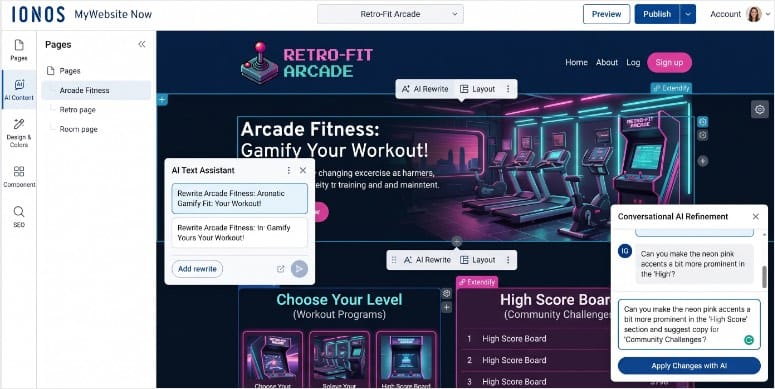


<p>Here are a few examples you can use:</p>


<ul class="wp-block-list">
<li><a href="https://www.isitwp.com/refer/woocommerce/" target="_blank" rel="noopener nofollow" title="WooCommerce">WooCommerce</a> order placed → WhatsApp confirmation. </li>


<li>WPForms submission → WhatsApp lead alert. </li>


<li><a href="https://www.isitwp.com/refer/memberpress/" target="_blank" rel="noopener nofollow" title="MemberPress">MemberPress</a> signup → WhatsApp welcome message. </li>


<li><a href="https://www.isitwp.com/refer/learndash/" target="_blank" rel="noopener nofollow" title="LearnDash">LearnDash</a> course completed → WhatsApp congratulations. </li>
</ul>


<p>You build those connections with a no-code recipe <a href="https://www.isitwp.com/best-zapier-alternatives/" title="">builder and without Zapier</a>, middleware, or a developer. </p>


<figure class="wp-block-image size-full"><img loading="lazy" decoding="async" width="775" height="537" src="https://www.isitwp.com/wp-content/uploads/2026/02/uncanny-automator-whatsapp.png" alt="uncanny automator whatsapp" class="wp-image-289219" srcset="https://www.isitwp.com/wp-content/uploads/2026/02/uncanny-automator-whatsapp.png 775w, https://www.isitwp.com/wp-content/uploads/2026/02/uncanny-automator-whatsapp-300x208.png 300w, https://www.isitwp.com/wp-content/uploads/2026/02/uncanny-automator-whatsapp-768x532.png 768w" sizes="auto, (max-width: 775px) 100vw, 775px" /></figure>


<p>And because automations run inside WordPress rather than through a third-party cloud, your data stays on your server. That’s a meaningful edge for GDPR-conscious businesses.</p>


<h4 class="wp-block-heading" id="why-is-uncanny-automator-one-of-the-best-whatsapp-marketing-plugins">Why Is Uncanny Automator One of the Best WhatsApp Marketing Plugins?</h4>


<p><a href="https://automatorplugin.com/" target="_blank" rel="noreferrer noopener">Uncanny Automator</a>’s 9,200+ dynamic tokens are what make the messages feel personal rather than automated. </p>


<p>A WooCommerce order confirmation includes the customer’s first name, exact product, order total, and estimated delivery date all auto-populated. </p>


<p>A membership welcome message uses their name and the specific plan they joined.</p>


<p>It’s consistently ranked among the <a href="https://www.isitwp.com/best-wordpress-automation-plugin/">best WordPress automation plugins</a>, and for good reason. </p>


<p>For teams already paying for Zapier to handle WhatsApp triggers, Uncanny Automator does the same job inside WordPress at a fraction of the annual cost.</p>


<p>On top of that, data stays on your server instead of passing through a third-party cloud.</p>


<p>The honest limitation: Uncanny Automator is not a dedicated WhatsApp plugin. If all you want is a chat button or cart abandonment campaigns, this is more tool than you need. </p>


<p>Its value is in connecting WhatsApp to the rest of your WordPress stack. If you’re running WooCommerce + forms + a membership or course platform, it replaces three separate connector plugins in one install.</p>


<h4 class="wp-block-heading" id="my-experience-with-uncanny-automator">My Experience with Uncanny Automator</h4>


<p>I set up a recipe for a client <a href="https://www.isitwp.com/best-course-creation-tools-for-wordpress-compared/" title="">running an online course platform</a> with LearnDash. </p>


<figure class="wp-block-image size-full"><img loading="lazy" decoding="async" width="775" height="420" src="https://www.isitwp.com/wp-content/uploads/2022/03/uncanny-memberpress-recipes.png" alt="uncanny memberpress recipes" class="wp-image-264460" srcset="https://www.isitwp.com/wp-content/uploads/2022/03/uncanny-memberpress-recipes.png 775w, https://www.isitwp.com/wp-content/uploads/2022/03/uncanny-memberpress-recipes-300x163.png 300w, https://www.isitwp.com/wp-content/uploads/2022/03/uncanny-memberpress-recipes-768x416.png 768w" sizes="auto, (max-width: 775px) 100vw, 775px" /></figure>


<p>When a <a href="https://www.isitwp.com/best-wordpress-lms-plugins-compared/" title="">student completes a module</a>, Uncanny Automator fires a WhatsApp message with their name and the specific lesson they finished. </p>


<p>The student receives it in WhatsApp: “Well done, Sarah! You completed Module 3: Email Marketing Fundamentals. Your next lesson is ready.” </p>


<p>Completion rates on the course went up noticeably in the following weeks. Not because anything changed about the course, but because students felt seen.</p>


<p>The recipe builder took about 20 minutes to configure. Slightly more than a chat button plugin, significantly less than setting up Zapier for the same workflow.</p>


<p><img src="https://s.w.org/images/core/emoji/17.0.2/72x72/1f7e2.png" alt="🟢" class="wp-smiley" style="height: 1em; max-height: 1em;" />► <strong>Pros</strong> </p>


<ul class="wp-block-list">
<li><strong>220+ plugin integrations:</strong> Connect WhatsApp to WooCommerce, WPForms, LearnDash, MemberPress, Gravity Forms, and 200+ more without code. </li>


<li>9,200+ dynamic tokens: Personalize every WhatsApp message with order data, customer name, product details, and course progress. </li>


<li><strong>4.9/5 from 149 WP.org reviews:</strong> 96% five-star. The most consistently praised plugin in its category. </li>


<li><strong>Data stays on your server:</strong> Unlike Zapier, automations process inside WordPress. <a href="https://www.isitwp.com/ultimate-guide-to-wordpress-and-gdpr-compliance-includes-a-checklist/" title="">Better for GDPR compliance</a>. </li>


<li><strong>Delay and scheduling:</strong> Send a WhatsApp follow-up 3 days after purchase, not just immediately.</li>
</ul>


<p><img src="https://s.w.org/images/core/emoji/17.0.2/72x72/1f534.png" alt="🔴" class="wp-smiley" style="height: 1em; max-height: 1em;" />► <strong>Cons</strong> </p>


<ul class="wp-block-list">
<li><strong>Free credits run out fast:</strong> The free plan includes 250 app credits for WhatsApp. For meaningful volume, you need the paid plan. </li>


<li><strong>Steeper learning curve:</strong> Budget 20–30 minutes to understand recipe logic. Not as instant as a chat button plugin.</li>
</ul>


<p><strong>My Verdict:</strong> Uncanny Automator is the right choice if you want WhatsApp woven into your entire WordPress workflow, not bolted on as a separate channel. </p>


<p>If you’re already using WooCommerce, WPForms, or a course plugin, this is the highest-leverage way to add WhatsApp automation without another SaaS subscription.</p>


<p>Check out my <a href="https://www.isitwp.com/wordpress-plugins/uncanny-automator/" title="">Uncanny Automator review</a> for more details. </p>


<p><strong>Pricing:</strong> Free plugin available. Basic plan starts at $149/year. 14-day money-back guarantee.</p>


<p><strong><img src="https://s.w.org/images/core/emoji/17.0.2/72x72/1f449.png" alt="👉" class="wp-smiley" style="height: 1em; max-height: 1em;" /> <a href="https://automatorplugin.com/" target="_blank" rel="noopener" title="">Get started with Uncanny Automator here</a></strong></p>


<h3 class="wp-block-heading" id="wanotifier">6. <a href="https://wanotifier.com/" target="_blank" rel="noopener nofollow" title="">WANotifier</a> <img src="https://s.w.org/images/core/emoji/17.0.2/72x72/2b50.png" alt="⭐" class="wp-smiley" style="height: 1em; max-height: 1em;" /><img src="https://s.w.org/images/core/emoji/17.0.2/72x72/2b50.png" alt="⭐" class="wp-smiley" style="height: 1em; max-height: 1em;" /><img src="https://s.w.org/images/core/emoji/17.0.2/72x72/2b50.png" alt="⭐" class="wp-smiley" style="height: 1em; max-height: 1em;" /><img src="https://s.w.org/images/core/emoji/17.0.2/72x72/2b50.png" alt="⭐" class="wp-smiley" style="height: 1em; max-height: 1em;" /></h3>


<p><strong>Best for: WooCommerce stores sending high-volume WhatsApp campaigns at the lowest possible API cost</strong></p>


<figure class="wp-block-image size-full"><a href="https://wanotifier.com/" target="_blank" rel=" noreferrer noopener"><img loading="lazy" decoding="async" width="775" height="484" src="https://www.isitwp.com/wp-content/uploads/2026/04/wanotifier-homepage.png" alt="wanotifier homepage" class="wp-image-290613" srcset="https://www.isitwp.com/wp-content/uploads/2026/04/wanotifier-homepage.png 775w, https://www.isitwp.com/wp-content/uploads/2026/04/wanotifier-homepage-300x187.png 300w, https://www.isitwp.com/wp-content/uploads/2026/04/wanotifier-homepage-768x480.png 768w" sizes="auto, (max-width: 775px) 100vw, 775px" /></a></figure>


<p>At low message volumes, every WhatsApp Business API platform costs roughly the same. At 10,000+ conversations per month, the markup percentages become real. </p>


<p>Most platforms charge 12–35% on top of Meta’s per-conversation rates. This is hundreds of dollars monthly on nothing but margin.</p>


<p><a href="https://wanotifier.com/" target="_blank" rel="noopener nofollow" title="">WANotifier</a> charges 0% markup. You pay Meta directly. </p>


<p>That’s not a promotional offer; it’s the permanent pricing model. For high-volume stores, it’s the single biggest cost differentiator in this category.</p>


<h4 class="wp-block-heading" id="why-is-wanotifier-one-of-the-best-whatsapp-marketing-plugins">Why Is WANotifier One of the Best WhatsApp Marketing Plugins?</h4>


<p>It also gives you two dedicated WordPress plugins. One for WooCommerce, the other for forms and WordPress events. </p>


<p>Plus an official Meta Tech Partner certification, a no-code chatbot builder, and a shared team inbox. It’s a purpose-built WhatsApp marketing platform, not a chat button with automations bolted on.</p>


<p><a href="https://wanotifier.com/" target="_blank" rel="noreferrer noopener">WANotifier</a>’s dual WordPress plugin approach keeps things clean. </p>


<p>The WooCommerce plugin <a href="https://www.isitwp.com/recent-sales-notification-popup/" title="">handles order notifications</a>, abandoned cart recovery, and shipping updates. </p>


<p>The forms plugin covers nine form plugins, including <a href="https://www.isitwp.com/wpforms-vs-gravity-forms/" title="">WPForms, Gravity Forms</a>, <a href="https://www.isitwp.com/wordpress-plugins/contact-form-7/" title="">Contact Form 7</a>, and six more. Each triggering WhatsApp messages automatically on submission.</p>


<p>The chatbot builder lets you create automated conversation flows without code. As a result, you can go live in under 30 minutes. </p>


<p>When a customer messages about a return policy, the chatbot handles it. When they ask to speak to someone, it escalates to the team inbox. </p>


<p>For businesses already using <a href="https://www.isitwp.com/how-to-send-sms-wordpress/">SMS notifications from WordPress</a>, WANotifier sits in the same workflow as a higher-engagement alternative.</p>


<p><strong>The limitation worth flagging:</strong> WANotifier discontinued its free plan in October 2025. There’s a 7-day trial, but no ongoing free tier. </p>


<p>And the automation depth has a ceiling. Complex multi-branch logic and <a href="https://www.isitwp.com/best-ai-social-media-post-generators-for-wordpress/" title="">AI responses</a> aren’t supported.</p>


<h4 class="wp-block-heading" id="my-experience-with-wanotifier">My Experience with WANotifier</h4>


<p>I tested WANotifier on a WooCommerce skincare store already paying for WhatsApp notifications through a competitor platform. </p>


<p>The migration cut their monthly messaging bill by 22% in the first month: the same messages, same volume, no markup. </p>


<p>The WooCommerce abandoned cart recovery ran within 48 hours of setup, with no developer involvement.</p>


<p><img src="https://s.w.org/images/core/emoji/17.0.2/72x72/1f7e2.png" alt="🟢" class="wp-smiley" style="height: 1em; max-height: 1em;" />► <strong>Pros</strong> </p>


<ul class="wp-block-list">
<li><strong>0% API markup:</strong> Pay Meta directly for conversations. Structurally cheaper than WATI, AiSensy, and most competitors at volume. </li>


<li><strong>Dual WordPress plugins:</strong> Separate WooCommerce plugin + forms/events plugin. Leads to a deep integration and a clean setup. </li>


<li><strong>9 form plugin integrations:</strong> WPForms, Gravity Forms, CF7, <a href="https://www.isitwp.com/wordpress-plugins/ninja-forms/" title="">Ninja Forms</a>, <a href="https://www.isitwp.com/wordpress-plugins/formidable-forms/" title="">Formidable Forms</a>, and others. Widest form compatibility in the category. </li>


<li><strong>Official Meta Tech Partner:</strong> Uses the official WhatsApp Business API. No account ban risk from unofficial methods. </li>


<li><strong>Chatbot builder:</strong> No-code conversation flows that users report launching in under 30 minutes.</li>
</ul>


<p><img src="https://s.w.org/images/core/emoji/17.0.2/72x72/1f534.png" alt="🔴" class="wp-smiley" style="height: 1em; max-height: 1em;" />► <strong>Cons</strong> </p>


<ul class="wp-block-list">
<li><strong>No free plan:</strong> Free tier discontinued October 2025. A 7-day trial is the only free access. </li>


<li><strong>Limited automation depth:</strong> No AI responses, no complex branching logic. Users with advanced chatbot needs will outgrow it.</li>
</ul>


<p><strong>My Verdict:</strong> WANotifier is the cost-conscious choice for WooCommerce stores already using the WhatsApp Business API. </p>


<p>The 0% markup is a genuine differentiator, not marketing language. And the dual-plugin approach makes WooCommerce + form integration cleaner than competitors. </p>


<p>Start the 7-day trial to validate costs before committing.</p>


<p><strong>Pricing:</strong> No free plan. 7-day free trial. Paid plans start at $69/month. Meta API conversation fees are billed separately by Meta.</p>


<p><strong><img src="https://s.w.org/images/core/emoji/17.0.2/72x72/1f449.png" alt="👉" class="wp-smiley" style="height: 1em; max-height: 1em;" />&nbsp;<a href="https://wanotifier.com/">Get started with WANotifier here</a></strong></p>


<h3 class="wp-block-heading" id="tidio">7. <a href="https://www.isitwp.com/refer/tidio-live-chat/" target="_blank" rel="noopener nofollow" title="Tidio Live Chat">Tidio</a> <img src="https://s.w.org/images/core/emoji/17.0.2/72x72/2b50.png" alt="⭐" class="wp-smiley" style="height: 1em; max-height: 1em;" /><img src="https://s.w.org/images/core/emoji/17.0.2/72x72/2b50.png" alt="⭐" class="wp-smiley" style="height: 1em; max-height: 1em;" /><img src="https://s.w.org/images/core/emoji/17.0.2/72x72/2b50.png" alt="⭐" class="wp-smiley" style="height: 1em; max-height: 1em;" /><img src="https://s.w.org/images/core/emoji/17.0.2/72x72/2b50.png" alt="⭐" class="wp-smiley" style="height: 1em; max-height: 1em;" /></h3>


<p><strong>Best for: Businesses that want WhatsApp + live chat + AI chatbot in one unified inbox</strong></p>


<figure class="wp-block-image size-full"><a href="https://www.isitwp.com/refer/tidio-live-chat/" target="_blank" rel=" noreferrer noopener"><img loading="lazy" decoding="async" width="775" height="397" src="https://www.isitwp.com/wp-content/uploads/2026/02/tidio-homepage.png" alt="tidio homepage" class="wp-image-289220" srcset="https://www.isitwp.com/wp-content/uploads/2026/02/tidio-homepage.png 775w, https://www.isitwp.com/wp-content/uploads/2026/02/tidio-homepage-300x154.png 300w, https://www.isitwp.com/wp-content/uploads/2026/02/tidio-homepage-768x393.png 768w" sizes="auto, (max-width: 775px) 100vw, 775px" /></a></figure>


<p>Most WhatsApp plugins and live chat tools exist in separate universes. Your WhatsApp Business App is on your phone, live chat is in a browser tab, and Messenger is in another tab. </p>


<p>When a customer reaches out, you’re juggling three apps to piece together their history. Tidio earns its position on this list for collapsing all of that into one place. </p>


<p>WhatsApp, live chat, Facebook Messenger, Instagram DM, and email on one dashboard, with full conversation history across every channel. </p>


<p>And it’s an official WhatsApp Business Solution Provider, meaning real API access, proper message templates, and Flows automation, not a workaround.</p>


<h4 class="wp-block-heading" id="why-is-tidio-one-of-the-best-whatsapp-marketing-plugins">Why Is Tidio One of the Best WhatsApp Marketing Plugins?</h4>


<p>The Lyro AI layer is what separates it from every other unified inbox tool. Lyro resolves up to 70% of incoming queries automatically, including WhatsApp messages.</p>


<p><a href="https://www.tidio.com/" target="_blank" rel="noreferrer noopener">Ti</a><a href="https://www.isitwp.com/refer/tidio-live-chat/" target="_blank" rel="noopener nofollow" title="">d</a><a href="https://www.tidio.com/" target="_blank" rel="noreferrer noopener">io</a>’s Lyro AI is trained on your own data. Your FAQs, help docs, and past conversations. </p>


<p>A customer who sends a WhatsApp message about return policy at 2 am gets an instant, accurate, on-brand response without a human in the loop. </p>


<p>No other plugin on this list offers AI-powered WhatsApp responses at this maturity level.</p>


<p>For WooCommerce stores evaluating <a href="https://www.isitwp.com/intercom-alternatives/">Intercom alternatives</a> that support WhatsApp natively, Tidio is the strongest WordPress-compatible option.</p>


<p>It has a WooCommerce context layer (cart, order history, product details) visible inside every conversation window.</p>


<p>The billing history is worth knowing about upfront. Long-term users have documented significant price increases between renewal years, in some cases 3× over four years. </p>


<p>Set a calendar reminder to audit your plan pricing before each renewal. There’s also no general money-back guarantee on standard plans.</p>


<h4 class="wp-block-heading" id="my-experience-with-tidio">My Experience with Tidio</h4>


<p>I connected Tidio to a WooCommerce store running WhatsApp, Messenger, and live chat as three separate tools. </p>


<p>Consolidating into one inbox cut the support team’s average response time by about 40% in the first month, simply from not switching between apps to find context.</p>


<p>Lyro AI handled most of the “what’s your return policy?” and “do you ship to X country?” questions on WhatsApp automatically. </p>


<p>The support team only touched the complex or high-value conversations. For a team of two managing significant volume, that mattered.</p>


<p><img src="https://s.w.org/images/core/emoji/17.0.2/72x72/1f7e2.png" alt="🟢" class="wp-smiley" style="height: 1em; max-height: 1em;" />► <strong>Pros</strong> </p>


<ul class="wp-block-list">
<li><strong>Official WhatsApp Business Solution Provider:</strong> Real API access, proper Flows automation, no workarounds. </li>


<li><strong>Lyro AI on WhatsApp:</strong> Same AI that deflects website chat queries also handles WhatsApp 24/7, automatically. </li>


<li><strong>Unified inbox:</strong> WhatsApp + live chat + Messenger + Instagram + email in one view. </li>


<li><strong>WooCommerce context in chat:</strong> Agents see cart, order history, and products inside the conversation window. </li>


<li><strong>Generous free tier:</strong> 50 conversations/month, live chat widget, multi-channel inbox — enough to prove ROI before paying.</li>
</ul>


<p><img src="https://s.w.org/images/core/emoji/17.0.2/72x72/1f534.png" alt="🔴" class="wp-smiley" style="height: 1em; max-height: 1em;" />► <strong>Cons</strong> </p>


<ul class="wp-block-list">
<li><strong>Undisclosed price increases:</strong> Multiple users report significant annual billing increases with no prior notification. Audit your renewal price every year. </li>


<li><strong>No standard refund policy:</strong> Unlike most tools on this list, Tidio has no general money-back guarantee on standard plans.</li>
</ul>


<p><strong>My Verdict:</strong> Tidio is the strongest choice if you have a support team managing multiple channels and need those channels in one place. </p>


<p>The Lyro AI on WhatsApp is genuinely differentiated. No other plugin on this list offers AI-powered WhatsApp response at this maturity level. Go in with clear eyes on the billing history.</p>


<p><strong>Pricing:</strong> Free option available (50 conversations/month). Pro starts at $24.17/month.</p>


<p><strong><img src="https://s.w.org/images/core/emoji/17.0.2/72x72/1f449.png" alt="👉" class="wp-smiley" style="height: 1em; max-height: 1em;" />&nbsp;<a href="https://www.isitwp.com/refer/tidio-live-chat/" target="_blank" rel="noopener nofollow" title="">Get started with Tidio here</a></strong></p>


<h3 class="wp-block-heading" id="joinchat">8. <a href="https://wordpress.org/plugins/creame-whatsapp-me/" target="_blank" rel="noopener nofollow" title="">Joinchat</a> <img src="https://s.w.org/images/core/emoji/17.0.2/72x72/2b50.png" alt="⭐" class="wp-smiley" style="height: 1em; max-height: 1em;" /><img src="https://s.w.org/images/core/emoji/17.0.2/72x72/2b50.png" alt="⭐" class="wp-smiley" style="height: 1em; max-height: 1em;" /><img src="https://s.w.org/images/core/emoji/17.0.2/72x72/2b50.png" alt="⭐" class="wp-smiley" style="height: 1em; max-height: 1em;" /></h3>


<p><strong>Best for: WooCommerce stores wanting free per-product WhatsApp chat with dynamic message pre-fill</strong></p>


<figure class="wp-block-image size-full"><a href="https://wordpress.org/plugins/creame-whatsapp-me/" target="_blank" rel=" noreferrer noopener"><img loading="lazy" decoding="async" width="775" height="516" src="https://www.isitwp.com/wp-content/uploads/2026/04/joinchat-homepage.png" alt="joinchat homepage" class="wp-image-290615" srcset="https://www.isitwp.com/wp-content/uploads/2026/04/joinchat-homepage.png 775w, https://www.isitwp.com/wp-content/uploads/2026/04/joinchat-homepage-300x200.png 300w, https://www.isitwp.com/wp-content/uploads/2026/04/joinchat-homepage-768x511.png 768w" sizes="auto, (max-width: 775px) 100vw, 775px" /></a></figure>


<p>700,000 active WordPress installs. That number means something; more site owners have installed, tested, and kept <a href="https://wordpress.org/plugins/creame-whatsapp-me/" target="_blank" rel="noopener nofollow" title="">Joinchat</a> than any other dedicated WhatsApp plugin in this category.</p>


<p>The reason it earns that install count is its per-page dynamic variable system. Every product page on your WooCommerce store can have a different pre-filled WhatsApp start message. </p>


<p>So, when a customer taps the button on a product page, their WhatsApp opens with the product name, price, and SKU already typed. </p>


<p>No other free WhatsApp plugin does this natively for WooCommerce. Most send a generic “Hi, I have a question.” Joinchat sends product-level context.</p>


<h4 class="wp-block-heading" id="why-is-joinchat-one-of-the-best-whatsapp-marketing-plugins">Why Is Joinchat One of the Best WhatsApp Marketing Plugins?</h4>


<p>Free analytics are included, too. You can set up GA4, Facebook Pixel, Google Ads conversion tracking, and GTM dataLayer pushes without any additional setup.</p>


<p><a href="https://wordpress.org/plugins/creame-whatsapp-me/" target="_blank" rel="noopener nofollow" title="">Joinchat</a>’s dynamic variables are the standout. </p>


<p>When a customer taps the button on your Blue Denim Jacket page, their WhatsApp opens with: “Hi, I’m interested in the Blue Denim Jacket, $79, SKU: BDJ-001.” </p>


<p>Your team knows exactly what they’re asking about before a single word is typed — and that pre-filled context comes free.</p>


<p>For WooCommerce stores tracking where cart drop-offs happen, this data pairs well with <a href="https://www.isitwp.com/track-cart-abandonment-rates/">cart abandonment rate tracking</a>. </p>


<p>Joinchat’s analytics show which product pages generate WhatsApp clicks, giving you another signal on where buyers need reassurance before purchasing.</p>


<p><strong>The honest limitation:</strong> Joinchat free is WhatsApp-only. The plugin’s tags mention Telegram and Messenger, which creates an expectation mismatch. </p>


<p>Those channels require the premium OmniChannel add-on. If you need multi-channel on the free tier, use Chaty instead.</p>


<h4 class="wp-block-heading" id="my-experience-with-joinchat">My Experience with Joinchat</h4>


<p>I installed Joinchat on a WooCommerce furniture store and configured dynamic variables for product pages. </p>


<p>First thing I noticed: the vendor stopped getting “which sofa are you asking about?” messages entirely. Every incoming WhatsApp conversation started with the product name and price already in the thread.</p>


<p>I also set up a <a href="https://www.isitwp.com/best-call-to-action-plugins-wordpress/" title="">page-level CTA</a>. </p>


<p>The home page shows “Chat with us,” the product page shows “Ask about this product,” and the cart page shows “Need help completing your order?” </p>


<p>Three different messages, zero code, 15 minutes of setup.</p>


<p><img src="https://s.w.org/images/core/emoji/17.0.2/72x72/1f7e2.png" alt="🟢" class="wp-smiley" style="height: 1em; max-height: 1em;" />► <strong>Pros</strong> </p>


<p><strong>Dynamic WooCommerce variables (free):</strong> Product name, SKU, and price auto-populate the WhatsApp start message. No other free plugin matches this. </p>


<p><strong>700,000+ active installs:</strong> Extensively community-tested; more real-world proof than any competitor in this category. </p>


<p><strong>Free analytics:</strong> GA4, Facebook Pixel, and Google Ads conversion events included at no cost. </p>


<p><strong>Vanilla JS, zero dependencies:</strong> No render-blocking scripts; no plugin conflicts; developers who inspect the code call it “extremely well coded.” </p>


<p><strong>Page-level CTAs:</strong> Different call-to-action text per page type, post, product, category, without code.</p>


<p><img src="https://s.w.org/images/core/emoji/17.0.2/72x72/1f534.png" alt="🔴" class="wp-smiley" style="height: 1em; max-height: 1em;" />► <strong>Cons</strong> </p>


<p><strong>Free is WhatsApp-only:</strong> Telegram, Messenger, and other channels require the premium OmniChannel add-on, despite plugin tags implying otherwise. </p>


<p>Button positioning on some themes: Bootstrap-based themes may need a one-line CSS fix to prevent the button from hiding behind other elements.</p>


<p><strong>My Verdict:</strong> Joinchat is the best free WhatsApp plugin for WooCommerce stores that want product-level context in every conversation. </p>


<p>The dynamic variables alone justify the install. The analytics are a genuine bonus. If you need multi-channel on the free tier, pair it with Chaty or upgrade to Joinchat Premium.</p>


<p><strong>Pricing:</strong> Free (core features, WhatsApp only). Premium from €8/month. 14-day money-back guarantee on Premium.</p>


<p><strong><img src="https://s.w.org/images/core/emoji/17.0.2/72x72/1f449.png" alt="👉" class="wp-smiley" style="height: 1em; max-height: 1em;" /> <a href="https://wordpress.org/plugins/creame-whatsapp-me/" target="_blank" rel="noopener nofollow" title="">Get started with Joinchat here</a></strong></p>


<h3 class="wp-block-heading" id="click-to-chat-holithemes">9. <a href="https://holithemes.com/plugins/click-to-chat/" target="_blank" rel="noopener nofollow" title="">Click to Chat – HoliThemes</a> <img src="https://s.w.org/images/core/emoji/17.0.2/72x72/2b50.png" alt="⭐" class="wp-smiley" style="height: 1em; max-height: 1em;" /><img src="https://s.w.org/images/core/emoji/17.0.2/72x72/2b50.png" alt="⭐" class="wp-smiley" style="height: 1em; max-height: 1em;" /><img src="https://s.w.org/images/core/emoji/17.0.2/72x72/2b50.png" alt="⭐" class="wp-smiley" style="height: 1em; max-height: 1em;" /></h3>


<p><strong>Best for: WordPress site owners who want a free WhatsApp button with real marketing analytics</strong></p>


<figure class="wp-block-image size-full"><a href="https://holithemes.com/plugins/click-to-chat/" target="_blank" rel=" noreferrer noopener"><img loading="lazy" decoding="async" width="775" height="448" src="https://www.isitwp.com/wp-content/uploads/2026/04/click-to-chat-holithemes-home.png" alt="click to chat holithemes home" class="wp-image-290616" srcset="https://www.isitwp.com/wp-content/uploads/2026/04/click-to-chat-holithemes-home.png 775w, https://www.isitwp.com/wp-content/uploads/2026/04/click-to-chat-holithemes-home-300x173.png 300w, https://www.isitwp.com/wp-content/uploads/2026/04/click-to-chat-holithemes-home-768x444.png 768w" sizes="auto, (max-width: 775px) 100vw, 775px" /></a></figure>


<p>Most free WhatsApp buttons are “fire and forget.” You add them to your site and have no idea if anyone actually clicks them. <a href="https://holithemes.com/plugins/click-to-chat/" target="_blank" rel="noopener nofollow" title="">Click to Chat – HoliThemes</a> changes that.</p>


<p>At zero cost, every WhatsApp button click sends a <a href="https://www.isitwp.com/wordpress-conversion-tracking/" title="">conversion event</a> to GA4, fires a custom event in Meta Pixel, and logs a conversion in Google Ads. </p>


<p>Most competitors charge $18–$59/year for that. Click to Chat includes it for free.</p>


<p>The WooCommerce dynamic variables work exactly as you’d expect: product name, price, and SKU auto-fill the visitor’s opening WhatsApp message on product pages. </p>


<p>And with 700,000+ active installs, this plugin has been stress-tested across <a href="https://www.isitwp.com/top-wordpress-themes/" title="">popular themes</a> and plugin combinations than any competitor in its class.</p>


<h4 class="wp-block-heading" id="why-is-click-to-chat-holithemes-one-of-the-best-whatsapp-marketing-plugins">Why Is Click to Chat – HoliThemes One of the Best WhatsApp Marketing Plugins?</h4>


<p><a href="https://holithemes.com/plugins/click-to-chat/" target="_blank" rel="noopener nofollow" title="">Click to Chat – HoliThemes</a> is the analytics angle. When you run a Facebook ad and a visitor clicks your WhatsApp button, you can see the full attribution chain.</p>


<p>You can see the flow from Ad → click → WhatsApp conversion without paying for analytics software. </p>


<p>That data belongs alongside your other <a href="https://www.isitwp.com/best-wordpress-analytics-solutions-compared/">WordPress analytics plugins</a> setup for a complete picture of what’s converting.</p>


<p>The security note worth including: two users in 2024–2025 reported site compromises correlated with plugin updates. </p>


<p>The developer denied any vulnerability, but the incidents remain unresolved in support threads. <a href="https://www.isitwp.com/best-staging-plugins/" title="">Test plugin updates on staging</a> before deploying to production. </p>


<p>You can follow my <a href="https://www.isitwp.com/wordpress-security-checklist/" title="">security checklist</a> to make sure your site is safe before live deployment. </p>


<h4 class="wp-block-heading" id="my-experience-with-click-to-chat-holithemes">My Experience with Click to Chat – HoliThemes</h4>


<p>I added Click to Chat to a service business site. A local plumber who wanted WhatsApp but had zero budget for plugins. The setup was under two minutes. </p>
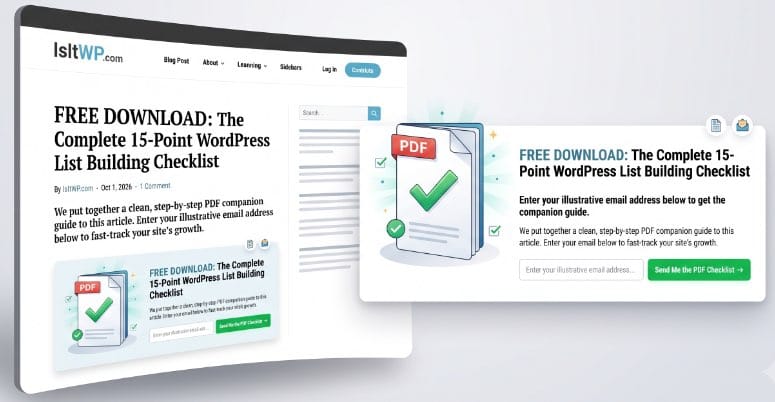


<p>I connected GA4 and Meta Pixel inside the plugin settings without custom event code.</p>


<p>Within the first week, the analytics showed 23 WhatsApp button clicks from organic traffic. Of those, the business owner closed 7 jobs. That attribution data, for a £0 plugin, made the decision to keep it obvious.</p>


<p><img src="https://s.w.org/images/core/emoji/17.0.2/72x72/1f7e2.png" alt="🟢" class="wp-smiley" style="height: 1em; max-height: 1em;" />► <strong>Pros</strong> </p>


<ul class="wp-block-list">
<li><strong>Free analytics:</strong> GA4, Meta Pixel, and Google Ads click events at no cost. Unique in this price range.</li>


<li><strong>WooCommerce dynamic variables (free):</strong> Product name, price, SKU auto-fill the WhatsApp start message. </li>


<li><strong>700,000+ active installs:</strong> Extensive real-world testing across themes and plugin combinations. </li>


<li><strong>Custom element trigger:</strong> Any HTML element becomes a WhatsApp button via CSS class. No shortcode needed. </li>


<li><strong><a href="https://www.isitwp.com/wpml-vs-polylang-comparison/" title="">WPML/Polylang</a> support:</strong> Different phone numbers and messages per language<a href="https://www.isitwp.com/best-wordpress-translation-plugins-compared/" title="">. Essential for multilingual stores</a>.</li>
</ul>


<p><img src="https://s.w.org/images/core/emoji/17.0.2/72x72/1f534.png" alt="🔴" class="wp-smiley" style="height: 1em; max-height: 1em;" />► <strong>Cons</strong> </p>


<ul class="wp-block-list">
<li><strong>Security incidents (unresolved):</strong> Two site compromises correlated with 2024–2025 updates. Test plugin updates on staging first. </li>


<li><strong>Multi-agent and office hours require Pro:</strong> Free version is single-agent only; teams need the Pro plan.</li>
</ul>


<p><strong>My Verdict:</strong> Click to Chat is the strongest free WhatsApp button for WordPress, full stop. The analytics at zero cost are genuinely unusual in this category. </p>


<p>The security concern is real but manageable with standard staging practices. For any site owner who wants a WhatsApp contact without a budget, this is the install.</p>


<p><strong>Pricing:</strong> Free (full-featured with analytics). Pro starts at $18/year. </p>


<p><strong><img src="https://s.w.org/images/core/emoji/17.0.2/72x72/1f449.png" alt="👉" class="wp-smiley" style="height: 1em; max-height: 1em;" />&nbsp;<a href="https://holithemes.com/plugins/click-to-chat/">Get started with Click to Chat – HoliThemes here</a></strong></p>


<p>That&#8217;s it for my list of the best WhatsApp WordPress plugins for marketing. But this is a long list. To help you make the right choice, check out the section below. </p>


<h2 class="wp-block-heading" id="how-to-choose-the-right-whatsapp-marketing-plugin">How to Choose the Right WhatsApp Marketing Plugin</h2>


<p>Thirty seconds of reading the table above is useful. But the real decision comes down to what you’re actually trying to do with WhatsApp.</p>


<p><strong>If you want conversations that survive after visitors leave:</strong> </p>


<p>My recommendation is <strong><a href="https://wpchat.com/" target="_blank" rel="noopener" title="">WPChat</a></strong>. </p>


<ul class="wp-block-list">
<li>The multi-platform native routing (WhatsApp/Messenger/Telegram/Instagram) means chats live in the visitor’s app, not a hosted widget that times out.</li>
</ul>


<p><strong>If your main goal is capturing leads and following up fast:</strong>&nbsp;</p>


<p><strong><a href="https://wpforms.com" target="_blank" title="WPForms - Drag &amp; Drop WordPress Form Builder">WPForms</a></strong> with the Twilio addon is your best solution.</p>


<ul class="wp-block-list">
<li>Form submitted → WhatsApp ping in under 30 seconds. Nothing on this list closes that lead-response window faster without custom code.</li>
</ul>


<p><strong>If you want WhatsApp to be triggered by anything that happens in WordPress:</strong> </p>


<p>Go for <a href="https://automatorplugin.com/" target="_blank" rel="noopener nofollow" title=""><strong>Uncanny Automator</strong></a>. </p>


<ul class="wp-block-list">
<li>WooCommerce order, MemberPress signup, LearnDash completion, WPForms submission, any event, one recipe, automated WhatsApp message. </li>


<li>It replaces Zapier for most WhatsApp automation workflows at a lower annual cost.</li>
</ul>


<p><strong>If you run a WooCommerce store and want cart recovery:</strong>&nbsp;</p>


<p><strong><a href="https://pushengage.com" target="_blank" title="PushEngage - Best Web Push Notification Software">PushEngage</a></strong> or <a href="https://wanotifier.com/" target="_blank" rel="noopener nofollow" title=""><strong>WANotifier</strong></a>. </p>


<ul class="wp-block-list">
<li>PushEngage adds browser push as a second channel. This is useful if you also want to capture subscribers who won’t give their phone numbers. </li>


<li>WANotifier is the cheaper long-term choice at high message volumes (0% API markup). </li>


<li>If the budget is tight, start with PushEngage’s free tier.</li>
</ul>


<p><strong>If you just want a WhatsApp button on your site:</strong> </p>


<p><strong><a href="https://wordpress.org/plugins/creame-whatsapp-me/" target="_blank" rel="noopener nofollow" title="">Joinchat</a></strong> or <strong><a href="https://holithemes.com/plugins/click-to-chat/" target="_blank" rel="noopener nofollow" title="">Click to Chat – HoliThemes</a></strong>. </p>


<ul class="wp-block-list">
<li>Both are free. Both have WooCommerce dynamic variables. </li>


<li>The difference: Joinchat has 700K installs and richer Rich Chat bubbles. </li>


<li>Click to Chat has better analytics at zero cost. Either works. Both are among the <a href="https://www.isitwp.com/best-woocommerce-plugins-grow-sales-rapidly/">best WooCommerce plugins for growing sales</a> at zero cost to install.</li>
</ul>


<p><strong>If you sell internationally:</strong> </p>


<p>Check out <strong><a href="https://premio.io/downloads/chaty/" target="_blank" rel="noopener nofollow" title="">Chaty</a></strong>. </p>


<ul class="wp-block-list">
<li>The country-based channel routing is unique in this price range. </li>


<li>Brazil gets WhatsApp, Japan gets Line, and China gets WeChat automatically.</li>
</ul>


<p><strong>If you want a unified inbox (WhatsApp + live chat + AI):</strong> </p>


<p>I suggest <strong><a href="https://www.isitwp.com/refer/tidio-live-chat//" target="_blank" rel="noopener nofollow" title="">Tidio</a></strong>. </p>


<ul class="wp-block-list">
<li>It’s the only tool on this list where WhatsApp, website chat, and Messenger land in one place with AI handling the common questions automatically. </li>


<li>If you’re comparing <a href="https://www.isitwp.com/best-email-marketing-services-compared/">email marketing services</a> alongside messaging tools, Tidio handles the real-time conversational side that email can’t.</li>
</ul>


<p>That&#8217;s it. You now have a complete list of the best WhatsApp marketing WordPress plugins. Plus, a way to narrow down your options.</p>


<p>If anything is unclear, check out the commonly asked questions below. </p>


<h2 class="wp-block-heading" id="faqs-best-whatsapp-marketing-plugins-for-wordpress">FAQs: Best WhatsApp Marketing Plugins for WordPress</h2>


<div class="wp-block-group"><div class="wp-block-group__inner-container is-layout-constrained wp-block-group-is-layout-constrained">
<h3 class="wp-block-heading" id="what-is-the-best-whatsapp-marketing-plugin-for-wordpress">What is the best WhatsApp marketing plugin for WordPress?</h3>


<p>WPChat is the best all-round choice for most WordPress sites. Conversations route natively through WhatsApp, so they continue after visitors leave your site. For WooCommerce stores running high-volume WhatsApp campaigns, WANotifier’s 0% API markup makes it the most cost-efficient option at scale. For simple free installations, Joinchat or Click to Chat – HoliThemes cover most needs without any cost.</p>

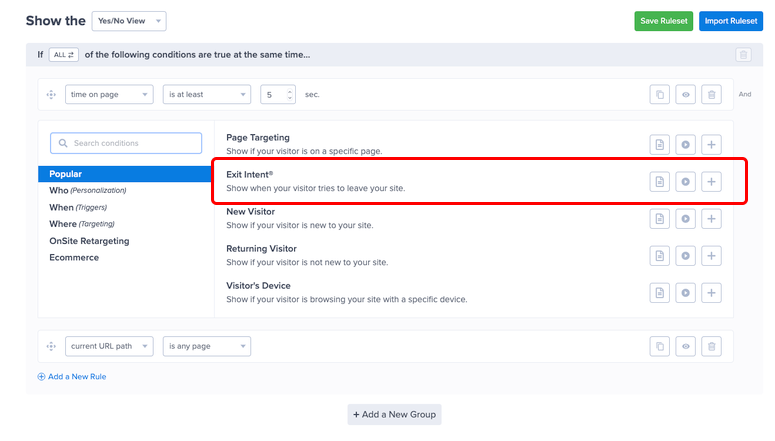


<h3 class="wp-block-heading" id="do-i-need-the-whatsapp-business-api-to-use-these-plugins">Do I need the WhatsApp Business API to use these plugins?</h3>


<p>Not for basic chat buttons. WPChat, Chaty, Joinchat, and Click to Chat – HoliThemes connect directly to your WhatsApp or WhatsApp Business app — no API setup required. To send automated outbound messages (cart recovery, order confirmations, sequences), you need the WhatsApp Business API, which PushEngage, Uncanny Automator, WANotifier, and Tidio all use natively.</p>


<h3 class="wp-block-heading" id="can-i-send-bulk-whatsapp-messages-from-wordpress">Can I send bulk WhatsApp messages from WordPress?</h3>


<p>Yes, but only via the official WhatsApp Business API and only to contacts who have opted in. WANotifier and PushEngage both support bulk campaigns to opted-in lists. Sending unsolicited bulk messages through unofficial methods risks a permanent WhatsApp account ban. All API-based plugins on this list use the official Meta-approved route.</p>


<h3 class="wp-block-heading" id="what-is-the-best-free-whatsapp-plugin-for-wordpress">What is the best free WhatsApp plugin for WordPress?</h3>


<p>Joinchat and Click to Chat – HoliThemes are both strong free options. Joinchat is best if you run a WooCommerce store. Its dynamic variables pre-fill product details into every WhatsApp conversation at no cost. Click to Chat – HoliThemes is best if you want analytics. It sends click events to GA4, Meta Pixel, and Google Ads for free. For multi-channel (WhatsApp + Telegram + Messenger), Chaty’s free plan includes all channels.</p>


<h3 class="wp-block-heading" id="how-do-i-recover-abandoned-carts-with-whatsapp-in-wordpress">How do I recover abandoned carts with WhatsApp in WordPress?</h3>


<p>Use PushEngage or WANotifier. PushEngage’s pre-built three-step cart abandonment sequence fires automatically after abandonment, 45 minutes, 4 hours, and 24 hours, with dynamic product data. WANotifier’s WooCommerce plugin handles the same workflow via the official WhatsApp Business API. Both require a WhatsApp Business number connected to the API. For full setup guidance on form notifications and confirmations that feed your WhatsApp workflows, the guide covers the WPForms side in detail.</p>


<h3 class="wp-block-heading" id="will-a-whatsapp-plugin-slow-down-my-wordpress-site">Will a WhatsApp plugin slow down my WordPress site?</h3>


<p>Not significantly if you choose well. Joinchat and Click to Chat – HoliThemes are specifically optimized for performance. You get vanilla JavaScript, deferred loading, and no render-blocking scripts. WPChat and Chaty load asynchronously. The heavier tools (PushEngage, Tidio, WANotifier) connect to external dashboards, but the frontend script impact is minimal. Run a PageSpeed Insights test before and after installation to confirm.</p>
</div></div>


<h2 class="wp-block-heading" id="final-verdict-should-i-use-a-whatsapp-marketing-plugin-on-my-wordpress-site">Final Verdict: Should I Use a WhatsApp Marketing Plugin on My WordPress Site?</h2>


<p>Yes, but be clear on what “WhatsApp marketing” actually means for your site before you install anything.</p>


<p>A chat button that opens WhatsApp is free, takes five minutes to set up, and works immediately. If that’s all you need, Joinchat or Click to Chat – HoliThemes will do it without costing you anything.</p>


<p>The real WhatsApp marketing opportunity, like automated cart recovery, lead follow-up sequences, order notifications, and chatbot flows, requires the WhatsApp Business API. </p>


<p>That has a setup cost (time, not always money) and a per-conversation fee from Meta. The plugins that use the API (PushEngage, WANotifier, Uncanny Automator, Tidio) all manage that complexity for you.</p>


<p>Pick one plugin, get it live, and measure what happens to your lead response time or cart recovery rate in the first 30 days. The data will tell you whether to stay simple or go deeper.</p>


<hr class="wp-block-separator has-alpha-channel-opacity"/>


<h2 class="wp-block-heading" id="resource-hub-whatsapp-and-messaging-for-wordpress">Resource Hub: WhatsApp and Messaging for WordPress</h2>


<p>Everything you need to go deeper on messaging, lead capture, and conversion tools for WordPress:</p>


<ul class="wp-block-list">
<li><strong><a href="https://www.isitwp.com/best-whatsapp-plugins-wordpress/">Best WhatsApp Plugins for WordPress</a></strong> &#8211; Our full roundup of every WhatsApp plugin type, from chat buttons to API tools</li>


<li><strong><a href="https://www.isitwp.com/set-up-sms-and-whatsapp-notifications-in-wordpress/">How to Set Up SMS and WhatsApp Notifications in WordPress</a></strong> &#8211; Step-by-step setup guide for WhatsApp and SMS notifications on WordPress</li>


<li><strong><a href="https://www.isitwp.com/best-marketing-automation-tools/">Best Marketing Automation Tools for WordPress</a></strong> &#8211; Full comparison of automation tools that connect WhatsApp to your marketing stack</li>


<li><strong><a href="https://www.isitwp.com/best-wordpress-lead-generation-plugins-compared/">Best WordPress Lead Generation Plugins Compared</a></strong> &#8211; Top tools for capturing leads before routing them to WhatsApp</li>


<li><strong><a href="https://www.isitwp.com/how-to-send-sms-wordpress/">How to Send SMS Notifications From WordPress</a></strong> &#8211; Step-by-step guide for SMS notifications. The same workflow that powers WhatsApp via Twilio</li>


<li><strong><a href="https://www.isitwp.com/wpforms-vs-ninja-forms/" title="">WPForms vs Ninja Forms</a></strong> &#8211; Detailed comparison to help you choose the right form builder for WhatsApp lead capture</li>
</ul>


<hr class="wp-block-separator has-alpha-channel-opacity"/><p>The post <a href="https://www.isitwp.com/best-whatsapp-marketing-plugins-wordpress/">9 Best WhatsApp Marketing Plugins for WordPress (Tested & Compared)</a> first appeared on <a href="https://www.isitwp.com">IsItWP - Free WordPress Theme Detector</a>.</p>]]></content>
		
					<link rel="replies" type="text/html" href="https://www.isitwp.com/best-whatsapp-marketing-plugins-wordpress/#comments" thr:count="0" />
			<link rel="replies" type="application/atom+xml" href="https://www.isitwp.com/best-whatsapp-marketing-plugins-wordpress/feed/atom/" thr:count="0" />
			<thr:total>0</thr:total>
			</entry>
		<entry>
		<author>
			<name>Editorial Team</name>
							<uri>https://www.isitwp.com/</uri>
						</author>

		<title type="html"><![CDATA[30 Ways to Make Money Online Blogging (On the Side) in 2026]]></title>
		<link rel="alternate" type="text/html" href="https://www.isitwp.com/legit-ways-to-make-money-online-blogging/" />

		<id>https://www.isitwp.com/?p=221035</id>
		<updated>2026-04-24T12:42:22Z</updated>
		<published>2026-04-24T12:34:16Z</published>
		<category scheme="https://www.isitwp.com" term="Resources" /><category scheme="https://www.isitwp.com" term="ads" /><category scheme="https://www.isitwp.com" term="adsense" /><category scheme="https://www.isitwp.com" term="make money online" />
		<summary type="html"><![CDATA[<p>I spent the first eight months of my blogging life waiting for AdSense to change things. I&#8217;d hit 9,000 monthly visitors, written 47 posts, and every morning, I&#8217;d open my AdSense dashboard hoping to see a number worth talking about. It never was. My best month? $22. That was the moment I stopped treating display [&#8230;]</p>
<p>The post <a href="https://www.isitwp.com/legit-ways-to-make-money-online-blogging/">30 Ways to Make Money Online Blogging (On the Side) in 2026</a> first appeared on <a href="https://www.isitwp.com">IsItWP - Free WordPress Theme Detector</a>.</p>]]></summary>

					<content type="html" xml:base="https://www.isitwp.com/legit-ways-to-make-money-online-blogging/"><![CDATA[<p>I spent the first eight months of my blogging life waiting for AdSense to change things.</p>


<p>I&#8217;d hit 9,000 monthly visitors, written 47 posts, and every morning, I&#8217;d open my <a href="https://www.isitwp.com/how-to-add-google-adsense-ads-wordpress/" title="">AdSense dashboard </a>hoping to see a number worth talking about.</p>


<p>It never was. My best month? $22.</p>


<p>That was the moment I stopped treating display ads as a strategy, started <a href="https://www.isitwp.com/best-google-adsense-alternatives/" title="">looking for AdSense alternatives</a>, and started treating them as what they actually are. </p>


<p>A side effect of traffic. Not a business model.</p>


<p>The 30 methods below are what I wish someone had mapped out for me on day one. Some you can start today with zero audience. Others need months of groundwork first, so if these are for you, start now. </p>


<p>I&#8217;ll tell you exactly which is which, so you don&#8217;t lose eight months the way I did.</p>


<h2 class="wp-block-heading">Key Takeaways</h2>


<ul class="wp-block-list">
<li>I&#8217;ll show you exactly how to earn your first $1K, and beyond, from a WordPress blog</li>


<li>I reveal the 5 fastest methods to monetize even if you&#8217;re just starting out</li>


<li>Cover why most bloggers stall at $50/month and what to do instead</li>


<li>I break down which methods are passive and which require ongoing effort</li>


<li>I tested 30 income strategies, so you know which are actually worth your time in 2026</li>
</ul>


<h2 class="wp-block-heading">Before You Start: What Makes a Blog Ready to Earn?</h2>


<p>First, you need to understand the <a href="https://www.isitwp.com/blog-vs-website/" title="">difference between a blog and a website</a>. </p>


<p>A blog is a dynamic type of website, or a section within a website, characterized by content that is updated regularly. </p>


<p>While a &#8220;website&#8221; is an umbrella term for any collection of web pages, businesses often use their primary site to host fixed information like services, portfolios, and contact details.</p>


<p>Technically, a blog is always a website, but you can choose to use a dedicated blogging platform or build a comprehensive site that functions without a blog.</p>


<p>To <a href="https://www.isitwp.com/how-to-start-a-blog-step-by-step/" target="_blank" rel="noopener" title="">build a WordPress blog</a>, you’ll need to own a domain name and <a href="https://www.isitwp.com/hosting-reviews/blog/" title="">reliable blog hosting</a>.</p>


<p>A <a href="https://www.isitwp.com/domain-name-work/" target="_blank" rel="noopener" title="What is a Domain Name and How Does it Work? (Explained)">domain name</a> is your website’s address on the internet, such as Google.com or IsItWP.com, and <a href="https://www.isitwp.com/hosting-reviews/" target="_blank" rel="noopener" title="Best Web Hosting Companies for Small Businesses">web hosting</a> is where your website’s content and files are stored online.</p>


<figure class="wp-block-image size-full"><a href="https://www.isitwp.com/refer/bluehost/" target="_blank" rel="nofollow noopener"><img loading="lazy" decoding="async" width="775" height="385" src="https://www.isitwp.com/wp-content/uploads/2025/09/bluehost-home.png" alt="bluehost home" class="wp-image-287097" srcset="https://www.isitwp.com/wp-content/uploads/2025/09/bluehost-home.png 775w, https://www.isitwp.com/wp-content/uploads/2025/09/bluehost-home-300x149.png 300w, https://www.isitwp.com/wp-content/uploads/2025/09/bluehost-home-768x382.png 768w" sizes="auto, (max-width: 775px) 100vw, 775px" /></a></figure>


<p>The combined cost of a domain name and hosting can be quite expensive, especially if you’re starting out.</p>


<p>That’s why we’ve worked out a deal with <a href="https://www.isitwp.com/refer/bluehost/" target="_blank" rel="nofollow noopener">Bluehost</a> to offer our users a FREE domain name and over 70% off on web hosting.</p>


<p><a href="https://www.isitwp.com/refer/bluehost/" target="_blank" rel="nofollow noopener" class="btn ltgreen light">Click Here to Claim This Exclusive Bluehost Offer »</a></p>


<p>Bluehost is one of the largest web hosting providers in the world. They&#8217;re an officially recommended hosting provider by the folks who created WordPress.</p>


<p>Before you dive in, keep in mind that these are not get-rich-quick schemes. You’ll need to put in time and effort to reap the reward.</p>


<p>Need help building a blog before you begin? No problem. For a detailed guide, check out our article on <a href="https://www.isitwp.com/how-to-start-a-blog-step-by-step/" target="_blank" rel="noopener" title="">how to make a WordPress blog</a>.</p>


<p>Here&#8217;s something most experts don&#8217;t tell you. Not every blog is ready to earn from every method. </p>


<p>Some methods work with 500 monthly visitors. Others need 50,000. Starting with the wrong method for your current stage is the most common reason bloggers quit before they see any real income.</p>


<p>Here&#8217;s a quick reality check.</p>


<h3 class="wp-block-heading">You need a <a href="https://www.isitwp.com/install-wordpress-complete-wordpress-installation-tutorial/" title="">self-hosted WordPress blog</a>. </h3>


<p>Free platforms like WordPress.com or Wix restrict monetization. You can&#8217;t <a href="https://www.isitwp.com/how-to-add-google-adsense-ads-wordpress/" title="">create custom ads</a>, have limited affiliate tools, and no plugin access. </p>


<p>You need WordPress.org on your own hosting. That gives you full control over every method in this article. If you haven&#8217;t set that up yet, <a href="https://www.isitwp.com/how-to-start-a-blog-step-by-step/">start a WordPress blog step by step</a> before going further.</p>


<p>The good news if you are on another CMS or a third-party blogging account, you can quickly move to WordPress.org. Check out this post, I walk you through how to <a href="https://www.isitwp.com/migrate-to-wordpress-from-any-cms/" title="">migrate from any CMS to WordPress</a>.</p>


<p>Plus, here are more specific tutorials for migration depending on your case.</p>


<ul class="wp-block-list">
<li><a href="https://www.isitwp.com/medium-to-wordpress/" title="">How to Migrate From Medium to WordPress (No Downtime!)</a></li>


<li><a href="https://www.isitwp.com/move-from-blogger-to-wordpress-resolved/" title="">How to Move From Blogger to WordPress</a></li>


<li><a href="https://www.isitwp.com/how-to-switch-from-wix-to-wordpress-step-by-step/" title="">Switch From Wix to WordPress (Step by Step)</a></li>


<li><a href="https://www.isitwp.com/how-to-move-your-site-from-wordpress-com-to-wordpress-org/" title="">How to Move Your Site From WordPress.com to WordPress.org</a></li>
</ul>


<h4 class="wp-block-heading">Different methods have different traffic floors:</h4>


<ul class="wp-block-list">
<li><strong>Affiliate marketing:</strong> works with as few as 200 to 500 monthly visitors, if your content targets buyer keywords</li>


<li><strong>Display ads (AdSense):</strong> works at any level, but only pays meaningfully above 10,000 monthly sessions</li>


<li><strong>Sponsored posts:</strong> brands typically reach out to around 5,000–10,000 monthly visitors in a clear niche</li>


<li><strong>Online courses and memberships:</strong> traffic matters less than audience trust, even 1,000 loyal readers can fund a launch</li>


<li><strong>Services (consulting, freelancing, coaching):</strong> zero traffic needed. Your blog is your portfolio</li>
</ul>


<p><strong>Realistic income timelines:</strong></p>


<ul class="wp-block-list">
<li><strong>First $100:</strong> 3 to 6 months</li>


<li><strong>First $1,000/month:</strong> 12 to 18 months of consistent publishing</li>


<li><strong>Full-time income ($5,000+/month): </strong>2 to 4 years for most bloggers</li>
</ul>


<p>None of this is a get-rich-quick scheme. But with the right method for your current stage, it&#8217;s very achievable.</p>


<h2 class="wp-block-heading">How I Evaluate These Methods</h2>


<details>
<summary><img src="https://s.w.org/images/core/emoji/17.0.2/72x72/1f50d.png" alt="🔍" class="wp-smiley" style="height: 1em; max-height: 1em;" /> Click to see how I assess each blogging income method</summary>

<p><br><strong>Here&#8217;s exactly what I look at when evaluating a way to make money blogging:</strong></p>

<ul>
<li><strong>Income ceiling:</strong> Can this realistically reach $1K, $5K, or $10K+ per month?</li>
<li><strong>Startup difficulty:</strong> Can a beginner implement this today, or does it need technical setup?</li>
<li><strong>Traffic required:</strong> Does this work with low traffic, or only at scale?</li>
<li><strong>Passive vs. active income:</strong> Does this earn while you sleep, or does it need ongoing work?</li>
<li><strong>WordPress implementation:</strong> Is there a plugin that makes this straightforward on a WordPress blog?</li>
</ul>

<p><strong>How I test:</strong></p>

<ul>
<li>I run a self-hosted WordPress blog and test each method with real plugins and real setups</li>
<li>Track earnings via <a href="https://monsterinsights.com/" target="_blank" rel="noopener noreferrer">MonsterInsights</a> to measure actual conversion performance</li>
<li>I review community feedback and real blogger income reports to validate methods at scale</li>
</ul>

</details>


<hr class="wp-block-separator has-alpha-channel-opacity"/>


<h3 class="wp-block-heading">Why Trust IsItWP?</h3>


<p>At IsItWP, we&#8217;ve been the WordPress community&#8217;s go-to resource since 2009, helping over 2 million users build better WordPress websites. </p>


<p>Unlike review sites that skim product pages, we maintain active WordPress installs, run real test implementations, and write from direct experience with every tool and method we recommend.</p>


<h2 class="wp-block-heading">30 Ways to Make Money Online Blogging in 2026</h2>


<p>Now, 30 ways to make money online is a long list. To help you find your best fit at a glance, I have broken this article into different sections. </p>


<p>You can also use the table of contents below to navigate to any part of the article. Plus, I have added a table for each section. This way, you can compare all the methods in each section quickly.</p>


<div class="wp-block-aioseo-table-of-contents"><ul><li><a class="aioseo-toc-item" href="#aioseo-monetize-your-blog-content-64">Monetize Your Blog Content</a><ul></ul></li><li><a class="aioseo-toc-item" href="#aioseo-build-a-paid-community-157">Build a Paid Community</a><ul></ul></li><li><a class="aioseo-toc-item" href="#aioseo-sell-digital-products-223">Sell Digital Products</a><ul></ul></li><li><a class="aioseo-toc-item" href="#aioseo-start-an-online-store-290">Start an Online Store</a><ul></ul></li><li><a class="aioseo-toc-item" href="#aioseo-sell-your-services-and-expertise-332">Sell Your Services and Expertise</a><ul></ul></li><li><a class="aioseo-toc-item" href="#aioseo-other-proven-ways-to-earn-395">Other Proven Ways to Earn</a><ul></ul></li><li><a class="aioseo-toc-item" href="#aioseo-which-method-should-you-start-with-427">Which Method Should You Start With?</a></li><li><a class="aioseo-toc-item" href="#aioseo-faqs-making-money-blogging-in-2026-449">FAQs: Making Money Blogging in 2026</a><ul></ul></li><li><a class="aioseo-toc-item" href="#aioseo-final-verdict-should-i-try-to-make-money-from-my-wordpress-blog-462">Final Verdict: Should I Try to Make Money From My WordPress Blog?</a></li><li><a class="aioseo-toc-item" href="#aioseo-resource-hub-making-money-with-wordpress-469">Resource Hub: Making Money with WordPress</a></li></ul></div>


<h2 class="wp-block-heading" id="aioseo-monetize-your-blog-content-64">Monetize Your Blog Content</h2>


<p>These methods earn directly from the content you publish without building products or selling services. Most bloggers start here.</p>


<figure class="wp-block-table"><table><thead><tr><th>Method</th><th>Income Potential</th><th>Traffic Needed</th><th>Passive?</th></tr></thead><tbody><tr><td>1. Display Advertising</td><td>$2–$35 RPM</td><td>High</td><td><img src="https://s.w.org/images/core/emoji/17.0.2/72x72/2705.png" alt="✅" class="wp-smiley" style="height: 1em; max-height: 1em;" /> Yes</td></tr><tr><td>2. Affiliate Marketing</td><td>$50–$10,000+/mo</td><td>Low-Medium</td><td><img src="https://s.w.org/images/core/emoji/17.0.2/72x72/2705.png" alt="✅" class="wp-smiley" style="height: 1em; max-height: 1em;" /> Mostly</td></tr><tr><td>3. Sponsored Posts</td><td>$200–$5,000/post</td><td>Medium</td><td><img src="https://s.w.org/images/core/emoji/17.0.2/72x72/274c.png" alt="❌" class="wp-smiley" style="height: 1em; max-height: 1em;" /> No</td></tr><tr><td>4. Direct Ad Sales</td><td>$100–$2,000+/mo</td><td>Medium</td><td><img src="https://s.w.org/images/core/emoji/17.0.2/72x72/2705.png" alt="✅" class="wp-smiley" style="height: 1em; max-height: 1em;" /> Mostly</td></tr><tr><td>5. Email Newsletter</td><td>$500–$5,000+/mo</td><td>Low-Medium</td><td><img src="https://s.w.org/images/core/emoji/17.0.2/72x72/2705.png" alt="✅" class="wp-smiley" style="height: 1em; max-height: 1em;" /> Mostly</td></tr><tr><td>6. Paid Newsletter</td><td>$500–$10,000+/mo</td><td>Low</td><td><img src="https://s.w.org/images/core/emoji/17.0.2/72x72/2705.png" alt="✅" class="wp-smiley" style="height: 1em; max-height: 1em;" /> Yes</td></tr><tr><td>7. Brand Ambassadorships</td><td>$500–$5,000+/mo</td><td>Medium</td><td><img src="https://s.w.org/images/core/emoji/17.0.2/72x72/274c.png" alt="❌" class="wp-smiley" style="height: 1em; max-height: 1em;" /> No</td></tr></tbody></table></figure>


<h3 class="wp-block-heading" id="aioseo-1-display-advertising-67">1. Display Advertising</h3>


<p><strong>Best for:</strong> High-traffic bloggers in lifestyle, food, travel, or news niches<br><strong>Income potential:</strong> $2–$35 RPM (revenue per 1,000 pageviews)<br><strong>Traffic needed:</strong> High (10,000+ sessions to earn meaningfully)</p>


<p>Display advertising is the simplest way to monetize a blog and also the most misunderstood.</p>


<p>Most beginners start with Google AdSense because it&#8217;s easy to set up. That&#8217;s fine. But AdSense RPMs average $2–$5 per 1,000 pageviews. </p>


<p>You need a lot of traffic to earn anything significant. If you&#8217;re comparing options, there are <a href="https://www.isitwp.com/best-google-adsense-alternatives/">several Google AdSense alternatives</a> worth knowing before you commit.</p>


<p><strong>The real money is in premium ad networks.</strong> </p>


<p>Once you hit 50,000 monthly sessions, you can apply to <a href="https://www.mediavine.com/" target="_blank" rel="noopener nofollow" title="">Mediavine</a>, where RPMs typically run $15–$25. At 100,000 sessions, AdThrive (now Raptive) pays $20–$35 RPM. </p>


<p>For a blog with 100,000 monthly pageviews, that&#8217;s a difference between $300/month (AdSense) and $2,500/month (Raptive). Same traffic, but very different income.</p>


<p>Display advertising is passive once it&#8217;s running. But it&#8217;s a poor primary strategy for new blogs. Use it as a supplement while you build more active income streams.</p>


<p><strong><img src="https://s.w.org/images/core/emoji/17.0.2/72x72/1f449.png" alt="👉" class="wp-smiley" style="height: 1em; max-height: 1em;" /> <a href="https://www.isitwp.com/how-to-add-google-adsense-ads-wordpress/">Set up Google AdSense on your WordPress site</a> with this step-by-step guide. Once you hit 50,000 monthly sessions, apply to Mediavine.</strong></p>


<h3 class="wp-block-heading" id="aioseo-2-affiliate-marketing-77">2. Affiliate Marketing</h3>


<p><strong>Best for:</strong> Bloggers who review products, write how-tos, or cover any niche with tool or gear recommendations<br><strong>Income potential:</strong> $50–$10,000+/month<br><strong>Traffic needed:</strong> Low-Medium (buyer-intent content converts even at 500 visitors/month)</p>


<p><a href="https://www.isitwp.com/beginners-guide-affiliate-marketing/">Affiliate marketing</a> is the most reliable income driver for most bloggers and the fastest to start.</p>


<p><strong>Here&#8217;s how it works:</strong> you join an affiliate program, get a unique tracking link, and earn a commission whenever a reader buys through it. Commissions range from 5% on physical products to 30–50% on software subscriptions.</p>


<p>The key is targeting <a href="https://www.isitwp.com/best-seo-tools-for-ecommerce/" title="">buyer-intent content</a>. A post titled &#8220;Best project management tools for bloggers&#8221; converts at 3–8%. A post titled &#8220;What is project management?&#8221; maybe 0.1%. </p>


<p>Same traffic, wildly different earnings. When I focused my editorial calendar on buyer-intent keywords, my affiliate income tripled in 90 days without gaining a single new visitor.</p>


<p><a href="https://www.isitwp.com/refer/thirstyaffiliates" target="_blank" rel="noopener noreferrer">ThirstyAffiliates</a> and <a href="https://www.isitwp.com/refer/pretty-links-pro" target="_blank" rel="noopener noreferrer">Pretty Links</a> both let you <a href="https://www.isitwp.com/how-to-cloak-affiliate-links-wordpress/" title="">manage, cloak, and track your affiliate links</a> from your WordPress dashboard. </p>


<p>For example, check out the screenshot below to see how Pretty Links cloaks URLS. As you can see, <a href="https://www.isitwp.com/refer/pretty-links-pro/" target="_blank" rel="noopener nofollow" title="Pretty Links Pro">Pretty Links</a> specializes in branded, clean-looking URLs.</p>


<figure class="wp-block-image size-full"><img loading="lazy" decoding="async" width="775" height="575" src="https://www.isitwp.com/wp-content/uploads/2018/11/add-pretty-link.jpg" alt="add-pretty-link" class="wp-image-225521" srcset="https://www.isitwp.com/wp-content/uploads/2018/11/add-pretty-link.jpg 775w, https://www.isitwp.com/wp-content/uploads/2018/11/add-pretty-link-300x223.jpg 300w, https://www.isitwp.com/wp-content/uploads/2018/11/add-pretty-link-768x570.jpg 768w" sizes="auto, (max-width: 775px) 100vw, 775px" /></figure>


<p>On the other hand, <a href="https://www.isitwp.com/refer/thirstyaffiliates/" target="_blank" rel="noopener nofollow" title="ThirstyAffiliates">ThirstyAffiliates</a> focuses on link categorization and click tracking. Check out the screenshot below to see what I mean.</p>


<div class="wp-block-image">
<figure class="aligncenter size-full"><img loading="lazy" decoding="async" width="566" height="657" src="https://www.isitwp.com/wp-content/uploads/2016/08/thirstyaffiliates-review-add-new-link.png" alt="ThirstyAffiliates Review - add new link" class="wp-image-829" srcset="https://www.isitwp.com/wp-content/uploads/2016/08/thirstyaffiliates-review-add-new-link.png 566w, https://www.isitwp.com/wp-content/uploads/2016/08/thirstyaffiliates-review-add-new-link-258x300.png 258w" sizes="auto, (max-width: 566px) 100vw, 566px" /></figure>
</div>


<p>Either is better than raw affiliate URLs dropped into posts, and both give you click-level data so you know exactly what&#8217;s converting. Check out my <a href="https://www.isitwp.com/thirstyaffiliates-vs-pretty-links-one-better-comparison/" title="">ThirstyAffiliates vs Pretty Links comparison</a> for a full breakdown.</p>


<p><strong><img src="https://s.w.org/images/core/emoji/17.0.2/72x72/1f449.png" alt="👉" class="wp-smiley" style="height: 1em; max-height: 1em;" /> Sign up for 2–3 affiliate programs in your niche. See the <a href="https://www.isitwp.com/best-wordpress-plugins-for-affiliate-marketers/">best WordPress plugins for affiliate marketers</a> for tools to manage everything.</strong></p>


<h3 class="wp-block-heading" id="aioseo-3-sponsored-blog-posts-90">3. Sponsored Blog Posts</h3>


<p><strong>Best for:</strong> Bloggers with a defined niche and an engaged, trusting audience<br><strong>Income potential:</strong> $200–$5,000+ per post<br><strong>Traffic needed:</strong> Medium (brands typically want 5,000–10,000+ monthly visitors in a clear niche)</p>


<p>Brands pay to get in front of your audience. That&#8217;s the simple version.</p>


<p>A sponsored post is content you write that promotes a brand&#8217;s product or service. You get paid a flat fee. Rates depend on your niche. </p>


<p>For example, a <a href="https://www.isitwp.com/best-finance-themes-wordpress/" title="">finance blog</a> with 10,000 monthly readers will command higher rates than a general lifestyle blog with 50,000 because the audience is more targeted and valuable to specific advertisers.</p>


<p>There are two paths to finding sponsors: wait for them to reach out, or proactively pitch brands you already use and believe in. </p>


<p>Direct outreach with a simple media kit, such as your traffic, audience demographics, and sample rates, works better than most people expect.</p>


<p>One thing you cannot skip: <a href="https://www.ftc.gov/business-guidance/blog/2014/09/full-disclosure" target="_blank" rel="noopener" title="">FTC disclosure</a>. US law requires you to label sponsored content clearly. &#8220;This is a sponsored post&#8221; belongs at the top of the article, not buried in footer text. </p>


<p>The FTC tightened enforcement in 2024, and the rules apply even for small blogs.</p>


<p>If you publish sponsored posts on an ongoing basis, then you might want to install the&nbsp;<a href="http://www.wpforms.com/" target="_blank" rel="noreferrer noopener">WPForms</a>&nbsp;plugin on your site.</p>


<p><strong>If you are looking for a simple starting point, I&#8217;ve got you. </strong></p>


<p><a href="https://www.isitwp.com/wordpress-plugins/wpforms/" target="_blank" rel="noreferrer noopener">WPForms</a>&nbsp;allows you to create a post submission form on your WordPress site. </p>


<p>With a post submission form, you can allow users to submit a post in WordPress without providing them access to your WordPress dashboard. </p>


<figure class="wp-block-image size-full"><img loading="lazy" decoding="async" width="775" height="433" src="https://www.isitwp.com/wp-content/uploads/2024/06/wpforms-enable-post-submissions.png" alt="wpforms enable post submissions" class="wp-image-280394" srcset="https://www.isitwp.com/wp-content/uploads/2024/06/wpforms-enable-post-submissions.png 775w, https://www.isitwp.com/wp-content/uploads/2024/06/wpforms-enable-post-submissions-300x168.png 300w, https://www.isitwp.com/wp-content/uploads/2024/06/wpforms-enable-post-submissions-768x429.png 768w" sizes="auto, (max-width: 775px) 100vw, 775px" /></figure>


<p>In addition, you can require your sponsors to <a href="https://www.isitwp.com/how-to-allow-users-to-pick-a-payment-option-wordpress/" title="">make a payment</a> while submitting the post for your review.</p>


<p>For more details, check out my <a href="https://www.isitwp.com/wordpress-plugins/wpforms/" title="">WPForms review</a>.</p>


<p><strong><img src="https://s.w.org/images/core/emoji/17.0.2/72x72/1f449.png" alt="👉" class="wp-smiley" style="height: 1em; max-height: 1em;" /> <a href="https://www.isitwp.com/best-wordpress-page-builders-compared/" title="">Build a one-page</a> media kit with your traffic and audience data. Start by pitching 3–5 brands whose products you already recommend organically.</strong></p>


<h3 class="wp-block-heading" id="aioseo-4-sell-direct-ad-space-to-brands-107">4. Sell Direct Ad Space to Brands</h3>


<p><strong>Best for:</strong> Blogs with a niche audience specific brands want to reach repeatedly<br><strong>Income potential:</strong> $100–$2,000+/month per ad slot<br><strong>Traffic needed:</strong> Medium (5,000–20,000 monthly visitors in a defined niche)</p>


<p>This is different from display advertising networks. Instead of letting Google or Mediavine place ads on your site, you sell ad placements directly to brands yourself.</p>


<p><strong>The advantage is clear: </strong>you cut out the middleman. </p>


<p>An ad network might pay you $5 CPM on a sidebar banner. That same slot sold directly to a relevant brand might fetch $200/month flat regardless of clicks or impressions.</p>


<p>The <a href="https://www.isitwp.com/refer/adsanity/" target="_blank" rel="noopener nofollow" title="AdSanity">AdSanity</a> plugin handles direct ad management on WordPress. This includes campaign scheduling, impression tracking, and placement rotation without touching code.</p>


<p>You&#8217;ll typically offer banner spots in your sidebar or header, newsletter ad placements if you have a list, or sponsored content slots on high-traffic posts. </p>


<div class="wp-block-image">
<figure class="aligncenter size-full"><img loading="lazy" decoding="async" width="451" height="445" src="https://www.isitwp.com/wp-content/uploads/2020/02/adsanity-options.png" alt="adsanity options" class="wp-image-242944" srcset="https://www.isitwp.com/wp-content/uploads/2020/02/adsanity-options.png 451w, https://www.isitwp.com/wp-content/uploads/2020/02/adsanity-options-300x296.png 300w" sizes="auto, (max-width: 451px) 100vw, 451px" /></figure>
</div>


<p>The best way to attract direct advertisers with Adsanity or a similar tool is a visible &#8220;Advertise&#8221; page listing your audience profile, traffic numbers, and available placements.</p>


<p>Check out my <a href="https://www.isitwp.com/wordpress-plugins/adsanity/" title="">Adsanity review</a> for more details. </p>


<p><strong><img src="https://s.w.org/images/core/emoji/17.0.2/72x72/1f449.png" alt="👉" class="wp-smiley" style="height: 1em; max-height: 1em;" /> Create an &#8220;Advertise With Us&#8221; page. Install AdSanity to manage your inventory. Approach brands already advertising on competitor sites in your niche.</strong></p>


<h3 class="wp-block-heading" id="aioseo-5-build-and-monetize-an-email-newsletter-118">5. Build and Monetize an Email Newsletter</h3>


<p><strong>Best for:</strong> Bloggers in any niche who want recurring, platform-independent income<br><strong>Income potential:</strong> $500–$5,000+/month (newsletter sponsorships average $20–$50 per 1,000 subscribers)<br><strong>Traffic needed:</strong> Low-Medium (500+ email subscribers is enough to start monetizing)</p>


<p>Your email list is the only audience you actually own.</p>


<p>Even <a href="https://www.isitwp.com/how-to-increase-online-sales-with-organic-social-media/" title="">consistent organic Social media followers</a> disappear when algorithms change. While <a href="https://www.isitwp.com/best-seo-tools-to-grow-your-site-traffic/" title="">SEO traffic</a> drops when Google updates. Email subscribers? Those are yours. </p>


<p>That&#8217;s why in 2026, the bloggers earning the most reliable income are the ones who treat <a href="https://www.isitwp.com/tips-get-email-subscribers/" title="">email list-building as seriously</a> as content creation.</p>


<p>The good news is you can use both organic traffic and <a href="https://www.isitwp.com/ways-to-use-social-media-to-increase-email-subscribers/" title="">social media to grow your newsletter</a> as well. So do not neglect them.</p>


<p><strong>The monetization side is often underexplained. </strong></p>


<p>Most people know &#8220;build an email list.&#8221; Far fewer know that a newsletter with 2,000 engaged subscribers can earn $500–$1,000/month in sponsorship revenue alone. </p>


<p>At $25 CPM, one sponsor slot per weekly issue generates $50/week. Add affiliate links inside emails, and the number climbs further.</p>


<p><a href="https://optinmonster.com/" target="_blank" rel="noopener noreferrer">OptinMonster</a> is the easiest way to grow your email list on WordPress. It <a href="https://www.isitwp.com/best-newsletter-popup-plugins/" title="">creates popups</a>, slide-ins, and inline opt-in forms that trigger based on reader behavior like exit intent, scroll depth, and time on page. </p>


<figure class="wp-block-image size-full"><img loading="lazy" decoding="async" width="775" height="488" src="https://www.isitwp.com/wp-content/uploads/2023/10/optinmonster-geo-exit-popup.png" alt="optinmonster geo exit popup" class="wp-image-275889" srcset="https://www.isitwp.com/wp-content/uploads/2023/10/optinmonster-geo-exit-popup.png 775w, https://www.isitwp.com/wp-content/uploads/2023/10/optinmonster-geo-exit-popup-300x189.png 300w, https://www.isitwp.com/wp-content/uploads/2023/10/optinmonster-geo-exit-popup-768x484.png 768w" sizes="auto, (max-width: 775px) 100vw, 775px" /></figure>


<p>The difference between a static opt-in box and a behavior-triggered one is typically a 3–5× improvement in conversion rate. See <a href="https://www.isitwp.com/best-wordpress-lead-generation-plugins-compared/">the best lead generation plugins for WordPress</a> to compare your options.</p>


<p>Check out my <a href="https://www.isitwp.com/wordpress-plugins/optinmonster/" title="">OptinMonster review</a> for more details. </p>


<p>I also like to use <a href="https://beacon.by/" target="_blank" rel="noopener" title="">Beacon.by</a> for lead magnet creation. It can turn any <a href="https://www.isitwp.com/how-i-repurposed-blog-posts-into-lead-magnets/" title="">blog post into a checklis</a>t, eBook or any other lead magnet with a click of a button.</p>


<figure class="wp-block-image size-full"><img loading="lazy" decoding="async" width="775" height="489" src="https://www.isitwp.com/wp-content/uploads/2025/06/beacon-select-blog-import.png" alt="beacon select blog import" class="wp-image-285379" srcset="https://www.isitwp.com/wp-content/uploads/2025/06/beacon-select-blog-import.png 775w, https://www.isitwp.com/wp-content/uploads/2025/06/beacon-select-blog-import-300x189.png 300w, https://www.isitwp.com/wp-content/uploads/2025/06/beacon-select-blog-import-768x485.png 768w" sizes="auto, (max-width: 775px) 100vw, 775px" /></figure>


<p>Check out my <a href="https://www.isitwp.com/beacon-review/" title="">Beacon.by review</a> for more details.</p>


<p><strong><img src="https://s.w.org/images/core/emoji/17.0.2/72x72/1f449.png" alt="👉" class="wp-smiley" style="height: 1em; max-height: 1em;" /> Install OptinMonster. Create a lead magnet like a free checklist or short guide to give readers a reason to subscribe. Start monetizing with a sponsor slot once you hit 500 subscribers.</strong></p>


<h3 class="wp-block-heading" id="aioseo-6-start-a-paid-newsletter-subscription-135">6. Start a Paid Newsletter Subscription</h3>


<p><strong>Best for:</strong> Bloggers with a loyal, niche-specific audience who produce consistently valuable content<br><strong>Income potential:</strong> $500–$10,000+/month (500 subscribers at $10/month = $5,000/month)<br><strong>Traffic needed:</strong> Low (loyalty matters more than volume)</p>


<p>A free newsletter builds an audience. A paid newsletter builds a business.</p>


<p><strong>The model is simple:</strong> readers pay a monthly subscription ($5–$15 is standard) to access premium content. </p>


<p>This could be a weekly deep-dive, an exclusive analysis, a resource library, anything your free readers wish they had access to.</p>


<p><strong>The math is compelling. </strong></p>


<p>If 2% of your 1,000 email subscribers convert to a $10/month paid tier, that&#8217;s $200/month. With 5,000 subscribers and the same 2% conversion, you&#8217;re at $1,000/month in fully passive recurring income. </p>


<p>And unlike ad revenue, it doesn&#8217;t disappear when traffic dips.</p>


<p><a href="https://www.isitwp.com/refer/memberpress" target="_blank" rel="noopener nofollow" title="">MemberPress</a> handles the entire paid newsletter infrastructure on WordPress, from <a href="https://www.isitwp.com/how-to-accept-online-recurring-payments-in-wordpress/" title="">subscriber payments</a>, <a href="https://www.isitwp.com/best-paywall-plugins-wordpress/" title="">content access gating</a>, and member management. It does all this without needing third-party platforms. </p>


<figure class="wp-block-image size-full"><img loading="lazy" decoding="async" width="775" height="647" src="https://www.isitwp.com/wp-content/uploads/2022/01/payments-memberpress.png" alt="payments memberpress" class="wp-image-262935" srcset="https://www.isitwp.com/wp-content/uploads/2022/01/payments-memberpress.png 775w, https://www.isitwp.com/wp-content/uploads/2022/01/payments-memberpress-300x250.png 300w, https://www.isitwp.com/wp-content/uploads/2022/01/payments-memberpress-768x641.png 768w" sizes="auto, (max-width: 775px) 100vw, 775px" /></figure>


<p>Check out my <a href="https://www.isitwp.com/wordpress-plugins/memberpress/" title="">MemberPress review</a> for more details. Plus, you can compare it with alternatives in this <a href="https://www.isitwp.com/best-wordpress-membership-plugins-compared/">best WordPress membership plugins</a> roundup.</p>


<p><strong><img src="https://s.w.org/images/core/emoji/17.0.2/72x72/1f449.png" alt="👉" class="wp-smiley" style="height: 1em; max-height: 1em;" /> Identify your highest-value content type, the thing your readers would actually pay for. Set up MemberPress with a starter paid tier at $5–$7/month and announce it to your free list first.</strong></p>


<h3 class="wp-block-heading" id="aioseo-7-brand-ambassadorships-147">7. Brand Ambassadorships</h3>


<p><strong>Best for:</strong> Bloggers with established niche authority and consistent audience engagement<br><strong>Income potential:</strong> $500–$5,000+/month per partnership<br><strong>Traffic needed:</strong> Medium (10,000–50,000 monthly visitors in a defined niche)</p>


<p>A sponsored post is a transaction. A brand ambassadorship is a relationship. With an ambassadorship, a brand pays you a monthly retainer to be their ongoing advocate. </p>


<p>With this approach, you can mention them in posts, feature them in your newsletter, and promote their product consistently over time. </p>


<p>The payment is recurring. And for mid-size bloggers, this is often more lucrative than chasing individual sponsored posts.</p>


<p>Brands prefer ambassadorships because they get consistent, authentic exposure rather than a single mention. You benefit because it&#8217;s a predictable monthly income.</p>


<p><strong>The best path to landing one: </strong>Make sure you are already using and recommending the product publicly. </p>


<p>Many bloggers turn organic affiliate relationships into ambassador deals by approaching the brand with data. </p>


<p>&#8220;I&#8217;ve referred 47 sales to you this quarter through affiliate links. I&#8217;d like to discuss a more formal partnership.&#8221; That&#8217;s a very different conversation from a cold pitch.</p>


<p><strong><img src="https://s.w.org/images/core/emoji/17.0.2/72x72/1f449.png" alt="👉" class="wp-smiley" style="height: 1em; max-height: 1em;" /> Identify 2–3 brands you already recommend regularly. Pull your affiliate referral data. Pitch a 3-month ambassador arrangement with a flat monthly rate.</strong></p>


<h2 class="wp-block-heading" id="aioseo-build-a-paid-community-157">Build a Paid Community</h2>


<p>These methods go beyond individual content pieces. You&#8217;re building a space your audience pays to belong to.</p>


<figure class="wp-block-table"><table><thead><tr><th>Method</th><th>Income Potential</th><th>Traffic Needed</th><th>Passive?</th></tr></thead><tbody><tr><td>8. Members-Only Content</td><td>$200–$3,000+/mo</td><td>Low-Medium</td><td><img src="https://s.w.org/images/core/emoji/17.0.2/72x72/2705.png" alt="✅" class="wp-smiley" style="height: 1em; max-height: 1em;" /> Yes</td></tr><tr><td>9. Sell Online Courses</td><td>$500–$20,000+/mo</td><td>Low-Medium</td><td><img src="https://s.w.org/images/core/emoji/17.0.2/72x72/2705.png" alt="✅" class="wp-smiley" style="height: 1em; max-height: 1em;" /> Mostly</td></tr><tr><td>10. Paid Webinars</td><td>$500–$5,000/event</td><td>Medium</td><td><img src="https://s.w.org/images/core/emoji/17.0.2/72x72/2705.png" alt="✅" class="wp-smiley" style="height: 1em; max-height: 1em;" /> Recordings</td></tr><tr><td>11. Virtual Summit</td><td>$5,000–$50,000+/event</td><td>Medium</td><td><img src="https://s.w.org/images/core/emoji/17.0.2/72x72/274c.png" alt="❌" class="wp-smiley" style="height: 1em; max-height: 1em;" /> No</td></tr><tr><td>12. Private Forum/Community</td><td>$300–$5,000+/mo</td><td>Medium</td><td><img src="https://s.w.org/images/core/emoji/17.0.2/72x72/2705.png" alt="✅" class="wp-smiley" style="height: 1em; max-height: 1em;" /> Mostly</td></tr></tbody></table></figure>


<h3 class="wp-block-heading" id="aioseo-8-create-members-only-content-160">8. Create Members-Only Content</h3>


<p><strong>Best for:</strong> Bloggers with loyal readers who want more depth, resources, or exclusive access<br><strong>Income potential:</strong> $200–$3,000+/month (50 members at $10/month = $500, immediate recurring income)<br><strong>Traffic needed:</strong> Low-Medium (you need trust, not just traffic)</p>


<p>The fastest way to add a recurring income stream is to put some of your best content behind a paywall.</p>


<p>You don&#8217;t need to create anything new to get started. </p>


<p>Take your top 10 blog posts, repurpose them into downloadable PDF guides, template packs, or video walkthroughs, and offer those as a members-only library. Charge $10–$20/month. </p>


<p>That&#8217;s immediate recurring income from content you&#8217;ve already produced. Remember, Beacon.by that I talked about earlier? This is the perfect place to use it.</p>


<figure class="wp-block-image size-full"><img loading="lazy" decoding="async" width="775" height="542" src="https://www.isitwp.com/wp-content/uploads/2025/06/beacon-create-ebook.png" alt="beacon create ebook" class="wp-image-285377" srcset="https://www.isitwp.com/wp-content/uploads/2025/06/beacon-create-ebook.png 775w, https://www.isitwp.com/wp-content/uploads/2025/06/beacon-create-ebook-300x210.png 300w, https://www.isitwp.com/wp-content/uploads/2025/06/beacon-create-ebook-768x537.png 768w" sizes="auto, (max-width: 775px) 100vw, 775px" /></figure>


<p><a href="https://www.isitwp.com/refer/memberpress/" target="_blank" rel="noopener nofollow" title="MemberPress">MemberPress</a> is the cleanest way to set this up on WordPress. You create membership levels and define which content each level can access.</p>


<figure class="wp-block-image size-full"><img loading="lazy" decoding="async" width="775" height="425" src="https://www.isitwp.com/wp-content/uploads/2020/03/MemberPress-levels.png" alt="MemberPress levels" class="wp-image-243935" srcset="https://www.isitwp.com/wp-content/uploads/2020/03/MemberPress-levels.png 775w, https://www.isitwp.com/wp-content/uploads/2020/03/MemberPress-levels-300x165.png 300w, https://www.isitwp.com/wp-content/uploads/2020/03/MemberPress-levels-768x421.png 768w" sizes="auto, (max-width: 775px) 100vw, 775px" /></figure>


<p>Plus, MemberPress handles payments, renewals, and access control automatically. Setup takes a few hours, not weeks. </p>


<p>Here is a guide on <a href="https://www.isitwp.com/create-wordpress-membership-site-step-by-step/" title="">how to create a membership site</a>. And <a href="https://www.isitwp.com/best-wordpress-membership-plugins-compared/" title="">plugins to help you create a membership site</a>.</p>


<p>If you want to add video to your membership, <a href="https://www.isitwp.com/how-to-create-video-membership-site/">this guide to creating a video membership site</a> walks through the full setup.</p>


<p><strong><img src="https://s.w.org/images/core/emoji/17.0.2/72x72/1f449.png" alt="👉" class="wp-smiley" style="height: 1em; max-height: 1em;" /> Use MemberPress to create a &#8220;Pro Access&#8221; membership tier. Start with 5–10 exclusive resources. Launch to your existing readers first; people who already follow you are the most likely to pay.</strong></p>


<h3 class="wp-block-heading" id="aioseo-9-sell-online-courses-173">9. Sell Online Courses</h3>


<p><strong>Best for:</strong> Bloggers who&#8217;ve built genuine expertise in a specific, teachable skill<br><strong>Income potential:</strong> $500–$20,000+/month (courses priced $97–$997, 5–20 sales/month is realistic)<br><strong>Traffic needed:</strong> Low-Medium (a small engaged audience converts better than large passive traffic)</p>


<p>A blog builds your authority. A course is how you cash it in.</p>


<p>Online courses consistently have the highest income ceiling of any blogging monetization method. This is because you&#8217;re selling the outcome, not just the information. </p>


<p>A reader will scroll past a post about &#8220;How to grow your Instagram following.&#8221; The same reader will pay $197 for a course that promises them 1,000 new followers in 30 days. Specificity converts.</p>


<p>The key to a course that sells: it solves one specific problem for one specific person. Not &#8220;everything about marketing.&#8221;  One thing, one result. </p>


<p>Check out this list of the <a href="https://www.isitwp.com/best-course-creation-tools-for-wordpress-compared/" title="">best course creators for WordPress</a>. Here is a guide to help you <a href="https://www.isitwp.com/how-to-create-online-course/" title="">create the perfect course for your niche</a>.</p>


<p><a href="https://www.isitwp.com/refer/learndash/" target="_blank" rel="noreferrer noopener">LearnDash</a> has a built-in LMS (Learning Management System) that works directly in WordPress. You drag and drop lessons, set prerequisites, track student progress, and drip content over time. </p>


<div class="wp-block-image">
<figure class="aligncenter size-full"><img loading="lazy" decoding="async" width="680" height="337" src="https://www.isitwp.com/wp-content/uploads/2026/04/learndash-course-builder.png" alt="learndash-course-builder" class="wp-image-290584" srcset="https://www.isitwp.com/wp-content/uploads/2026/04/learndash-course-builder.png 680w, https://www.isitwp.com/wp-content/uploads/2026/04/learndash-course-builder-300x149.png 300w" sizes="auto, (max-width: 680px) 100vw, 680px" /></figure>
</div>


<p>Compare it with alternatives in this <a href="https://www.isitwp.com/best-wordpress-lms-plugins-compared/">best WordPress LMS plugins</a> guide to find the right fit for your course structure. </p>


<p>Need more direct comparisons? Check out:</p>


<ul class="wp-block-list">
<li><a href="https://www.isitwp.com/learndash-vs-lifterlms/">Learndash vs. LifterLMS – Which One is Better?</a></li>


<li><a href="https://www.isitwp.com/learndash-vs-memberpress/">LearnDash vs MemberPress: Which One Should You Use?</a></li>
</ul>


<p><strong><img src="https://s.w.org/images/core/emoji/17.0.2/72x72/1f449.png" alt="👉" class="wp-smiley" style="height: 1em; max-height: 1em;" /> Write down the #1 question your readers ask you most often. Build a 4-week course that answers it completely. Price it at $97–$197 and launch it to your email list first.</strong></p>


<h3 class="wp-block-heading" id="aioseo-10-host-paid-webinars-188">10. Host Paid Webinars</h3>


<p><strong>Best for:</strong> Bloggers who communicate well and want high-income events with low overhead<br><strong>Income potential:</strong> $500–$5,000 per event ($47–$197 per attendee × 30–100 registrants)<br><strong>Traffic needed:</strong> Medium (needs an email list to fill seats reliably)</p>


<p>A paid webinar is a live online session that your audience pays to attend and is one of the highest-income-per-hour activities a blogger can do.</p>


<p><strong>Consider the math: </strong>a $97 webinar with 50 attendees is $4,850 for 90 minutes of your time. You run it live, record it, then sell the recording for months at $47. Same content, ongoing passive income.</p>


<p>Webinars work best when they solve an urgent, specific problem. &#8220;How to write a viral blog post in 2026&#8221; beats &#8220;blogging tips&#8221; every time. The more specific and timely, the higher the registration rate.</p>


<p>You&#8217;ll need a landing page. SeedProd makes this drag-and-drop on WordPress. Plus, you get plenty of webinar templates you can start with instead of a blank canvas. </p>


<figure class="wp-block-image size-full"><img loading="lazy" decoding="async" width="775" height="461" src="https://www.isitwp.com/wp-content/uploads/2024/07/seedprod-drag-and-drop-builder.png" alt="seedprod drag and drop builder" class="wp-image-280701" srcset="https://www.isitwp.com/wp-content/uploads/2024/07/seedprod-drag-and-drop-builder.png 775w, https://www.isitwp.com/wp-content/uploads/2024/07/seedprod-drag-and-drop-builder-300x178.png 300w, https://www.isitwp.com/wp-content/uploads/2024/07/seedprod-drag-and-drop-builder-768x457.png 768w" sizes="auto, (max-width: 775px) 100vw, 775px" /></figure>


<p>Check out my <a href="https://www.isitwp.com/wordpress-plugins/seedprod/" title="">SeedProd review</a> to see how you can build a webinar landing page.</p>


<p>After that, you need a webinar platform like Zoom. Use this guide to see <a href="https://www.isitwp.com/how-to-integrate-zoom-meetings-and-webinars-on-wordpress/" title="">how to integrate Zoom Webinars with WordPress</a>.</p>


<p>Finally, use <a href="https://wpforms.com/" target="_blank" rel="noopener noreferrer">WPForms</a>, the <a href="https://www.isitwp.com/best-wordpress-drag-and-drop-form-builders/" title="">best drag and drop form builder</a>, to collect registrations using a form on your site. </p>
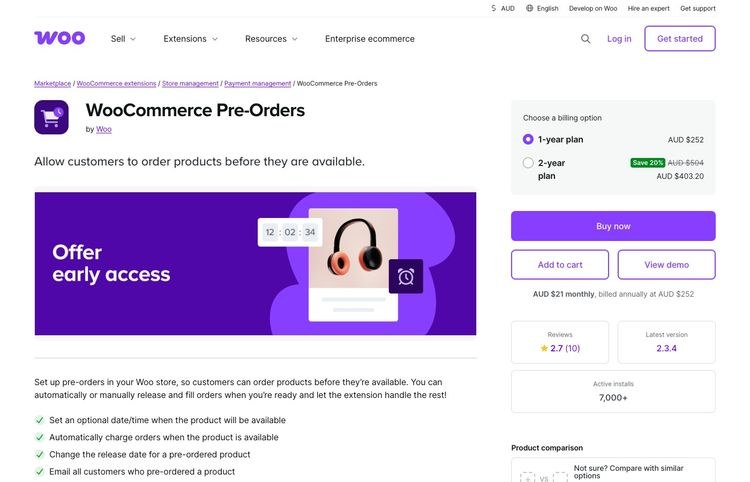


<p>You can connect to your <a href="https://www.isitwp.com/best-email-marketing-services-compared/" title="">preferred email marketing tool</a> like <a href="https://www.isitwp.com/refer/constant-contact/" target="_blank" rel="noopener nofollow" title="Constant Contact">Constant Contact</a>, <a href="https://www.isitwp.com/refer/activecampaign/" target="_blank" rel="noopener nofollow" title="ActiveCampaign">ActiveCampaign</a>, <a href="https://www.isitwp.com/refer/aweber/" target="_blank" rel="noopener nofollow" title="AWeber">AWeber</a>, and so on. Then send emails to promote and remind your audience about the upcoming event. </p>


<figure class="wp-block-image size-full"><img loading="lazy" decoding="async" width="775" height="511" src="https://www.isitwp.com/wp-content/uploads/2022/01/wpforms-email-integrations.png" alt="wpforms email integrations" class="wp-image-274873" srcset="https://www.isitwp.com/wp-content/uploads/2022/01/wpforms-email-integrations.png 775w, https://www.isitwp.com/wp-content/uploads/2022/01/wpforms-email-integrations-300x198.png 300w, https://www.isitwp.com/wp-content/uploads/2022/01/wpforms-email-integrations-768x506.png 768w" sizes="auto, (max-width: 775px) 100vw, 775px" /></figure>


<p>If you want deeper guidance on building the sales side of this, <a href="https://www.isitwp.com/build-a-sales-page/">this guide to building a sales page in WordPress</a> is worth reading before you launch.</p>


<p><strong><img src="https://s.w.org/images/core/emoji/17.0.2/72x72/1f449.png" alt="👉" class="wp-smiley" style="height: 1em; max-height: 1em;" /> Pick your most-asked question. Design a 60–90 minute live training around it. Charge $47–$97 per seat. Run it live, then sell the recording at half the live price.</strong></p>


<h3 class="wp-block-heading" id="aioseo-11-host-a-virtual-summit-202">11. Host a Virtual Summit</h3>


<p><strong>Best for:</strong> Bloggers looking to grow their list and income simultaneously with one event<br><strong>Income potential:</strong> $5,000–$50,000+ per summit (All-Access Pass model)<br><strong>Traffic needed:</strong> Medium (your guest speakers&#8217; audiences do the heavy lifting)</p>


<p>A virtual summit is one of the most underused income strategies in blogging and one of the few where you can earn $10,000+ in a single week.</p>


<p><strong>Here&#8217;s the model:</strong> you interview 15–30 experts in your niche over 3–5 days. Attendance is free for 24–48 hours per session. To watch everything on-demand, attendees buy an All-Access Pass for $97–$197. </p>


<p>Every speaker promotes the summit to their own audience and brings you thousands of new email subscribers in the process.</p>


<p><strong>The income math:</strong> 500 All-Access Pass buyers at $97 = $48,500. </p>


<p>Realistic for a well-organized summit in a strong niche. And every speaker sends you their audience; you keep those subscribers long after the event ends.</p>


<p>It&#8217;s more work up front than any other method on this list. But the income and list growth make it worth running at least once a year. </p>


<p><a href="https://www.seedprod.com" target="_blank" title="SeedProd - Best Drag &amp; Drop WordPress Website Builder">SeedProd</a> handles your summit landing pages, and <a href="https://wpforms.com" target="_blank" title="WPForms - Drag &amp; Drop WordPress Form Builder">WPForms</a> manages speaker applications and attendee registrations.</p>


<figure class="wp-block-image size-full"><img loading="lazy" decoding="async" width="775" height="413" src="https://www.isitwp.com/wp-content/uploads/2024/07/seedprod-add-new-landing-page.png" alt="seedprod add new landing page" class="wp-image-280695" srcset="https://www.isitwp.com/wp-content/uploads/2024/07/seedprod-add-new-landing-page.png 775w, https://www.isitwp.com/wp-content/uploads/2024/07/seedprod-add-new-landing-page-300x160.png 300w, https://www.isitwp.com/wp-content/uploads/2024/07/seedprod-add-new-landing-page-768x409.png 768w" sizes="auto, (max-width: 775px) 100vw, 775px" /></figure>


<p><strong><img src="https://s.w.org/images/core/emoji/17.0.2/72x72/1f449.png" alt="👉" class="wp-smiley" style="height: 1em; max-height: 1em;" /> Outline a 3-day summit in your niche. Identify 10–15 potential speakers. Build your summit page with SeedProd and collect speaker interest via WPForms.</strong></p>


<h3 class="wp-block-heading" id="aioseo-12-create-a-private-forum-or-niche-community-213">12. Create a Private Forum or Niche Community</h3>


<p><strong>Best for:</strong> Bloggers building around a shared identity or strong ongoing community need<br><strong>Income potential:</strong> $300–$5,000+/month (monthly membership model)<br><strong>Traffic needed:</strong> Medium (loyal readers beat large audiences here)</p>


<p>People don&#8217;t just want information. They want belonging.</p>


<p>A paid <a href="https://www.isitwp.com/best-wordpress-community-plugins/" title="">community gives your readers</a> a place to connect with each other, get your input, and access exclusive resources. Most importantly, all for a monthly fee. </p>


<p>The key difference from a course: a course has a finish line. A community has ongoing value. Recurring income is the result.</p>


<p><a href="https://www.buddyboss.com/" target="_blank" rel="noopener noreferrer">BuddyBoss</a> is the standard WordPress platform for this. </p>


<p>It creates a full social network experience, including member profiles, activity feeds, private groups, and direct messaging, all inside your existing WordPress site. </p>


<figure class="wp-block-image size-full"><img loading="lazy" decoding="async" width="775" height="340" src="https://www.isitwp.com/wp-content/uploads/2025/08/buddyboss-user-interface.png" alt="buddyboss user interface" class="wp-image-286321" srcset="https://www.isitwp.com/wp-content/uploads/2025/08/buddyboss-user-interface.png 775w, https://www.isitwp.com/wp-content/uploads/2025/08/buddyboss-user-interface-300x132.png 300w, https://www.isitwp.com/wp-content/uploads/2025/08/buddyboss-user-interface-768x337.png 768w" sizes="auto, (max-width: 775px) 100vw, 775px" /></figure>


<p>Read the <a href="https://www.isitwp.com/buddyboss-review/">BuddyBoss review</a> to see how it compares with alternatives. Pair it with MemberPress for payment processing and access control.</p>


<p><strong><img src="https://s.w.org/images/core/emoji/17.0.2/72x72/1f449.png" alt="👉" class="wp-smiley" style="height: 1em; max-height: 1em;" /> Build your community around one core outcome your readers want. Use BuddyBoss for the platform and MemberPress for membership payments. Start with a founding member rate ($19–$29/month) and cap early access at 100 spots.</strong></p>


<h2 class="wp-block-heading" id="aioseo-sell-digital-products-223">Sell Digital Products</h2>


<p>I like this approach because there is no inventory, shipping, or customer service calls. Digital products are the highest-margin thing a blogger can sell.</p>


<figure class="wp-block-table"><table><thead><tr><th>Method</th><th>Income Potential</th><th>Traffic Needed</th><th>Passive?</th></tr></thead><tbody><tr><td>13. eBooks</td><td>$300–$3,000+/mo</td><td>Low-Medium</td><td><img src="https://s.w.org/images/core/emoji/17.0.2/72x72/2705.png" alt="✅" class="wp-smiley" style="height: 1em; max-height: 1em;" /> Yes</td></tr><tr><td>14. Digital Templates</td><td>$300–$5,000+/mo</td><td>Low-Medium</td><td><img src="https://s.w.org/images/core/emoji/17.0.2/72x72/2705.png" alt="✅" class="wp-smiley" style="height: 1em; max-height: 1em;" /> Yes</td></tr><tr><td>15. AI Prompt Packs</td><td>$200–$3,000+/mo</td><td>Low</td><td><img src="https://s.w.org/images/core/emoji/17.0.2/72x72/2705.png" alt="✅" class="wp-smiley" style="height: 1em; max-height: 1em;" /> Yes</td></tr><tr><td>16. Full Digital Store (EDD)</td><td>$1,000–$10,000+/mo</td><td>Medium</td><td><img src="https://s.w.org/images/core/emoji/17.0.2/72x72/2705.png" alt="✅" class="wp-smiley" style="height: 1em; max-height: 1em;" /> Yes</td></tr><tr><td>17. WordPress Plugins</td><td>$500–$20,000+/mo</td><td>Low</td><td><img src="https://s.w.org/images/core/emoji/17.0.2/72x72/2705.png" alt="✅" class="wp-smiley" style="height: 1em; max-height: 1em;" /> Mostly</td></tr><tr><td>18. Themes and Graphics</td><td>$500–$10,000+/mo</td><td>Low-Medium</td><td><img src="https://s.w.org/images/core/emoji/17.0.2/72x72/2705.png" alt="✅" class="wp-smiley" style="height: 1em; max-height: 1em;" /> Mostly</td></tr></tbody></table></figure>


<hr class="wp-block-separator has-alpha-channel-opacity"/>


<h3 class="wp-block-heading" id="aioseo-13-sell-ebooks-on-your-wordpress-site-227">13. Sell eBooks on Your WordPress Site</h3>


<p><strong>Best for:</strong> Bloggers who write well and have deep knowledge of a specific topic<br><strong>Income potential:</strong> $300–$3,000+/month (passive after initial creation)<br><strong>Traffic needed:</strong> Low-Medium</p>


<p>The eBook is the original blogging product, and it still works.</p>


<p>The key in 2026 isn&#8217;t writing a 200-page comprehensive guide. It&#8217;s a focused 30–50 page resource that solves one specific problem completely. </p>


<p>For example, you can create an eBook on &#8220;The 5 plugins every food blogger needs&#8221; as a $9 download. &#8220;How to get your first 1,000 email subscribers&#8221; at $17. Specific. Practical and priced accessibly.</p>


<p>Check out the <a href="https://www.isitwp.com/best-ebook-plugins-for-wordpress/" title="">best eBook plugins</a> here.</p>


<p><a href="https://easydigitaldownloads.com/" target="_blank" rel="noopener noreferrer">Easy Digital Downloads</a> handles all of this directly on your WordPress site. The buyer pays, gets instant download access, and you never touch the transaction again. </p>


<p>It has an interface similar to WordPress pages, making it super easy to use.</p>


<figure class="wp-block-image size-full"><img loading="lazy" decoding="async" width="775" height="437" src="https://www.isitwp.com/wp-content/uploads/2024/07/edd-instert-download.png" alt="edd instert download" class="wp-image-280802" srcset="https://www.isitwp.com/wp-content/uploads/2024/07/edd-instert-download.png 775w, https://www.isitwp.com/wp-content/uploads/2024/07/edd-instert-download-300x169.png 300w, https://www.isitwp.com/wp-content/uploads/2024/07/edd-instert-download-768x433.png 768w" sizes="auto, (max-width: 775px) 100vw, 775px" /></figure>


<p>Check out my <a href="https://www.isitwp.com/wordpress-plugins/easy-digital-downloads/" title="Easy Digital Downloads review">Easy Digital Downloads review</a> for more information.</p>


<p>For broader distribution, you can also publish to <a href="https://kdp.amazon.com/" target="_blank" rel="noopener" title="">Kindle Direct Publishing (KDP)</a>. Amazon&#8217;s self-publishing platform pays 35–70% royalties. Even 5 sales per day at $17 is $2,550/month from a single eBook. </p>


<p>Check out the best <a href="https://www.isitwp.com/best-digital-download-plugins-for-wordpress/" title="">digital download plugins for WordPress</a>. Then, see how to <a href="https://www.isitwp.com/sell-digital-products-online-with-wordpress/">sell digital products online with WordPress</a> for the full setup walkthrough.</p>


<p><strong><img src="https://s.w.org/images/core/emoji/17.0.2/72x72/1f449.png" alt="👉" class="wp-smiley" style="height: 1em; max-height: 1em;" /> Identify your most popular blog post topic. Expand it into a 30–50 page focused guide. Install Easy Digital Downloads and price it at $9–$27.</strong></p>


<h3 class="wp-block-heading" id="aioseo-14-sell-digital-templates-and-downloads-240">14. Sell Digital Templates and Downloads</h3>


<p><strong>Best for:</strong> Bloggers in productivity, design, business, or lifestyle niches<br><strong>Income potential:</strong> $300–$5,000+/month (templates sell repeatedly with zero fulfillment effort)<br><strong>Traffic needed:</strong> Low-Medium</p>


<p>Digital templates might be the most overlooked income stream for bloggers right now.</p>


<p>Think Notion templates, Canva social media kits, Excel budget trackers, and Google Sheets editorial calendars. </p>


<p>These sell consistently because they save time. And time is the one thing people will reliably pay for.</p>


<p><strong>The best part:</strong> if you&#8217;ve been blogging for a year, you&#8217;ve already built tools for yourself. That Instagram content planning spreadsheet you made? That blog post brief template? Those are sellable products. </p>


<p>And unlike courses, you build them once, and they sell indefinitely.</p>


<p><a href="https://easydigitaldownloads.com" target="_blank" title="Easy Digital Downloads - WordPress eCommerce plugin">Easy Digital Downloads</a> handles the delivery automatically. You upload the file, set the price, and the plugin manages payments, file delivery, and licensing. </p>


<p>The best part is that you can allow your users to <a href="https://www.isitwp.com/how-to-allow-users-to-pick-a-payment-option-wordpress/" title="">pick the most convenient payment</a> options so that you don&#8217;t lock out anyone. They can <a href="https://www.isitwp.com/how-to-add-apple-pay-in-wordpress/" title="">pick Apple Pay</a>, Cash App, Credit Card, Google Pay, and so on.</p>


<figure class="wp-block-image size-full"><img loading="lazy" decoding="async" width="720" height="481" src="https://www.isitwp.com/wp-content/uploads/2025/10/stripe-payment-methods-settings-edd.png" alt="stripe payment methods settings edd" class="wp-image-287488" srcset="https://www.isitwp.com/wp-content/uploads/2025/10/stripe-payment-methods-settings-edd.png 720w, https://www.isitwp.com/wp-content/uploads/2025/10/stripe-payment-methods-settings-edd-300x200.png 300w" sizes="auto, (max-width: 720px) 100vw, 720px" /></figure>


<p>If you&#8217;re deciding where to sell, <a href="https://www.isitwp.com/best-platforms-to-sell-digital-products/">this guide to the best platforms for digital products</a> compares all the options.</p>


<p><strong><img src="https://s.w.org/images/core/emoji/17.0.2/72x72/1f449.png" alt="👉" class="wp-smiley" style="height: 1em; max-height: 1em;" /> List 3 tools or templates you&#8217;ve built for your own workflow. Package one as a download. Price it at $7–$37 and put it on your site today.</strong></p>


<h3 class="wp-block-heading" id="aioseo-15-sell-ai-prompt-packs-and-digital-tools-252">15. Sell AI Prompt Packs and Digital Tools</h3>


<p><strong>Best for:</strong> Bloggers in marketing, content creation, business, or productivity niches<br><strong>Income potential:</strong> $200–$3,000+/month (high perceived value, zero fulfillment cost)<br><strong>Traffic needed:</strong> Low</p>


<p>This one is specific to 2026 and it&#8217;s growing fast.</p>


<p>AI prompt packs are curated collections of prompts for ChatGPT, Claude, or other AI tools, organized around a specific use case.</p>


<p>Some of the best I have seen include &#8220;50 prompts for <a href="https://www.isitwp.com/how-to-use-ai-to-write-woocommerce-product-descriptions/" title="">writing product descriptions with AI</a>,&#8221; &#8220;30 prompts for a week of <a href="https://www.isitwp.com/best-ai-social-media-post-generators-for-wordpress/" title="">social media content with AI</a>,&#8221; and &#8220;The blogging workflow prompt library.&#8221; </p>


<p>Bloggers who&#8217;ve <a href="https://www.isitwp.com/optimize-on-page-seo-with-ai/" title="">built expertise with AI</a> are packaging that knowledge as products.</p>


<p>The income potential is real. Prompt packs priced at $17–$47 require zero ongoing work after creation. At 5 sales per day on a $27 pack, that&#8217;s $4,000/month from a single file you wrote in an afternoon. </p>


<p>Again, <a href="https://easydigitaldownloads.com" target="_blank" title="Easy Digital Downloads - WordPress eCommerce plugin">Easy Digital Downloads</a> is my go-to. It handles delivery exactly as it does for any other digital file.</p>


<p><strong><img src="https://s.w.org/images/core/emoji/17.0.2/72x72/1f449.png" alt="👉" class="wp-smiley" style="height: 1em; max-height: 1em;" /> What AI workflow have you optimized in your own blogging? Build a 20–30 prompt pack around it. Sell it as a digital download for $17–$37.</strong></p>


<h3 class="wp-block-heading" id="aioseo-16-build-a-full-digital-store-with-easy-digital-downloads-261">16. Build a Full Digital Store with Easy Digital Downloads</h3>


<p><strong>Best for:</strong> Bloggers with multiple digital products or software to sell<br><strong>Income potential:</strong> Scales with your catalog — $1,000–$10,000+/month across multiple products<br><strong>Traffic needed:</strong> Medium</p>


<p>Once you have more than one or two digital products, it&#8217;s worth building a proper digital storefront.</p>


<p>Easy Digital Downloads transforms your WordPress site into a full <a href="https://www.isitwp.com/best-ecommerce-platforms-for-multivendor-marketplaces/" title="">digital marketplace</a>. Sell any file type including eBooks, templates, prompt packs, software, photography, music, and fonts. </p>


<p>Each product gets its own page, pricing tiers, licensing options, and download delivery. Customers create accounts and manage their own purchases.</p>


<figure class="wp-block-image size-full"><img loading="lazy" decoding="async" width="775" height="442" src="https://www.isitwp.com/wp-content/uploads/2024/09/edd-licensing-setup.png" alt="edd licensing setup" class="wp-image-281224" srcset="https://www.isitwp.com/wp-content/uploads/2024/09/edd-licensing-setup.png 775w, https://www.isitwp.com/wp-content/uploads/2024/09/edd-licensing-setup-300x171.png 300w, https://www.isitwp.com/wp-content/uploads/2024/09/edd-licensing-setup-768x438.png 768w" sizes="auto, (max-width: 775px) 100vw, 775px" /></figure>


<p>The platform shines when you build a catalog over time. One product earning $300/month is decent. Five products each earning $300/month, all running from the same WordPress site? That&#8217;s a real business. </p>


<p>And if you want others to promote your products for a commission, pair EDD with <a href="https://affiliatewp.com/" target="_blank" rel="noopener noreferrer">AffiliateWP</a> to run your own affiliate program from within WordPress. </p>


<p>You can create an affiliate registration form to make this easier. Then have AffiliateWP send your affiliates&#8217; payments automatically.</p>


<figure class="wp-block-image size-full"><img loading="lazy" decoding="async" width="775" height="589" src="https://www.isitwp.com/wp-content/uploads/2024/09/affiliatewp-affiliate-registration-form-sample.png" alt="affiliatewp affiliate registration form sample" class="wp-image-281445" srcset="https://www.isitwp.com/wp-content/uploads/2024/09/affiliatewp-affiliate-registration-form-sample.png 775w, https://www.isitwp.com/wp-content/uploads/2024/09/affiliatewp-affiliate-registration-form-sample-300x228.png 300w, https://www.isitwp.com/wp-content/uploads/2024/09/affiliatewp-affiliate-registration-form-sample-768x584.png 768w" sizes="auto, (max-width: 775px) 100vw, 775px" /></figure>


<p>Check out my <a href="https://www.isitwp.com/wordpress-plugins/affiliatewp/" title="">AffiliateWP review</a> for more details.</p>


<p>Here is a step-by-step tutorial on <a href="https://www.isitwp.com/add-affiliate-program-woocommerce/" title="">how to create your own affiliate program</a>. Then, see the <a href="https://www.isitwp.com/best-wordpress-ecommerce-plugins-compared/">best WordPress eCommerce plugins</a> guide to understand all your storefront options.</p>


<p><strong><img src="https://s.w.org/images/core/emoji/17.0.2/72x72/1f449.png" alt="👉" class="wp-smiley" style="height: 1em; max-height: 1em;" /> Install Easy Digital Downloads. List your first two products and <a href="https://www.isitwp.com/best-stripe-payment-plugins-for-wordpress/" title="">set up Stripe</a> or PayPal. You&#8217;re open for business on day one.</strong></p>


<h3 class="wp-block-heading" id="aioseo-17-sell-wordpress-plugins-274">17. Sell WordPress Plugins</h3>


<p><strong>Best for:</strong> Bloggers with WordPress development skills or a budget to hire a developer<br><strong>Income potential:</strong> $500–$20,000+/month (scales with user base)<br><strong>Traffic needed:</strong> Low (plugin marketplaces drive their own discovery traffic)</p>


<p>If you&#8217;ve ever thought &#8220;I wish WordPress had a plugin that did X,&#8221; you&#8217;re looking at a product idea.</p>


<p><strong>The two main paths:</strong> sell through <a href="https://codecanyon.net/" target="_blank" rel="noopener noreferrer">CodeCanyon</a> (<a href="https://www.isitwp.com/refer/envato-market/" target="_blank" rel="noopener nofollow" title="Envato Market">Envato&#8217;s marketplace</a>), where you share ~30% of revenue but get access to their large buyer audience; or sell directly from your own site and keep 100%. </p>


<p>Most successful plugin developers do both. CodeCanyon for discovery, own site for renewals.</p>


<p>A freemium model works especially well. Release a free version on WordPress.org, build a user base, then convert users to paid plans with premium features. That&#8217;s how most of the plugins in this article operate.</p>


<p>If you are looking for ideas, here is my personal list of the <a href="https://www.isitwp.com/top-wordpress-plugins/" title="">best WordPress plugins</a>.</p>


<p><strong><img src="https://s.w.org/images/core/emoji/17.0.2/72x72/1f449.png" alt="👉" class="wp-smiley" style="height: 1em; max-height: 1em;" /> Search WordPress.org for plugins in your niche and read the feature request threads. If users consistently ask for something that doesn&#8217;t exist yet, that&#8217;s your product.</strong></p>


<h3 class="wp-block-heading" id="aioseo-18-sell-wordpress-themes-and-graphics-282">18. Sell WordPress Themes and Graphics</h3>


<p><strong>Best for:</strong> Designers and developers who blog about design or WordPress<br><strong>Income potential:</strong> $500–$10,000+/month<br><strong>Traffic needed:</strong> Low-Medium (marketplace traffic helps significantly)</p>


<p>WordPress themes and graphic assets like stock photos, icon sets, font bundles, and UI kits are a natural extension for design-focused bloggers.</p>


<p>You can sell themes through <a href="https://www.isitwp.com/refer/themeforest/" target="_blank" rel="noopener nofollow" title="Themeforest">ThemeForest</a>, which offers high volume but lower margins. Or directly from your own site, which means lower volume, but better margins. </p>


<p>The most successful theme authors do both. For design assets, Creative Market and your own Easy Digital Downloads store are the cleanest channels.</p>


<p>The advantage for bloggers: your content is already demonstrating your design expertise. Readers who trust your tutorials are your most likely buyers.</p>


<p>If you are looking for ideas, here is a list of the <a href="https://www.isitwp.com/top-wordpress-themes/" title="">most popular themes today</a>. </p>


<p><strong><img src="https://s.w.org/images/core/emoji/17.0.2/72x72/1f449.png" alt="👉" class="wp-smiley" style="height: 1em; max-height: 1em;" /> Identify a theme type or design asset that&#8217;s underserved in your niche. Build it, list it on your site, and cross-link it from your most relevant posts.</strong></p>


<h2 class="wp-block-heading" id="aioseo-start-an-online-store-290">Start an Online Store</h2>


<p>If your blog has a loyal, niche audience and a recognizable brand, an online store is a natural next step.</p>


<figure class="wp-block-table"><table><thead><tr><th>Method</th><th>Income Potential</th><th>Traffic Needed</th><th>Passive?</th></tr></thead><tbody><tr><td>19. eCommerce (WooCommerce)</td><td>$500–$50,000+/mo</td><td>High</td><td><img src="https://s.w.org/images/core/emoji/17.0.2/72x72/2705.png" alt="✅" class="wp-smiley" style="height: 1em; max-height: 1em;" /> Mostly</td></tr><tr><td>20. Subscription Shopping</td><td>$1,000–$10,000+/mo</td><td>Medium</td><td><img src="https://s.w.org/images/core/emoji/17.0.2/72x72/2705.png" alt="✅" class="wp-smiley" style="height: 1em; max-height: 1em;" /> Yes</td></tr><tr><td>21. Print-on-Demand</td><td>$200–$3,000+/mo</td><td>Medium</td><td><img src="https://s.w.org/images/core/emoji/17.0.2/72x72/2705.png" alt="✅" class="wp-smiley" style="height: 1em; max-height: 1em;" /> Yes</td></tr><tr><td>22. Amazon Affiliate Store</td><td>$200–$5,000+/mo</td><td>Medium-High</td><td><img src="https://s.w.org/images/core/emoji/17.0.2/72x72/2705.png" alt="✅" class="wp-smiley" style="height: 1em; max-height: 1em;" /> Yes</td></tr></tbody></table></figure>


<hr class="wp-block-separator has-alpha-channel-opacity"/>


<h3 class="wp-block-heading" id="aioseo-19-start-an-ecommerce-business-with-woocommerce-294">19. Start an eCommerce Business with WooCommerce</h3>


<p><strong>Best for:</strong> Bloggers with a strong brand identity and an audience with shared purchasing habits<br><strong>Income potential:</strong> Highly variable $500–$50,000+/month<br><strong>Traffic needed:</strong> High (eCommerce needs consistent traffic to convert at scale)</p>


<p><a href="https://www.isitwp.com/refer/woocommerce" target="_blank" rel="noopener nofollow" title="">WooCommerce</a> turns your WordPress blog into a full online store, and it&#8217;s free to install.</p>


<p>The key to making this work as a blogger: sell products that directly align with what you write about. </p>


<p>A <a href="https://www.isitwp.com/create-food-recipe-website/" title="">food blogger</a> selling branded spice blends. A hiking blogger selling custom gear packs. A parenting blogger selling a productivity planner. The blog builds trust; the store converts it into revenue.</p>


<p>WooCommerce handles everything from inventory to checkout to shipping. Extensions add subscriptions, product bundles, bookings, and more.</p>


<div class="wp-block-image">
<figure class="aligncenter size-full"><img loading="lazy" decoding="async" width="680" height="400" src="https://www.isitwp.com/wp-content/uploads/2026/03/sidecartwoocommerce-sidecartbasket.png" alt="side cart woocommerce side cart basket" class="wp-image-289866" srcset="https://www.isitwp.com/wp-content/uploads/2026/03/sidecartwoocommerce-sidecartbasket.png 680w, https://www.isitwp.com/wp-content/uploads/2026/03/sidecartwoocommerce-sidecartbasket-300x176.png 300w" sizes="auto, (max-width: 680px) 100vw, 680px" /></figure>
</div>


<p>You can start with 5 products and scale over time without switching platforms. Follow the <a href="https://www.isitwp.com/how-to-create-an-online-store-step-by-step/">step-by-step guide to creating a profitable online store</a> to get your first WooCommerce store live.</p>


<p>Check out my <a href="https://www.isitwp.com/wordpress-plugins/woocommerce/" title="">WooCommerce review</a> for more details.</p>


<p><strong><img src="https://s.w.org/images/core/emoji/17.0.2/72x72/1f449.png" alt="👉" class="wp-smiley" style="height: 1em; max-height: 1em;" /> Make sure you have <a href="https://www.isitwp.com/hosting-reviews/woocommerce/" title="">good WooCommerce hosting</a> before anything. Identify 3–5 products your audience asks about most often. Source or create them. Install WooCommerce and set up your store as an extension of your existing blog.</strong></p>


<h3 class="wp-block-heading" id="aioseo-20-subscription-based-shopping-304">20. Subscription-Based Shopping</h3>


<p><strong>Best for:</strong> Bloggers whose audience has recurring purchasing needs<br><strong>Income potential:</strong> $1,000–$10,000+/month (recurring revenue compounds every month)<br><strong>Traffic needed:</strong> Medium (retention matters more than constant new traffic)</p>


<p>Subscription commerce is one of the most stable income models available to bloggers with a product audience.</p>


<p>Instead of selling products once, you sell ongoing subscriptions. A monthly box, a replenishment bundle, and access to exclusive products. </p>


<p>The income is predictable. Customer lifetime value is dramatically higher than one-time buyers.</p>


<p><a href="https://www.isitwp.com/best-woocommerce-plugins-grow-sales-rapidly/" title="">WooCommerce plugins</a> and extensions handle everything: recurring billing, failed payment retries, subscriber management, and cancellation flows. </p>


<p>What works best: subscriptions around consumables (coffee, supplements, craft supplies) or curated discovery boxes in your niche. </p>


<p>Learn <a href="https://www.isitwp.com/how-to-accept-online-recurring-payments-in-wordpress/">how to accept recurring payments in WordPress</a> if you&#8217;re setting this up for the first time.</p>


<p><strong><img src="https://s.w.org/images/core/emoji/17.0.2/72x72/1f449.png" alt="👉" class="wp-smiley" style="height: 1em; max-height: 1em;" /></strong> <a href="https://www.isitwp.com/best-nps-survey-tools-and-software/" title="">Survey your audience</a> with a WPForms poll: &#8220;Would you pay $X/month for [specific recurring product]?&#8221; If 20%+ say yes, you have product-market fit.</p>


<h3 class="wp-block-heading" id="aioseo-21-print-on-demand-products-313">21. Print-on-Demand Products</h3>


<p><strong>Best for:</strong> Bloggers with a strong brand, catchphrase, or recognizable visual identity<br><strong>Income potential:</strong> $200–$3,000+/month (passive after setup, 20–30% margin per item)<br><strong>Traffic needed:</strong> Medium</p>


<p>Print-on-demand lets you sell physical merchandise like t-shirts, mugs, notebooks, and phone cases, without holding any inventory.</p>


<p><strong>Here&#8217;s how it works:</strong> a customer orders on your site, the print-on-demand provider prints and ships it directly to them. </p>


<p>You never touch the product. You earn the margin between production cost and your retail price.</p>


<p>This works best for blogs with a loyal community and a recognizable brand voice. </p>


<p>A phrase that runs through your blog, a visual element readers identify with, a running joke — these become merchandise people actually want to own.</p>


<p>Both <a href="https://www.printful.com/" target="_blank" rel="noopener noreferrer">Printful</a> and <a href="https://www.printify.com/" target="_blank" rel="noopener noreferrer">Printify</a> integrate cleanly with WooCommerce. You design products in their dashboard, push them to your store, and they handle all production and fulfillment automatically.</p>


<p><strong><img src="https://s.w.org/images/core/emoji/17.0.2/72x72/1f449.png" alt="👉" class="wp-smiley" style="height: 1em; max-height: 1em;" /> Identify 2–3 products that fit your blog&#8217;s identity. Connect Printful or Printify to your WooCommerce store. Start with a mug and a t-shirt and see what resonates.</strong></p>


<h3 class="wp-block-heading" id="aioseo-22-build-an-amazon-affiliate-store-322">22. Build an Amazon Affiliate Store</h3>


<p><strong>Best for:</strong> Bloggers in product-heavy niches (tech, home, outdoor, baby gear, beauty)<br><strong>Income potential:</strong> $200–$5,000+/month (commissions range 1–10% by product category)<br><strong>Traffic needed:</strong> Medium-High</p>


<p>An Amazon affiliate store is a curated product shop where every link earns a commission.</p>


<p>You create product pages around themes your readers care about, like &#8220;Best cameras for travel bloggers,&#8221; &#8220;The gear I use on long hikes,&#8221; and link everything to Amazon. </p>


<p>Every qualifying purchase through your link earns a commission. Amazon&#8217;s rates range from 1% (electronics) to 10% (luxury beauty), with most categories at 3–5%.</p>


<figure class="wp-block-image size-full"><img loading="lazy" decoding="async" width="740" height="392" src="https://www.isitwp.com/wp-content/uploads/2018/07/headphone.png" alt="headphone " class="wp-image-244887" srcset="https://www.isitwp.com/wp-content/uploads/2018/07/headphone.png 740w, https://www.isitwp.com/wp-content/uploads/2018/07/headphone-300x159.png 300w" sizes="auto, (max-width: 740px) 100vw, 740px" /></figure>


<p><strong>The advantage:</strong> Amazon&#8217;s conversion rates are high because customers already <a href="https://www.isitwp.com/best-trust-badge-plugins-ecommerce/" title="">trust the checkout</a>. </p>


<p><strong>The downside:</strong> the cookie window is only 24 hours, and commissions are lower than most direct affiliate programs. Use it as a supplementary income stream, not your primary affiliate channel. </p>


<p>The <a href="https://www.isitwp.com/best-amazon-affiliate-wordpress-plugins/" title="">best Amazon affiliate plugins</a>, like <a href="https://www.isitwp.com/refer/aawp/" target="_blank" rel="noopener nofollow" title="AAWP">AAWP</a>, keep your product listings auto-updated with live Amazon pricing. Follow this <a href="https://www.isitwp.com/create-amazon-affiliate-store-wordpress-make-money/">step-by-step guide to building an Amazon affiliate store in WordPress</a> to get set up.</p>


<p><strong><img src="https://s.w.org/images/core/emoji/17.0.2/72x72/1f449.png" alt="👉" class="wp-smiley" style="height: 1em; max-height: 1em;" /> Join the Amazon Associates program. Build a &#8220;Resources&#8221; or &#8220;Shop&#8221; page featuring your 10 most-recommended products.</strong></p>


<h2 class="wp-block-heading" id="aioseo-sell-your-services-and-expertise-332">Sell Your Services and Expertise</h2>


<p>Your blog builds trust and authority every day. Services are how you convert that authority into high-ticket income — often without needing much traffic at all.</p>


<figure class="wp-block-table"><table><thead><tr><th>Method</th><th>Income Potential</th><th>Traffic Needed</th><th>Passive?</th></tr></thead><tbody><tr><td>23. Consulting</td><td>$1,000–$20,000+/mo</td><td>Low</td><td><img src="https://s.w.org/images/core/emoji/17.0.2/72x72/274c.png" alt="❌" class="wp-smiley" style="height: 1em; max-height: 1em;" /> No</td></tr><tr><td>24. Freelance Services</td><td>$500–$8,000+/mo</td><td>Low</td><td><img src="https://s.w.org/images/core/emoji/17.0.2/72x72/274c.png" alt="❌" class="wp-smiley" style="height: 1em; max-height: 1em;" /> No</td></tr><tr><td>25. Online Coaching</td><td>$1,000–$10,000+/mo</td><td>Low</td><td><img src="https://s.w.org/images/core/emoji/17.0.2/72x72/274c.png" alt="❌" class="wp-smiley" style="height: 1em; max-height: 1em;" /> No</td></tr><tr><td>26. YouTube Channel</td><td>$200–$10,000+/mo</td><td>Low to start</td><td><img src="https://s.w.org/images/core/emoji/17.0.2/72x72/2705.png" alt="✅" class="wp-smiley" style="height: 1em; max-height: 1em;" /> Mostly</td></tr><tr><td>27. Podcast Sponsorships</td><td>$200–$5,000+/mo</td><td>Medium</td><td><img src="https://s.w.org/images/core/emoji/17.0.2/72x72/274c.png" alt="❌" class="wp-smiley" style="height: 1em; max-height: 1em;" /> No</td></tr></tbody></table></figure>


<hr class="wp-block-separator has-alpha-channel-opacity"/>


<h3 class="wp-block-heading" id="aioseo-23-start-a-consulting-business-336">23. Start a Consulting Business</h3>


<p><strong>Best for:</strong> Bloggers who&#8217;ve developed genuine expertise in a commercially valuable skill<br><strong>Income potential:</strong> $1,000–$20,000+/month ($75–$500/hour, project-based)<br><strong>Traffic needed:</strong> Low (your blog is your portfolio — 500 monthly readers can generate leads)</p>


<p>Consulting is where blogging income can get large, quickly.</p>


<p>A consultant gives strategic advice. Unlike freelancing, where you do the work, consulting means you diagnose the problem, recommend the solution, and the client implements. </p>


<p>Rates reflect that difference. A blogger with 2 years of SEO content experience charging $150/hour for consulting earns more per hour than most agencies.</p>


<p>The blog is your proof of work. </p>


<p>A post that ranks #1 for a competitive keyword is a better pitch deck than any resume. Clients find you through your content, already pre-sold on your expertise before they reach out.</p>


<p><a href="https://wpforms.com" target="_blank" title="WPForms - Drag &amp; Drop WordPress Form Builder">WPForms</a> handles consultation inquiry forms on your WordPress site. You can build a <a href="https://www.isitwp.com/typeform-style-form/" title="">multi-step form</a> that qualifies leads before they reach your inbox, filtering out anyone who isn&#8217;t the right fit for your rates. </p>


<figure class="wp-block-image size-full"><img loading="lazy" decoding="async" width="775" height="333" src="https://www.isitwp.com/wp-content/uploads/2021/04/conversational-forms-in-wpforms.png" alt="conversational forms in wpforms" class="wp-image-254797" srcset="https://www.isitwp.com/wp-content/uploads/2021/04/conversational-forms-in-wpforms.png 775w, https://www.isitwp.com/wp-content/uploads/2021/04/conversational-forms-in-wpforms-300x129.png 300w, https://www.isitwp.com/wp-content/uploads/2021/04/conversational-forms-in-wpforms-768x330.png 768w" sizes="auto, (max-width: 775px) 100vw, 775px" /></figure>


<p>Start by adding one to a <a href="https://www.isitwp.com/best-wordpress-contact-form-plugins/">high-converting contact form</a> setup on your site. </p>
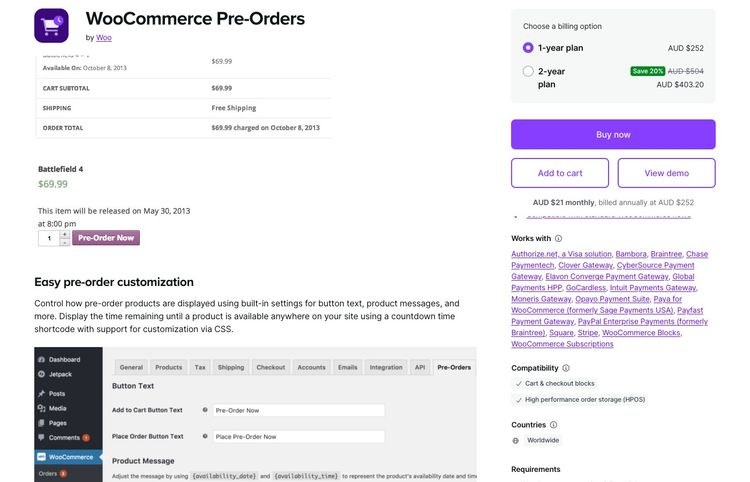


<p><strong><img src="https://s.w.org/images/core/emoji/17.0.2/72x72/1f449.png" alt="👉" class="wp-smiley" style="height: 1em; max-height: 1em;" /> Create a &#8220;Work With Me&#8221; page. List the specific problems you solve. Add a WPForms <a href="https://www.isitwp.com/create-multi-page-form-wordpress/" title="">multi-step inquiry form</a> that qualifies leads before you spend time on discovery calls.</strong></p>


<h3 class="wp-block-heading" id="aioseo-24-offer-freelance-services-347">24. Offer Freelance Services</h3>


<p><strong>Best for:</strong> Bloggers with marketable skills (writing, design, SEO, social media, development)<br><strong>Income potential:</strong> $500–$8,000+/month<br><strong>Traffic needed:</strong> Low (your blog and freelancing platforms are independent lead sources)</p>


<p>Freelancing is the fastest way to earn meaningful money from a blog, even before you have significant traffic.</p>


<p><strong>The model: </strong>your blog showcases your expertise, you offer that expertise as a service. </p>


<p>A copywriter blogs about email marketing and offers email sequence writing. A developer blogs about WordPress performance and offers site speed audits. </p>


<p>The blog is the portfolio. The services page is where visitors become clients.</p>


<p>Beyond your own site, Upwork and <a href="https://www.isitwp.com/create-a-micro-job-site-like-fiverr/" title="">Fiverr are additional channels</a> you can feed from your blog. </p>


<p>Embedding your Upwork profile on your services page adds third-party credibility. Client reviews are visible, and it shortcuts the trust-building process for new visitors who find you through Google. </p>


<p>Check out these <a href="https://www.isitwp.com/best-wordpress-freelancer-themes-compared/">WordPress freelancer themes</a> to make your services page look the part.</p>


<p><a href="https://www.seedprod.com" target="_blank" title="SeedProd - Best Drag &amp; Drop WordPress Website Builder">SeedProd</a> helps you build a high-converting services landing page without touching code.</p>


<p><strong><img src="https://s.w.org/images/core/emoji/17.0.2/72x72/1f449.png" alt="👉" class="wp-smiley" style="height: 1em; max-height: 1em;" /> Create a dedicated services page with SeedProd. List one core service with a clear deliverable, timeline, and starting price. Add a WPForms contact form for inquiries.</strong></p>


<h3 class="wp-block-heading" id="aioseo-25-online-coaching-358">25. Online Coaching</h3>


<p><strong>Best for:</strong> Bloggers who&#8217;ve achieved a result others want and can guide people 1:1<br><strong>Income potential:</strong> $1,000–$10,000+/month ($200–$1,000 per client per month)<br><strong>Traffic needed:</strong> Low (5–10 active clients is enough for $2K–$5K/month)</p>


<p>Coaching is the most income-efficient service a blogger can offer, and it&#8217;s often confused with consulting.</p>


<ul class="wp-block-list">
<li><strong>Consulting:</strong> you tell the client what to do. </li>


<li><strong>Coaching: </strong>you help them figure it out and hold them accountable. </li>
</ul>


<p>Sessions are regular, ongoing (3–6 month engagements typically), and high-touch. Rates are correspondingly higher.</p>


<p><strong>The math is simple. </strong>Five clients at $500/month = $2,500 recurring. Ten clients at $500/month = $5,000. </p>


<p>You don&#8217;t need a large audience to fill a coaching roster. You need clarity on who you help, what result you deliver, and a simple application process to filter the right clients.</p>


<p><a href="https://wpsimplepay.com/" target="_blank" rel="noopener noreferrer">WP Simple Pay</a> handles recurring coaching payments via Stripe directly on your WordPress site. This allows you to <a href="https://www.isitwp.com/best-wordpress-credit-card-payment-plugins/" title="">get payment via credit card</a>, Cash App, Alipay, and more. </p>


<p>So, no third-party invoicing platforms needed. </p>


<figure class="wp-block-image size-full"><img loading="lazy" decoding="async" width="775" height="605" src="https://www.isitwp.com/wp-content/uploads/2025/10/wp-simple-pay-enable-multiple-payment-options.png" alt="wp simple pay enable multiple payment options" class="wp-image-287470" srcset="https://www.isitwp.com/wp-content/uploads/2025/10/wp-simple-pay-enable-multiple-payment-options.png 775w, https://www.isitwp.com/wp-content/uploads/2025/10/wp-simple-pay-enable-multiple-payment-options-300x234.png 300w, https://www.isitwp.com/wp-content/uploads/2025/10/wp-simple-pay-enable-multiple-payment-options-768x600.png 768w" sizes="auto, (max-width: 775px) 100vw, 775px" /></figure>


<p>WPForms handles the application form that screens potential clients before you spend time on calls. You can even <a href="https://www.isitwp.com/how-to-create-a-wordpress-form-using-ai/" title="">build your form with AI</a>.</p>


<p>If you want to learn how to set up the payment side, this <a href="https://www.isitwp.com/accept-payments-stripe-website/">guide to accepting Stripe payments in WordPress</a> covers it step by step.</p>


<p><strong><img src="https://s.w.org/images/core/emoji/17.0.2/72x72/1f449.png" alt="👉" class="wp-smiley" style="height: 1em; max-height: 1em;" /> Define one coaching offer: &#8220;I help [specific person] achieve [specific result] in [timeframe].&#8221; Set up a WPForms application form and WP Simple Pay for payment. Accept your first 3 clients at a discounted founding rate.</strong></p>


<h3 class="wp-block-heading" id="aioseo-26-launch-a-youtube-channel-alongside-your-blog-373">26. Launch a YouTube Channel Alongside Your Blog</h3>


<p><strong>Best for:</strong> Bloggers comfortable on camera who want to diversify traffic sources and income<br><strong>Income potential:</strong> $200–$10,000+/month (ad revenue + affiliate links in video descriptions)<br><strong>Traffic needed:</strong> Low to start (1,000 subs + 4,000 watch hours to monetize)</p>


<p>YouTube and blogging are a natural pair, and most bloggers who start a channel regret not doing it sooner.</p>


<p><strong>The synergy works like this:</strong> a blog post that took 4 hours to write becomes a 10-minute YouTube video in another 2 hours. The video drives traffic back to the blog. The blog&#8217;s SEO drives traffic to the video. </p>


<p>Both grow faster together than either does alone.</p>


<p>To amplify this, you can <a href="https://www.isitwp.com/how-to-embed-a-youtube-feed-in-wordpress/" title="">create a YouTube feed</a> on your blog with Smash Balloon. So when you create a YouTube video, it appears on your blog as well. </p>


<figure class="wp-block-image size-full"><img loading="lazy" decoding="async" width="775" height="360" src="https://www.isitwp.com/wp-content/uploads/2023/09/smash-balloon-youtube-save-feed.png" alt="smash balloon youtube save feed" class="wp-image-274579" srcset="https://www.isitwp.com/wp-content/uploads/2023/09/smash-balloon-youtube-save-feed.png 775w, https://www.isitwp.com/wp-content/uploads/2023/09/smash-balloon-youtube-save-feed-300x139.png 300w, https://www.isitwp.com/wp-content/uploads/2023/09/smash-balloon-youtube-save-feed-768x357.png 768w" sizes="auto, (max-width: 775px) 100vw, 775px" /></figure>


<p>Users can click on it and view the full video without leaving your blog. Check out my <a href="https://www.isitwp.com/wordpress-plugins/smash-balloon/" title="">Smash Balloon review</a> to see how you can also add <a href="https://www.isitwp.com/best-instagram-plugins-wordpress/" title="">feeds from Instagram</a>, TikTok, Facebook, X, and more.</p>


<p>Remember, YouTube monetization requires 1,000 subscribers and 4,000 hours of watch time. </p>


<p>Once you&#8217;re in the Partner Program, RPMs run $2–$15 depending on niche. </p>


<p>The real income usually comes from affiliate links in video descriptions. This is where you earn the same commissions as from blog posts, applied to a second audience.</p>


<p><strong><img src="https://s.w.org/images/core/emoji/17.0.2/72x72/1f449.png" alt="👉" class="wp-smiley" style="height: 1em; max-height: 1em;" /> Repurpose your 5 highest-traffic blog posts as YouTube videos. Add affiliate links to your video descriptions. Focus on search-intent topics (&#8220;how to do X&#8221;) for long-term views without constant promotion.</strong></p>


<h3 class="wp-block-heading" id="aioseo-27-accept-podcast-sponsorships-385">27. Accept Podcast Sponsorships</h3>


<p><strong>Best for:</strong> Bloggers who communicate well verbally and are building a topic-specific audience<br><strong>Income potential:</strong> $200–$5,000+/month ($18–$50 CPM for host-read ads)<br><strong>Traffic needed:</strong> Medium (1,000+ downloads per episode is the standard threshold for sponsors)</p>


<p>Podcast sponsorships are one of the most underrated income streams for bloggers who already have an audience.</p>


<p>Podcast listeners are highly engaged. They subscribe, listen to complete episodes, and act on host recommendations. </p>


<p>Host-read ad CPM rates run $18–$50 per 1,000 downloads, higher than most display ad networks. And unlike blog ad revenue, podcast sponsorships are often flat-fee deals, not impression-based.</p>


<p>Starting a podcast doesn&#8217;t require expensive equipment. </p>


<p>A decent USB microphone ($80–$150), free recording software like Audacity, and a hosting platform like <a href="https://www.buzzsprout.com/" target="_blank" rel="noopener nofollow" title="">Buzzsprout</a> are enough. </p>


<p>Build a dedicated landing page for your podcast with SeedProd. Check out this guide to building a podcast landing page, which shows you exactly how.</p>


<p>Sponsors typically come through podcast ad networks (Midroll, AdvertiseCast) or direct outreach to brands you already recommend as affiliates.</p>


<p><strong><img src="https://s.w.org/images/core/emoji/17.0.2/72x72/1f449.png" alt="👉" class="wp-smiley" style="height: 1em; max-height: 1em;" /> Launch with 5 recorded episodes before publishing. Once you hit 500+ downloads per episode, approach your existing affiliate partners about a sponsor slot.</strong></p>


<h2 class="wp-block-heading" id="aioseo-other-proven-ways-to-earn-395">Other Proven Ways to Earn</h2>


<figure class="wp-block-table"><table><thead><tr><th>Method</th><th>Income Potential</th><th>Traffic Needed</th><th>Passive?</th></tr></thead><tbody><tr><td>28. Flip Websites</td><td>$5,000–$100,000+/flip</td><td>Medium-High</td><td><img src="https://s.w.org/images/core/emoji/17.0.2/72x72/274c.png" alt="❌" class="wp-smiley" style="height: 1em; max-height: 1em;" /> No</td></tr><tr><td>29. Accept Donations</td><td>$100–$1,000+/mo</td><td>Medium</td><td><img src="https://s.w.org/images/core/emoji/17.0.2/72x72/2705.png" alt="✅" class="wp-smiley" style="height: 1em; max-height: 1em;" /> Mostly</td></tr><tr><td>30. Paid Product Reviews</td><td>$100–$2,000+/review</td><td>Medium</td><td><img src="https://s.w.org/images/core/emoji/17.0.2/72x72/274c.png" alt="❌" class="wp-smiley" style="height: 1em; max-height: 1em;" /> No</td></tr></tbody></table></figure>


<hr class="wp-block-separator has-alpha-channel-opacity"/>


<h3 class="wp-block-heading" id="aioseo-28-earn-money-flipping-websites-398">28. Earn Money Flipping Websites</h3>


<p><strong>Best for:</strong> Bloggers comfortable with SEO and site growth who want large lump-sum payouts<br><strong>Income potential:</strong> $5,000–$100,000+ per flip (sites typically sell for 30–40× monthly revenue)<br><strong>Traffic needed:</strong> Medium-High (for the site being flipped)</p>


<p>Website flipping is internet real estate.</p>


<p>You build a niche site (or buy an underperforming one), grow its traffic and revenue, then sell it. A site earning $500/month sells for $15,000–$20,000 on marketplaces like <a href="https://www.flippa.com/" target="_blank" rel="noopener nofollow" title="">Flippa</a> or <a href="https://empireflippers.com/" target="_blank" rel="noopener nofollow" title="">Empire Flippers</a>. </p>


<p>A site earning $2,000/month sells for $60,000–$80,000. The multiplier is typically 30–40× monthly revenue.</p>


<p>For experienced bloggers, this is one of the highest-income applications of skills you already have: content strategy, SEO, monetization. </p>


<p>You&#8217;re not learning anything new. You&#8217;re applying existing knowledge to build an asset specifically to sell.</p>


<p><strong><img src="https://s.w.org/images/core/emoji/17.0.2/72x72/1f449.png" alt="👉" class="wp-smiley" style="height: 1em; max-height: 1em;" /> Browse Flippa for underperforming niche sites in categories you understand well. Or start a focused niche blog with the explicit goal of selling it in 18–24 months.</strong></p>


<h3 class="wp-block-heading" id="aioseo-29-accept-donations-from-your-readers-406">29. Accept Donations from Your Readers</h3>


<p><strong>Best for:</strong> Resource-based blogs, tool creators, and community-focused content<br><strong>Income potential:</strong> $100–$1,000+/month (depends on audience loyalty and content value)<br><strong>Traffic needed:</strong> Medium (needs a loyal audience who values your work)</p>


<p>Some audiences want to support the blogs they love. The right move is to make it easy for them.</p>


<p><a href="https://www.isitwp.com/best-wordpress-donation-plugins/" title="">Donations work best</a> for blogs where the content is the product, like open-source documentation, community resources, niche knowledge bases, and educational content. </p>


<p>If readers get significant value for free and you&#8217;ve built genuine goodwill, a subset of them will pay just to say thank you.</p>


<p><a href="https://wpcharitable.com/" target="_blank" rel="noopener noreferrer">Charitable</a> is the cleanest WordPress plugin for this. </p>


<p>It creates donation forms, manages campaigns, and processes one-time or recurring contributions without the high transaction fees some donation platforms charge. </p>


<figure class="wp-block-image size-full"><img loading="lazy" decoding="async" width="775" height="360" src="https://www.isitwp.com/wp-content/uploads/2025/11/charitable-peer-to-peer-campaigns.png" alt="charitable peer to peer campaigns" class="wp-image-287860" srcset="https://www.isitwp.com/wp-content/uploads/2025/11/charitable-peer-to-peer-campaigns.png 775w, https://www.isitwp.com/wp-content/uploads/2025/11/charitable-peer-to-peer-campaigns-300x139.png 300w, https://www.isitwp.com/wp-content/uploads/2025/11/charitable-peer-to-peer-campaigns-768x357.png 768w" sizes="auto, (max-width: 775px) 100vw, 775px" /></figure>


<p>Check out my <a href="https://www.isitwp.com/wordpress-plugins/wp-charitable/" title="">Charitable review</a> for more details. It is one of the <a href="https://www.isitwp.com/best-gofundme-alternatives/" title="">best GoFundMe alternatives for WordPress</a>. </p>


<p>Also, browse the <a href="https://www.isitwp.com/best-recurring-donations-wordpress-plugins/">best recurring donation plugins for WordPress</a> if you want to compare Charitable with alternatives.</p>


<p>The key is keeping the ask low-pressure: &#8220;This blog is free and always will be. If it&#8217;s helped you, a small contribution keeps it going.&#8221;</p>


<p><strong><img src="https://s.w.org/images/core/emoji/17.0.2/72x72/1f449.png" alt="👉" class="wp-smiley" style="height: 1em; max-height: 1em;" /> Install Charitable. Add a simple donation option to your sidebar or about page. Set a suggested amount ($5, $10, $25) and briefly explain what contributions support.</strong></p>


<h3 class="wp-block-heading" id="aioseo-30-get-paid-to-write-product-reviews-418">30. Get Paid to Write Product Reviews</h3>


<p><strong>Best for:</strong> Bloggers with expertise in a specific product category and an engaged audience<br><strong>Income potential:</strong> $100–$2,000+ per review<br><strong>Traffic needed:</strong> Medium (niche relevance matters more than raw traffic volume)</p>


<p>Paid product reviews are different from sponsored posts, and the distinction matters in 2026.</p>


<p>With a paid review, a brand specifically requests honest editorial coverage of their product. They pay a flat fee for the coverage, not for a positive outcome. </p>


<p>Your editorial independence stays intact. You disclose the arrangement and review honestly. Brands pay because they want visibility in front of your specific audience, not because they&#8217;re buying your opinion.</p>


<p>Rates depend on your traffic, niche, and engagement. </p>


<p>A WordPress-focused blogger with 15,000 monthly readers can command $300–$800 per review. FTC disclosure is non-negotiable: state clearly at the top that it&#8217;s a paid review. </p>


<p>Your readers&#8217; trust is worth more than any single fee. Check out some of the <a href="https://www.isitwp.com/best-wordpress-review-themes/" title="">best review themes</a> to get started with.</p>


<p><strong><img src="https://s.w.org/images/core/emoji/17.0.2/72x72/1f449.png" alt="👉" class="wp-smiley" style="height: 1em; max-height: 1em;" /> Create a &#8220;Reviews and Media&#8221; page listing your niche, audience, and review rates. Brands actively search for bloggers in specific categories — make it easy for them to find and contact you.</strong></p>


<h2 class="wp-block-heading" id="aioseo-which-method-should-you-start-with-427">Which Method Should You Start With?</h2>


<p>Thirty methods looks overwhelming. Here&#8217;s how to narrow it down fast.</p>


<p><strong>If you&#8217;re brand new (under 1,000 monthly visitors):</strong></p>


<ul class="wp-block-list">
<li>Start with affiliate marketing. Write 5–10 posts targeting buyer-intent keywords in your niche: &#8220;best X for Y,&#8221; &#8220;X vs Y,&#8221; &#8220;X review.&#8221; You don&#8217;t need traffic volume; you need the right traffic. </li>


<li>One well-placed affiliate recommendation in a buyer-intent post can earn $100+ before you hit 500 monthly visitors.</li>


<li>Pair it with OptinMonster to start building your email list from day one. The list you build in month 1 is worth more than any traffic milestone you&#8217;ll hit in month 12.</li>
</ul>


<p><strong>If you have a small, engaged audience (1,000–10,000 monthly visitors):</strong></p>


<ul class="wp-block-list">
<li>Start with digital products or services. Your audience already trusts you, that&#8217;s the hard part. </li>


<li>A $27 eBook or a $150 consulting hour requires almost no traffic. Five eBook sales per week at $27 is $540/month. </li>


<li>Two consulting clients at $150/hour for 5 hours each is $1,500/month. Both beat display ad income at 10× the traffic.</li>
</ul>


<p><strong>If you have solid traffic (10,000–50,000 monthly visitors):</strong></p>


<ul class="wp-block-list">
<li>Add sponsored posts and premium ad networks on top of what you&#8217;re already earning. Apply to Mediavine once you hit 50,000 sessions. </li>


<li>Approach brands in your niche directly with a media kit. Start stacking income streams rather than replacing them.</li>
</ul>


<p><strong>If you have an established audience (50,000+ monthly visitors):</strong></p>


<ul class="wp-block-list">
<li>Online courses, memberships, and brand ambassadorships have the highest income ceiling at this stage. A course launch to an existing email list can generate $5,000–$20,000 in a single week. </li>


<li>A membership with 200 members at $20/month is $4,000 recurring before you publish a single new post.</li>
</ul>


<p><strong>The principle:</strong> match the method to your stage. The biggest blogging income mistake isn&#8217;t choosing the wrong method. It&#8217;s choosing the right method for the wrong stage.</p>


<p>That&#8217;s it. That marks the end of my list of the 30 best ways to make money blogging in 2026. If anything is unclear, check out the commonly asked questions below. </p>


<h2 class="wp-block-heading" id="aioseo-faqs-making-money-blogging-in-2026-449">FAQs: Making Money Blogging in 2026</h2>


<div class="wp-block-group"><div class="wp-block-group__inner-container is-layout-constrained wp-block-group-is-layout-constrained">
<h3 class="wp-block-heading" id="aioseo-how-long-does-it-take-to-make-money-blogging-450">How long does it take to make money blogging?</h3>


<p>Most bloggers earn their first $100 within 3–6 months using affiliate marketing or a small digital product. Reaching $1,000/month consistently takes 12–18 months of regular publishing. Full-time income ($3,000–$5,000/month) typically requires 2–4 years. The timeline shortens significantly if you focus on buyer-intent content and start building your email list from the very first post.</p>


<h3 class="wp-block-heading" id="aioseo-how-much-traffic-do-you-need-to-make-money-blogging-452">How much traffic do you need to make money blogging?</h3>


<p>It depends entirely on the method. Affiliate marketing and digital products can earn with as few as 200–500 monthly visitors if your content targets buyers. Display advertising needs 10,000+ monthly sessions for meaningful income. Sponsored posts attract brands around 5,000–10,000 monthly visitors in a specific niche. Services, consulting, coaching, and freelancing require almost no traffic. Just a clear offer and a contact form.</p>


<h3 class="wp-block-heading" id="aioseo-is-blogging-still-profitable-in-2026-454">Is blogging still profitable in 2026?</h3>


<p>Yes, but the approach has shifted. Pure traffic-and-ads blogs face more competition and lower ad rates than they did five years ago. Bloggers who combine content authority with direct income streams (products, services, memberships) consistently outperform those relying on ads alone. Most bloggers earning $5,000–$20,000/month in 2026 have diversified income across 3–5 methods. Tracking your conversions with <a href="https://www.isitwp.com/best-wordpress-analytics-solutions-compared/">WordPress analytics tools</a> helps you see exactly which methods are working.</p>


<h3 class="wp-block-heading" id="aioseo-what-type-of-blog-makes-the-most-money-456">What type of blog makes the most money?</h3>


<p>Finance, technology, health/wellness, and business/marketing blogs consistently earn the highest income because their audiences make high-value purchasing decisions. That said, niche specificity matters more than category. A highly focused blog on &#8220;personal finance for teachers&#8221; will outperform a generic &#8220;money tips&#8221; blog at the same traffic level, every time.</p>


<h3 class="wp-block-heading" id="aioseo-can-you-make-money-blogging-without-showing-your-face-458">Can you make money blogging without showing your face?</h3>


<p>Yes. Most blogging income methods, such as affiliate marketing, display ads, digital products, and sponsored posts, don&#8217;t require a personal brand. Many successful blogs operate under a brand name rather than a person&#8217;s name. Video, social media, and a visible personal identity aren&#8217;t required. Services and coaching are the exceptions. Clients typically want to know who they&#8217;re hiring before they commit.</p>


<h3 class="wp-block-heading" id="aioseo-whats-the-fastest-way-to-earn-your-first-100-from-a-blog-460">What&#8217;s the fastest way to earn your first $100 from a blog?</h3>


<p>Affiliate marketing targeting buyer-intent keywords is the most reliable first-income path. Write one specific product comparison or review post optimized for a buyer keyword, add your affiliate link, and you can earn your first commission within weeks. The second-fastest method is offering a freelance service directly from your blog. You don&#8217;t need any traffic for that, just a clear offer and a way for people to contact you.</p>
</div></div>


<h2 class="wp-block-heading" id="aioseo-final-verdict-should-i-try-to-make-money-from-my-wordpress-blog-462">Final Verdict: Should I Try to Make Money From My WordPress Blog?</h2>


<p>Absolutely. But start with a realistic expectation.</p>


<p>A blog isn&#8217;t a vending machine. You don&#8217;t insert content and receive money. </p>


<p>The bloggers who build real income are the ones who pick two or three methods matched to their current stage, execute consistently for 12–18 months, and resist switching strategies every time a new trend appears.</p>


<p>The best starting point for most bloggers: affiliate marketing (low-traffic, high-return) + email list building with OptinMonster (builds future income potential every single day) + one digital product once you understand your audience&#8217;s biggest unsolved problem.</p>


<p>You don&#8217;t need all 30 methods. You need the right 2 or 3, executed well. Pick one. Start today.</p>


<hr class="wp-block-separator has-alpha-channel-opacity"/>


<h2 class="wp-block-heading" id="aioseo-resource-hub-making-money-with-wordpress-469">Resource Hub: Making Money with WordPress</h2>


<p>Everything you need to go deeper on the tools and strategies that power WordPress income:</p>


<ul class="wp-block-list">
<li><strong><a href="https://www.isitwp.com/how-to-make-a-website-step-by-step/">How to Make a WordPress Website From Scratch</a></strong> &#8211; Build your monetization foundation right from the first page</li>


<li><strong><a href="https://www.isitwp.com/hosting-reviews/blog/">Best Blog Hosting for WordPress</a></strong> &#8211; Speed and uptime matter more than most bloggers realise. Pick the right host</li>


<li><strong><a href="https://www.isitwp.com/best-seo-tools-to-grow-your-site-traffic/">Best SEO Tools to Grow Your Site Traffic</a></strong> &#8211; More traffic feeds every income method in this guide</li>


<li><strong><a href="https://www.isitwp.com/best-blogging-platforms-beginners-compared/">Best Blogging Platforms for Beginners</a></strong> &#8211; How WordPress compares to every alternative in 2026</li>


<li><strong><a href="https://www.isitwp.com/best-email-marketing-services-compared/" title="">Top Email Marketing Services</a></strong> &#8211; Choose the right email platform to monetize your growing subscriber list</li>


<li><strong><a href="https://www.isitwp.com/best-course-creation-tools-for-wordpress-compared/">Best Course Creation Tools for WordPress</a></strong> &#8211; Full comparison of LMS tools for launching your first paid course</li>
</ul>


<hr class="wp-block-separator has-alpha-channel-opacity"/><p>The post <a href="https://www.isitwp.com/legit-ways-to-make-money-online-blogging/">30 Ways to Make Money Online Blogging (On the Side) in 2026</a> first appeared on <a href="https://www.isitwp.com">IsItWP - Free WordPress Theme Detector</a>.</p>]]></content>
		
					<link rel="replies" type="text/html" href="https://www.isitwp.com/legit-ways-to-make-money-online-blogging/#comments" thr:count="21" />
			<link rel="replies" type="application/atom+xml" href="https://www.isitwp.com/legit-ways-to-make-money-online-blogging/feed/atom/" thr:count="21" />
			<thr:total>21</thr:total>
			</entry>
		<entry>
		<author>
			<name>Editorial Team</name>
							<uri>https://www.isitwp.com/</uri>
						</author>

		<title type="html"><![CDATA[How to Make a WordPress Website With AI]]></title>
		<link rel="alternate" type="text/html" href="https://www.isitwp.com/how-to-make-a-wordpress-website-with-ai/" />

		<id>https://www.isitwp.com/?p=282297</id>
		<updated>2026-04-22T13:37:59Z</updated>
		<published>2026-04-22T13:37:17Z</published>
		<category scheme="https://www.isitwp.com" term="WordPress Tutorials" /><category scheme="https://www.isitwp.com" term="bluehost" /><category scheme="https://www.isitwp.com" term="seedprod" /><category scheme="https://www.isitwp.com" term="site building" /><category scheme="https://www.isitwp.com" term="wordpress ai site building" />
		<summary type="html"><![CDATA[<p>Building a WordPress website from scratch used to take weeks and cost thousands of dollars. You&#8217;d hire a designer, wait for mockups, watch them code custom templates, and hope the result matched your vision. But here&#8217;s what&#8217;s changed: AI can now generate a complete, functional WordPress site in minutes, not weeks. I&#8217;ve tested three different [&#8230;]</p>
<p>The post <a href="https://www.isitwp.com/how-to-make-a-wordpress-website-with-ai/">How to Make a WordPress Website With AI</a> first appeared on <a href="https://www.isitwp.com">IsItWP - Free WordPress Theme Detector</a>.</p>]]></summary>

					<content type="html" xml:base="https://www.isitwp.com/how-to-make-a-wordpress-website-with-ai/"><![CDATA[<p><a href="https://www.isitwp.com/how-to-make-a-website-step-by-step/" title="">Building a WordPress website from scratch</a> used to take weeks and cost thousands of dollars. </p>


<p>You&#8217;d hire a designer, wait for mockups, watch them code custom templates, and hope the result matched your vision. </p>


<p>But here&#8217;s what&#8217;s changed: AI can now generate a complete, functional WordPress site in minutes, not weeks.</p>


<p>I&#8217;ve tested three different methods of building WordPress sites with AI, and each one gets you to a live site faster than you&#8217;d think possible. </p>


<p>By the end of this guide, you&#8217;ll understand which method fits your situation best.</p>


<p>You will be able to build your own site using whichever approach makes the most sense for your budget and technical comfort level.</p>


<p><strong>What You&#8217;ll Learn:</strong></p>


<ul class="wp-block-list">
<li>How to generate a complete WordPress site with AI in under a minute</li>


<li>The difference between page builder AI, hosting provider AI, and plugin-based AI features</li>


<li>Which method works best for your budget and skill level</li>


<li>How to customize AI-generated sites without writing a single line of code</li>


<li>Where to add AI features to an existing WordPress site for targeted improvements</li>
</ul>


<h2 class="wp-block-heading">Key Takeaways</h2>


<ul class="wp-block-list">
<li>I&#8217;ll show you three distinct methods to build WordPress sites with AI. Each solves the problem of setup time and design complexity</li>


<li>I cover SeedProd for speed, hosting providers for all-in-one setup, and WordPress plugins for adding AI to existing sites</li>


<li>Reveal the critical customization step: AI generates your foundation, but you maintain full control to make it truly yours</li>


<li>I walk through the complete workflow for each method so you can have a published WordPress site in under an hour</li>
</ul>


<h2 class="wp-block-heading">What We&#8217;ll Accomplish in This Tutorial</h2>


<p>By the time you finish this guide, you&#8217;ll have learned how to build a fully functional WordPress website using artificial intelligence. </p>


<p>Your site will be live, customizable, and ready to add your content. No coding required since every step is point-and-click, from initial setup through final customization.</p>


<p>The beauty of AI-powered site building is that it handles the heavy lifting: layout, initial copy, color schemes, and basic design elements are generated in seconds. </p>


<p>Your job is simply to review what the AI creates and make it yours through customization.</p>


<p>Check out the GIF below to see a sample of a WordPress site built completely with AI.</p>


<figure class="wp-block-image size-full"><img loading="lazy" decoding="async" width="776" height="470" src="https://www.isitwp.com/wp-content/uploads/2024/12/seedprod-ai-generated-site.gif" alt="seedprod ai generated site" class="wp-image-282351"/></figure>


<p class="has-text-align-center"><em>A completed WordPress website homepage built with AI, ready for content, and fully customized</em></p>


<h2 class="wp-block-heading">What You&#8217;ll Need Before We Start</h2>


<p><strong>Skill level:</strong> Beginner</p>


<p><strong>Time to complete:</strong> 30 &#8211; 45 minutes per method (60–90 minutes if you want to try all three)</p>


<p>Before we begin, here&#8217;s what you should know. </p>


<p>If you&#8217;re completely new to WordPress, don&#8217;t worry, we&#8217;ll walk through every step, and you won&#8217;t need to touch any code or deal with server settings. </p>


<p>Each method handles the hosting and WordPress installation differently, which is actually one of the biggest advantages of these approaches. </p>


<p>Some methods include hosting in the cost, while others assume you already have a WordPress site ready to go. No matter which path you choose, you&#8217;ll have a working website at the end.</p>


<h2 class="wp-block-heading">Quick Comparison: All Four Methods</h2>


<p>Here&#8217;s a quick side-by-side look at the four approaches so you can decide which fits your needs best:</p>


<table id="tablepress-168" class="tablepress tablepress-id-168">
<thead>
<tr class="row-1">
	<th class="column-1"><strong>Feature</strong></th><th class="column-2"><strong>SeedProd</strong></th><th class="column-3"><strong>Divi</strong></th><th class="column-4"><strong>Bluehost</strong></th><th class="column-5"><strong>Hostinger</strong></th>
</tr>
</thead>
<tbody class="row-striping row-hover">
<tr class="row-2">
	<td class="column-1"><strong>Ease of Use</strong></td><td class="column-2"><img src="https://s.w.org/images/core/emoji/17.0.2/72x72/2b50.png" alt="⭐" class="wp-smiley" style="height: 1em; max-height: 1em;" /><img src="https://s.w.org/images/core/emoji/17.0.2/72x72/2b50.png" alt="⭐" class="wp-smiley" style="height: 1em; max-height: 1em;" /><img src="https://s.w.org/images/core/emoji/17.0.2/72x72/2b50.png" alt="⭐" class="wp-smiley" style="height: 1em; max-height: 1em;" /><img src="https://s.w.org/images/core/emoji/17.0.2/72x72/2b50.png" alt="⭐" class="wp-smiley" style="height: 1em; max-height: 1em;" /><img src="https://s.w.org/images/core/emoji/17.0.2/72x72/2b50.png" alt="⭐" class="wp-smiley" style="height: 1em; max-height: 1em;" /> Very easy</td><td class="column-3"><img src="https://s.w.org/images/core/emoji/17.0.2/72x72/2b50.png" alt="⭐" class="wp-smiley" style="height: 1em; max-height: 1em;" /><img src="https://s.w.org/images/core/emoji/17.0.2/72x72/2b50.png" alt="⭐" class="wp-smiley" style="height: 1em; max-height: 1em;" /><img src="https://s.w.org/images/core/emoji/17.0.2/72x72/2b50.png" alt="⭐" class="wp-smiley" style="height: 1em; max-height: 1em;" /><img src="https://s.w.org/images/core/emoji/17.0.2/72x72/2b50.png" alt="⭐" class="wp-smiley" style="height: 1em; max-height: 1em;" /> Intermediate</td><td class="column-4"><img src="https://s.w.org/images/core/emoji/17.0.2/72x72/2b50.png" alt="⭐" class="wp-smiley" style="height: 1em; max-height: 1em;" /><img src="https://s.w.org/images/core/emoji/17.0.2/72x72/2b50.png" alt="⭐" class="wp-smiley" style="height: 1em; max-height: 1em;" /><img src="https://s.w.org/images/core/emoji/17.0.2/72x72/2b50.png" alt="⭐" class="wp-smiley" style="height: 1em; max-height: 1em;" /><img src="https://s.w.org/images/core/emoji/17.0.2/72x72/2b50.png" alt="⭐" class="wp-smiley" style="height: 1em; max-height: 1em;" /><img src="https://s.w.org/images/core/emoji/17.0.2/72x72/2b50.png" alt="⭐" class="wp-smiley" style="height: 1em; max-height: 1em;" /> Very easy</td><td class="column-5"><img src="https://s.w.org/images/core/emoji/17.0.2/72x72/2b50.png" alt="⭐" class="wp-smiley" style="height: 1em; max-height: 1em;" /><img src="https://s.w.org/images/core/emoji/17.0.2/72x72/2b50.png" alt="⭐" class="wp-smiley" style="height: 1em; max-height: 1em;" /><img src="https://s.w.org/images/core/emoji/17.0.2/72x72/2b50.png" alt="⭐" class="wp-smiley" style="height: 1em; max-height: 1em;" /><img src="https://s.w.org/images/core/emoji/17.0.2/72x72/2b50.png" alt="⭐" class="wp-smiley" style="height: 1em; max-height: 1em;" /><img src="https://s.w.org/images/core/emoji/17.0.2/72x72/2b50.png" alt="⭐" class="wp-smiley" style="height: 1em; max-height: 1em;" /> Very easy</td>
</tr>
<tr class="row-3">
	<td class="column-1"><strong>Pricing</strong></td><td class="column-2">Free to test, Starts at $39.50/yr</td><td class="column-3">Starts at $89/year</td><td class="column-4">Starts at $2.99/mth</td><td class="column-5">Starts at $2.69/mth</td>
</tr>
<tr class="row-4">
	<td class="column-1"><strong>Best For</strong></td><td class="column-2">Speed &amp; free testing</td><td class="column-3">Maximum design control</td><td class="column-4">All-in-one setup</td><td class="column-5">Budget hosting + AI content</td>
</tr>
<tr class="row-5">
	<td class="column-1"><strong>Key Feature</strong></td><td class="column-2">Full site in 60 seconds, free testing</td><td class="column-3">Advanced page builder, design flexibility</td><td class="column-4">Complete site at signup, includes hosting</td><td class="column-5">AI content generator for posts/pages</td>
</tr>
<tr class="row-6">
	<td class="column-1"><strong>Time to Live Site</strong></td><td class="column-2">~20 minutes (if you have hosting)</td><td class="column-3">~30 minutes</td><td class="column-4">~15 minutes</td><td class="column-5">~20 minutes</td>
</tr>
<tr class="row-7">
	<td class="column-1"><strong>Hosting Included</strong></td><td class="column-2"><img src="https://s.w.org/images/core/emoji/17.0.2/72x72/274c.png" alt="❌" class="wp-smiley" style="height: 1em; max-height: 1em;" /> No (you buy separately)</td><td class="column-3"><img src="https://s.w.org/images/core/emoji/17.0.2/72x72/274c.png" alt="❌" class="wp-smiley" style="height: 1em; max-height: 1em;" /> No (you buy separately)</td><td class="column-4"><img src="https://s.w.org/images/core/emoji/17.0.2/72x72/2705.png" alt="✅" class="wp-smiley" style="height: 1em; max-height: 1em;" /> Yes (included)</td><td class="column-5"><img src="https://s.w.org/images/core/emoji/17.0.2/72x72/2705.png" alt="✅" class="wp-smiley" style="height: 1em; max-height: 1em;" /> Yes (included)</td>
</tr>
<tr class="row-8">
	<td class="column-1"><strong>WordPress Required</strong></td><td class="column-2"><img src="https://s.w.org/images/core/emoji/17.0.2/72x72/2705.png" alt="✅" class="wp-smiley" style="height: 1em; max-height: 1em;" /> Yes (but test free first)</td><td class="column-3"><img src="https://s.w.org/images/core/emoji/17.0.2/72x72/2705.png" alt="✅" class="wp-smiley" style="height: 1em; max-height: 1em;" /> Yes (required)</td><td class="column-4"><img src="https://s.w.org/images/core/emoji/17.0.2/72x72/2705.png" alt="✅" class="wp-smiley" style="height: 1em; max-height: 1em;" /> Yes (pre-installed)</td><td class="column-5"><img src="https://s.w.org/images/core/emoji/17.0.2/72x72/2705.png" alt="✅" class="wp-smiley" style="height: 1em; max-height: 1em;" /> Yes (pre-installed)</td>
</tr>
<tr class="row-9">
	<td class="column-1"><strong>Customization</strong></td><td class="column-2">AI or drag-and-drop</td><td class="column-3">Advanced drag-and-drop</td><td class="column-4">AI or drag-and-drop</td><td class="column-5">AI content + manual pages</td>
</tr>
</tbody>
</table>
<!-- #tablepress-168 from cache -->


<h3 class="wp-block-heading">Method Comparison Breakdown</h3>


<p><strong>Choose <a href="https://www.seedprod.com" target="_blank" title="SeedProd - Best Drag &amp; Drop WordPress Website Builder">SeedProd</a> if:</strong> You want the fastest path to a complete AI-generated site and want to test it for free before paying for hosting. You&#8217;re willing to buy hosting separately.</p>


<p><strong>Choose <a href="https://www.isitwp.com/refer/divi/" target="_blank" rel="noopener nofollow" title="Divi">Divi</a> if:</strong> You want maximum design flexibility and plan to build multiple sites. You&#8217;re comfortable with a more feature-rich page builder and can buy hosting separately.</p>


<p><strong>Choose <a href="https://www.isitwp.com/refer/bluehost/" target="_blank" rel="noopener nofollow" title="Bluehost">Bluehost</a> if:</strong> You want everything in one place; hosting, domain, and a <a href="https://www.isitwp.com/best-ai-site-builders/" title="">complete AI site builder</a> all at signup. You prefer simplicity over customization options.</p>


<p><strong>Choose <a href="https://www.isitwp.com/refer/hostinger-2/" target="_blank" rel="noopener nofollow" title="Hostinger">Hostinger</a> if:</strong> You want budget-friendly hosting and plan to generate individual posts and pages with AI rather than a complete pre-built site. You&#8217;ll build your site page-by-page.</p>


<h2 class="wp-block-heading">How to Make a WordPress Website With AI</h2>


<p>Now that you have an overview of everything you need, the time it will take you, and what each method offers, let&#8217;s begin diving into each method. </p>


<p>I have created a table of contents below to help you see all the steps at a glance. You can also click on any link below to skip to that section.</p>


<div class="wp-block-aioseo-table-of-contents"><ul><li><a class="aioseo-toc-item" href="#aioseo-method-1-ai-page-builders-easiest-and-fastest-46">Method 1: AI Page Builders (Easiest and Fastest)</a><ul><li><a class="aioseo-toc-item" href="#aioseo-seedprod-full-ai-website-in-under-60-seconds-plus-free-testing-49">SeedProd: Full AI Website in Under 60 Seconds (Plus Free Testing)</a><ul></ul></li><li><a class="aioseo-toc-item" href="#aioseo-divi-page-builder-with-ai-site-generation-142">Divi: Page Builder with AI Site Generation</a><ul></ul></li></ul></li><li><a class="aioseo-toc-item" href="#aioseo-method-2-hosting-providers-with-built-in-ai-all-in-one-setup-220">Method 2: Hosting Providers with Built-in AI (All-in-One Setup)</a><ul><li><a class="aioseo-toc-item" href="#aioseo-bluehost-ai-site-builder-at-signup-225">Bluehost: AI Site Builder at Signup</a><ul></ul></li><li><a class="aioseo-toc-item" href="#aioseo-hostinger-wordpress-hosting-with-ai-content-generator-275">Hostinger: WordPress Hosting with AI Content Generator</a><ul></ul></li></ul></li><li><a class="aioseo-toc-item" href="#aioseo-bonus-build-your-wordpress-site-in-sections-with-ai-powered-plugins-323">Bonus: Build Your WordPress Site in Sections with AI-Powered Plugins</a><ul></ul></li><li><a class="aioseo-toc-item" href="#aioseo-common-issues-and-quick-fixes-348">Common Issues and Quick Fixes</a><ul></ul></li><li><a class="aioseo-toc-item" href="#aioseo-faqs-how-to-make-a-wordpress-website-with-ai-367">FAQs: How to Make a WordPress Website With AI</a><ul></ul></li><li><a class="aioseo-toc-item" href="#aioseo-final-thoughts-382">Final Thoughts</a></li><li><a class="aioseo-toc-item" href="#aioseo-resource-hub-391">Resource Hub</a></li></ul></div>


<h2 class="wp-block-heading" id="aioseo-method-1-ai-page-builders-easiest-and-fastest-46">Method 1: AI Page Builders (Easiest and Fastest)</h2>


<p>The easiest way to build a WordPress site with AI is through a <a href="https://www.isitwp.com/best-wordpress-page-builders-compared/" target="_blank" rel="noopener noreferrer">page builder.</a> </p>


<p>These tools let you describe what kind of site you want, and the AI generates the entire layout, design, and starter content for you in seconds. Then you customize it to match your vision.</p>


<h3 class="wp-block-heading" id="aioseo-seedprod-full-ai-website-in-under-60-seconds-plus-free-testing-49"><a href="https://www.seedprod.com" target="_blank" title="SeedProd - Best Drag &amp; Drop WordPress Website Builder">SeedProd</a>: Full AI Website in Under 60 Seconds (Plus Free Testing)</h3>


<figure class="wp-block-image size-full"><a href="https://www.seedprod.com/" target="_blank"><img loading="lazy" decoding="async" width="775" height="387" src="https://www.isitwp.com/wp-content/uploads/2025/09/seedprod-homepage.png" alt="seedprod homepage" class="wp-image-286714" srcset="https://www.isitwp.com/wp-content/uploads/2025/09/seedprod-homepage.png 775w, https://www.isitwp.com/wp-content/uploads/2025/09/seedprod-homepage-300x150.png 300w, https://www.isitwp.com/wp-content/uploads/2025/09/seedprod-homepage-768x384.png 768w" sizes="auto, (max-width: 775px) 100vw, 775px" /></a></figure>


<p><a href="https://www.seedprod.com" target="_blank" title="SeedProd - Best Drag &amp; Drop WordPress Website Builder">SeedProd</a> was built specifically for WordPress-first site building. If <a href="https://www.isitwp.com/wordpress-speed-performance-optimization-checklist/" title="">speed is your priority</a> and you want to test an AI-generated site for free before committing to hosting, this is the method I recommend. </p>


<p>What impressed me is that you can generate a complete, fully functional AI website in under 60 seconds on SeedProd&#8217;s own platform. No WordPress needed yet. </p>


<p>Then, test it, customize it, and only after you&#8217;re happy with it do you need to install WordPress and import your design.</p>


<p>Plus, the AI site generation is completely free for testing (you can create up to 3 sites), but to import your design into your own WordPress site, you&#8217;ll need the Pro version. </p>


<p>You can <a href="https://www.isitwp.com/wordpress-plugins/seedprod/" title="">check out the full SeedProd review</a> if you want to learn more about what it offers beyond AI site generation.</p>


<h4 class="wp-block-heading" id="aioseo-step-1-go-to-seedprods-ai-site-builder-no-wordpress-needed-yet-56">Step 1: Go to SeedProd&#8217;s AI Site Builder (No WordPress Needed Yet)</h4>


<p>Open your web browser and visit SeedProd&#8217;s Official website. Then, on this page, select &#8220;Build My Site with AI Now-Free.&#8221; This will redirect you to <strong><a href="https://ai.seedprod.com/" target="_blank" rel="noopener" title="">ai.seedprod.com</a></strong>. </p>


<p>This is SeedProd&#8217;s standalone AI platform. It&#8217;s completely separate from WordPress. </p>


<figure class="wp-block-image size-full"><img loading="lazy" decoding="async" width="775" height="470" src="https://www.isitwp.com/wp-content/uploads/2026/04/seedprod-ai.png" alt="seedprod ai" class="wp-image-290572" srcset="https://www.isitwp.com/wp-content/uploads/2026/04/seedprod-ai.png 775w, https://www.isitwp.com/wp-content/uploads/2026/04/seedprod-ai-300x182.png 300w, https://www.isitwp.com/wp-content/uploads/2026/04/seedprod-ai-768x466.png 768w" sizes="auto, (max-width: 775px) 100vw, 775px" /></figure>


<p>You can create a free account with just your email address. This free account lets you generate up to 3 complete websites with AI, totally free, no credit card required.</p>


<p>Once you enter your email address, select the &#8220;Continue&#8221; button to get started.</p>


<figure class="wp-block-image size-full"><img loading="lazy" decoding="async" width="775" height="685" src="https://www.isitwp.com/wp-content/uploads/2026/04/seedprod-ai-get-started.png" alt="seedprod ai get started" class="wp-image-290573" srcset="https://www.isitwp.com/wp-content/uploads/2026/04/seedprod-ai-get-started.png 775w, https://www.isitwp.com/wp-content/uploads/2026/04/seedprod-ai-get-started-300x265.png 300w, https://www.isitwp.com/wp-content/uploads/2026/04/seedprod-ai-get-started-768x679.png 768w" sizes="auto, (max-width: 775px) 100vw, 775px" /></figure>


<p class="has-text-align-center"><em>SeedProd&#8217;s AI site builder at ai.seedprod.com. Free to try</em></p>


<h4 class="wp-block-heading" id="aioseo-step-2-describe-your-business-to-the-ai-64">Step 2: Describe Your Business to the AI</h4>


<p>After this, you will land in your AI sites dashboard. Then on this page select &#8220;Create Site with AI.&#8221;</p>


<figure class="wp-block-image size-full"><img loading="lazy" decoding="async" width="775" height="161" src="https://www.isitwp.com/wp-content/uploads/2024/12/seedprod-create-site-with-ai.png" alt="seedprod create site with ai" class="wp-image-282355" srcset="https://www.isitwp.com/wp-content/uploads/2024/12/seedprod-create-site-with-ai.png 775w, https://www.isitwp.com/wp-content/uploads/2024/12/seedprod-create-site-with-ai-300x62.png 300w, https://www.isitwp.com/wp-content/uploads/2024/12/seedprod-create-site-with-ai-768x160.png 768w" sizes="auto, (max-width: 775px) 100vw, 775px" /></figure>


<p>On the next screen, SeedProd will ask you for your business name and a brief description of what you do. </p>


<p>Here, you need to be as specific as possible. The more detail you give the AI, the better the result. </p>


<p>Instead of &#8220;I have a business,&#8221; try something like &#8220;I&#8217;m a freelance copywriter specializing in SaaS companies&#8221; or &#8220;I run a local dog-training business in Denver.&#8221; </p>


<p>Tell the AI what you offer and who you serve.</p>


<p>After this, you can select colors, but we will leave the&nbsp;<strong>Choose My Colors</strong>&nbsp;checked to fully automate the process of creating a site with AI.</p>


<figure class="wp-block-image size-full"><img loading="lazy" decoding="async" width="775" height="477" src="https://www.isitwp.com/wp-content/uploads/2024/12/seedprod-describe-ai-site-1.png" alt="seedprod describe ai site" class="wp-image-282358" srcset="https://www.isitwp.com/wp-content/uploads/2024/12/seedprod-describe-ai-site-1.png 775w, https://www.isitwp.com/wp-content/uploads/2024/12/seedprod-describe-ai-site-1-300x185.png 300w, https://www.isitwp.com/wp-content/uploads/2024/12/seedprod-describe-ai-site-1-768x473.png 768w" sizes="auto, (max-width: 775px) 100vw, 775px" /></figure>


<p class="has-text-align-center"><em>Describe your business to guide the AI. Be specific</em></p>


<h4 class="wp-block-heading" id="aioseo-step-3-let-the-ai-generate-your-complete-site-74">Step 3: Let the AI Generate Your Complete Site</h4>


<p>After you submit your description, SeedProd&#8217;s AI works its magic. You can monitor it through the progress bar displayed. This will also help you spot any errors.</p>


<figure class="wp-block-image size-full"><img loading="lazy" decoding="async" width="775" height="206" src="https://www.isitwp.com/wp-content/uploads/2024/12/seedprod-ai-site-processing.png" alt="seedprod ai site processing" class="wp-image-282353" srcset="https://www.isitwp.com/wp-content/uploads/2024/12/seedprod-ai-site-processing.png 775w, https://www.isitwp.com/wp-content/uploads/2024/12/seedprod-ai-site-processing-300x80.png 300w, https://www.isitwp.com/wp-content/uploads/2024/12/seedprod-ai-site-processing-768x204.png 768w" sizes="auto, (max-width: 775px) 100vw, 775px" /></figure>


<p> In about 60 seconds, you&#8217;ll see a complete website appear. My site took 32 seconds to build with SeedProd&#8217;s AI. After this, simply click the link displayed to be redirected to the website just built.</p>


<figure class="wp-block-image size-full"><img loading="lazy" decoding="async" width="775" height="204" src="https://www.isitwp.com/wp-content/uploads/2024/12/seedprod-ai-site-ready.png" alt="seedprod ai site ready" class="wp-image-282354" srcset="https://www.isitwp.com/wp-content/uploads/2024/12/seedprod-ai-site-ready.png 775w, https://www.isitwp.com/wp-content/uploads/2024/12/seedprod-ai-site-ready-300x79.png 300w, https://www.isitwp.com/wp-content/uploads/2024/12/seedprod-ai-site-ready-768x202.png 768w" sizes="auto, (max-width: 775px) 100vw, 775px" /></figure>


<p>Here&#8217;s the advantage: As you can see, you can now actually visit and test this website. </p>


<p>SeedProd gives you a live preview of your AI-generated site, and you can click around, see how it looks on different devices, <a href="https://www.isitwp.com/best-wordpress-contact-form-plugins/" title="">try the contact form</a>, and everything else. </p>


<p>This is a fully functional website you can test before you invest in WordPress or hosting.</p>


<p>If you love it, great, move to the next step. If you want to see different options, you can tell the AI to regenerate and try again. Still completely free.</p>


<p>On the site I built, I had a homepage, about page, service pages, contact page, and footer. </p>


<p>The layout was professional, the copy is written, images are included, and colors are chosen. All in under a minute.</p>


<p>The first time I watched this happen, I was genuinely impressed. The AI understood my business description and created something that actually looked like a real website, not a template.</p>


<p>Check out the GIF below to see the site I built with AI.</p>


<figure class="wp-block-image size-full"><img loading="lazy" decoding="async" width="776" height="470" src="https://www.isitwp.com/wp-content/uploads/2024/12/seedprod-ai-generated-site.gif" alt="seedprod ai generated site" class="wp-image-282351"/></figure>


<p class="has-text-align-center"><em>Your complete AI-generated site appears in seconds</em></p>


<h4 class="wp-block-heading" id="aioseo-step-4-export-your-ai-generated-theme-89">Step 4: Export Your AI-Generated Theme</h4>


<p>Once you&#8217;re happy with your AI-generated site, you&#8217;ll export the theme files so you can import them into your own WordPress site later. </p>


<p>In the SeedProd dashboard, look for the WordPress icon (it looks like a &#8220;W&#8221;). Click it to access a temporary WordPress admin panel for your generated site.</p>


<figure class="wp-block-image size-full"><img loading="lazy" decoding="async" width="775" height="274" src="https://www.isitwp.com/wp-content/uploads/2024/12/seedprod-open-ai-site-temporary-wordpress-dashboard.png" alt="seedprod open ai site temporary wordpress dashboard" class="wp-image-282369" srcset="https://www.isitwp.com/wp-content/uploads/2024/12/seedprod-open-ai-site-temporary-wordpress-dashboard.png 775w, https://www.isitwp.com/wp-content/uploads/2024/12/seedprod-open-ai-site-temporary-wordpress-dashboard-300x106.png 300w, https://www.isitwp.com/wp-content/uploads/2024/12/seedprod-open-ai-site-temporary-wordpress-dashboard-768x272.png 768w" sizes="auto, (max-width: 775px) 100vw, 775px" /></figure>


<p>From there, navigate to <strong>SeedProd » Import/Export</strong> and click <strong>Export Theme Files</strong>. This downloads a file to your computer. This is your design, ready to import into your WordPress.</p>


<figure class="wp-block-image size-full"><img loading="lazy" decoding="async" width="775" height="402" src="https://www.isitwp.com/wp-content/uploads/2024/12/seedprod-export-theme-files.png" alt="seedprod export theme files" class="wp-image-282367" srcset="https://www.isitwp.com/wp-content/uploads/2024/12/seedprod-export-theme-files.png 775w, https://www.isitwp.com/wp-content/uploads/2024/12/seedprod-export-theme-files-300x156.png 300w, https://www.isitwp.com/wp-content/uploads/2024/12/seedprod-export-theme-files-768x398.png 768w" sizes="auto, (max-width: 775px) 100vw, 775px" /></figure>


<p class="has-text-align-center"><em>Export your theme files from the SeedProd dashboard</em></p>


<p><img src="https://s.w.org/images/core/emoji/17.0.2/72x72/26a0.png" alt="⚠" class="wp-smiley" style="height: 1em; max-height: 1em;" /> <strong>Note:</strong> You don&#8217;t have WordPress yet. You&#8217;re just downloading the files for later. This is why SeedProd is so smart. You&#8217;re testing everything before you buy hosting.</p>


<h4 class="wp-block-heading" id="aioseo-step-5-set-up-wordpress-now-that-youre-ready-97">Step 5: Set Up WordPress (Now That You&#8217;re Ready)</h4>


<p>Now that you&#8217;ve tested your AI-generated site and you&#8217;re confident about the design, it&#8217;s time to set up WordPress. </p>


<p>Get hosting and a domain from any WordPress-compatible host like <a href="https://www.isitwp.com/refer/bluehost/" target="_blank" rel="noopener nofollow" title="Bluehost">Bluehost</a>, <a href="https://www.isitwp.com/refer/dreamhost/" target="_blank" rel="noopener nofollow" title="Dreamhost">DreamHost</a>, <a href="https://www.isitwp.com/refer/siteground/" target="_blank" rel="noopener nofollow" title="Siteground">SiteGround</a>, or any other provider. I <a href="https://www.isitwp.com/hosting-reviews/compare/" title="">compare the best hosting providers for beginners here</a> to get you started.</p>


<p> Most <a href="https://www.isitwp.com/hosting-reviews/wordpress/" title="">hosts make WordPress</a> installation automatic, so within minutes, you&#8217;ll have a blank WordPress site running on your domain.</p>


<h4 class="wp-block-heading" id="aioseo-step-6-install-seedprod-plugin-and-import-your-theme-101">Step 6: Install SeedProd Plugin and Import Your Theme</h4>


<p>Next, you&#8217;ll need to purchase a <a href="https://www.seedprod.com" target="_blank" title="SeedProd - Best Drag &amp; Drop WordPress Website Builder">SeedProd Pro license</a> to access the import feature. The Pro version is what lets you import your AI-generated theme from the earlier steps.</p>


<p>Once you purchase SeedProd Pro, log in to your account, download the file, and copy the License key. You will need it to activate the pro version.</p>


<figure class="wp-block-image size-full"><img loading="lazy" decoding="async" width="775" height="448" src="https://www.isitwp.com/wp-content/uploads/2023/06/seedprod-account-plugin-download.png" alt="seedprod account plugin download" class="wp-image-273609" srcset="https://www.isitwp.com/wp-content/uploads/2023/06/seedprod-account-plugin-download.png 775w, https://www.isitwp.com/wp-content/uploads/2023/06/seedprod-account-plugin-download-300x173.png 300w, https://www.isitwp.com/wp-content/uploads/2023/06/seedprod-account-plugin-download-768x444.png 768w" sizes="auto, (max-width: 775px) 100vw, 775px" /></figure>


<p>Then, go to your WordPress site and install and activate SeedProd like you would any other plugin. If you face any issues here is a step by step tutorial on <a href="https://www.isitwp.com/install-wordpress-plugin/" title="">how to install plugins</a>. </p>


<p>Plus, here is a guide on <a href="https://www.isitwp.com/wordpress-plugins/seedprod/#Installation" title="">how to install SeedProd</a>.</p>


<p>Once set up, you&#8217;ll be asked to log in with your SeedProd account (the same one you used at ai.seedprod.com).</p>


<p>Then, go to <strong>SeedProd » Import/Export</strong> in your WordPress dashboard and upload the theme files you exported in Step 4. </p>


<p>Click <strong>Import Theme Files</strong>. SeedProd will install your entire AI-generated design into your WordPress site.</p>


<figure class="wp-block-image size-full"><img loading="lazy" decoding="async" width="775" height="402" src="https://www.isitwp.com/wp-content/uploads/2024/12/seedprod-import-theme-files.png" alt="seedprod import theme files" class="wp-image-282368" srcset="https://www.isitwp.com/wp-content/uploads/2024/12/seedprod-import-theme-files.png 775w, https://www.isitwp.com/wp-content/uploads/2024/12/seedprod-import-theme-files-300x156.png 300w, https://www.isitwp.com/wp-content/uploads/2024/12/seedprod-import-theme-files-768x398.png 768w" sizes="auto, (max-width: 775px) 100vw, 775px" /></figure>


<p class="has-text-align-center"><em>Import your AI-generated theme into WordPress</em></p>


<h4 class="wp-block-heading" id="aioseo-step-7-customize-with-ai-further-or-use-drag-and-drop-112">Step 7: Customize with AI Further or Use Drag-and-Drop</h4>


<p>Now your AI design is in WordPress, and here&#8217;s the powerful part: <strong>you&#8217;re not locked into what the AI generated</strong>. You have two paths for customization.</p>


<p><strong>Option A: Use SeedProd&#8217;s AI tools to refine further.</strong> </p>


<p>Go to <strong>SeedProd » Theme Builder » Edit design.</strong></p>


<figure class="wp-block-image size-full"><img loading="lazy" decoding="async" width="775" height="496" src="https://www.isitwp.com/wp-content/uploads/2024/12/seedprod-edit-design.png" alt="seedprod edit design" class="wp-image-282363" srcset="https://www.isitwp.com/wp-content/uploads/2024/12/seedprod-edit-design.png 775w, https://www.isitwp.com/wp-content/uploads/2024/12/seedprod-edit-design-300x192.png 300w, https://www.isitwp.com/wp-content/uploads/2024/12/seedprod-edit-design-768x492.png 768w" sizes="auto, (max-width: 775px) 100vw, 775px" /></figure>


<p>Here, you can ask the AI to rewrite sections, change the design direction, regenerate specific pages, or adjust colors. </p>


<figure class="wp-block-image size-full"><img loading="lazy" decoding="async" width="775" height="537" src="https://www.isitwp.com/wp-content/uploads/2024/10/seedprod-ai-content.png" alt="seedprod ai content" class="wp-image-281710" srcset="https://www.isitwp.com/wp-content/uploads/2024/10/seedprod-ai-content.png 775w, https://www.isitwp.com/wp-content/uploads/2024/10/seedprod-ai-content-300x208.png 300w, https://www.isitwp.com/wp-content/uploads/2024/10/seedprod-ai-content-768x532.png 768w" sizes="auto, (max-width: 775px) 100vw, 775px" /></figure>


<p>If you don&#8217;t like the AI&#8217;s copy on a particular section, select it and ask the AI to rewrite it in a different tone. You&#8217;re steering the AI in new directions, still benefiting from its speed.</p>


<figure class="wp-block-image size-full"><img loading="lazy" decoding="async" width="775" height="776" src="https://www.isitwp.com/wp-content/uploads/2024/12/seedprod-customize-ai-tone.png" alt="seedprod customize ai tone" class="wp-image-282273" srcset="https://www.isitwp.com/wp-content/uploads/2024/12/seedprod-customize-ai-tone.png 775w, https://www.isitwp.com/wp-content/uploads/2024/12/seedprod-customize-ai-tone-300x300.png 300w, https://www.isitwp.com/wp-content/uploads/2024/12/seedprod-customize-ai-tone-150x150.png 150w, https://www.isitwp.com/wp-content/uploads/2024/12/seedprod-customize-ai-tone-768x769.png 768w" sizes="auto, (max-width: 775px) 100vw, 775px" /></figure>


<p>I have a full breakdown on how you can <a href="https://www.isitwp.com/create-a-custom-wordpress-theme/" title="">customize your custom theme with AI here</a>.</p>


<p>But it&#8217;s not just the content you can change or customize with AI, it&#8217;s the images too. You will use the same process you used with content. Select the image you want to customize. </p>


<p>Then hit the &#8220;Add with AI&#8221; button.</p>


<figure class="wp-block-image size-full"><img loading="lazy" decoding="async" width="775" height="410" src="https://www.isitwp.com/wp-content/uploads/2024/10/seedprod-ai-images-generation.png" alt="seedprod ai images generation" class="wp-image-281711" srcset="https://www.isitwp.com/wp-content/uploads/2024/10/seedprod-ai-images-generation.png 775w, https://www.isitwp.com/wp-content/uploads/2024/10/seedprod-ai-images-generation-300x159.png 300w, https://www.isitwp.com/wp-content/uploads/2024/10/seedprod-ai-images-generation-768x406.png 768w" sizes="auto, (max-width: 775px) 100vw, 775px" /></figure>


<p>Here is a full breakdown on <a href="https://www.isitwp.com/create-ai-images-for-your-wordpress-site/" title="">how to create WordPress images with AI</a>.</p>


<p><strong>Option B: Use the traditional drag-and-drop builder.</strong> </p>


<p>Open the page editor and customize manually. Change colors, move blocks, add your own images, rewrite copy exactly as you want it, and adjust fonts and spacing. </p>


<p>Everything is editable by dragging, dropping, and clicking.</p>


<figure class="wp-block-image size-full"><img loading="lazy" decoding="async" width="775" height="461" src="https://www.isitwp.com/wp-content/uploads/2024/07/seedprod-drag-and-drop-builder.png" alt="seedprod drag and drop builder" class="wp-image-280701" srcset="https://www.isitwp.com/wp-content/uploads/2024/07/seedprod-drag-and-drop-builder.png 775w, https://www.isitwp.com/wp-content/uploads/2024/07/seedprod-drag-and-drop-builder-300x178.png 300w, https://www.isitwp.com/wp-content/uploads/2024/07/seedprod-drag-and-drop-builder-768x457.png 768w" sizes="auto, (max-width: 775px) 100vw, 775px" /></figure>


<p>Most people combine both approaches. You might use AI to refine the headline and main copy, then drag-and-drop to adjust colors and add your logo. You&#8217;re always in control.</p>


<h4 class="wp-block-heading" id="aioseo-step-8-add-or-edit-your-content-131">Step 8: Add or Edit Your Content</h4>


<p>Your site now has the structure and starter content from the AI. This is where you make it truly yours. </p>


<p>Go through each page and replace the generic text with your real business information, actual photos, and real services or products. </p>


<p>Update the contact information to yours. Customize forms with the information you actually want to collect.</p>


<figure class="wp-block-image size-full"><img loading="lazy" decoding="async" width="775" height="448" src="https://www.isitwp.com/wp-content/uploads/2019/12/sections-and-blocks-in-seedprod.png" alt="sections and blocks in seedprod" class="wp-image-271782" srcset="https://www.isitwp.com/wp-content/uploads/2019/12/sections-and-blocks-in-seedprod.png 775w, https://www.isitwp.com/wp-content/uploads/2019/12/sections-and-blocks-in-seedprod-300x173.png 300w, https://www.isitwp.com/wp-content/uploads/2019/12/sections-and-blocks-in-seedprod-768x444.png 768w" sizes="auto, (max-width: 775px) 100vw, 775px" /></figure>


<p>You don&#8217;t need to rewrite everything from scratch; the AI&#8217;s structure and copy give you a template. Keep what works, change what doesn&#8217;t. </p>


<p>The AI created a solid foundation; you&#8217;re just making it authentic to your business.</p>


<h4 class="wp-block-heading" id="aioseo-step-9-publish-your-site-138">Step 9: Publish Your Site</h4>


<p>Once everything looks right and sounds like your business, &#8220;Save&#8221; and <strong>Publish</strong> it. Your site is now live at your domain. People can visit it, click around, fill out forms, and interact with whatever you&#8217;ve built.</p>


<figure class="wp-block-image size-full"><img loading="lazy" decoding="async" width="740" height="425" src="https://www.isitwp.com/wp-content/uploads/2019/10/rsz_publish-landing-page-seedprod.png" alt="publish your landing page" class="wp-image-256027" srcset="https://www.isitwp.com/wp-content/uploads/2019/10/rsz_publish-landing-page-seedprod.png 740w, https://www.isitwp.com/wp-content/uploads/2019/10/rsz_publish-landing-page-seedprod-300x172.png 300w" sizes="auto, (max-width: 740px) 100vw, 740px" /></figure>


<p><img src="https://s.w.org/images/core/emoji/17.0.2/72x72/26a0.png" alt="⚠" class="wp-smiley" style="height: 1em; max-height: 1em;" /> Quick Check: Visit your live site from an incognito browser window. Click through pages, test any forms, and view it on your phone. Everything should work smoothly.</p>


<h3 class="wp-block-heading" id="aioseo-divi-page-builder-with-ai-site-generation-142"><a href="https://www.isitwp.com/refer/divi/" target="_blank" rel="noopener nofollow" title="Divi">Divi</a>: Page Builder with AI Site Generation</h3>


<figure class="wp-block-image size-full"><a href="https://www.isitwp.com/refer/divi/" target="_blank" rel=" noreferrer noopener"><img loading="lazy" decoding="async" width="775" height="335" src="https://www.isitwp.com/wp-content/uploads/2026/02/divi-homepage.png" alt="divi homepage" class="wp-image-289335" srcset="https://www.isitwp.com/wp-content/uploads/2026/02/divi-homepage.png 775w, https://www.isitwp.com/wp-content/uploads/2026/02/divi-homepage-300x130.png 300w, https://www.isitwp.com/wp-content/uploads/2026/02/divi-homepage-768x332.png 768w" sizes="auto, (max-width: 775px) 100vw, 775px" /></a></figure>


<p><a href="https://www.isitwp.com/refer/divi/" target="_blank" rel="noopener nofollow" title="Divi">Divi</a>&#8216;s Quick Sites feature brings AI into the builder experience. Divi is owned by Elegant Themes and powers millions of WordPress sites. </p>


<p>It offers more complex features, but the AI component makes it easier to get started.</p>


<p>Divi Quick Sites generates a complete site just like SeedProd does, but then you customize it within Divi&#8217;s full-featured page builder. </p>


<p>If you think you might want to build multiple sites or need serious design customization down the road, Divi might be your tool. </p>


<p>You&#8217;ll need WordPress installed first, just like with SeedProd. Once you have WordPress running, here&#8217;s the Divi path.</p>


<h4 class="wp-block-heading" id="aioseo-step-1-install-and-activate-divi-149">Step 1: Install and Activate Divi</h4>


<p>Now, you can either get the Divi Page Builder as a standalone plugin, which only comes with the visual builder. This can help you design individual pages or an entire site with AI.</p>


<p>But we want to show you how to create an entire site with custom themes using AI. So, we will use the Divi Theme &amp; Page Builder plan for this tutorial.</p>


<p>To get started, head to Divi&#8217;s official website and purchase a plan. Then, head into your Divi dashboard and select <strong>Account » Product Downloads</strong>.</p>


<p>Here, download the theme ZIP file to your PC.</p>


<figure class="wp-block-image size-full"><img loading="lazy" decoding="async" width="775" height="411" src="https://www.isitwp.com/wp-content/uploads/2024/07/divi-download-theme-zip-file.png" alt="divi download theme zip file" class="wp-image-280682" srcset="https://www.isitwp.com/wp-content/uploads/2024/07/divi-download-theme-zip-file.png 775w, https://www.isitwp.com/wp-content/uploads/2024/07/divi-download-theme-zip-file-300x159.png 300w, https://www.isitwp.com/wp-content/uploads/2024/07/divi-download-theme-zip-file-768x407.png 768w" sizes="auto, (max-width: 775px) 100vw, 775px" /></figure>


<p>Then, go to your WordPress dashboard and navigate to <strong>Appearance » Upload Theme</strong>. Install and Activate Divi Theme &amp; Page Builder, like you would any other.</p>


<p>Remember, if you purchase only the page builder, you will install it as a plugin.</p>


<p>After installation, Divi will ask you to log in to your account to connect it to WordPress. This will also create a new Key in your Divi account.</p>


<figure class="wp-block-image size-full"><img loading="lazy" decoding="async" width="775" height="521" src="https://www.isitwp.com/wp-content/uploads/2024/07/divi-copy-username-api-key.png" alt="divi copy username api key" class="wp-image-280681" srcset="https://www.isitwp.com/wp-content/uploads/2024/07/divi-copy-username-api-key.png 775w, https://www.isitwp.com/wp-content/uploads/2024/07/divi-copy-username-api-key-300x202.png 300w, https://www.isitwp.com/wp-content/uploads/2024/07/divi-copy-username-api-key-768x516.png 768w" sizes="auto, (max-width: 775px) 100vw, 775px" /></figure>


<p>That&#8217;s it, you are ready to use Divi.</p>


<h4 class="wp-block-heading" id="aioseo-step-2-use-ai-to-build-your-site-160">Step 2: Use AI to Build Your Site</h4>


<p>Next, head to <strong>Divi » Dashboard</strong> and select Generate a New Site. </p>


<figure class="wp-block-image size-full"><img loading="lazy" decoding="async" width="775" height="258" src="https://www.isitwp.com/wp-content/uploads/2024/12/divi-generate-a-new-site.png" alt="divi generate a new site" class="wp-image-282345" srcset="https://www.isitwp.com/wp-content/uploads/2024/12/divi-generate-a-new-site.png 775w, https://www.isitwp.com/wp-content/uploads/2024/12/divi-generate-a-new-site-300x100.png 300w, https://www.isitwp.com/wp-content/uploads/2024/12/divi-generate-a-new-site-768x256.png 768w" sizes="auto, (max-width: 775px) 100vw, 775px" /></figure>


<p>On the next page, you have the option to build a site with the Select a Website Template.&#8221; But for this tutorial, we will select &#8220;Generate My Website.&#8221;</p>


<figure class="wp-block-image size-full"><img loading="lazy" decoding="async" width="775" height="482" src="https://www.isitwp.com/wp-content/uploads/2024/12/divi-generate-my-website.png" alt="divi generate my website" class="wp-image-282346" srcset="https://www.isitwp.com/wp-content/uploads/2024/12/divi-generate-my-website.png 775w, https://www.isitwp.com/wp-content/uploads/2024/12/divi-generate-my-website-300x187.png 300w, https://www.isitwp.com/wp-content/uploads/2024/12/divi-generate-my-website-768x478.png 768w" sizes="auto, (max-width: 775px) 100vw, 775px" /></figure>


<p>Then, in the next popup, enter the site name and site slogan and type the description of your site to Divi AI.</p>


<p>Tip: If you want a better description to import to Divi AI, we suggest you use ChatGPT. Tell ChatGPT about the site you want to build, and it will create a proper description.</p>


<p>After pasting your site description under &#8220;Tell Divi AI about your Website,&#8221; scroll to the eCommerce section. Here, check the Install and Configure WooCommerce&#8221; if you want to generate an AI eCommerce store.</p>


<figure class="wp-block-image size-full"><img loading="lazy" decoding="async" width="775" height="521" src="https://www.isitwp.com/wp-content/uploads/2024/12/divi-describe-ai-site.png" alt="divi describe ai site" class="wp-image-282341" srcset="https://www.isitwp.com/wp-content/uploads/2024/12/divi-describe-ai-site.png 775w, https://www.isitwp.com/wp-content/uploads/2024/12/divi-describe-ai-site-300x202.png 300w, https://www.isitwp.com/wp-content/uploads/2024/12/divi-describe-ai-site-768x516.png 768w" sizes="auto, (max-width: 775px) 100vw, 775px" /></figure>


<p>Then move to Images and use the checkboxes to choose between Use Stock Images which will ensure your site is built faster with AI. If you plan to insert your own photos, check the box &#8220;Use placeholder images.&#8221;</p>


<p>But for our website, we will go with &#8220;Generate Images with AI.&#8221; Since generating AI images takes more processing power, this option takes more time to build the website for you.</p>


<p>But it will ensure that our website is fully built with AI, sticking to the main aim of this tutorial.</p>


<figure class="wp-block-image size-full"><img loading="lazy" decoding="async" width="775" height="658" src="https://www.isitwp.com/wp-content/uploads/2024/12/divi-ai-generate-site-images.png" alt="divi ai generate site images" class="wp-image-282334" srcset="https://www.isitwp.com/wp-content/uploads/2024/12/divi-ai-generate-site-images.png 775w, https://www.isitwp.com/wp-content/uploads/2024/12/divi-ai-generate-site-images-300x255.png 300w, https://www.isitwp.com/wp-content/uploads/2024/12/divi-ai-generate-site-images-768x652.png 768w" sizes="auto, (max-width: 775px) 100vw, 775px" /></figure>


<p>Finally, hit &#8220;Generate &amp; Publish Website.&#8221;</p>


<p>Give Divi AI a few minutes to generate your site. Once complete, Divi will reload the page and give you the option to view your new AI created WordPress site.</p>
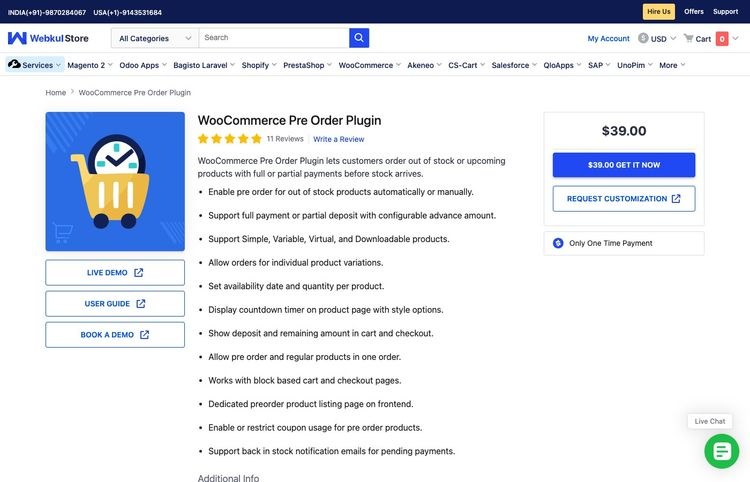


<figure class="wp-block-image size-full"><img loading="lazy" decoding="async" width="775" height="279" src="https://www.isitwp.com/wp-content/uploads/2024/12/divi-ai-site-ready.png" alt="divi ai site ready" class="wp-image-282337" srcset="https://www.isitwp.com/wp-content/uploads/2024/12/divi-ai-site-ready.png 775w, https://www.isitwp.com/wp-content/uploads/2024/12/divi-ai-site-ready-300x108.png 300w, https://www.isitwp.com/wp-content/uploads/2024/12/divi-ai-site-ready-768x276.png 768w" sizes="auto, (max-width: 775px) 100vw, 775px" /></figure>


<p>It is that simple.</p>


<p>Every site will be different depending on the description you provided Divi AI. For example, Divi created several pages and page sections according to the description we gave for our AI site.</p>


<p>It automatically embeds a YouTube video, which takes some coding experience to do. On top of this, it created service, review, blog, and community forum pages.</p>


<p>Divi AI also designed page sections like a <a href="https://www.isitwp.com/add-contact-form-wordpress-website/" target="_blank" rel="noopener" title="">Contact Us form</a>, footer notes, a Header, social media icons, and more.</p>


<p>Each link takes us to a well-populated page with page modules, content, and images already populated. For example, Divi Ai generated first-hand reviews, <a href="https://www.isitwp.com/best-star-rating-plugins-in-wordpress/" target="_blank" rel="noopener" title="">star ratings</a>, quotes, an FAQ section, and more.</p>


<figure class="wp-block-image size-full"><img loading="lazy" decoding="async" width="775" height="492" src="https://www.isitwp.com/wp-content/uploads/2024/12/divi-ai-genereated-reviews.png" alt="divi ai generated reviews" class="wp-image-282335" srcset="https://www.isitwp.com/wp-content/uploads/2024/12/divi-ai-genereated-reviews.png 775w, https://www.isitwp.com/wp-content/uploads/2024/12/divi-ai-genereated-reviews-300x190.png 300w, https://www.isitwp.com/wp-content/uploads/2024/12/divi-ai-genereated-reviews-768x488.png 768w" sizes="auto, (max-width: 775px) 100vw, 775px" /></figure>


<p>That&#8217;s it! You can now create an AI website with Divi. Now, you can customize the pages and theme to your liking.</p>


<figure class="wp-block-image size-full"><img loading="lazy" decoding="async" width="776" height="360" src="https://www.isitwp.com/wp-content/uploads/2024/12/divi-ai-site-creation.gif" alt="divi ai site creation" class="wp-image-282336"/></figure>


<h4 class="wp-block-heading" id="aioseo-step-3-customize-ai-wordpress-site-184">Step 3: Customize AI WordPress Site</h4>


<p>Just like SeedProd, Divi allows you to customize the theme files to add global and site-wide changes. Or simply customize the pages to add unique designs for individual pages. Let us walk you through both. </p>


<p><strong>To customize your AI-generated theme using this site builder, go to Divi <strong>»</strong> Theme Builder. </strong></p>


<p>Here, you can use the Divi theme Builder to customize the site&#8217;s overall layout with a drag and drop interface. Each part of the theme is well arranged on this page, allowing you to quickly select what you want to change. </p>


<p>You can personalize the default Website Template, All category Pages, all Author Pages, 404 Page, All Posts, and Search Results. If any site section is missing in the theme, Divi allows you to create one by selecting Add New Template.</p>


<figure class="wp-block-image size-full"><img loading="lazy" decoding="async" width="775" height="498" src="https://www.isitwp.com/wp-content/uploads/2024/12/divi-theme-builder.png" alt="divi theme builder" class="wp-image-282349" srcset="https://www.isitwp.com/wp-content/uploads/2024/12/divi-theme-builder.png 775w, https://www.isitwp.com/wp-content/uploads/2024/12/divi-theme-builder-300x193.png 300w, https://www.isitwp.com/wp-content/uploads/2024/12/divi-theme-builder-768x494.png 768w" sizes="auto, (max-width: 775px) 100vw, 775px" /></figure>


<p>You will use the same process to customize any of these theme sections with Divi. But for our tutorial, we will customize the <strong>Global Header</strong> in the &#8220;Default Website Template.&#8221;</p>


<p>This allows the same header to appear across all pages on your AI site.</p>


<p>To do this, hover over the tab, which allows you to drag and drop the different sections to a new position. You can delete the theme section by selecting the trash can icon if you do not want it.</p>


<p>To customize the theme section, select the pencil icon to open the drag and drop builder. </p>


<figure class="wp-block-image size-full"><img loading="lazy" decoding="async" width="772" height="386" src="https://www.isitwp.com/wp-content/uploads/2024/12/divi-customize-theme-header.png" alt="divi customize theme header" class="wp-image-282340" srcset="https://www.isitwp.com/wp-content/uploads/2024/12/divi-customize-theme-header.png 772w, https://www.isitwp.com/wp-content/uploads/2024/12/divi-customize-theme-header-300x150.png 300w, https://www.isitwp.com/wp-content/uploads/2024/12/divi-customize-theme-header-768x384.png 768w" sizes="auto, (max-width: 772px) 100vw, 772px" /></figure>


<p>Since we are only customizing the global header, that is all that will appear in the visual builder, making it easier for you to edit.</p>


<figure class="wp-block-image size-full"><img loading="lazy" decoding="async" width="775" height="300" src="https://www.isitwp.com/wp-content/uploads/2024/12/divi-customize-ai-header.png" alt="divi customize ai header" class="wp-image-282338" srcset="https://www.isitwp.com/wp-content/uploads/2024/12/divi-customize-ai-header.png 775w, https://www.isitwp.com/wp-content/uploads/2024/12/divi-customize-ai-header-300x116.png 300w, https://www.isitwp.com/wp-content/uploads/2024/12/divi-customize-ai-header-768x297.png 768w" sizes="auto, (max-width: 775px) 100vw, 775px" /></figure>


<p>With Divi, you can edit the content on the page by selecting the text section and typing what you want. On top of this, you can use AI to customize any content you want.</p>


<figure class="wp-block-image size-full"><img loading="lazy" decoding="async" width="775" height="480" src="https://www.isitwp.com/wp-content/uploads/2024/12/divi-edit-content-with-ai.png" alt="divi edit content with ai" class="wp-image-282342" srcset="https://www.isitwp.com/wp-content/uploads/2024/12/divi-edit-content-with-ai.png 775w, https://www.isitwp.com/wp-content/uploads/2024/12/divi-edit-content-with-ai-300x186.png 300w, https://www.isitwp.com/wp-content/uploads/2024/12/divi-edit-content-with-ai-768x476.png 768w" sizes="auto, (max-width: 775px) 100vw, 775px" /></figure>


<p>To customize a module on the theme section, select it to open a settings popup. Here, you can customize the text color, font style, font size, spacing, and more. You can also add links to the text or buttons in the section.</p>


<p>To add a new section, select the <strong>Plus (+)</strong> icon below the header section. You can add the section from your library or use AI to generate it.</p>


<div class="wp-block-image">
<figure class="aligncenter size-full"><img loading="lazy" decoding="async" width="567" height="370" src="https://www.isitwp.com/wp-content/uploads/2024/12/divi-add-section.png" alt="divi add section" class="wp-image-282339" srcset="https://www.isitwp.com/wp-content/uploads/2024/12/divi-add-section.png 567w, https://www.isitwp.com/wp-content/uploads/2024/12/divi-add-section-300x196.png 300w" sizes="auto, (max-width: 567px) 100vw, 567px" /></figure>
</div>


<p>Again, you will provide a detailed description to Divi to generate the section you want. But since Divi has created an AI website for you already, it has started learning what you need.</p>


<p>So at this point, go to Customize Fonts &amp; Colors and select &#8220;Let AI Choose for Me.&#8221;</p>


<div class="wp-block-image">
<figure class="aligncenter size-full"><img loading="lazy" decoding="async" width="553" height="691" src="https://www.isitwp.com/wp-content/uploads/2024/12/divi-regenerate-theme-section.png" alt="divi regenerate theme section" class="wp-image-282347" srcset="https://www.isitwp.com/wp-content/uploads/2024/12/divi-regenerate-theme-section.png 553w, https://www.isitwp.com/wp-content/uploads/2024/12/divi-regenerate-theme-section-240x300.png 240w" sizes="auto, (max-width: 553px) 100vw, 553px" /></figure>
</div>


<p>Once you create a new section, you can again use the Plus (+) icon to add modules to it. You can add modules like Call to Action, blog, Comments, Contact Form, countdown Timers and more.</p>


<p>Once you are happy with the theme changes, hit Save at the bottom of the page to apply it to your site.</p>


<p><strong>Next, let us see how to customize a page with Divi.</strong></p>


<p>To do this, go to <strong>Pages » All Pages</strong> in your WordPress dashboard. Here, you will find a list of all the pages generated by Divi AI during the site building process. </p>


<p>Let us edit the homepage for this tutorial. To do this, go through the list of pages and find the one labeled Home &#8211; Front Page, Divi. </p>


<p>Then, hover it and select Edit with Divi to open the drag and drop page builder.</p>


<figure class="wp-block-image size-full"><img loading="lazy" decoding="async" width="775" height="418" src="https://www.isitwp.com/wp-content/uploads/2024/12/divi-edit-pages.png" alt="divi edit pages" class="wp-image-282344" srcset="https://www.isitwp.com/wp-content/uploads/2024/12/divi-edit-pages.png 775w, https://www.isitwp.com/wp-content/uploads/2024/12/divi-edit-pages-300x162.png 300w, https://www.isitwp.com/wp-content/uploads/2024/12/divi-edit-pages-768x414.png 768w" sizes="auto, (max-width: 775px) 100vw, 775px" /></figure>


<p>For consistency, you will use the same process to edit your pages as you did customizing the theme sections. So, you will use the plus (+) icon to add new modules. You can then edit them using the settings popup window when you select a module on the page.</p>


<figure class="wp-block-image size-full"><img loading="lazy" decoding="async" width="775" height="408" src="https://www.isitwp.com/wp-content/uploads/2024/12/divi-add-new-module.png" alt="divi add new module" class="wp-image-282333" srcset="https://www.isitwp.com/wp-content/uploads/2024/12/divi-add-new-module.png 775w, https://www.isitwp.com/wp-content/uploads/2024/12/divi-add-new-module-300x158.png 300w, https://www.isitwp.com/wp-content/uploads/2024/12/divi-add-new-module-768x404.png 768w" sizes="auto, (max-width: 775px) 100vw, 775px" /></figure>


<p>Once again, you can add content manually or generate it with AI. On top of this, you can regenerate the AI images created during site building.</p>


<figure class="wp-block-image size-full"><img loading="lazy" decoding="async" width="775" height="384" src="https://www.isitwp.com/wp-content/uploads/2024/12/divi-edit-page-content.png" alt="divi edit page content" class="wp-image-282343" srcset="https://www.isitwp.com/wp-content/uploads/2024/12/divi-edit-page-content.png 775w, https://www.isitwp.com/wp-content/uploads/2024/12/divi-edit-page-content-300x149.png 300w, https://www.isitwp.com/wp-content/uploads/2024/12/divi-edit-page-content-768x381.png 768w" sizes="auto, (max-width: 775px) 100vw, 775px" /></figure>


<p>Check out this article on <a href="https://www.isitwp.com/create-ai-images-for-your-wordpress-site/" target="_blank" rel="noopener" title="">how to create AI images in WordPress</a> to learn more.</p>


<p>When you are happy with your page changes, use the Save button at the bottom of the page to make them live.</p>


<p>That&#8217;s it. You can now create a complete WordPress site with AI using Divi. You can also customize it by combining Divi AI features with its drag and drop builder.</p>


<h2 class="wp-block-heading" id="aioseo-method-2-hosting-providers-with-built-in-ai-all-in-one-setup-220">Method 2: Hosting Providers with Built-in AI (All-in-One Setup)</h2>


<p>If you don&#8217;t have hosting yet and want the simplest possible experience, some hosting providers include AI site builders directly in their setup process. </p>


<p>You buy hosting, <a href="https://www.isitwp.com/choose-best-domain-name-registrar/" title="">choose your domain</a>, and instead of getting a blank WordPress install, you get walked through an AI site builder that creates your site as part of the hosting setup.</p>


<p>This approach is great because it combines hosting, <a href="https://www.isitwp.com/how-to-register-a-domain-name/" title="">domain registration</a>, WordPress installation, and site building into one streamlined process. </p>


<p>You don&#8217;t have to install plugins or deal with WordPress settings. Everything happens in the hosting company&#8217;s interface.</p>


<h3 class="wp-block-heading" id="aioseo-bluehost-ai-site-builder-at-signup-225"><a href="https://www.isitwp.com/refer/bluehost/" target="_blank" rel="noopener nofollow" title="Bluehost">Bluehost</a>: AI Site Builder at Signup</h3>


<figure class="wp-block-image size-full"><img loading="lazy" decoding="async" width="775" height="385" src="https://www.isitwp.com/wp-content/uploads/2025/09/bluehost-home.png" alt="bluehost home" class="wp-image-287097" srcset="https://www.isitwp.com/wp-content/uploads/2025/09/bluehost-home.png 775w, https://www.isitwp.com/wp-content/uploads/2025/09/bluehost-home-300x149.png 300w, https://www.isitwp.com/wp-content/uploads/2025/09/bluehost-home-768x382.png 768w" sizes="auto, (max-width: 775px) 100vw, 775px" /></figure>


<p><a href="https://www.isitwp.com/refer/bluehost/" target="_blank" rel="noopener nofollow" title="Bluehost">Bluehost</a>&#8216;s AI site builder is built into their WordPress hosting signup. When you buy a Bluehost hosting plan, you immediately get access to the AI builder.</p>


<p>The Bluehost approach is excellent if you&#8217;re starting completely from scratch. You sign up for hosting, get a domain, let the AI build your site, and you&#8217;re done. </p>


<p>This means no separate plugin installation, no WordPress settings confusion. </p>


<p>You can <a href="https://www.isitwp.com/bluehost-review">read the full Bluehost review</a> to see what else the hosting includes, and if you want to save money, check out our <a href="https://www.isitwp.com/coupons/bluehost/">Bluehost coupon</a>.</p>


<h4 class="wp-block-heading" id="aioseo-step-1-choose-your-bluehost-plan-and-domain-231">Step 1: Choose Your Bluehost Plan and Domain</h4>


<p>First, you need to purchase a <a href="https://www.isitwp.com/refer/bluehost/" target="_blank" rel="noopener nofollow" title="">hosting plan from Bluehost</a>. If you do not have a domain, do not worry; you also get a free domain with the IsItWP coupon. </p>


<p>Next, visit the Bluehost official website and find a plan that works for you.</p>


<p>After this, log in to your Bluehost account and go to <strong>Hosting » Add Site</strong>.</p>


<figure class="wp-block-image size-full"><img loading="lazy" decoding="async" width="775" height="426" src="https://www.isitwp.com/wp-content/uploads/2024/12/bluehost-add-site.png" alt="bluehost add site" class="wp-image-282322" srcset="https://www.isitwp.com/wp-content/uploads/2024/12/bluehost-add-site.png 775w, https://www.isitwp.com/wp-content/uploads/2024/12/bluehost-add-site-300x165.png 300w, https://www.isitwp.com/wp-content/uploads/2024/12/bluehost-add-site-768x422.png 768w" sizes="auto, (max-width: 775px) 100vw, 775px" /></figure>


<p>After this, add your domain and choose a site title for your website. Hit Continue to go to the next step.</p>


<div class="wp-block-image">
<figure class="aligncenter size-full"><img loading="lazy" decoding="async" width="775" height="351" src="https://www.isitwp.com/wp-content/uploads/2024/12/bluehost-site-title.png" alt="bluehost site title" class="wp-image-282331" srcset="https://www.isitwp.com/wp-content/uploads/2024/12/bluehost-site-title.png 775w, https://www.isitwp.com/wp-content/uploads/2024/12/bluehost-site-title-300x136.png 300w, https://www.isitwp.com/wp-content/uploads/2024/12/bluehost-site-title-768x348.png 768w" sizes="auto, (max-width: 775px) 100vw, 775px" /></figure>
</div>


<h4 class="wp-block-heading" id="aioseo-step-2-access-the-ai-site-builder-during-setup-238">Step 2: Access the AI Site Builder During Setup</h4>


<p>Next, enter your domain name and hit continue and let Bluehost install WordPress.</p>


<figure class="wp-block-image size-full"><img loading="lazy" decoding="async" width="775" height="510" src="https://www.isitwp.com/wp-content/uploads/2024/12/bluehost-auto-install-wordpress.png" alt="bluehost auto install wordpress" class="wp-image-282328" srcset="https://www.isitwp.com/wp-content/uploads/2024/12/bluehost-auto-install-wordpress.png 775w, https://www.isitwp.com/wp-content/uploads/2024/12/bluehost-auto-install-wordpress-300x197.png 300w, https://www.isitwp.com/wp-content/uploads/2024/12/bluehost-auto-install-wordpress-768x505.png 768w" sizes="auto, (max-width: 775px) 100vw, 775px" /></figure>


<p>On the next screen, select AI Site Creator to start the website generation process. </p>


<figure class="wp-block-image size-full"><img loading="lazy" decoding="async" width="775" height="579" src="https://www.isitwp.com/wp-content/uploads/2024/12/bluehost-ai-site-creator.png" alt="bluehost ai site creator" class="wp-image-282325" srcset="https://www.isitwp.com/wp-content/uploads/2024/12/bluehost-ai-site-creator.png 775w, https://www.isitwp.com/wp-content/uploads/2024/12/bluehost-ai-site-creator-300x224.png 300w, https://www.isitwp.com/wp-content/uploads/2024/12/bluehost-ai-site-creator-768x574.png 768w" sizes="auto, (max-width: 775px) 100vw, 775px" /></figure>


<h4 class="wp-block-heading" id="aioseo-step-3-tell-the-ai-what-kind-of-site-youre-building-243">Step 3: Tell the AI What Kind of Site You’re Building</h4>


<p>We will use the AI site description for this Bluehost tutorial once again.</p>


<figure class="wp-block-image size-full"><img loading="lazy" decoding="async" width="759" height="681" src="https://www.isitwp.com/wp-content/uploads/2024/12/bluehost-add-ai-site-description.png" alt="bluehost add ai site description" class="wp-image-282320" srcset="https://www.isitwp.com/wp-content/uploads/2024/12/bluehost-add-ai-site-description.png 759w, https://www.isitwp.com/wp-content/uploads/2024/12/bluehost-add-ai-site-description-300x269.png 300w" sizes="auto, (max-width: 759px) 100vw, 759px" /></figure>


<p>If you have a logo, upload it in the next page and select Next.</p>


<figure class="wp-block-image size-full"><img loading="lazy" decoding="async" width="738" height="543" src="https://www.isitwp.com/wp-content/uploads/2024/12/bluehost-add-logo-ai-site.png" alt="bluehost add logo ai site" class="wp-image-282321" srcset="https://www.isitwp.com/wp-content/uploads/2024/12/bluehost-add-logo-ai-site.png 738w, https://www.isitwp.com/wp-content/uploads/2024/12/bluehost-add-logo-ai-site-300x221.png 300w" sizes="auto, (max-width: 738px) 100vw, 738px" /></figure>


<p>On the next page, describe the website you want to build on the text area. Once again, we will use the description we used above to ensure consistency. </p>


<p>Once done, hit Next to start the AI site-building process.</p>


<p>As your site is being generated with AI in the background, tell Bluehost your familiarity with WordPress using checkboxes. You can choose between Beginner, Intermediate, and Expert.</p>


<div class="wp-block-image">
<figure class="aligncenter size-full"><img loading="lazy" decoding="async" width="725" height="683" src="https://www.isitwp.com/wp-content/uploads/2024/12/bluehost-tell-wordpress-familiarity.png" alt="bluehost tell wordpress familiarity" class="wp-image-282332" srcset="https://www.isitwp.com/wp-content/uploads/2024/12/bluehost-tell-wordpress-familiarity.png 725w, https://www.isitwp.com/wp-content/uploads/2024/12/bluehost-tell-wordpress-familiarity-300x283.png 300w" sizes="auto, (max-width: 725px) 100vw, 725px" /></figure>
</div>


<h4 class="wp-block-heading" id="aioseo-step-4-choose-from-generated-design-options-252">Step 4: Choose from Generated Design Options</h4>


<p>Now, Bluehost will generate 3 versions of the AI website using the description you gave it. If you do not like any of the options, select the Regenerate button under the version.</p>


<figure class="wp-block-image size-full"><img loading="lazy" decoding="async" width="775" height="350" src="https://www.isitwp.com/wp-content/uploads/2024/12/bluehost-ai-site-versions.png" alt="bluehost ai site versions" class="wp-image-282327" srcset="https://www.isitwp.com/wp-content/uploads/2024/12/bluehost-ai-site-versions.png 775w, https://www.isitwp.com/wp-content/uploads/2024/12/bluehost-ai-site-versions-300x135.png 300w, https://www.isitwp.com/wp-content/uploads/2024/12/bluehost-ai-site-versions-768x347.png 768w" sizes="auto, (max-width: 775px) 100vw, 775px" /></figure>


<h4 class="wp-block-heading" id="aioseo-step-5-customize-colors-text-and-layout-255">Step 5: Customize Colors, Text, and Layout</h4>


<p>After selecting a design, you can immediately start customizing. </p>


<p>Change colors to match your brand, edit text to be more specific to your business, and adjust the layout if needed. The customization happens in Bluehost’s visual builder. Drag and drop, click to edit, all visual.</p>


<figure class="wp-block-image size-full"><img loading="lazy" decoding="async" width="775" height="404" src="https://www.isitwp.com/wp-content/uploads/2024/12/bluehost-ai-builder-customize.png" alt="bluehost ai builder customize" class="wp-image-282323" srcset="https://www.isitwp.com/wp-content/uploads/2024/12/bluehost-ai-builder-customize.png 775w, https://www.isitwp.com/wp-content/uploads/2024/12/bluehost-ai-builder-customize-300x156.png 300w, https://www.isitwp.com/wp-content/uploads/2024/12/bluehost-ai-builder-customize-768x400.png 768w" sizes="auto, (max-width: 775px) 100vw, 775px" /></figure>


<p>You can also use Bluehost’s AI tools to refine the design further or use traditional drag-and-drop editing to make precise adjustments. You’re in control.</p>


<h4 class="wp-block-heading" id="aioseo-step-6-confirm-and-activate-260">Step 6: Confirm and Activate</h4>


<p>After selecting one option, hit Save &amp; Continue to complete the site-building process.</p>


<figure class="wp-block-image size-full"><img loading="lazy" decoding="async" width="775" height="369" src="https://www.isitwp.com/wp-content/uploads/2024/12/bluehost-save-continue-ai-site.png" alt="bluehost save continue ai site" class="wp-image-282330" srcset="https://www.isitwp.com/wp-content/uploads/2024/12/bluehost-save-continue-ai-site.png 775w, https://www.isitwp.com/wp-content/uploads/2024/12/bluehost-save-continue-ai-site-300x143.png 300w, https://www.isitwp.com/wp-content/uploads/2024/12/bluehost-save-continue-ai-site-768x366.png 768w" sizes="auto, (max-width: 775px) 100vw, 775px" /></figure>


<p>The site Bluehost generated with AI was also quite nice. The header contained Home, About Us, Service, Contact Us, Demo, and Get Started. </p>


<p>It generated AI content for the website. But unlike the other 2 options mentioned above, it used stock images instead of AI images.</p>


<p>It also included social media icons and links to site pages at the bottom.</p>


<figure class="wp-block-image size-full"><img loading="lazy" decoding="async" width="776" height="414" src="https://www.isitwp.com/wp-content/uploads/2024/12/bluehost-ai-generated-site-example.gif" alt="bluehost ai generated site example" class="wp-image-282324"/></figure>


<p>When you are happy with your Bluehost AI website, hit Save to continue to go to your new WordPress dashboard.</p>


<p>With Bluehost, when you install WordPress, it comes preloaded with important plugins like <a href="https://www.isitwp.com/wordpress-plugins/wpforms/" target="_blank" rel="noopener" title="WPForms Review 2024: Is It Worth the Hype? [Must Read]">WPForms</a>, <a href="https://www.isitwp.com/wordpress-plugins/optinmonster/" target="_blank" rel="noopener" title="OptinMonster Review: How to Increase Leads, Conversion, and Brand Awareness?">OptinMonster</a>, Jetpack, <a href="https://www.isitwp.com/wordpress-plugins/yoast-seo/" target="_blank" rel="noopener" title="Yoast SEO Review 2024: Is It the Best WordPress SEO Plugin?">Yoast SEO</a>, and more.</p>


<figure class="wp-block-image size-full"><img loading="lazy" decoding="async" width="775" height="355" src="https://www.isitwp.com/wp-content/uploads/2024/12/bluehost-ai-site-ready.png" alt="bluehost ai site ready" class="wp-image-282326" srcset="https://www.isitwp.com/wp-content/uploads/2024/12/bluehost-ai-site-ready.png 775w, https://www.isitwp.com/wp-content/uploads/2024/12/bluehost-ai-site-ready-300x137.png 300w, https://www.isitwp.com/wp-content/uploads/2024/12/bluehost-ai-site-ready-768x352.png 768w" sizes="auto, (max-width: 775px) 100vw, 775px" /></figure>


<p>It also comes preloaded with Wonder Blocks, allowing you to customize the AI pages to suit your needs. But if you are more familiar with other page builders like SeedProd, Divi, <a href="https://www.isitwp.com/wordpress-plugins/thrive-architect/" target="_blank" rel="noopener" title="Thrive Architect Review: We Tried and Tested The Builder (2024)">Thrive Architect</a> and more, you can also install them.</p>


<figure class="wp-block-image size-full"><img loading="lazy" decoding="async" width="775" height="429" src="https://www.isitwp.com/wp-content/uploads/2024/12/wonderblocks-editor.png" alt="wonderblocks editor" class="wp-image-282371" srcset="https://www.isitwp.com/wp-content/uploads/2024/12/wonderblocks-editor.png 775w, https://www.isitwp.com/wp-content/uploads/2024/12/wonderblocks-editor-300x166.png 300w, https://www.isitwp.com/wp-content/uploads/2024/12/wonderblocks-editor-768x425.png 768w" sizes="auto, (max-width: 775px) 100vw, 775px" /></figure>


<p>To edit the theme, go to <strong>Appearance » Editor</strong>, which will take you to the default WordPress theme editor. Here, you can change Navigation, Styles, Pages, Templates, Patterns, and more.</p>


<figure class="wp-block-image size-full"><img loading="lazy" decoding="async" width="775" height="411" src="https://www.isitwp.com/wp-content/uploads/2024/12/edit-ai-theme-with-wordpress-editor.png" alt="edit ai theme with wordpress editor" class="wp-image-282350" srcset="https://www.isitwp.com/wp-content/uploads/2024/12/edit-ai-theme-with-wordpress-editor.png 775w, https://www.isitwp.com/wp-content/uploads/2024/12/edit-ai-theme-with-wordpress-editor-300x159.png 300w, https://www.isitwp.com/wp-content/uploads/2024/12/edit-ai-theme-with-wordpress-editor-768x407.png 768w" sizes="auto, (max-width: 775px) 100vw, 775px" /></figure>


<p><img src="https://s.w.org/images/core/emoji/17.0.2/72x72/26a0.png" alt="⚠" class="wp-smiley" style="height: 1em; max-height: 1em;" /> <strong>Quick Check:</strong>&nbsp;Your site is now live at your domain. Visit it from your phone and desktop to verify everything looks and works correctly.</p>


<h3 class="wp-block-heading" id="aioseo-hostinger-wordpress-hosting-with-ai-content-generator-275"><a href="https://www.isitwp.com/refer/hostinger-2/" target="_blank" rel="noopener nofollow" title="Hostinger">Hostinger</a>: WordPress Hosting with AI Content Generator</h3>


<figure class="wp-block-image size-full"><a href="https://www.isitwp.com/refer/hostinger-2/" target="_blank" rel=" noreferrer noopener"><img loading="lazy" decoding="async" width="775" height="376" src="https://www.isitwp.com/wp-content/uploads/2026/04/hostinger-home.png" alt="hostinger home" class="wp-image-290574" srcset="https://www.isitwp.com/wp-content/uploads/2026/04/hostinger-home.png 775w, https://www.isitwp.com/wp-content/uploads/2026/04/hostinger-home-300x146.png 300w, https://www.isitwp.com/wp-content/uploads/2026/04/hostinger-home-768x373.png 768w, https://www.isitwp.com/wp-content/uploads/2026/04/hostinger-home-330x160.png 330w" sizes="auto, (max-width: 775px) 100vw, 775px" /></a></figure>


<p><a href="https://www.isitwp.com/refer/hostinger-2/" target="_blank" rel="noopener nofollow" title="Hostinger">Hostinger</a> is a hosting provider that includes WordPress with a built-in AI content generator. </p>


<p>Unlike the full site builders in Bluehost or SeedProd, Hostinger&#8217;s AI tool is designed to help you generate individual pages and posts after WordPress is installed.</p>


<p> It&#8217;s excellent if you want hosting at a budget price and prefer building your site structure manually while getting AI help with content.</p>


<p>You can <a href="https://www.isitwp.com/hostinger-review">check out my Hostinger review</a> for more details about their hosting features.</p>


<p>After setting up WordPress on Hostinger, you&#8217;ll access the AI content generator from your WordPress dashboard. Here&#8217;s how to use it to create pages and posts with AI assistance.</p>


<h4 class="wp-block-heading" id="aioseo-step-1-access-the-hostinger-ai-content-generator-282">Step 1: Access the Hostinger AI Content Generator</h4>


<p>In your WordPress dashboard, look for &#8220;Hostinger&#8221; in the left sidebar menu and click on it. Then select &#8220;Generate content&#8221; from the Onboarding tab. This opens Hostinger&#8217;s AI-powered content generator.</p>


<div class="wp-block-image">
<figure class="aligncenter size-full"><img loading="lazy" decoding="async" width="680" height="248" src="https://www.isitwp.com/wp-content/uploads/2026/04/hostinger-generate-content.jpg" alt="hostinger generate content" class="wp-image-290564" srcset="https://www.isitwp.com/wp-content/uploads/2026/04/hostinger-generate-content.jpg 680w, https://www.isitwp.com/wp-content/uploads/2026/04/hostinger-generate-content-300x109.jpg 300w" sizes="auto, (max-width: 680px) 100vw, 680px" /></figure>
</div>


<p class="has-text-align-center"><em>Accessing the Hostinger WordPress AI Assistant from your dashboard</em></p>


<h4 class="wp-block-heading" id="aioseo-step-2-choose-your-content-type-286">Step 2: Choose Your Content Type</h4>


<p>The first step is deciding what you want to create. Select whether you&#8217;re generating a post or a page. </p>


<p>Posts are great for blog content and news, while pages are better for static content like services, about, or contact information.</p>


<div class="wp-block-image">
<figure class="aligncenter size-full"><img loading="lazy" decoding="async" width="680" height="359" src="https://www.isitwp.com/wp-content/uploads/2026/04/hostinger-content-type.jpg" alt="hostinger content type" class="wp-image-290565" srcset="https://www.isitwp.com/wp-content/uploads/2026/04/hostinger-content-type.jpg 680w, https://www.isitwp.com/wp-content/uploads/2026/04/hostinger-content-type-300x158.jpg 300w" sizes="auto, (max-width: 680px) 100vw, 680px" /></figure>
</div>


<p class="has-text-align-center"><em>Choose between creating a post or page</em></p>


<h4 class="wp-block-heading" id="aioseo-step-3-select-the-tone-of-voice-291">Step 3: Select the Tone of Voice</h4>


<p>Next, pick the tone you want the AI to use when writing. </p>


<p>Your options include neutral, formal, trustworthy, friendly, or witty. Choose the tone that best matches your brand voice. You can select multiple tones if you want the AI to blend different styles.</p>


<div class="wp-block-image">
<figure class="aligncenter size-full"><img loading="lazy" decoding="async" width="680" height="369" src="https://www.isitwp.com/wp-content/uploads/2026/04/hostinger-tone-voice.jpg" alt="hostinger tone voice" class="wp-image-290566" srcset="https://www.isitwp.com/wp-content/uploads/2026/04/hostinger-tone-voice.jpg 680w, https://www.isitwp.com/wp-content/uploads/2026/04/hostinger-tone-voice-300x163.jpg 300w" sizes="auto, (max-width: 680px) 100vw, 680px" /></figure>
</div>


<p class="has-text-align-center"><em>Select the tone of voice for your AI-generated content</em></p>


<h4 class="wp-block-heading" id="aioseo-step-4-specify-content-length-296">Step 4: Specify Content Length</h4>


<p>Choose how long you want the content to be: short, medium, or long. </p>


<p>This helps the AI understand the depth and detail you need. A &#8220;short&#8221; post works well for quick updates or announcements, while &#8220;long&#8221; is better for comprehensive guides or detailed service descriptions.</p>


<div class="wp-block-image">
<figure class="aligncenter size-full"><img loading="lazy" decoding="async" width="680" height="333" src="https://www.isitwp.com/wp-content/uploads/2026/04/hostinger-content-length.jpg" alt="hostinger content length" class="wp-image-290567" srcset="https://www.isitwp.com/wp-content/uploads/2026/04/hostinger-content-length.jpg 680w, https://www.isitwp.com/wp-content/uploads/2026/04/hostinger-content-length-300x147.jpg 300w" sizes="auto, (max-width: 680px) 100vw, 680px" /></figure>
</div>


<p class="has-text-align-center"><em>Choose the length of your content</em></p>


<h4 class="wp-block-heading" id="aioseo-step-5-write-your-content-description-301">Step 5: Write Your Content Description</h4>


<p>Now describe what you want the AI to create. Be specific about the topic, what information you want included, and who it&#8217;s for. </p>


<p>For example: &#8220;Create a page about my dog training services in Denver, mentioning puppy training, obedience classes, and behavioral issues.&#8221; The more detail you give, the better the result.</p>


<p>You can also add keywords you want the AI to naturally incorporate into the content.</p>


<div class="wp-block-image">
<figure class="aligncenter size-full"><img loading="lazy" decoding="async" width="680" height="351" src="https://www.isitwp.com/wp-content/uploads/2026/04/hostinger-content-description.jpg" alt="hostinger content description" class="wp-image-290568" srcset="https://www.isitwp.com/wp-content/uploads/2026/04/hostinger-content-description.jpg 680w, https://www.isitwp.com/wp-content/uploads/2026/04/hostinger-content-description-300x155.jpg 300w" sizes="auto, (max-width: 680px) 100vw, 680px" /></figure>
</div>


<p class="has-text-align-center"><em>Describe what you want the AI to generate</em></p>


<h4 class="wp-block-heading" id="aioseo-step-6-review-the-generated-content-307">Step 6: Review the Generated Content</h4>


<p>The AI generates a complete piece of content, <a href="https://www.isitwp.com/headline-analyzer/" title="">including a headline</a>, featured image, <a href="https://www.isitwp.com/best-wordpress-meta-tag-plugins/" title="">meta description</a>, and body text. Review what was created. </p>


<p>If you like it, proceed to editing. If you want something different, you can regenerate with adjusted parameters.</p>


<div class="wp-block-image">
<figure class="aligncenter size-full"><img loading="lazy" decoding="async" width="680" height="354" src="https://www.isitwp.com/wp-content/uploads/2026/04/hostinger-meta-featured.jpg" alt="hostinger meta featured" class="wp-image-290557" srcset="https://www.isitwp.com/wp-content/uploads/2026/04/hostinger-meta-featured.jpg 680w, https://www.isitwp.com/wp-content/uploads/2026/04/hostinger-meta-featured-300x156.jpg 300w" sizes="auto, (max-width: 680px) 100vw, 680px" /></figure>
</div>


<p class="has-text-align-center"><em>Review the meta description and featured image the AI created</em></p>


<h4 class="wp-block-heading" id="aioseo-step-7-edit-and-customize-in-wordpress-312">Step 7: Edit and Customize in WordPress</h4>


<p>Click &#8220;Edit as a draft&#8221; to open the content in the WordPress block editor. </p>


<p>Here you can refine the AI-generated text, adjust formatting, add or remove sections, upload your own images, and customize everything to match your exact needs. </p>


<p>The AI did the initial heavy lifting, and now you&#8217;re making it perfect for your site.</p>


<figure class="wp-block-image size-full"><img loading="lazy" decoding="async" width="680" height="312" src="https://www.isitwp.com/wp-content/uploads/2026/04/hostinger-edit-draft.jpg" alt="hostinger edit draft" class="wp-image-290558" srcset="https://www.isitwp.com/wp-content/uploads/2026/04/hostinger-edit-draft.jpg 680w, https://www.isitwp.com/wp-content/uploads/2026/04/hostinger-edit-draft-300x138.jpg 300w" sizes="auto, (max-width: 680px) 100vw, 680px" /></figure>


<p class="has-text-align-center"><em>Edit the AI-generated content in WordPress</em></p>


<h4 class="wp-block-heading" id="aioseo-step-8-publish-318">Step 8: Publish</h4>


<p>Once you&#8217;re happy with the final result, publish the post or page. </p>


<p>It goes live immediately on your site. You can repeat this process for each page and post you need to create, building your entire site page by page with AI assistance.</p>
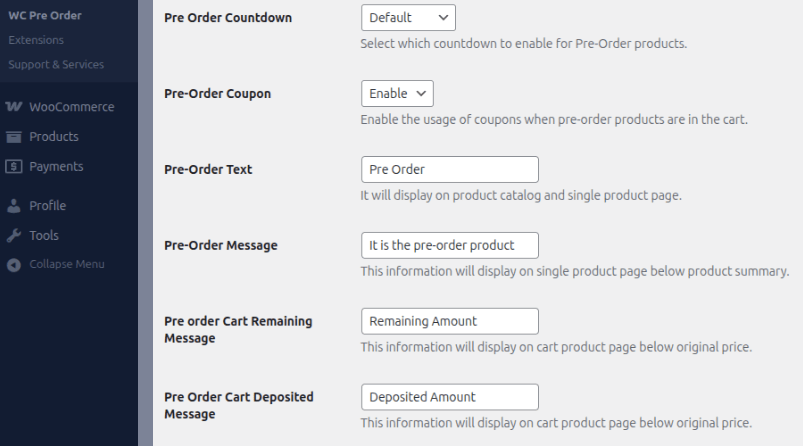


<p>That&#8217;s it. You can now build AI with a page builder or through your host provider. But sometimes you don&#8217;t want to build the entire site with AI. </p>


<p>You just want to use AI to create very specific features on your WordPress site. That&#8217;s what we&#8217;ll discuss next.</p>
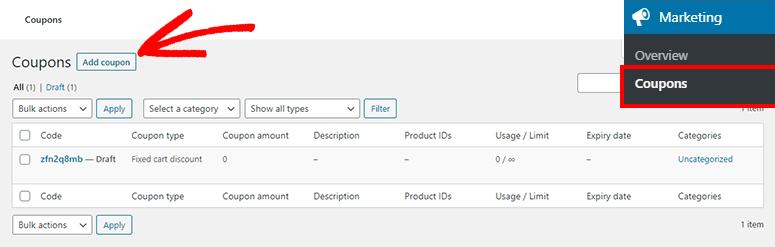


<h2 class="wp-block-heading" id="aioseo-bonus-build-your-wordpress-site-in-sections-with-ai-powered-plugins-323">Bonus: Build Your WordPress Site in Sections with AI-Powered Plugins</h2>


<p>What if you already have a WordPress site or prefer to build manually but still want to leverage AI? </p>


<p><a href="https://www.isitwp.com/best-wordpress-ai-plugins/" title="">AI WordPress plugins</a> can add intelligence to specific parts of your site, like your SEO, your forms, your analytics, without requiring a full site builder.</p>


<p>This approach is perfect if you already have a WordPress site running and want to make it smarter with AI, or if you prefer building your site design manually but want AI assistance with specific features.</p>


<h3 class="wp-block-heading" id="aioseo-aioseo-ai-powered-seo-content-optimization-327"><a href="https://aioseo.com" target="_blank" title="All in One SEO - WordPress SEO Plugin and Toolkit">AIOSEO</a>: AI-Powered SEO Content Optimization</h3>


<p>AIOSEO uses<a href="https://www.isitwp.com/optimize-on-page-seo-with-ai/" title=""> AI to optimize your content for search engines</a>. </p>


<p>Instead of guessing whether your article is optimized for your target keyword, AIOSEO&#8217;s AI analyzes your content and tells you exactly what to add, remove, or change to rank better.</p>


<p>When you write a new post or page, AIOSEO appears in your editor with AI suggestions. In fact, it can even help you add AI-generated metadata to improve click rate.</p>


<figure class="wp-block-image size-full"><img loading="lazy" decoding="async" width="775" height="316" src="https://www.isitwp.com/wp-content/uploads/2024/12/aioseo-ai-meta-title-and-description.png" alt="aioseo ai meta title and description" class="wp-image-282264" srcset="https://www.isitwp.com/wp-content/uploads/2024/12/aioseo-ai-meta-title-and-description.png 775w, https://www.isitwp.com/wp-content/uploads/2024/12/aioseo-ai-meta-title-and-description-300x122.png 300w, https://www.isitwp.com/wp-content/uploads/2024/12/aioseo-ai-meta-title-and-description-768x313.png 768w" sizes="auto, (max-width: 775px) 100vw, 775px" /></figure>


<p>Write your content, and the AI tells you if you&#8217;ve explained your topic well enough, used your keyword naturally, answered common questions, and more. </p>


<p>It&#8217;s like having an SEO expert reviewing every page you write.</p>


<p>There&#8217;s an <a href="https://www.isitwp.com/wordpress-plugins/all-in-one-seo-pack/" title="">AIOSEO review</a> if you want to learn more about everything it can do.</p>


<h3 class="wp-block-heading" id="aioseo-wpforms-ai-assisted-form-building-335"><a href="https://wpforms.com" target="_blank" title="WPForms - Drag &amp; Drop WordPress Form Builder">WPForms</a>: AI-Assisted Form Building</h3>


<p>WPForms lets you <a href="https://www.isitwp.com/add-contact-form-wordpress-website/" title="">build contact forms</a>, survey forms, and application forms easily. The AI component helps if you&#8217;re not sure what form fields you need. </p>


<p>Tell the AI what kind of form you want (&#8220;I need a contact form for my agency&#8221;), and it generates the field suggestions for you.</p>


<figure class="wp-block-image size-full"><img loading="lazy" decoding="async" width="680" height="369" src="https://www.isitwp.com/wp-content/uploads/2026/01/wpforms-using-an-ai-prompt-to-generate-a-form.png" alt="wpforms using an ai prompt to generate a form" class="wp-image-289140" srcset="https://www.isitwp.com/wp-content/uploads/2026/01/wpforms-using-an-ai-prompt-to-generate-a-form.png 680w, https://www.isitwp.com/wp-content/uploads/2026/01/wpforms-using-an-ai-prompt-to-generate-a-form-300x163.png 300w" sizes="auto, (max-width: 680px) 100vw, 680px" /></figure>


<p>In a nutshell, you can simply create a new form and use the AI form builder to describe what kind of form you need. </p>


<p>WPForms suggests the fields and layout, and you can customize from there with the drag and drop builder.</p>


<p>The <a href="https://www.isitwp.com/wordpress-plugins/wpforms/" title="">WPForms review</a> has full details about what each plan includes.</p>


<h3 class="wp-block-heading" id="aioseo-monsterinsights-ai-analytics-dashboards-342"><a href="https://www.monsterinsights.com" target="_blank" title="MonsterInsights - WordPress Analytics Plugin">MonsterInsights</a>: AI Analytics Dashboards</h3>


<p>MonsterInsights <a href="https://www.isitwp.com/add-stats-dashboard-wordpress-site/" title="">connects Google Analytics to your WordPress site</a> and uses AI to generate actionable insights. </p>


<p>Instead of staring at raw analytics data, MonsterInsights&#8217; AI tells you what your numbers mean and what to do about them.</p>


<p>Once connected, MonsterInsights displays a dashboard in your WordPress admin that shows your traffic, popular posts, visitor behavior, and AI-generated insights about what&#8217;s working on your site.</p>


<figure class="wp-block-image size-full"><img loading="lazy" decoding="async" width="775" height="627" src="https://www.isitwp.com/wp-content/uploads/2024/06/MonsterInsights-wordpress-overview-report.png" alt="MonsterInsights wordpress overview report" class="wp-image-280317" srcset="https://www.isitwp.com/wp-content/uploads/2024/06/MonsterInsights-wordpress-overview-report.png 775w, https://www.isitwp.com/wp-content/uploads/2024/06/MonsterInsights-wordpress-overview-report-300x243.png 300w, https://www.isitwp.com/wp-content/uploads/2024/06/MonsterInsights-wordpress-overview-report-768x621.png 768w" sizes="auto, (max-width: 775px) 100vw, 775px" /></figure>


<p>The <a href="https://www.isitwp.com/wordpress-plugins/monsterinsights/" title="">MonsterInsights review</a> explains what each plan offers.</p>


<h2 class="wp-block-heading" id="aioseo-common-issues-and-quick-fixes-348">Common Issues and Quick Fixes</h2>


<p>As much as I love AI site builders, they&#8217;re not perfect. Here are the most common problems you might encounter and how to fix them.</p>


<h3 class="wp-block-heading" id="aioseo-problem-my-site-looks-different-on-my-phone-than-it-does-on-my-desktop-350">Problem: My site looks different on my phone than it does on my desktop.</h3>


<p>This is actually quite common and is usually not a serious problem. </p>


<p><a href="https://www.isitwp.com/best-responsive-wordpress-themes/" title="">Web design responsive</a> means the layout changes to fit different screen sizes. Check that everything is still readable and buttons are still clickable on mobile. </p>


<p>If something looks truly broken (text overlapping, buttons off-screen), you can adjust the layout in the page builder by switching to mobile view and tweaking elements specifically for phone screens.</p>


<h3 class="wp-block-heading" id="aioseo-problem-i-dont-like-the-ai-generated-copy-and-it-doesnt-sound-like-my-business-354">Problem: I don&#8217;t like the AI-generated copy, and it doesn&#8217;t sound like my business.</h3>


<p>This is normal and expected. AI generates a starting point, not a final product. </p>


<p>Edit the copy directly in your page builder or in your post/page editor. Change headlines, rewrite paragraphs, adjust tone. You own this site, make it sound like you. </p>


<p>The AI did the hard part (structure and layout), and now you&#8217;re just making it authentic.</p>


<h3 class="wp-block-heading" id="aioseo-problem-the-ai-didnt-generate-pages-for-everything-i-offer-358">Problem: The AI didn&#8217;t generate pages for everything I offer.</h3>


<p>If you&#8217;re a consulting business and the AI only created a &#8220;Services&#8221; page, but you want separate pages for each service type, add them manually. </p>


<p>Create new pages in <strong>Pages » Add New</strong> and either duplicate the existing page as a template or build it from scratch using the same page builder you already learned.</p>


<h3 class="wp-block-heading" id="aioseo-problem-my-domain-name-isnt-connecting-to-the-site-or-people-see-an-error-page-when-they-visit-361">Problem: My domain name isn&#8217;t connecting to the site, or people see an error page when they visit.</h3>


<p>This usually means your <a href="https://www.isitwp.com/difference-between-domain-name-and-web-hosting-revealed/" title="">domain&#8217;s DNS settings</a> haven&#8217;t updated yet or aren&#8217;t pointing to your hosting server. </p>


<p>If you bought your domain from the same place as your hosting (like Bluehost or Hostinger), this usually happens automatically. </p>


<p>If you bought the domain elsewhere, you&#8217;ll need to update the DNS records to point to your hosting server. Check your hosting company&#8217;s help docs or contact their support team. </p>


<p>This normally resolves itself within 24 hours.</p>


<p>Well done. You can now create a full WordPress website with AI using your preferred method and troubleshoot it. If anything is unclear, check out the commonly asked questions below.</p>


<h2 class="wp-block-heading" id="aioseo-faqs-how-to-make-a-wordpress-website-with-ai-367">FAQs: How to Make a WordPress Website With AI</h2>


<h3 class="wp-block-heading" id="aioseo-can-i-customize-an-ai-generated-site-after-its-created-368">Can I customize an AI-generated site after it&#8217;s created?</h3>


<p>Absolutely. Every method in this guide includes a page builder (SeedProd, Divi, or your hosting provider&#8217;s builder) that lets you customize anything about the site. You can change colors, rearrange sections, rewrite copy, add pages, and remove pages. The AI gave you a starting point, but the site is completely under your control.</p>
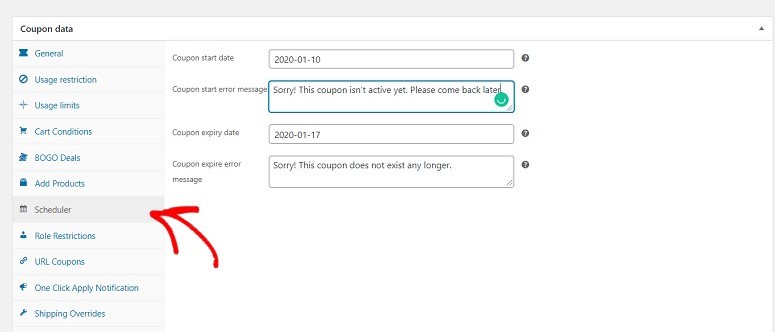


<h3 class="wp-block-heading" id="aioseo-do-i-own-the-site-the-ai-builds-for-me-370">Do I own the site the AI builds for me?</h3>


<p>Yes. If you&#8217;re using SeedProd, Divi, or a hosting provider&#8217;s AI builder, you own the WordPress site, the domain, the content, everything. AI is just a tool that helps you build faster. This is different from some AI website builders (like Wix or Webflow), where you don&#8217;t fully own the site. With WordPress, you&#8217;re always the owner.</p>
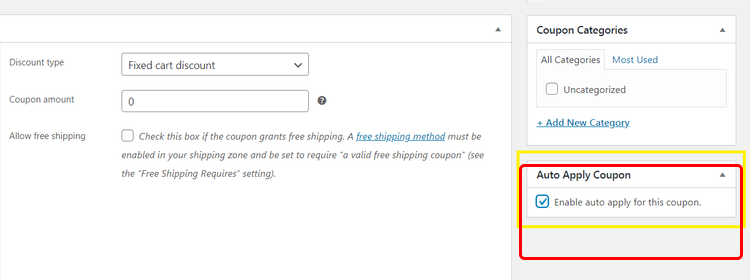


<h3 class="wp-block-heading" id="aioseo-is-ai-generated-content-good-enough-for-my-site-or-should-i-hire-a-writer-372">Is AI-generated content good enough for my site, or should I hire a writer?</h3>


<p>AI-generated content is a great starting point. The structure and core ideas are solid. However, I recommend editing the copy to match your voice, add specific details about your business, and ensure the tone is authentic. You don&#8217;t need to hire a writer to replace everything, but read through it and personalize it. That&#8217;s what sets your site apart.</p>


<h3 class="wp-block-heading" id="aioseo-can-i-use-these-ai-methods-with-a-wordpress-com-site-374">Can I use these AI methods with a WordPress.com site?</h3>


<p>WordPress.com has some AI features built in, but the methods in this guide (SeedProd, Divi, hosting AI builders) work with self-hosted WordPress.org sites, not WordPress.com. If you want to use these specific tools, you&#8217;ll need self-hosted WordPress. WordPress.com sites are simpler to use but offer less control and customization.</p>


<h3 class="wp-block-heading" id="aioseo-what-if-i-want-to-hire-a-designer-to-customize-the-ai-site-further-376">What if I want to hire a designer to customize the AI site further?</h3>


<p>You can absolutely do this. Hand off your AI-generated site (built on SeedProd, Divi, or your hosting provider&#8217;s builder) to a designer, and they can take it from there. The site is already functional, so a designer will focus on fine-tuning the design, maybe adding custom sections, or optimizing for conversions. Starting with AI actually saves you money because the designer doesn&#8217;t have to start from a blank canvas.</p>

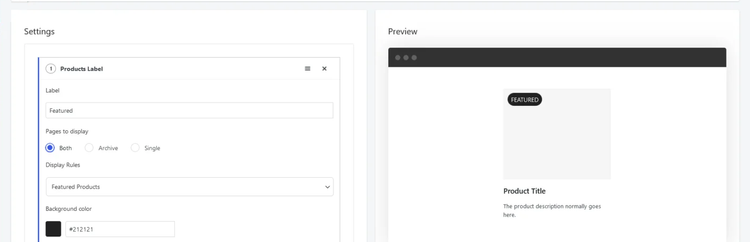


<h3 class="wp-block-heading" id="aioseo-how-much-does-ai-site-building-cost-378">How much does AI site building cost?</h3>


<p>It depends on the method. SeedProd&#8217;s AI is free to try but costs $99–$199/year for full access. Divi is around $89/year. Hosting providers like Bluehost and Hostinger start around $2–$12.99/month and include the AI builder. The WordPress plugins (AIOSEO, WPForms, MonsterInsights) have free versions with basic features, and paid versions around $99–$299/year. So you can build an AI site for as little as $3/month (hosting only) or invest more if you want additional features.</p>


<h3 class="wp-block-heading" id="aioseo-can-i-switch-between-methods-later-if-i-start-with-seedprod-can-i-move-to-divi-380">Can I switch between methods later? If I start with SeedProd, can I move to Divi?</h3>


<p>Yes, though it requires some work. Each builder stores your site&#8217;s content and design differently, so switching means exporting your content and reimporting it into the new builder. Most WordPress sites use standard content formats, so the export-import usually works pretty smoothly. Definitely ask your builder&#8217;s support team about the best way to migrate if you think you might switch.</p>


<h2 class="wp-block-heading" id="aioseo-final-thoughts-382">Final Thoughts</h2>


<p>You&#8217;ve now learned three distinct methods for building a WordPress site with artificial intelligence. SeedProd gives you the fastest path from idea to live site, with incredible AI-first design. </p>


<p>Divi brings AI into a more powerful page builder for those who want more design flexibility. Hosting providers like Bluehost and Hostinger give you an all-in-one setup where everything happens in one place.</p>


<p>The key thing to remember is that none of these methods lock you into the AI&#8217;s initial output. Each one gives you full customization control. </p>


<p>The AI generates your foundation, layout, copy, design direction, even images, and then you take that foundation and make it yours. </p>


<p>Change colors, rewrite headlines, add pages, adjust spacing, and add your real information. This combination of AI speed plus human customization is what makes these tools so powerful.</p>


<p>The WordPress ecosystem continues to evolve with AI features, and these tools will only get better. </p>


<p>Whatever method you choose, you now have a functioning WordPress site built in a fraction of the time it would have taken a few years ago. </p>


<hr class="wp-block-separator has-alpha-channel-opacity"/>


<h2 class="wp-block-heading" id="aioseo-resource-hub-391">Resource Hub</h2>


<p>Explore these articles to deepen your WordPress knowledge and take your AI-powered site to the next level:</p>


<ul class="wp-block-list">
<li><strong><a href="https://www.isitwp.com/best-wordpress-page-builders-compared/">Best WordPress Page Builders Compared</a></strong> &#8211; A comprehensive comparison of page builders beyond Divi and SeedProd</li>


<li><strong><a href="https://www.isitwp.com/bluehost-review/">Bluehost Review</a></strong> &#8211; Learn more about Bluehost&#8217;s hosting features, customer support, and find current discount codes</li>


<li><strong><a href="https://www.isitwp.com/hostinger-review/">Hostinger WordPress Hosting Review</a></strong> &#8211; See what makes Hostinger a popular choice for budget-conscious site owners</li>


<li><strong><a href="https://www.isitwp.com/best-wordpress-plugins/">Best WordPress Plugins Guide</a></strong> &#8211; Discover additional plugins to extend your site&#8217;s functionality beyond what the AI builder provides</li>


<li><strong><a href="https://www.isitwp.com/how-to-make-a-website-step-by-step/">How to Make a Website From Scratch</a></strong> &#8211; A more traditional guide for those who want to build sites manually without AI</li>


<li><a href="https://www.isitwp.com/best-wordpress-import-export-plugins/" target="_blank" rel="noreferrer noopener"><strong>9 Best WordPress Import Export Plugins</strong></a> &#8211; Use these tools to import files to and from WordPress without breaking anything.</li>


<li><a href="https://www.isitwp.com/dynamic-wordpress-landing-page/" target="_blank" rel="noreferrer noopener"><strong>How to Create a Dynamic Landing Page in WordPress</strong></a> &#8211; Get more and better leads by building a landing page that converts.</li>
</ul>


<hr class="wp-block-separator has-alpha-channel-opacity"/><p>The post <a href="https://www.isitwp.com/how-to-make-a-wordpress-website-with-ai/">How to Make a WordPress Website With AI</a> first appeared on <a href="https://www.isitwp.com">IsItWP - Free WordPress Theme Detector</a>.</p>]]></content>
		
					<link rel="replies" type="text/html" href="https://www.isitwp.com/how-to-make-a-wordpress-website-with-ai/#comments" thr:count="0" />
			<link rel="replies" type="application/atom+xml" href="https://www.isitwp.com/how-to-make-a-wordpress-website-with-ai/feed/atom/" thr:count="0" />
			<thr:total>0</thr:total>
			</entry>
	</feed>